
UNIKA - Bluetooth hands-free car kit PARROT - Free user manual and instructions
Find the device manual for free UNIKA PARROT in PDF.



| Product Type | Universal interface for steering wheel controls |
| Brand | Parrot |
| Model | UNIKA |
| Compatibility | Parrot MKi, RKi, ASTEROID |
| Supported Protocols | CAN, K-BUS, Resistive |
| Power Supply | 12 V after ignition (provided by interface in CAN mode) |
| Power Consumption | Low (LED and microcontroller) |
| Dimensions (approx.) | 50 x 30 x 15 mm |
| Weight (approx.) | 30 g |
| Operating Modes | A (4 buttons), B (5), C (6), D (7), E (8) |
| LED Indicator | Green (ready), amber (press), flashing red (error/definition) |
| Reset | Reset button: hold until LED turns off (CAN/K-BUS) or flashes red (resistive) |
| Installation | Between the Parrot kit and the vehicle's wiring; professional recommended |
| Maintenance and Cleaning | No maintenance required; do not clean with harsh chemicals |
| Safety | Install with power off; follow protocols; use after ignition is off |
| Spare Parts and Repairability | Not user repairable; contact Parrot customer service |
| Warranty | 1 year parts and labor (excluding installation and normal wear) |
| Recycling | Do not dispose of with household waste; take to a recycling center or retailer |
Frequently Asked Questions - UNIKA PARROT
User questions about UNIKA PARROT
0 question about this device. Answer the ones you know or ask your own.
Ask a new question about this device
Download the instructions for your Bluetooth hands-free car kit in PDF format for free! Find your manual UNIKA - PARROT and take your electronic device back in hand. On this page are published all the documents necessary for the use of your device. UNIKA by PARROT.
USER MANUAL UNIKA PARROT
Installation of the Parrot Hands free systems on more than 2500 vehicles

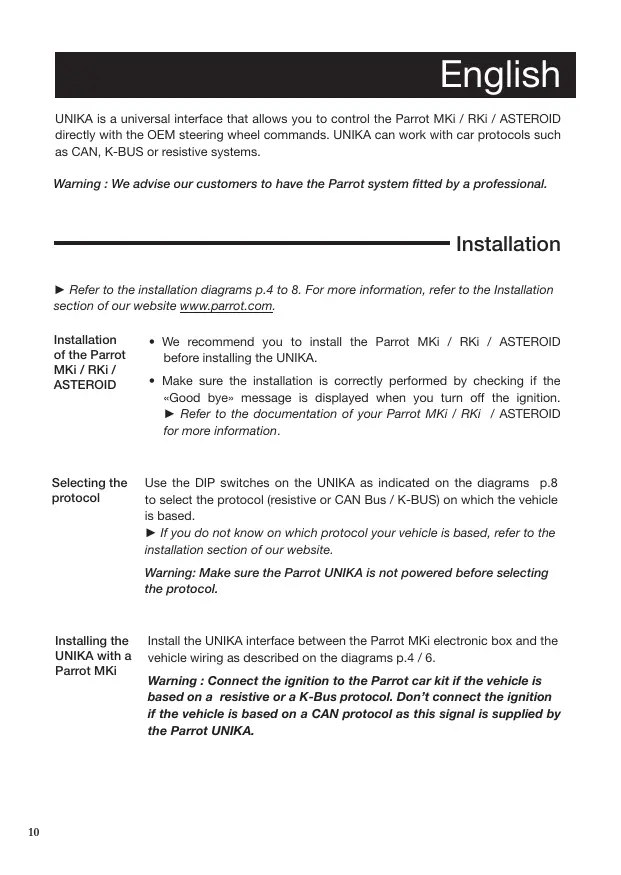
UNIKA is a universal interface that allows you to control the Parrot Mki / RKi / ASTEROID directly with the OEM steering wheel commands. UNIKA can work with car protocols such as CAN, K-BUS or resistive systems.
Warning : We advise our customers to have the Parrot system fitted by a professional.
Installation
Refer to the installation diagrams p.4 to 8. For more information, refer to the Installation section of our website www.parrot.com.
Installation of the Parrot MKi / RKi / ASTEROID
- We recommend you to install the Parrot MKi / RKi / ASTEROID before installing the UNIKA.
- Make sure the installation is correctly performed by checking if the «Good bye» message is displayed when you turn off the ignition. Refer to the documentation of your Parrot MKi / RKi / ASTEROID for more information.
Selecting the protocol
Use the DIP switches on the UNIKA as indicated on the diagrams p.8 to select the protocol (resistive or CAN Bus / K-BUS) on which the vehicle is based.
If you do not know on which protocol your vehicle is based, refer to the installation section of our website.
Warning: Make sure the Parrot UNIKA is not powered before selecting the protocol.
Installing the UNIKA with a Parrot MKi
Install the UNIKA interface between the Parrot MKi electronic box and the vehicle wiring as described on the diagrams p.4 / 6.
Warning: Connect the ignition to the Parrot car kit if the vehicle is based on a resistive or a K-Bus protocol. Don't connect the ignition if the vehicle is based on a CAN protocol as this signal is supplied by the Parrot UNIKA.
Installing the UNIKA with the Parrot RKi8400 / ASTEROID
- Replace the MKi part on the UNIKA cable by the provided RKi / ASTEROID part.
- Connect the UNIKA between the Parrot RKi8400 / ASTEROID and the vehicle wiring as described on the diagram p.7/8.
Communication The communication protocol connection (K-Bus / Can High / Can Low / V1 protocol & V2 cables) depends on the model of your vehicle.
Refer to the installation section of our website to get a complete fitting procedure specific to your vehicle.
UNIKA modes Depending on the steering wheel control in your vehicle, the UNIKA interface will enable you to take full advantage of the telephone and music functions in 5 different modes: Mode A (4 buttons), Mode B (5 buttons), Mode C (6 buttons), Mode D (7 buttons), Mode E (8 buttons). The selection of this mode depends on the protocol of the vehicle.
Note : Pictograms on the buttons depend on the model of the vehicles.
Resistive protocol
Defining the mode If your vehicle is based on a resistive protocol, you have to define the mode manually:
- Turn the ignition on.
The Unika LED blinks red once.
- Press the buttons on the steering wheel in the following order:
Each time you press a button, the LED blinks in red.
Specific case If you do not have all these buttons on your steering wheel, hold down the last button for two seconds until the LED turns green.
Warning: Once the installation is complete, turn the ignition off until the UNIKA LED switches off.
CAN/K-BUS protocol
| Defining the mode | If your vehicle is based on a CAN Bus or K-BUS protocol, the mode (A, B, C , D) is automatically defined. The LED blinks in red and turns green once the mode is defined. |
| Checking the wiring | Once your UNIKA interface has been fitted, the LED should light up green and should turn amber while pressing a button on your steering wheel. If the LED does not light up, check the power supply connections. If the LED is red or blinks red, check the CAN wire connections. |
Warning : Once the installation is complete, turn the ignition off until the UNIKA LED switches off.
Using the commands:
Refer to tables p.28 to 41.
Note: Pictograms on the buttons depend on the model of the vehicles.
Note : If you are using the UNIKA with a Parrot MKi9000 you can clear the memory of the kit by repeating the following sequence five times : Ⓞ + .
Reset procedure
- In case of problem or if you have installed the UNIKA interface in another vehicle, reset the UNIKA by holding down the Reset button until the LED turns off (if the vehicle is based on a CAN Bus / K-BUS protocol) or blinks red (resistive protocol). You can then release the reset button.
- If you have installed the UNIKA in another vehicle, make sure you do not have to modify the DIP switch settings.
Français
Protocol resistivity
Definicion del modo
Without prejudice of legal warranty, Parrot products are warranted during 1 year from the date of purchase for defects in materials and workmanship, provided that no deterioration to the product has been made, and upon presentation of proof of purchase (date of purchase, location of sale and product serial number) to the retailer or Parrot directly. Warranty does not cover: upgrading of the software items of the Parrot products with Bluetooth® cell phones for compatibility purpose, data recovery, deterioration of the external aspect due to normal use of the product, any damage caused by accident, misuse, misapplication, or non-Parrot products. Parrot is not responsible for storage, loss or damaged to data during transit or repair.
Any product wrongfully declared to be defective will be returned to sender and inspection, process and carriage costs will be invoiced to him. Due to the technical nature of this product, we advise you to ask your auto electrician to take care of the installation. Parrot shall not be held responsible of any dysfunction caused by an installation which does not follow the instructions provided in this user guide or an incorrect installation.
Correct disposal of This Product
(Waste Electrical & Electronic Equipment) This marking shown on the product or its literature, indicates that it should not be disposed with other household wastes at the end of its working life. To prevent possible harm to the environment or human health from uncontrolled waste disposal, please separate this from other types of wastes and recycle it responsibly to promote the sustainable reuse of material resources. Household users should contact either the
retailer where they purchased this product, or their local government office, for details of where and how they can take this item for environmentally safe recycling. Business users should contract their supplier and the terms and conditions of the purchase contract. This product should not be mixed with other commercial wastes for disposal.
Modifications
The explanations and specifications in this guide are given for information purposes only and may be modified without prior notice. They are deemed to be correct at time of going to press. The utmost care has been taken when writing this guide, as part of the aim to provide you with accurate information. However, Parrot shall not be held responsible for any consequences arising from any errors or omissions in the guide, nor for any damage or accidental loss of data resulting directly or indirectly from the use of the information herein. Parrot reserves the right to amend or improve the product design or user guide without any restrictions and without any obligation to notify users.
Declaration of conformity
We Parrot Sa, 174 Quai de Jemmapes, 75010 Paris, France, declare under our sole responsibility that our product: Parrot UNIKA is in conformity with regard to directive 72/245/EEC, as last amended by directive 2006/28/EC and with regard to Regulation n°10.
Caution
Changes or modifications not expressly approved by the party responsible for compliance could void the user's authority to operate the equipment.
Informations generales
Garantie
If you have any questions regarding your Parrot product, contact our hotline by phone or using our technical contact form available on our website (support section).
Italy: [+39] 02 59 90 15 97
Spain: [+34] 902 404 202
UK: [+44] (0)844 472 2360
Germany: 0900 1727768
USA: [+1] (877) 9 Parrot (toll free)
China: [+86] 755 8203 3307
Hong Kong: [+852] 2736 1169
France: 0148036069
Europe: [+33] 148036069 (Spoken languages : French, English and Spanish)
Our hotline is at your disposal from Monday to Friday. Refer to our website for more information about the service hours.


Parrot
move wireless
Parrot S.A. - 174, quai de Jemmapes - 75010 Paris - France
Fax +33 1 48 03 06 66 / Phone +33 1 48 03 60 60
www.parrot.com
Brand : PARROT
Model : UNIKA
Category : Bluetooth hands-free car kit