
ZU507TST - Projector OPTOMA - Free user manual and instructions
Find the device manual for free ZU507TST OPTOMA in PDF.


| Product type | DLP projector |
| Brand | Optoma |
| Model | ZU507TST |
| Native resolution | WUXGA (1920 x 1200) |
| Brightness | 5000 lumens |
| Contrast | 300 000:1 |
| Projection technology | DLP |
| Dimensions (W x D x H) | 337 x 264 x 126 mm |
| Weight | 5.3 kg |
| Power supply | 100-240 V, 50-60 Hz, maximum consumption 370 W |
| Lamp life | Up to 4000 hours (normal mode), 10,000 hours (eco mode) |
| Lamp type | Phosphor laser |
| Keystone correction | Vertical and horizontal (±30 degrees) |
| Zoom | Motorized, 1.6x |
| Lens shift | Vertical (0-50%) and horizontal (±10%) |
| Connectivity | HDMI, VGA, USB, RS232, RJ45 |
| Maintenance | Clean air filter every 500 hours, replace lamp as needed |
| Security | Automatic standby, password lock, Kensington lock |
| Spare parts | Lamp, filter, remote available from customer service |
| Repairability | Estimated repairability score: 7.5/10 (parts and service accessible) |
Frequently Asked Questions - ZU507TST OPTOMA
User questions about ZU507TST OPTOMA
0 question about this device. Answer the ones you know or ask your own.
Ask a new question about this device
Download the instructions for your Projector in PDF format for free! Find your manual ZU507TST - OPTOMA and take your electronic device back in hand. On this page are published all the documents necessary for the use of your device. ZU507TST by OPTOMA.
USER MANUAL ZU507TST OPTOMA
TABLE OF CONTENTS
SAFETY .... 4
IEC 60825-1:2014, EN 60825-1:2014+A11:2021, EN 50689:2021 CLASS 1 CONSUMER LASER PRODUCT RISK GROUP 2, Complies with 21 CFR 1040.10 and 1040.11 except for conformance as a Risk Group 2 LIP as defined in IEC 62471-5:Ed.1.0. For more information see Laser Notice No. 57, dated May 8, 2019. IEC 60825-1:2014 Class 1 Laser Product RG2 Hazard Level IEC 60825-1:2014 Class 1 Laser Product RG2 Hazard Level
This Class B digital apparatus complies with Canadian ICES-003.
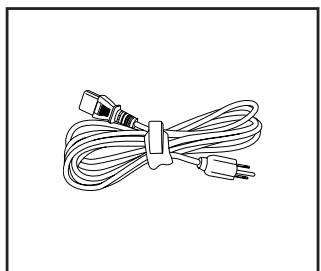
Projector
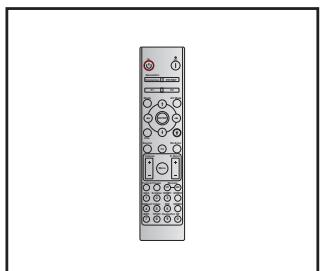
Remote Control
https://www.optoma.com/support/download

INTRODUCTION
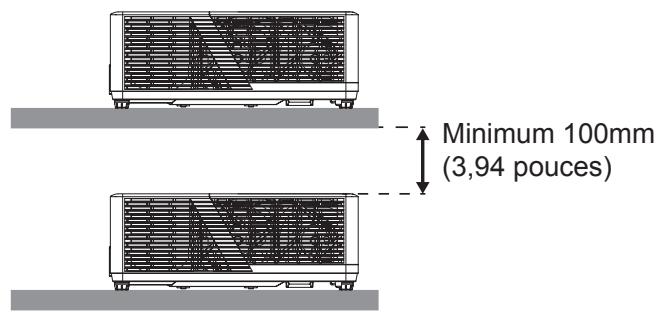
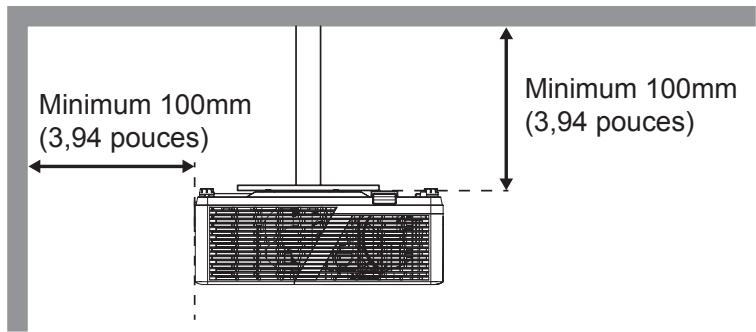
SETUP AND INSTALLATION
SETUP AND INSTALLATION
System Status
SETUP AND INSTALLATION
LPCM (IEC 60958 PCM [30,31])
ADDITIONAL INFORMATION
Optoma Technology, Inc.
47697 Westinghouse Drive.
Fremont, CA 94539
888-289-6786
510-996-4794
services@optoma.com
Canada
Optoma Technology, Inc.
47697 Westinghouse Drive.
Fremont, CA 94539
888-289-6786
510-996-4794
services@optoma.com
Latin America
Optoma Technology, Inc.
47697 Westinghouse Drive.
Fremont, CA 94539
888-289-6786
510-996-4794
services@optoma.com
Europe
1 Bourne End Mills
Hemel Hempstead
Hertfordshire
HP1 2UJ
United Kingdom
www.optoma.eu
service@tsc-europe.com
France
Building E
81-83 avenue Edouard Vaillant
92100 Boulogne Billancourt, France
+31 (0) 36 8200 250
+31 (0) 36 548 9052
+33 1 41 46 12 20
+33 1 41 46 94 35
savoptoma@optoma.fr
Spain
C/ José Hierro, 36 Of. 1C 28529 Rivas
https://www.optoma.com/kr/
Japan
https://www.optoma.com/jp/
Taiwan
https://www.optoma.com/tw/
China
Room 2001, 20F, Building 4,
No.1398 Kaixuan Road,
Changning District
Shanghai, 200052, China
Australia
https://www.optoma.com/au/
+86-21-62947376
+86-21-62947375
www.optoma.com.cn
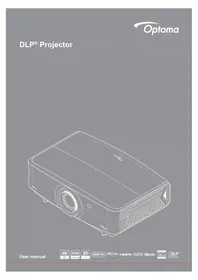
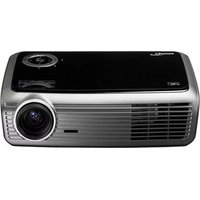
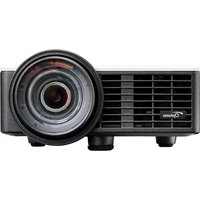
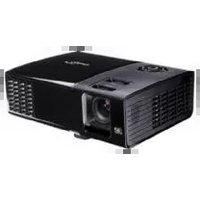
Brand : OPTOMA
Model : ZU507TST
Category : Projector