YQ3309 - Toys Vevor - Free user manual and instructions
Find the device manual for free YQ3309 Vevor in PDF.


User questions about YQ3309 Vevor
0 question about this device. Answer the ones you know or ask your own.
Ask a new question about this device
Download the instructions for your Toys in PDF format for free! Find your manual YQ3309 - Vevor and take your electronic device back in hand. On this page are published all the documents necessary for the use of your device. YQ3309 by Vevor.
USER MANUAL YQ3309 Vevor
Technical Support and E-Warranty Certificate
www.vevor.com/support
DANCE MAT USER MANUAL
MODEL: YQ3309
We continue to be committed to provide you tools with competitive price. "Save Half", "Half Price" or any other similar expressions used by us only represent of savings you might benefit from buying certain tools with us compared to top brands and does not necessarily mean to cover all categories of tools offered are kindly reminded to verify carefully when you are placing an order with us actually saving half in comparison with the top major brands.
MODEL: YQ3309
text_image
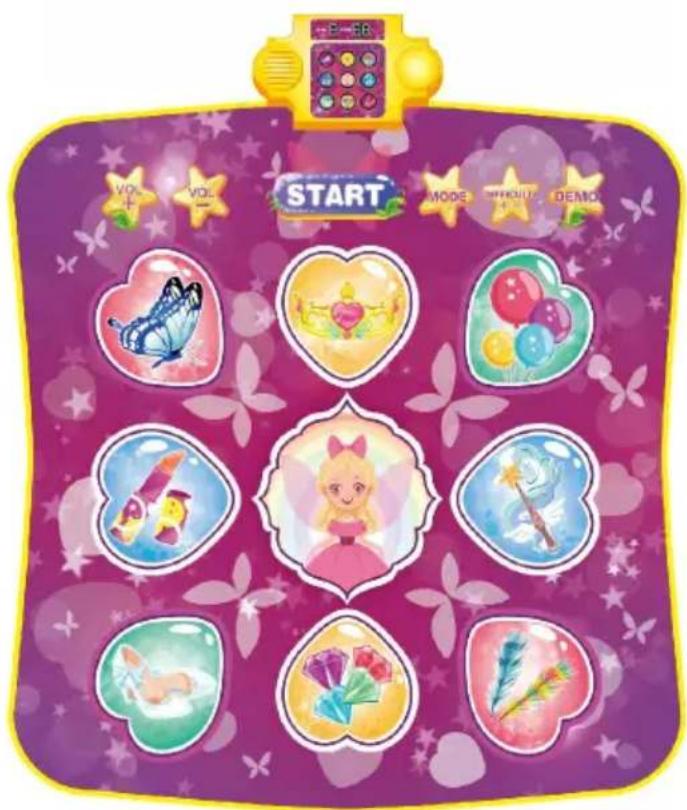
E-18 VOL- VOL- START MODE PRODUY DEMOPhoto for reference
NEED HELP? CONTACT US!
Have product questions? Need technical support? Please feel fr contact us:
Technical Support and E-Warranty Certificate www.vevor.com/support
This is the original instruction, please read all manual instruction carefully before operating. VEVOR reserves a clear interpretation user manual. The appearance of the product shall be subject to product you received. Please forgive us that we won't inform you there are any technology or software updates on our product.
SAFETY INSTRUCTION AND PRECAUTIONS

WARNING:
text_image
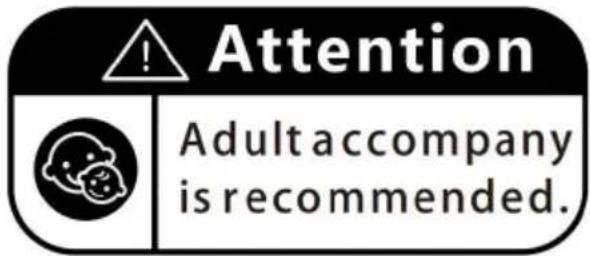
Attention Adult accompany is recommended.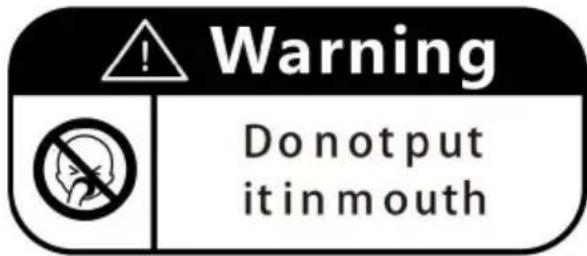
text_image
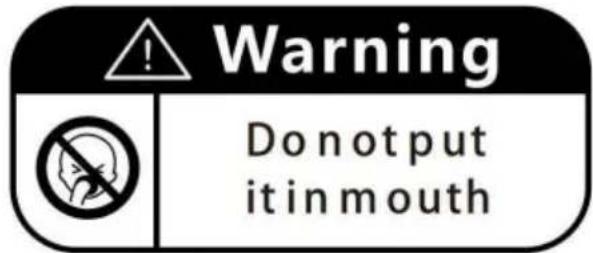
Warning Do not put it in mouthFunction Setting:
9 Game LED, 1 digit for displaying modes/ levels, 2 digits for display count.
1-9 Dancing Keys (corresponding to 9 LED)
1 game(mode) start button, 2 volume control keys, 1 difficulty selection in 1-3 levels for LED speed controls.
1 game mode selection key, 1 DEMO key
Power on with startup music, flashing digit displays 8-88, 9 game light flash in turn; When startup music ends, the digit is cleared. The game go out and then enter the game's working state.
- Volume+/Volume-: Increase/decrease the volume, (7 levels in total, the default level is 4). It has a "tick" beep. When the volume key read last level it will be ineffective.
● Game difficulty selection button: 3 difficulty levels to be selected: 1-Easy, 2-Normal, and 3-Hard (default difficulty is 2-Normal after power which will be corresponding to the changing speed of the game LED
● Game mode selection button: For the game function settings, there two modes:
Mode 1---if game pass it will automatically go to the next level, if fa then return to the power-on mode (power-on default
mode is mode 1);
Mode 2- No matter whether the game passes or fails, it will automat return to the current game level to restart the game, also it will automatically enter sleeping mode after flashing 3 groups of lights with operation;
● Game button: total 8 levels, any level of the game can be selected. Each level corresponds to a different melody;
The dancing button is only effective after starting the game. (Invalid operation will also reset the sleeping time), the sound effect of "right answer" will be played, Only when all the current multiple lights are stepped correctly it will enter the next group of lights;
Wrong answer/no answer will play "Wrong answer" sound effect. When there are multiple lights, the current level will be considered as failure once appears one wrong operation, and directly enters the group of lights;
If there are less than or equal to 5 groups of wrong answers in the current level (score reaches 30 points), the game will pass,
and the victory sound effect will be played (all LED flashes together) then entering the next level; the game will automatically return to the power-on mode when they all pass;
if the current level has more than 5 groups of wrong answers, the fails and will automatically end with playing a midi music and then automatically return to the power-on mode (the digital tube will be clear to 0), and you need to re-select or start
the game.
- Demo key: There are 9 levels in total, select the level through the demo key to enter the demo learning mode (the first mode is piano mode, and the left 8 levels are the dance demo mode); The dancing
is only effective after starting the game (invalid operation will reset the sleep time), press the dancing button, the corresponding LED flashes; Level 1 is piano scale mode. Press the dancing button to play the corresponding notes, and the corresponding game lights will light up with the sound. If the current level exceeds 99 points, the counting digit counting again from 1;Level 2-9 is dancing mode. Play dance music, the dance button corresponding to the game light and wait for the no button with the sound of the button (if there is no operation again, it automatically go off when the current music ends); when the dance music stops, the game ends and keep in the current level counting digit will be reset to 0; you need to press a new demo key select the level, then you can continue the game.
- Digital tube: display "0" and "00" after the music ends; 1 bit: display the current level number during the game (volume, mode and difficulty key can be changed during the game but there is no display prompt), while there is no game, the volume, mode and difficulty buttons can be tried to display and select the corresponding volume/mode/difficulty; 2 bits: display the current score; answer correctly to all the lights in the current group, the number will +1, the wrong answer is not added, the higher number is 99;
Note: at the end of the game or switch levels in midway, all current will be cleared to 0 and recalculated.
No operation for over 1 minute, the IC enters sleeping mode, if any was pressed again, it will enter working state once more.
Please refer to the real product for details!
FCC Information:
CAUTION: Changes or modifications not expressly approved by the party responsible for compliance could void the user's authority to operate the equipment! This device complies with Part 15 of the FCC Rules. Operation is subject to following two conditions:
1) This product may cause harmful interference.
2) This product must accept any interference received, including interference that may cause undesired operation.
WARNING: Changes or modifications to this product not expressly approved by the party responsible for compliance could void the user's authority to operate product.
Note: This product has been tested and found to comply with the limits for s B digital device pursuant to Part 15 of the FCC Rules. These limits are to provide reasonable protection against harmful interference in a residential installation.
This product generates, uses and can radiate radio frequency energy, and if installed and used in accordance with the instructions, it may cause harmful interference in radiocommunications. However, there is no guarantee that interference will not occur in a particular installation. If this product does cause harmful interference to radio or television reception, which can be determined by turning the act off and on, the user is encouraged to try to correct the interference by more of the following measures.
- Reorient or relocate the receiving antenna.
- Increase the distance between the product and the receiver.
- Connect the product to an outlet on a circuit different from that to which ver is connected.
- Consult the dealer or an experienced radio/TV technician for assistance.
Correct Disposal
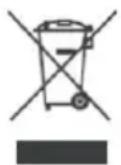
This product is subject to the provision of european Directive 2012/19. The symbol showing a wheelie bin crossed through indicates that the product requires separate refuse collection in the European Union. This applies to the product and all accessories marked with this symbol.
Products marked as such may not be discarded with normal domestic waste, must be taken to a collection point for recycling electrical and electronic
This device complies with Part 15 of the FCC Rules. Operation is subject to following two conditions:(1) This device may not cause harmful interference, and (2) this device must accept any interference received, including interference that may cause undesired operation.
VEVOR®
TOUGH TOOLS, HALF PRICE
Technical Support and E-Warranty Certificate www.vevor.com/support
VEVOR®
TOUGH TOOLS, HALF PRICE
text_image
Attention Adult accompany is recommended.
text_image
Warning Do not put it in mouthwww.vevor.com/support
TANZMATTE BENUTZERHANDBUCH
MODELL: YQ3309
text_image
START MODE DIFFERENCE DEMOFoto als Referenz
text_image
Attention Adult accompany is recommended.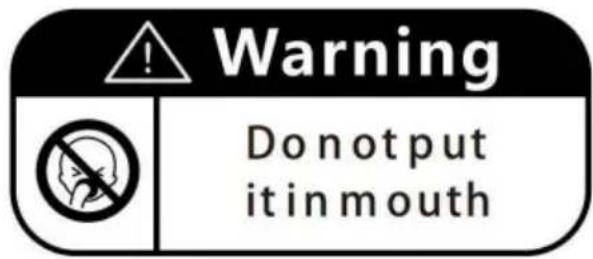
text_image
Warning Do not put it in mouthelettronica www.vevor.com/support
MANUALE D'USO DEL TAPPETO DA BALLO
MODELLO: YQ3309
text_image
Attention Adult accompany is recommended.
text_image
Warning Do not put it in mouthtext_image
Attention Adult accompany is recommended.
text_image
Warning Do not put it in mouthtext_image
Attention Adult accompany is recommended.
text_image
Warning Do not put it in mouthUstawienie funkcji:
www.vevor.com/support
VEVOR®
TOUGH TOOLS, HALF PRICE
Technische ondersteuning en e-garantiecertificaat www.vevor.com/support
DANSMAT GEBRUIKERSHANDLEIDING MODEL: YQ3309
HULP NODIG? NEEM CONTACT MET ONS OP!
text_image
Attention Adult accompany is recommended.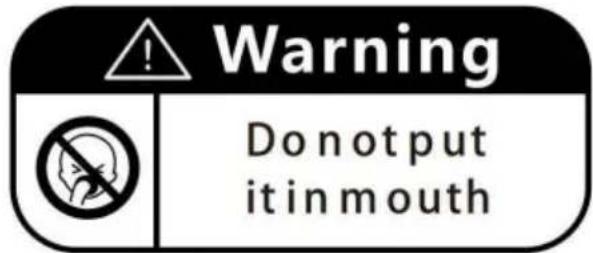
text_image
Warning Do not put it in mouthFunctie-instelling:
www.vevor.com/support
DANSMATTA ANVÄNDARHANDBOK
MODELL: YQ3309
text_image
START MODE DIFFERENCE DEMOFoto för referens
BEHÖVER HJÄLP? KONTAKTA OSS!
www.vevor.com/support
text_image
Attention Adult accompany is recommended.