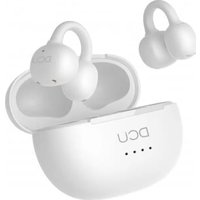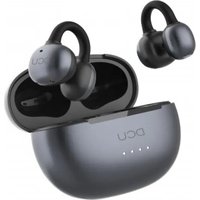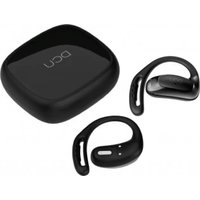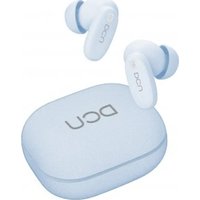
BoneSound 34153505 - Earphones DCU - Free user manual and instructions
Find the device manual for free BoneSound 34153505 DCU in PDF.


User questions about BoneSound 34153505 DCU
0 question about this device. Answer the ones you know or ask your own.
Ask a new question about this device
Download the instructions for your Earphones in PDF format for free! Find your manual BoneSound 34153505 - DCU and take your electronic device back in hand. On this page are published all the documents necessary for the use of your device. BoneSound 34153505 by DCU.
USER MANUAL BoneSound 34153505 DCU
Bone Conduction Headphones
BoneSound
User manual
34153505

LOOK IT HERE!
MÍRALO AQUI!
ES | Manual de usuario 3
EN | User manual 7
CA | Manual d'usuari 11
FR | Mode d'emploi 15
PT | Manual de usuario 19
Advertencia:
Keep batteries out of reach of children.
Do not heat, open, or dispose of battery pack in fire.
Do not allow metal objects to touch the battery on the device.
Do not expose battery pack to excessive heat.
Do not use a high current charger, or the charging line will burn out. Maximum charger 10W (5V 2A)
Schematic diagram and accessories:
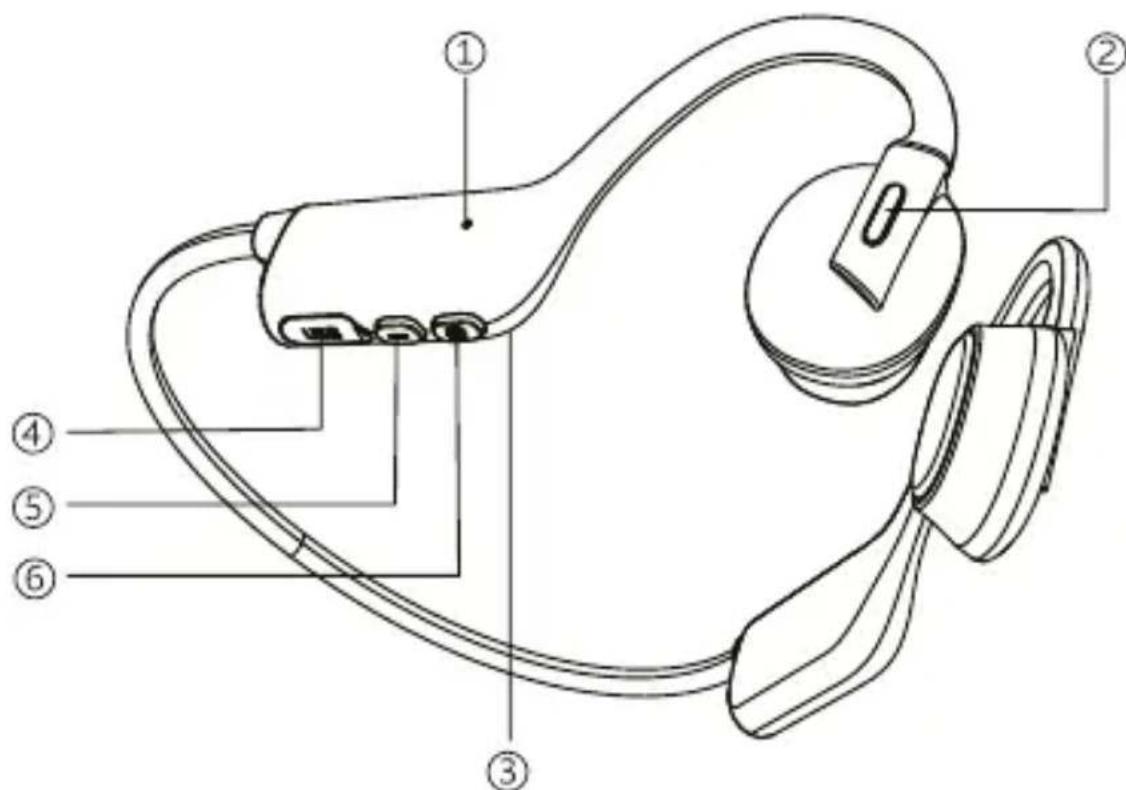
- Microphone
- Power/Multifunction composite key
- Indicator light (inside)
- Charging port
- Volume -
- Volume +
Parts list:
1.eadset
2. Type c charging cable
3. User manual
Instructions:
Power on:
Press the power button for about 3 seconds. When the red and blue light alternately flashes, it means the headset has been turned on.
Bluetooth connection:
For the first time use, after the headset are turned on normally, they will enter Bluetooth pairing mode. At this time "BoneSound" can be searched in the phone's Bluetooth settings. Click to connect and after successful connection, the indicator light will turn off and blue light will flash once every 5 seconds when playing music.
Replacement of matching equipment and reconnection:
Disconnect the Bluetooth of the currently paired device, and the headphone indicator light will flash alternately in red and blue. Other devices can search for "BoneSound" and click to connect. The headset support automatic reconnection to paired devices. After normal startup, they will automatically reconnect to the last connected device. Please ensure that the front-end (such as Bluetooth on your phone) is turned on normally.
Power off:
Press and hold the power button for about 3 seconds to turn off the device and the indicator light will turn off.
Charging:
If connected normally, the phone will display the headset battery level. If the battery level displays in red, it means that it needs to be charged. Simply plug in the charging cable to charge.
Note: Maximum charger 10W (5V 2A)
Operating instructions:
Power/Multifunction Composite Key:
Press for 3 seconds = Power on/off the headset
Press for 1 second to release your hand = Wake up voice assistant
Play music:
Click the power button = Pause playback
Press 1 + 1 for 2 seconds = Next song
Press'--'for2seconds = Previous song
Click ^ + ^ = Volume up
Click '--' = Volume decrease
Call status:
Click the power button = Answer
Click the power button = Hang up
Press the power button for 1 second = Reject
Press the power button for 2 seconds = Switching between phone and headset audio sources
Indicator light description:
Alternate red and blue: Pairing state
The red light is always on: Charging
Blue light always on: Full charge
Product Parameters:
Model: BoneSound
Version: 6.0
Weight: 25g
Battery: 160mAh
Charging: ≈ 1,6 hours
Playback Time: ≥12H at 50% volume
Microphone: -38±3dB
Sweet resistant: IPX4
Range: Bluetooth 10 meters
Input: 5V/130mA
Protocols: HFP, A2DP, AVRCP
Service and warranty:
- The warranty covers quality problems caused by manufacturing, materials or design within the first 3 years of purchase and battery and charger problems within the first 6 months.
- The guarantee does not cover damage caused by misuse of the product or by the following cases:
Product disassembly - Drop damage
- Water, shock, scratches, unauthorized chargers3. When requesting the warranty, you must provide the purchase receipt with the place and date of purchase.
- If you have problems using the product, please don't hesitate to contact our customer service:
DCU Tecnologic customer service:
www.dcutec.com
Email: info@dcutec.com
Telephone: +34 972 244 105
Advertência:
Distancia: Bluetooth 10 metres
Entrada: 5V/130mA
Protocol: HFP, A2DP, AVRCP
Servei garantia:
Correu electronic: info@dcutec.com
Telefon: +34 972 244 105
Avertissement:
Appuyer 1 sec = Assistant vocal
Musique:
Distance : Bluetooth 10 metres
Entrée : 5V/130mA
Protocol : HFP, A2DP, AVRCP
Service & Garantie:
Service client DCU Tecnologic :
www.dcutec.com
email: info@dcutec.com
Telephone: +34 972 244 105
Aviso:
Designed in BCN / Made in PRC / B55166847
DCU
TECH BARCELONA BRAND
www.dcutec.com