34153538 - Earphones DCU - Free user manual and instructions
Find the device manual for free 34153538 DCU in PDF.


User questions about 34153538 DCU
0 question about this device. Answer the ones you know or ask your own.
Ask a new question about this device
Download the instructions for your Earphones in PDF format for free! Find your manual 34153538 - DCU and take your electronic device back in hand. On this page are published all the documents necessary for the use of your device. 34153538 by DCU.
USER MANUAL 34153538 DCU
text_image
QR code image containing encoded data, no visible human-readable texttext_image
Diagram illustrating ear ear anatomy with DCU device placement and rotation arrows, showing ear structure and ear movement.Accesorios:
text_image
DCU User Manual 34153538text_image
DCU ① ② ③Caja de carga
text_image
Diagram showing wireless earbuds connected to a device with 'OFF' label and connection dotstext_image
Setting Bluetooth Bluetooth Now discoverable as"iPhone" devices DCU_OpenSound < 1mtext_image
control tactile: X2 15S 2S X3 X2 15S X3 2SPlace the earbuds in your ear, rotate it and adjust it to the optimal in-ear angle to ensure a comfortable and secure fit.
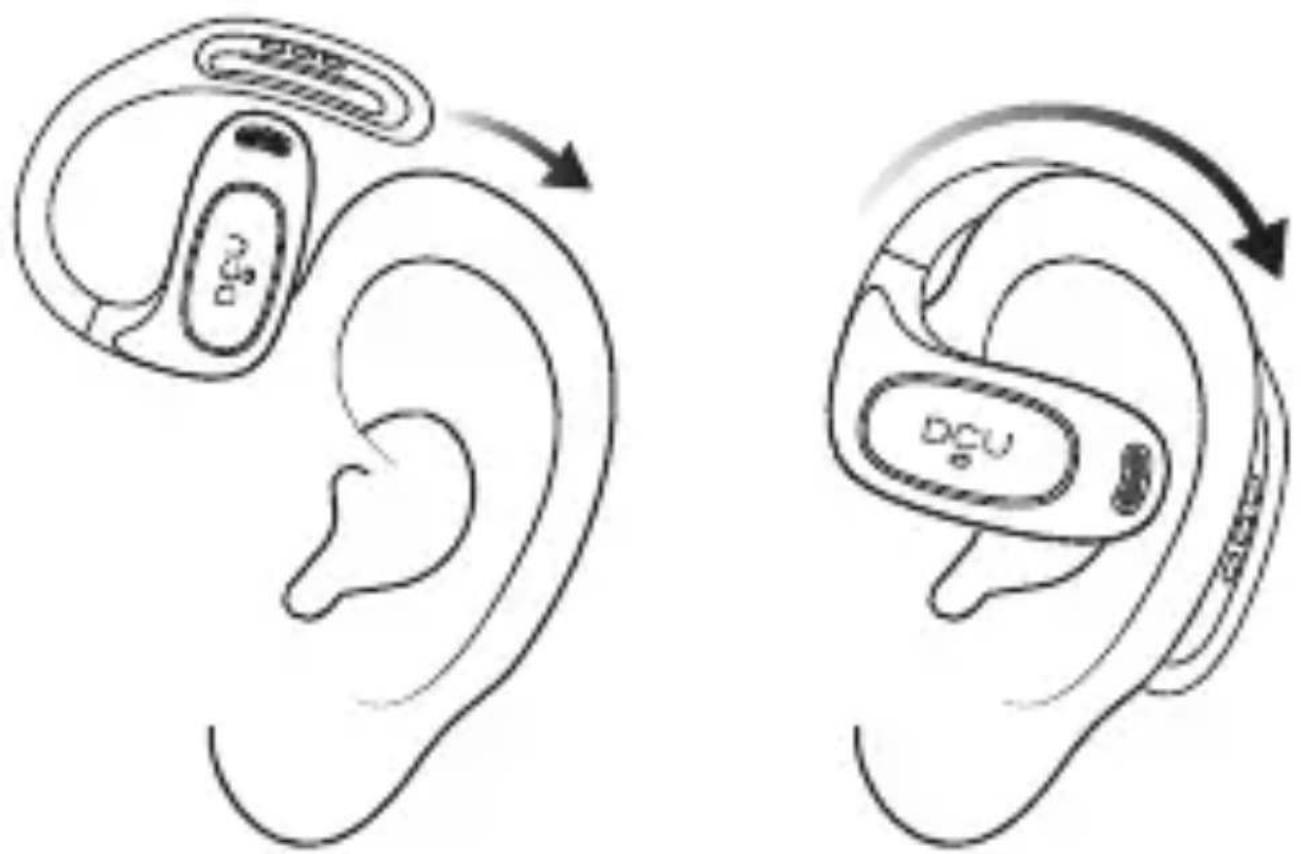
text_image
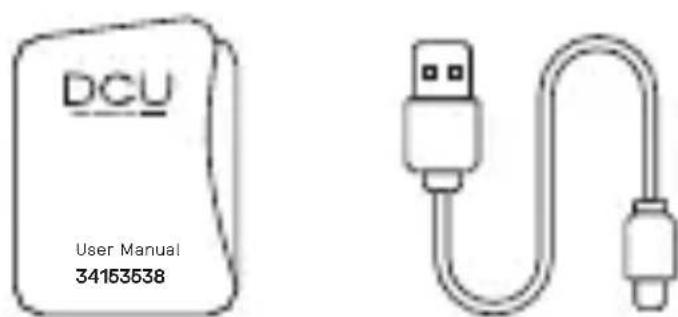
Diagram illustrating ear ear anatomy with DCU device placement and rotation arrows, showing ear structure and ear movement.Accessories:
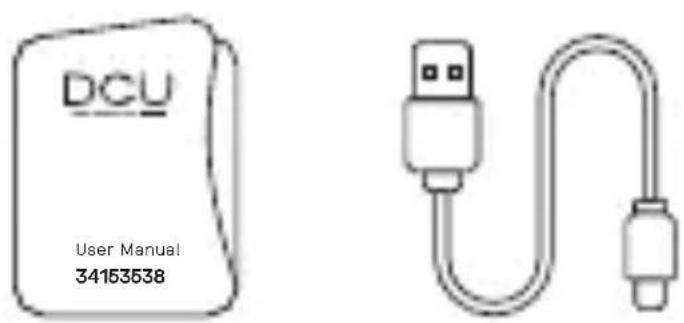
text_image
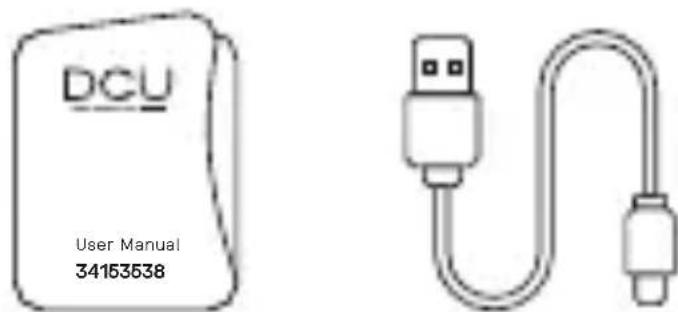
DCU User Manual 34153538User Manual Charging Cable
Diagram:
Earphone
-
LED indicator light Microphone Touch area
-
Earhook
- Sound hole
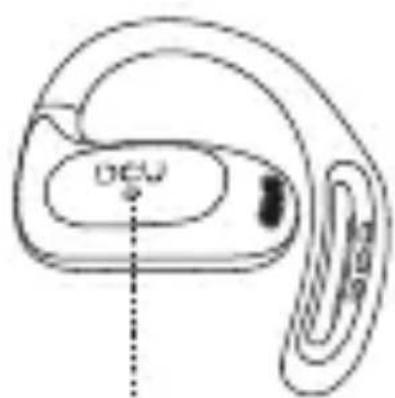
text_image
DCU1
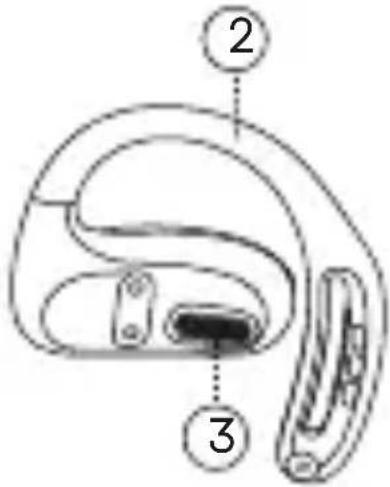
text_image
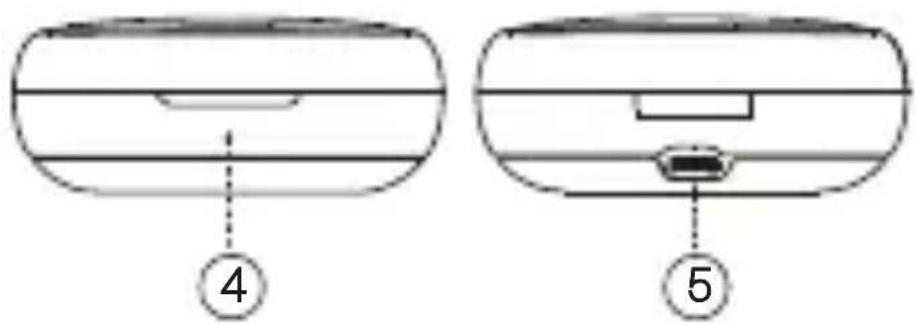
Diagram of a device with labeled parts, showing a curved structure and two numbered annotations.Charging box
- LED indicator
- Charging port

natural_image
Simple line drawing of a rounded rectangular shape with horizontal and vertical lines (no text or symbols)4

natural_image
Simple line drawing of a rectangular object with horizontal bands and a small protrusion at the bottom (no text or symbols)5
Auto On/Off:
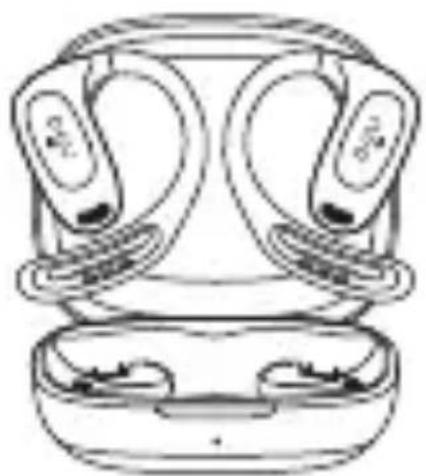
natural_image
Line drawing of a smart earbuds with two lenses (no text or symbols)
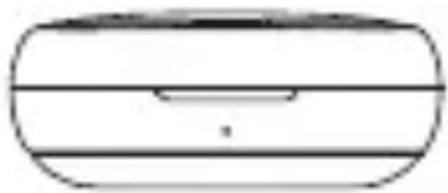
natural_image
Simple line drawing of a rounded rectangular object with horizontal lines and a central slot (no text or symbols)- When the earbuds power off, open the charging case, the earbuds will turn on automatically.
- When the earbuds power on, put the earbuds into the charging case and close the lid, the earbuds will turn off automatically.
Manually On/Off:
-
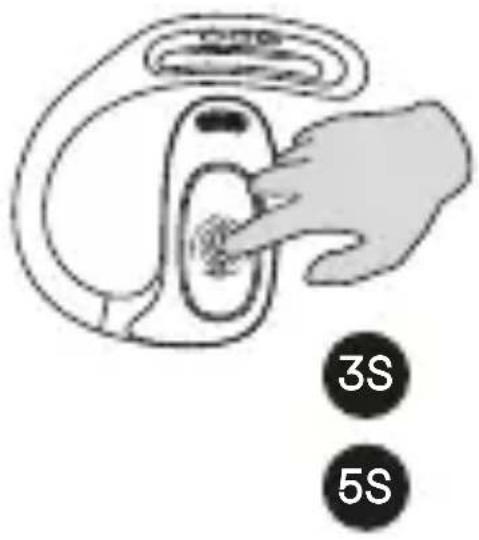
In the powered-off state, press and hold the touch area on the earbud for about 3 seconds to power on (left and right earbuds power on separately).
-
In the powered-on state, press and hold the touch area for about 5 seconds to power off (left and right earbuds power off separately).
text_image
3S 5SPairing:
text_image
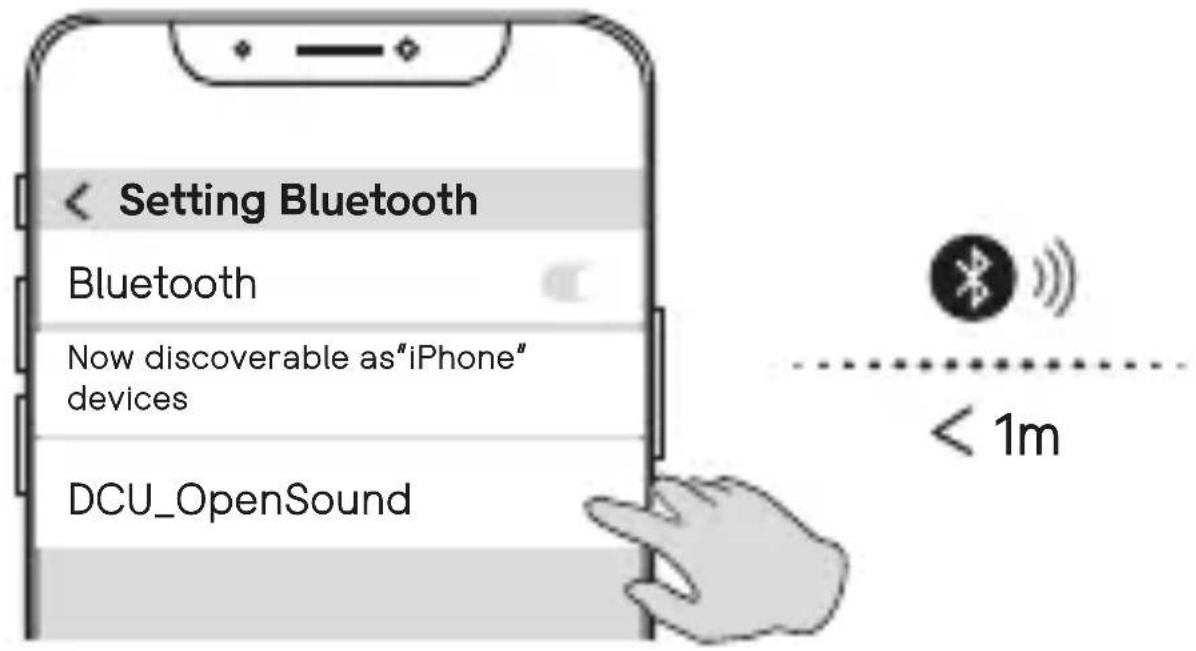
Setting Bluetooth Bluetooth Now discoverable as"iPhone" devices DCU_OpenSound < 1mWhen pairing Bluetooth for the first time, control the distance between the Bluetooth earbuds and phone within the effective distance, open the charging case and take out the earbuds, the left and right earbuds will connect automatically. Turn on the Bluetooth function of your phone, search for Bluetooth devices, select
"DCU_OpenSound" earbuds, and pair the Bluetooth earbuds with your phone.
Auto pairing:
-
After power on, the earbuds will automatically connect back to the last Bluetooth device within about 3 minutes; otherwise power off automatically.
-
When being disconnected from the device beyond the effective distance, the earbuds will automatically reconnect after returning to the effective distance within 1 minute.
Restore Factory Settings:
If the left and right earbuds cannot be paired, and they are not connected to the phone, follow these steps: press the earbuds five times (both left and right must be operated), wait for them to turn off, place them in the charging case, and then take them out. After this, you can re-connect the earbuds.
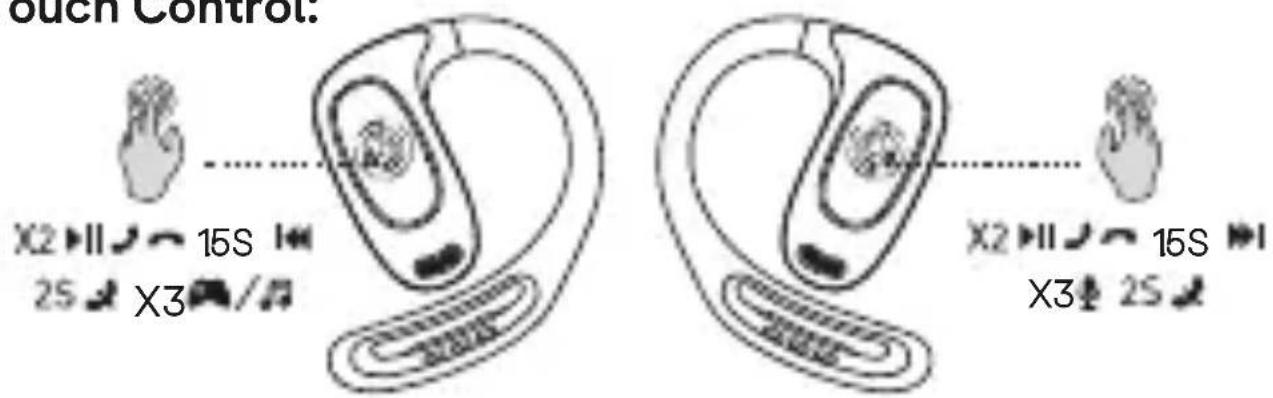
Touch Control:
text_image
ouch Control. X2 15S 2S X3 X2 15S X3 2SVoice Assistant / Siri: Press 3 times
Music Mode
- Play / Pause: L/R ×2
• Previous Song: Press L about 1.5s - Next Song: Press R about 1.5s
Call Mode
- Answer / Hang up: L/R ×2
- Reject Call: Press L/R 2s
Game Mode
- Switch Music or Game Modes: L/R ×3
Charging:
Charging the Earbuds
• The earbuds blue light is on — charging
• The earbuds blue light is off — fully charged
• The earbuds fully charged about 1.2 hours
Charging the Charging Case

- The earbuds charging case indicator light is flashing — charging

- The earbuds charging case indicator light is on — fully charged
• The earbuds case fully charged about 2 hours
Warning:
- Do not listen for a long time at a high-volume level, preventing injury to hearing.
- The earphone only can be charged with 5V charger, using a fast charger more than 5V or charger with 5V more than 1.5A will cause overheat or fire.
- Do not expose the earphone to high temperature or expose it to sunlight for a long time.
- The storage temperature of the earphone is from -10^ to 30^ .
- The operating ambient temperature of the earphone is from -20^ to 60^ .
- Please fully charge the earphone after a long-term placement, and ensure to charge every 2 months.
It is recommended that new earphones be fully charged before use.
Service and warranty:
-
The warranty covers quality problems caused by manufacturing, materials or design within the first 3 years of purchase and battery and charger problems within the first 6 months.
-
The guarantee does not cover damage caused by misuse of the product or by the following cases:
1). Disassemble or reassemble the product.
2). Damage caused by falls
3). Any man-made damage or misuse (such as: getting water into it, external force causing it to break, scratch damage to peripheral components, etc.)
4) Damages caused by water are outside the scope of the guarantee.
-
When requesting the warranty, you must provide the purchase receipt with the place and date of purchase.
-
If you have problems using the product, please don't hesitate to contact our customer service:
DCU Tecnologic customer service:
www.dcutec.com
Email: info@dcutec.com
Telephone: +34 972 244 105
Product Parameters
- Model: OpenSound
- BT Version: V5.4
- Charging Voltage: DC5V
- Battery Capacity: 40mAh ×2 / 300mAh
• BT Frequency Range: 2.402–2.480GHz
• Audio Frequency: 20Hz-20KHz - Drivers Size: 15mm
• Impedance: 32Ω ±15% - Transmission Range: 10m
- Sensitivity: 117dB ±3dB
- Play Time: About 24 hours
- Earphone's Charging Time: About 1.2 hours
Ús:
text_image
Diagram illustrating ear ear anatomy with DCU device placement and rotation arrows, showing ear structure changes.Accessoris:
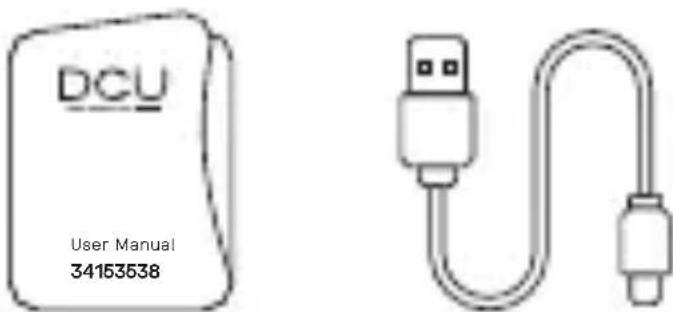
text_image
DCU User Manual 34153538text_image
DCU ① ② ③Caixa de càrrega
natural_image
Simple line drawing of a rounded rectangular object with a dashed line and circled number 4 at the bottom (no text or symbols)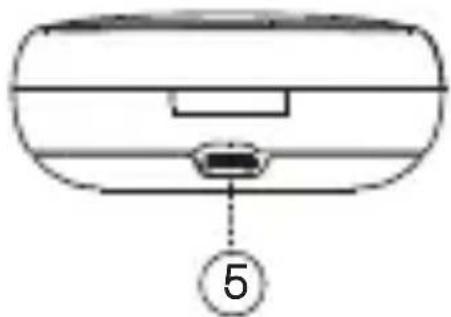
natural_image
Diagram of a device rear panel with a labeled component (5), no text or symbols presenttext_image
Diagram showing wireless earbuds connected to a device with OFF button, illustrating wireless device status and connection.text_image
Setting Bluetooth Bluetooth Now discoverable as"iPhone" devices DCU_OpenSound < 1mtext_image
control tactile: X2 15S 2S X3 X2 15S X3 2S- Assistent de veu / Siri: prem 3 vegades
Mode música
text_image
Diagram illustrating ear ear anatomy with DCU device placement and rotation arrows, showing ear structure and ear movement.Accessoires:
text_image
DCU User Manual 34153538text_image
DCU e ① ② ③Boîtier de charge
- Voyant LED
- Port de charge
text_image
④ ⑤text_image
Diagram showing wireless earbuds connected to a device with OFF button, illustrating wireless signal transmission.text_image
Setting Bluetooth Bluetooth Now discoverable as"iPhone" devices DCU_OpenSound < 1mtext_image
control tactile: X2 15S 2S X3 X2 15S X3 2SService client DCU Tecnologic :
www.dcutec.com
email: info@dcutec.com
Téléphone: +34 972 244 105
text_image
Diagram illustrating ear ear anatomy with DCU device placement and rotation arrows, showing ear structure changes.Acessórios:
text_image
DCU User Manual 34153538text_image
Diagram of a device with labeled parts, showing a curved structure and two numbered annotations.1
natural_image
Simple line drawing of a rounded rectangular object with horizontal lines and a central slot (no text or symbols)4
natural_image
Simple line drawing of a rounded rectangular object with a small protrusion at the bottom (no text or symbols)5
natural_image
Line drawing of a smart earbuds with two lenses and control knobs (no text or symbols)
natural_image
Simple line drawing of a rounded rectangular object with horizontal lines and a central slot (no text or symbols)text_image
Setting Bluetooth Bluetooth Now discoverable as"iPhone" devices DCU_OpenSound < 1mtext_image
X2 15S 2S X3 X2 15S X3 2SAny questions about our products:
www.dcutec.com
Jaume Pol i Perera, 10
17005 Girona (Spain)
t. [+34] 972 244 105
info@dcutec.com
DCU
TECH BARCELONA BRAND