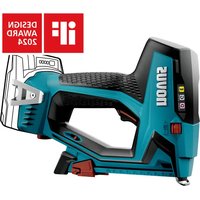
J-551 - Stapler Novus - Free user manual and instructions
Find the device manual for free J-551 Novus in PDF.


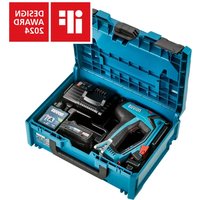
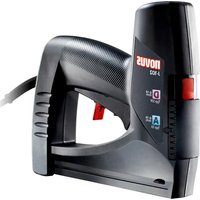
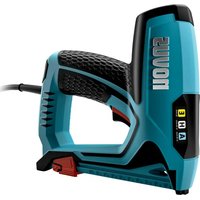
| Product type | Cordless Li-Ion battery stapler |
| Brand | Novus |
| Model | J-551 |
| Nominal voltage | 18 V DC |
| Battery type | Lithium-ion, compatible with CAS 18 V |
| Dimensions (L × H × D) | 246 × 178 × 81 mm (without belt hook and battery) |
| Weight | 1510 g (without battery) |
| Operating temperature range | -20 °C to +50 °C |
| Sound pressure level (L_pA) | 80 dB(A) ; uncertainty K=3 dB(A) |
| Sound power level (L_WA) | 91 dB(A) ; uncertainty K=3 dB(A) |
| Vibration (ah) | 3 m/s² ; uncertainty K=1.5 m/s² |
| Main functions | Contact trip, LED light, depth adjustment, trigger, function selector, parallel stop, belt hook |
| Magazine capacity | Not specified |
| Recommended staple type | Original NOVUS fasteners |
| Maintenance | Clean with a soft brush; lubricate every 1000 shots with a drop of light oil |
| Compliance | EU safety directives, standard EN 60745-1 |
| Included accessories | Belt hook, parallel stop |
Frequently Asked Questions - J-551 Novus
User questions about J-551 Novus
0 question about this device. Answer the ones you know or ask your own.
Ask a new question about this device
Download the instructions for your Stapler in PDF format for free! Find your manual J-551 - Novus and take your electronic device back in hand. On this page are published all the documents necessary for the use of your device. J-551 by Novus.
USER MANUAL J-551 Novus
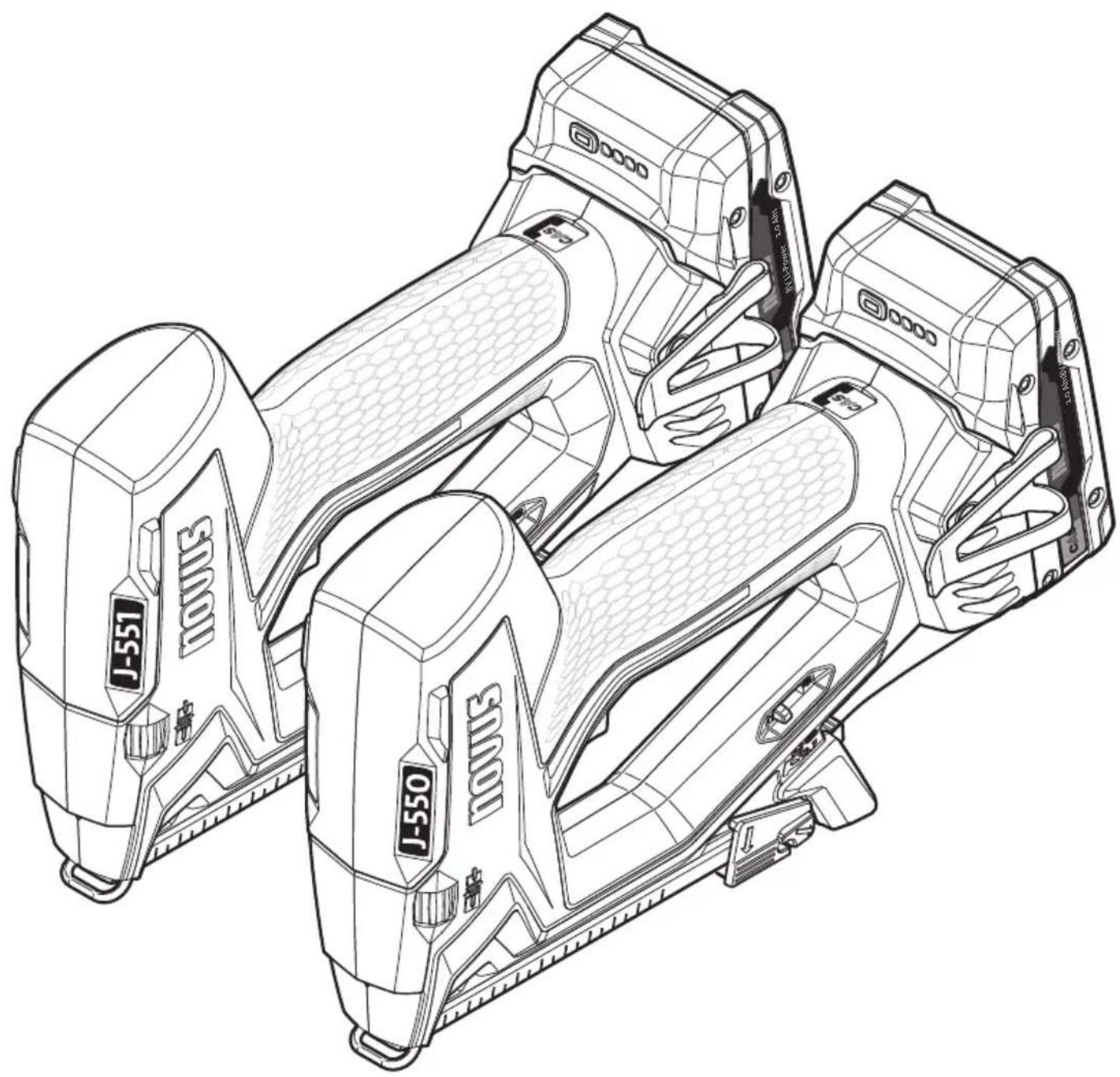
novus® J-550 / J-551
natural_image
Technical line drawing of a multi-stage electronic device with J-550 and J-551 components (no text or symbols)CE
de en fr


WARNING Please read all instructions on safety and proper use.
Failure to observe these instructions on safety and proper use could lead to electric shocks, fires and/or serious injury.
All instructions on safety and proper use must be kept for later use.
1 General information 7
1.1 Intended use.... 7
1.2 Safety instructions and warnings...... 7
1.3 Battery directions of use....8
1.4 Key to pictograms...... 8
1.5 Technical data....9
2 Scope of supply...... 89
3 Standard operation....90
3.1 Fasten belt hooks 90
3.2 Open the magazine....90
3.3 Insert fasteners 91
3.4 Depth setting 92
3.5 Parallel stop.... 92
3.6 Insert battery.... 92
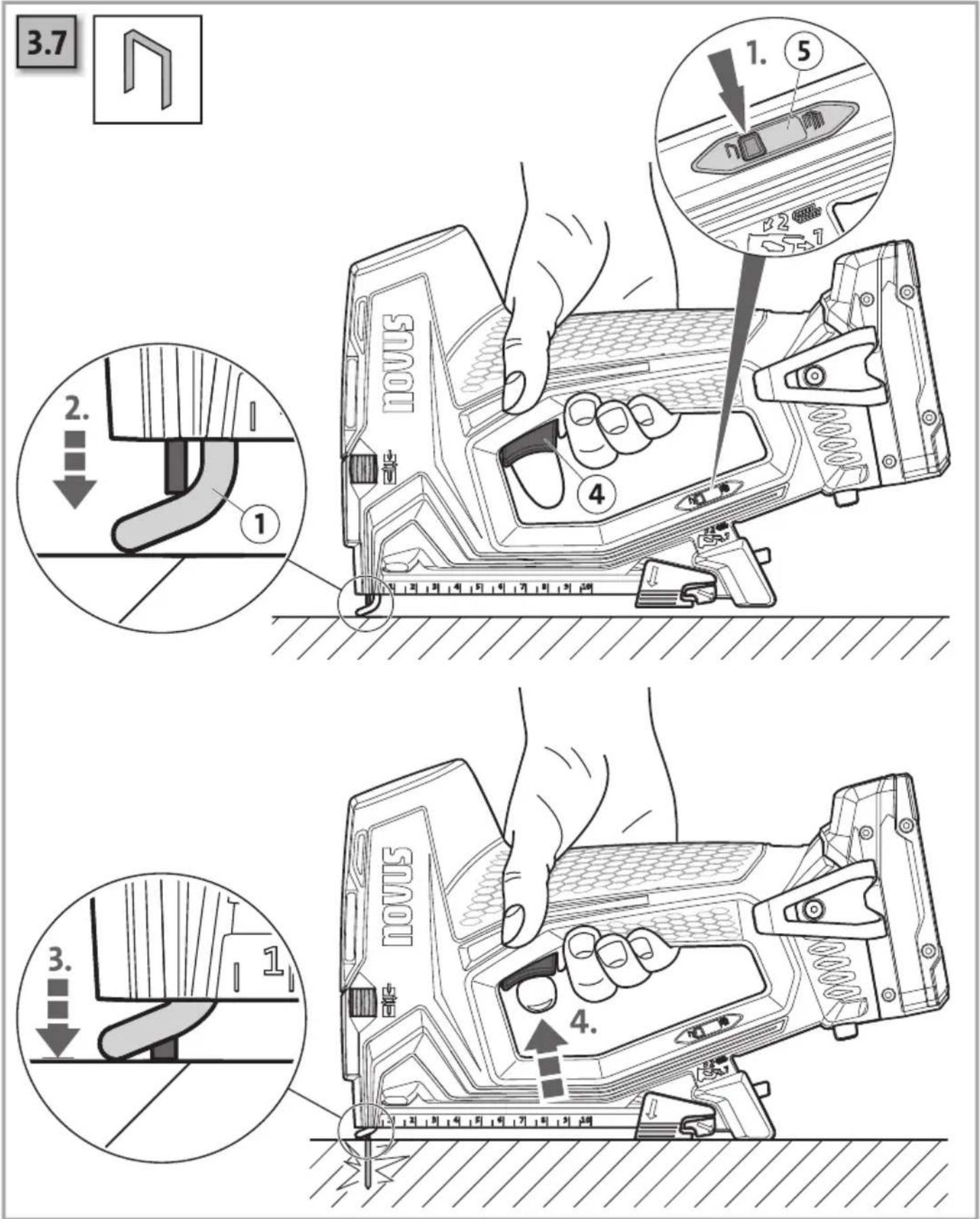
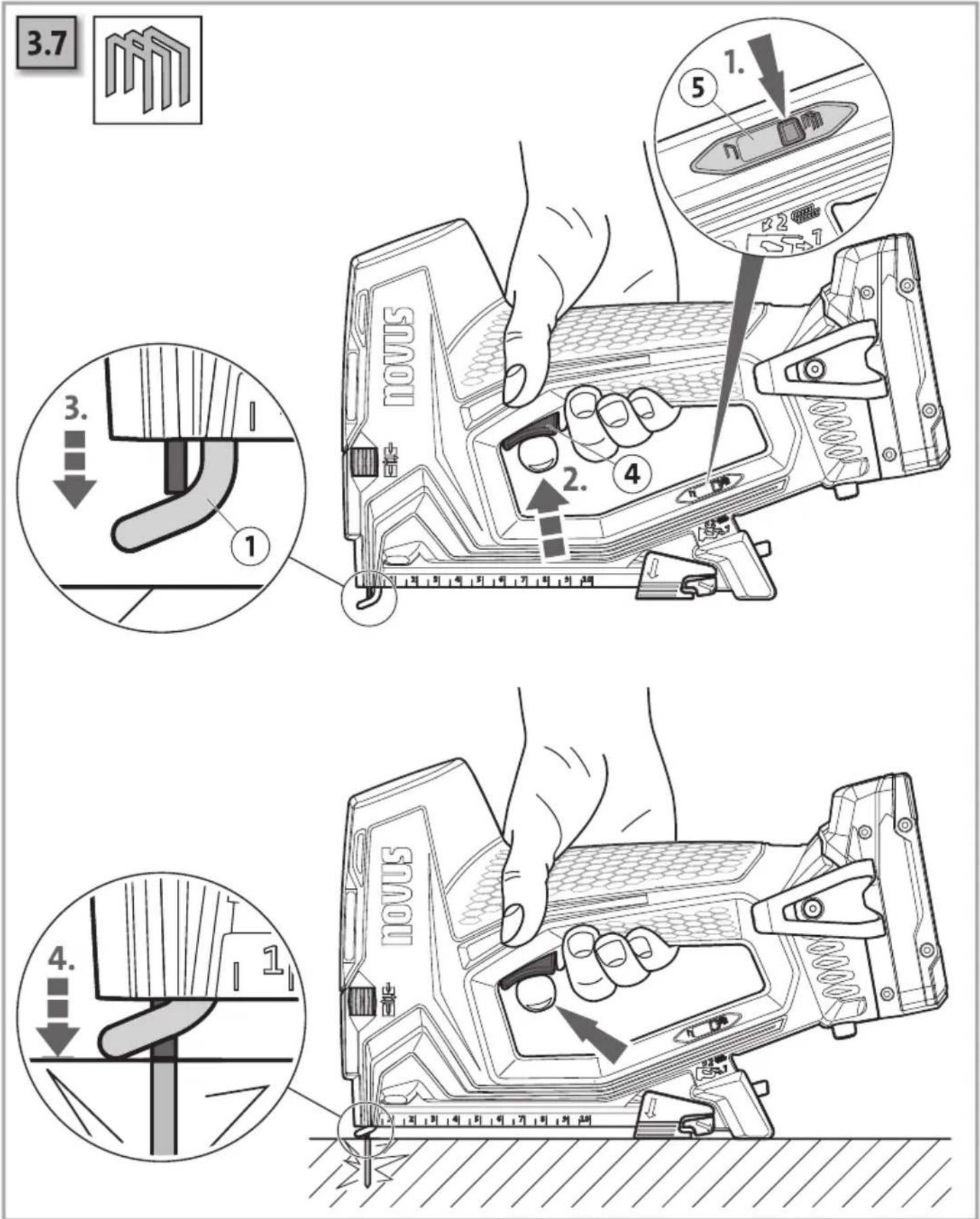
3.7 Unlocking function mode, firing a shot 93
3.8 Remove battery.... 95
4 Troubleshooting 96
4.1 Remove jam 96
4.2 LED error display.... 97
5 Spare parts list/accessories 98
1.1 Intended use
This device is used to attach cardboard, insulating material, textiles, films, leather, wood and other similar non-brittle materials to wooden or wood-like surfaces. Please take care to ensure the workpiece is of a suitable size.
The device must only be used for the purpose intended by the manufacturer.
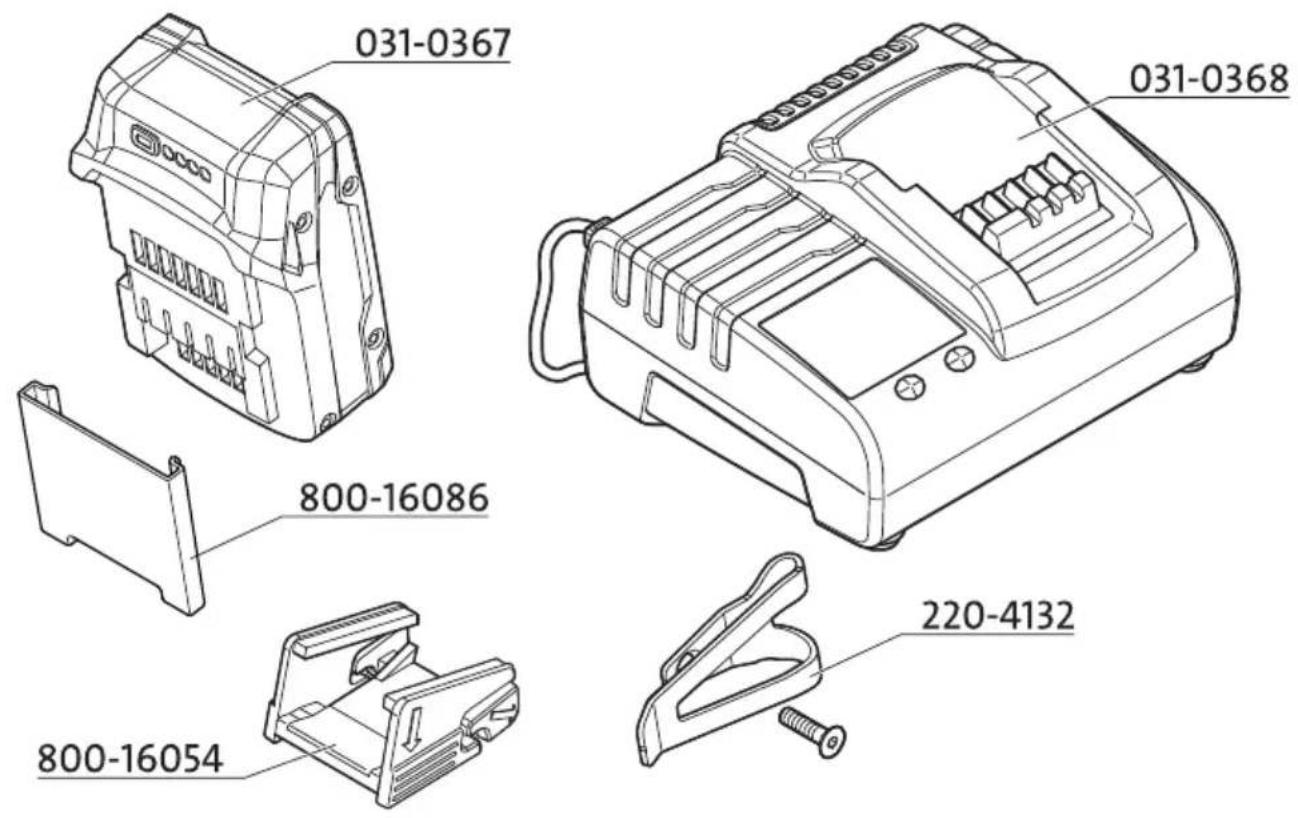
The 031-0367 battery packs are designed for use in the corresponding NOVUS battery-operated power tools. They must only be charged using Novus chargers. Battery packs marked with CAS are 100% compatible with CAS (Cordless Alliance System) devices. To select the appropriate device please contact your dealer. Read the relevant operating instructions for the devices used. For example, the charging process is displayed on the charger; for details, see the operating instructions for the charger. The user bears sole responsibility for any damage caused by improper use. Generally accepted accident prevention requirements and the supplied safety information must be observed.
1.2 Safety instructions and warnings
This device has been constructed and tested in accordance with all currently applicable technical regulations. It left the factory in perfect condition in terms of safety and reliability. To keep it in such a condition and to ensure risk-free operation, the user must observe the instructions and warnings given in the operating instructions.
• The device is not suitable for industrial use.
• The device is not a toy and must be kept away from children at all times.
- Check the device every time to ensure that it is in good condition before putting it into operation.
- If it must be assumed that safe operation is no longer possible, take the unit out of operation and secure it against accidental use.
- Manipulation, e.g. the removal or blockage of parts on the device, is impermissible. Manipulation may cause damage and will void the warranty.
- Only use original NOVUS fasteners.
- The device should be cleaned with a soft brush if necessary.
- Lubricate the staple outlet with a drop of light oil after approximately every 1000 shots.
- Only trained service personnel may open the device.
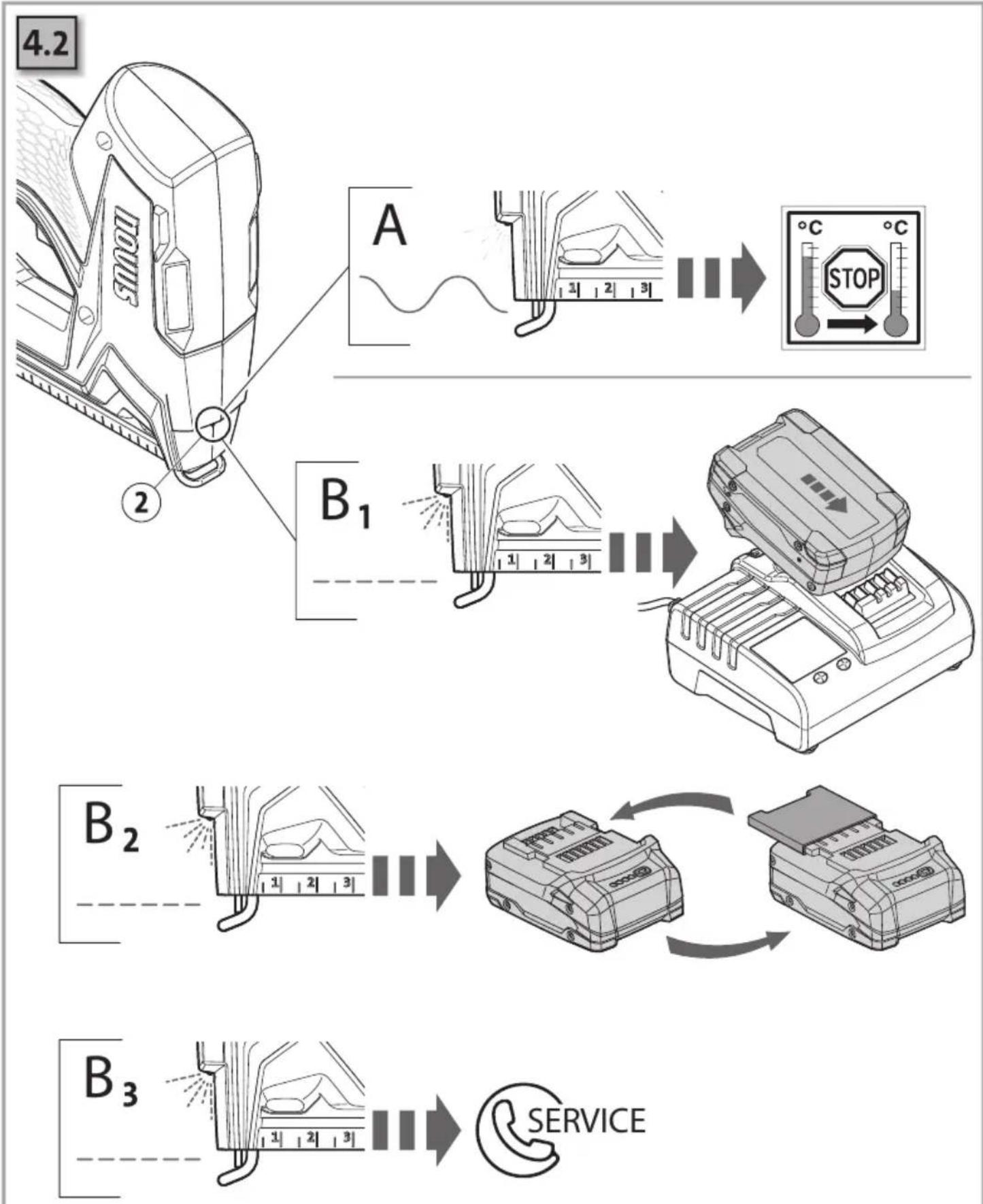
- A high fire rate and high ambient temperatures may cause the device to overheat. In the event of overheating, the shoot function will automatically stop, and an error will be displayed. Leave the device to cool down!
- Please ensure that there are no power, water or gas lines present at the site you are working on (e.g. using a metal detector).
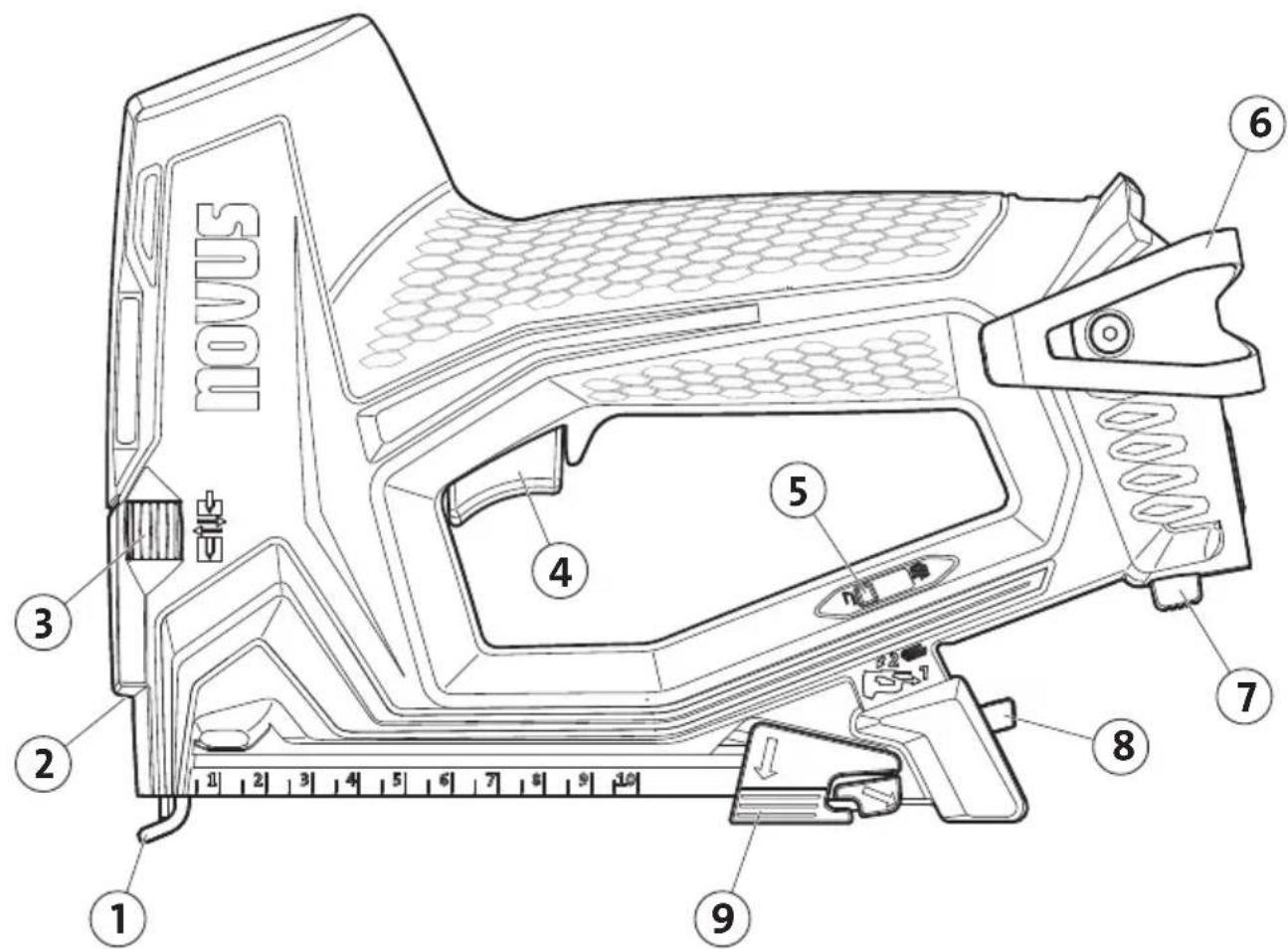
- Do not look directly into the device's LED lights (2)!
- Only use the belt hooks (6) to hang the device on a tool belt!
- Never operate the device with an open staple magazine!
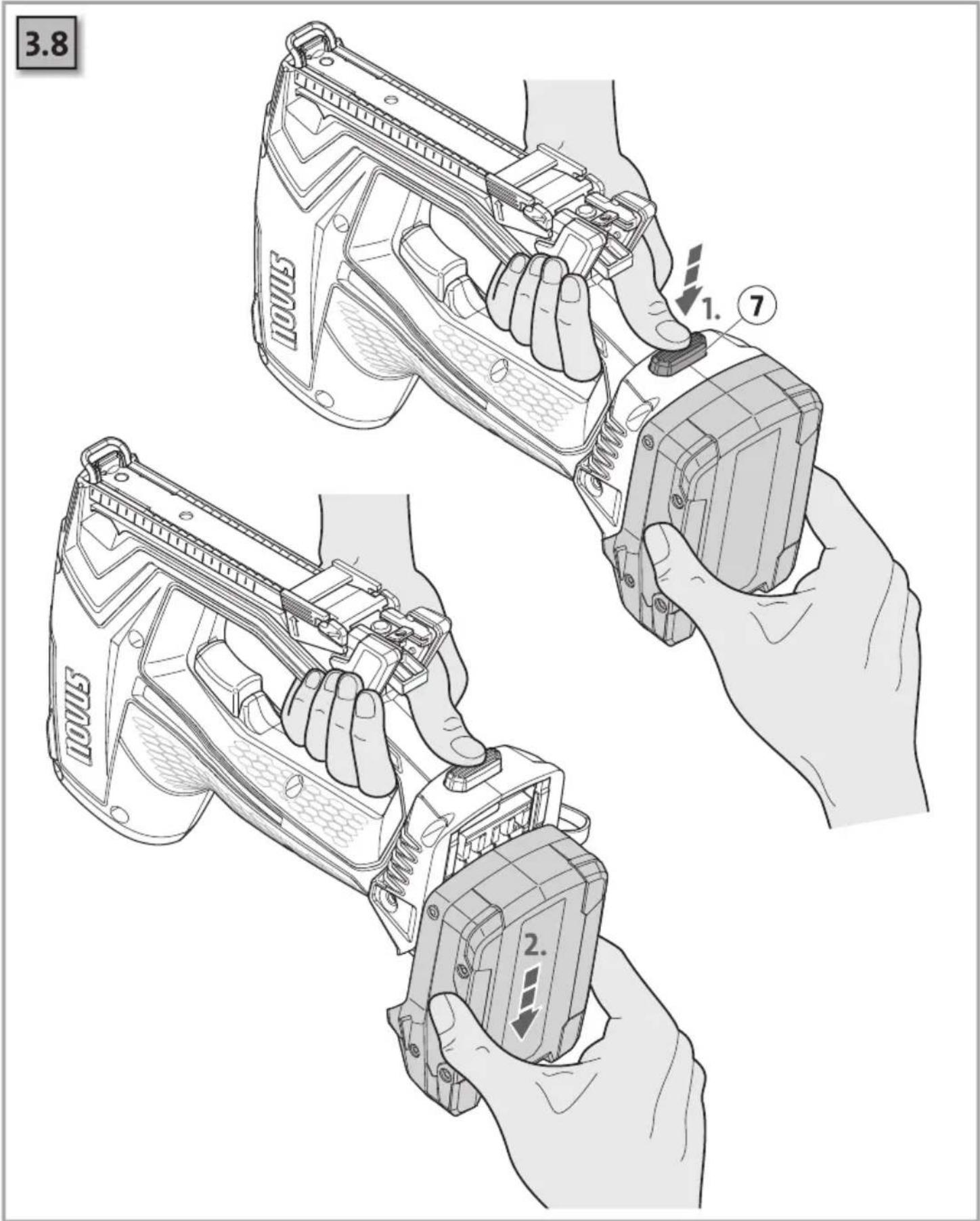
- Disconnect the battery from the device when changing workstations and storing the device. Attach the protective cover to the battery!
1.3 Battery directions of use
Charge the battery pack before use. Do not recharge a fully charged battery pack! If performance diminishes, recharge the battery pack. The ideal storage temperature is between 10°C and 30°C. The permissible storage temperature is between 0°C and 50°C.
Li-ion battery packs have a capacity and status indicator (depending on the model):
- Press the button and the charge level is displayed by the LEDs.
- If one LED is flashing, the battery pack is almost flat and must be recharged.
1.4 Key to pictograms

Read user information/safety instructions

ATTENTION

Remove battery

Use eye and ear protection

Important information
Standard operation

Maintenance instructions/troubleshooting

Compliance with the relevant EU safety directives

Compatible with 18 V CAS batteries
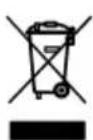
Dispose of the product properly and in an environmentally friendly way at an authorised collection point. Do not dispose of any parts of the product or its packaging in domestic waste.
1.5 Technical data
Rated voltage:
18V DC
Battery type:
Lithium-ions
Temperature range:
-20^ C to +50^ C
Dimensions:
178 mm × 246 mm × 81 mm (H × L × W)
Dimensions without belt hooks and battery
Weight (without battery):
1510 g
Noise emission:
measured in accordance with EN 60745-1
A-weighted sound pressure level L_pA = 80 dB(A) ;
uncertainty K_pA=3 dB(A) ;
A-weighted sound power level L_WA=91 dB(A) ;
uncertainty K_WA=3 dB(A)
Vibration:
Total vibration value measured in accordance with EN 60745-1
Vibration emission value ah = 3 m/s ^2 ;
uncertainty K = 1,5 m/s²
- The total vibration value and the noise emission level stated were measured on the basis of a standardised testing method and can be used for comparing one power tool with another.
- The total vibration value and the noise emission level stated can also be used to make a preliminary estimate of load.
Warning:
- While actually using the power tool, vibration and noise emissions may vary from the values stated depending on the way in which the power tool is used, in particular the type of workpiece it is being used for.
• To protect the operator, define additional safety measures based on an estimate of vibration load under actual operating conditions (taking into account all parts of the operating
cycle, such as cycles in which the power tool is switched off and cycles in which it is switched on but not operating under load).

Wear eye and ear protection!
We reserve the right to make technical modifications and improvements that assist the further development of our equipment.
fr
Greutate (fără accumulator):
1510 g
Emisia de zgomot:
natural_image
Technical line drawing of a mechanical device with a labeled component (no text or symbols beyond the number 2)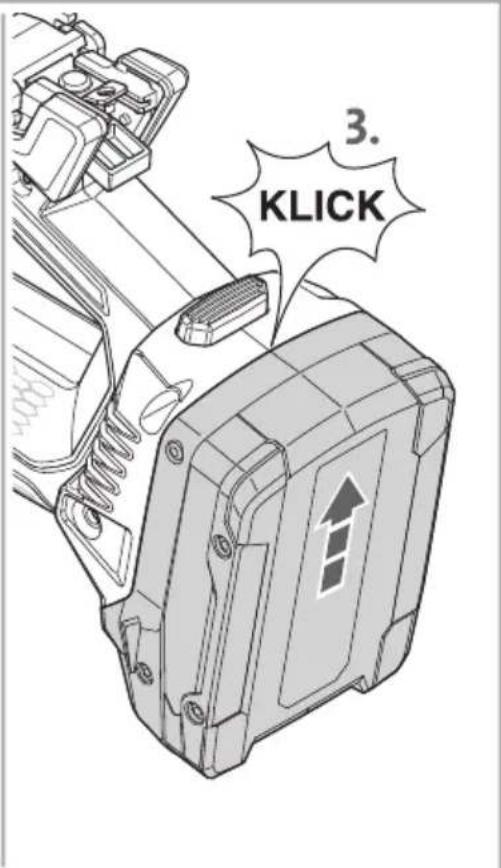

novus® J-550 / J-551


5
Headquarters
Novus Dahle GmbH
Breslauer Straße 34-38
49808 Lingen • Germany
Service contact
Novus Dahle GmbH
Hessenweg 53
49811 Lingen • Germany
Tel. +49 (0)591-9140457
Fax +49 (0)591-9140841
info@novus-dahle.com
www.novus-dahle.com

- novus® J-550 / J-551
- de en fr
- General information 7
- Scope of supply...... 89
- Standard operation....90
- Troubleshooting 96
- Spare parts list/accessories 98
- Intended use
- Safety instructions and warnings
- Battery directions of use
- Key to pictograms
- Technical data
- Rated voltage:
- Battery type:
- Temperature range:
- Dimensions:
- Weight (without battery):
- Noise emission:
- Vibration:
- Warning:
- fr
- Greutate (fără accumulator):
- Emisia de zgomot:
- 5
- Headquarters
- Service contact
Brand : Novus
Model : J-551
Category : Stapler