
Classic MLT14 - TV Stand SANUS - Free user manual and instructions
Find the device manual for free Classic MLT14 SANUS in PDF.


| Product Type | Wall mount for TV |
| Brand | Sanus |
| Model | Classic MLT14 |
| Maximum supported weight | 58.9 kg (130 lb) |
| Main material | Steel |
| VESA compatibility | Up to 600 x 400 mm (estimated) |
| Adjustable tilt | Yes, adjustable tension |
| Installation type | Wall (wood studs, poured concrete or concrete blocks) |
| Color | Black |
| Required tools | Drill, drill bits (5.5 mm and 10 mm), spirit level, screwdriver |
| Maintenance and cleaning | Clean with a soft dry cloth |
| Safety | Do not exceed maximum load; the wall must support 5 times the total weight |
| Spare parts and repairability | Contact customer service if a part is missing or damaged |
| Warranty | Limited manufacturer warranty (refer to manual) |
| Package contents | Wall plate, mounting brackets, hardware, instruction manual |
| Country of origin | Not specified (estimated: China) |
Frequently Asked Questions - Classic MLT14 SANUS
User questions about Classic MLT14 SANUS
0 question about this device. Answer the ones you know or ask your own.
Ask a new question about this device
Download the instructions for your TV Stand in PDF format for free! Find your manual Classic MLT14 - SANUS and take your electronic device back in hand. On this page are published all the documents necessary for the use of your device. Classic MLT14 by SANUS.
USER MANUAL Classic MLT14 SANUS
natural_image
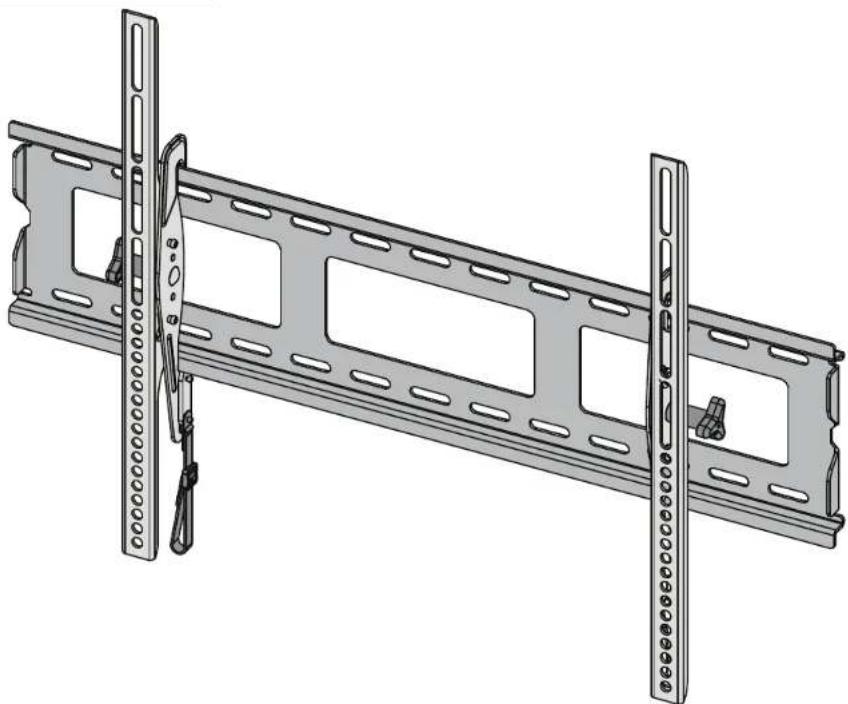
Technical illustration of a metal shelving unit with vertical supports and mounting holes (no text or symbols)MLT14 Instruction Manual
IMPORTANT SAFETY INSTRUCTIONS – SAVE THESE INSTRUCTIONS – PLEASE READ ENTIRE MANUAL PRIOR TO USE
Before getting started, let's make sure this mount is perfect for you!
1
Does your TV weigh more than 130 lb (58.9 kg) including accessories?
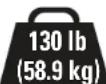
No — Perfect!
Yes — This mount is NOT compatible. Visit MountFinder.Sanus.com or call 1-800-359-5520 (UK: 0800-056-2853) to find a compatible mount.
2

Drywall with wood studs?
Perfect!

Solid concrete or concrete block?
Perfect!

Unsure?
Call 1-800-359-5520
(UK: 0800-056-2853)
3
Do you have all of the tools needed?
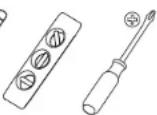
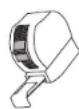
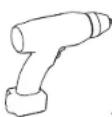
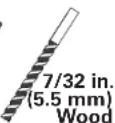
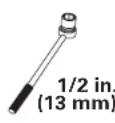
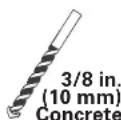

4
Ready to begin?
Please read through these instructions completely to be sure you're comfortable with this easy install process. Also check your TV owner's manual to see if there are any special requirements for mounting your TV.
If you do not understand these instructions or have doubts about the safety of the installation, assembly or use of this product, contact Customer Service at 1-800-359-5520 (UK: 0800-056-2853).
▲ CAUTION: Avoid potential personal injuries and property damage!
• This product is designed for use in wood stud, solid concrete, and concrete block walls - DO NOT install into drywall alone
- The wall must be capable of supporting five times the weight of the TV and mount combined
- Do not use this product for any purpose not explicitly specified by manufacturer
- Manufacturer is not responsible for damage or injury caused by incorrect assembly or use
Dimensions
![in. [mm] 635 mm 25 in. 50 mm to 705 mm 475 mm 18.7 in. 178 mm 7.01 in. 76.2 mm 3 in. 120.7 mm 4.75 in. 450 mm 17.72 in. 635 mm 25 in. 177.8 mm 7 in. 702.1 mm 27.64 in.](/content/2026/04/694719/images/be0c2609b13f61c246489fefe1fa103a26f648d543ca15d69ac679990828044c.jpg)
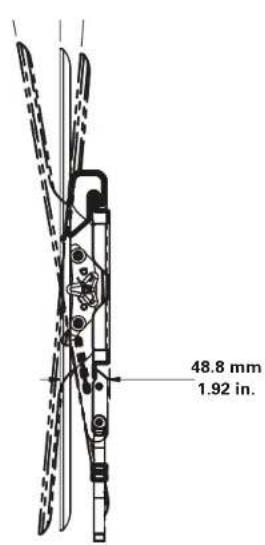
Parts and Hardware
⚠ WARNING: This product contains small items that could be a choking hazard if swallowed. Before starting assembly, verify all parts are included and undamaged. If any parts are missing or damaged, do not return the damaged item to your dealer; contact Customer Service. Never use damaged parts!

NOTE: Not all hardware included will be used.
Parts and Hardware for STEP 1
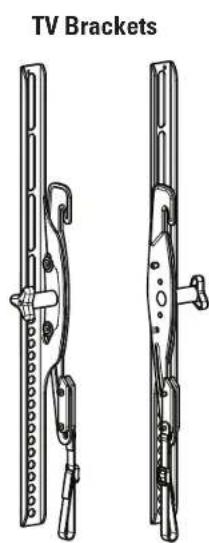
natural_image
Technical line drawing of TV bracket components (no text or symbols)01 x1
02 x1
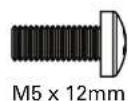
03 x4
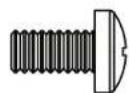
M6 x 12mm M6 x 20mm M6 x 35mm
04 x4
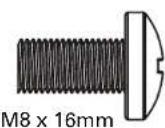
05 x4
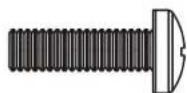
06 x4
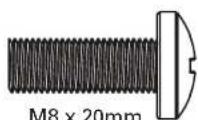
07 x4
TV Screws

M5 x 35mm
08 x4
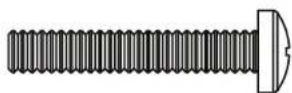
09 x4
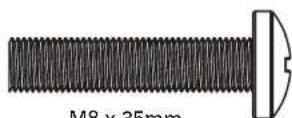
10 x4
Washers
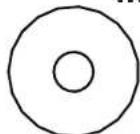
M5

M6/M8
11 x4
12 x4
Spacers
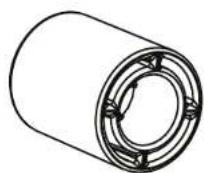
13 x4
Parts and Hardware for STEP 2
Concrete Anchors
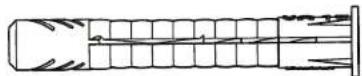
15 x4
Washers

16 x4
Lag Bolts
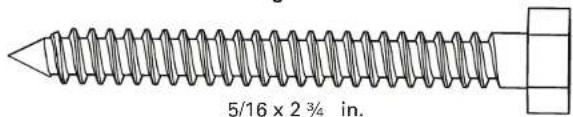
17 x4
STEP 1 Attach Brackets to TV
1-1 Select TV Screw Diameter
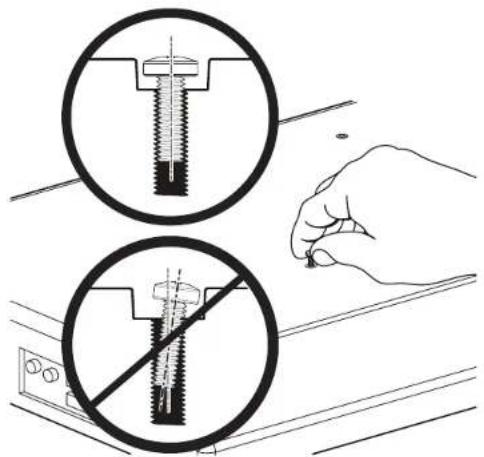
Hand thread screws into the threaded inserts on the back of your TV to determine which screw diameter (M5, M6, or M8) to use.
M5 M6 M8


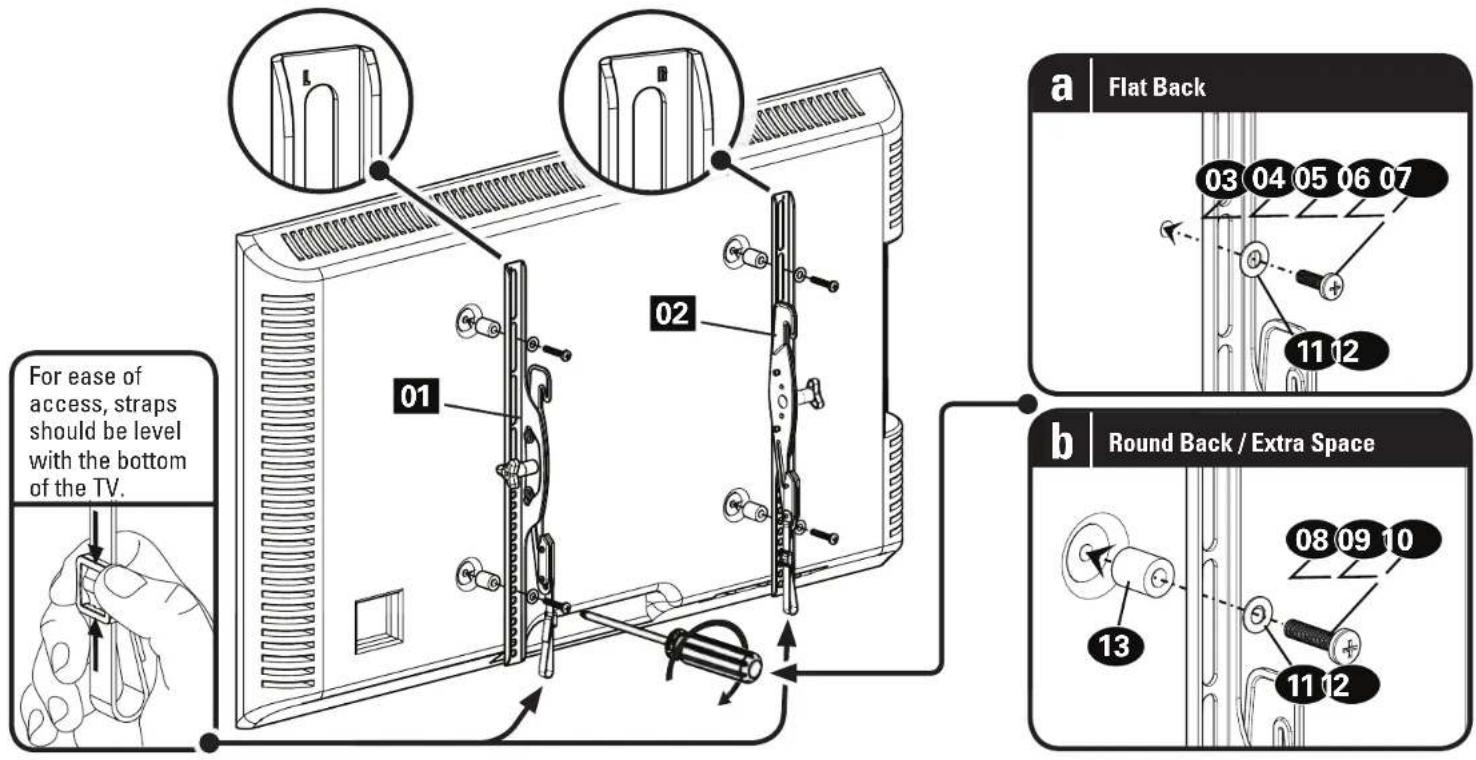
1-2 Select TV Screw Length
If your TV has a flat back AND you want your TV closer to the wall, use the shorter screws (a). Use the spacers and longer screws (b) to accommodate:
• Round/irregular back TVs
• TVs with inset mounting holes
• Extra space needed for cables
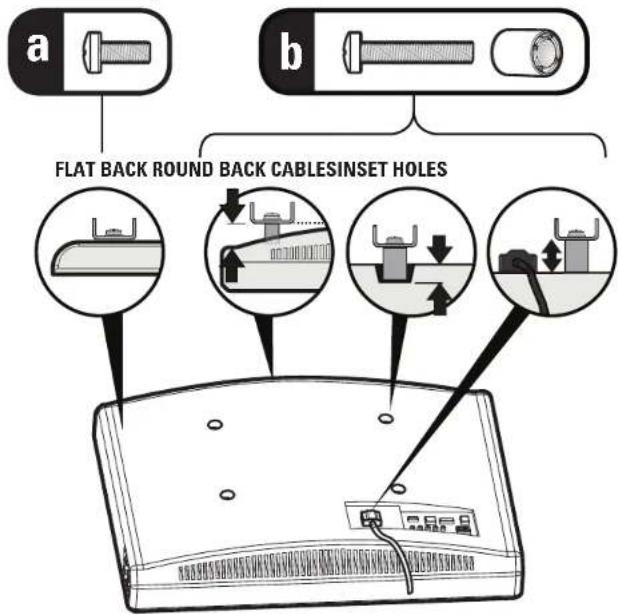
Standard configurations are shown. For special applications, or if you are uncertain about your hardware selection, contact Customer Service at 1-800-359-5520.

CAUTION:
Verify adequate thread engagement with the screw or screw/spacer combination.
- Too short will not hold the TV.
- Too long will damage the TV.
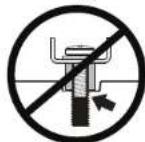
Too Short
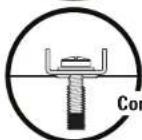
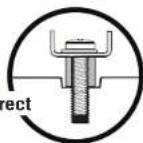
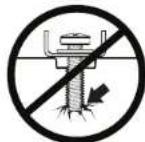
Too Long
1-3 Attach TV Brackets
Ensure that your brackets 01 and 02 are level on the back of the TV. Standard configurations are shown. For special applications, or if you are unsure about your hardware selection, contact Customer Service.
STEP 2A Attach Wall Plate to Wall - Wood Stud
CAUTION: Avoid potential personal injuries and property damage!
-
Drywall covering the wall must not exceed 5/8 in. (16 mm)
• Minimum wood stud size: common 2 x 4 in. (51 x 102 mm) nominal 1½ x 3½ in. (38 x 89 mm)
• Minimum horizontal space between fasteners: 16 in. (406 mm) -
Locate your studs. Verify and mark the center of the stud by finding the stud edges using an awl, a thin nail, or an edge to edge stud finder.
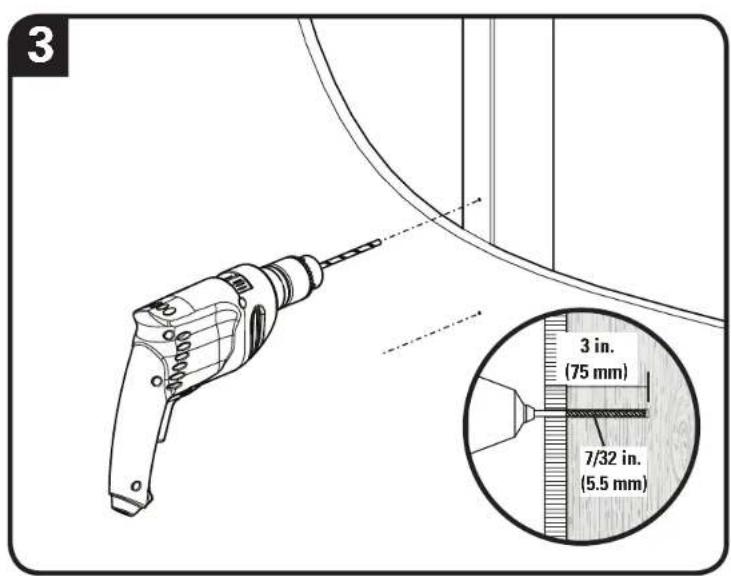
- Level the wall plate 14 and mark the hole locations.
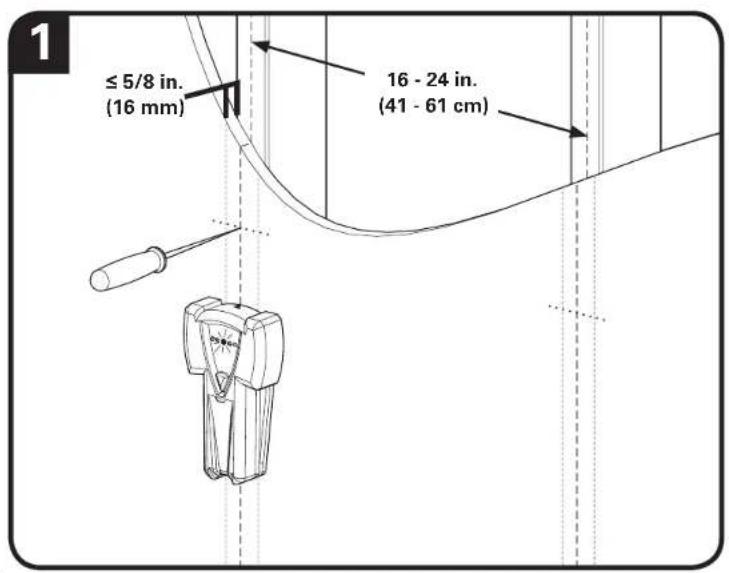
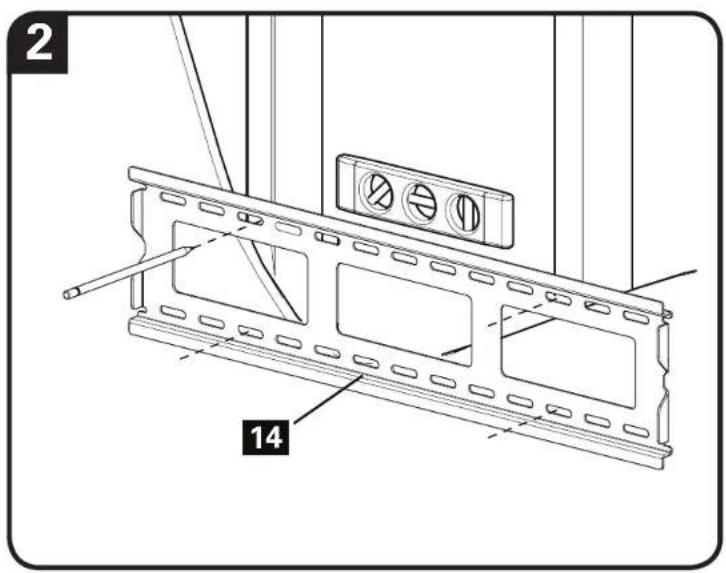
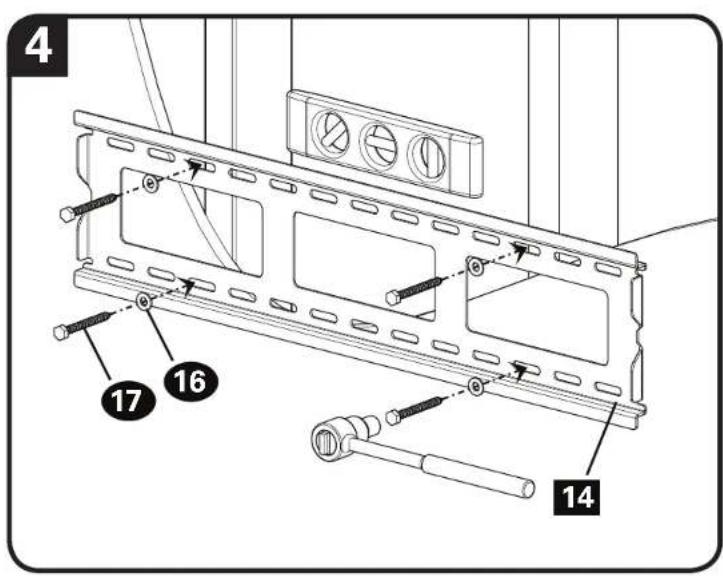
- Pilot holes MUST be drilled to a depth of 3 in. (75 mm), using a 7/32 in. (5.5 mm) diameter drill bit.
- ▲ CAUTION: Avoid potential injuries or property damage! Improper use could reduce the holding power of the lag bolt 17.
To avoid potential injuries or property damage. DO NOT over-tighten the lag bolts 17.
STEP 2B Attach Wall Plate to Wall - Solid Concrete or Concrete Block
▲ CAUTION: Avoid potential personal injuries and property damage!
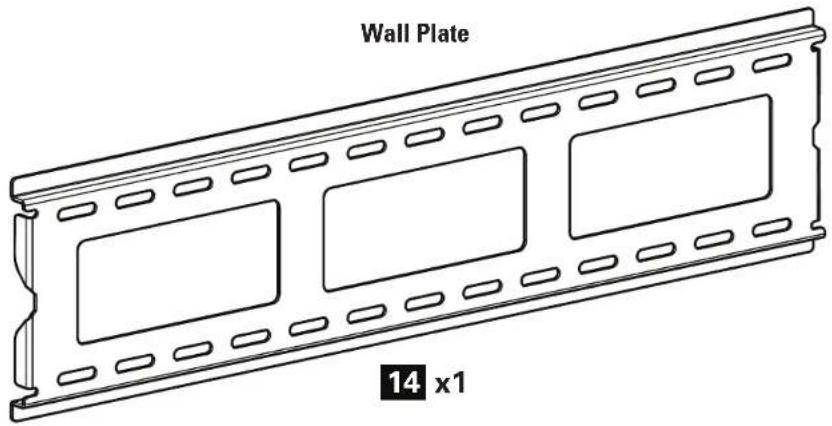
- Mount the wall plate 14 directly onto the concrete surface
• Minimum solid concrete thickness: 8 in. (203 mm) -
Minimum concrete block size: 8 x 8 x 16 in. (203 x 203 x 406 mm)
• Minimum horizontal space between fasteners: 16 in. (406 mm) -
Level the wall plate 14 and mark the hole locations.
- Drill four pilot holes using a 3/8 in. (10 mm) diameter masonry drill bit.
IMPORTANT: Pilot holes must be drilled to a depth of 3 in. (75 mm). Never drill into the mortar between blocks.
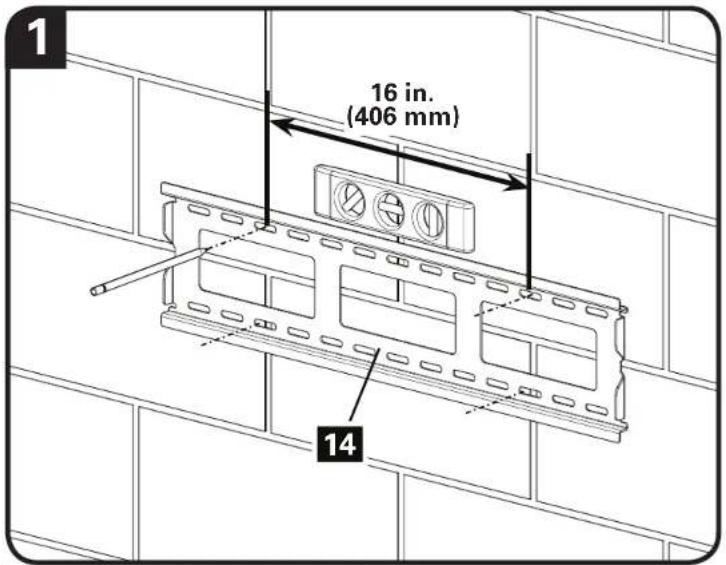
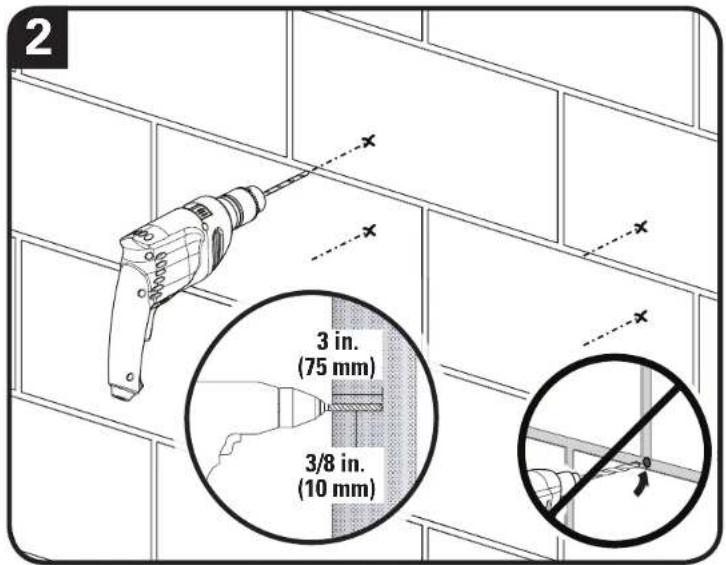
- Insert four anchors 15 and install the wall plate 14 using four lag bolts 17 and four washers 16. Tighten the lag bolts 17 only until the washers 16 are pulled firmly against the wall plate 14.
▲ CAUTION: Be sure the anchors 15 are seated flush with the concrete surface.
CAUTION: Improper use could reduce the holding power of the lag bolt 17. DO NOT over-tighten the lag bolts 17.

STEP 3 Hang the TV with Mounting Brackets on the Wall Plate
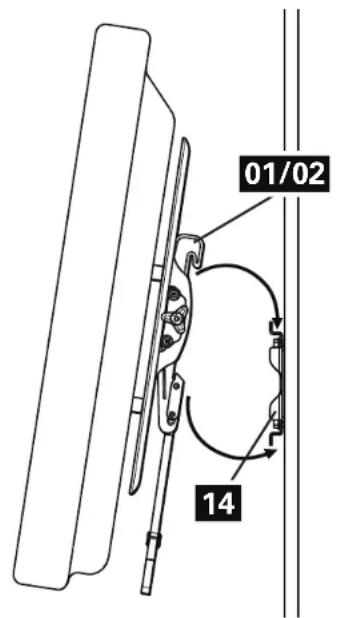
Install the TV / Bracket assembly by fitting the top hook of the mounting brackets 01 and 02 over the top edge of the wall plate 14. Swing the mounting brackets down until the spring loaded locking tabs slip over and fully engages the bottom edge of the wall plate 14. You will hear an audible "CLICK".

HEAVY! You may need assistance with this step.

natural_image
Diagram of a mechanical device with a lock and directional arrows, enclosed in a circle (no text or symbols)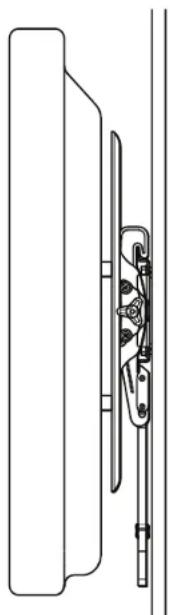
natural_image
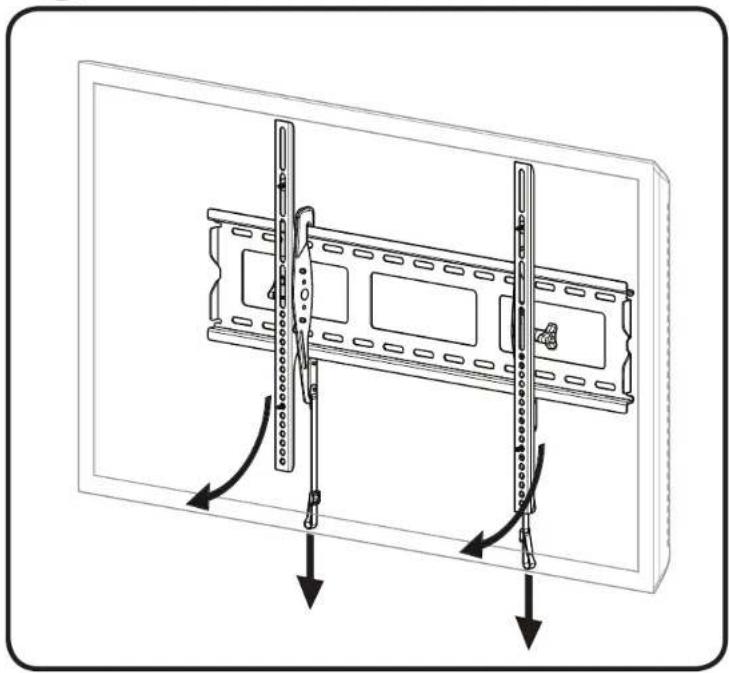
Technical line drawing of a mechanical component with no visible text or symbolsTo remove the TV, pull the straps down to disengage the locking tabs, swing the TV / bracket assembly forward from the bottom, and then lift the TV up and off, away from the wall plate 14.

HEAVY! You may need assistance with this step.
natural_image
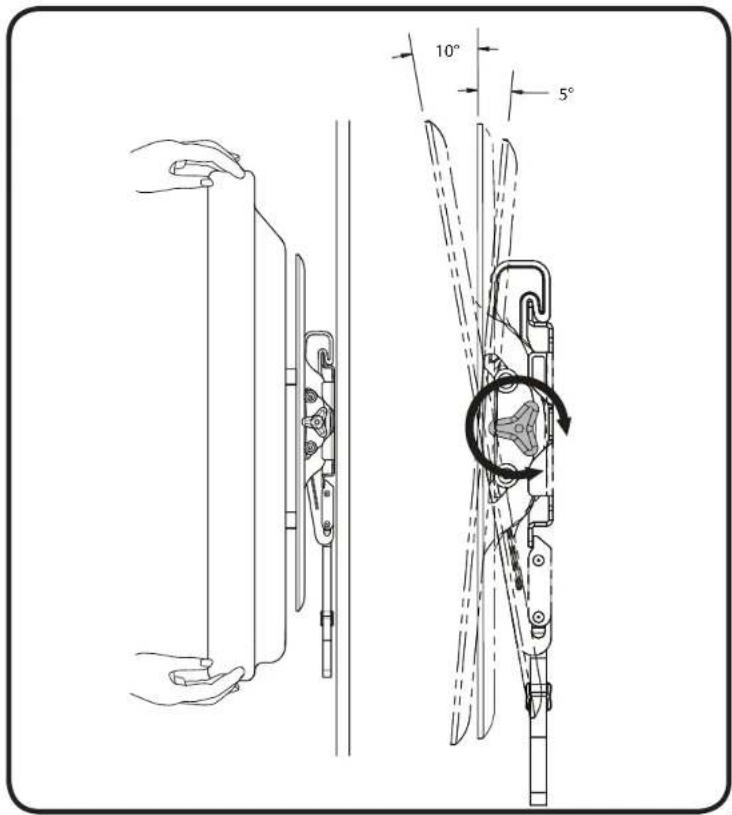
Diagram of a mounted device with two vertical supports and directional arrows indicating movement or force (no text or symbols present)Adjustments
Adjust up / down tilt tension
ESPAÑOL
Thank you for choosing Sanus Classic! Please take a moment to let us know how we did:

Call us: 1-800-359-5520
UK: 0800 056 2853

Email us: info@sanus.com Let me a review: sanus.com

Find us on Facebook: SANUS Follow up on Twitter @sanussystems
Milestone AV Technologies and its affiliated corporations and subsidiaries (collectively, "Milestone"), intend to make this manual accurate and complete. However, Milestone makes no claim that the information contained herein covers all details, conditions, or variations. Nor does it provide for every possible contingency in connection with the installation or use of this product. The information contained in this document is subject to change without notice or obligation of any kind. Milestone makes no representation of warranty, expressed or implied, regarding the information contained herein. Milestone assumes no responsibility for accuracy, completeness or sufficiency of the information contained in this document.
©2014 Milestone AV Technologies. All rights reserved. Sanus is a division of Milestone.
All other brand names or marks are used for identification purposes and are trademarks of their respective owners.
SANUS • 6436 City West Parkway • Eden Prairie, MN 55344 USA 6901-002307 00