VARMFRONT 705.556.47 - Phone charger IKEA - Free user manual and instructions
Find the device manual for free VARMFRONT 705.556.47 IKEA in PDF.


User questions about VARMFRONT 705.556.47 IKEA
0 question about this device. Answer the ones you know or ask your own.
Ask a new question about this device
Download the instructions for your Phone charger in PDF format for free! Find your manual VARMFRONT 705.556.47 - IKEA and take your electronic device back in hand. On this page are published all the documents necessary for the use of your device. VARMFRONT 705.556.47 by IKEA.
USER MANUAL VARMFRONT 705.556.47 IKEA
natural_image
Diagram of a cylindrical device with a handle and arrow indicating assembly or operation (no text or symbols)
other
| Range | Percentage (%) | |---|---| | 75% - 100% | ● | | 50% - 75% | ● | | 25% - 50% | ○ | | 0% - 25% | ○ |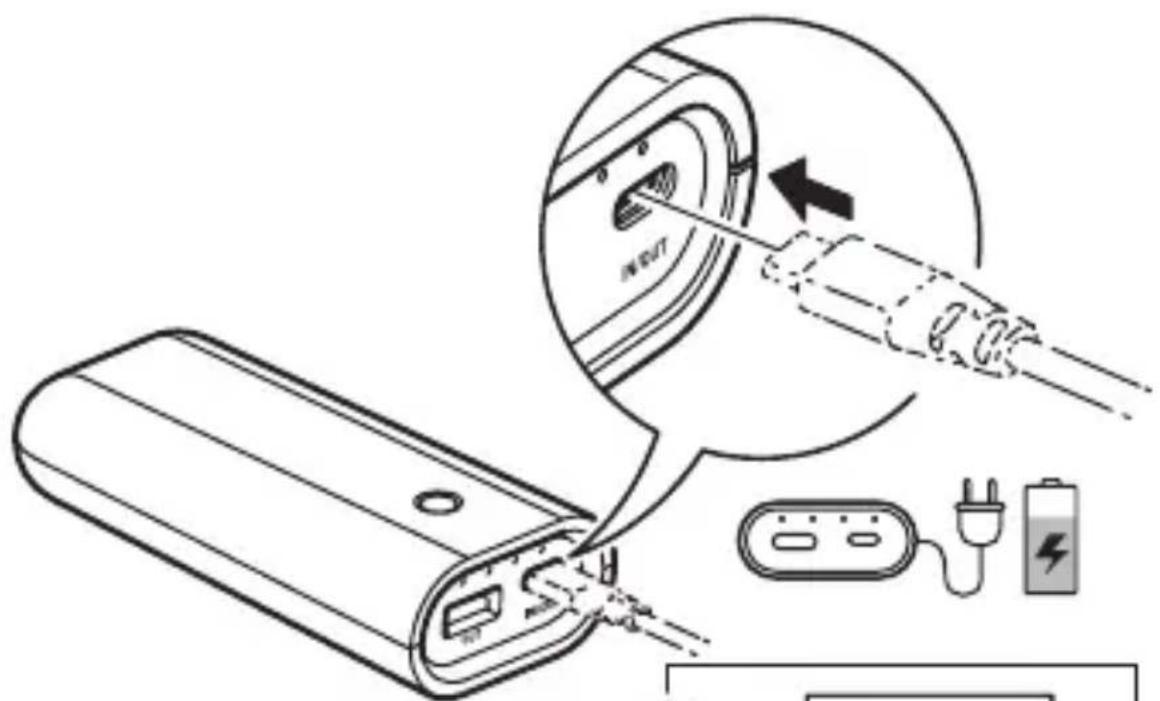
i
natural_image
Line drawing of a laptop and a handheld device (no text or symbols)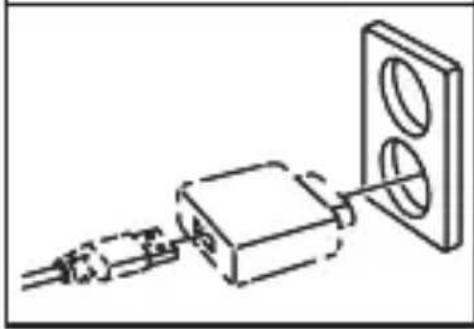
natural_image
Pure electrical circuit lines without any symbols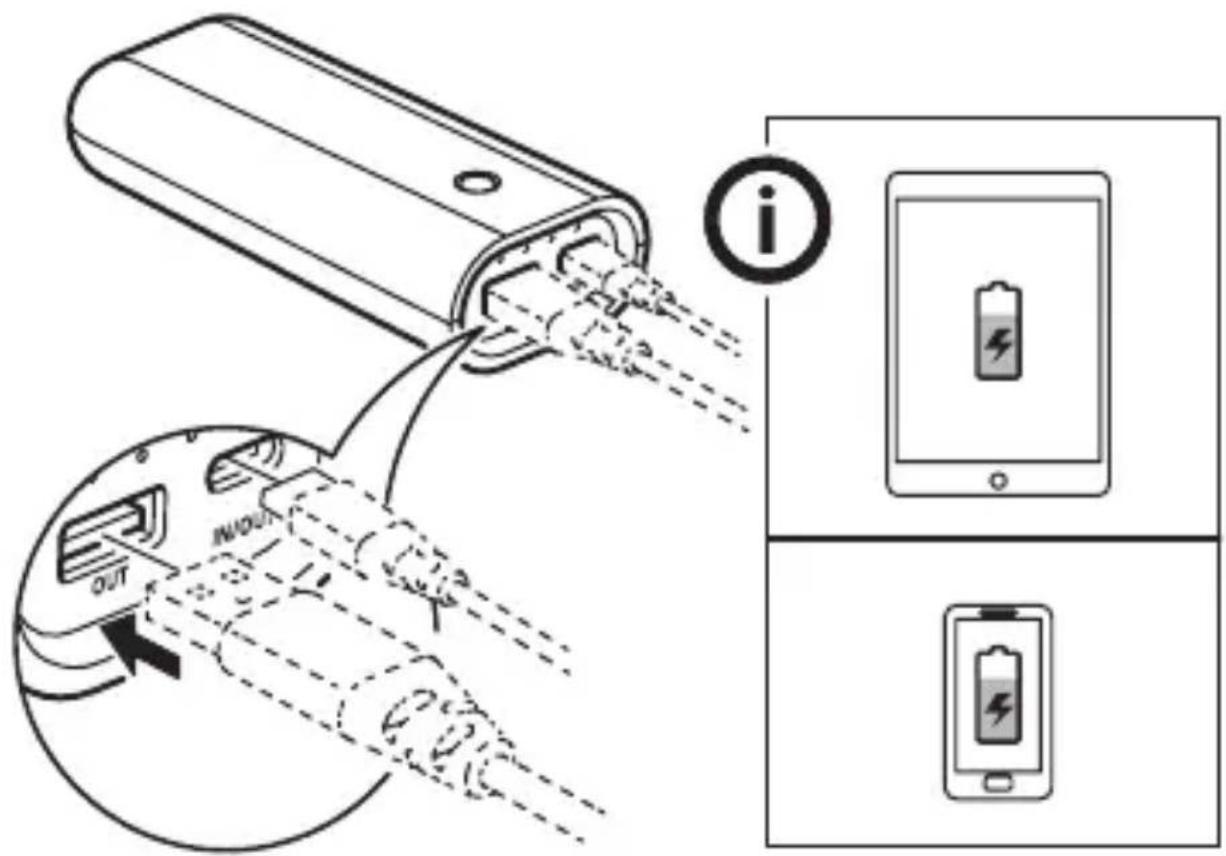
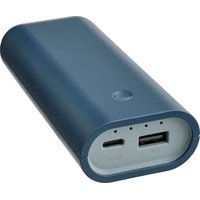
- POWER button
- LED indicators
- USB-C (charging and supply power)
- USB-A (only supply power)
Charging power bank
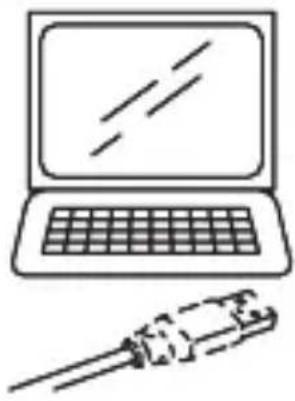
- Connect the USB-C cable to the USB-C port of the power bank first and then connect the USB cable to a USB-charger or USB-outlet that can provide sufficient power to charge the power bank. The LED indicators will display the charging status.
Supply power to devices
- Connect the USB cable to USB-C or USB-A port of the power bank first and then connect the USB-cable to your device that you want to charge.
- The power bank will detect a connected device and start charging automatically.
- The LED indicators will display the remaining charge in the power bank during discharging.
Power button function (E2037)
| Current mode | Sleeping mode | Charging mode | Supply power mode |
| Single press | Shows via LED the remaining charge and that USB-A is ready to use. | USB-A is ready to use. | No action |
| Double press | No action | No action | Stop supplying power |
| Long press | No action | No action | No action Switch to the small current supply power mode or back to normal supply power mode |
Check power status
- Click once on the POWER button and the LED indicators will light up and indicate the remaining power status.
- If the USB cable is not disconnected while the charging process finishes, push the POWER button first to restart the charging.
Small current supply mode
- Press the POWER button for 8 seconds when your device is being charged.
- The function is mainly used to charge certain wearable electronic devices. When charging a device that needs a charging current less than 100mA via a USB-A port, this mode should be activated. You can press the button for 3 seconds to exit this mode, it also automatically closes after 2 hours.
Good to know
- USB cable length and quality influences charging speed and performance.
• Devices may get warm during charging; this is completely normal and they will gradually cool down again after they are fully charged. - Charging time may vary based on the device's battery capacity, charge level, the age of the battery and the temperature in the surrounding area.
• Storage temperature: -10^ to 25^ .
• Power bank operating temperature: 0°C to 40°C. - Unplug the power bank from the power source before cleaning and when it is not in use.
• Power bank should not be left discharged for a longer period. - Power bank should not be charged while in contact with flammable materials like textiles.
WARNING
- Do not modify, disassemble, open, drop, crush, puncture or shred product.
- Only use in dry locations.
- Risk of fires and burns. Do not open, crush, heat above 60°C (140°F) or incinerate.
- Do not subject the product to wet, moist or excessively dusty environments since this can cause damage to the unit.
- Keep the product away from open flames or sunlight to prevent heat buildup.
- Keep the product away from high voltage devices.
- Children should be supervised to ensure they do not play with the product.
- Do not short-circuit the product or its cells.
- In the event of a cell leaking, do not allow the liquid to come in contact with the skin or eyes.
CARE INSTRUCTION
To clean the unit, wipe with a soft cloth moistened with a little mild detergent. Use another soft dry cloth to wipe dry.
Product servicing
Do not attempt to repair this product yourself. If you open or remove parts, you may expose yourself to dangerous voltage points or other risks.
TECHNICAL DATA
Type: E2037
Capacity: 5200mAh/18.72Wh
Input: 5.0Vdc, max 2.1A (USB-C)
Output: 5.0Vdc, 2.4A, 12W total (USB-C, USB-A)
When both ports are used at the same time, they share 5.0V/2.4A in total.
For indoor use only
Rechargeable Li-Ion battery cell inside.
Manufacturer: IKEA of Sweden AB
Address: Box 702 SE-343 81 Älmhult SWEDEN
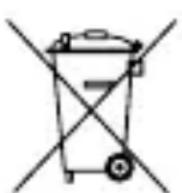
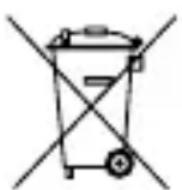
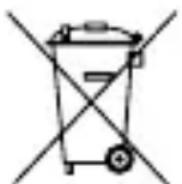
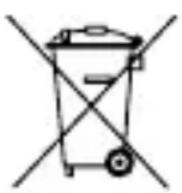
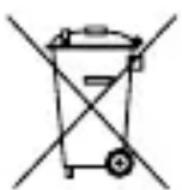
The crossed-out wheeled bin symbol indicates that the item should be disposed of separately from household waste.
The item should be handed in for recycling in accordance with local environmental regulations for waste disposal. By separating a marked item from household waste, you will help reduce the volume of waste sent to incinerators or land-fill and minimize any potential negative impact on human health and the environment. For more information, please contact your IKEA store.
Deutsch
Funktionen
Batterie rechargeable Li-ion incluse.
Fabricant: IKEA of Sweden AB
Adresse: Box 702, SE-343 81 Älmhult, SUÈDE
Producent: IKEA of Sweden AB
Framleiðandi: IKEA of Sweden AB
Heimilisfang: Box 702 SE-343 81 Älmhult SWEDEN
Output: 5.0 Vdc, 2.4 A, 12.0 W total (USB-C, USB-A)
Produsent: IKEA of Sweden AB
Adresse: Box 702, SE-343 81 Älmhult, SWEDEN
Producent: IKEA of Sweden AB
Adres: Box 702 SE-343 81 Älmhult SZWECJA
Sisend: 5.0 Vdc; max 2.1 A (USB-C)
Väljund: 5.0 Vdc; 2.4 A; kokku 12.0 W (USB-C, USB-A)
Tootja: IKEA of Sweden AB
Aadress: Box 702 SE-343 81 Älmhult SWEDEN
Capacitate: 5200mAh/18.72Wh
Putere intrare: 5.0Vdc, max 2.1A (USB-C)
Putere ieşire: 5.0Vdc, 2.4A, 12.0W total (USB-C, USB-A)
Kapasite: 5200mAh/18.72Wh