
URC 1110 - Remote control ONE FOR ALL - Free user manual and instructions
Find the device manual for free URC 1110 ONE FOR ALL in PDF.


| Product Type | Universal remote control for Apple TV |
| Brand | One For All |
| Model | URC 1110 |
| Power Supply | 2 AAA alkaline batteries (not included) |
| Main Functions | Navigation (up/down/left/right), volume, Siri, playback control, TV guide, power on/standby |
| Compatibility | Apple TV HD and Apple TV 4K (tvOS 14.3 or later) |
| Pairing Range | 8 to 10 cm |
| Warranty | 3 years |
| Care and Cleaning | Clean with a soft, dry cloth; do not use abrasive products. |
| Safety | Do not expose to moisture; respect battery polarity; do not dispose of with household waste. |
| Spare Parts and Repairability | Contact customer service or www.oneforall.com/support |
| General Information | Works only with Apple TV; tvOS update required; WEEE compliant recycling. |
Frequently Asked Questions - URC 1110 ONE FOR ALL
User questions about URC 1110 ONE FOR ALL
0 question about this device. Answer the ones you know or ask your own.
Ask a new question about this device
Download the instructions for your Remote control in PDF format for free! Find your manual URC 1110 - ONE FOR ALL and take your electronic device back in hand. On this page are published all the documents necessary for the use of your device. URC 1110 by ONE FOR ALL.
USER MANUAL URC 1110 ONE FOR ALL
APPLE TV REPLACEMENT REMOTE
ENGLISH DEUTSCH FRANÇAIS
natural_image
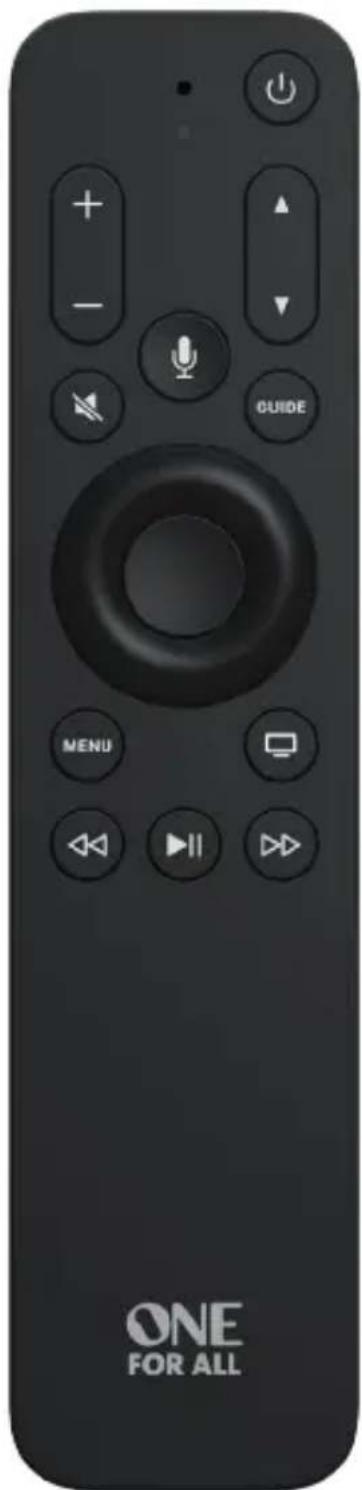
Black remote control with playback buttons and a 'ONE FOR ALL' text (no other signage or symbols)User Manual
Getting Started
You can pair your remote with only one Apple TV at a time. When you pair a remote, any previously paired remote is automatically unpaired.
This remote works only with Apple TV HD and Apple TV 4K.
- IMPORTANT Update your Apple TV to tvOS 14.3 or later.
- Insert 2 x AAA alkaline batteries. Match the + and - polarity marks.
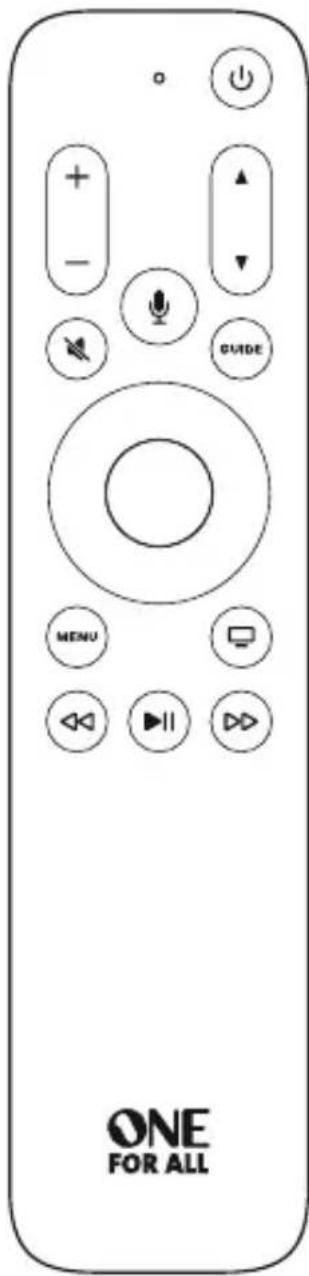
- Move the remote within 3 to 4 inches (8 to 10 cm) of your Apple TV.
- Press any button.
- If Apple TV does not respond, press and hold MENU and + for 5 seconds to place the remote into pairing mode.
When you've paired your remote, a message appears on Apple TV.
To use the navigation buttons:
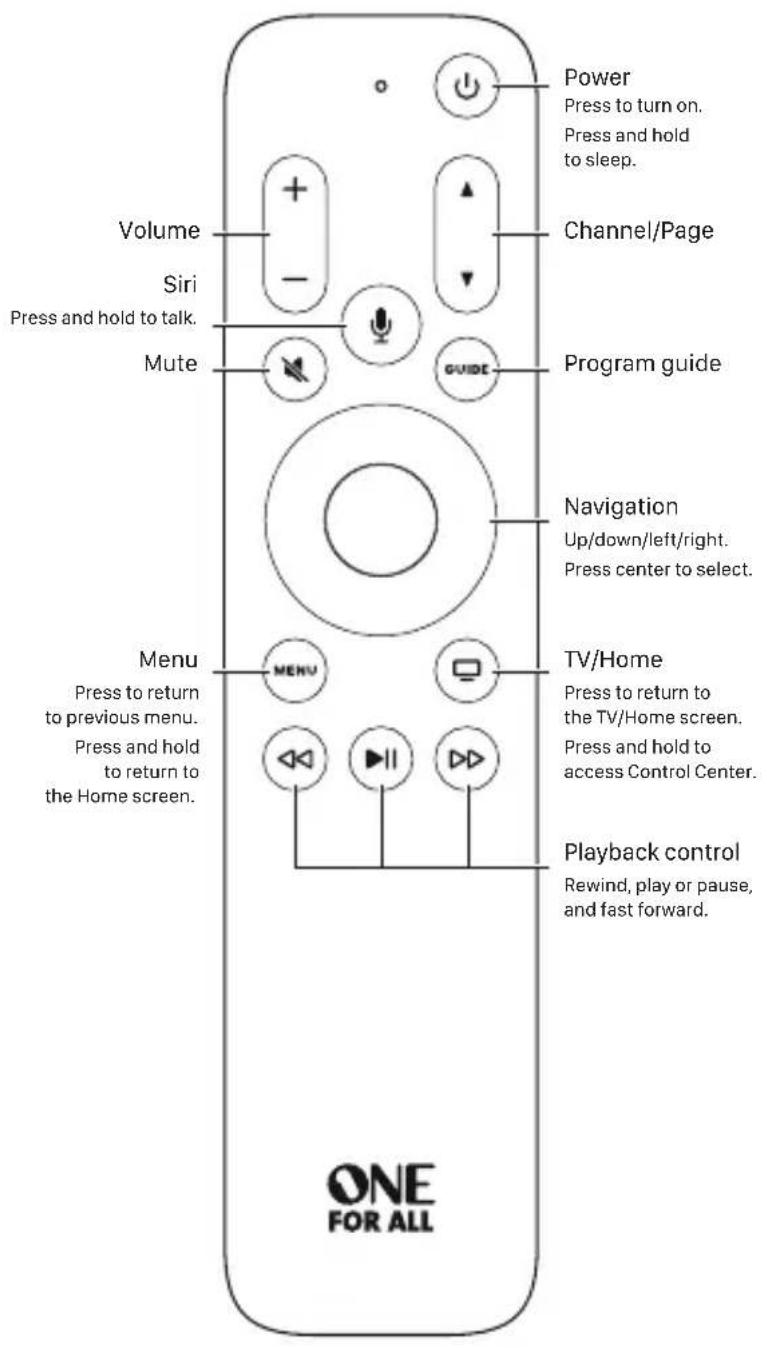
- Press left, right, up, or down to navigate Apple TV menus.
- Press the center button to select a menu item, or press and hold to access a contextual menu.
- During playback, do any of the following:
- Press left to skip backward, or press right to skip forward.
- Press left and hold to rewind, or press right and hold to fast forward.
- Press Select or to resume playback.
To use the remote buttons:
- Press ⏻ to turn on Apple TV. Press and hold to sleep Apple TV.
- Press and hold 🖼 to activate Siri. Hold down the Siri button until you finish speaking.
- Press ▲ or ▼ to change channels while watching your TV provider's channels, or to move a page up or down in the programming guide.
- Press to access your TV Provider's program guide.
- Press + or to adjust the volume of your TV or home theater system.
- Press to mute audio. Press again to unmute.
- Press to return to the previous menu. Press and hold to return to the Home screen.
- Press to go to the TV/Home screen.
- Press twice quickly to view open apps. To close an app, navigate left or right to app, then press Up twice quickly.
- Press and hold to access Control Center.
- Press to play or pause a TV show, movie, song, or slideshow.
- Press on to rewind or fast forward 2x/4x/8x, or press and hold to seek during content playback.
Learn more
The Apple TV User Guide contains comprehensive and up-to-date product information. Go to help.apple.com/appletv.
For support go to www.oneforall.com/support
Benutzerhandbuch
Erste Schritte
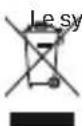
crossed out wheeled bin symbol on this product ensures
that this product is manufactured using high quality components that can be recycled and reused according European Directive 2012/19/EU. Please do not dispose of this product with your normal household waste, refer to local regulations for the proper collection or disposal of electrical and electronic products. This will help this will help in preventing negative effects on the environment and/or human health.
BATTERY DISPOSAL (EUROPEAN DIRECTIVE 2006/66/EC)
Please do not dispose of your batteries with your normal household waste, refer to local regulations for the proper collection or disposal. This will help preventing potential negative effects on the environment and/or human health.
GUARANTEE TERMS AND CONDITIONS UNIVERSAL ELECTRONICS
warrants to the original purchaser that this product will be free from defects in materials and workmanship under normal and correct use for a period of 3 years from the date of original purchase. This product will be repaired or if necessary, replaced free of charge if it has been proven to be defective within the 3 year warranty period. The forwarding costs are on the account of the owner; the costs of returning the product are on the account of UNIVERSAL ELECTRONICS.
This warranty does not cover damage or failures caused by products or services not supplied by UNIVERSAL ELECTRONICS, or which result from not mounting the product according to manual instructions. This also applies when the product has been modified / repaired by others than UNIVERSAL ELECTRONICS or if a fault is the result of accident, misuse, abuse, neglect, mishandling, misapplication, faulty installation, improper maintenance, alteration, modifications, fire, water, lightning, natural disasters, wrong use or carelessness.
To obtain warranty service during the warranty period contact [...], and please note that we need your original purchase receipt so that we may establish your eligibility for service. If you have bought this product for purposes which are not related to your trade, business or profession, you may have legal rights under your national legislation governing the sale of consumer goods. This guarantee does not affect those rights. www.oneforall.com
GARANTIEBEDINGUNGEN
INFORMATIONS SUR LA GARANTIE
MISE AU REBUT DU PRODUIT (DIRECTIVE EUROPÉENNE 2012/19/EU)
Operating Frequency: 2402MHz to 2480MHz;
Power Class < 10mW; EIRP 8.71dBm
Hereby, Universal Electronics BV declares that the radio equipment model UEI-R39000/URC 1110 is in compliance with Directive 2014/53/EU. The full text of the EU declaration of conformity is available at the following INTERNET address:
https://www.oneforall.com/documents
SAFETY INSTRUCTION
Caution Please read all safety instructions to ensure personal safety and prevent damage to equipment.
WARNING
- Do not place remote control in fire or near a source of heat.
- Keep the battery and/or the remote control away from direct sunlight, moist or any source of heat.
- Do not disassemble the remote control.
- Risk of explosion if any of the batteries are replaced by an incorrect type.
• Always use new batteries for replacement. - Disposal of a battery into fire or a hot oven, or mechanically crushing or cutting of a battery can result in an explosion.
- Do not leave the battery in an extreme environment such as high temperature or low air pressure. This may result to explosion or leakage of hazardous substances.
© 2024 Universal Electronics Inc.
All rights reserved.
Apple, Apple TV and Siri are trademarks of Apple Inc.
registered in the U.S. and other countries.
Universal Electronics BV – Europe & International
P.O. Box 3332, 7500 DH Enschede, The Netherlands
- APPLE TV REPLACEMENT REMOTE
- User Manual
- Getting Started
- To use the navigation buttons:
- To use the remote buttons:
- Learn more
- Erste Schritte
- BATTERY DISPOSAL (EUROPEAN DIRECTIVE 2006/66/EC)
- GUARANTEE TERMS AND CONDITIONS UNIVERSAL ELECTRONICS
- GARANTIEBEDINGUNGEN
- INFORMATIONS SUR LA GARANTIE
- SAFETY INSTRUCTION
- WARNING
Brand : ONE FOR ALL
Model : URC 1110
Category : Remote control