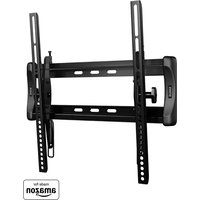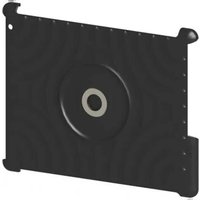
VTM7 - Flat screen mount SANUS - Free user manual and instructions
Find the device manual for free VTM7 SANUS in PDF.


User questions about VTM7 SANUS
0 question about this device. Answer the ones you know or ask your own.
Ask a new question about this device
Download the instructions for your Flat screen mount in PDF format for free! Find your manual VTM7 - SANUS and take your electronic device back in hand. On this page are published all the documents necessary for the use of your device. VTM7 by SANUS.
USER MANUAL VTM7 SANUS
IMPORTANT SAFETY INSTRUCTIONS – SAVE THESE INSTRUCTIONS – PLEASE READ ENTIRE MANUAL PRIOR TO USE
We are here to help!
Please contact Customer Service with any questions.
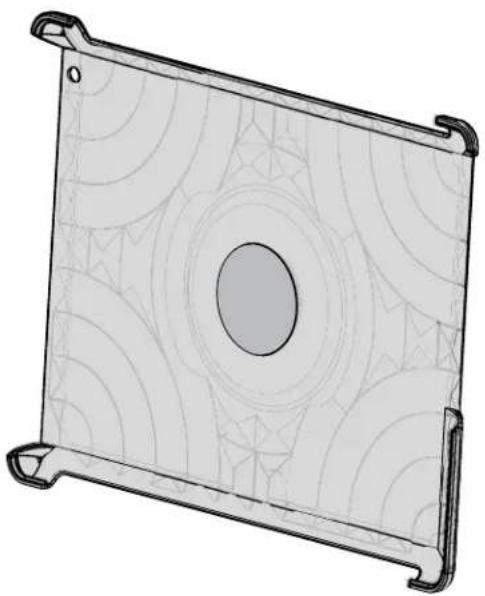
natural_image
Technical line drawing of a rectangular electronic component with concentric circular patterns and mounting brackets (no text or symbols)-sanus.com
Customer Service
Americas: 800-359-5520 • 952-225-6013 • info@sanus.com
Europe, Middle East, and Africa: +31 (0) 495 580 852 • europe.sanus@milestone.com
Asia Pacifi c: 86 755 8996 9226 • sanus.ap@milestone.com
SANUS • 6436 City West Parkway • Eden Prairie, MN 55344 USA
©2012 Milestone AV Technologies, a Duchossois Group Company. All rights reserved. Sanus is a division of Milestone.
All other brand names or marks are used for identification purposes and are trademarks of their respective owners.
English - How to use this manual
For best results, reference both the text and illustrations.
English Text Pages 3-5
This product is only compatible with the 2nd and 3rd generation iPad® tablets - including iPad® tablets in a smart cover.
CAUTION: Avoid potential personal injuries and property damage!
Do not use this product for any purpose not explicitly specified by manufacturer.
■ Manufacturer is not responsible for damage or injury caused by incorrect use.
WARNING: This product contains a magnet. If an implanted medical device such as a pacemaker or implantable cardioverter defi brillator (ICD) is in use, magnetic fi elds may affect the operation of those devices, resulting in serious injury or death. If you have an implanted medical device, keep at least 13 cm (5 in.) between your device and the magnet. Please consult with your physician or medical professional prior to using this product.
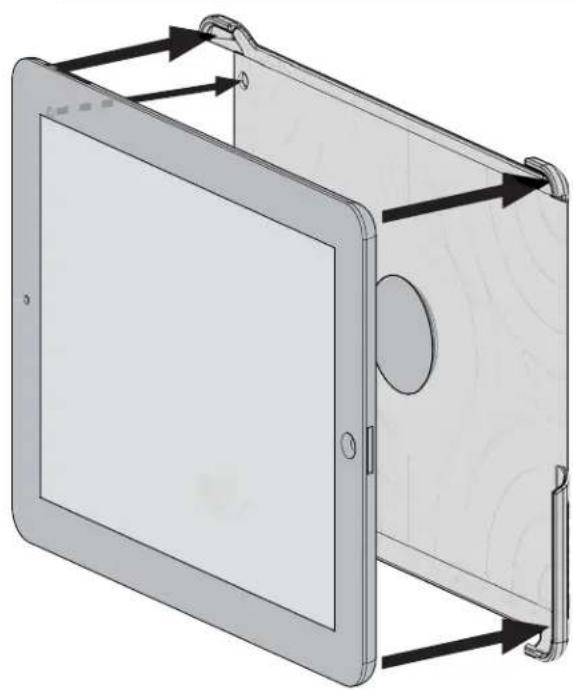
Install iPad® in Holder
Press the iPad ^® into the holder making sure the corners of the holder fit over the corners of the iPad ^® and that the iPad ^® is secure.
natural_image
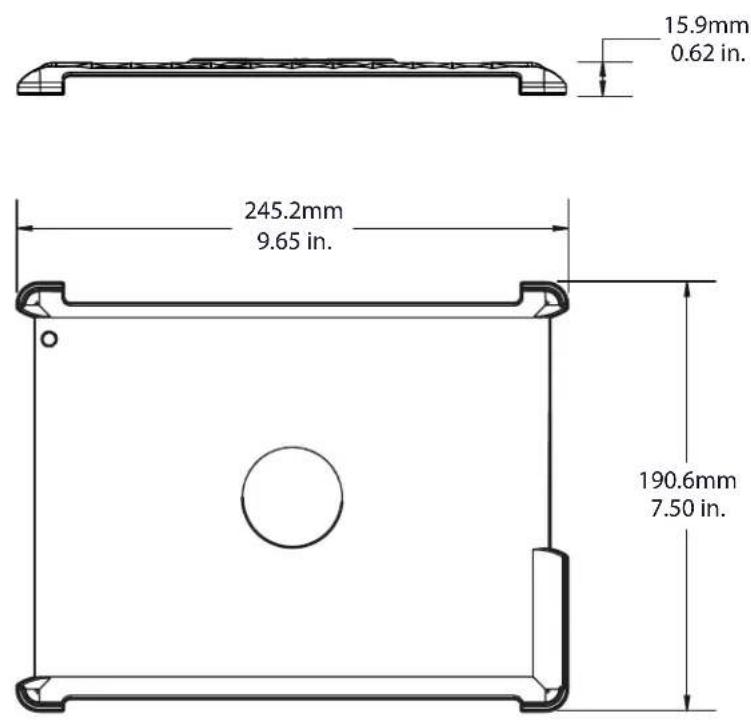
3D diagram of a tablet device with visible screen and mounting bracket (no text or symbols)Specifications
Français
CONSIGNES DE SÉCURITÉ IMPORTANTES – CONSERVEZ CES INSTRUCTIONS – VEUILLEZ LIRE ATTENTIVEMENT LE MANUEL AVANT D'UTILISER CE PRODUIT
Milestone AV Technologies and its affiliated corporations and subsidiaries (collectively, "Milestone"), intend to make this manual accurate and complete. However, Milestone makes no claim that the information contained herein covers all details, conditions, or variations. Nor does it provide for every possible contingency in connection with the installation or use of this product. The information contained in this document is subject to change without notice or obligation of any kind. Milestone makes no representation of warranty, expressed or implied, regarding the information contained herein. Milestone assumes no responsibility for accuracy, completeness or sufficiency of the information contained in this document.