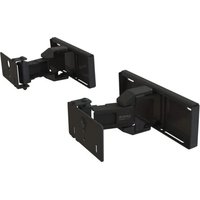
WSBWM1 - Speaker stands SANUS - Free user manual and instructions
Find the device manual for free WSBWM1 SANUS in PDF.


| Product Type | Wall mount for soundbar |
| Brand | Sanus |
| Model | WSBWM1 |
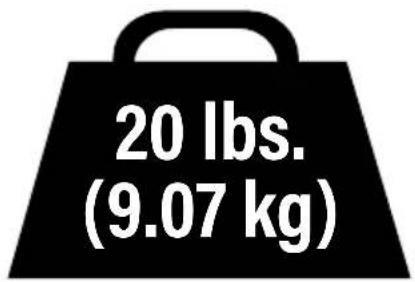
| Maximum load capacity | 9.07 kg (20 lb) |
| Materials | Steel |
| Compatible wall types | Wood studs, drywall, solid concrete, concrete block |
| Package dimensions | Approximately 25 x 15 x 5 cm (estimate) |
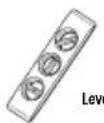
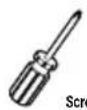
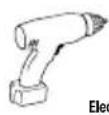
| Required tools | Pencil, level, power drill, screwdriver, appropriate drill bits |
| Included parts | Wall plates, soundbar brackets, screws, anchors |
| Adjustability | Extension and retraction possible with adjustable tension |
| Intended use | Securing a soundbar to the wall indoors |
| Care and cleaning | Clean with a soft dry cloth. Do not use abrasive products. |
| Safety | Do not exceed maximum load. Check wall strength. Use appropriate anchors. |
| Repairability | Spare parts available from manufacturer. Contact customer service. |
Frequently Asked Questions - WSBWM1 SANUS
User questions about WSBWM1 SANUS
0 question about this device. Answer the ones you know or ask your own.
Ask a new question about this device
Download the instructions for your Speaker stands in PDF format for free! Find your manual WSBWM1 - SANUS and take your electronic device back in hand. On this page are published all the documents necessary for the use of your device. WSBWM1 by SANUS.
USER MANUAL WSBWM1 SANUS
WE'RE HERE TO HELP
If you have any questions along the way, our install experts are standing by to help.

Call us at: US: +1 (800) 359-5520
EMEA: +31 (0) 495 580 852
UK: +44 (0) 800 056 2853

Or, chat at: US: SANUS.com/chatSP
IMPORTANT SAFETY INSTRUCTIONS
READ ENTIRE MANUAL PRIOR TO USE. SAVE THESE INSTRUCTIONS.
Before getting started, let's make sure this product is perfect for you!
▲ CAUTION: To avoid potential personal injuries and property damage:
- Please read through these instructions completely to be sure you're comfortable with this easy install process.
. This product is designed for use with wood studs, solid concrete and concrete block walls, and drywall only.
Do not use this product for any purpose not explicitly specified by manufacturer.
. Manufacturer is not responsible for damage or injury caused by incorrect assembly or use. - If you do not understand these instructions or have doubts about the safety of the installation, assembly or use of this product, contact Customer Service.
Weight Limit
DO NOT EXCEED
Tools Needed
Drywall Install
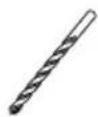
Drill Bit
Wood Stud Install
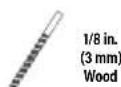
Drill Bit
Concrete Install
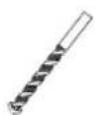
13/32 in.
(10 mm)
Concrete
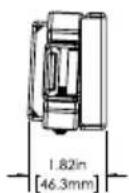
DIMENSIONS
WALL PLATE
![5.98in [151.8mm] 0.83in [21.1mm] 2.21in [56.1mm] 1.50in [38mm]](/content/2026/04/673674/images/85638be946d364132ab90799146c8dbe917685a2582f49bc5ea2123a4edf6641.jpg)
![7.24in [183.8mm] 2.72in [69.1mm]](/content/2026/04/673674/images/ddc6de2e19d23f876b8e2e643bfd07dd6567ba0ea80c6ab766c16f82166d1a84.jpg)
SIDE VIEW - EXTENDED
![5.65m [143.5mm]](/content/2026/04/673674/images/e9427e47b9a0f13c2b23a411e4e07bf582a446b75727420806ce210e2b85cdb3.jpg)
SOUNDBAR INTERFACE
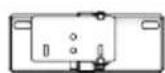
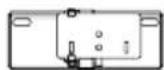
TOP VIEW - RETRACTED
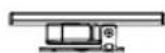
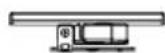
TOP VIEW - EXTENDED
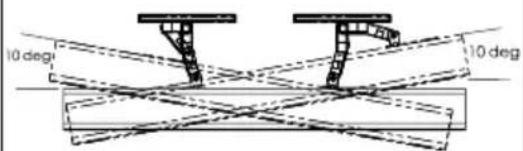
SIDE VIEW RETRACTED
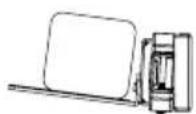
FULLY ASSEMBLED MOUNT
SUPPLIED PARTS AND HARDWARE
WARNING: This product contains small items that could be a choking hazard if swallowed.
Before starting assembly, verify all parts are included and undamaged. If any parts are missing or damaged, DO NOT return the damaged item to your dealer; Contact Sanus (See back page).
Never use damaged parts!

NOTE: Not all hardware included in this kit will be used.
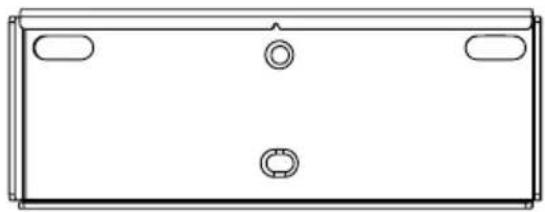
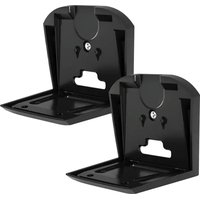
Wall Plate
1 (qty. 2)
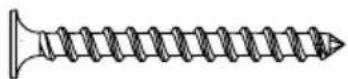
08 Screw
2 (qty. 4)
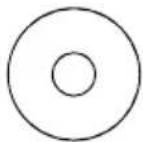
Washer (#8 Screw)
3 (qty. 4)
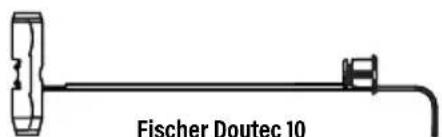
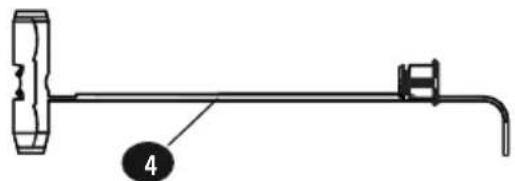
Fischer Doutec 10 Drywall/Concrete Anchor
4 (qty. 4)
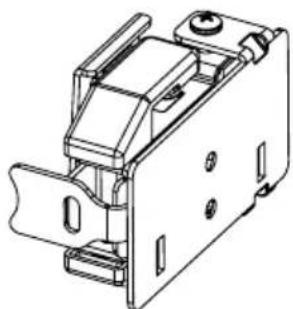
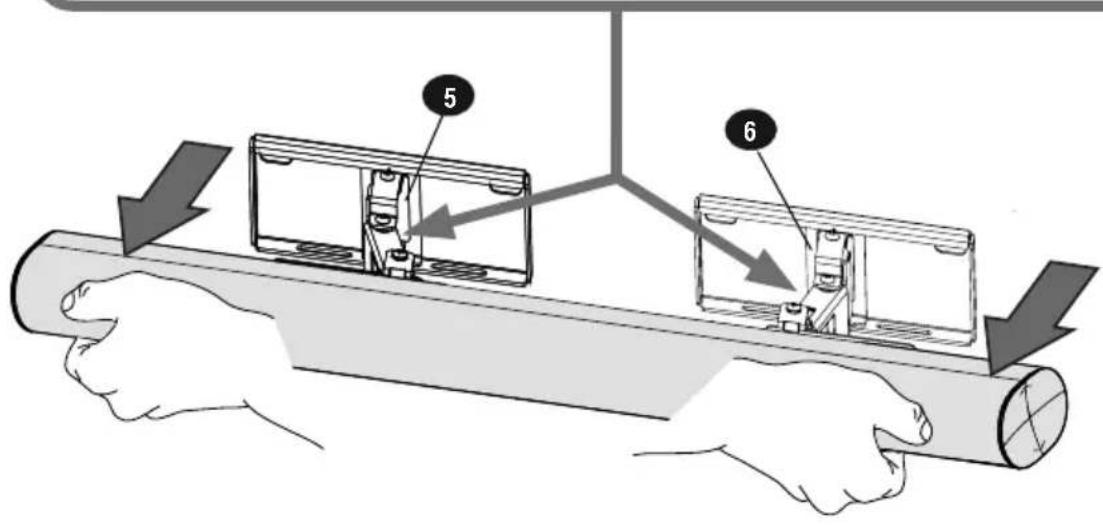
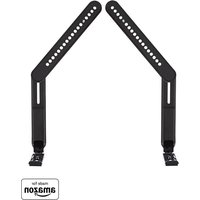
Left Soundbar Bracket
5 (qty. 1)
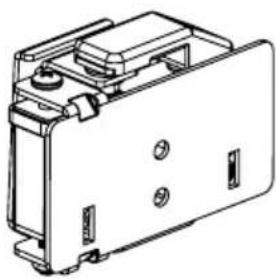
Right Soundbar Bracket
6 (qty. 1)
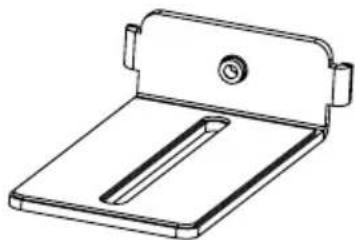
Under Mounting Bracket
7 (qty. 2)

M5 X 8mm Screw
8 (qty. 2)

M4 Screw
9 (qty. 2)
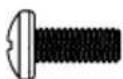
M4 Short Screw
(M4 X 10 mm)

M5 Short Screw
(M5 X 10 mm)
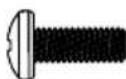
M6 Screw
(M6 X 16 mm)
Soundbar Screws
(Only one size fits your Soundbar)
10 (qty. 2 each)
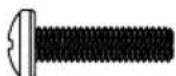
M4 Long Screw
(M4 X 16 mm)
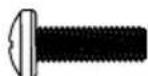
M5 Long Screw
(M5 X 16 mm)
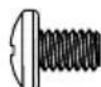
1/4-20 Screw

Washer
11 (qty. 2)

Spacer
12 (qty. 4)
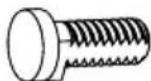
Short Keyhole Screw
13 (qty. 2)
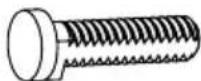
Long Keyhole Screw
14 (qty. 2)
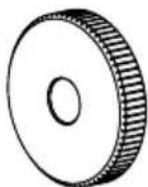
Keyhole Nut
15 (qty. 2)
1 WIDTH LOCATION
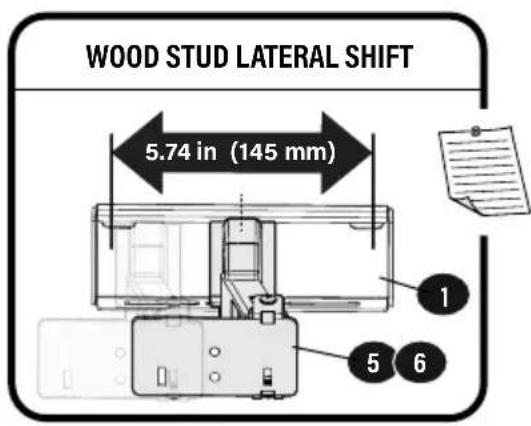
The width W between the center of the wall plates 1 should match the width of the space between the soundbar mounting holes.
![graph TD A["Component 1"] --> B["Load W"] C["Component 2"] --> D["Load W"] B --> E["Return to Component 1"] D --> F["Return to Component 2"] E --> G["Return to Component 3"] F --> H["Return to Component 4"]](/content/2026/04/673674/images/58d900d6f367561be5114db06eceea01e0e530ce78bbbf6b595a8dbc37b1e740.jpg)
2 HEIGHT LOCATION
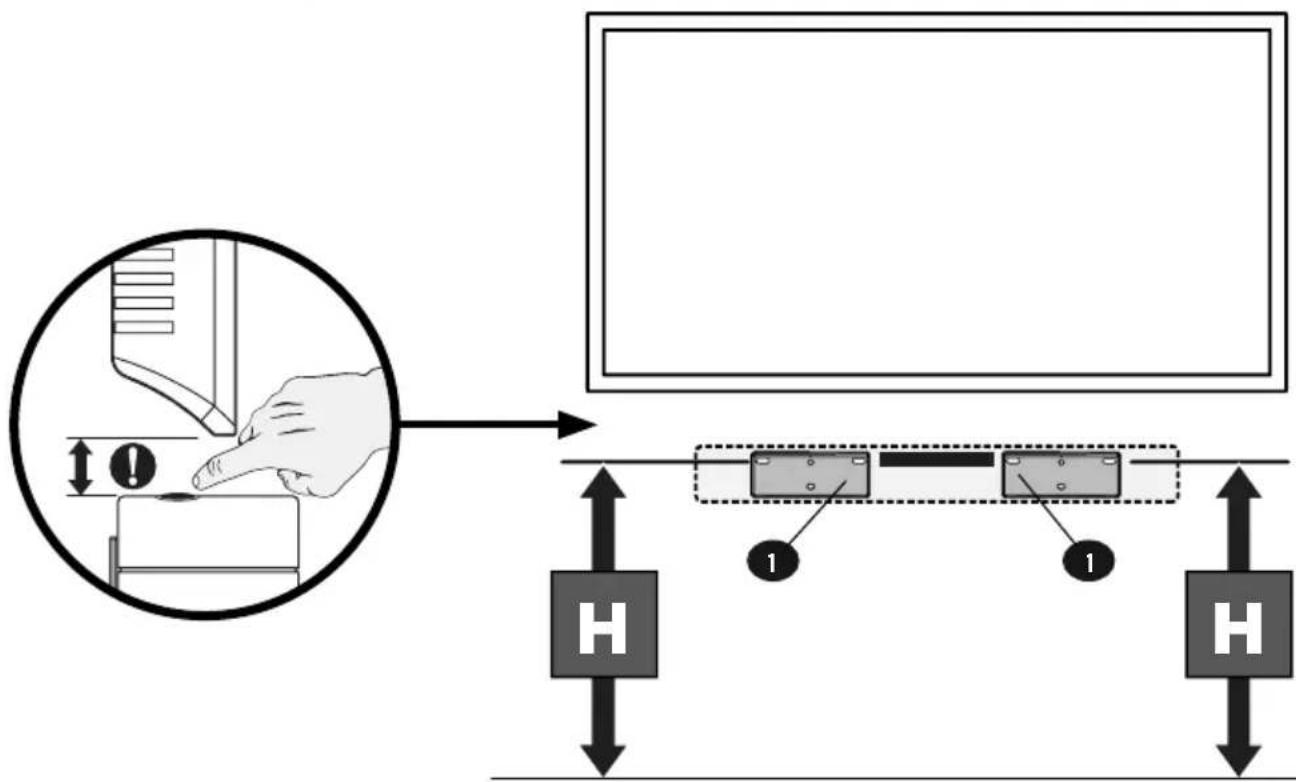
IMPORTANT

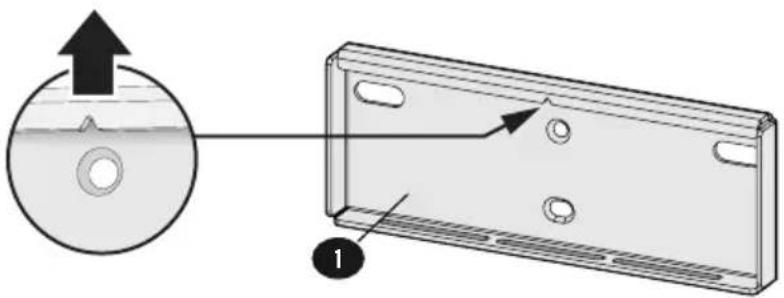
Wall plates
1 MUST be placed at equal heights.
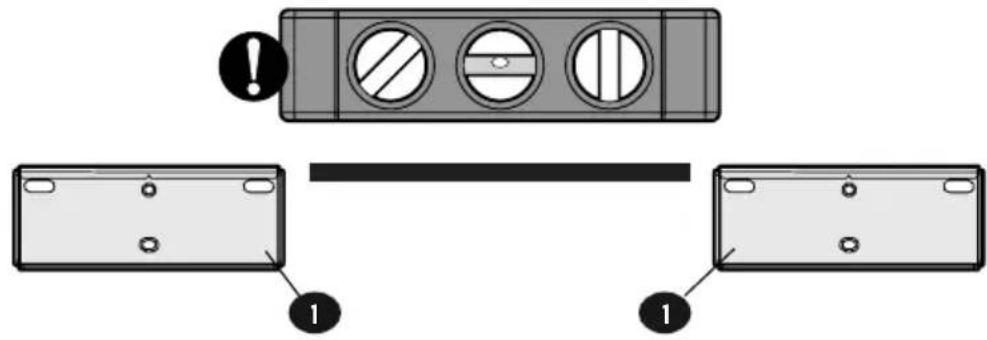

Note the orientation
of Wall plates 1.

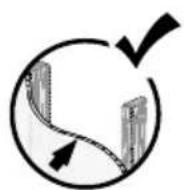
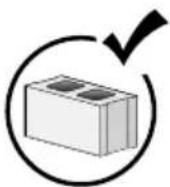
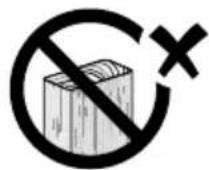
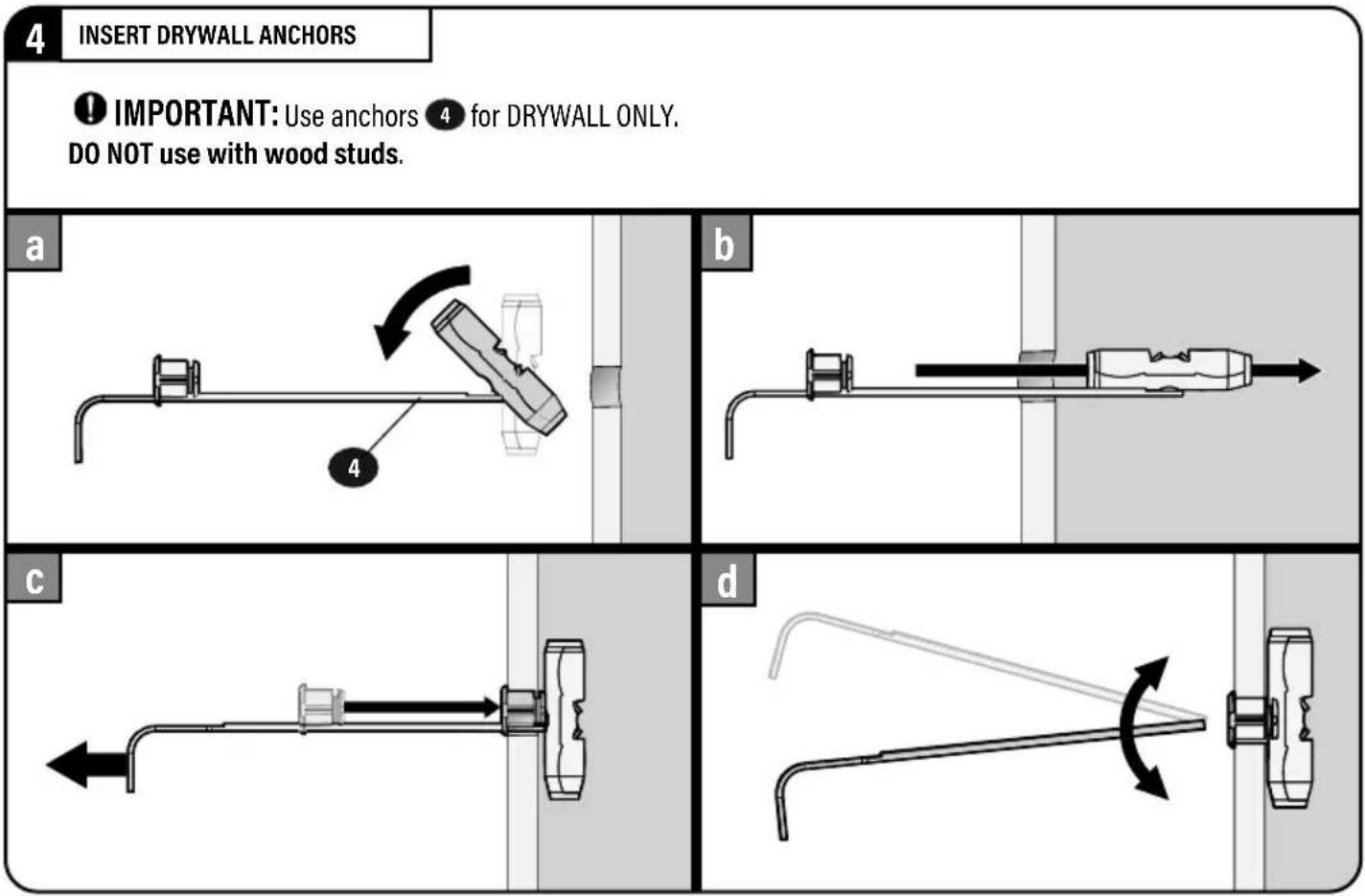
Use anchors 4
for drywall or concrete only.
DO NOT USE
with wood studs.
Follow the step for your wall type:
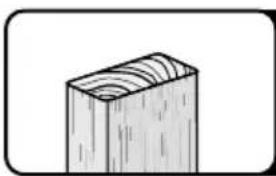
For WOOD STUD
Go to STEP 2A on PAGE 6
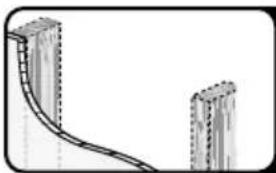
For DRYWALL ONLY, or UNSURE of stud location
Go to STEP 2B on PAGE 7
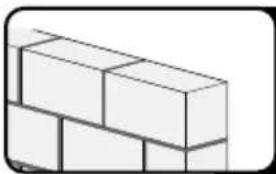
For CONCRETE Block / Solid Concrete
Go to STEP 2C on PAGE 9
▲CAUTION: Avoid potential personal injury or property damage!
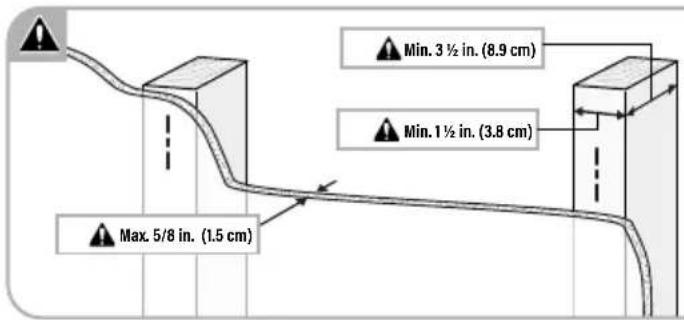
● Drywall covering the wall must not exceed 5/8 in. (1.5 cm)
- Minimum wood stud size: nominal 2 x 4 in. (5.1 x 10.2 cm) actual 1 ½ x 3 ½ in. (3.8 x 8.9 cm)
• Stud centers must be verified

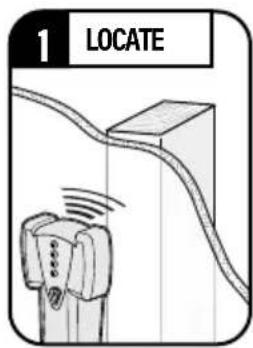
NOTE: This installation is for mounting wall plate to a confirmed wooden stud.
See Step 2B for drywall installation without a confirmed wooden stud.
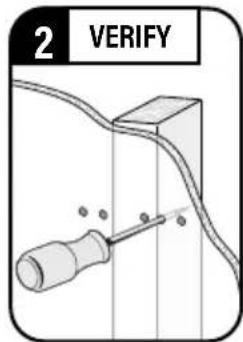
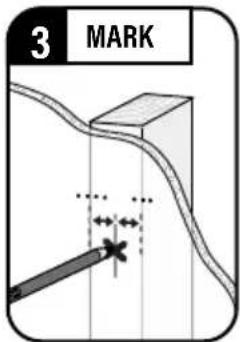
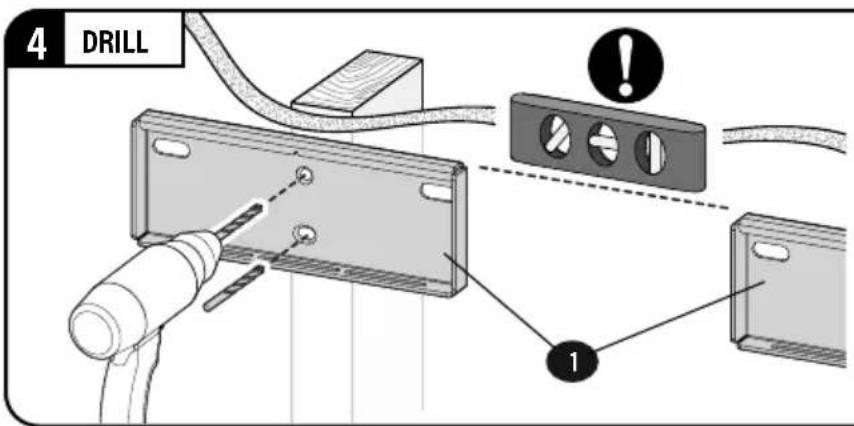
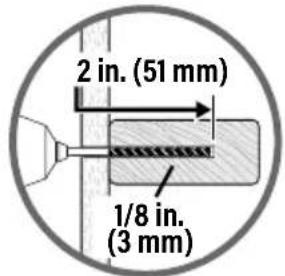
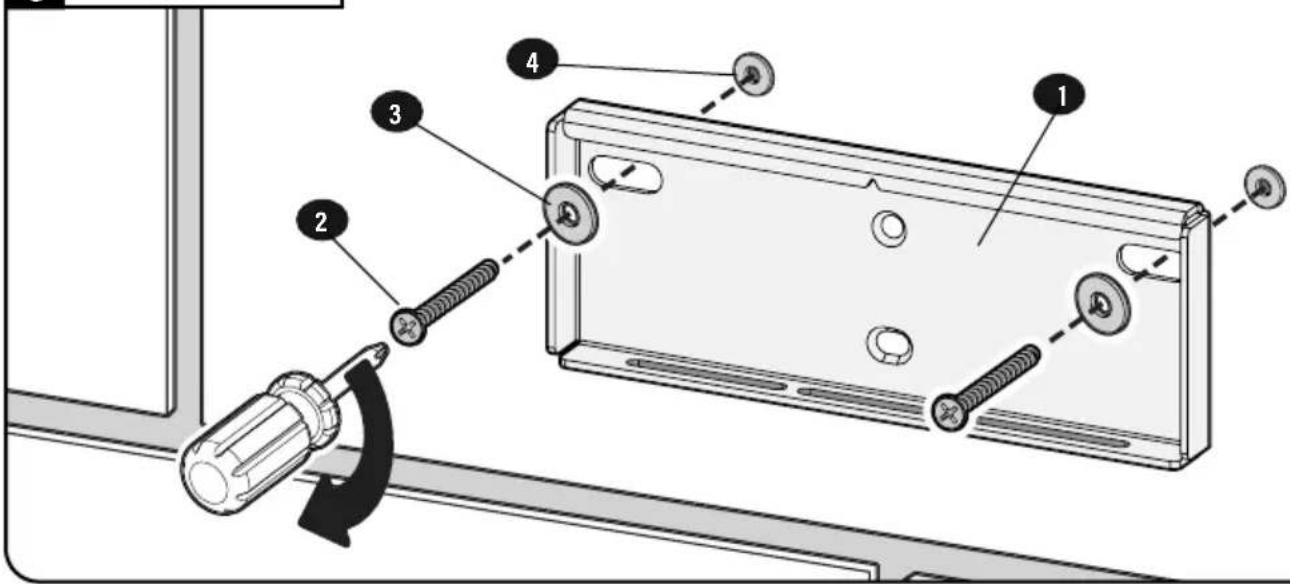
Use wall plates ① as a guide. Drill 1/8 in. (3 mm) holes to a depth of 2 inches.
CAUTION: Avoid potential personal injury or property damage!
● Drywall covering the wall must not exceed 1/2 in. (1.2 cm).
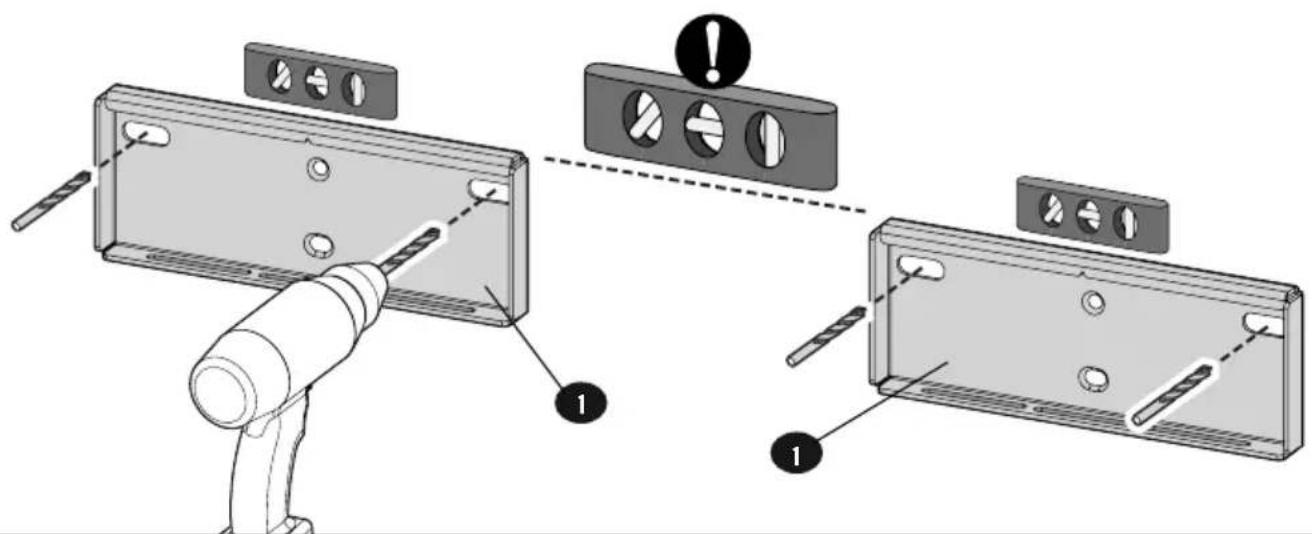
- IMPORTANT: Ensure wall plates 1 are level before drilling.
1 DRILL PILOT HOLES
Use wall plates 1 as a guide. Drill 1/8 in. (3 mm) pilot holes to verify your wall.
2 VERIFY WALL
If pilot hole
is located
ON A STUD,
proceed to
Step 5 on PAGE 8.
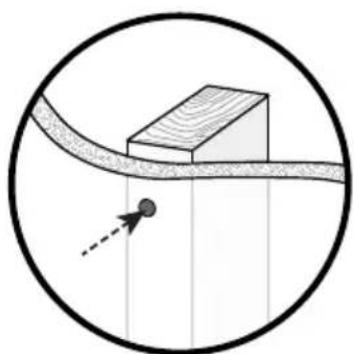
If pilot hole is located in DRYWALL ONLY,
proceed to
Step 3 below.
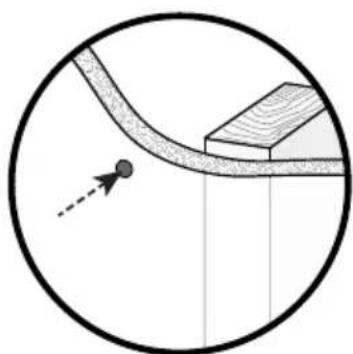
3 DRILL DRYWALL
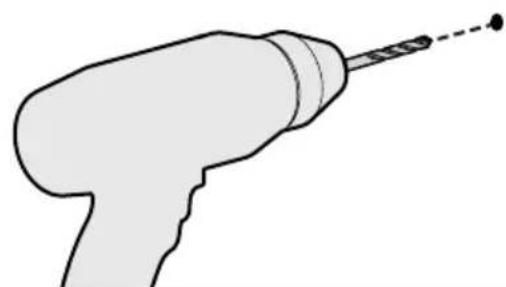
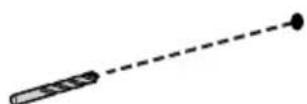
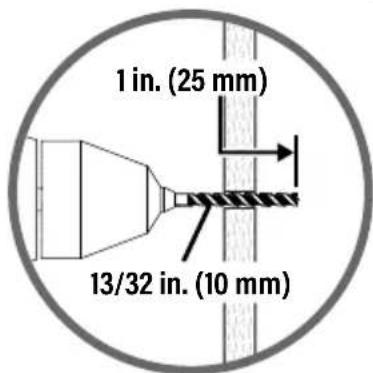
Drill 13/32 in. (10 mm) holes in pilot holes located in drywall.
CAUTION: Avoid
potential personal injury or property damage!
● Minimum solid concrete thickness: 8 in. (20.3 cm)
● Minimum concrete block size: 8 x 8 x 16 in. (20.3 x 20.3 x 40.6 cm)
IMPORTANT: Ensure wall plates 1 are level before drilling.
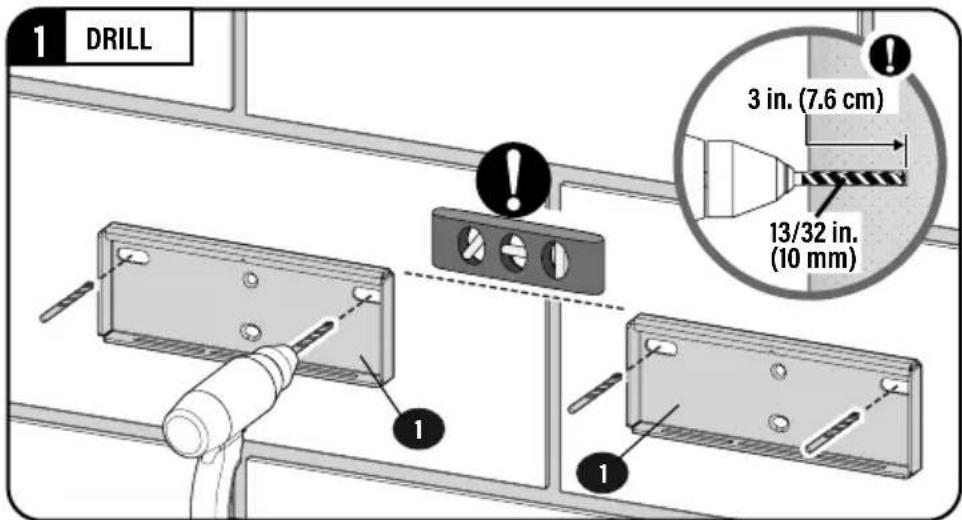
2 INSERT CONCRETE ANCHORS
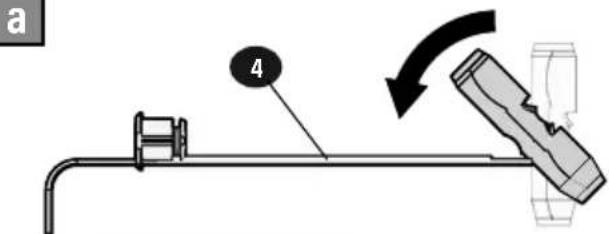
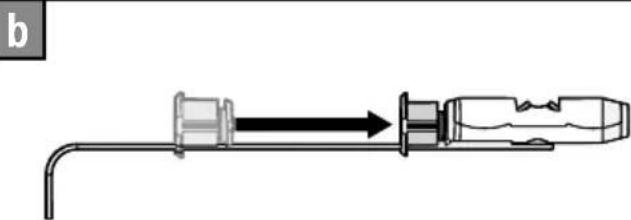
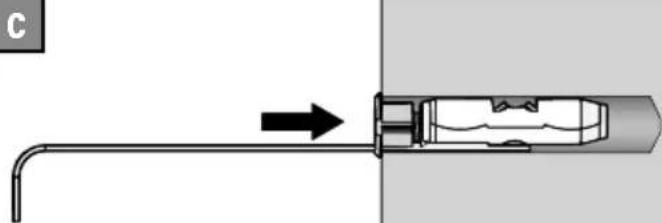
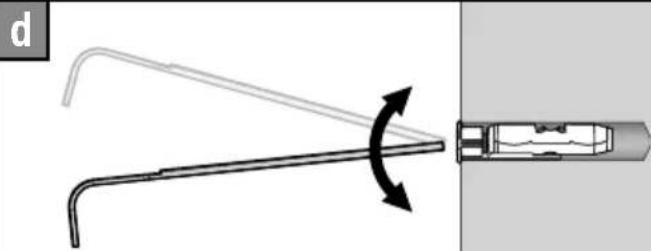
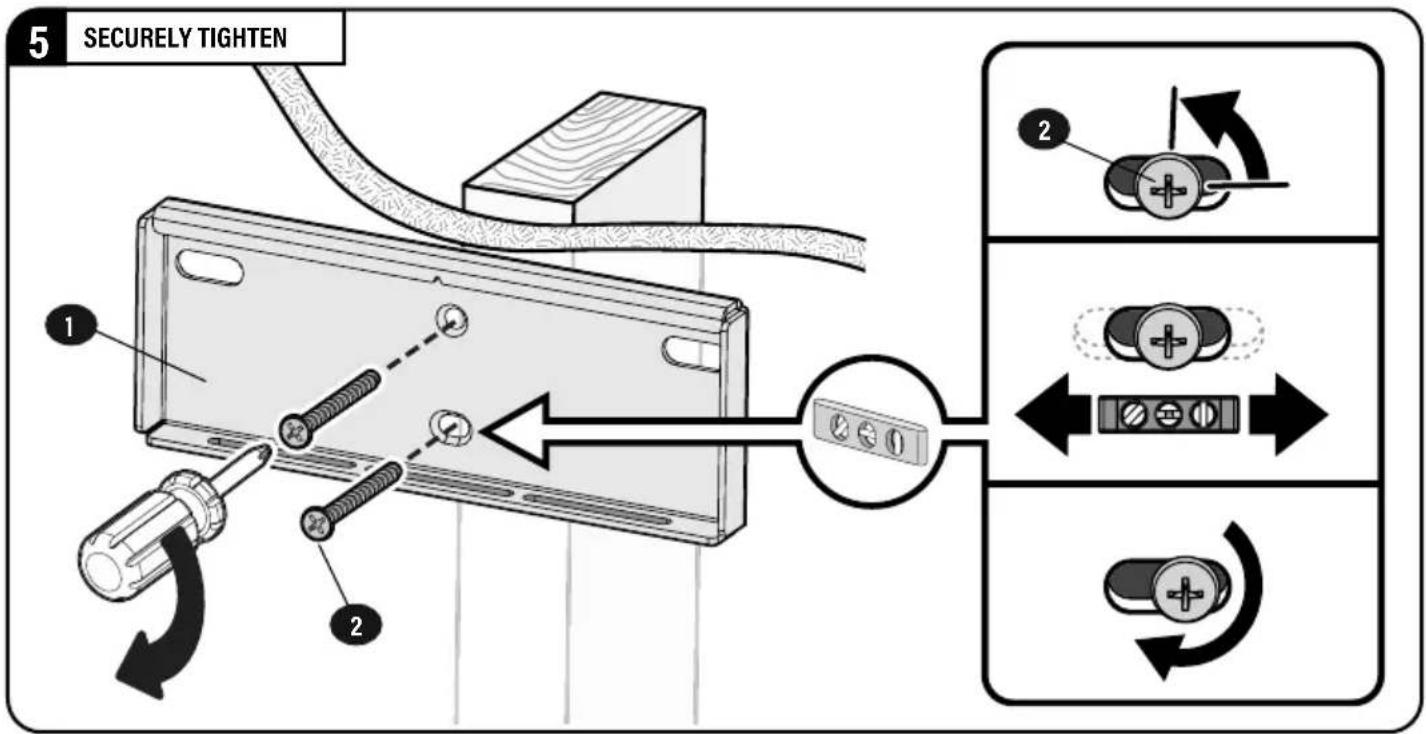
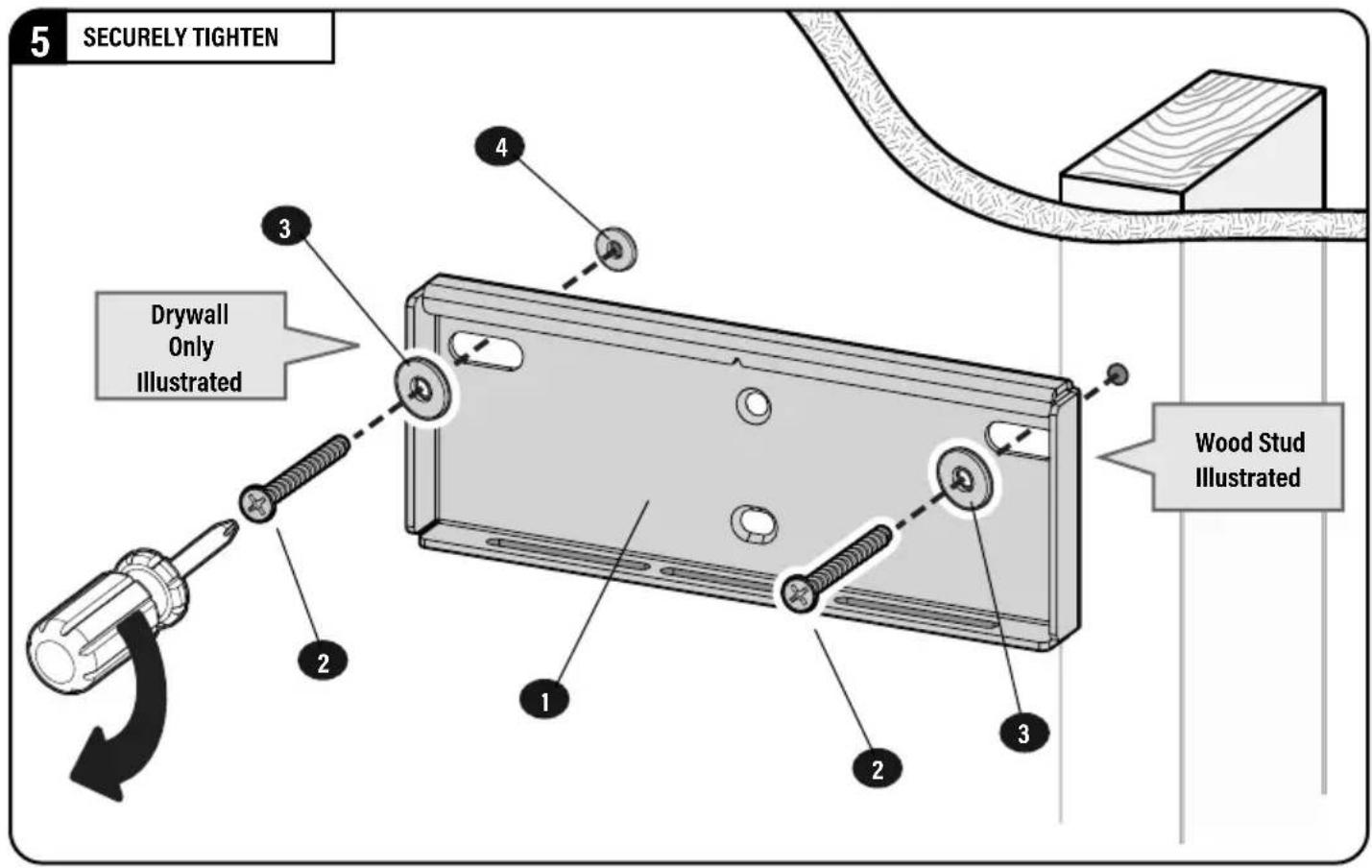
3 SECURELY TIGHTEN
STEP 3
ATTACH SOUNDBAR TO SOUNDBAR MOUNTS
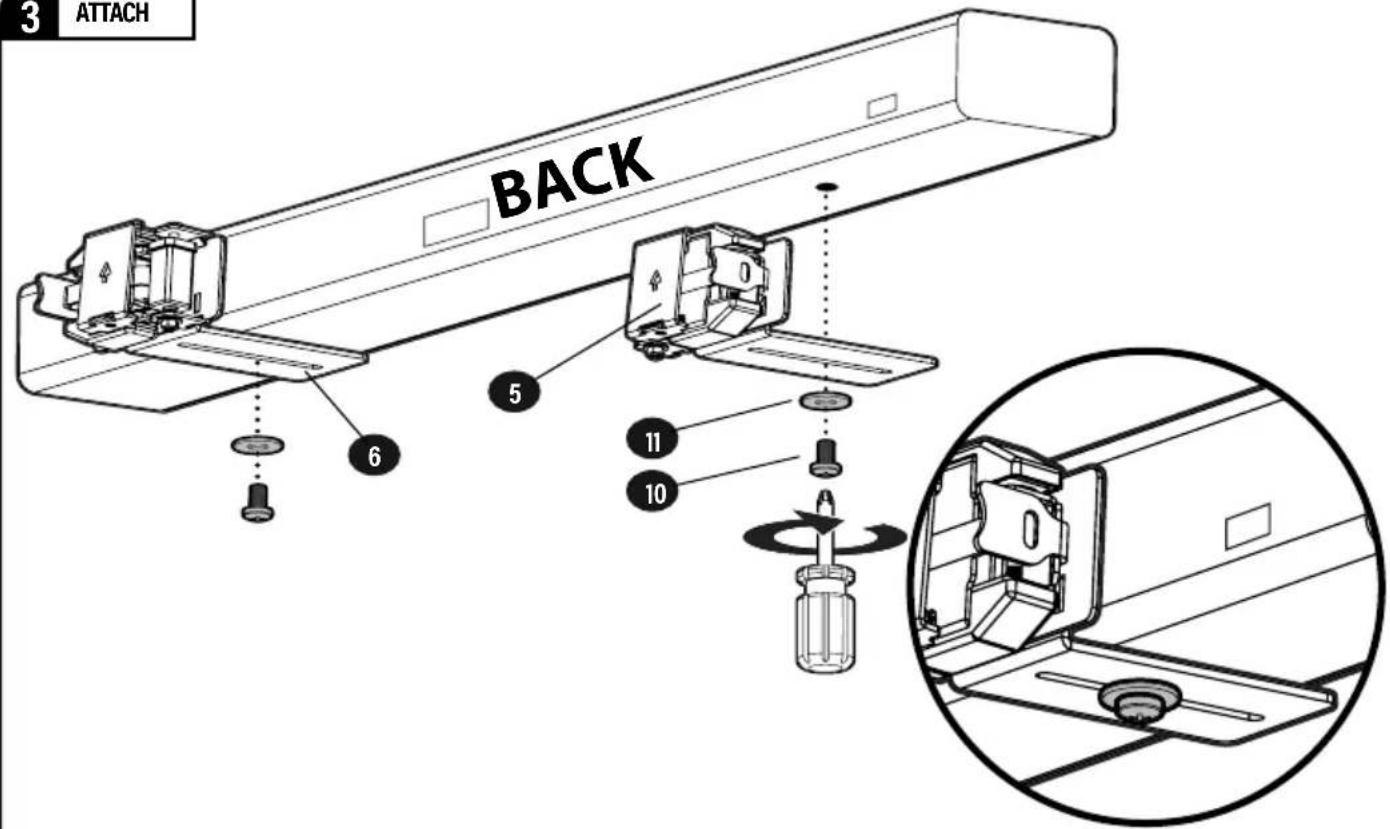
Look at the mounting holes on the BACK or BOTTOM of your soundbar to determine your install method 3A, 3B or 3C.
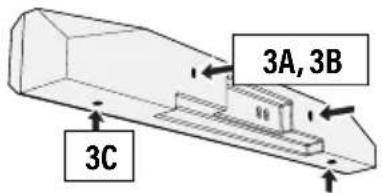

STEP 3A: (PAGE 10) Back-mount Holes with THREADED INSERTS

STEP 3B: (PAGE 10) Back-mount Holes with KEY HOLE SLOTS
STEP 3C: (PAGE 10) Bottom-mount Holes
3A
BACK-MOUNTED SCREWS
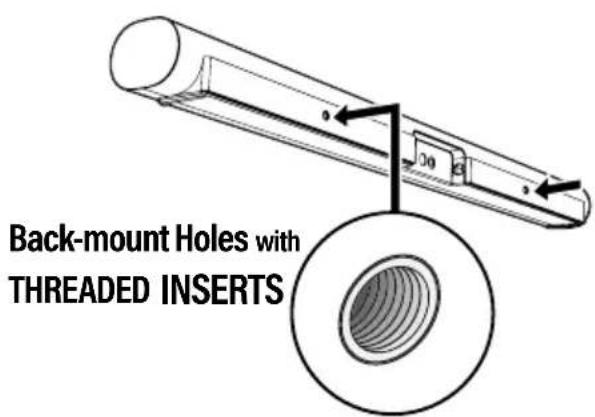
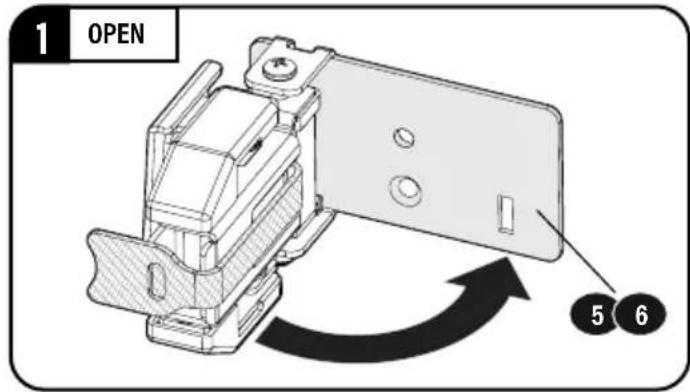
1 OPEN
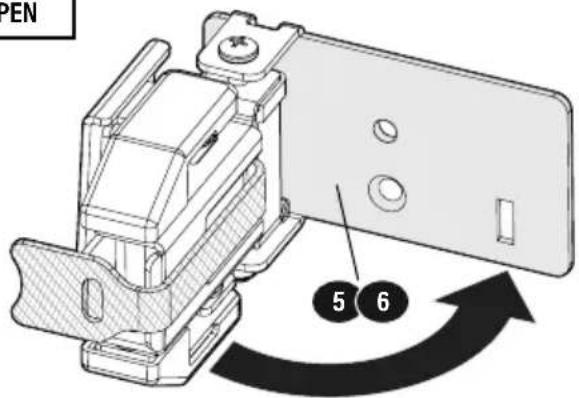
2
ATTACH
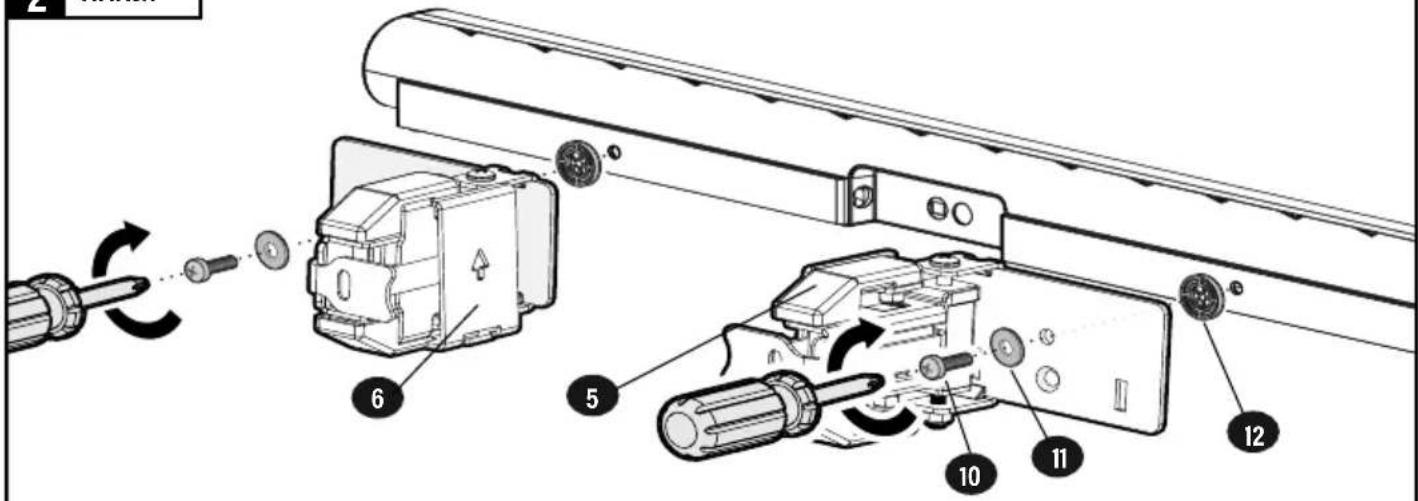
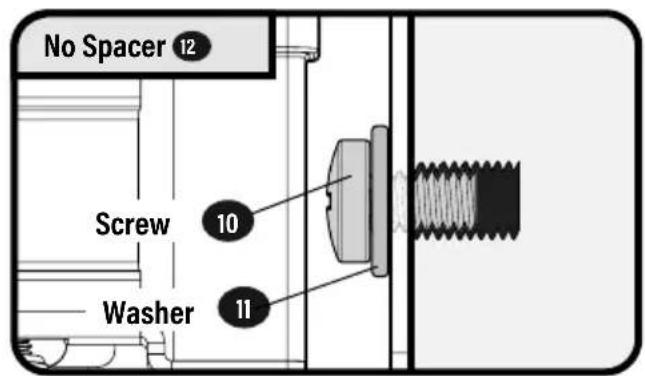
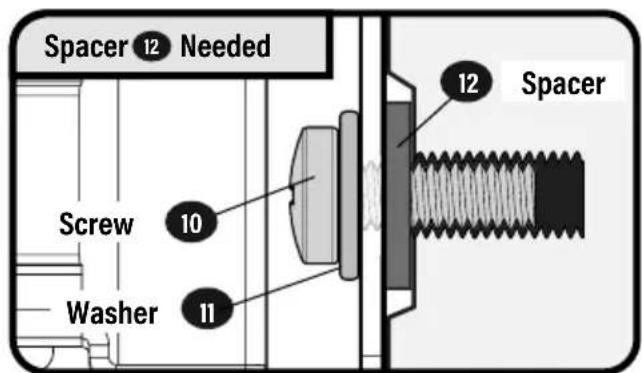
3B
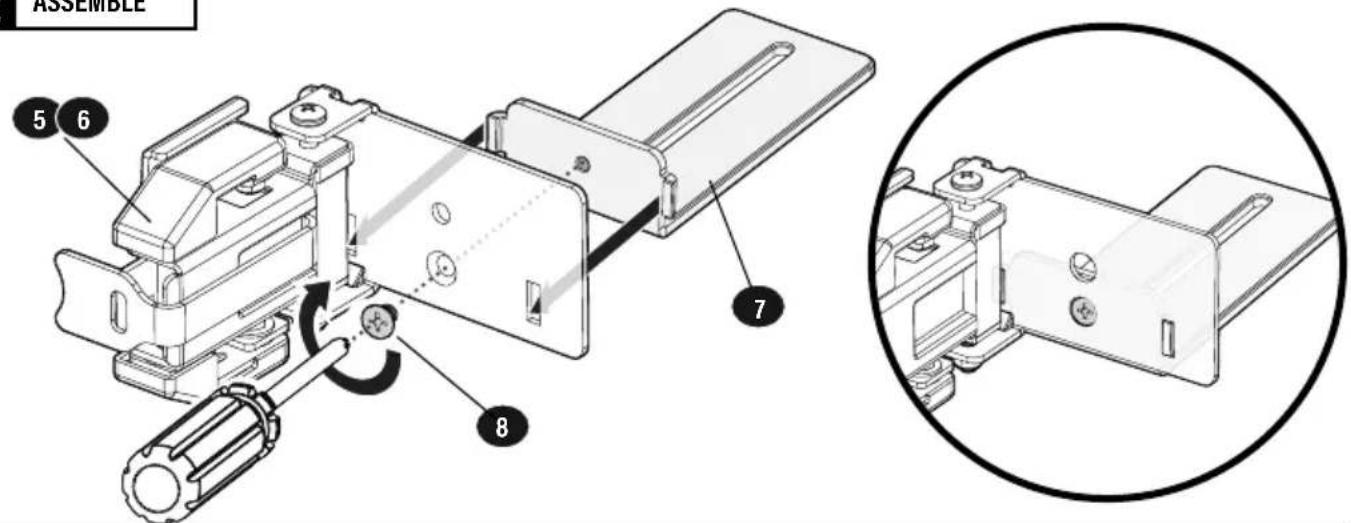
BACK-MOUNTED KEYHOLE SCREWS
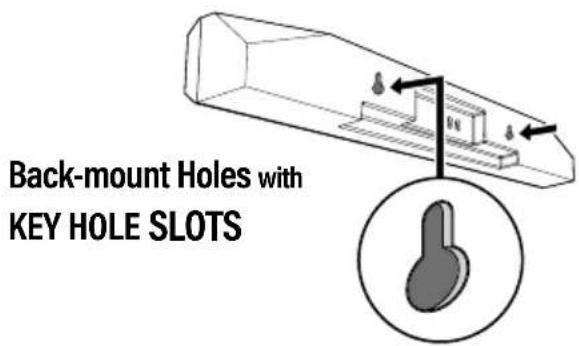
1 OPEN
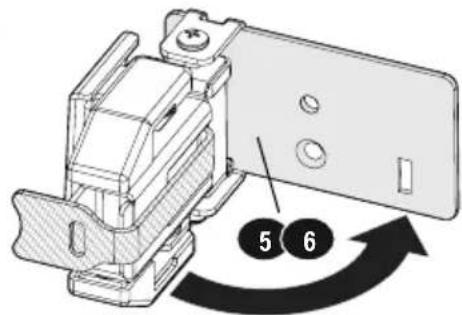
2 ASSEMBLE
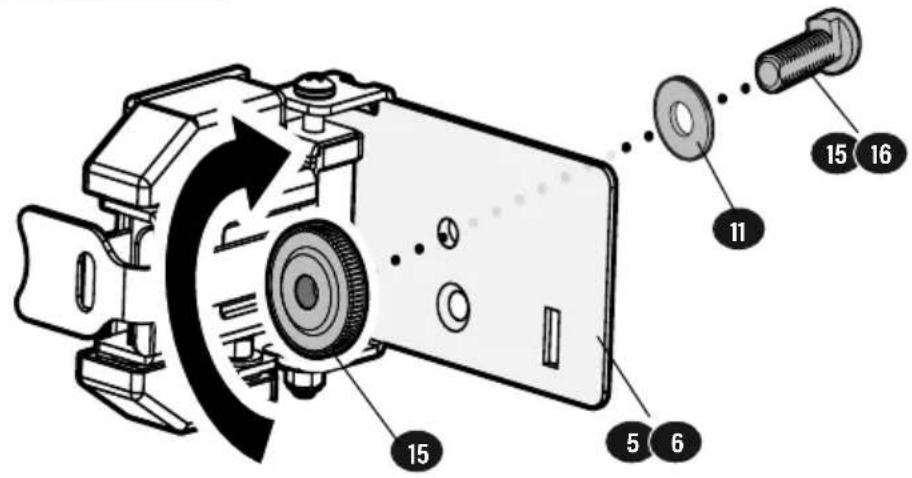
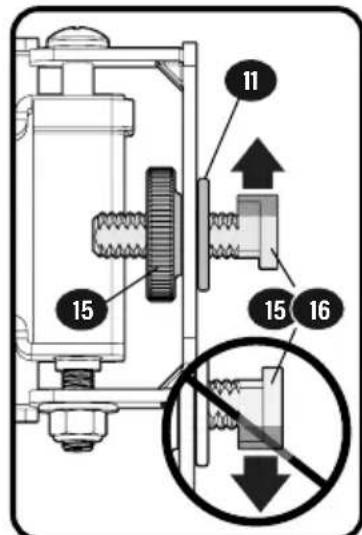
3 ATTACH
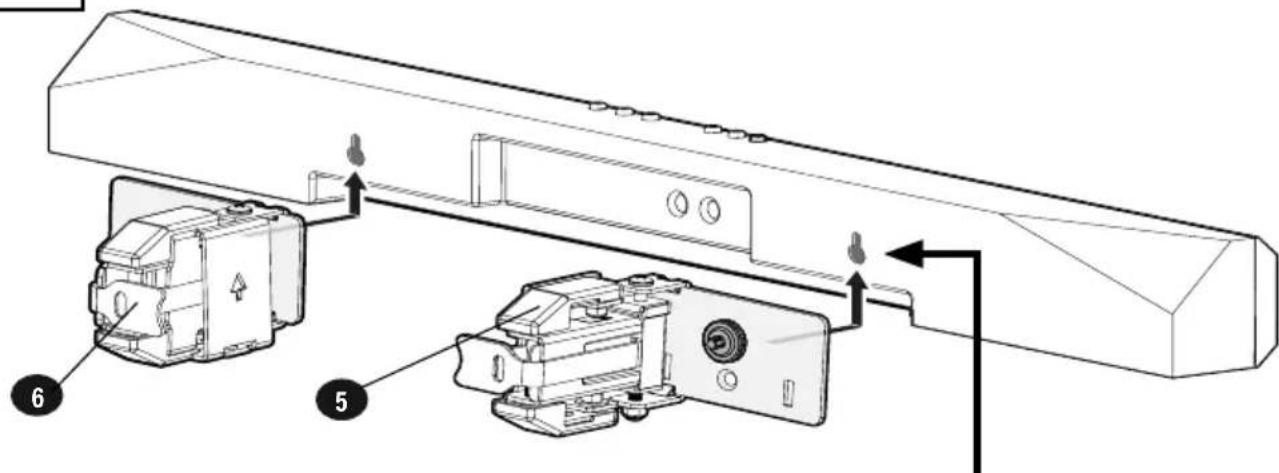
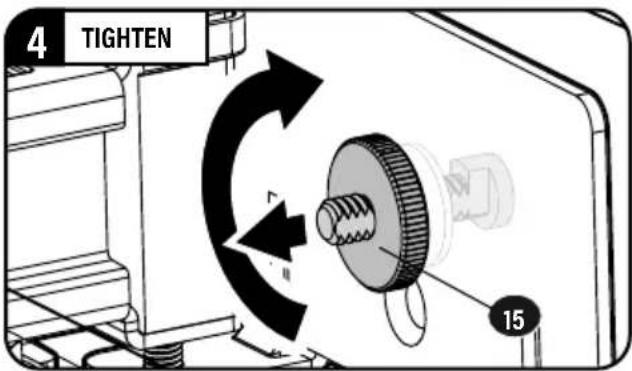
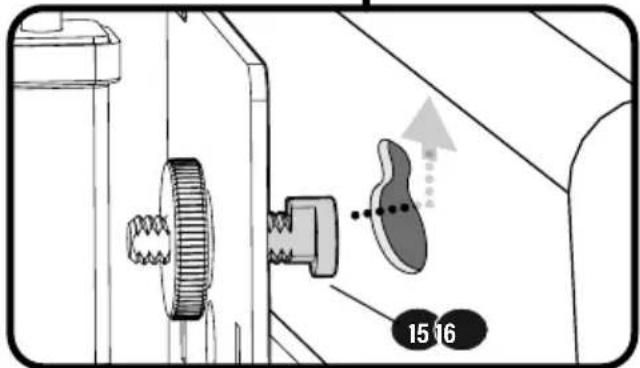
3C
BOTTOM-MOUNTED SCREWS

2 ASSEMBLE
3 ATTACH
STEP 5
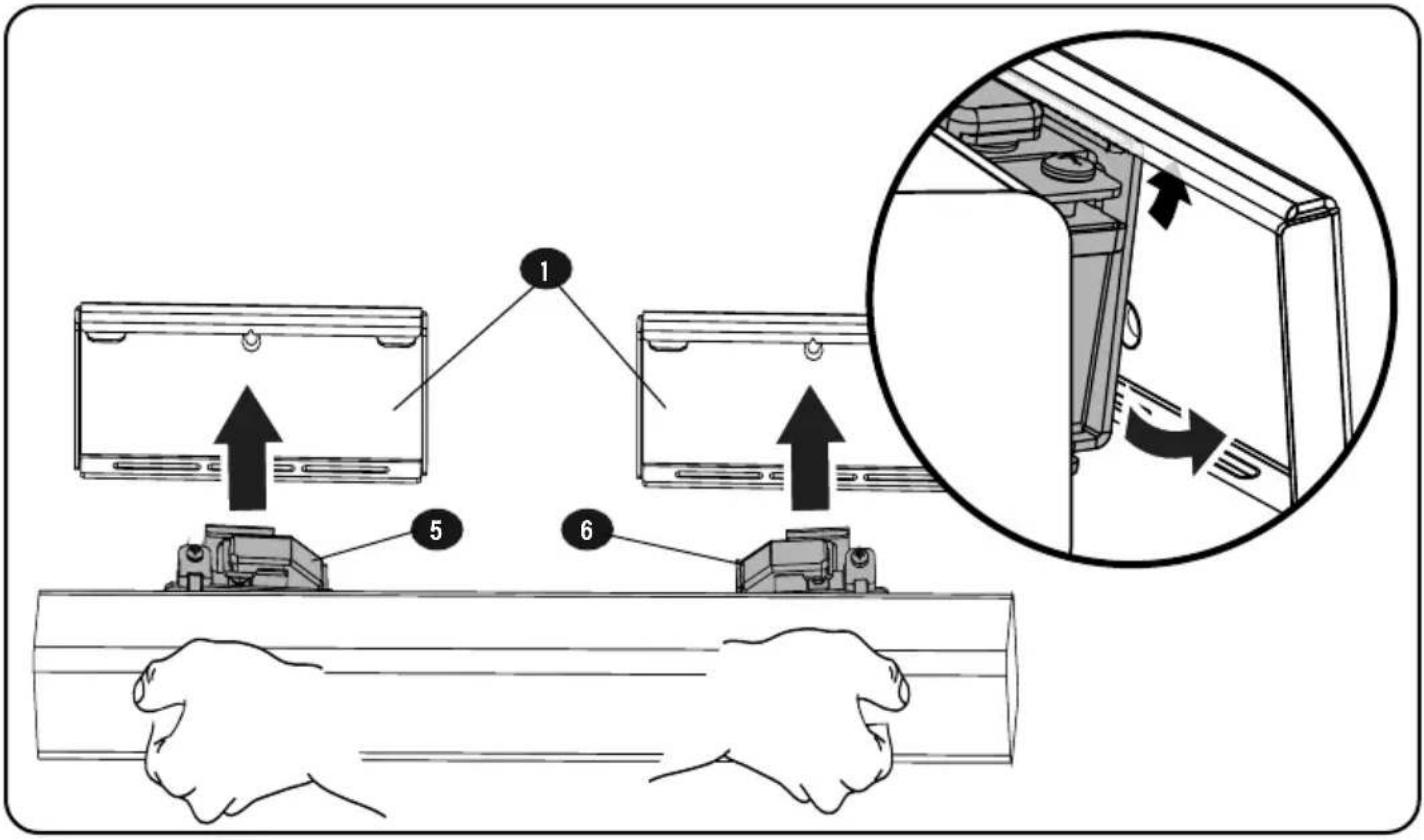
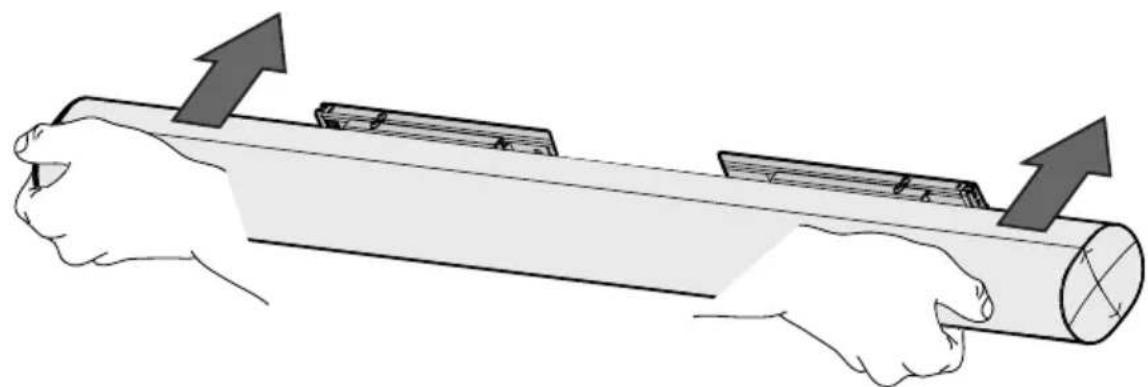
SECURE SOUNDBAR
IMPORTANT:
Soundbar mounts 5 / 6 must stay centered on wall plates 1 for drywall installation.
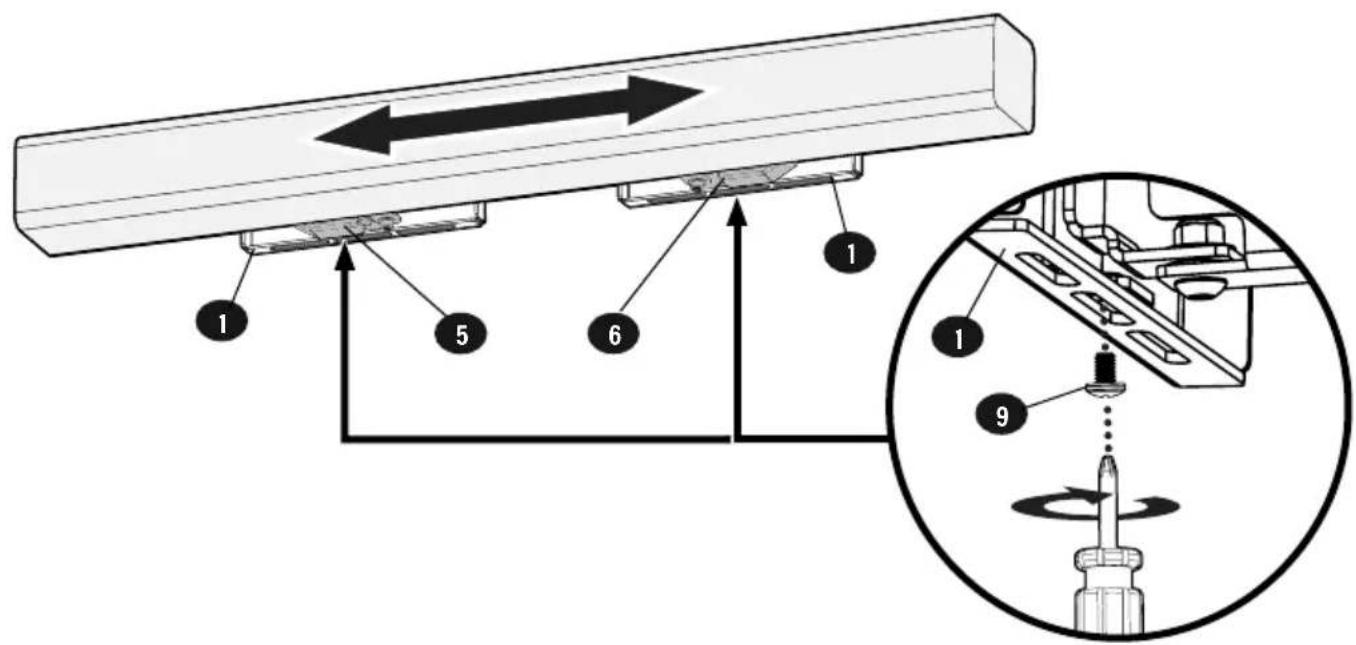
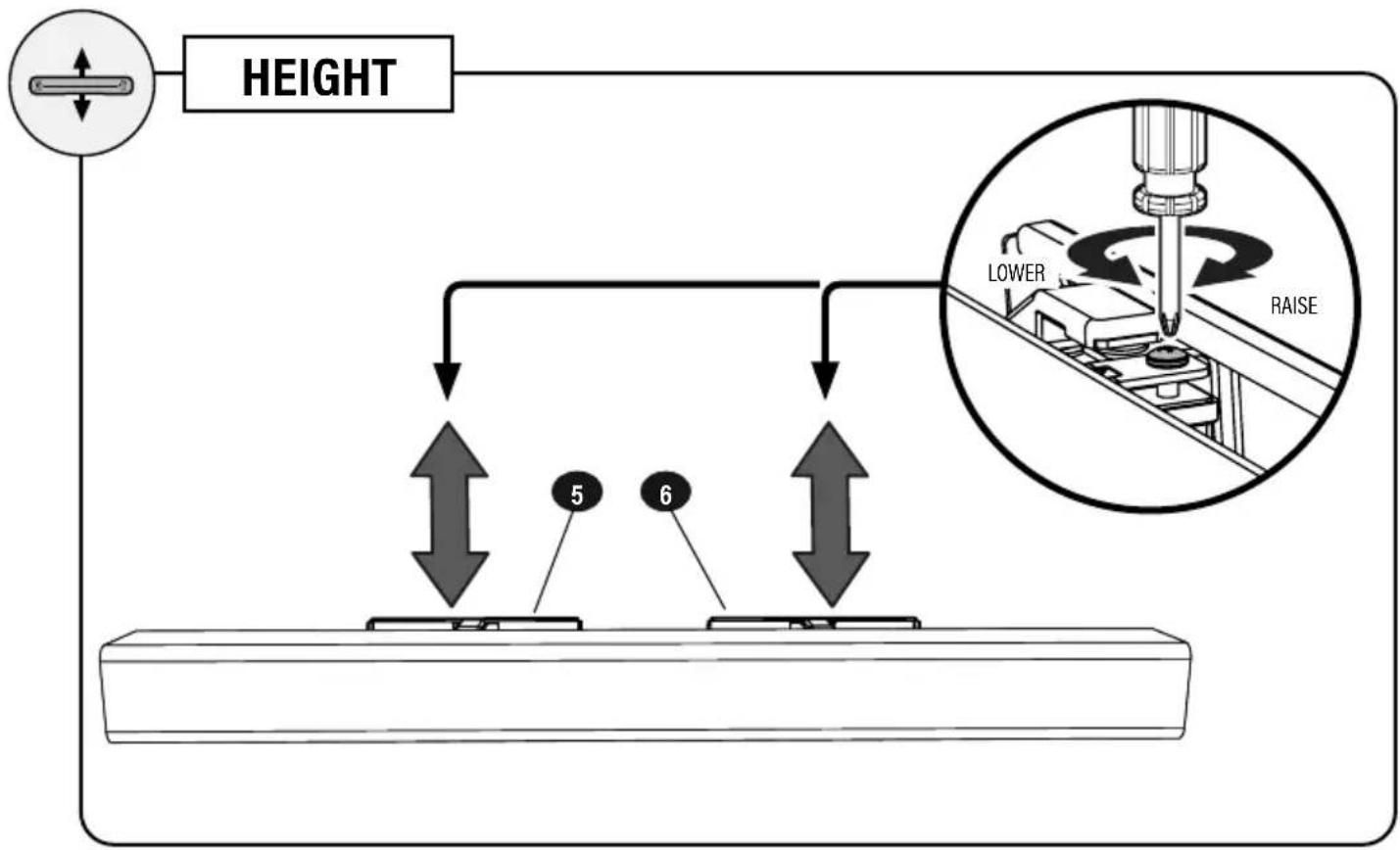
ADJUSTMENTS
![graph TD A["LEVEL"] --> B["Lower"] B --> C["RAISE"] C --> D["Step 5"] C --> E["Step 6"]](/content/2026/04/673674/images/3c474491a9ff7bc7f8b8f645f318854bb12a7fd99d54f279d333fb3f669a404f.jpg)
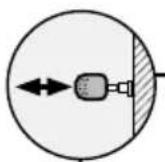
EXTEND and RETRACT

NOTE: Remove the hook and loop teners around the soundbar mounts FORE extending the soundbar.
The fasteners were intended to keep the soundbar mounts stationary during installation.

TIP: Use these fasteners for able management.
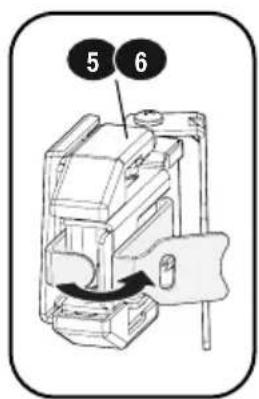
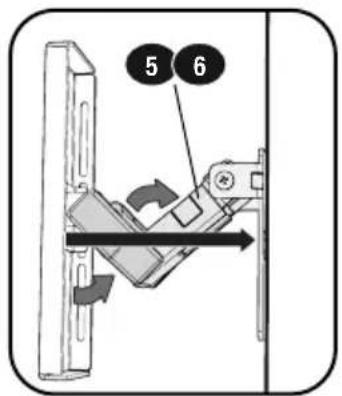

CAUTION: Avoid potential personal injury or property damage!
The brackets contain potential pinch points during operation. Keep fingers away from pinch points when retracting the brackets.
- BREEDTE W 2. HOOGTE H
BLADZIJDE 4
STAP 2 DE SOUNDBARBEUGEL AAN DE MUUR BEVESTIGEN
BLADZIJDE 5
BELANGRIJK:
- BREDDEN W 2. HÖJD H.
SIDAN 4
STEG 2 FÄST LJUDSPELARFÄSTEN PÅ VÄGGEN
SIDAN 5
VIKTIGT:
Betongblock/Solidbetonginstallation → SIDAN 9
2A

Betongblock/Solidbetonginstallation
SIDAN 9
Thank you for choosing Sanus! Please take a moment to let us know how we did:
Legrand AV Inc.
6436 City West Parkway
Eden Prairie, MN 55344 USA
US: +1 (800) 359-5520
SANUS.com
Legrand AV Netherlands B.V.
Franklinstraat 14, 6003 DK Weert Netherlands
EMEA: +31 (0) 495 580 852
UK: +44 (0) 800 056 2853
SANUS.com
Authorized Representative for the UK
Starline Holding Technology Ltd. Unit C Island Road Reading RG2 ORP UK



- WE'RE HERE TO HELP
- IMPORTANT SAFETY INSTRUCTIONS
- READ ENTIRE MANUAL PRIOR TO USE. SAVE THESE INSTRUCTIONS
- BEFORE GETTING STARTED, LET'S MAKE SURE THIS PRODUCT IS PERFECT FOR YOU
- ▲ CAUTION: TO AVOID POTENTIAL PERSONAL INJURIES AND PROPERTY DAMAGE
- WEIGHT LIMIT
- DO NOT EXCEED
- TOOLS NEEDED
- DRYWALL INSTALL
- WOOD STUD INSTALL
- CONCRETE INSTALL
- DIMENSIONS
- SUPPLIED PARTS AND HARDWARE
- 08 SCREW
- 1 WIDTH LOCATION
- 2 HEIGHT LOCATION
- IMPORTANT
- FOLLOW THE STEP FOR YOUR WALL TYPE
- ▲CAUTION: AVOID POTENTIAL PERSONAL INJURY OR PROPERTY DAMAGE
- CAUTION: AVOID POTENTIAL PERSONAL INJURY OR PROPERTY DAMAGE
- 1 DRILL PILOT HOLES
- 2 VERIFY WALL
- 3 DRILL DRYWALL
- CAUTION: AVOID
- 2 INSERT CONCRETE ANCHORS
- 3 SECURELY TIGHTEN
- STEP 3
- ATTACH SOUNDBAR TO SOUNDBAR MOUNTS
- 3A
- BACK-MOUNTED SCREWS
- 1 OPEN
- 2
- ATTACH
- STEP 5
- SECURE SOUNDBAR
- ADJUSTMENTS
- EXTEND AND RETRACT
- BELANGRIJK
- VIKTIGT
- LEGRAND AV INC
- LEGRAND AV NETHERLANDS B.V
- AUTHORIZED REPRESENTATIVE FOR THE UK
Brand : SANUS
Model : WSBWM1
Category : Speaker stands