EasyManual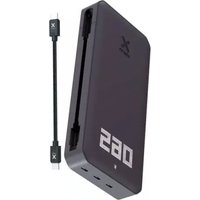
Titan XB4FE - Power bank Xtorm - Free user manual and instructions
Find the device manual for free Titan XB4FE Xtorm in PDF.


User questions about Titan XB4FE Xtorm
0 question about this device. Answer the ones you know or ask your own.
Ask a new question about this device
Download the instructions for your Power bank in PDF format for free! Find your manual Titan XB4FE - Xtorm and take your electronic device back in hand. On this page are published all the documents necessary for the use of your device. Titan XB4FE by Xtorm.
USER MANUAL Titan XB4FE Xtorm
/PRODUCT OVERVIEW In/Output
Power Button LED Power Indicator Built-in USB-C PD Cable Official Xtorm Label
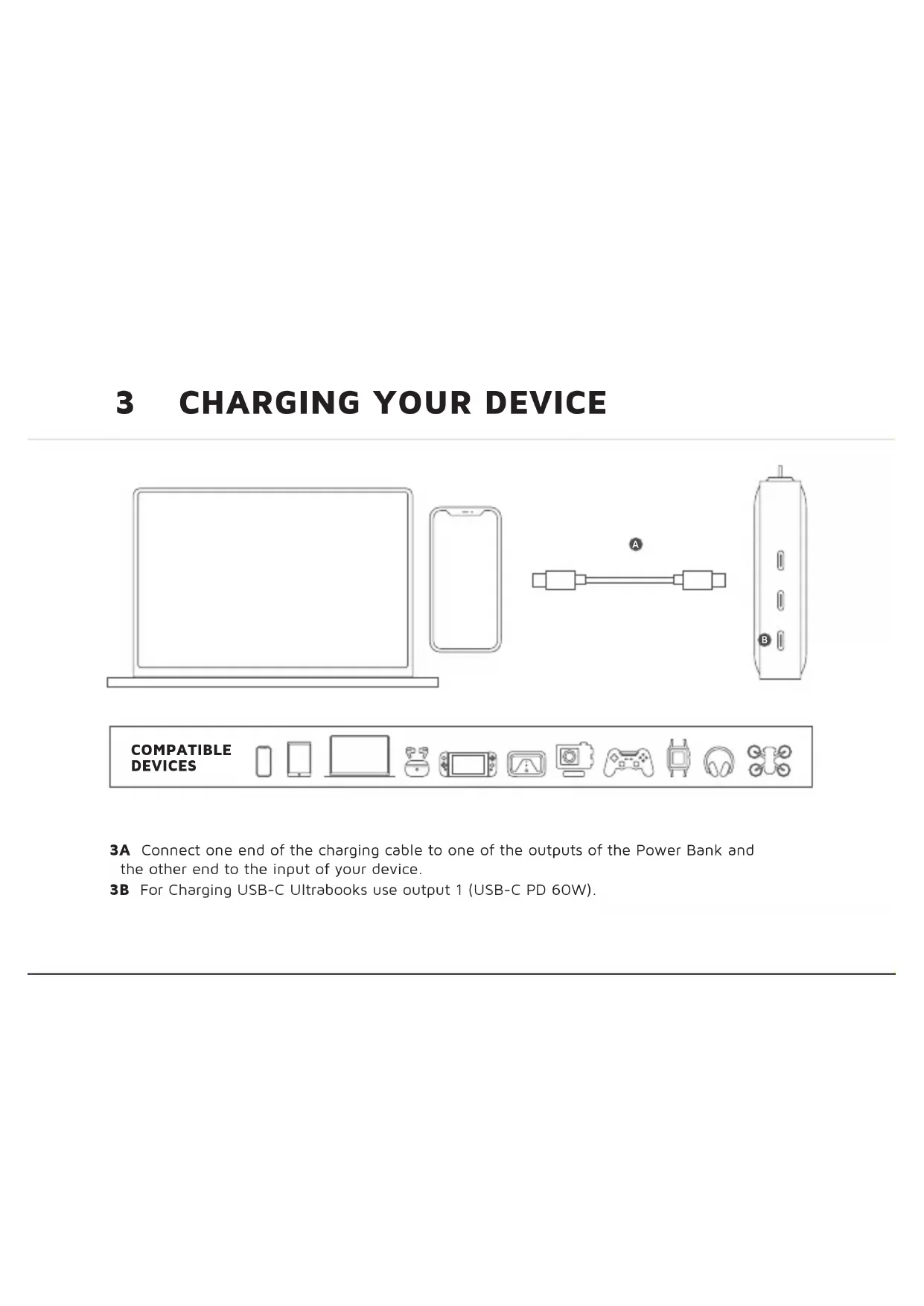
3A Connect one end of the charging cable to one of the outputs of the Power Bank and the other end to the input of your device. 3B For Charging USB-C Ultrabooks use output 1 (USB-C PD 60W).
B4A Connect one end of the built-in charging cable to output 1 of the Power Bank and the other end to a wall charger. 4B For the fastest charging possible use a 60W USB-C PD charger. This will fully recharge the Power Bank within 2 hours.
5A Press the Power Button once to display the battery level remaining in the Power Bank via the LED display. Improved powerbutton function: - single press to turn on/off the diplay - double press to fully turn on/off the powerbank 5B The display shows the remaining battery percentage between 0% (empty) and 100% (fully charged).
5C The charging icon will flash when the Power Bank itself is being recharged. 5D Low Battery Warning Light (battery icon starts blinking faster), occurs when charging a device and the battery level of the powerbank goes below 5%1 SPECIFICATIONS 2 PRODUCT OVERVIEW
3 CHARGING YOUR DEVICE
3.A Connect one end of the charging cable to one of the outputs of the Power Bank and the other end to the input of your device. 3.B For Charging USB-C Ultrabooks use output 1 (USB-C PD 60W).
4 RECHARGING THE POWER BANK
4.A Connect one end of the built-in charging cable to output 1 of the Power Bank and the other end to a wall charger. 4.B For the fastest charging possible use a 60W USB-C PD charger. This will fully recharge the Power Bank within 2-3 hours.
EN - ENGLISH5 LED POWER INDICATOR
5.A Press the Power Button once to display the battery level remaining in the Power Bank via the LED display. Improved powerbutton function: - single press to turn on/off the diplay - double press to fully turn on/off the powerbank 5.B The display shows the remaining battery percentage between 0% (empty) and 100% (fully charged). 5.C The charging icon will flash when the Power Bank itself is being recharged. 5D Low Battery Warning Light (battery icon starts blinking faster), occurs when charging a device and the battery level of the powerbank goes below 5%
6 I KASSEN1 TEKNISET TIEDOT
Protects both the internal battery as well as the battery of the attached device from overcharging.
3. SECURED POWER MANAGEMENT
Automatically picks the correct charging speed and efficiently devides power between attached devices.
4. SHORT CIRCUIT PROTECTION
Breaks the circuit automatically when an overcurrent is detected. This protects the Xtorm chargerand your device from short circuit damage.
5. A-CLASS BATTERY CELLS
We only use the best battery cells that provide the fast charging you need and meet all safety requirements.
Our power products are built to power your device as efficient as possible. This ensures the least possible loss of energy during the charging process.