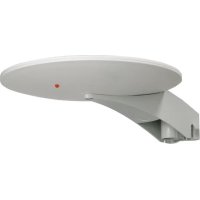
UFO 170 - TV Antenna TRIAX - Free user manual and instructions
Find the device manual for free UFO 170 TRIAX in PDF.



| Brand | Triax |
| Model | UFO 170 |
| Product Type | Outdoor TV antenna |
| Reference | 109170 |
| Frequency bands | FM: 87.5-108 MHz, DAB/VHF: 174-300 MHz, UHF: 470-694 MHz |
| VHF Gain | 28 dB |
| UHF Gain | 27 dB |
| Noise figure | 3.0 dB |
| Vertical opening angle | 90° |
| Horizontal opening angle | 360° |
| Max output level VHF | 107 dBµV |
| Max output level UHF | 104 dBµV |
| Supply voltage | 5-24 V DC |
| Power consumption | 45 mA |
| Dimensions (L x W x H) | 325 x 255 x 65 mm |
| Connector | F (female) |
| Box contents | UFO 170 antenna, mast clamp Ø 25-60 mm, mounting base, universal clamp |
| Optional accessory | Power supply/Inserter IFP 522 (ref. 339522) |
| Wind load | 5.5 N |
Frequently Asked Questions - UFO 170 TRIAX
User questions about UFO 170 TRIAX
0 question about this device. Answer the ones you know or ask your own.
Ask a new question about this device
Download the instructions for your TV Antenna in PDF format for free! Find your manual UFO 170 - TRIAX and take your electronic device back in hand. On this page are published all the documents necessary for the use of your device. UFO 170 by TRIAX.
USER MANUAL UFO 170 TRIAX
Installation and User Instructions
TRIAX UFO 170
Active digital antenna FM / DAB / DAB+ / BIII / UHF
Model Item no.
TRIAX UFO 170 109170
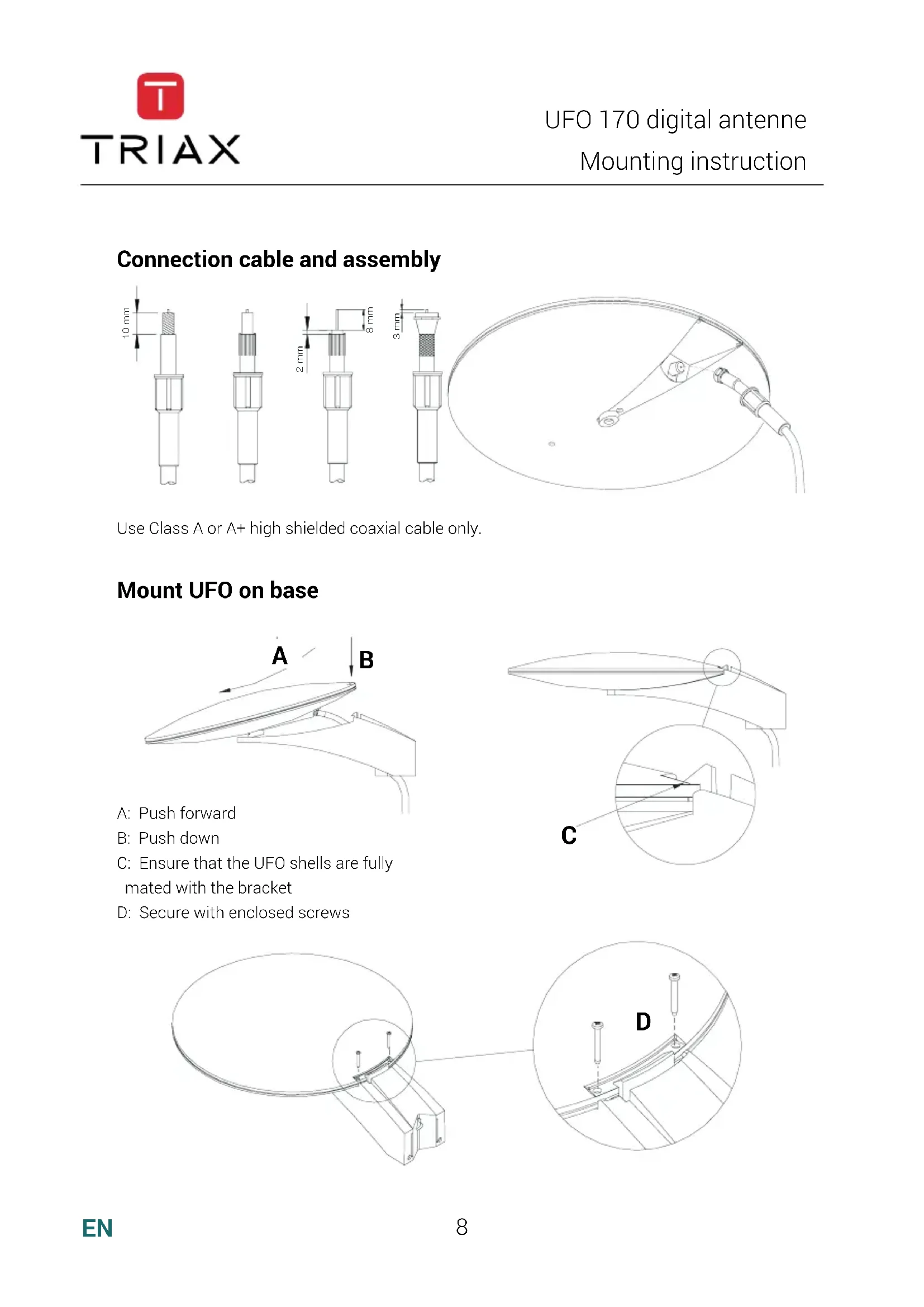
Connection cable and assembly
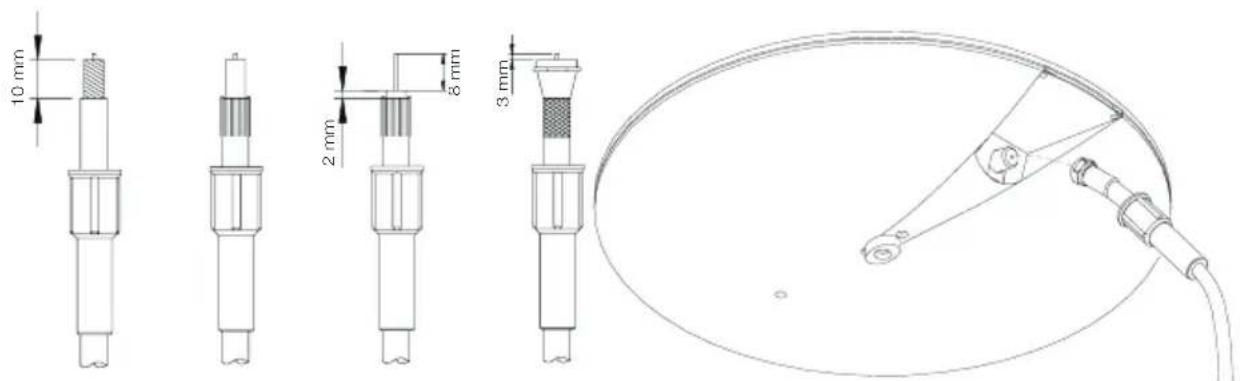
Use Class A or A + high shielded coaxial cable only.
Mount UFO on base
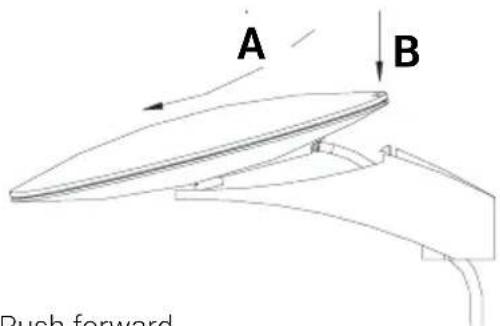
A:Push forward
B:Pushdown
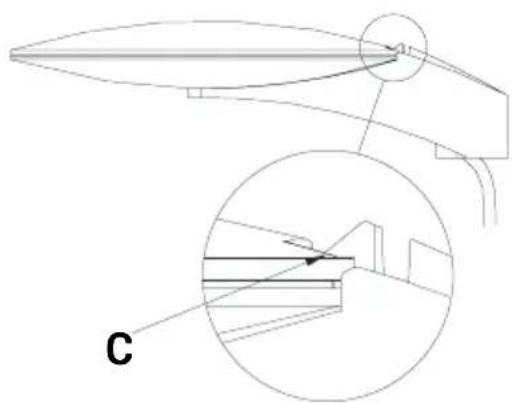
C: Ensure that the UFO shells are fully mated with the bracket
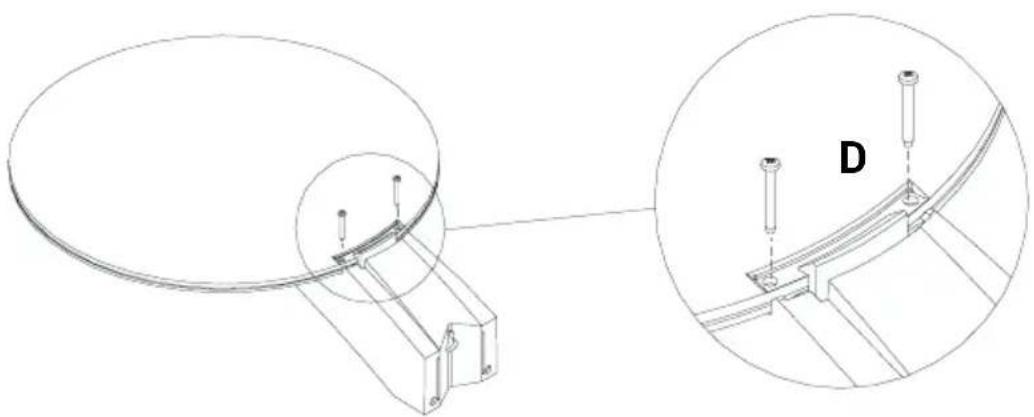
D: Secure with enclosed screws
Mounting options on vertical or horizontal surface
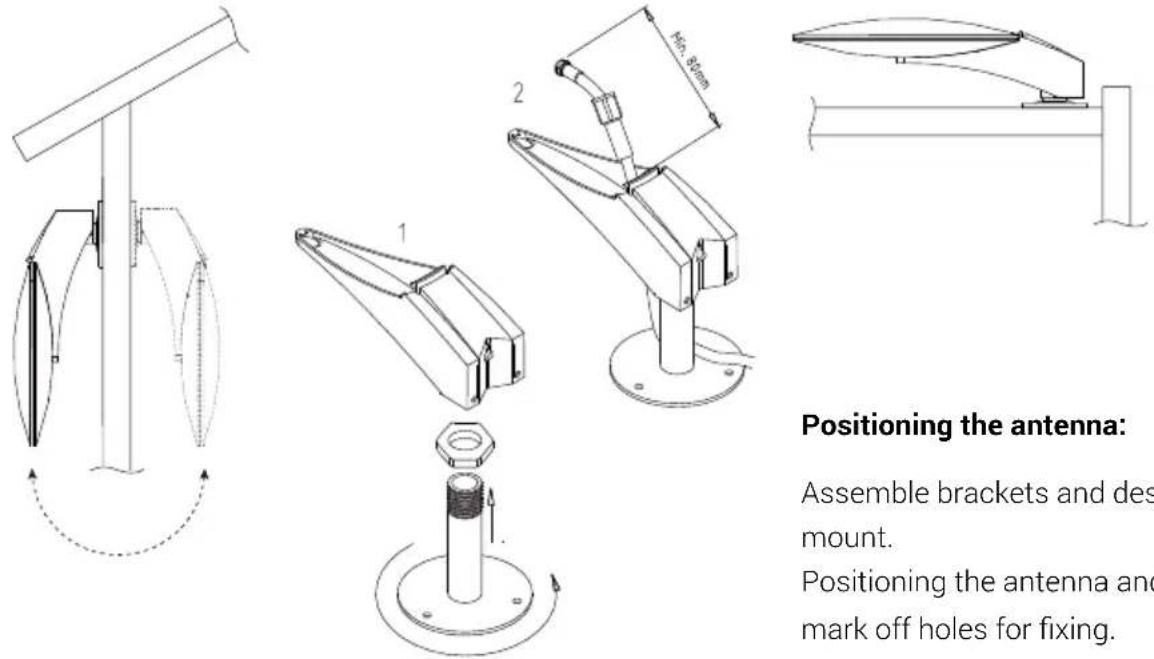
Positioning the antenna:
Assemble brackets and desk mount.
Positioning the antenna and mark off holes for fixing.
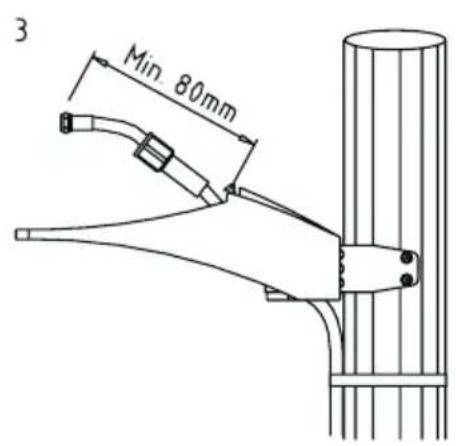
Mounting on mast.
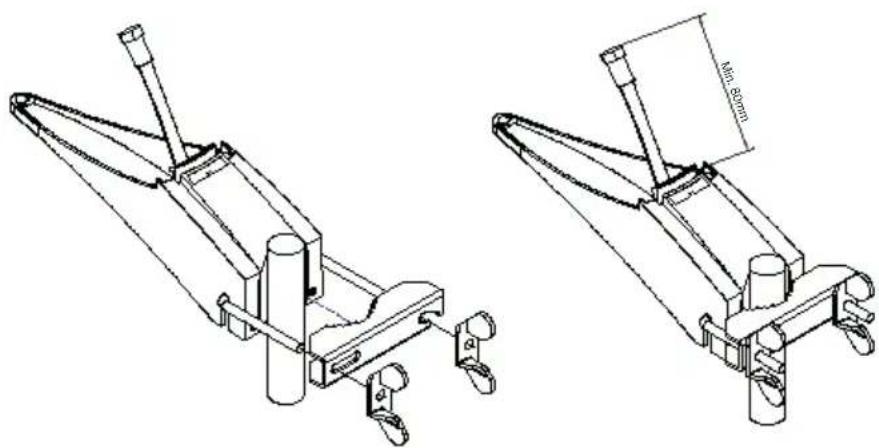
Mounting with universal mount
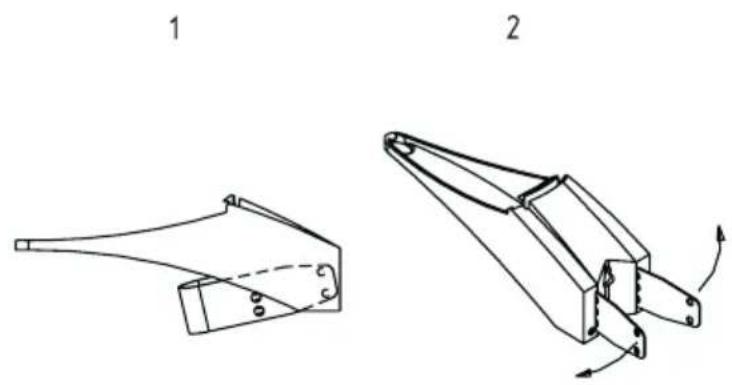
Mounting with centre mount (optional accessory for UFO 170)
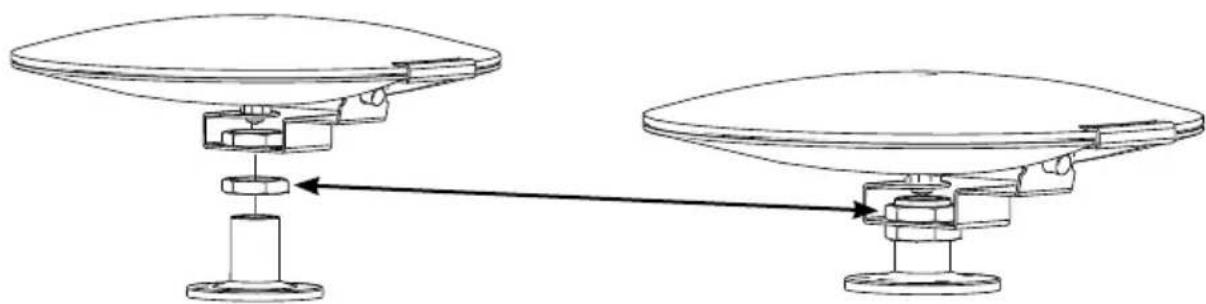
Positioning the antenna:
Centre mounting bracket and deckmount. Position the antenna and mark off holes for fixing.
Positioned antenna and counter nut fixed.
Troubleshooting guide
| Problem Possible root cause Solution | ||
| Weak or missing signal | Often this is caused by a short or a missing connection in the coax cable or the cable connectors. | Remove the cable from the PSU/ power inserter. If the LED lights up, there is a short in the cable. Repair or replace the cable. |
| Check LED on PSU/power inserter (optional accessory IFP XXX) | If the LED lights up on the PSU/ power inserter but not on the UFO, there is possibly a missing connection in the cable or connectors. | |
| Check LED on UFO antenna | If the LED is still on, repair or replace cable and/or connectors. | |
| If the LED is still off, replace the PSU/power inserter. | ||
| Interference | Interference is often caused by electronic equipment - mobile phones, computers, tablets or transmitters being used in close proximity to the UFO. | Increase the distance to the interfering source of possible. |
| Increase the height of the UFO in order to improve signal reception. | ||
| Pixelation and missing audio | Pixelation and missing audio is often caused by electronic equipment - mobile phones, computers, tablets or transmitters being used in close proximity to the UFO. | Increase the distance to the interfering source of possible. |
| Increase the height of the UFO in order to improve signal reception. | ||
| Ghosting; double pictures (analog signal only) | Ghosting is caused by the TV signal being reflected from buildings, large ships etc. | Change position a few meters will often solve the problem. |
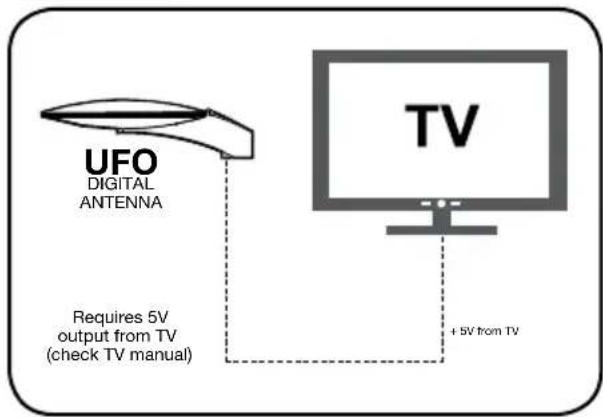
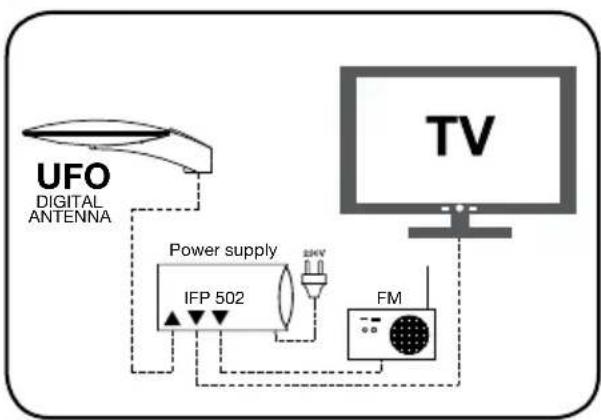
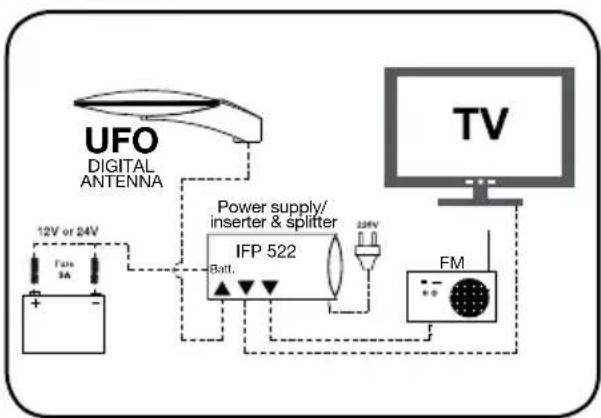
Application examples
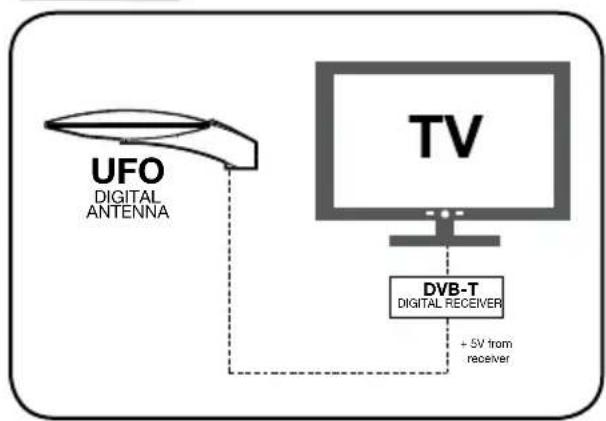
Example 1
Example 2
Example 3
Example 4
Technical data
| Type UFO 170 Digital | |||
| Art. No. 109170 | |||
| Frequency range FM DAB/VHF UHF | MHz MHz MHz | 87.5-108 174-300 470-694 | |
| Channels FM/DAB/DAB+/5-12/21-48 | |||
| Elements stk. 1 | |||
| Opening angle ver./hor. deg. 90/360 | |||
| Windload N 5.5 | |||
| Gain VHF/UHF dB 28/27 | |||
| Noise figur dB 3.0 | |||
| Max. output voltage VHF/UHF dBμV | 107/104 | ||
| Supply voltage V 5-24 | |||
| Power consumption mA 45 | |||
| Dimensions length width height | mm mm mm | 325 255 65 | |
| Connector | Fconn | ||
| Included | Mast bracket Ø25-60 Plastic base Universal mount | ||
Accessories
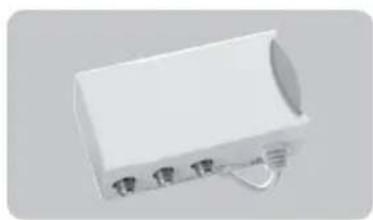
IFP 502
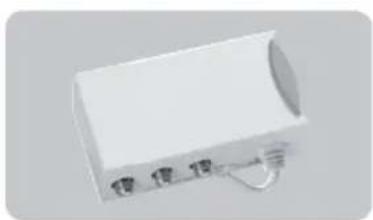
Power supply Art.No.339502
IFP 522
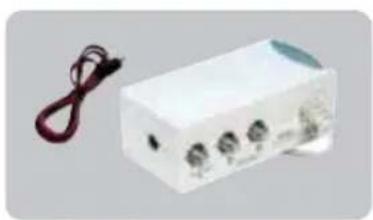
Power supply/-inverter Art.No.339522
Centre mount
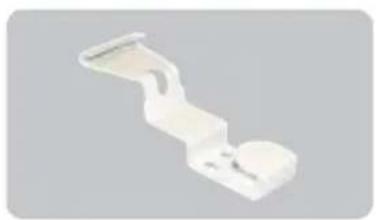
Art.No.133225
Power supply
Art. No. 339502
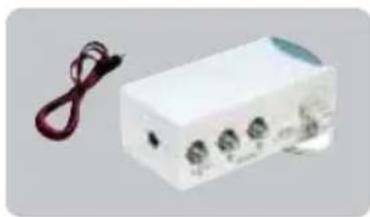
IFP 522
Power supply/inserter Art No.339522
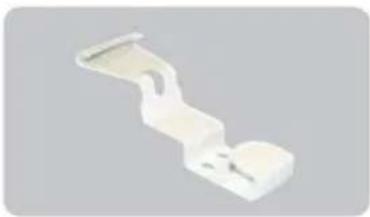
Zentralhalterung
Art.No.133225
IFP 502
Alimentation Ref.339502
For further information and updated manuals go to
triax.com/support