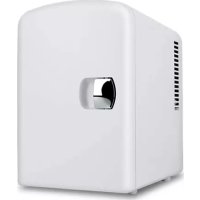
MFR400 - Refrigerator DENVER - Free user manual and instructions
Find the device manual for free MFR400 DENVER in PDF.

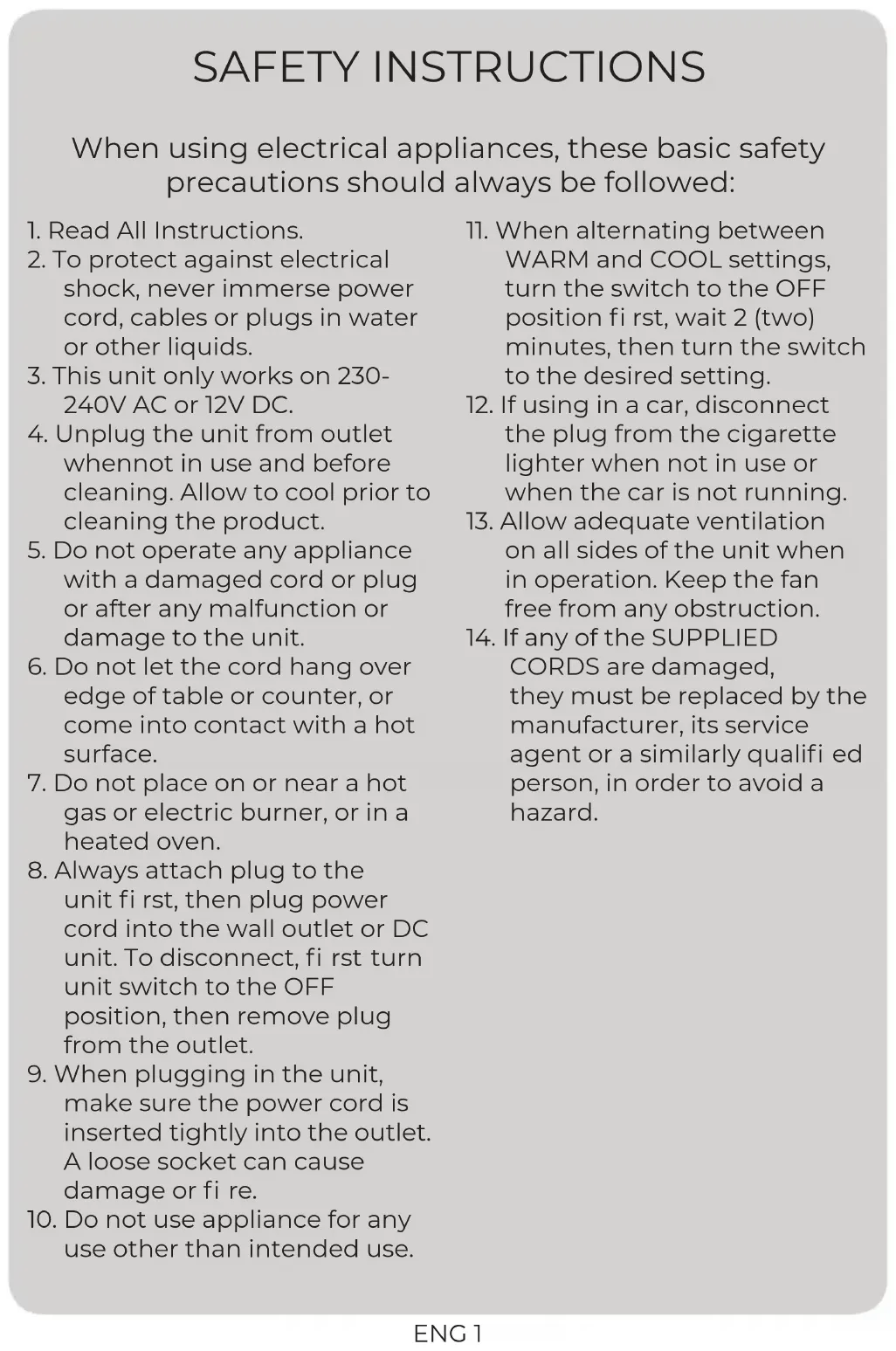


| Product type | Mini thermoelectric cooler-warm refrigerator |
| Brand | Denver |
| Model | MFR400 |
| Mains power supply | 230-240 VAC |
| Vehicle power supply | 12 VDC (via cigarette lighter) |
| Cables provided | Interchangeable AC and DC cables |
| Cooling function | Approximately 18°C below ambient temperature (minimum 6°C at 24°C ambient) |
| Heating function | Fixed temperature of 55°C (not adjustable) |
| Capacity | Not specified (compact model) |
| Dimensions (W x H x D) | Not specified |
| Weight | Not specified |
| Removable shelf | Yes, removable for cleaning |
| UV light | Yes, with dedicated switch |
| Indicator lights | Green (cool mode), Red (heat mode) |
| Ventilation required | Minimum clearance of 7.6 cm (3 inches) at the rear and above |
| Delay between mode changes | 30 minutes after switching to OFF |
| Cleaning | Soft cloth and glass cleaner; do not immerse |
| Mobile use | Only while vehicle engine is running |
| Storage of perishable goods | Not recommended above 24°C ambient |
| Approval | Compliant with WEEE (recycling) |
Frequently Asked Questions - MFR400 DENVER
User questions about MFR400 DENVER
0 question about this device. Answer the ones you know or ask your own.
Ask a new question about this device
Download the instructions for your Refrigerator in PDF format for free! Find your manual MFR400 - DENVER and take your electronic device back in hand. On this page are published all the documents necessary for the use of your device. MFR400 by DENVER.
USER MANUAL MFR400 DENVER
natural_image
Abstract geometric logo with a stylized white letter 'D' inside a black hexagonal shape (no text or symbols)denver
natural_image
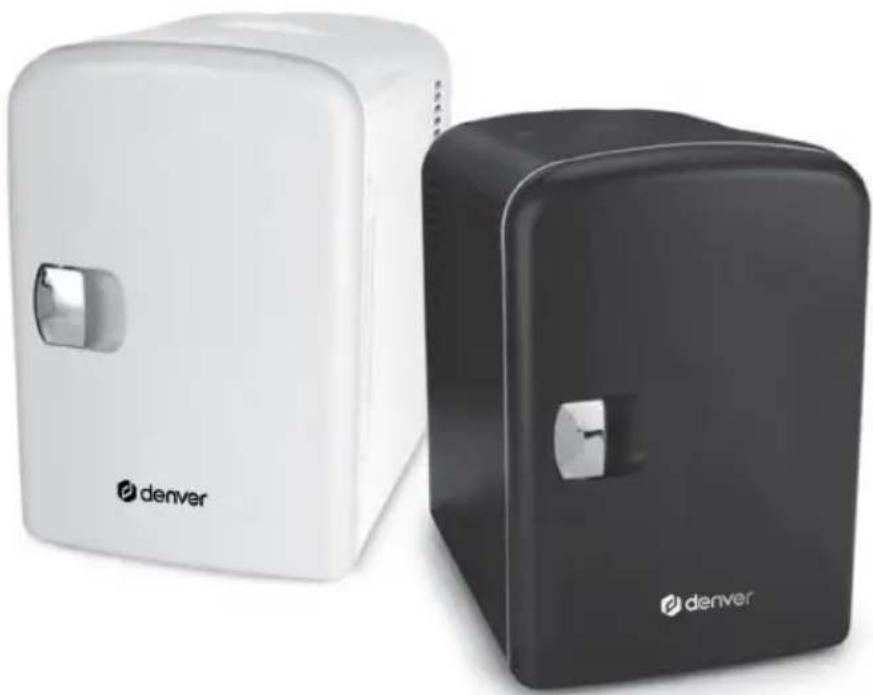
Two modern devices, one white and one black, each labeled 'denver' (no additional text or symbols visible)MFR-400
denver.eu
01/2022
SAFETY INSTRUCTIONS
When using electrical appliances, these basic safety precautions should always be followed:
- Read All Instructions.
- To protect against electrical shock, never immerse power cord, cables or plugs in water or other liquids.
- This unit only works on 230-240V AC or 12V DC.
- Unplug the unit from outlet whennot in use and before cleaning. Allow to cool prior to cleaning the product.
- Do not operate any appliance with a damaged cord or plug or after any malfunction or damage to the unit.
- Do not let the cord hang over edge of table or counter, or come into contact with a hot surface.
- Do not place on or near a hot gas or electric burner, or in a heated oven.
- Always attach plug to the unit fi rst, then plug power cord into the wall outlet or DC unit. To disconnect, fi rst turn unit switch to the OFF position, then remove plug from the outlet.
- When plugging in the unit, make sure the power cord is inserted tightly into the outlet. A loose socket can cause damage or fire.
-
Do not use appliance for any use other than intended use.
-
When alternating between WARM and COOL settings, turn the switch to the OFF position first, wait 2 (two) minutes, then turn the switch to the desired setting.
- If using in a car, disconnect the plug from the cigarette lighter when not in use or when the car is not running.
- Allow adequate ventilation on all sides of the unit when in operation. Keep the fan free from any obstruction.
- If any of the SUPPLIED CORDS are damaged, they must be replaced by the manufacturer, its service agent or a similarly qualified person, in order to avoid a hazard.
Good to Know
The interior of the Mini Fridge is insulated and will keep items chilled for a period of time when unplugged. Use the integrated handle to carry the unit and plug it into a vehicle or boat 12V cigarette lighter for commuting or portable use. Both AC and DC power cords are included and interchangeable.
- For in-home use, position unit a minimum of 3" (7.6 cm) from wall outlet.
- Allow 30 minutes if switching between COOL and WARM settings.
- For mobile use with the 12V plug outlet, only operate the unit while vehicle motor is running to avoid draining the battery.
- Not recommended for prolonged storage of perishable items when ambient temperature exceeds 75^ (*24°C).
- Allow 1-2 hours to achieve coldest temperature based on ambient room temperature.
● Some condensation is normal, wipe interior with a cloth to prevent excessive moisture collection. - For pre-chilled beverages and snacks, it is best to MAINTAIN temperature.
- The WARM setting is not adjustable and is not intended to “heat up” contents.
● Use of extension cords is not recommended with this product.
What's Inside
Mini Fridge, AC Power Cord, DC Power Cord, Instruction Manual, Customer Review Card
Location of Controls
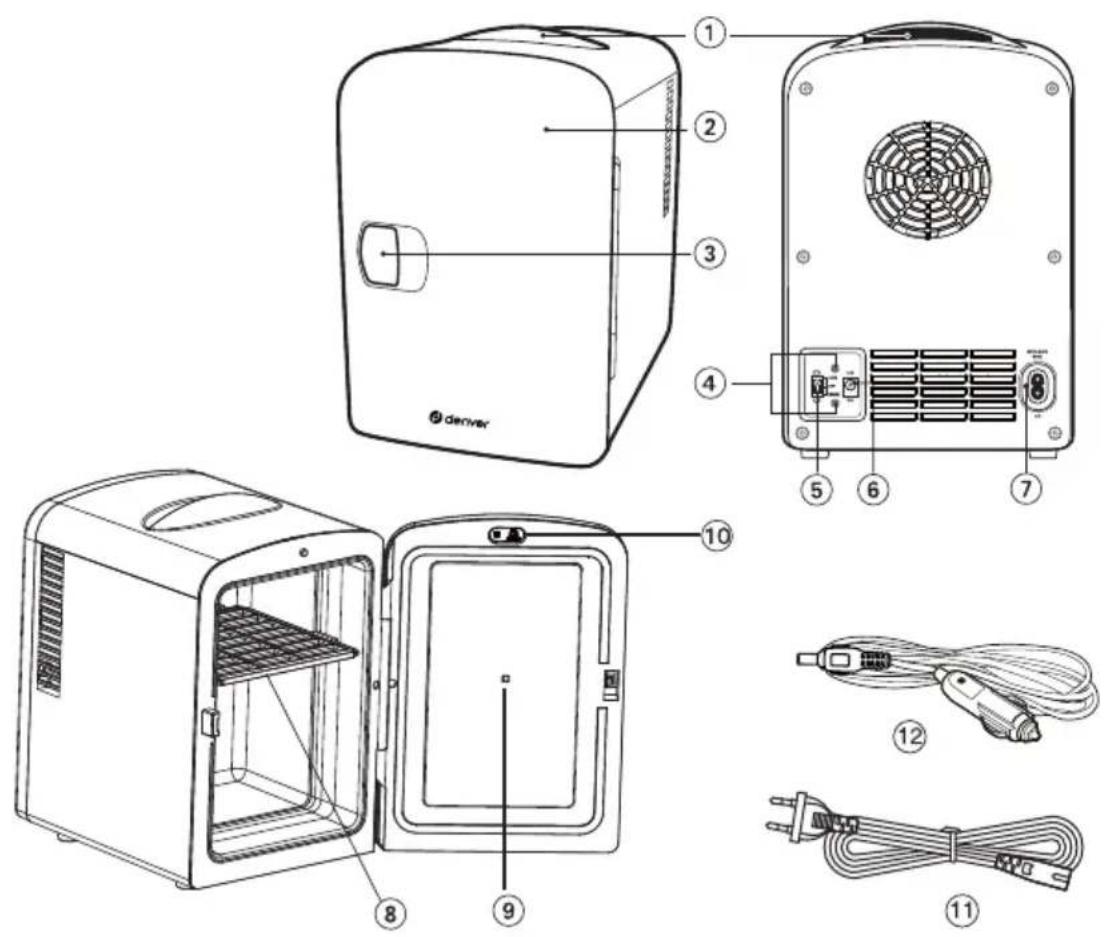
① Integrated handle
② Matte Finish Door
③ Door Handle
④ Red & Green Indicator Lights
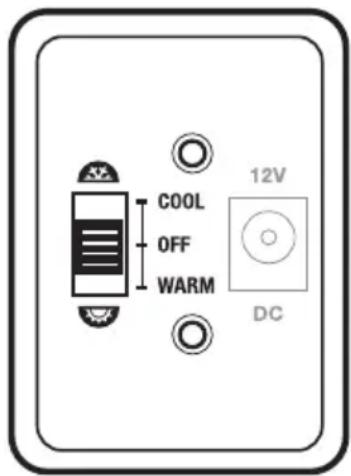
⑤ COOL/OFF/WARM switch
⑥ DC Plug In
⑦ AC Plug In
⑧ Removable Shelf
⑨ UV Light
⑩ UV Light Switch
⑪ AC Power cable
⑫ DC Power cable
Operating Instructions

IMPORTANT: Before plugging in the unit, make sure the switch on the back of the unit is in the OFF position.
Unit Placement
Locate unit a minimum of 3" (7.6cm) from wall or structure to allow proper ventilation to the back and top of the unit.
Plugging in your Unit
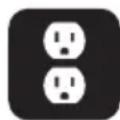
FOR HOME USE: Insert the AC power cord provided, by first inserting the AC power cord into the AC-in port, and then plugging into an AC wall outlet. NOTE: This unit only works on 230-240V.
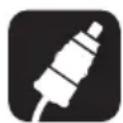
FOR MOBILE USE: insert the DC power cord into the DC-in port. In a car, RV, or boat, make sure the motor is on before plugging the DC power cord into the 12V cigarette lighter/DC outlet. Do not use DC power when motor is turned off.
Turning on your Unit

FOR COOLING: Flip the power switch from OFF to COOL setting. A green light will indicate that the unit is in cooling mode.

FOR WARMING: Flip the power switch from OFF to WARM setting. A red light will indicate that the unit is in warming mode.
Configuring the Interior of Your Unit
- Gently push the removable shelf up and slide it out to the removable position.
Optimizing your Unit
● FOR HOME USE: Locate the unit inside your home in a room best suited to your Mini Fridge. Store pre-chilled beverages, non-perishable foods and preservative-free products when possible. Items at room temperature will take 2-3 hours to achieve minimum temperature in the COOL setting.
● FOR MOBILE USE: Pre-chill or warm beverages and food items for short or long travel. ONLY USE WHEN THE VEHICLE MOTOR IS ON; TURN OFF WHEN MOTOR IS OFF.
- When switching from one location to another, turn unit switch to the OFF position, and wait 30 minutes before flipping the switch.
- With proper use, this thermoelectric cooler/warmer is well insulated and will maintain the temperature of its contents for many hours.
● FOR CLEANING: Use a non-abrasive doth and window cleaner to keep mirrored surface smudge-free and interior clean. Absorb any condensation inside with a sponge or paper towel.
NOTE: Do not immerse unit, or power cords, in water or any liquid. Removable shelf is not dishwasher safe.
Maintains Temperature
Cold stays COLD, Warm stays WARM
COOL Setting
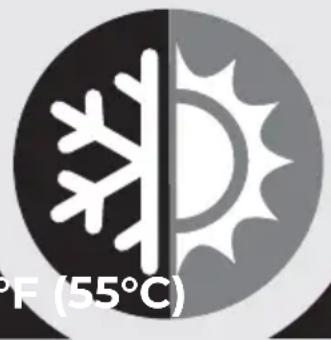
WARM Setting
42 °F (6°C) 131 °F (55°C)
Chills to 64^ F* (18°C) below ambient room temperature. 42^ F (6°C) based on 75^ F (24°C) room temperature.
Keeps warm at 131 °F (55°C) on single temperature setting. The warm feature is not adjustable and is not intended to "heat up" contents.
NOTE: Insulated interior keeps items at already achieved temperature for a period of time even when unplugged. Not recommended for prolonged storage of perishable items when ambient temperature exceeds 75^ F ( 24^ C).
* An average of 42^ F ( 6^ C) is based on 75^ F ( 24^ C) indoor room temperature.
Please notice - All products are subject to change without any notice. We take reservations for errors and omissions in the manual.
ALL RIGHTS RESERVED, COPYRIGHT DENVER A/S

denver.eu

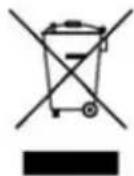
Electric and electronic equipment contains materials, components and substances that can be hazardous to your health and the environment, if the waste material (discarded electric and electronic equipment) is not handled correctly.
Electric and electronic equipment is marked with the crossed out trash can symbol, seen above. This symbol signifies that electric and electronic equipment should not be disposed of with other household waste, but should be disposed of separately.
All cities have established collection points, where electric and electronic equipment can either be submitted free of charge at recycling stations and other collection sites, or be collected from the households. Additional information is available at the technical department of your city.
DENVER A/S
Omega 5A, Soeften
DK-8382 Hinnerup
Denmark
www.facebook.com/denver.eu
SICHERHEITSHINWEISE
natural_image
Weather icon showing snow and sun (no text or symbols)Einstellung WARM
natural_image
Weather icon showing snow and sun (no text or symbols)WARM Indstilling
Køler til 18 °C under omgivende rumtemperatur. 6 °C er baseret på en rumtemperatur på 24 °C.
natural_image
Weather icon showing snow and sun (no text or symbols)WARM- stand
natural_image
Weather icon showing snow and sun with temperature label (55°C) below, no additional text or symbols present.CHAUD Réglage
42 °F (6°C) 131 °F (55°C)
natural_image
Weather icon showing snowflake and sun with temperature label (131°F) — no additional text or symbols present.WARM Ajuste
6°C (42 °F) 55°C (131 °F)
natural_image
Weather icon showing snow and sun with temperature label (131°F) at bottom, no additional text or symbols present.WARM Impostazione
6°C (42 °F) 55°C (131 °F)
natural_image
Weather icon showing snow and sun (no text or symbols)WARM Defi nição
natural_image
Weather icon showing snow and sun with temperature label (131°F) — no additional text or symbols present.WARM Inställning
6°C (42 °F) 55°C (131 °F)
Kyler till 18 °C (64°F*) under rumstemperatur. 6 °C (42 °F) baserat på en rumstemperatur på 24 °C (75 °F).
natural_image
Weather icon showing snow and sun (no text or symbols)WARM- asetus
natural_image
Weather icon showing snow and sun with temperature label (131°F) — no additional text or symbols present.WARM-innstilling
6°C (42 °F) 55°C (131 °F)
Kjøler til 18 °C (64 °F) under omgivelsestemperaturen. 6 °C (42 °F) basert på romtemperatur på 24 °C (75 °F).
natural_image
Weather icon showing snow and sun (no text or symbols)WARM
Ustawienie grzania
natural_image
Weather icon showing snow and sun with temperature label (55°C) below, no additional text or symbols present.WARM Postavka
42 °F (6°C) 131 °F (55°C)
Hladi do temperature od 64 °F* (18 °C). 42 °F (6 °C) na temelju sobne temperature od 75 °F (24 °C).
Artikle održava toplima na 131 °F (55 °C) na jedinoj mogućoj postavci temperature. Postavka WARM ne može se podešavati i nije namijenjena "zagrijavanju" sadržaja.
(Push "2" for support)
For technical questions, please write to: support@denver.eu
For all other questions please write to: denver@denver.eu
Denver Germany GmbH Service
Gutenbergstrasse 1
94036 Passau
Phone: +49 851 379 369 40
Repair-germany@denver.eu
Fairfixx GmbH
Repair and service
(for TV, E-Mobility/Hoverboards/Balanceboards, Smartphones & Tablets)
Tel.: +49 851 379 369 69
- denver
- SAFETY INSTRUCTIONS
- When using electrical appliances, these basic safety precautions should always be followed:
- Good to Know
- What's Inside
- Location of Controls
- Operating Instructions
- Unit Placement
- Plugging in your Unit
- Turning on your Unit
- Configuring the Interior of Your Unit
- Optimizing your Unit
- Maintains Temperature
- Cold stays COLD, Warm stays WARM
- COOL Setting
- WARM Setting
- SICHERHEITSHINWEISE
- Einstellung WARM
- WARM Indstilling
- WARM- stand
- CHAUD Réglage
- WARM Ajuste
- WARM Impostazione
- WARM Defi nição
- WARM Inställning
- WARM- asetus
- WARM-innstilling
- WARM
- Ustawienie grzania
- WARM Postavka
Brand : DENVER
Model : MFR400
Category : Refrigerator