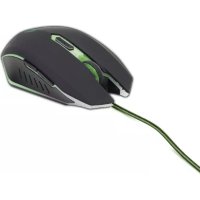
MUSG001 - Mouse GMB Gaming - Free user manual and instructions
Find the device manual for free MUSG001 GMB Gaming in PDF.


| Product Type | Wired gaming mouse |
| Brand | GMB Gaming |
| Model | MUSG001 |
| Connectivity | Wired USB |
| Sensor | High precision optical |
| Maximum resolution | 3200 DPI (adjustable) |
| Number of buttons | 6 programmable buttons |
| Backlighting | Customizable RGB |
| Dimensions (L x W x H) | 125 x 70 x 40 mm |
| Weight | 100 g (without cable) |
| Cable length | 1.8 m |
| Power supply | Powered via USB port (5 V / 100 mA) |
| Compatible operating systems | Windows, macOS, Linux |
| Material | ABS plastic with non-slip coating |
| Main features | Programmable buttons, DPI adjustment, scroll wheel, RGB backlighting |
| Care and cleaning | Clean with a soft, dry cloth. Do not use chemical products. |
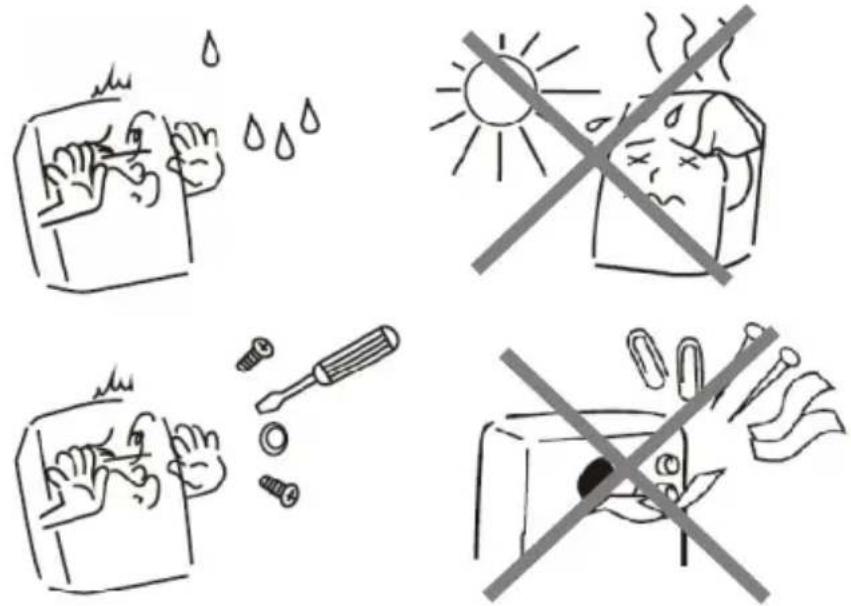
| Safety | Do not expose to water or moisture. Do not disassemble. |
| Spare parts and repairability | Not available. In case of failure, contact support. |
| Warranty | 24 months (detailed conditions in the manual) |
| General information | Designed for gaming, compatible with most games. |
Frequently Asked Questions - MUSG001 GMB Gaming
User questions about MUSG001 GMB Gaming
0 question about this device. Answer the ones you know or ask your own.
Ask a new question about this device
Download the instructions for your Mouse in PDF format for free! Find your manual MUSG001 - GMB Gaming and take your electronic device back in hand. On this page are published all the documents necessary for the use of your device. MUSG001 by GMB Gaming.
USER MANUAL MUSG001 GMB Gaming
natural_image
Abstract geometric logo with a stylized 'G' inside a hexagon, rendered in grayscale with no text or symbols.GMB GAMING
MUSG-001
USER MANUAL
HANDBUCH
HANDLEIDING
MANUEL DESCRIPTIF
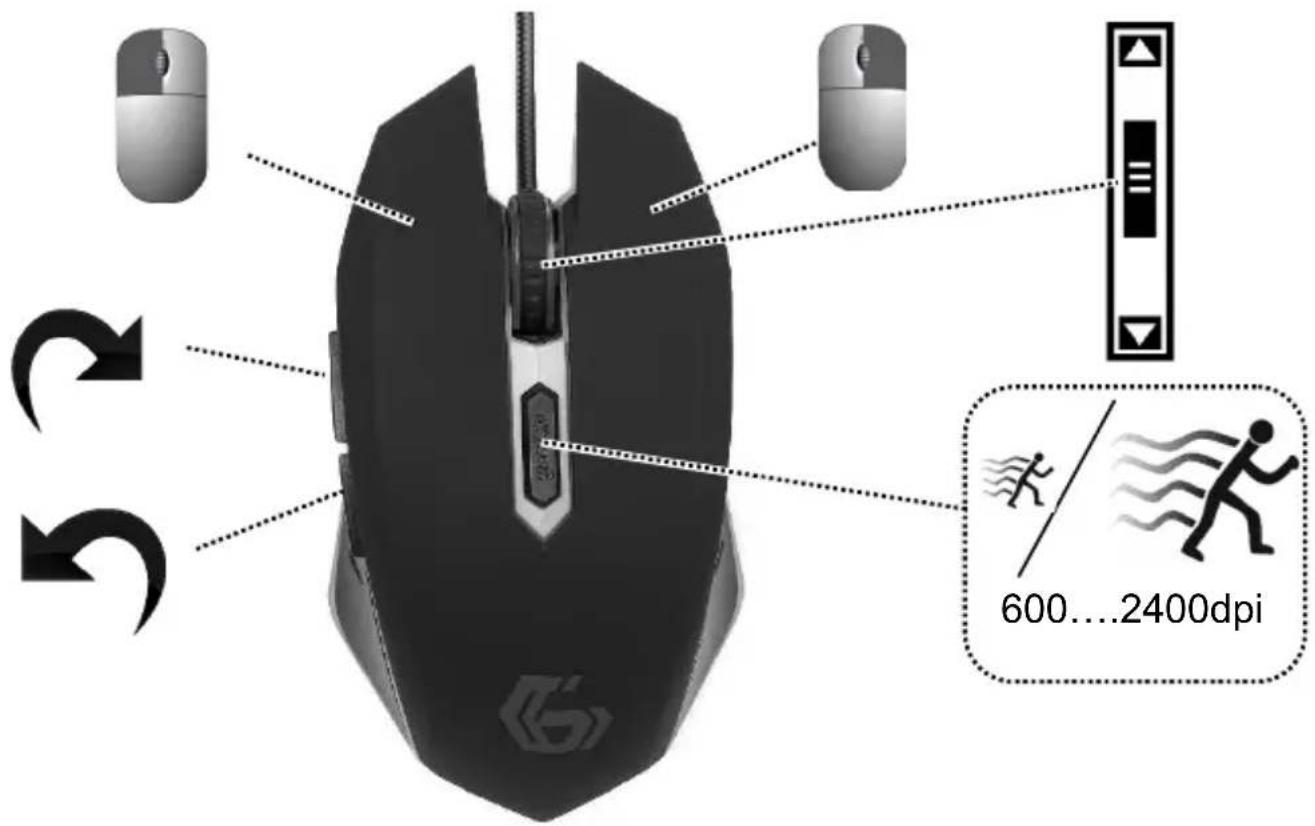
- 6-button 2400 DPI gaming mouse
• Quick DPI button (600-2400 dpi) - Illuminated scroll wheel, logo and side accents
• Comfortable ergonomic design - Rubber coated top for more grip and control
• Practical tangle free nylon mesh cable
Specifications
- Interface: USB 2.0
• Optical resolutions: 600, 800, 1200, 1600, 2400 DPI - Ambidextrous: yes
- Button life time: 5 million clicks
• Cable: nylon tangle free
• Cable length: 1.3 m
• Dimensions: 130 x 72 x 41 mm - Net weight: 121 g




①
natural_image
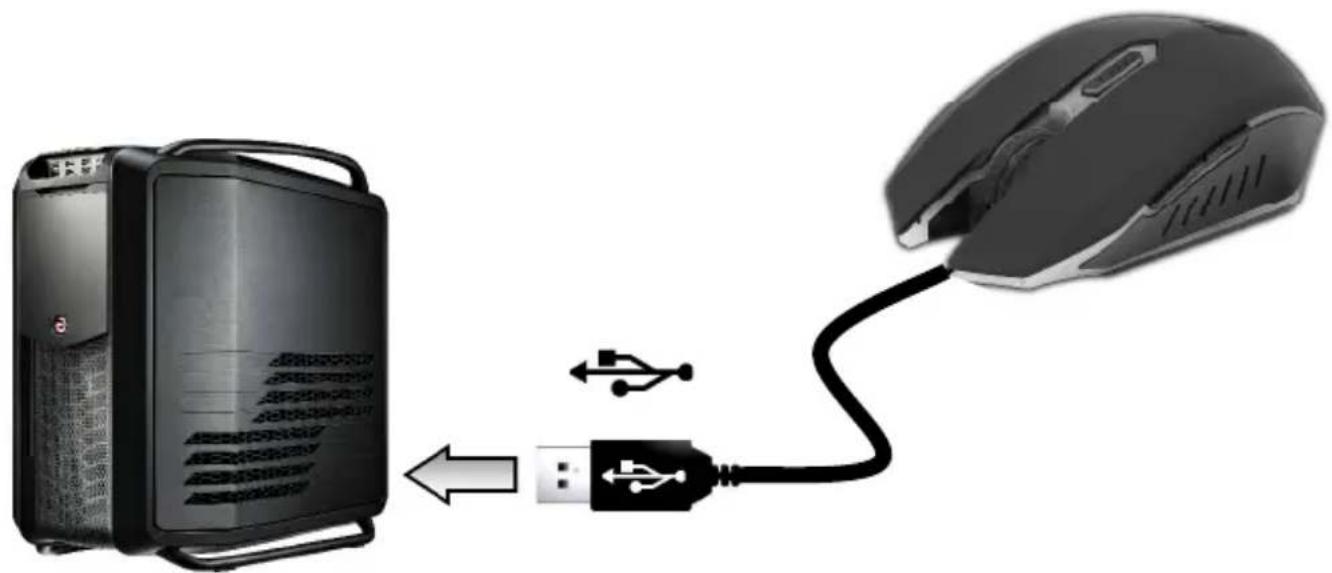
Diagram showing a computer connected to a mouse via USB cable, with an external device nearby (no text or symbols)
text_image
3 3 600...2400dpi| (ENG) Declaration of conformityThis product is tested and complies with the essential requirements of the laws of member states concerning EMC(2004/108/EC). The CE declaration can be found underwww.gembird.eu | (NL/BE) Verklaring van overeenstemmingDit product is getest en voldoet aan alle geldende nationale en Europese richtlijnen en regelgeving met betrekking tot EMC(2004/108/EC). Dit product heeft een CE-markering en de bijbehorende CE-verklaring van overeenstemming is beschikbaar op onze website: www.gembird.eu |
| (FR/BE) Déclaration de conformitéLe produit est contrôlé et rempli les exigences des directives nationales et de la directive EMC(2004/108/EC). La conformité CE a été démontrée et les déclarations correspondantes sont déposées chez le fabricant a: www.gembird.eu | (DE) KonformitätserklärungDieses Produkt wurde getestet und stimmt mit den grundlegenden Anforderungen der Richtlinie EMC(2004/108/EC) überein. Die Konformitätserklärung kann auf unserer Webseite www.gembird.euheruntergeladen werden. |
| Deklaracja zgodnościTen produkt został przetestowany i jest zgodny z zasadniczymi wymaganiami przepisów ustawowych państw członkowskich dotyczących EMC(2004/108/EC). Deklaracja CE znajduje się pod adresem www.gembird.eu | |

text_image
Four-panel cartoon showing handwashing and cleaning behaviors: water droplets, sun heating, nail polish, and a crossed-out toilet.Waste disposal:

Do not deposit this equipment with the household waste. Improper disposal can harm both the environment and human health. For Information about waste collection facilities for used electrical and electronic devices, please contact your city council or an authorized company for the disposal of electrical and electronic equipment.