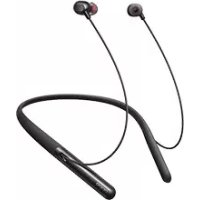
Enco Q1 - Headphones OPPO - Free user manual and instructions
Find the device manual for free Enco Q1 OPPO in PDF.


| Product Type | Wireless neckband headphones with active noise cancellation |
| Model | EWN00 |
| Color | Black (estimated) |
| Weight | Approximately 42 g (estimated) |
| Neckband dimensions | Adjustable length, about 50 cm (estimated) |
| Power supply | Rechargeable lithium-ion battery 160 mAh, charges via USB-C (5V) |
| Playback time (ANC on) | 15 hours (volume at 50%) |
| Playback time (ANC off) | 22 hours (volume at 50%) |
| Talk time (ANC on) | 10.5 hours |
| Standby time (ANC on) | 22 hours |
| Charging time | About 2 hours |
| Bluetooth version | 5.0 |
| Wireless range | Up to 10 meters |
| Speaker | Dynamic 11.8 mm |
| Frequency response | 20 Hz – 20 kHz |
| Impedance | 32 Ω |
| Speaker sensitivity | 99 dB (at 1 kHz) |
| Microphone sensitivity | -38 dBV/Pa |
| Water resistance | IPX4 (splash resistant) |
| Main features | Active noise cancellation, play/pause, volume, next/previous track, calls, voice assistant, audio modes (Music, Movie, Game) |
| Package contents | Headphone, USB-C cable, silicone ear tips (4 sizes), quick start guide, warranty card |
| Care and cleaning | Clean with a soft, dry cloth. Do not use chemical products. |
Frequently Asked Questions - Enco Q1 OPPO
User questions about Enco Q1 OPPO
0 question about this device. Answer the ones you know or ask your own.
Ask a new question about this device
Download the instructions for your Headphones in PDF format for free! Find your manual Enco Q1 - OPPO and take your electronic device back in hand. On this page are published all the documents necessary for the use of your device. Enco Q1 by OPPO.
USER MANUAL Enco Q1 OPPO
Wireless Noise Cancelling Headphones
Quick Start Guide
快速指南
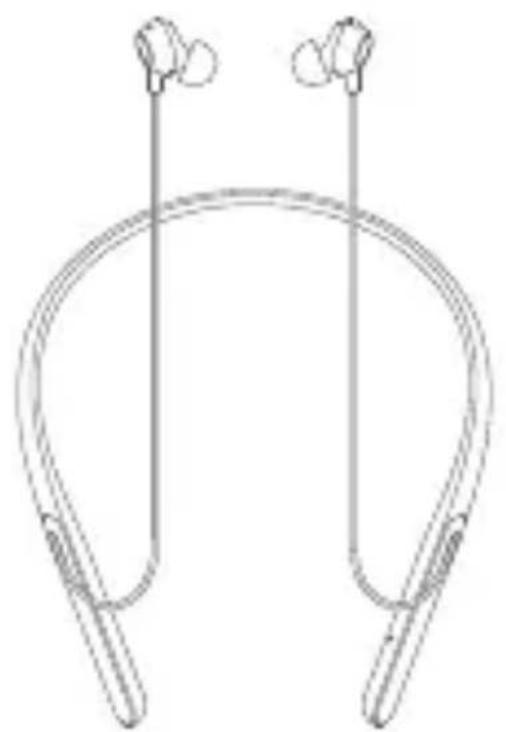
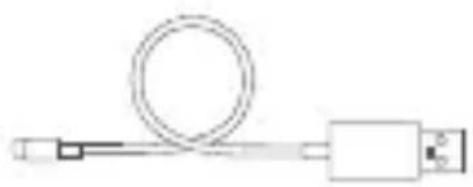
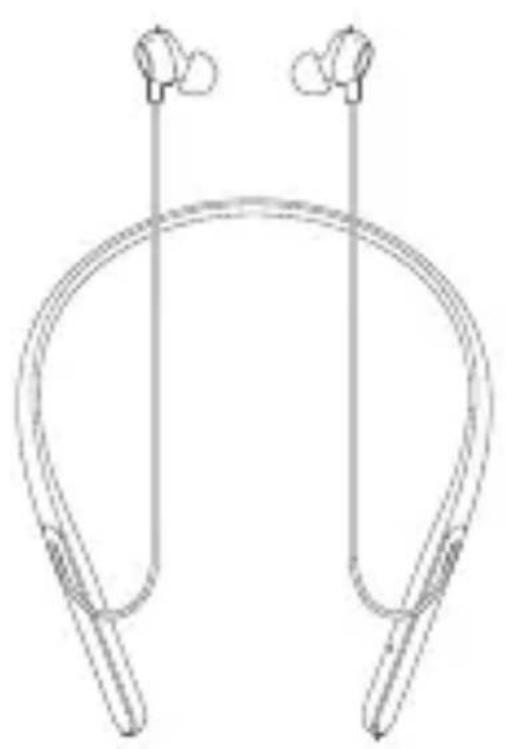
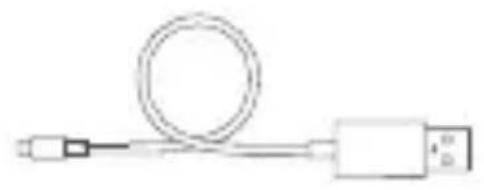
The box contains the OPPO ENCO Q1 Wireless Noise Cancelling Headphones, the USB-C cable, silicone ear tips in four sizes (the Size L ear tips are mounted on the earphones), the Quick Start Guide, and the warranty card.
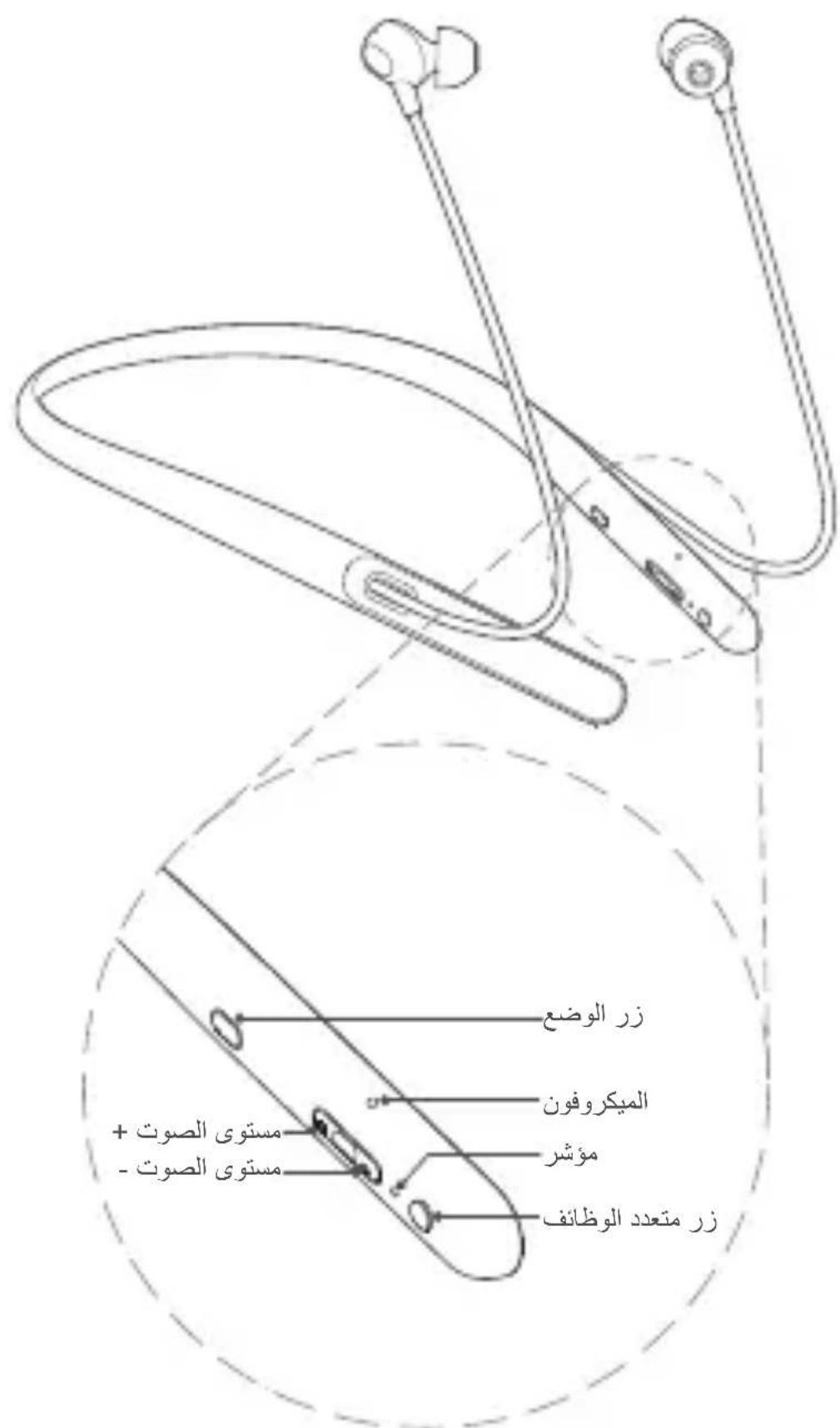
Overview
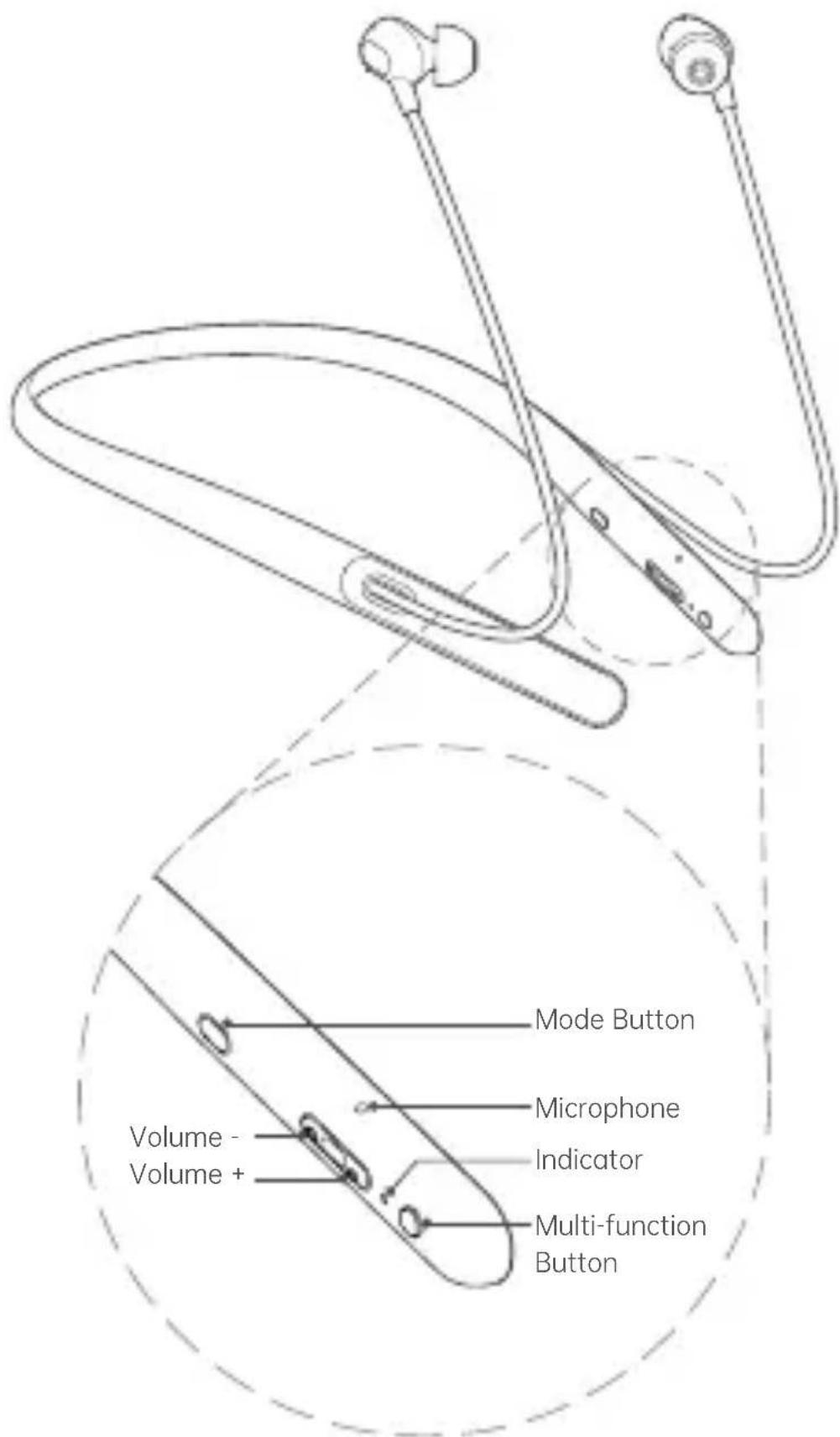
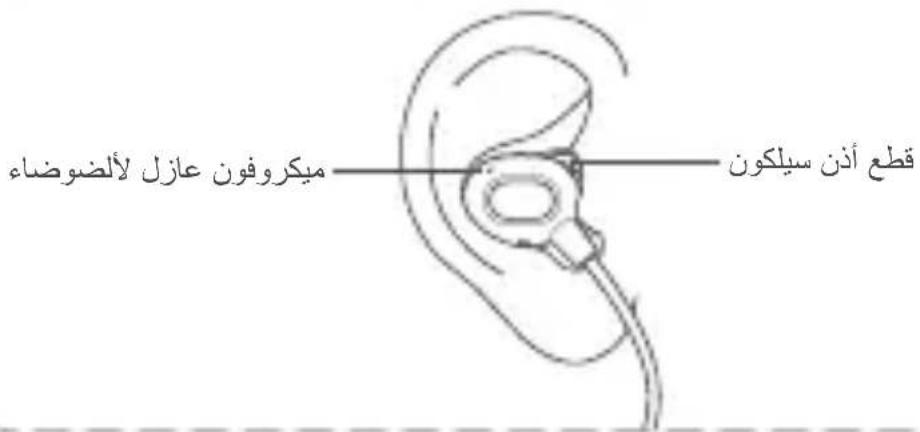
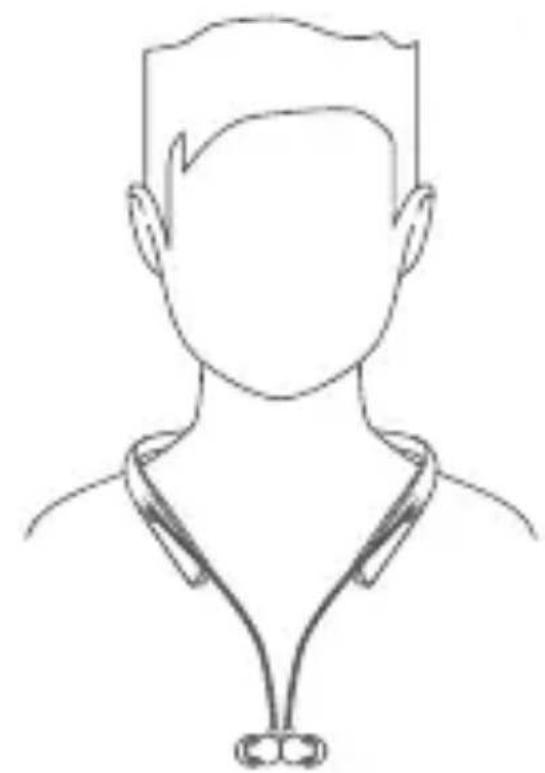
Fit the Earbuds to Your Ear
Noise-cancelling Microphone
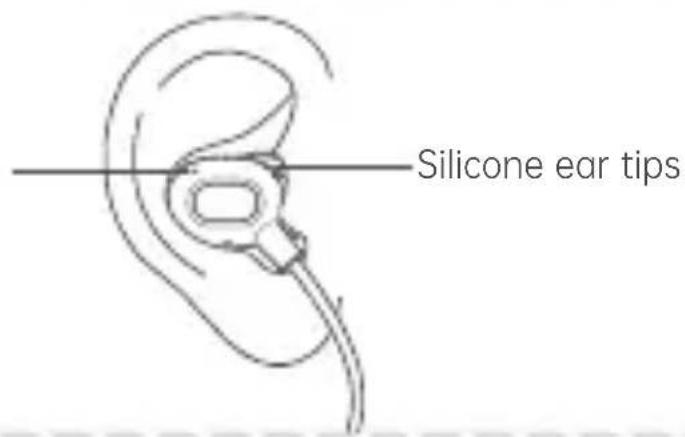
For the best sound performance and a comfortable fit, use the ear tips that rest gently and securely in your ears. Rotate the earbuds to the position where you feel most comfortable.
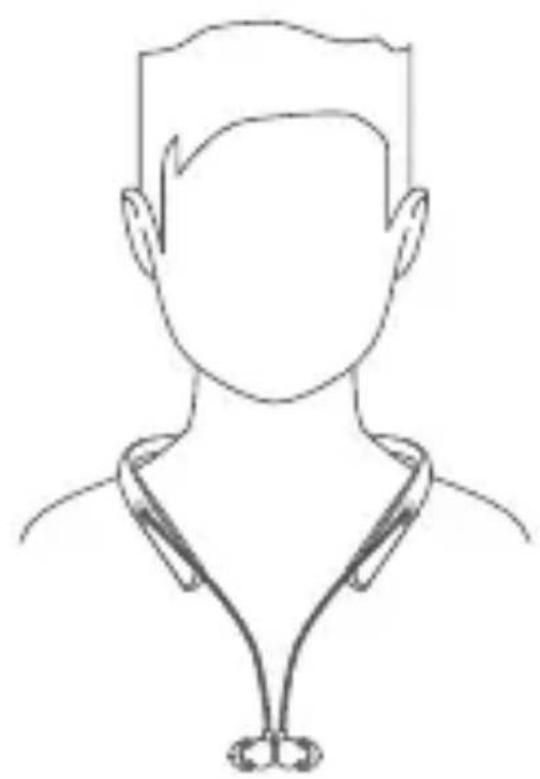
Let the earbuds drop down your chest when you are not using them, and they will be magnetically attached to each other.
Power On/Off
Power On: Press and hold the Multi-function Button for 2s, and the indicator turns green for 1s.
Power Off: Press and hold the Multi-function Button for 4s, and the indicator turns off.
Bluetooth Pairing
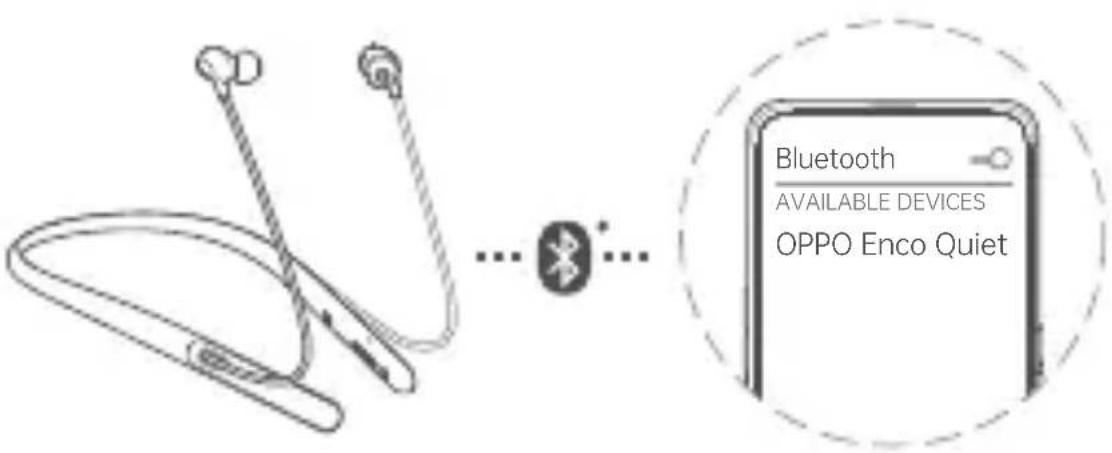
When powered on for the first time, the headphones start pairing automatically. The indicator flashes green rapidly and you hear "Bluetooth Pairing" tones.
2 Turn on Bluetooth feature on your device:
- Quick Pairing: Put the headphones near to an unlocked OPPO phone, and a message will pop up on the phone to prompt for quick pairing. Follow the on-screen instructions.
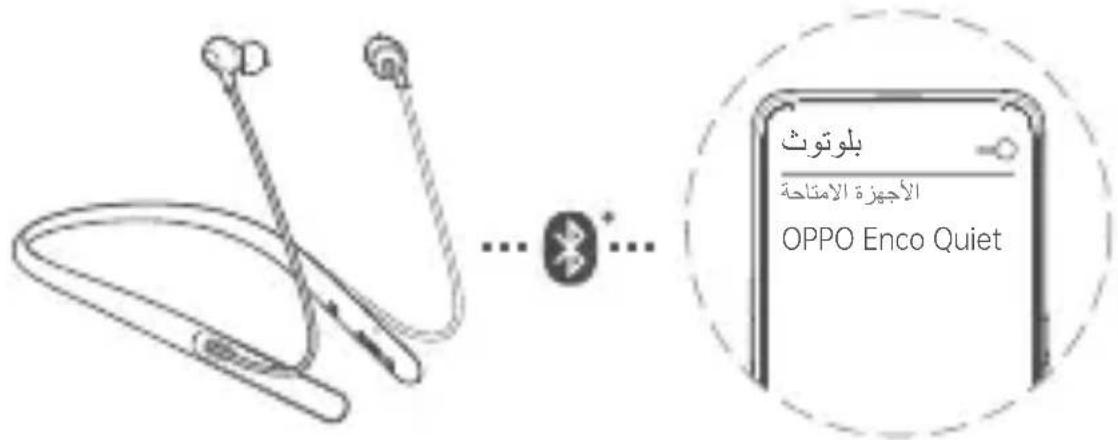
- Normal Pairing: Select "OPPO Enco Quiet" in the device list. Once paired, the indicator flashes white slowly and you hear "Connected" tones.
※ Not all models support quick pairing. For details, please visit www OPPO.com.
Bluetooth Connection & Disconnection
Bluetooth connection:
- When powered on, the headphones reconnect with the most-recently connected device;
- If the reconnection fails, the headphones enter pairing mode
Bluetooth disconnection:
- To disconnect the headphones from your device, disable Bluetooth feature on your device.
- The headphones will be disconnected from the device if the distance between the two is beyond the valid range; the headphones will attempt re-connecting with the device, and will shut down automatically in 10 minutes if the attempt fails.
Pairing with New Device
When the headphones are off, press and hold the Multi-function Button for 6s until the indicator flashes green quickly and the voice prompt says "Bluetooth Pairing". The headphones then are available for pairing with a new device.
Charging
Use a USB charger or chargers with 5V output to charge the headphones.
Charging status indicator:
- Low battery: The indicator flashes red slowly, please charge the headphones in time.
- Charging : The indicator glows solid red.
- Fully charged: The indicator glows solid green.
Noise Cancellation
Enable/Disable ANC: Press the Mode Button.
Active Noise Cancellation (ANC) is enabled by default each time the headphones are powered on.
Notes:
- The noise cancelling function senses external ambient noise with built-in microphones, and produces an equal-but-opposite sound that cancels out the ambient noise. This feature reduces unwanted noise and brings a clearer and more immersive audio experience.
- The noise cancelling effect may not be pronounced in a very quiet environment.
- The noise cancelling effect may vary depending on how you wear the headphones. If this happens, take off the headphones and put it back on again.
- The noise cancelling function works for noise in the low frequency band primarily.
- Although noise is reduced, it is not canceled completely.
Media Playback
Play/pause: Press the Multi-function Button.
Volume up/volume down: Press the Volume + / Volume - button.
Next/previous track: Press and hold the Volume + / Volume - button for 1s.
Calls
Answer/end a call: Press the Multi-function Button.
Decline an incoming call: Press and hold the Multi-function Button for 2s.
Voice Assistant
Activate Voice Assistant: Press the Multi-function Button twice.
※ Whether voice assistant is supported depends on the brand and model of the device.
Audio Effects
Switching audio effects: Press the Mode Button twice.
The Music mode is enabled by default each time the headphones are powered on.
Music mode:
Balanced and natural tuning, delivering vivid and expressive sound.
- Cinema mode:
Enhance the impact and excitement of low frequency special effects and surround soundscape, provide immersive experience when you watch movies.
Game mode:
Enhance in-game spatial awareness, giving you more enjoyable gaming experience.
※ Note: The usage hours tends to be shorter in Cinema mode and Game mode, depending on the condition of use.
Specifications
| Item | Specification |
| Model | EWN00 |
| Driver | 11.8mm dynamic driver |
| Driver sensitivity 99dB @ 1kHz | |
| 20Hz ~ 20kHzFrequency response range | |
| Impedance 32 | Ω |
| Rated power 5mW | |
| Microphone sensitivity -38dBV/Pa | |
| 5.0Bluetooth version | |
| 10mWireless range | |
| Rechargeable Lithium-ion batteryBattery type | |
| Battery capacity 160mAh | |
| 15h (ANC ON)/22h (ANC OFF)Music play time (5 | |
| 10.5h (ANC ON)/14h (ANC OFF)Communication | |
| 22h (ANC ON)/300h (ANC OFF)Standby time | |
| 2hCharging time* | |
| IPX4Water resistance |
× Charging time was measured using a standard OPPO charger at 25^ , the normal lab temperature. The actual charging time may vary subject to the charging environment and the specific charger being used.
※ Specifications are from lab data.
※ This Quick Start Guide is for reference only. The specific functions and appearance of the headphones may be slightly different.
包装清單
XL


M


S


快速指南
保修卡
CBy3bIBaHHe c HOBbIM yCTpoIcTBOM
Ha BbIKIIOueHHbIX HayuHnKax HaxMITE MHOOyHKUHOHaJIbHyIO KHOJky N ydepxHBaIte ee 6 cekyHd, Ioka INHdkATOp He NaHET 6bICTPO MIRATb 3eJeHbIM ZBeTOM I He Ipo3ByuNT COo6UeHne "Bluetooth Pairing" (CByBaHne no Bluetooth). HayuHnKI rOTOBbl K CBaIBAHIO C HOBbIM YCTPOJCTBOM.
3apяdka
Для зарядки hayшнков ИспльзуITE зарядhoe устpo\'ctBO USB плл зарядhoe устpo\'ctBO C BbIXODhIM habржehinem 5 B.
Hndkatop ypoBna 3apya:
- Hn3Kn ypoBeHb: nHdNKaTOp MeIJIeHHO MInraet KpaChbIM LCBETOM, CBOEBpeMeHNO 3apJrnte HAYUHNIKN.
3apra: HndnKaTOp HepepbIBHO ropnt KpaChbIM ZBeTOM. - Полны заряд: Инданатор HeпрерыВно ratn 3eilehblm CBETOM.
UymoonodabJeHne
aagalllll jn nnnn nn nnnn nnnn nnnn nnnn nnnn nnnn nnnn nnnn nnnn nnnn nnnn nnnn nnnn nnnn nnnn nnnn nnnn nnnn nnnn nnnn nnnn nnnn nnnn nnnn nnnn nnnn nnnn nnnn nnnn nnnn nnnn nnnn nnnn nnnn
"bltiooth Pairing"
j
J
5 5 USB
:
Jlllclaw jy jyj yj yj yj yj yj yj yj
1
.
.
J 1
y 1
.
4 4 4 4 4 4 4 4 4 4 4 4 4 4 4 4 4 4 4 4 4 4 4 4 4
.
i
1
j 2
OPPO 1
yI 1
auiuiyi 10
"OPPO Enco Quiet" :
"Connected" 1
(1)
. www.oppo.com 8
i
J 1 J
e 1
XL


M


S


jolal
ENCO Q1 1000000000000000000000000000000000000000000000000000000000000000

OPPO ENCO Q1
clgglal jll sLwU U
e

GUANGDONG OPPO MOBILE TELECOMMUNICATIONS CORP., LTD. NO.18 Haibin Road, Wusha, Chang'an, Dongguan, Guangdong, China
307001017974 V1.0