XW401 - Battery charger Xtorm - Free user manual and instructions
Find the device manual for free XW401 Xtorm in PDF.


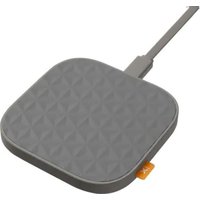
| Product Type | Wireless charger for Qi-compatible devices |
| Brand | Xtorm |
| Model | XW401 |
| Dimensions (approx.) | 10 x 10 x 1.5 cm |
| Weight (approx.) | 100 g |
| Input Power | USB-C, 5V/2A (minimum) |
| Wireless Charging Power | Up to 15 W (shared between two devices if connected) |
| Magnetic Connectivity | Yes, allows connecting two chargers to charge two devices simultaneously |
| LED Indicator | Flashing light ring 3 times when powered on and when charging starts |
| Main Functions | Wireless charging for smartphones, earphones, and other Qi devices; dual charging with magnetic connection |
| Compatibility | Devices compatible with the Qi wireless charging standard |
| Box Contents | Wireless charger, USB-C cable, quick start guide |
| Care and Cleaning | Clean with a soft, dry cloth. Do not use abrasive products or solvents. |
| Safety | Do not expose to water, high humidity, or heat sources. Do not disassemble. Keep out of reach of children. |
| Spare Parts and Repairability | No spare parts available. Product not user-repairable. Contact after-sales service in case of failure. |
| Warranty | Limited manufacturer's warranty (see conditions in the manual) |
Frequently Asked Questions - XW401 Xtorm
User questions about XW401 Xtorm
0 question about this device. Answer the ones you know or ask your own.
Ask a new question about this device
Download the instructions for your Battery charger in PDF format for free! Find your manual XW401 - Xtorm and take your electronic device back in hand. On this page are published all the documents necessary for the use of your device. XW401 by Xtorm.
USER MANUAL XW401 Xtorm
natural_image
Line drawing of a square gridded plate with grid pattern, no text or symbols present1 SPECIFICATIONS
XW401XW402

USB-C™ PD 20W
Wireless 5W/7.5/10W/15W (max)

USB-C™ PD 20W
Wireless 5W/7.5/10W/15W (max)

80x80x8.5 mm 2x 80x80x8.5 mm


50 grams 100 grams


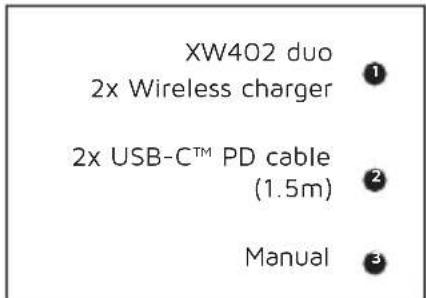
1x USB-C™ PD cable (1.5m)
1x Manual

2x USB-C™ PD cable (1.5m)
1x Manual
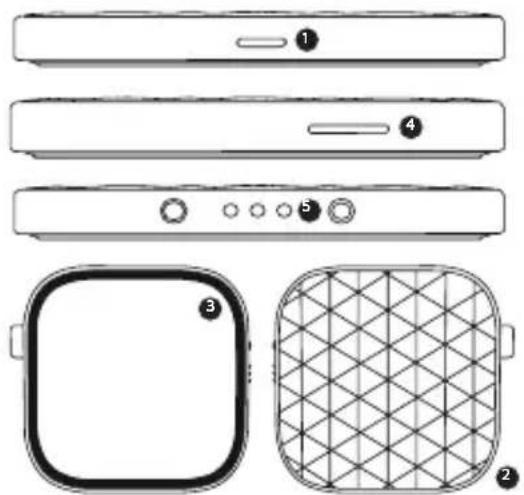
PRODUCT OVERVIEW 2
natural_image
Technical line drawings of electronic devices including front panels, buttons, and a grid-patterned panel (no text or symbols)Input USB-C 20W
1
Wireless output 15W
2
LED light indicator
3
Official Xtorm Label
4
Connection 2 ^nd charger
5
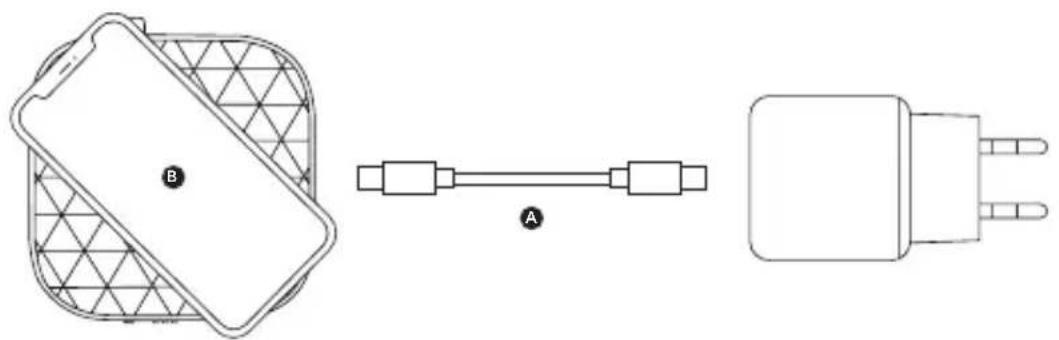
3 CHARGING YOUR DEVICE
natural_image
Three technical line drawings of electronic components: a mesh-wrapped device, a connected component with labeled section A, and a plug with three leads (no text or symbols present)COMPATIBLE DEVICES
3A Connect the USB-C end of the charging cable to the input of the wireless charger and the other USB-C end to a wall charger.
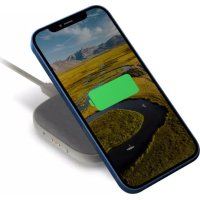
3B Place your device on top of the wireless charger, your device will charge automatically.
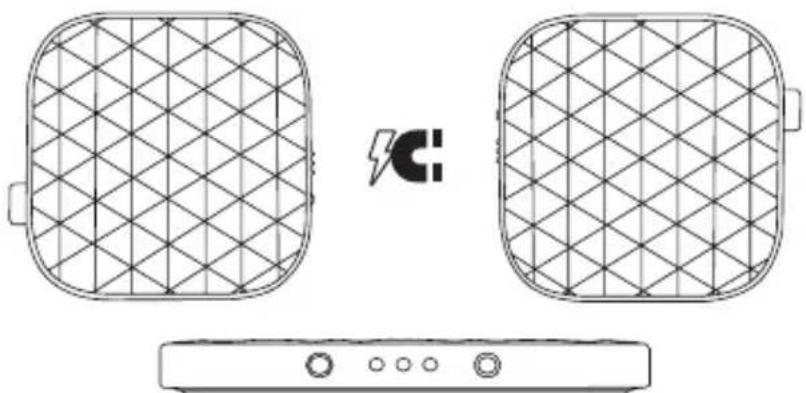
CHARGE SEPARATELY 4
XW402
For charging two devices at the same time
natural_image
Diagram showing two grid-patterned rectangular devices connected to a power supply unit (no text or symbols)4A Create a dual charger by connecting 2 chargers together magnetically. The expansion port transfers power, you only need to use 1 cable.
4B When the two chargers are connected together, the 15W maximum power will be split between them in 10W/5W, or 7.5W/7.5W.
LED LIGHT INDICATOR5
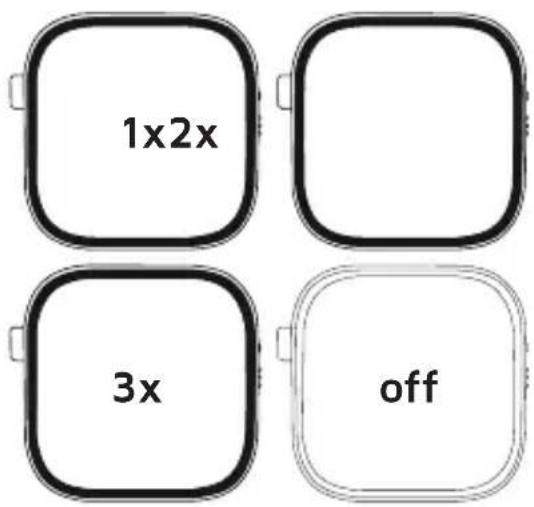
5A To indicate the power is on, the LED light ring will slowly flash 3x, and then turn off.
5B Place your phone in the middle of the charger, and charging will start automatically. To indicate charging has started, the LED light ring will slowly flash 3x, and then turn off.
IN THE BOX 6
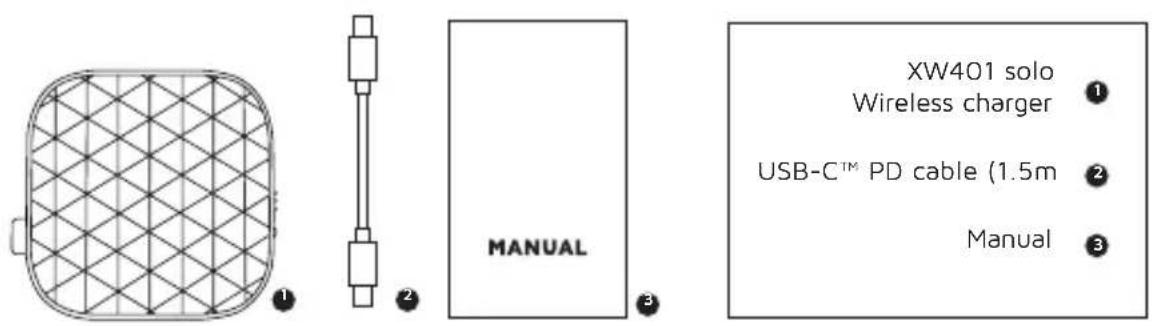
natural_image
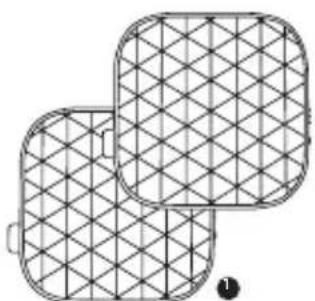
Two overlapping rectangular panels with a grid pattern, no text or symbols visible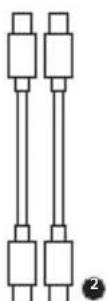
EN - ENGLISH
1 SPECIFICATIONS
2 PRODUCT OVERVIEW
3 CHARGING YOUR DEVICE
3.A Connect the USB-C end of the charging cable to the input of the wireless charger and the other USB-C end to a wall charger.
3.B Lay your device on top of the wireless charger or in the charging stand, your device will charge automatically.
4 RECHARGING THE POWER BANK
4.A Create a dual charger by connecting 2 chargers together magnetically. The expansion port transfers power, you only need to use 1 cable.
4.B When the two chargers are connected together, the 15W maximum power will be split between them in 10W/5W, or 7.5W/7.5W.
5 LED POWER INDICATOR
5.A To indicate the power is on, the LED light ring will slowly flash 3x, and then turn off.
5.B Place your phone in the middle of the charger or in the charging stand, and charging will start automatically. To indicate charging has started, the LED light ring will slowly flash 3x, and then turn off.
6 IN THE BOX
NL - NEDERLANDS
1 SPECIFICATIES
2 PRODUCTOVERZICHT
3 UW APPARAAT OPLADEN
5 LED STROOMINDICATOR
EN When recycling this product, please follow WEEE battery recycling procedures. Contact your local recycling organization for more information.
Provided with a temperature control chip that prevents overheating.

2. OVERLOAD PROTECTION
Protects both the internal battery as well as the battery of the attached device from overcharging.

3. SECURED POWER MANAGEMENT
Automatically picks the correct charging speed and efficiently devides power between attached devices.

4. SHORT CIRCUIT PROTECTION
Breaks the circuit automatically when an overcurrent is detected. This protects the Xtorm charger and your device from short circuit damage.

5. A-CLASS BATTERY CELLS
We only use the best battery cells that provide the fast charging you need and meet all safety requirements.

6. HIGH EFFICIENCY
Our power products are built to power your device as efficient as possible. This ensures the least possible loss of energy during the charging process.

WARNINGS
EN Warnings
Don't drop, dissemble or attempt to repair the charger by yourself. Avoid exposure to water or high humidity. Don't expose to any heat source. Keep out of reach of children. Don't use in the presence of flammable gas. The warranty will lapse in the event of improper use. Telco Accessories has tested the product in a test environment. All statements/declarations made by Telco Accessories about the (operation) of the product are based on the results obtained from such tests. These results/statements/declarations cannot be guaranteed, for example in cases of deviating or injudicious use and/or use in a different environment.
NL Waarschuwingen
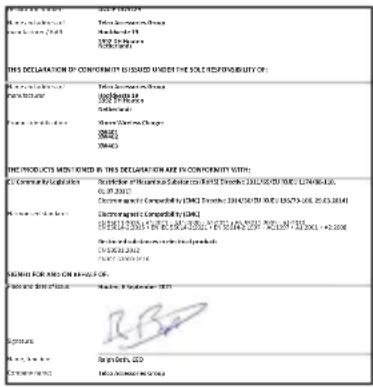
EU DECLARATION OF CONFORMITY

HIGHER QUALITY
= LOWER IMPACT
CUSTOMER SUPPORT
support@tag.nl
+31 (0)30 635 4800
TELCO ACCESSORIES GROUP
Hoofdveste 19, 3992DH Houten
The Netherlands
MOREENERGY
XTORM.EU