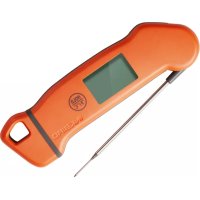
IHT1S - Thermometer Inkbird - Free user manual and instructions
Find the device manual for free IHT1S Inkbird in PDF.


| Product Type | Digital Kitchen Thermometer |
| Brand | Inkbird |
| Model | IHT-1S |
| Measurement Range | -50°C to 300°C (-58°F to 572°F) |
| Accuracy | ±0.5°C (±1.0°F) |
| Display Resolution | 0.1°C/°F (<100°C/100°F), 1.0°C/°F (≥100°C/100°F) |
| Waterproof Rating | IP67 |
| Power Supply | Rechargeable lithium battery via USB (5V, min 500 mA) |
| Battery Life | Several hours (not specified) |
| Main Functions | Automatic on/off by foldable probe, G-sensor, HOLD function, backlight, °C/°F selection, calibration |
| Sleep Mode | Auto shut-off after 3 minutes of inactivity and stable temperature |
| Response Time | 2 to 3 seconds |
| Calibration | Range -3°C to 3°C (-5°F to 5°F), adjustable |
| Warranty | 2 years |
| Cleaning and Maintenance | Clean with a damp cloth; do not immerse, IP67 rating |
| Recommended Uses | Cooking: food, liquids, pasta, semi-solid products |
Frequently Asked Questions - IHT1S Inkbird
User questions about IHT1S Inkbird
0 question about this device. Answer the ones you know or ask your own.
Ask a new question about this device
Download the instructions for your Thermometer in PDF format for free! Find your manual IHT1S - Inkbird and take your electronic device back in hand. On this page are published all the documents necessary for the use of your device. IHT1S by Inkbird.
USER MANUAL IHT1S Inkbird
DIGITAL FOOD THERMOMETER
IHT-1S
IHT-1S Digital Food Thermometer
Specifications
● Device Name: Digital Food Thermometer
● Model: IHT-1S
- Readout Time: 2\~3s
● Measurement Range:
-58.0°F\~572°F/-50.0°C\~300°C
● Measurement Accuracy: ±0.5°C/±1.0°F
● Resolution of Display:
0.1°C/°F (<100°C/100°F), 1.0°C/°F (>=100°C/100°F)
● Waterproof Level: IP67
● Auto-ON/OFF
● Rechargeable Lithium Battery
● Calibration Range: -5.0°F\~5.0°F/-3.0°C\~3.0°C
● Support Both °F & °C
● LCD (Liquid Crystal Display)
● Backlight Display
G-Sensor: Auto-ON
● Product Usage: measuring food, liquids, pastes and semi-solid materials
● Warranty: 2 years
Instruction
- Button Instruction
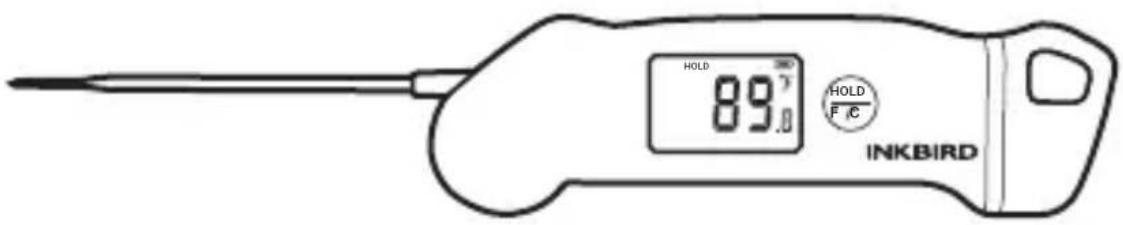
Short press and release Ⓗ hold button can hold the measured temperature or cancel the hold temperature when unit runs.
● How to Enter the Setting Mode
Press and hold the HOLD button for 8 seconds to enter setting mode, will appear "CF" on the screen. Short press one time to choose "C" or "F". Press and hold for about 2 seconds to enter into the calibration mode. LCD screen shows CA letter. Short press once, it will show the calibration value and blink, then you can short press the button to adjust the desired calibration temperature or hold the button to set fast. The calibration temperature will be automatically saved after 10 second if there is no operation.
Notes: The calibration will be reset to 0.0 °F/°C if you change the temperature unit between °F and °C, the calibration need to be reset.
- LCD Screen (Liquid Crystal Display) Display the measured temperature, HOLD letter, charging mark and battery capacity levels.
● Backlight Display
Convenient for check. The backlight will turn off automatically if there is no operation for 10 seconds or 30 seconds in the HOLD state.
● Rechargeable Lithium Battery
The voltage of USB adapter should be 5V and current electric of USB adapter should higher than 500mA.
● Auto-ON/OFF
Unfold the probe, the thermometer will be turned on automatically, and it will be turned off when you fold the probe back.
● Auto Restart
The device will turn off automatically if there is no operation and the temperature keeps stable for 3 minute. After turn off, the device can automatically open once take up the thermometer or press the button.
G-Sensor
When you take up the thermometer, the backlight will light and unit will power on automatically.
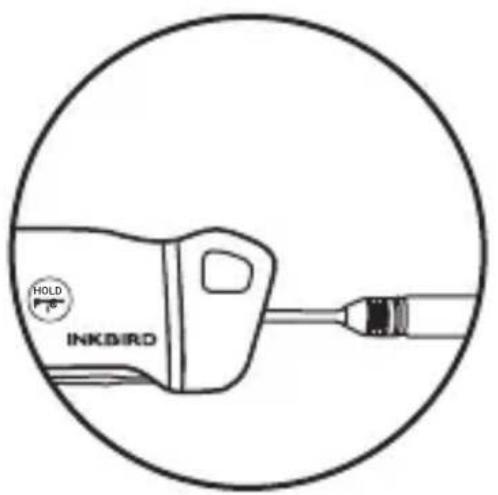
Charging
natural_image
Line drawing of an inkbird with a circular outline, no text or symbols present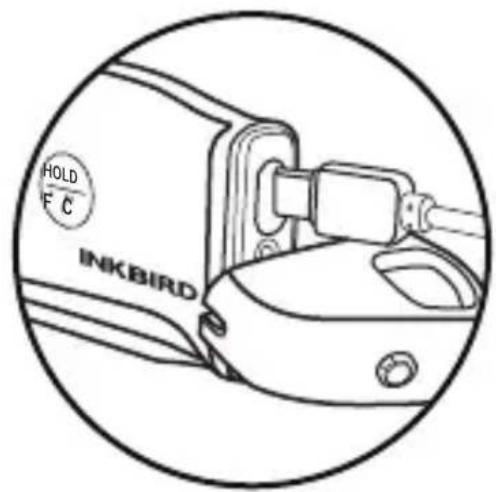
- Unscrew the end part from the device.
- Insert the USB cable to the device's charging port to charge the device.
● Batterie Lithium Rechargeable
Specifiche Tecniche
Specifications
natural_image
Line drawing of an INCBIRD connector with a circular outline (no text or symbols)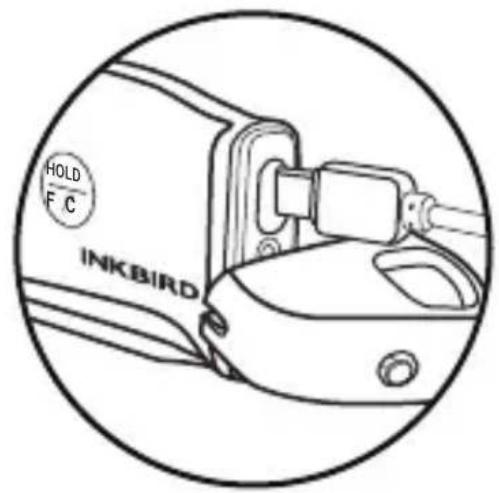
natural_image
Line drawing of a handheld device with a circular outline, no text or symbols present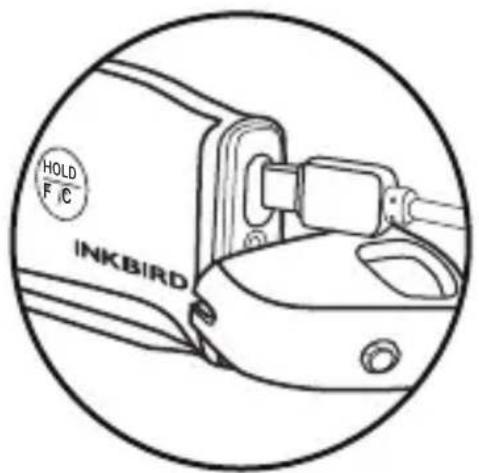
Factory address: 6th Floor, Building 713, Pengji Liantang Industrial Area, NO.2 Pengxing Road, Luohu District, Shenzhen, China
Office address: Room 1803, Guowei Building, NO.68 Guowei Road, Xianhu Community, Liantang, Luohu District, Shenzhen, China