38.2024 - Digital thermometer TFA - Free user manual and instructions
Find the device manual for free 38.2024 TFA in PDF.



User questions about 38.2024 TFA
0 question about this device. Answer the ones you know or ask your own.
Ask a new question about this device
Download the instructions for your Digital thermometer in PDF format for free! Find your manual 38.2024 - TFA and take your electronic device back in hand. On this page are published all the documents necessary for the use of your device. 38.2024 by TFA.
USER MANUAL 38.2024 TFA
TFA_No. 38.2024_Anleit_04_21
25.04.2021
17:47 Uhr
Seite
Bediungsanleitung Instruction manual Mode d'emploi Istruzioni per l'uso Gebruiksaanwijzing Instruzioni de uso

Instruction manuals
Digital timer and stopwatch

Thank you for choosing this instrument from TFA.
-
Before you use this product
-
Please make sure you read the instruction manual carefully.
- Following and respecting the instructions in your manual will prevent damage to your instrument and loss of your statutory rights arising from defects due to incorrect use.
- We shall not be liable for any damage occurring as a result of non-following of these instructions.
- Please take particular note of the safety advice!
- Please keep this instruction manual safe for future reference.
2. Delivery contents
- Timer
- Instruction manual
TFA_No. 38.2024_Anleit_04_21
Digital timer and stopwatch
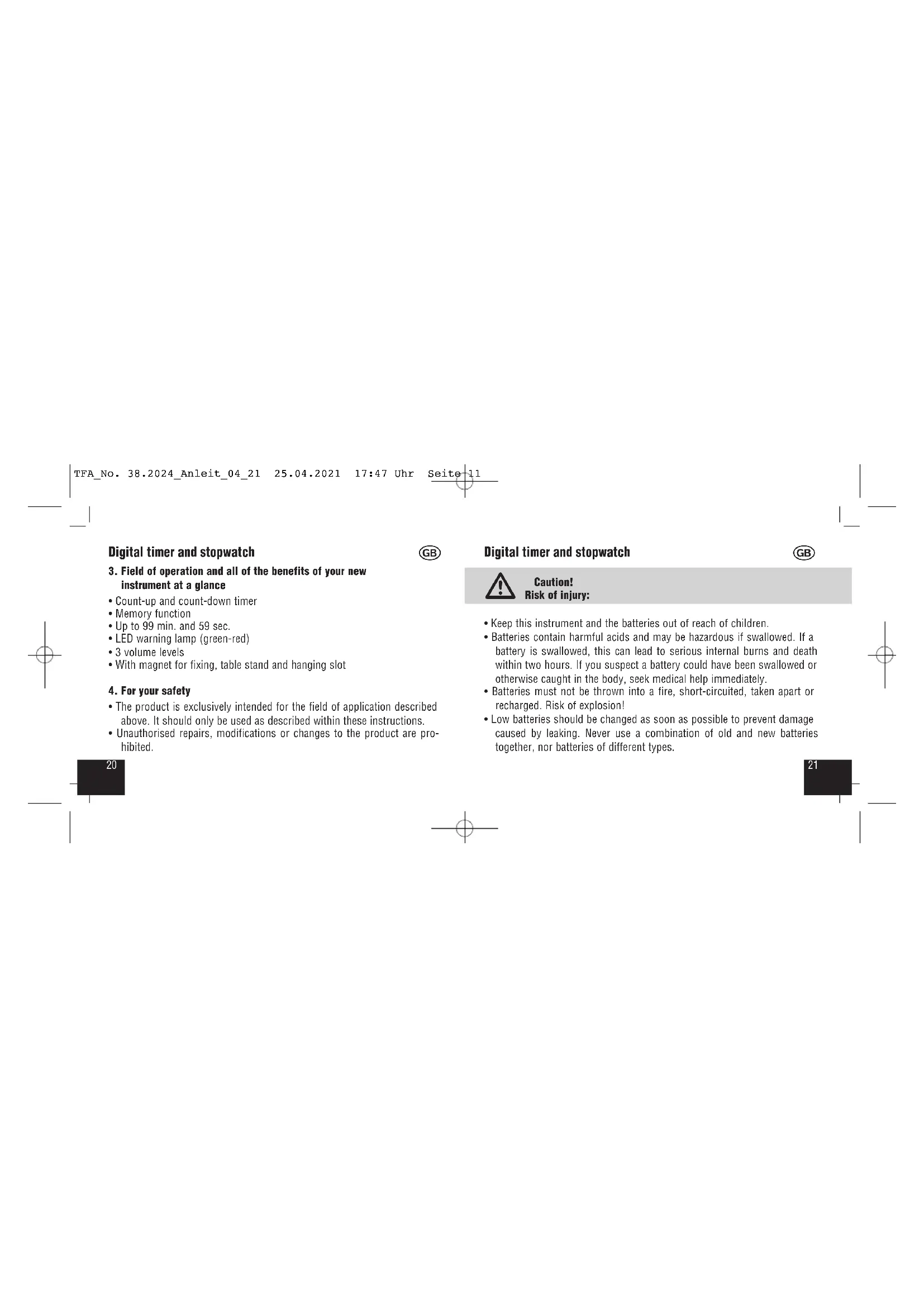
3. Field of operation and all of the benefits of your new instrument at a glance
- Count-up and count-down timer
Memory function - Up to 99 min. and 59 sec.
LED warning lamp (green-red)
3 volume levels - With magnet for fixing, table stand and hanging slot
4. For your safety
- The product is exclusively intended for the field of application described above. It should only be used as described within these instructions.
- Unauthorised repairs, modifications or changes to the product are prohibited.
Digital timer and stopwatch
GB

Caution!
Risk of injury:
- Keep this instrument and the batteries out of reach of children.
- Batteries contain harmful acids and may be hazardous if swallowed. If a battery is swallowed, this can lead to serious internal burns and death within two hours. If you suspect a battery could have been swallowed or otherwise caught in the body, seek medical help immediately.
- Batteries must not be thrown into a fire, short-circuited, taken apart or recharged. Risk of explosion!
- Low batteries should be changed as soon as possible to prevent damage caused by leaking. Never use a combination of old and new batteries together, nor batteries of different types.
TFA_No. 38.2024_Anleit_04_21
Digital timer and stopwatch

- Wear chemical-resistant protective gloves and safety glasses when handling leaking batteries.

Important information on product safety!
- Do not expose the device to extreme temperatures, vibrations or shocks.
- Elements
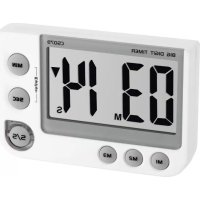
A:Display (Fig 1):
A 1: Minutes A 2: Seconds
A3: ▲ Symbol for the count up. Symbol for the count o
B: Buttons (Fig 2):
B1:M1 button B2:M2 button
Digital timer and stopwatch

B3:M3 button B4:S/S button
B5:SECbuttonB6:MINbutton
C: Housing (Fig 3):
C1: Alarm volume switch
C 2: Magnets
C 3: Wall mounting bracket (fold out)
C4: Battery compartment
C 5: Stand (fold out)
6. Getting started
- Pull off the protective foil on the display.
- Slide the lid of the battery compartment downwards and insert two new batteries (2 x 1.5 V AAA), making sure the polarity is correct.
TFA No. 38.2024 Anleit 04_21
25.04.2021
17:47 Uhr
Seite 13
Digital timer and stopwatch
- Place the battery compartment lid on the housing and slide it upwards.
- All LCD segments will light up for about a few seconds
The unit is ready for use. - Take out the batteries to shut down the instrument.
7. Operation
7.1 Timer
- Push the MIN button to set the minutes and the SEC button to set the seconds of the desired time. Press and hold the buttons in setting mode for fast running.
- appears on the display.
- Push the S/S button to start the countdown process.
- During the countdown, the symbol is flashing and the S/S button flashes in green.
Digital timer and stopwatch

- Use the S/S button to stop and restart the counting.
- After the countdown the symbol appears in the display, the alarm (60 seconds) will sound and the S/S button flashes in red. Now the timer will start to count up the elapsed time.
- Press the S/S button to stop the counting and to deactivate the alarm sound.
The timer will recall the last selected time automatically. - Push the MIN and SEC button at the same time to reset the timer.
7.2 Memory function
- Press and hold M1 button for 2 seconds.
00:00 flashes on the display. - Push the MIN button to set the minutes and the SEC button to set the seconds of the desired time.
TFA_No. 38.2024_Anleit_04_21
Digital timer and stopwatch
- Confirm the setting with the M1 button.
- Press M1 button to recall the preset time.
- Push the MIN and SEC button at the same time to reset the timer.
- Set the time for M2 and M3 in the same way.
7.3 Stopwatch
- Push the MIN and SEC button at the same time to reset the timer.
- Push the S/S button to start the count up-process. appears in the display.
- Use the S/S button to stop and restart the counting.
7.4 Setting of alarm sound
- With the switch at the right side set the volume for the alarm.
Hi:high
Digital timer and stopwatch
Lo:low
Mute
- The marking in the middle of the switch shows the selected volume.
7.5 Fixing
- With the foldable leg the instrument can be placed onto flat surfaces.
- With the foldable suspension device you can fix the instrument with a nail at the wall.
- Use the two magnets at the back of the instrument for placement on metal surfaces.
8. Care and maintenance
- Clean it with a soft damp cloth. Do not use solvents or scouring agents. Protect it from moisture.
TFA_No. 38.2024_Anleit_04_21
25.04.2021
17:47 Uhr
Seite 15
Digital timer and stopwatch
- Remove the batteries if you do not use the product for a long period of time.
- Keep the instrument in a dry place.
8.1 Battery replacement
- Replace the batteries when the display starts to fade.
- Open the battery compartment and insert two new batteries 2 × 1.5V AAA. Make sure they have the correct polarity. Close the battery compartment again.
9. Troubleshooting
Problems Solution
No indication Ensure batteries' polarities are correct
Change the batteries
Digital timer and stopwatch

Incorrect indication Change the batteries
If your device fails to work despite these measures contact the supplier from whom you purchased it.
10. Waste disposal
This product has been manufactured using high-grade materials and components which can be recycled and reused.

Never dispose of empty batteries and rechargeable batteries in household waste.
As a consumer, you are legally required to take them to your retail store or to appropriate collection sites depending on national or local regulations in order to protect the environment.

TFA_No. 38.2024_Anleit_04_21
Digital timer and stopwatch
The symbols for the heavy metals contained are: Cd=cadmium, Hg=mercury, Pb=lead.
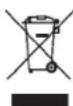
This instrument is labelled in accordance with the EU Waste Electrical and Electronic Equipment Directive (WEEE).
Please do not dispose of this instrument in household waste. The user is obligated to take end-of-life devices to a designated collection point for the disposal of electrical and electronic equipment, in order to ensure environmentally-compatible disposal.
11. Specifications
Measuring range: 99 minutes and 59 seconds
Power consumption: Batteries 2 × 1.5 V AAA (not included) Use alkaline batteries
Digital timer and stopwatch
GB
Housing dimension: 91 × 21 (30) x 60 mm
Weight: 68 g (device only)
No part of this manual may be reproduced without written consent of TFA Dostmann. The technical data are correct at the time of going to print and may change without prior notice. The latest technical data and information about this product can be found in our homepage by simply entering the product number in the search box.
www.lta-dostmann.de 04/21
TFA_No. 38.2024_Anleit_04_21
B1:Touche M 1 B2:Touche M 2
B3:Touche M 3 B4:Touche S/S
B5:Touche SEC B6:Touche MIN
C:Boitier(Fig3):
C: Behuizing (Fig 3):