34046 - Alarm system CHACON - Free user manual and instructions
Find the device manual for free 34046 CHACON in PDF.



User questions about 34046 CHACON
0 question about this device. Answer the ones you know or ask your own.
Ask a new question about this device
Download the instructions for your Alarm system in PDF format for free! Find your manual 34046 - CHACON and take your electronic device back in hand. On this page are published all the documents necessary for the use of your device. 34046 by CHACON.
USER MANUAL 34046 CHACON
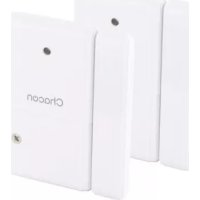
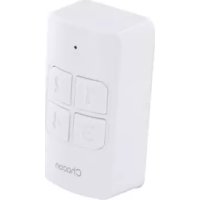
Wireless remote keyboard
natural_image
White rectangular electronic device with four compartments and a 'Chatter' logo, no visible text or symbols on the device itself.Mode d'emploi / Gebruiksaanwijzing / Manual de uso Manual de instruções / Istruzioni per l'uso / User manual

natural_image
Simple icon of an open box inside a black circle (no text or symbols)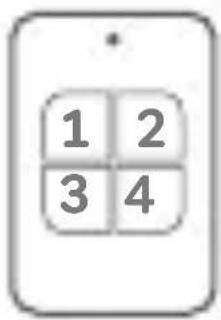
text_image
1 2 3 41x

natural_image
Icon of a wrench inside an open book with lines representing text (no actual text or symbols)1x
FR Enregistrer la garantie
EN Registering the guarantee
To register your warranty, fill in the online format at www.chacon.com/warranty
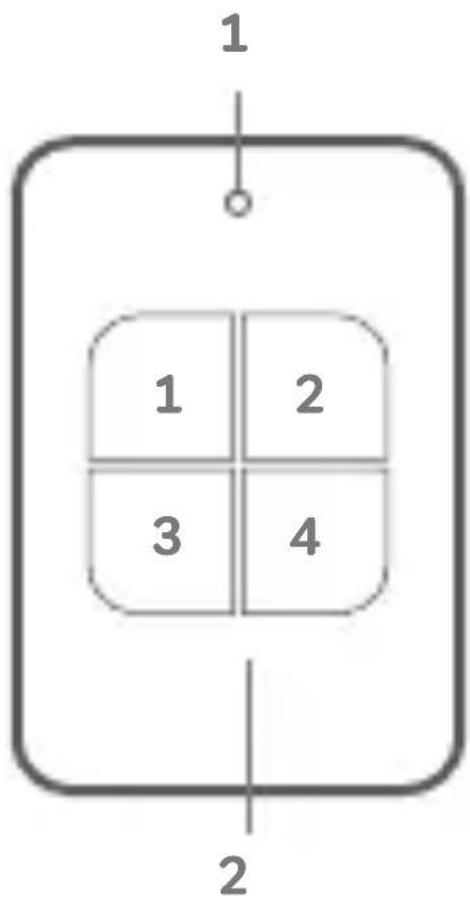
Présentation du produit / Productpresentatie / Presentación del producto / Apresentação do produto / Presentazione del prodotto / Product overview
text_image
1 1 2 3 4 2| FR NL ES | |||
| 1. Indicateur Led | LED-indicator Indicador LED | ||
| 2. Clavier à code Toetsenbord Teclado | |||
| PT IT EN | |||
| 1. Indicador LED IndicatoreLED | LED indicator | ||
| 2. Teclado Tastiera Keypad | |||
0. Introduction
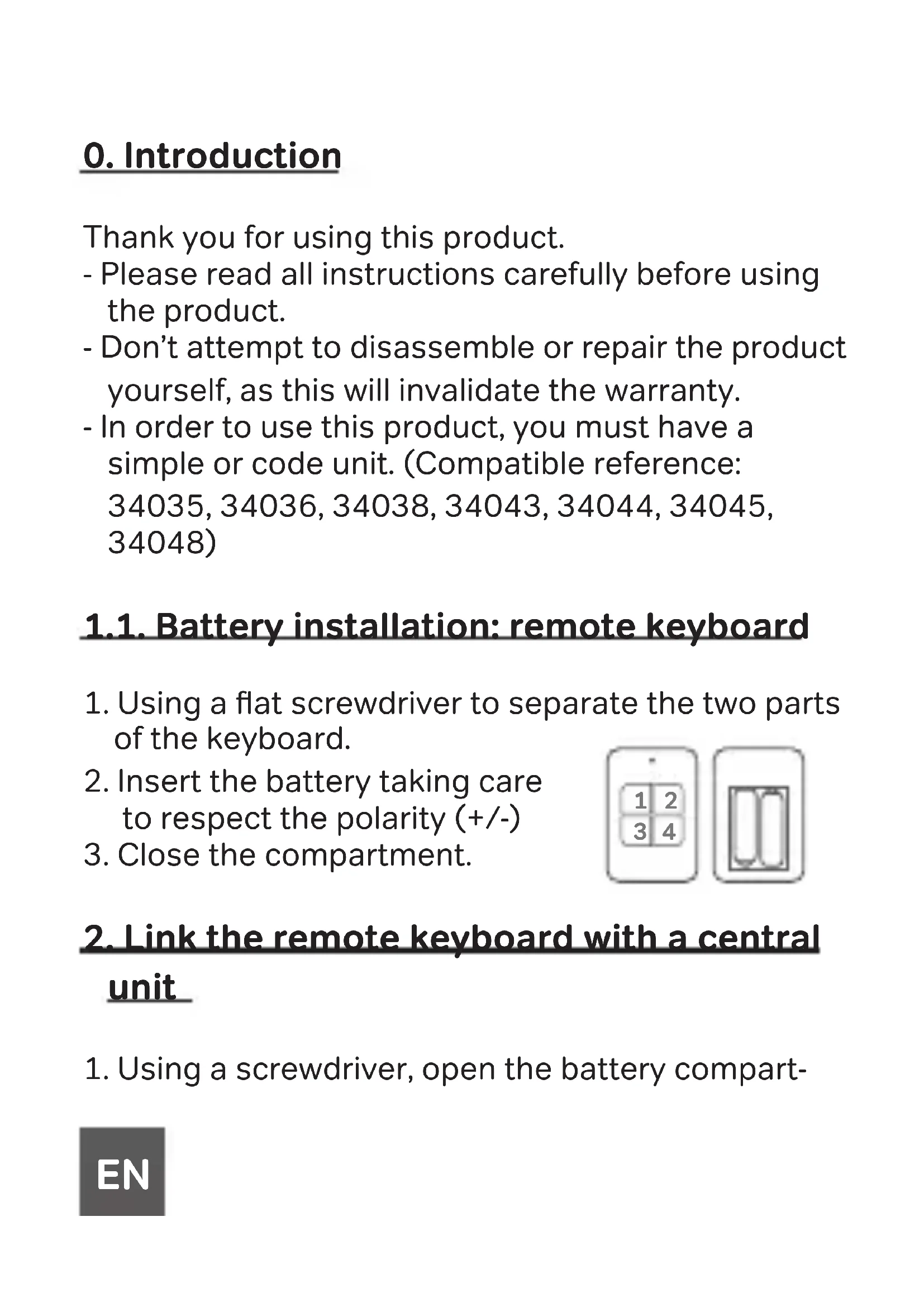
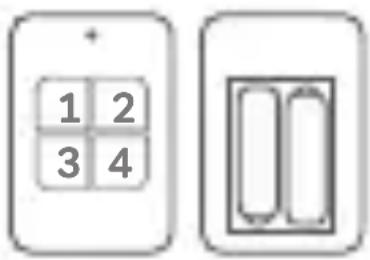
- Using a flat screwdriver to separate the two parts of the keyboard.
- Insert the battery taking care to respect the polarity (+/-)
- Close the compartment.
text_image
1 2 3 4Thank you for using this product.
- Please read all instructions carefully before using the product.
- Don’t attempt to disassemble or repair the product yourself, as this will invalidate the warranty.
- In order to use this product, you must have a simple or code unit. (Compatible reference: 34035, 34036, 34038, 34043, 34044, 34045, 34048)
1.1. Battery installation: remote keyboard
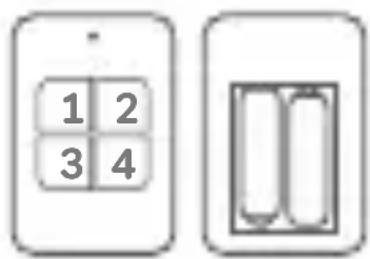
- Using a flat screwdriver to separate the two parts of the keyboard.
- Insert the battery taking care to respect the polarity (+/-)
- Close the compartment.
text_image
1 2 3 42. Link the remote keyboard with a central unit
- Using a screwdriver, open the battery compart-
EN
ment of the main unit.
- Press and hold the learn button until you hear a «beep». The unit enters pairing mode.
- Press any button on the remote keypad. You will hear a «beep» sound to indicate successful pairing.
- To exit pairing mode, press and hold the learn button for 3 seconds. You will hear a double «beep».
NOTE: A maximum of 32 transmitters can be paired to a main unit.
3. Setting up the personal code
Once you have placed your batteries, you have 15 seconds to choose a four-digit code. If you have not had time to enter your personal code, the code 1234 will be saved by default.
Note: Each time you install batteries, you will need to set up your 4-digit code again.
4. Functionality of the keypad
a) HOME Mode: Enter your 4-digit code, then press the «1» button. You will hear
a «beep» to indicate that the alarm will enter «home» mode after 30 seconds.
NOTE: In this case, the motion detection function is disabled. Only the opening detector will trigger an alarm. This mode is also available on the remote control.
b) AWAY mode: Enter your 4-digit code, then press the «2» button. You will hear a «beep» to indicate that the alarm will enter the «Away» mode after 30 seconds.
NOTE: In this case, if someone opens the door or window equipped with the opening detector or enters the field of vision of your motion detector, the alarm will be triggered. This mode is also available on the remote control.
c) Emergency mode: Press buttons 1 and 4 simultaneously in case of emergency. An alarm will sound without time limit to scare off intruders.
5. Reset pairing
In order to reset your entire alarm, remove the batteries from your device. Then press and hold the learning button (See central alarm manual). When you reinsert the batteries, you will hear two «beeps» indicating that the reset was successful.
6. Problem solving
-
False alarms from the main unit
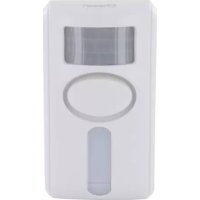
a) Check that there are no animals near the motion detector.
b) In hot weather, moving shadows may also activate the alarm. Also ensure that the detector is not installed near a radiator or heat source.
c) Check that there are no devices with strong electromagnetic fields near the door/window sensor. Strong electromagnetic fields can cause false alarms. -
The main unit doesn't receive a signal from the transmitter
a) Check if the pairing between the transmitter and the main unit was successful.
b) If pairing was successful, check the battery voltage of the main unit and transmitter. Low voltage will result in product failure.
- No alarm sounds after a detection
a) Check if the low battery indicator is flashing (please replace the batteries immediately).
b) If the unit is armed and set to HOME mode and the PIR sensor detects an intrusion, the alarm will not sound. The PIR sensor is disabled in HOME mode. Check if the main unit is installed correctly.
7. Add a device to your existing alarm
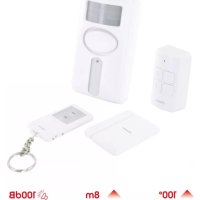
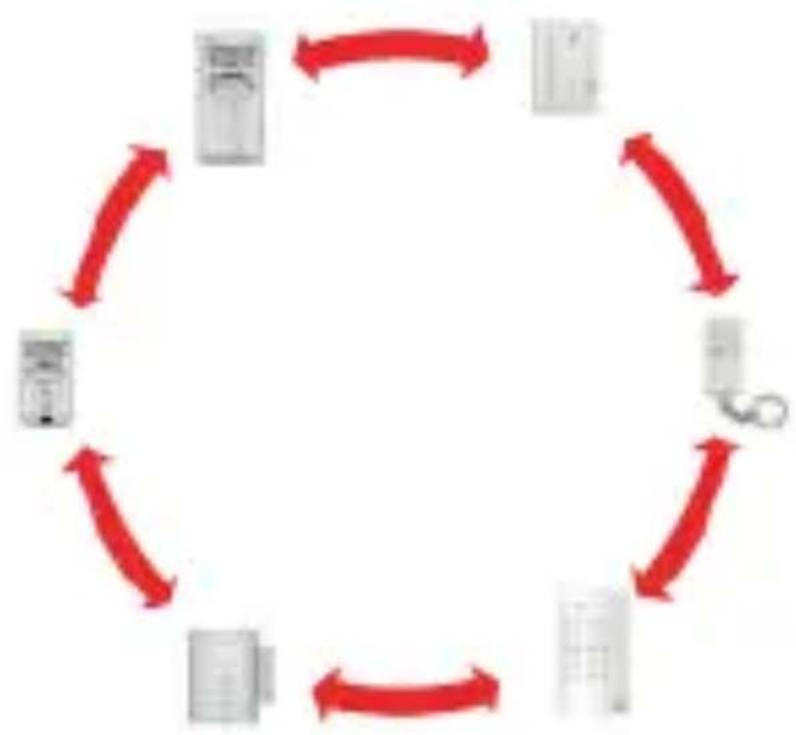
We have created a 100% compatible alarm system to meet your needs. Here, we offer accessories that can work alone but also as a kit. This allows you to personalise your alarm and to associate several accessories but also several alarms between them. For example, when a person triggers the opening detector, all your alarms will sound. You can deactivate your alarm using the code units, remote control or the remote keyboard.
More information on our website: https://chacon.com/fr/
flowchart
graph TD
    A["Document"] --> B["Paper"]
    B --> C["Tools"]
    C --> D["Document Paper"]
    D --> E["Paper Paper"]
    E --> F["Document Paper & Tools"]
    F --> G["Document Paper & Tools"]
    G --> H["Document Paper & Tools"]
    H --> I["Document Paper & Tools"]
    I --> J["Document Paper & Tools"]
    J --> K["Document Paper & Tools"]
    K --> L["Document Paper & Tools"]
    L --> M["Document Paper & Tools"]
    M --> N["Document Paper & Tools"]
    N --> O["Document Paper & Tools"]
    O --> P["Document Paper & Tools"]
    P --> Q["Document Paper & Tools"]
    Q --> R["Document Paper & Tools"]
    R --> S["Document Paper & Tools"]
    S --> T["Document Paper & Tools"]
    T --> U["Document Paper & Tools"]
    U --> V["Document Paper & Tools"]
    V --> W["Document Paper & Tools"]
    W --> X["Document Paper & Tools"]
    X --> Y["Document Paper & Tools"]
Compatible products: 34035, 34036, 34038, 34043, 34044, 34045, 34048
8. Safety advice
- Don't mix new and used batteries.
- Don’t mix alkaline, standard (zinc carbon) or rechargeable (ni-cad, ni-mh, etc.) batteries.
- Please use only the type of battery specified in
the manual.
- Don’t leave used batteries lying around in the unit, as this may damage the unit.
- Incorrect use of the battery may damage nearby objects and result in fire or serious injury.
- Please keep batteries away from children. If you suspect that batteries have been ingested, seek medical attention immediately. Swallowing the battery can lead to serious consequences; internal burns within 2 hours or death.
- Recycle used batteries in accordance with environmental protection practices
- Don’t place the unit near a heat source, where it may be exposed to direct sunlight, rain or strong light.
- The unit is not waterproof. Don’t expose it to rain or immerse it in water.
- Don’t attempt to disassemble or repair the product yourself.
- Please keep this manual in a safe place.
- The reception distance may be affected if a strong interference signal exists in the area of use.
9. Technical specifications
- Easy to install
- Compatible products: 34035, 34036, 34038, 34043, 34044, 34046, 34048
- Battery: 2xAAA 1,5V (not included)
- Standby current: ≤ 3uA
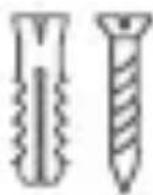
• Alarm current: ≤ 15mA - Box content: remote keyboard + manual + fixing kit

natural_image
Simple line drawing of a house with no text or symbolsEN: For indoor use only
natural_image
Symbol of a device crossed with a diagonal line, no text or labels presentFR :
This product must be treated in accordance with European Directive 2002/96/EC with the aim of being recycled or dismantled to minimise its impact on the environment. For further information, please contact your local or regional authorities.
CE
FR :
Hereby, Chacon declares that the radio equipment type 34046 is in compliance with Directive 2014/53/EU.
The full text of the EU declaration of conformity is available at the following internet address: www.chacon.com/conformity
v1 210809
Chacon S.A. – Avenue Mercator 2
1300 Wavre – Belgium
Made in PRC