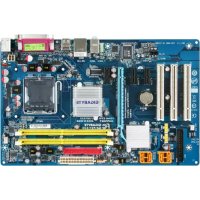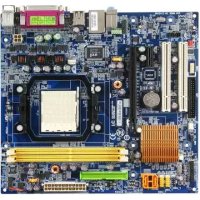
GAM61VMES2 - Motherboard GIGABYTE - Free user manual and instructions
Find the device manual for free GAM61VMES2 GIGABYTE in PDF.


User questions about GAM61VMES2 GIGABYTE
0 question about this device. Answer the ones you know or ask your own.
Ask a new question about this device
Download the instructions for your Motherboard in PDF format for free! Find your manual GAM61VMES2 - GIGABYTE and take your electronic device back in hand. On this page are published all the documents necessary for the use of your device. GAM61VMES2 by GIGABYTE.
USER MANUAL GAM61VMES2 GIGABYTE
© 2006 GIGA-BYTE TECHNOLOGY CO., LTD. All rights reserved.
Integrated Peripherals (整合週邊設定
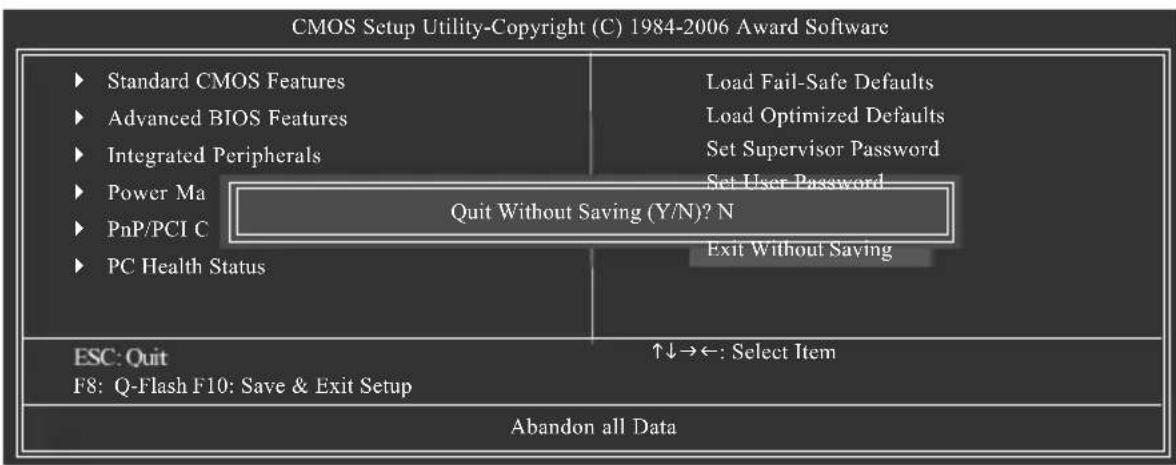
Exit Without Saving (結束 SETUP 程式)
NV SATA 1 Primary RAID
NV SATA 1 Secondary RAID
Onboard Audio Function
Legacy USB storage detect
Power-On by Alarm (定時開機)
Power On by Mouse (滑鼠開機功能
Power On by Keyboard (鍵盤開機功能
3,4,5,7,9,10,11,12,14,15
PCI插槽1的IRQ設定為3,4,5,7,9,10,11,12,14,15。
3,4,5,7,9,10,11,12,14,15
| CMOS Setup Utility-Copyright (C) 1984-2006 Award Software PC Health Status | ||||
| Reset Case Open Status | [Disabled] | Item Help | ||
| Case Opened Yes | Menu Level | |||
| Vcore | OK | |||
| DDR2 1.8V | OK | |||
| +3.3V | OK | |||
| +12V | OK | |||
| Current System Temperature | 25°C | |||
| Current CPU Temperature | 40°C | |||
| Current CPU FAN Speed | 3183 RPM | |||
| Current SYSTEM FAN Speed | 0 RPM | |||
| System Warning Temperature | [Disabled] | |||
| CPU Warning Temperature | [Disabled] | |||
| CPU FAN Fail Warning | [Disabled] | |||
| SYSTEM FAN Fail Warning | [Disabled] | |||
| CPU Smart FAN Control | [Enabled] | |||
| CPU Smart FAN Mode | [Auto] | |||
| ↑↓→←: Move Enter: Select +/-/PU/PD: Value F10: Save ESC: Exit F1: General Help F5: Previous Values F6: Fail-Safe Defaults F7: Optimized Defaults | ||||
Current Voltage(V) Vcore/DDR2 1.8V/+3.3V/+12V (偵測系統電壓
自動偵測系統電壓狀態。
Current CPU/System FAN Speed (RPM) (偵測風扇轉速
自動偵測CPU/系統風扇的轉速。
System/CPU Warning Temperature (PCRU) 温度警告
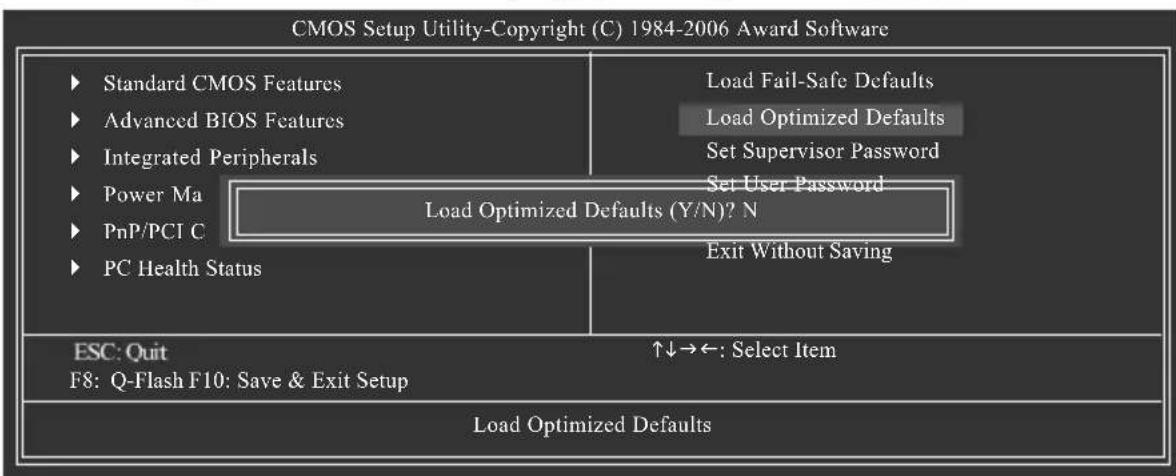
2-8 Load Optimized Defaults (Optimized)
預設值
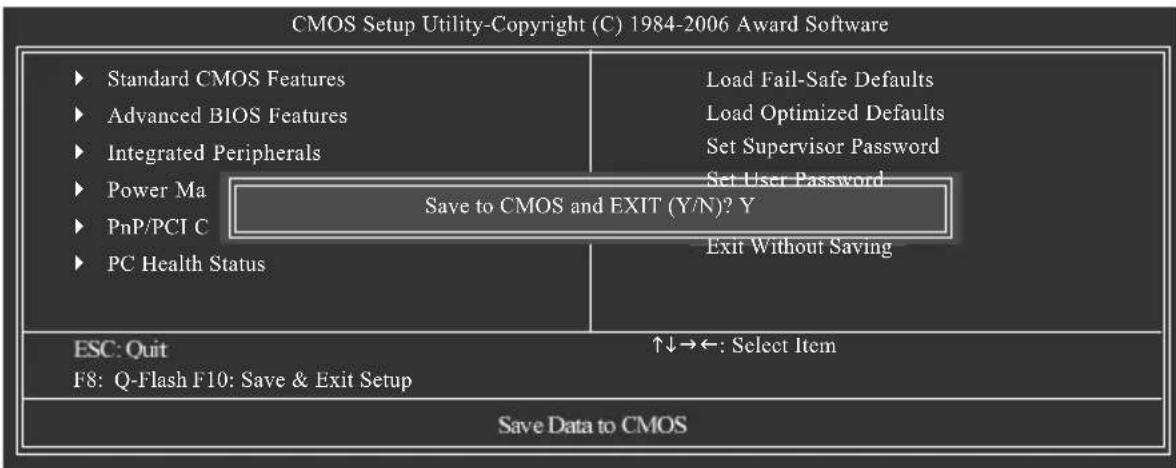
2-10 Save & Exit Setup (S#P)
並儲存設定結果
2-11 Exit Without Saving (
但不儲存設定結果
- Intel x86 platform
- 64M bytes memory
- VESA supported VGA cards
使用方法:
利用CD-ROM执行及開機畫面 功能
Press F10 to enter RAID setup utility ...
圖4
步骤2:
按
您可以按
選擇RAID模式Mode)
Setup could not determine the type of one or more mass storage devices installed in your system, or you have chosen to manually specify an adapter. Currently, Setup will load support for the following mass storage devices(s)
- To specify additional SCSI adapters, CD-ROM drives, or special disk controllers for use with Windows, including those for which you have a device support disk from a mass storage device manufacturer, press S.
- If you do not have any device support disks from a mass storage device manufacturer, or do not want to specify additional mass storage devices for use with Windows, press ENTER.
S=Specify Additional Device ENTER=Continue F3=Exit
步骤3:
若您欲製作RAID15NLDAI RAIDCLASSDRIVER择
You have chosen to configure a SCSI Adapter for use with Windows, using a device support disk provided by an adapter manufacturer.
Select the SCSI Adapter you want from the following list, or press ESC to return to the previous screen.
NVIDIA RAID CLASS DRIVER (required)
NVIDIA nForce Storage Controller (required)
ENTER=Select F3=Exit
图15
Windows Setup
Setup will load support for the following mass storage device(s):
NVIDIA RAID CLASS DRIVER (required)
- To specify additional SCSI adapters, CD-ROM drives, or special disk controllers for use with Windows, including those for which you have a device support disk from a mass storage device manufacturer, press S.
- If you do not have any device support disks from a mass storage device manufacturer, or do not want to specify additional mass storage devices for use with Windows, press ENTER.
S=Specify Additional Device Enter=Continue F3=Exit

图16
G.B.T. TECHNOLOGY TRADING GMBH
Representative Office Of GIGA-BYTE Technology Co., Ltd. in CZECH REPUBLIC
網址:http://www.gigabyte.cz
- 土耳其
Representative Office Of GIGA-BYTE Technology Co., Ltd. in TURKEY
Moscow Representative Office Of GIGA-BYTE Technology Co., Ltd.
Representative Office Of GIGA-BYTE Technology Co., Ltd. in Romania
Representative Office Of GIGA-BYTE Technology Co., Ltd. in SERBIA & MONTENEGRO
Management Methods on Control of Pollution from Electronic Information Products
(China RoHS Declaration)