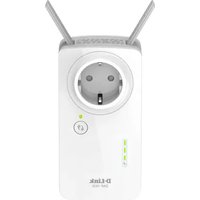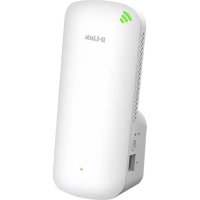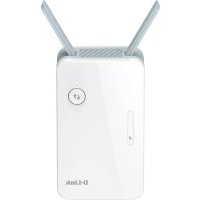
E15 - Wifi repeater D-LINK - Free user manual and instructions
Find the device manual for free E15 D-LINK in PDF.



| Product type | WiFi Repeater |
| Brand | D-Link |
| Model | E15 |
| Dimensions | Approximately 10 x 6 x 3 cm |
| Weight | Approximately 200 g |
| Power supply | 5 V, 1 A (power adapter included) |
| Main features | WiFi range extension, setup via mobile app or web browser, compatible with most routers |
| Maintenance and cleaning | Clean with a soft dry cloth, do not use liquid or abrasive products |
| Security | WPA2 encryption, WPA3 support (depending on version) |
| Spare parts and repairability | No spare parts available, professional repair recommended |
| General information | Manual available in multiple languages, 2-year manufacturer warranty (subject to conditions) |
Frequently Asked Questions - E15 D-LINK
User questions about E15 D-LINK
0 question about this device. Answer the ones you know or ask your own.
Ask a new question about this device
Download the instructions for your Wifi repeater in PDF format for free! Find your manual E15 - D-LINK and take your electronic device back in hand. On this page are published all the documents necessary for the use of your device. E15 by D-LINK.
USER MANUAL E15 D-LINK
KpaTko pBKOBOIDTOB3a HCTaIaIaIaIaIaIaIaIaIaIaIaIaIaIaIaIaIaIaIaIaIaIaIaIaIaIaIaIaIaIaIaIaIaIaIaIaIaIaIaIaIaIaIaIaIaIaIaIaIaIa
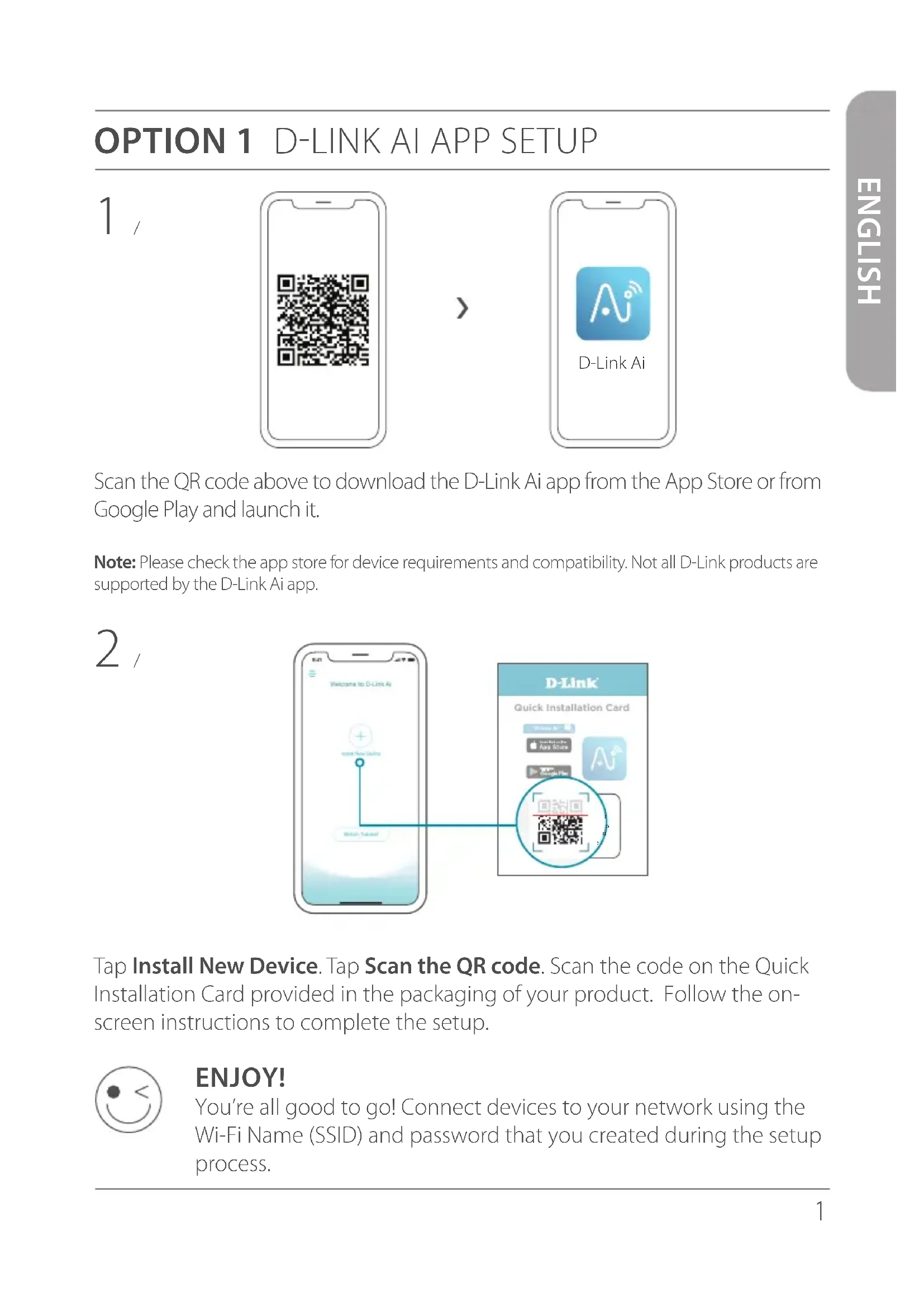
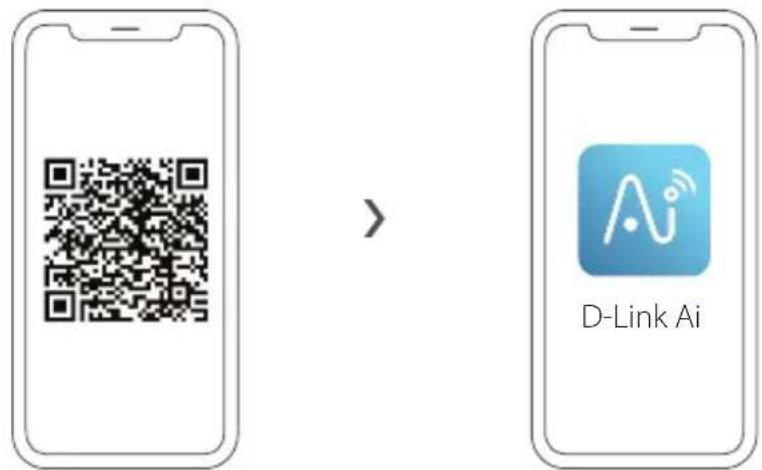
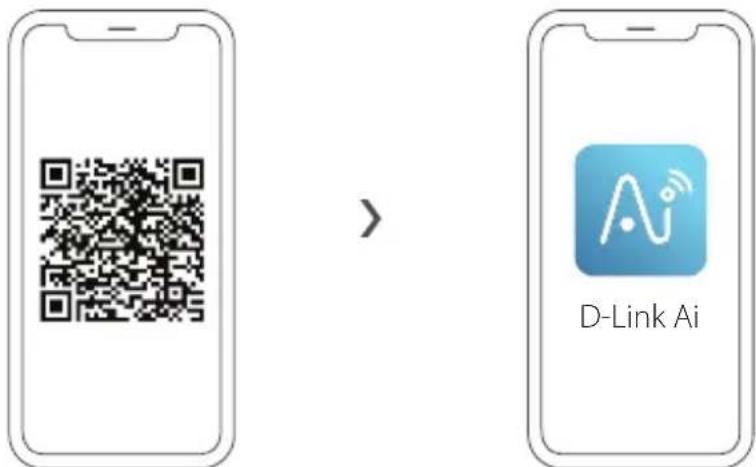
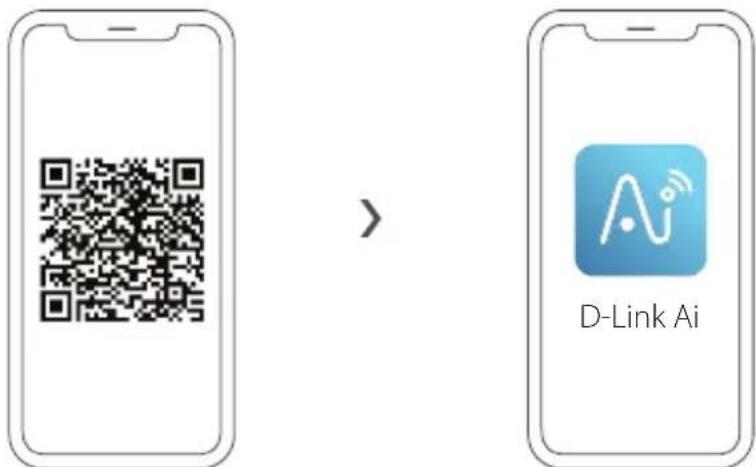
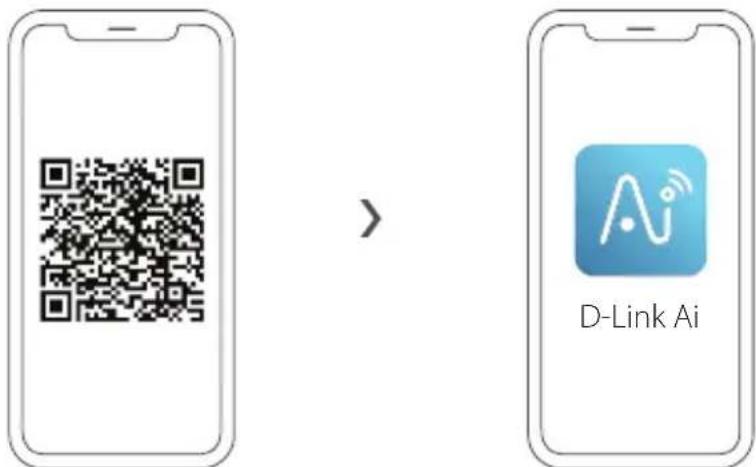
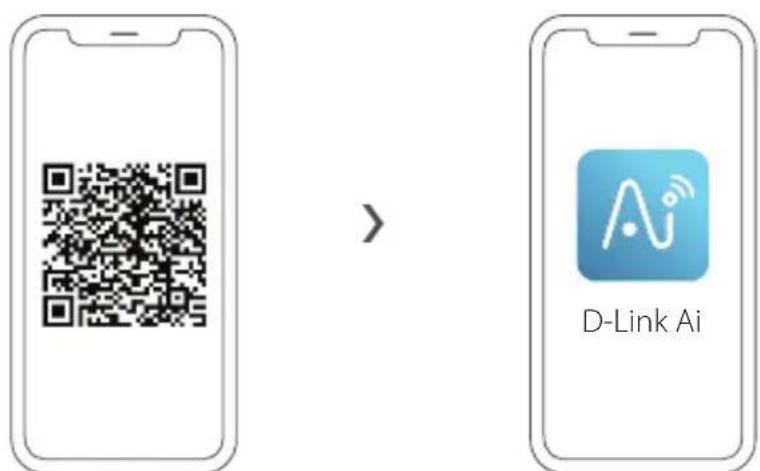
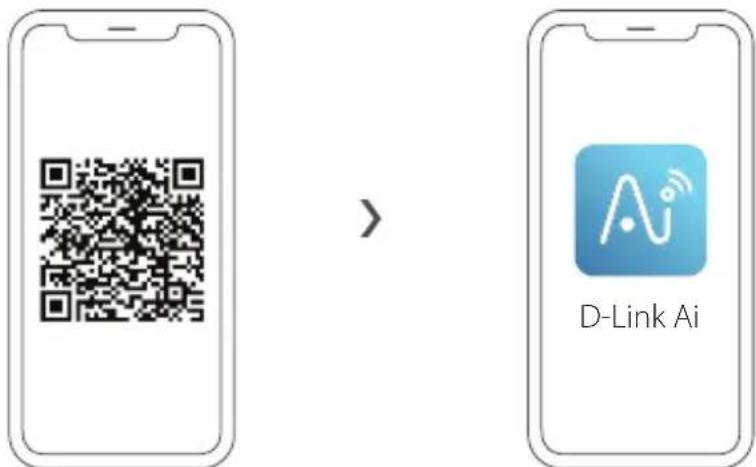
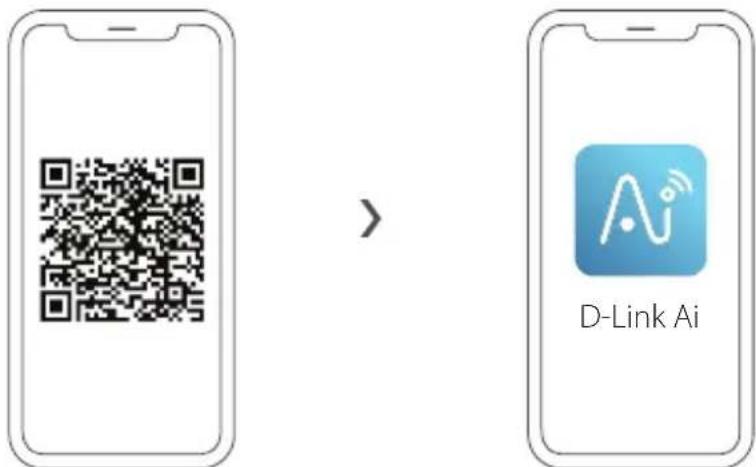
Scan the QR code above to download the D-Link Ai app from the App Store or from Google Play and launch it.
Note: Please check the app store for device requirements and compatibility. Not all D-Link products are supported by the D-Link Ai app.
2
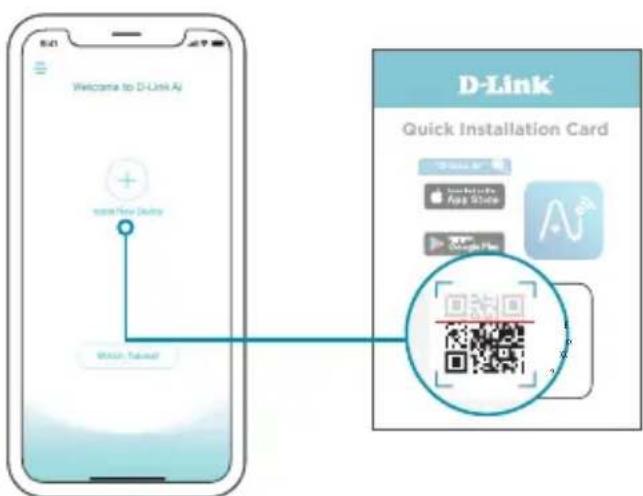
Tap Install New Device. Tap Scan the QR code. Scan the code on the Quick Installation Card provided in the packaging of your product. Follow the on-screen instructions to complete the setup.

ENJOY!
You're all good to go! Connect devices to your network using the Wi-Fi Name (SSID) and password that you created during the setup process.
OPTION 2 WEB BROWSER SETUP
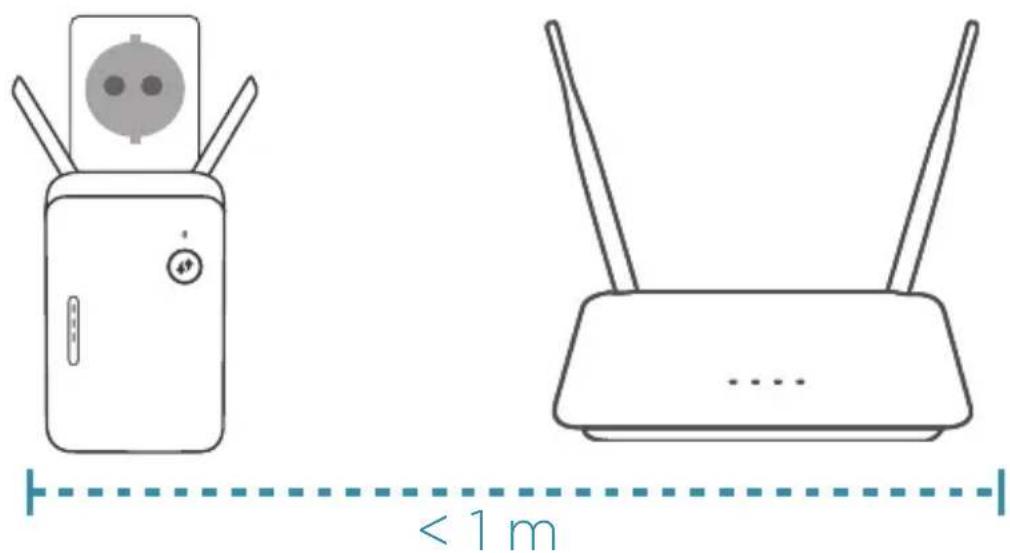
1 Plug the extender into a power source close to your router.
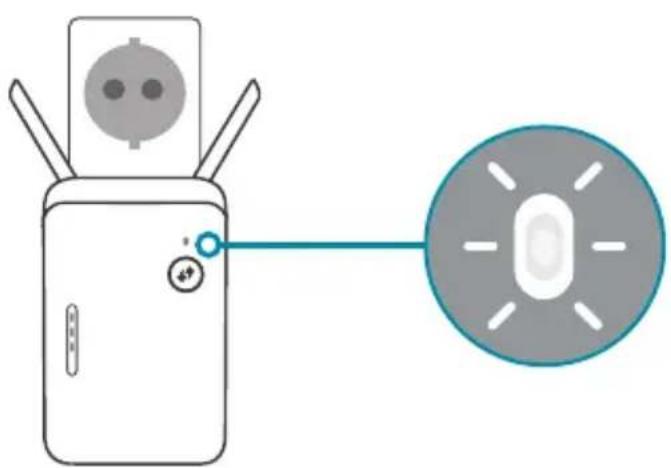
- Wait for the Power LED of the extender to start blinking amber.
Note: Please refer to the User Manual for device specific LED behaviour.
3 Connect your computer to the Wi-Fi name and password printed on the Quick Installation Card, or on the device label of the device.
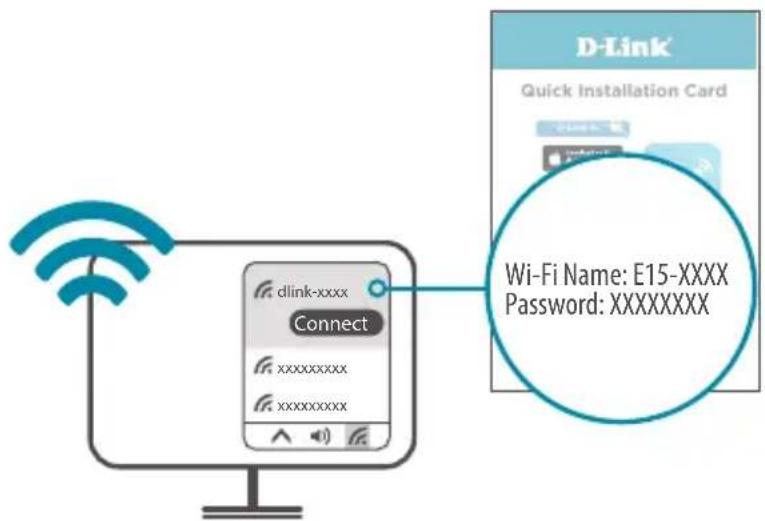
4 Type http://WXYZdevicessetup.net/ into the address bar of a web browser. Follow the on-screen instructions to complete the setup.
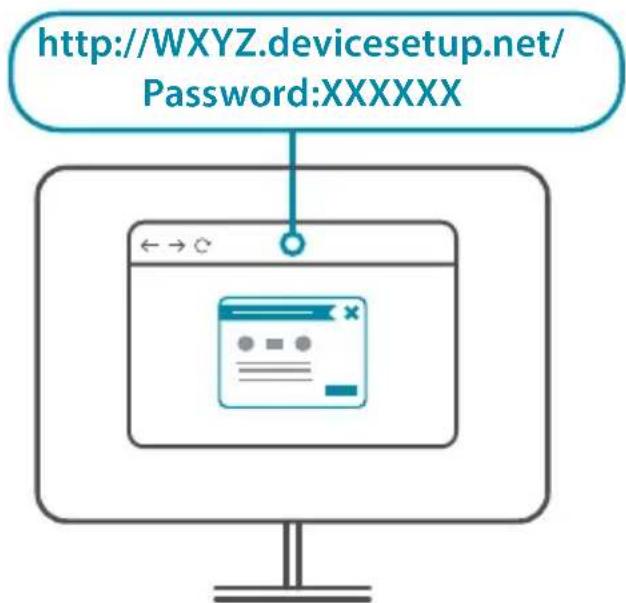

ENJOY!
You're all good to go! Connect devices to your network using the Wi-Fi Name (SSID) and password that you created during the setup process.
PLACEMENT
Note: Please refer to the User Manual for device specific LED behaviour.

One amber bar indicates a weak signal. Move your extender closer to your router to improve signal quality. Make sure that your extender is placed in an open environment.
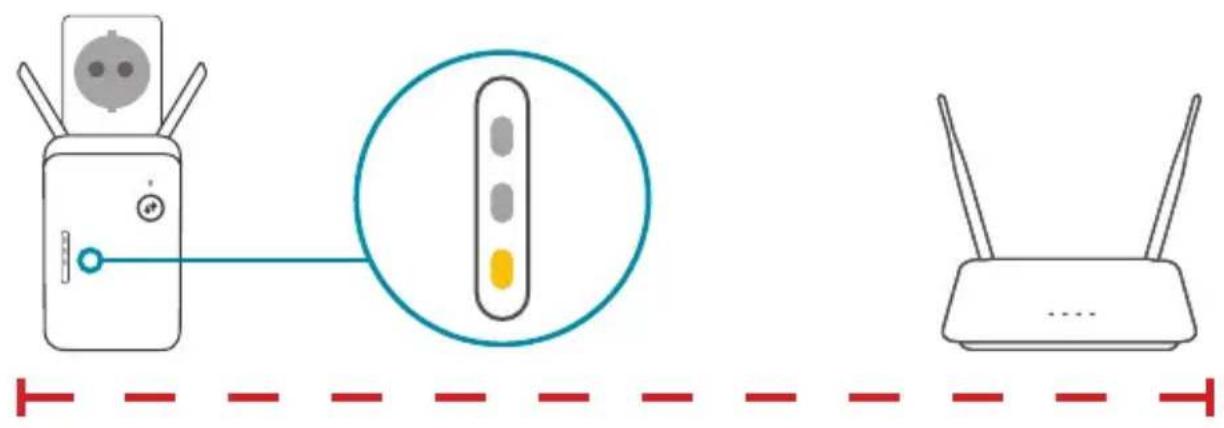

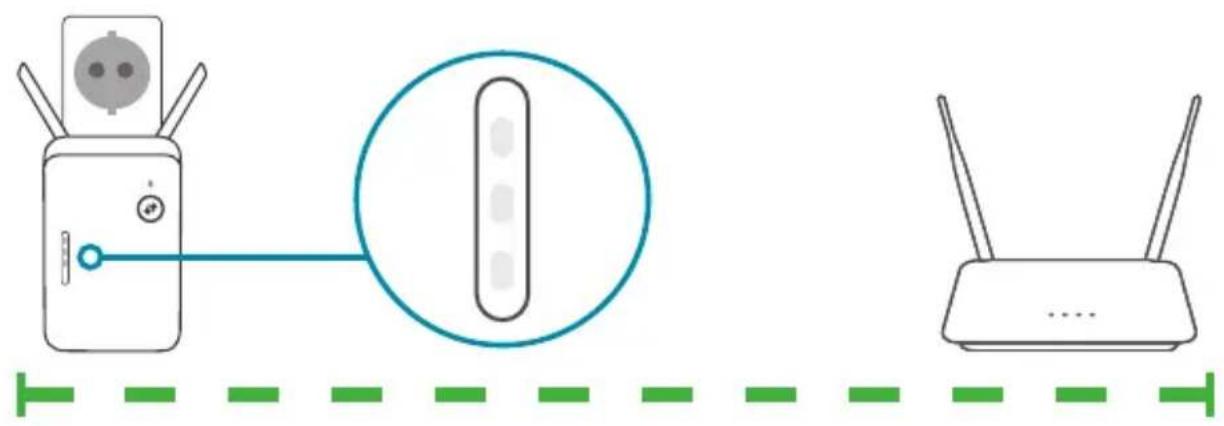
Place the extender in range of your router. Check the LED indicator on your extender to ensure a proper connection. White bars indicate a strong signal.
Why can't I connect to my wireless router or my wireless connection drops?
Verify that your extender is within range of your router. Try plugging it into a location closer to the router and verify the Signal LED is solid White. Note that when extending a wireless signal from a router or access point, devices connected to the extender will not get the same speed/throughput as when connected directly to the router.
How do I change the wireless settings on my extender?
To change your Wi-Fi Network Name (SSID) and modify the security (Wi-Fi password), access the wireless settings via:
- The Wi-Fi section in the settings menu of the D-Link Ai app or
- Access the web-based configuration utility > Settings > Extender.
What if I forgot my extender's Admin password or want to reset my extender?
If you forgot your Admin password or want to reset your extender back to the factory default settings, press and hold the reset button on the bottom of the extender using a paper clip and release after a minimum of 10 seconds. The Status LED will turn red.
For technical support, product documentation and other information, please visit our website.
https://eu.dlink.com/support
OPTION 1 CONFIGURATION VIA L'APPLICATION WI-FI D-LINK
1.

https://eu.dlink.com/support
https://eu.dlink.com/support
OPTIE 1 D-LINK AI APP SETUP
1
https://eu.dlink.com/support
OPCJA 1 KONFIGURACJA APLIKACJI D-LINK WI-FI
1
https://eu.dlink.com/support
MOZNOST 1 NASTAVENI PROSTREDNICTVIM APLIKACE D-LINK WI-FI
1
https://eu.dlink.com/support
1. LEHETÖSEG BEÁLLITÁS A D-LINK WI-FI ALKALMAZÁSSAL
1.
https://eu.dlink.com/support
ALTERNATIV 1 KONFIGURING I D-LINK WI-FI-APP
1.
Skann QR-koden ovenfor for Ålaste ned D-Link Wi-Fi-appen fra App Store eller Google Play og Åpne den.
https://eu.dlink.com/support
VAIHTOEHTO 1 D-LINK WI-FI-SOVELLUKSEN ASENNUS
1.
https://eu.dlink.com/support
OPCAO1 CONFIGURAÇÃO DA APLICACAO D-LINK WI-FI
1.
Digitalize o)c原标题 QR acima para descarregar a aplicacao D-Link Wi-Fi da App Store ou do Google Play e inicia-a.
https://eu.dlink.com/support
ENIAOΓH 1 ΔIAMOPΦΩΣH ME THN ΕΦAPMΟΓH D-LINK WI-FI
1
https://eu.dlink.com/support
MOZNOST1 NAMESTITEV APLIKACije D-LINK WI-FI
1
https://eu.dlink.com/support
OPTIUNEA 1 CONFIGURARE APL. D-LINK WI-FI
1
Scanati codul QR de mai sus pentru a descarca aplicata D-Link Wi-din App Store sau Google Play si a o lansa.
https://eu.dlink.com/support