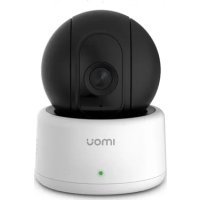
Ranger - Camera IMOU - Free user manual and instructions
Find the device manual for free Ranger IMOU in PDF.



| Product type | Wi-Fi surveillance camera |
| Brand | Imou |
| Model | Ranger |
| Color | White |
| Dimensions | 110 x 70 x 70 mm (estimated) |
| Weight | 150 g (estimated) |
| Power supply | 5V/1A power adapter |
| Power consumption | 5 W max |
| Video resolution | 1920 x 1080 pixels (Full HD) |
| Field of view | 110° (diagonal) |
| Night vision | Yes, up to 10 meters |
| Connectivity | Wi-Fi 802.11 b/g/n (2.4 GHz) |
| Features | Motion detection, Two-way audio, Alarm |
| Storage | microSD card (up to 128 GB) and cloud |
| Mounting | Wall mount with screws and anchors provided |
| Material | ABS plastic |
| Operating temperature | -10°C to 50°C |
| Protection rating | IP65 (outdoor) |
| Warranty | 2 years |
| Package contents | Camera, adapter, guide, screws, anchors, template |
| Compatibility | iOS and Android (Imou app) |
| Voice assistant | Compatible with Alexa and Google Assistant |
Frequently Asked Questions - Ranger IMOU
User questions about Ranger IMOU
0 question about this device. Answer the ones you know or ask your own.
Ask a new question about this device
Download the instructions for your Camera in PDF format for free! Find your manual Ranger - IMOU and take your electronic device back in hand. On this page are published all the documents necessary for the use of your device. Ranger by IMOU.
USER MANUAL Ranger IMOU
1 Packing List 1
2 Product Appearance 1
3 Operation by lmou App 2
4 Device Installation 3
Kurzanleitung 5
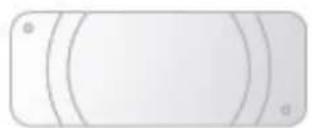
Quick Installation Board *1
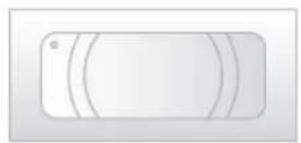
Installation Position Map *1
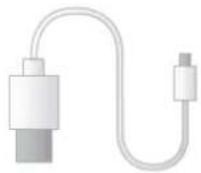
USB *1
Product Appearance 2
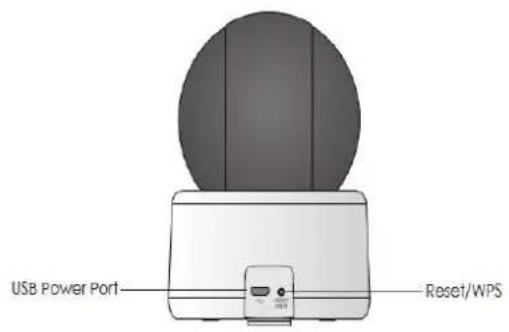
Figure 2-1
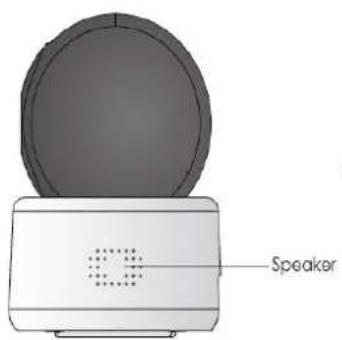
Figure 2-2
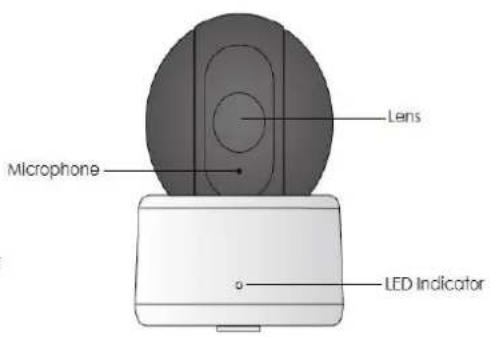
Figure 2-3
Note
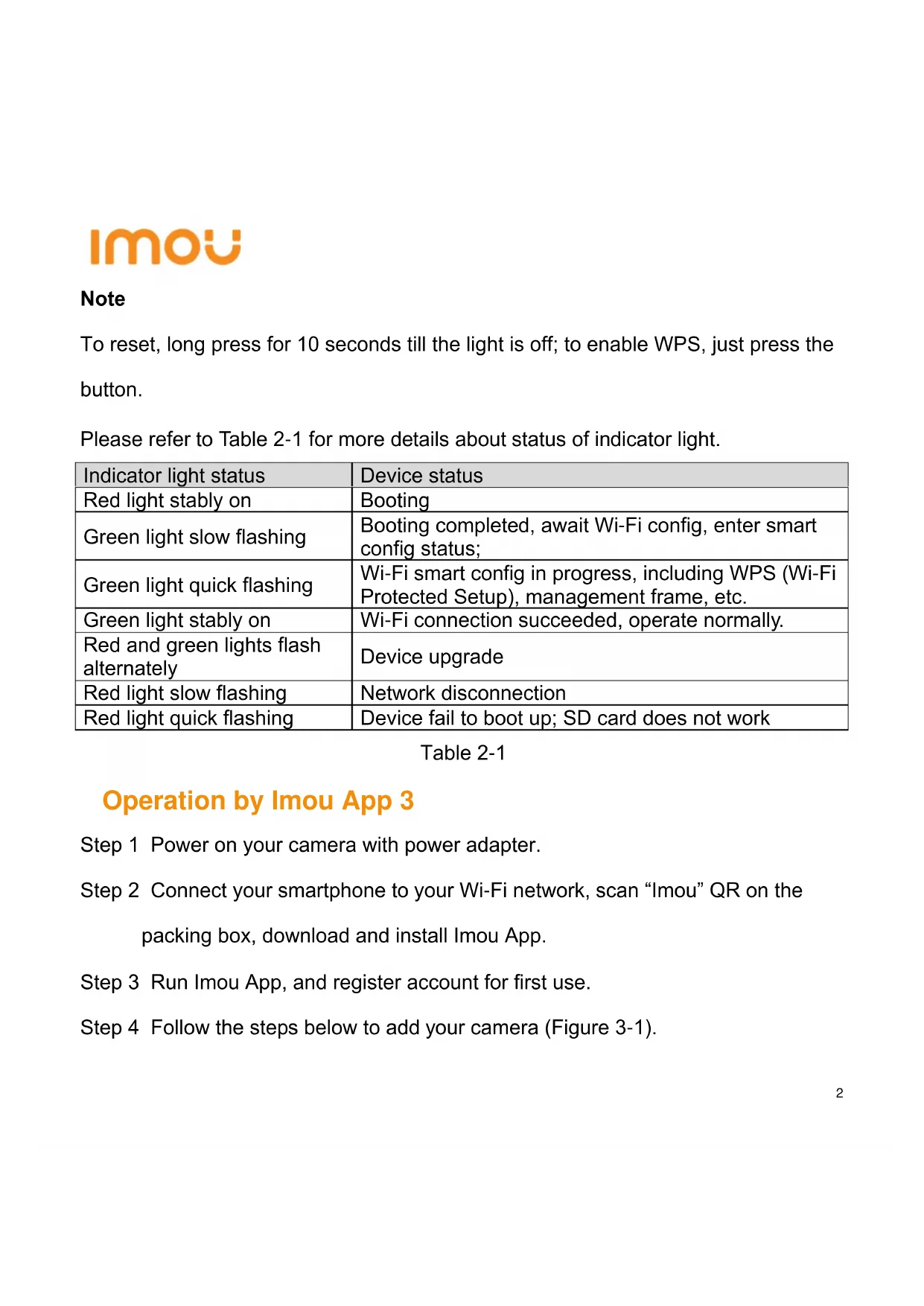
To reset, long press for 10 seconds till the light is off; to enable WPS, just press the button.
Please refer to Table 2-1 for more details about status of indicator light.
Table 2-1
| Indicator light status | Device status |
| Red light stably on | Booting |
| Green light slow flashing | Booting completed, await Wi-Fi config, enter smart config status; |
| Green light quick flashing | Wi-Fi smart config in progress, including WPS (Wi-Fi Protected Setup), management frame, etc. |
| Green light stably on | Wi-Fi connection succeeded, operate normally. |
| Red and green lights flash alternately | Device upgrade |
| Red light slow flashing | Network disconnection |
| Red light quick flashing | Device fail to boot up; SD card does not work |
Operation by Imou App 3
Step 1 Power on your camera with power adapter.
Step 2 Connect your smartphone to your Wi-Fi network, scan "Imou" QR on the packing box, download and install Imou App.
Step 3 Run lmou App, and register account for first use.
Step 4 Follow the steps below to add your camera (Figure 3-1).
imou
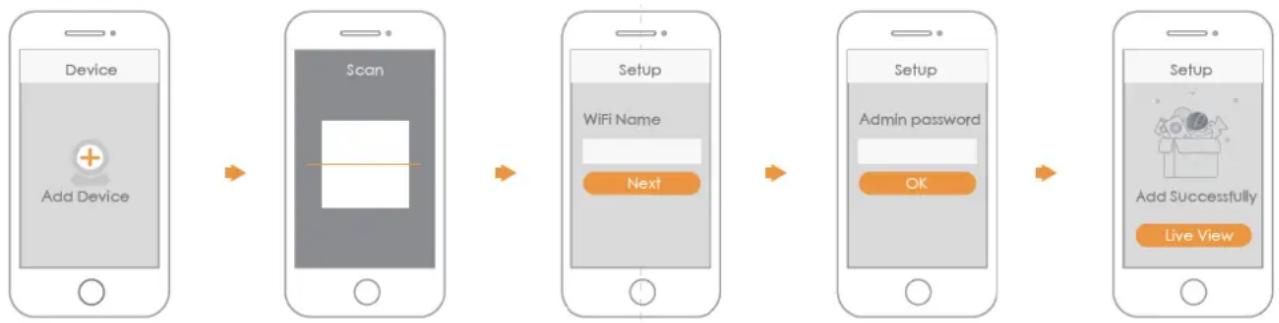
Figure 3-1
Note
- If you have more cameras, please follow step 4 to add them one by one.
- If you want to change the Wi-Fi signal, please reset the camera to factory default and repeat step 4 to add the camera.
Device Installation 4
Note
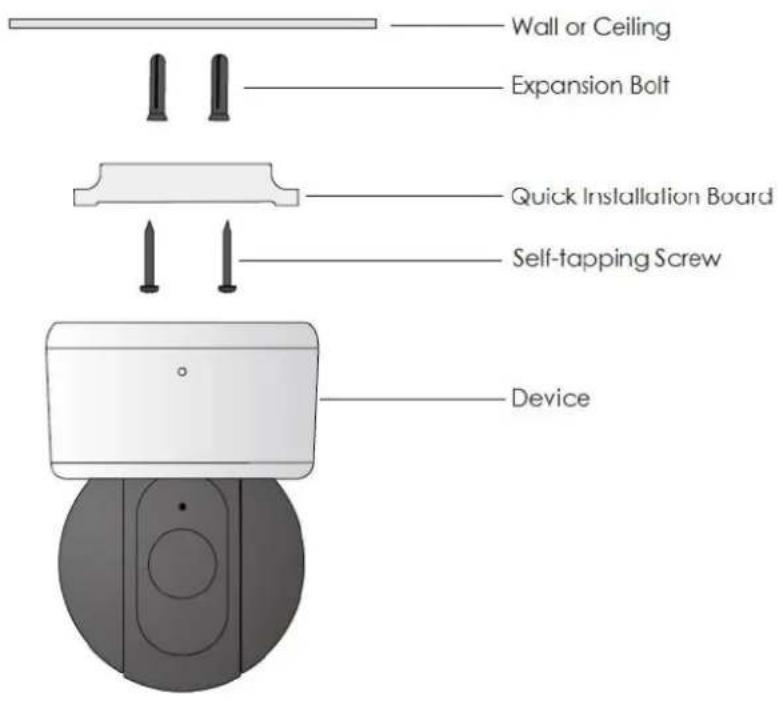
Please make sure the mounting surface can sustain at least 3X weight of the camera.
Step 1 Dig holes on the proper mounting surface according to the hole sites of installation position map.
Step 2 Knock the expansion bolts into the holes.
Step 3 Use self-tapping screws to install quick installation board and fix it well.
Step 4 Connect the device to power.
imou
Step 5 Adjust the device monitoring angle and stick the device on the quick
installation board.
Disclaimer
- This quick start guide is for reference only. Minor difference might be found in user interface.
- All the designs and software here are subject to change without prior written notice.
- All trademarks and registered trademarks mentioned are the properties of their respective owners.
- Please visit our website or contact your local service engineer for more information.
If there is any uncertainty or controversy, please refer to our final explanation.
imou
Kurzanleitung
Lieferumfang 1
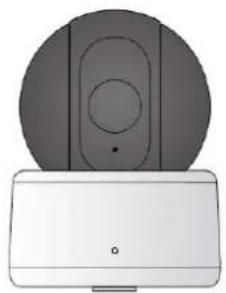
1 x Gerät
1 x Kurzanleitung
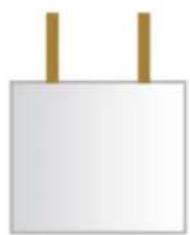
1 x Netzteil
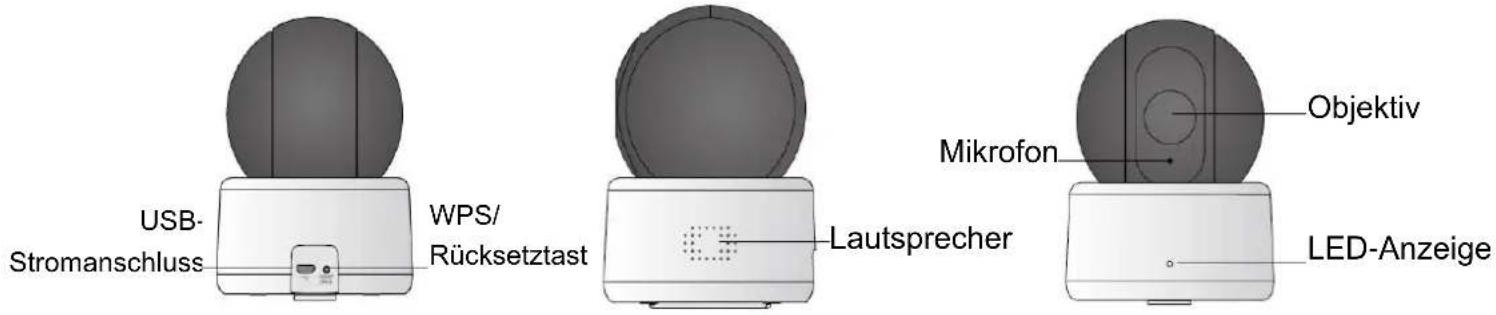
Figure 2-1
Figure 2-2
Figure 2-3
Hinweis
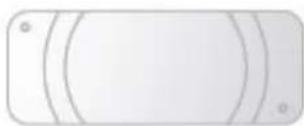
Quick Installation
Board *1
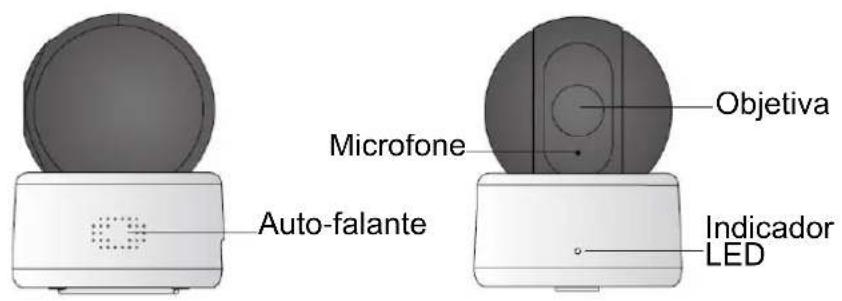
Figure 2-2
Figure 2-3
Observações
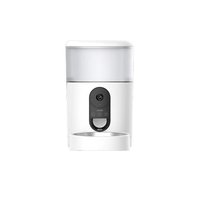
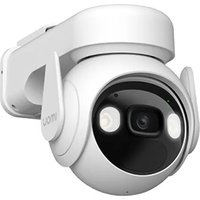


Brand : IMOU
Model : Ranger
Category : Camera