Focus DW5197 - Iron ROWENTA - Free user manual and instructions
Find the device manual for free Focus DW5197 ROWENTA in PDF.



User questions about Focus DW5197 ROWENTA
0 question about this device. Answer the ones you know or ask your own.
Ask a new question about this device
Download the instructions for your Iron in PDF format for free! Find your manual Focus DW5197 - ROWENTA and take your electronic device back in hand. On this page are published all the documents necessary for the use of your device. Focus DW5197 by ROWENTA.
USER MANUAL Focus DW5197 ROWENTA
natural_image
Black and white illustration of a fashion iron with visible branding and technical specifications (no readable text or symbols)Toronto, Ontario, M1V 3N8
Tel: 1-800-418-3325
Groupe SEB México, S.A. de C.V.
flowchart
graph TD
    A["DRY"] --> B["SELF CLEAN"]
    B --> C["DRY"]
    C --> D["Multi-clean"]
    D --> E["Self-Clean"]
    E --> F["Multi-clean"]
    F --> G["Multi-clean"]
    G --> H["Multi-clean"]
    H --> I["Multi-clean"]
    I --> J["Multi-clean"]
    J --> K["Multi-clean"]
    K --> L["Multi-clean"]
    L --> M["Multi-clean"]
    M --> N["Multi-clean"]
    N --> O["Multi-clean"]
    O --> P["Multi-clean"]
    P --> Q["Multi-clean"]
    Q --> R["Multi-clean"]
    R --> S["Multi-clean"]
    S --> T["Multi-clean"]
    T --> U["Multi-clean"]
    U --> V["Multi-clean"]
    V --> W["Multi-clean"]
    W --> X["Multi-clean"]
    X --> Y["Multi-clean"]
    Y --> Z["Multi-clean"]
    Z --> AA["Multi-clean"]
    AA --> AB["Multi-clean"]
    AB --> AC["Multi-clean"]
    AC --> AD["Multi-clean"]
    AD --> AE["Multi-clean"]
    AE --> AF["Multi-clean"]
    AF --> AG["Multi-clean"]
    AG --> AH["Multi-clean"]
    AH --> AI["Multi-clean"]
    AI --> AJ["Multi-clean"]
    AJ --> AK["Multi-clean"]
    AK --> AL["Multi-clean"]
    AL --> AM["Multi-clean"]
    AM --> AN["Multi-clean"]
    AN --> AO["Multi-clean"]
    AO --> AP["Multi-clean"]
    AP --> AQ["Multi-clean"]
    AQ --> AR["Multi-clean"]
    AR --> AS["Multi-clean"]
    AS --> AT["Multi-clean"]
    AT --> AU["Multi-clean"]
    AU --> AV["Multi-clean"]
    AV --> AW["Multi-clean"]
    AW --> AX["Multi-clean"]
    AX --> AY["Multi-clean"]
text_image
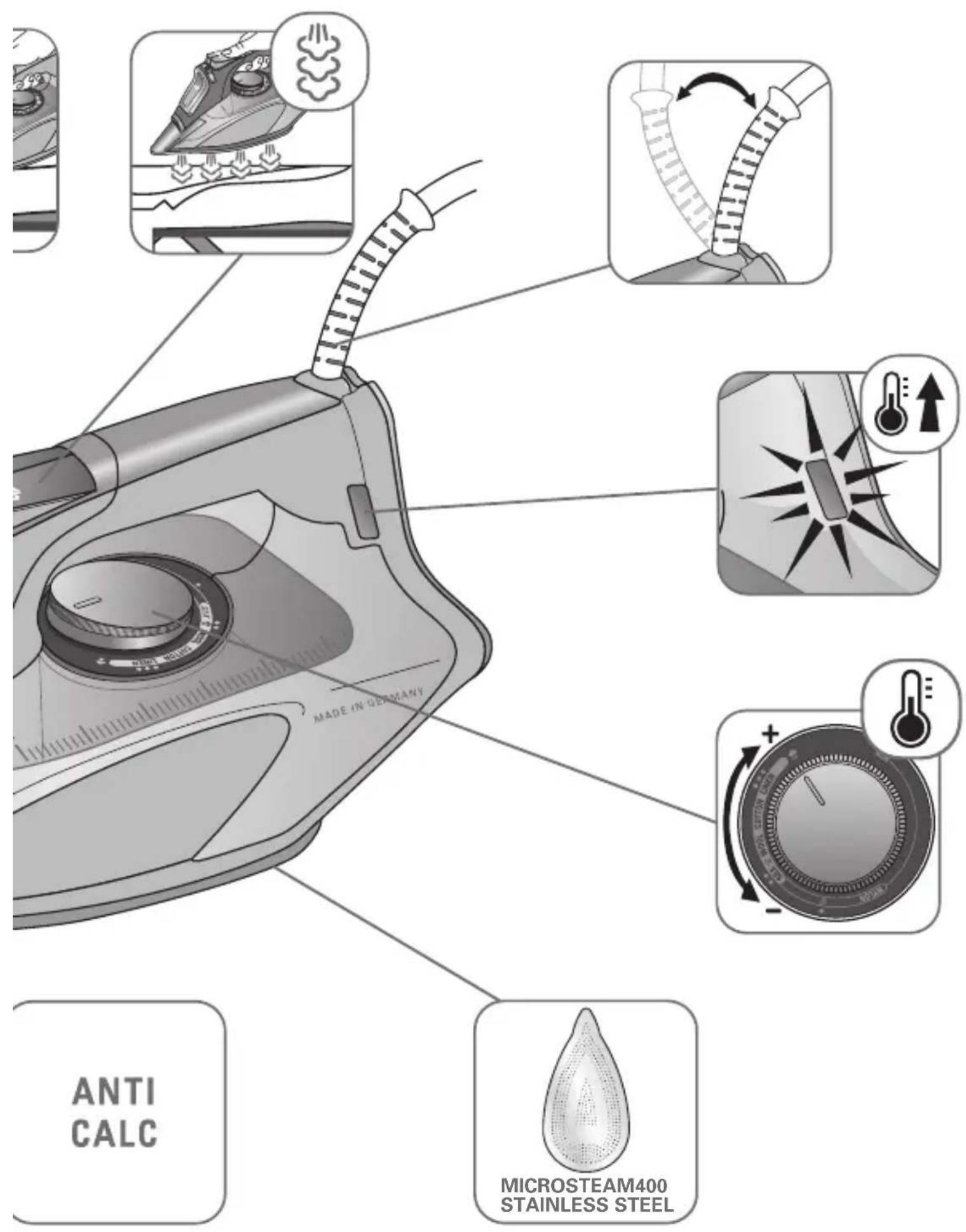
MADE IN DEPARTMENT ANTI CALC MICROSTEAM400 STAINLESS STEEL1. FIRST USE & WATER TANK FILLING \*
natural_image
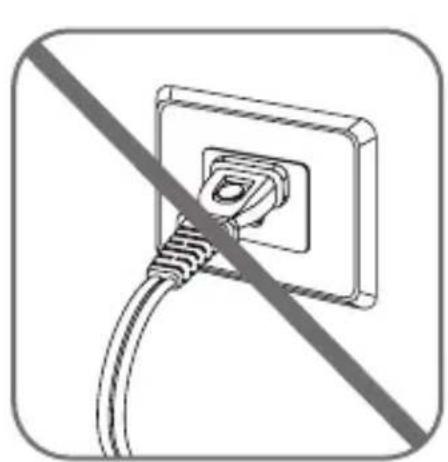
Electrical outlet cable with no text or symbols, shown as a diagonal line (no text or symbols present)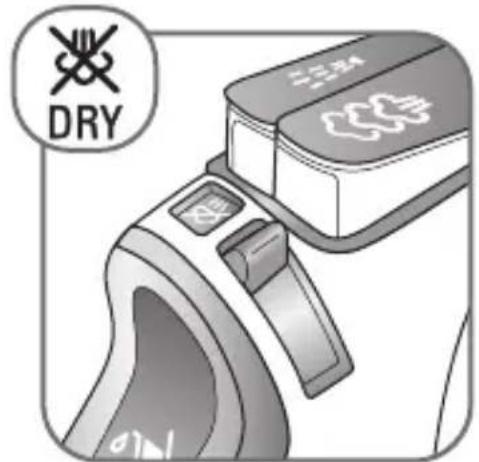
text_image
DRY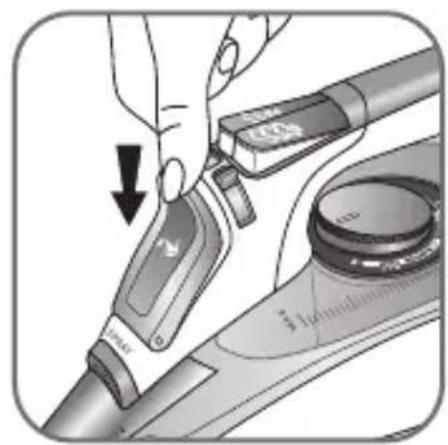
natural_image
Close-up of a hand using a tool to adjust or install a device, with no visible text or symbols.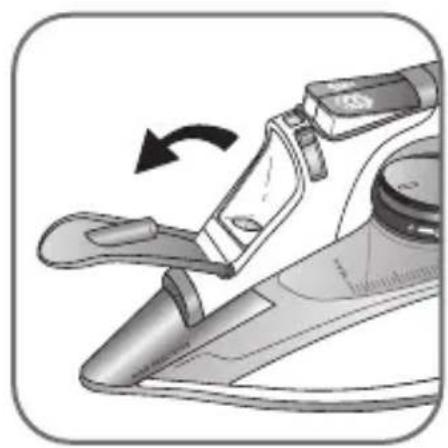
natural_image
Illustration of a hand using a tool to lift a mechanical component, showing a curved arrow indicating rotation (no text or symbols present)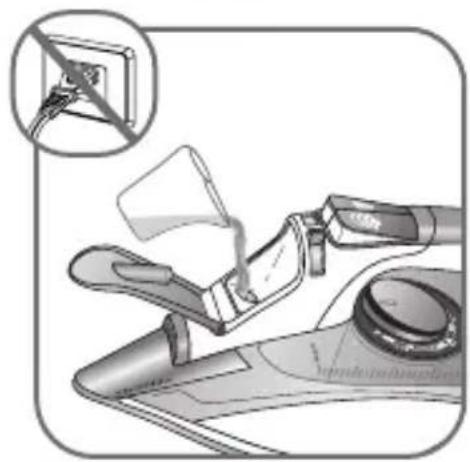
natural_image
Illustration of a hand pouring liquid into a motor or fan device, with a magnified inset showing a switch (no text or symbols present)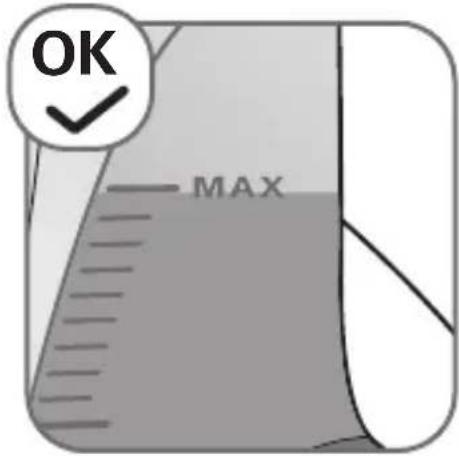
text_image
OK MAX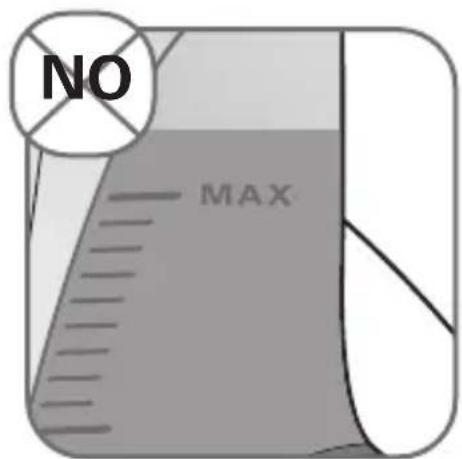
text_image
NO MAX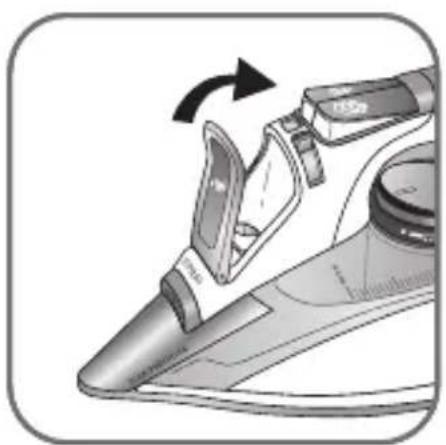
natural_image
Illustration of a steam iron being adjusted with a valve, showing mechanical components and motion direction (no text or symbols)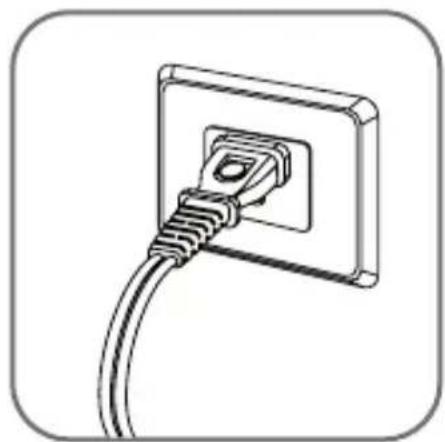
natural_image
Line drawing of a wall socket with a cable inserted into the socket (no text or symbols)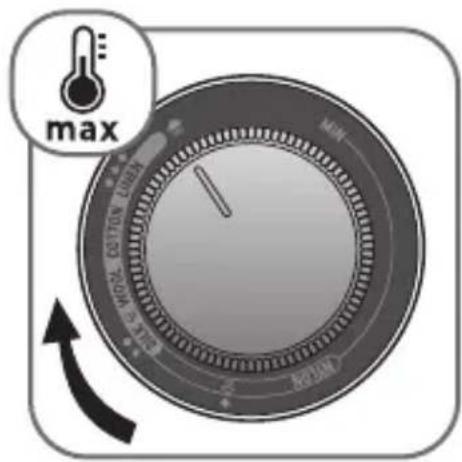
text_image
max MIN MAX MIN MAX MAX MAX MAX MAX MAX MAX MAX MAX MAX MAX MAX MAX MAX MAX MAX MAX MAX MAX MAX MAX MAX MAX MAX MAX MAX MAX MAX MAX MAX MAX MAX MAX MAX MAX MAX MAX MAX MAX MAX MAX MAX MAX MAX MAX MAX MAX MAX MAX MAX Max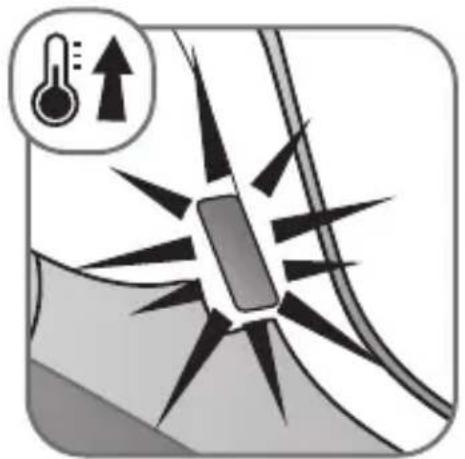
natural_image
Diagram showing a thermometer and upward arrow symbol above a vehicle or road with radiating lines (no text or labels)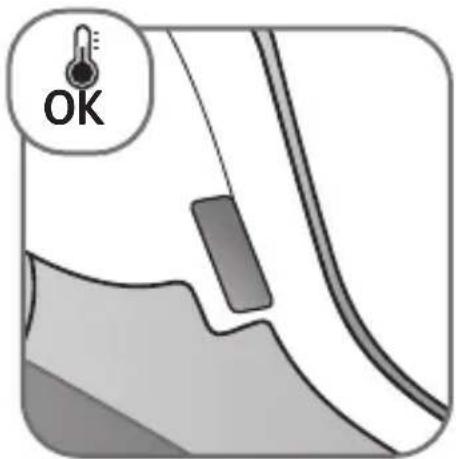
text_image
OK1. FIRST USE & WATER TANK FILLING \*
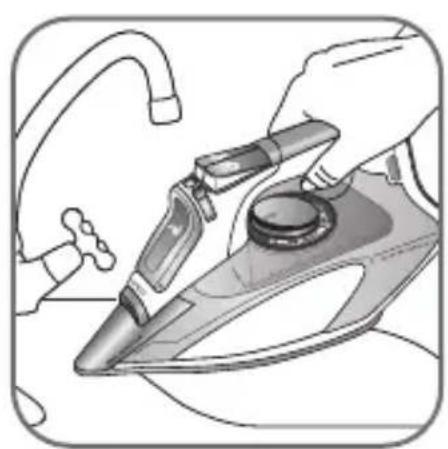
natural_image
Illustration of hands using a iron iron to clean or install a floor iron (no text or symbols visible)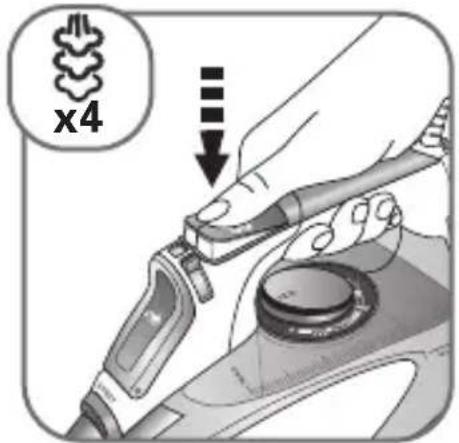
text_image
x4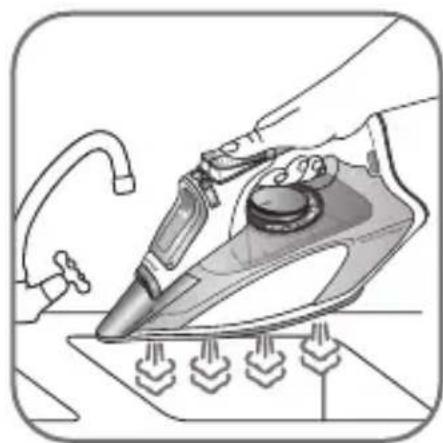
natural_image
Illustration of a hand using a power iron to clean or install a floor-mounted air conditioner (no text or symbols present)TEMPERATURE AND STEAM ADJUSTMENT\*2a.
natural_image
Close-up of a medical device with a bandage and a medical cross symbol (no text or labels visible)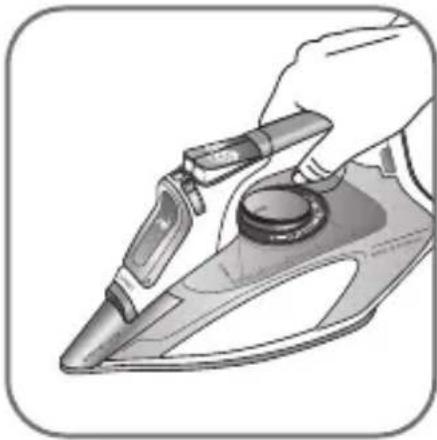
natural_image
Illustration of a hand using a power tool to clean or install a mechanical component (no text or symbols visible)text_image
NOMC COTTON LINES Rearl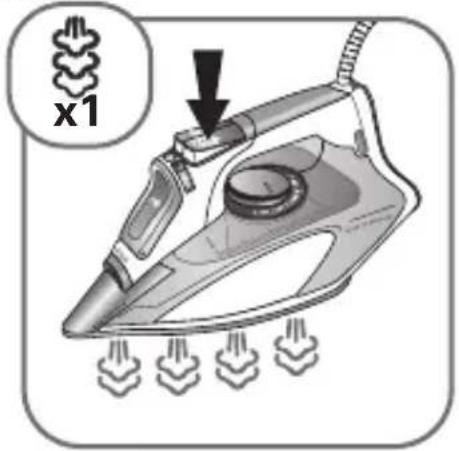
text_image
x1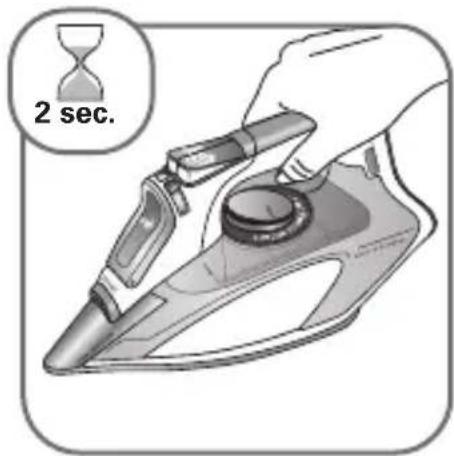
text_image
2 sec.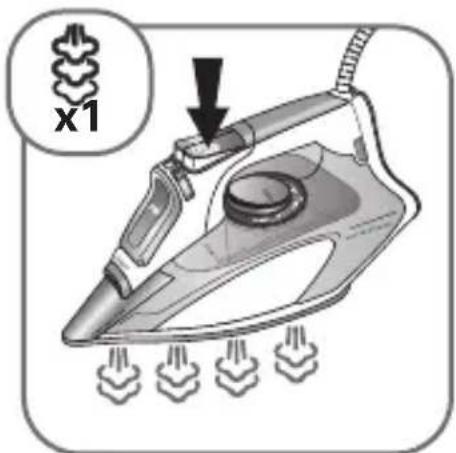
text_image
x1* FR • Jet de vapeur • ES • Chorro de vapor
5. SPRAY \*
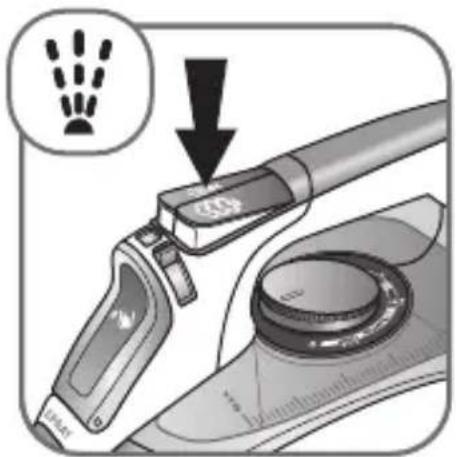
text_image
Diagram showing a hand presser's lever mechanism with a magnified inset indicating the lever type.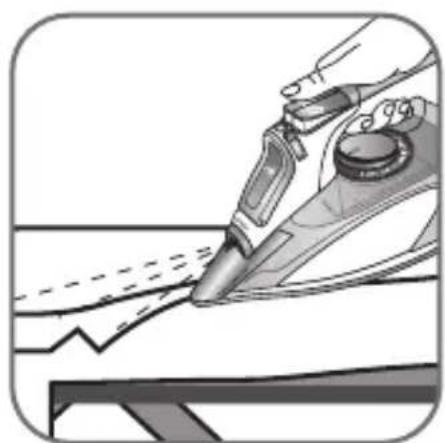
natural_image
Illustration of a hand using a pen to draw or mark a piece of paper (no text or symbols visible)text_image
max MINI MAX RUM RUM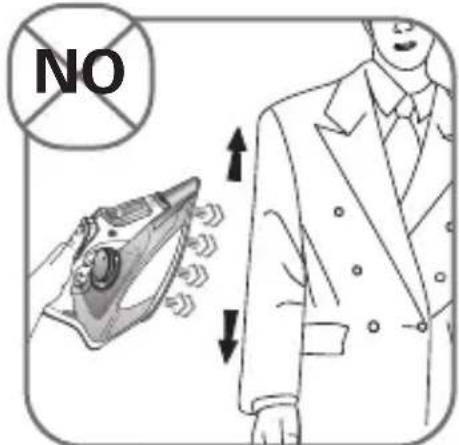
text_image
NO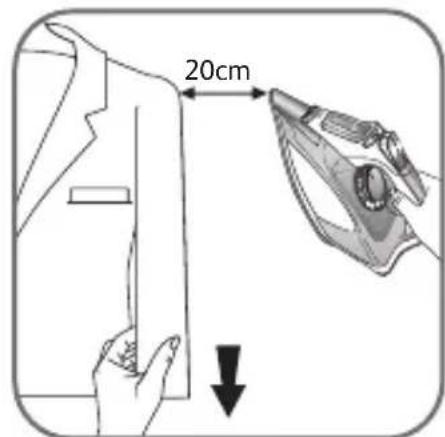
text_image
20cm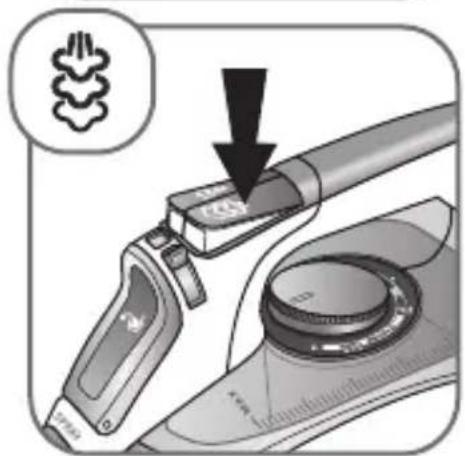
text_image
Diagram showing a hand tool interacting with a device, with an arrow pointing to a component labeled 'CNC' and a magnified inset showing a hand icon.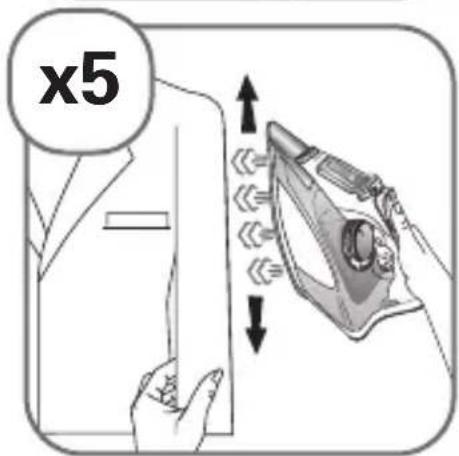
text_image
x5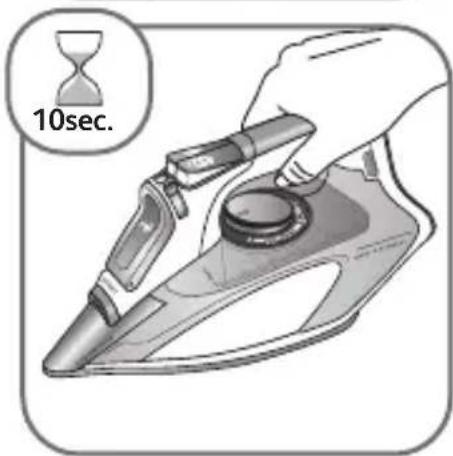
text_image
10sec.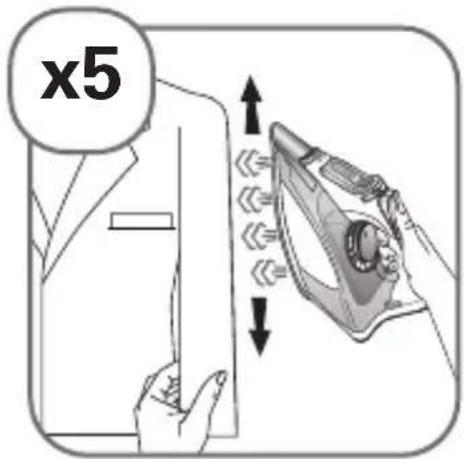
text_image
x57. IRON STORAGE \*
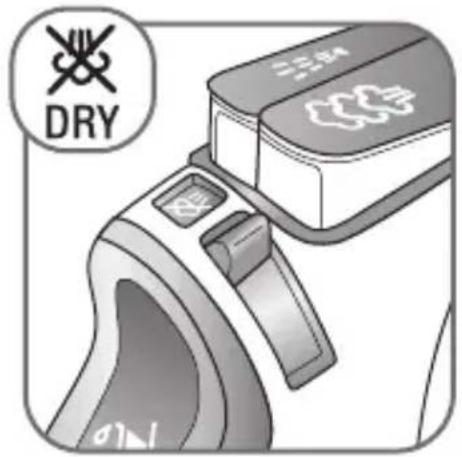
text_image
DRY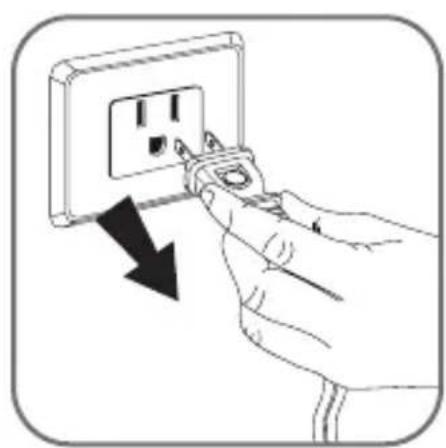
natural_image
Hand inserting a plug into an electrical outlet socket, showing a black arrow indicating the process (no text or symbols present)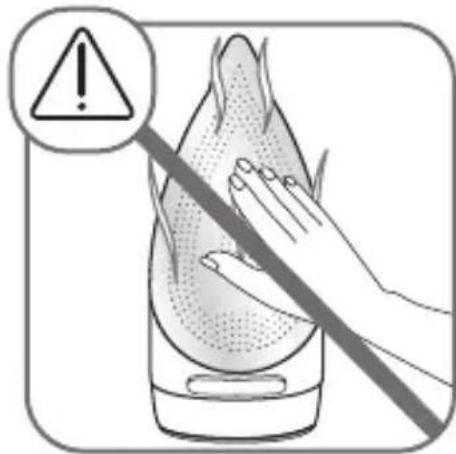
natural_image
Illustration of a hand using a tool to clean or store food, with an exclamation mark icon (no text or symbols on the diagram itself)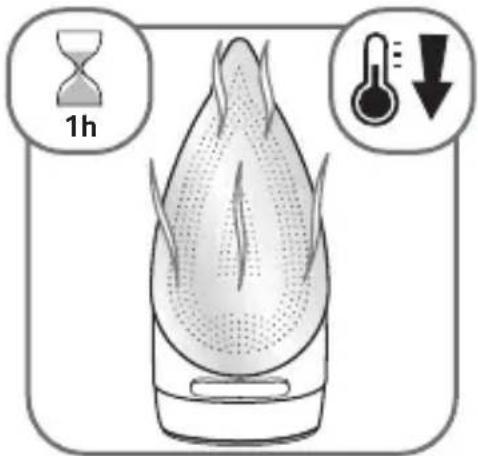
text_image
1h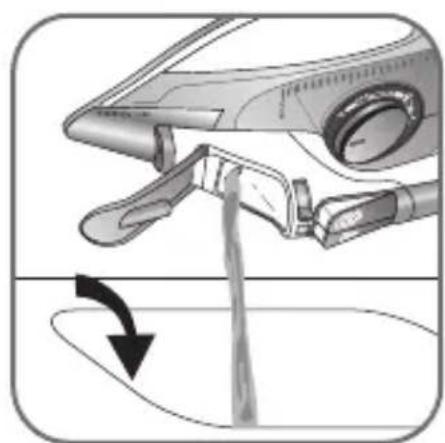
natural_image
Diagram of a medical device with a hand holding a liquid, showing fluid flow direction (no text or symbols)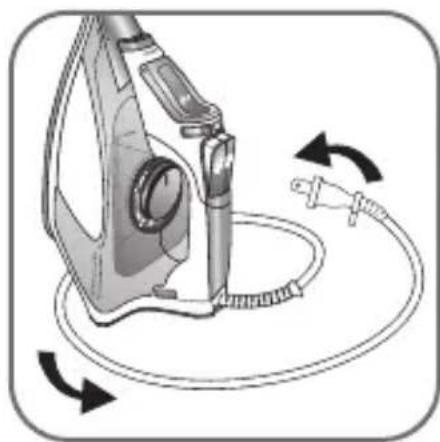
natural_image
Illustration of a fueling iron plug connecting a cable with a power plug, showing rotational arrows (no text or symbols)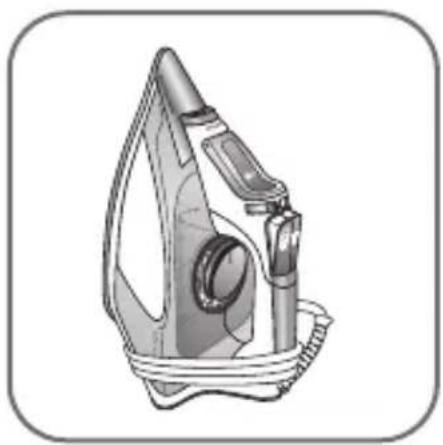
natural_image
Illustration of a steam iron with attached clamps and cord (no text or symbols)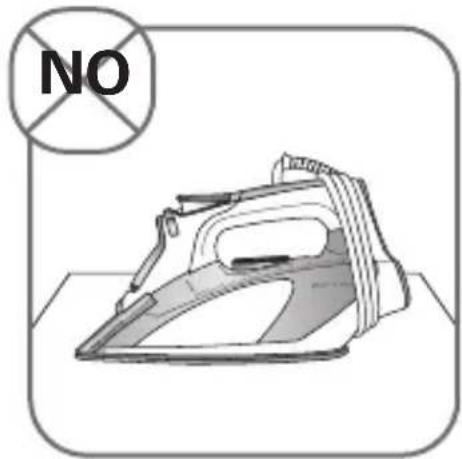
text_image
NO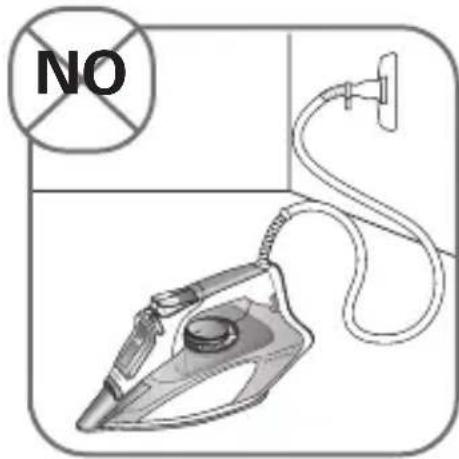
text_image
NO8. SELF-CLEANING (EVERY 2 WEEKS) \*
text_image
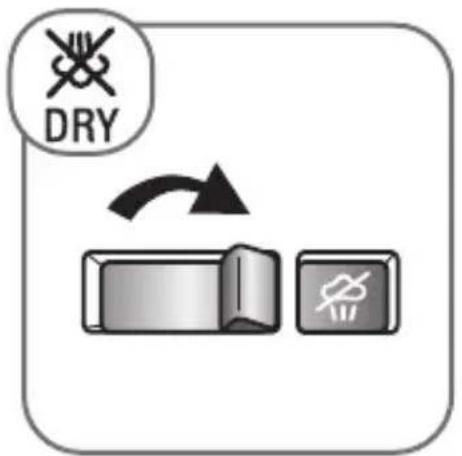
DRY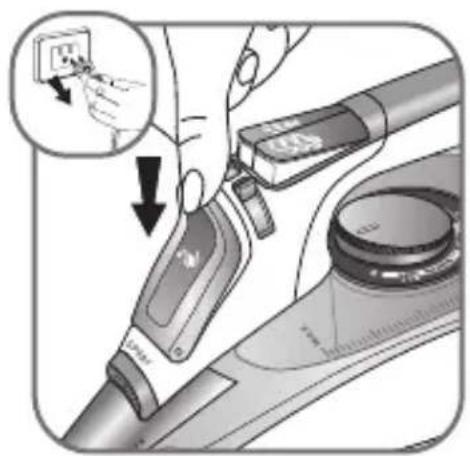
text_image
Diagram showing hand operating a device with labeled ports and a magnified inset showing electrical switch connections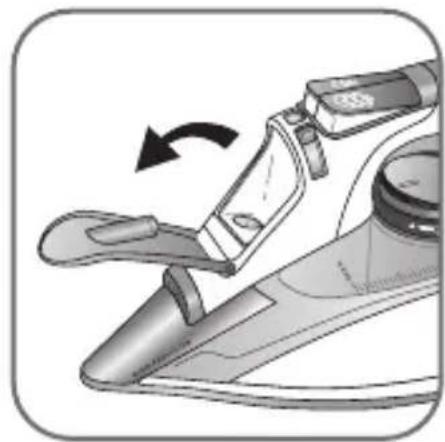
natural_image
Illustration of a hand using a tool to interact with a device, showing a curved arrow indicating rotation (no text or symbols present)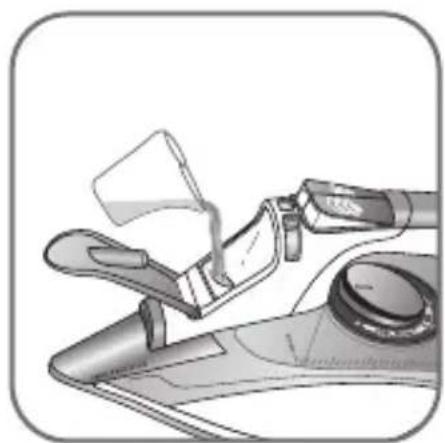
natural_image
Illustration of a hand pouring liquid from a glass container into a fan (no text or symbols)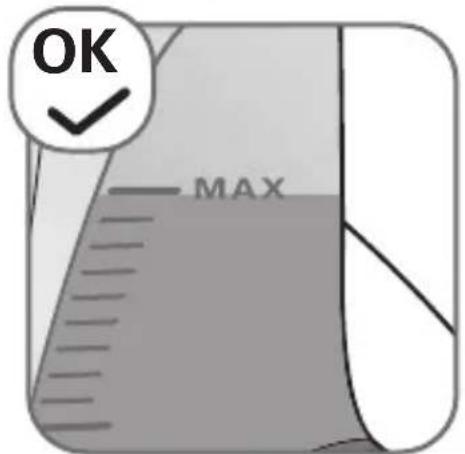
text_image
OK MAX
natural_image
Illustration of a gas washing machine with a magnified inset showing the electrical outlet (no text or symbols present)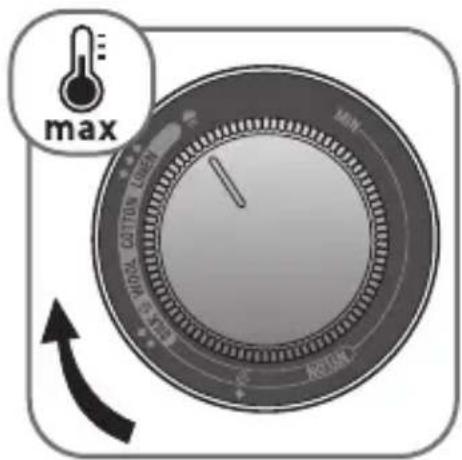
text_image
max MIN 400A 600A 1000A MAX R210A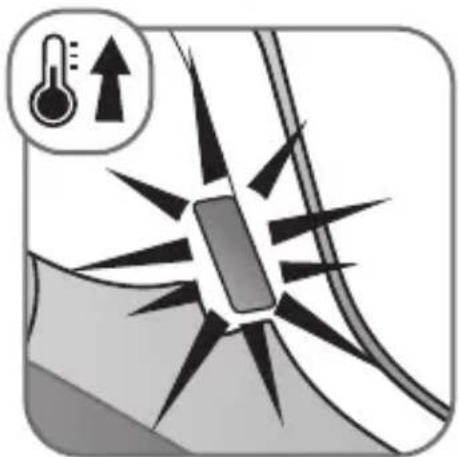
natural_image
Diagram showing a thermometer and upward arrow above a mechanical component with radiating lines (no text or symbols)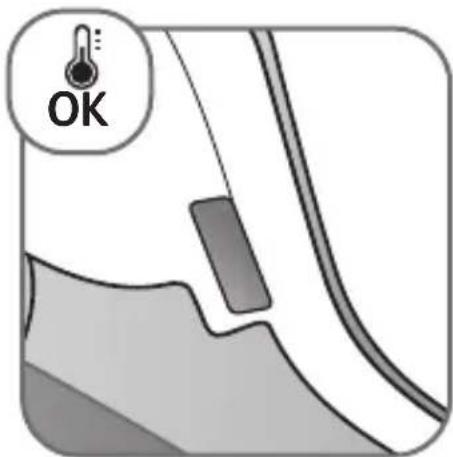
text_image
OK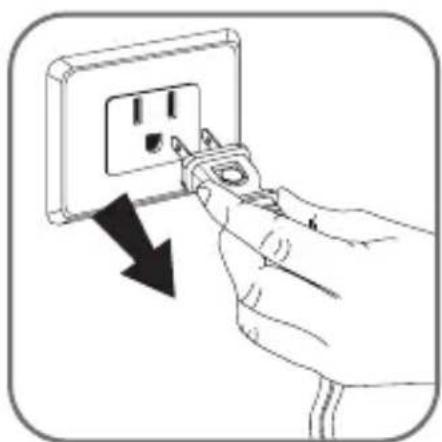
natural_image
Illustration of a hand inserting a plug into an electrical outlet with a black arrow indicating the process (no text or symbols present)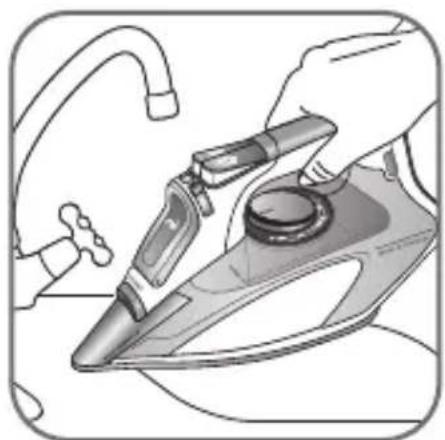
natural_image
Illustration of hands using a iron iron to clean or install a surface (no text or symbols visible)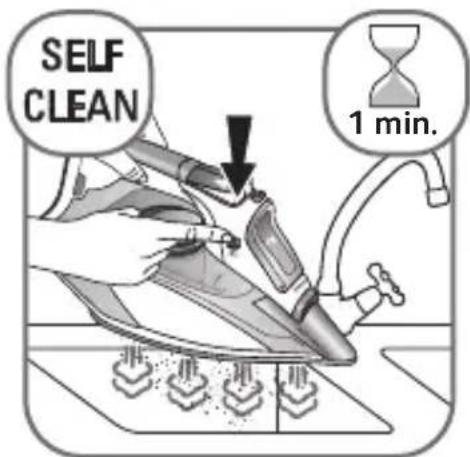
text_image
SELF CLEAN 1 min.* FR • AUTO NETTOYAGE (toutes les 2 semaines) • ES • AUTO-LIMPIEZA (cada 2 semanas)
8. SELF-CLEANING (EVERY 2 WEEKS) \*
natural_image
Hand inserting a plug into an electrical outlet socket, with a black arrow indicating the insertion direction (no text or symbols present)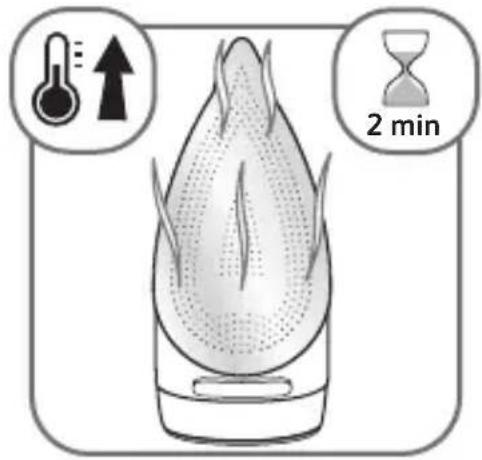
text_image
2 min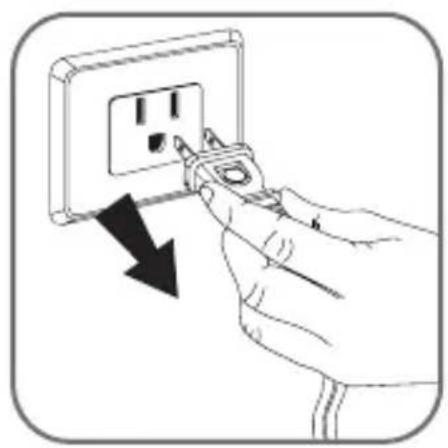
natural_image
Illustration of a hand inserting a plug into an electrical outlet with a black arrow indicating the process (no text or symbols present)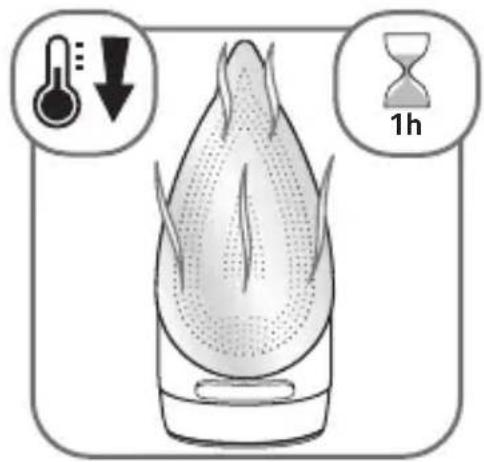
text_image
Diagram illustrating temperature, humidity, and 1 hour duration of a bird-shaped object with directional arrows and hour label9. SOLEPLATE CLEANING \*
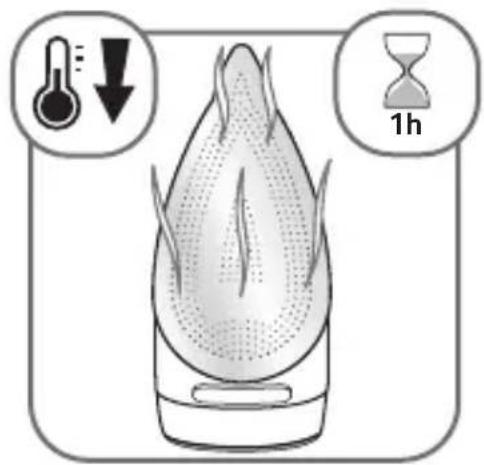
text_image
Diagram illustrating temperature and hour of day with labeled icons for heating, cooling, and duration
text_image
OK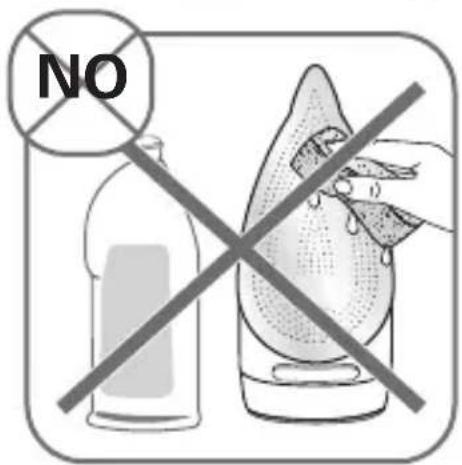
text_image
NO
text_image
NO*FRNettoyage de la semelle • ES Única placa de limpieza
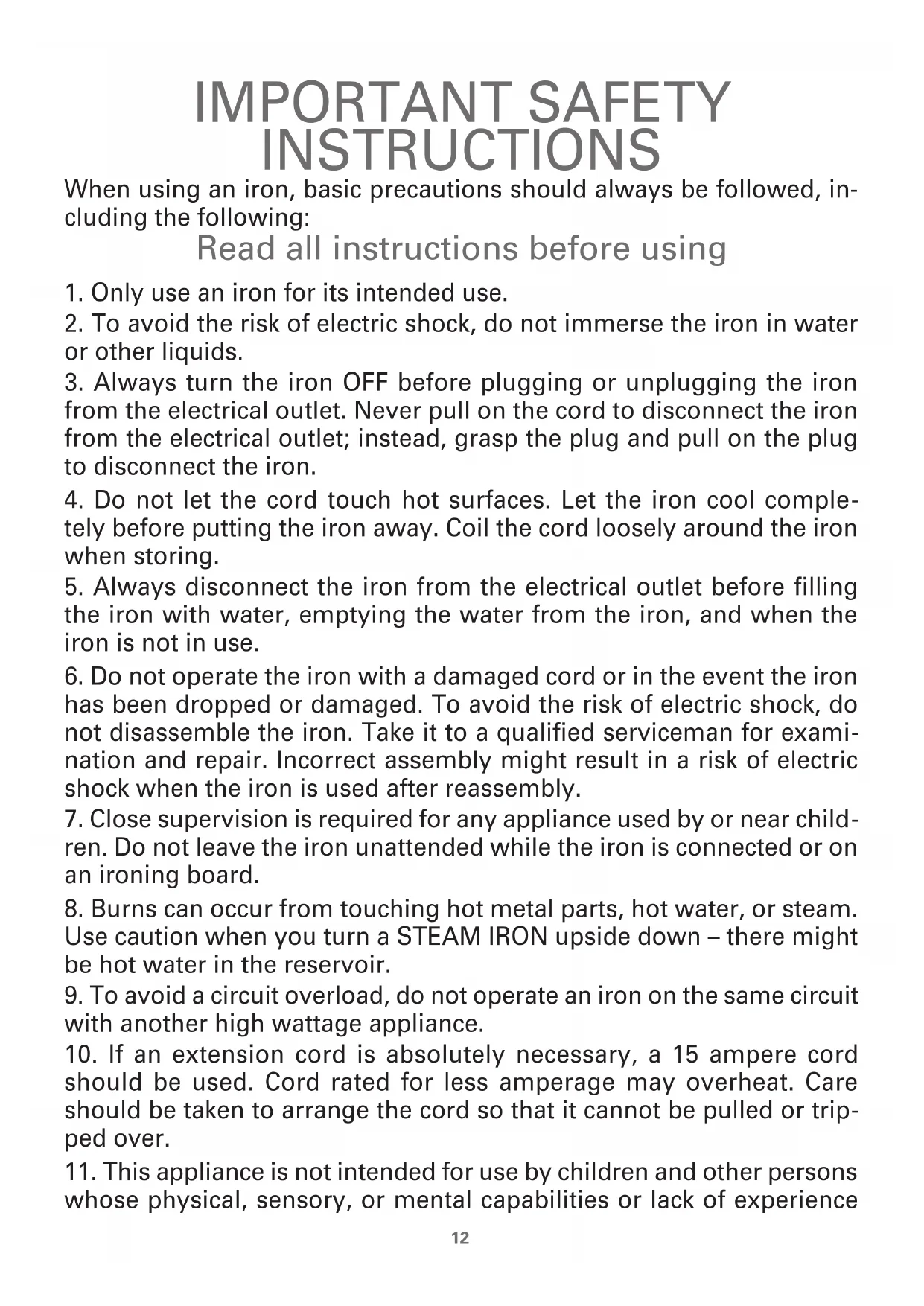
IMPORTANT SAFETY INSTRUCTIONS
When using an iron, basic precautions should always be followed, including the following:
Read all instructions before using
- Only use an iron for its intended use.
- To avoid the risk of electric shock, do not immerse the iron in water or other liquids.
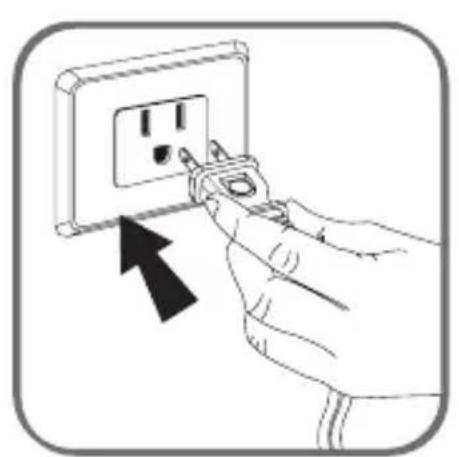
- Always turn the iron OFF before plugging or unplugging the iron from the electrical outlet. Never pull on the cord to disconnect the iron from the electrical outlet; instead, grasp the plug and pull on the plug to disconnect the iron.
- Do not let the cord touch hot surfaces. Let the iron cool completely before putting the iron away. Coil the cord loosely around the iron when storing.
- Always disconnect the iron from the electrical outlet before filling the iron with water, emptying the water from the iron, and when the iron is not in use.
- Do not operate the iron with a damaged cord or in the event the iron has been dropped or damaged. To avoid the risk of electric shock, do not disassemble the iron. Take it to a qualified serviceman for examination and repair. Incorrect assembly might result in a risk of electric shock when the iron is used after reassembly.
- Close supervision is required for any appliance used by or near children. Do not leave the iron unattended while the iron is connected or on an ironing board.
- Burns can occur from touching hot metal parts, hot water, or steam. Use caution when you turn a STEAM IRON upside down – there might be hot water in the reservoir.
- To avoid a circuit overload, do not operate an iron on the same circuit with another high wattage appliance.
- If an extension cord is absolutely necessary, a 15 ampere cord should be used. Cord rated for less amperage may overheat. Care should be taken to arrange the cord so that it cannot be pulled or tripped over.
- This appliance is not intended for use by children and other persons whose physical, sensory, or mental capabilities or lack of experience
and knowledge prevents them from using the appliance safely without supervision or instruction by a responsible person to ensure that they can use the appliance safely.
- Children should be supervised by the responsible person to ensure that they do not play with the appliance.
- the iron must be used and rested on a stable surface;
- when placing the iron on its stand, ensure that the surface on which the stand is placed is stable;
- the iron is not to be used if it has been dropped, if there are visible signs of damage or if it is leaking.
SPECIAL INSTRUCTIONS
- The iron must not be left unattend while it is connected to supply mains.
- Always disconnect the iron from the electrical outlet, before you leave the room.
SAVE THESE INSTRUCTIONS
What water to use?
Your appliance has been designed to function with untreated tap water. If your water is very hard (check with your local water authority), it is possible to mix untreated tap water with store-bought distilled or demineralised water in the following proportions: - 50% tap water, - 50% distilled or demineralised water.
However, it is necessary to operate the Self clean function regularly in order to eliminate hard water deposits from the steam chamber.
Use the Self clean function approximately every 2 weeks. If the water is very hard clean the iron weekly
Types of water not to use?
Heat concentrates the elements contained in water during evaporation. The types of water listed below contain organic waste or mineral elements that can cause spitting, brown staining, or premature wear of the appliance: water from clothes dryers, scented or softened water, water from refrigerators, batteries or air conditioners, pure distilled or demineralised water or rain water should not be used in your Rowenta iron. Also do not use boiled, filtered or bottled water.
Environment
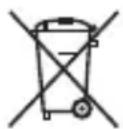
Environment protection first!
① Your appliance contains valuable materials which can be recovered or recycled.
Leave it at a local civic waste collection point.
If there is a problem?
| PROBLEM | POSSIBLE CAUSE SOLUTION | |
| Water drips from the holes in the soleplate. | You are using steam while the iron is not hot enough. | Wait until the thermostat light goes out. |
| You are using the shot of steam button too often. | Wait a few seconds between each use of the button. | |
| You have stored the iron horizontally, without emptying it and without setting it to ⚙. | See the section "Iron storage". | |
| Brown streaks come through the holes in the soleplate and stain the linen. | You are using ironing water additives (i.e. scented water, starch). | Never use ironing water additives; these will permanently damage your steam iron. |
| You are not using the right type of water. | Perform a Self cleaning operation and consult the chapter "What water to use?". | |
| Your linen has not been rinsed sufficiently or you have ironed a new garment before washing it. | Make sure that your laundry is rinsed sufficiently in order to remove any deposits of soap or chemical products on new clothes. | |
| The soleplate is dirty or brown and can stain the linen. | Your are ironing with an inappropriate temperature selection (temperature too high). | Clean the soleplate (refer to chapter 9). Select the appropriate program. |
| You have ironed over a printed area of a garment. | Never iron over printed areas or applications – always iron the reverse side of such a garment. | |
| There is little or no steam. | The water tank is empty. | Fill the water tank. |
| Your iron has been used dry for too long. | Carry out a Self clean. | |
| The soleplate is scratched or damaged. | You have placed your iron flat on a metallic rest-plate or ironed over a zip. | Refrain from ironing over metallic buttons or zippers. |
| Steam or water come from the iron as you finish filling the tank. | The steam control is not set to the position. | Check that the steam control is set to the position. |
| The water tank is overfilled. | Never exceed the Max level. | |
| The spray does not spray. | The water tank is not filled enough. | Fill up the water tank. |
EN
EN • ROWENTA INTERNATIONAL LIMITED GUARANTEE
: www.rowenta.com
This product is repairable by ROWENTA, during and after the guarantee period.
Accessories, consumables and end-user replaceable parts can be purchased, if locally available, as described on the ROWENTA internet site www.rowenta.com
The Guarantee
ROWENTA guarantees this product against any manufacturing defect in materials or workmanship during the guarantee periods within those countries*** as stated in the country list on the last page of the user manual, starting from the initial date of purchase.
The international manufacturer's guarantee covers all costs related to restoring the proven defective product so that it conforms to its original specifications, through the repair or replacement of any defective part and the necessary labor. At ROWENTA's choice, a replacement product may be provided instead of repairing a defective product. ROWENTA's sole obligation and your exclusive resolution under this guarantee are limited to such repair or replacement.
Conditions & Exclusions
ROWENTA shall not be obliged to repair or replace any product which is not accompanied by a valid proof of purchase. The product can be taken directly in person or must be adequately packaged and returned, by recorded delivery (or equivalent method of postage), to a ROWENTA authorized service centre. Full address details for each country's authorized service centres are listed on ROWENTA website (www.rowenta.com) or by calling the appropriate consumer Service centre set out in the attached Country List.
This guarantee applies only for products purchased and used for domestic purposes and will not cover any damage which could occur as a result of misuse, negligence, failure to follow ROWENTA instructions, or a modification or unauthorized repair of the product, faulty packaging by the owner or mishandling by any carrier. It also does not cover normal wear and tear, maintenance or replacement of consumable parts, or the following:
- Using the wrong type of water or consumable
- Damages or bad results specifically due to wrong voltage or frequency as stamped on the product ID or specification
- Scaling (any de-scaling must be carried out according to the instructions for use)
- Accidents including fire, flood, thunderbolt etc.
- Mechanical damages, overloading,
- Ingress of water, dust or insects into the product,
- Damage to any glass or porcelain ware in the product,
• Professional or commercial use
Consumer Statutory Rights
The international ROWENTA guarantee does not affect the Statutory Rights a consumer may have or those rights that cannot be excluded or limited, nor rights against the retailer from which the consumer purchased the product. This guarantee gives a consumer specific legal rights, and the consumer may also have other legal rights which vary from State to State or Country to Country. The consumer may assert any such rights at his sole discretion.
***Where a product purchased in one listed country and then used in another listed country, the international ROWENTA guarantee duration is the one in the country of usage, even if the product was purchased in a listed country with different guarantee duration. The repair process may require a longer time if the product is not locally sold by ROWENTA. If the product is not repairable in the new country, the international ROWENTA guarantee is limited to a replacement by a similar or alternative product at similar cost, where possible.