
ActiSteam DZ2120 - Iron ROWENTA - Free user manual and instructions
Find the device manual for free ActiSteam DZ2120 ROWENTA in PDF.


User questions about ActiSteam DZ2120 ROWENTA
0 question about this device. Answer the ones you know or ask your own.
Ask a new question about this device
Download the instructions for your Iron in PDF format for free! Find your manual ActiSteam DZ2120 - ROWENTA and take your electronic device back in hand. On this page are published all the documents necessary for the use of your device. ActiSteam DZ2120 by ROWENTA.
USER MANUAL ActiSteam DZ2120 ROWENTA
natural_image
White Rowente Artist Steam iron with black and gray casing, no visible text or symbols on body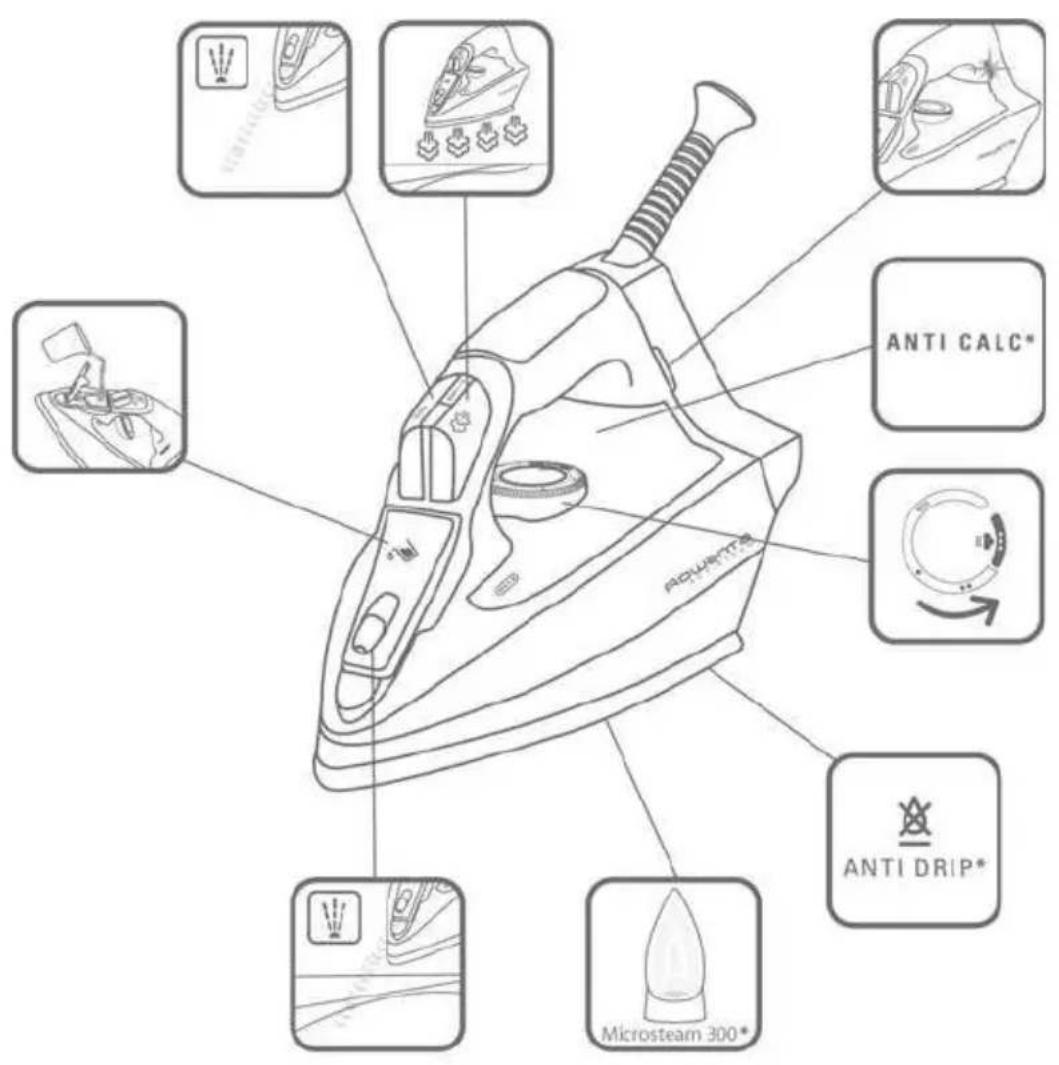
natural_image
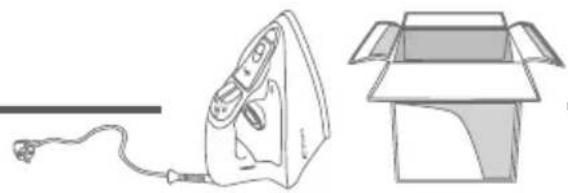
Line drawing of an iron (£) and its open box (no text or symbols)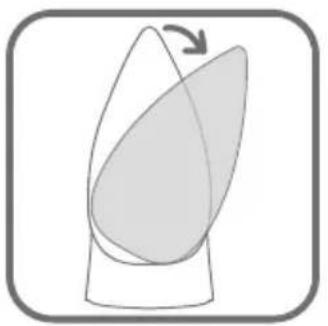
natural_image
Diagram showing a curved shape with an arrow indicating rotation, enclosed in a rounded square frame (no text or symbols)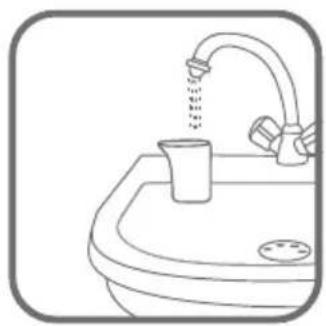
natural_image
Line drawing of a sink with a faucet pouring liquid from a cup (no text or symbols)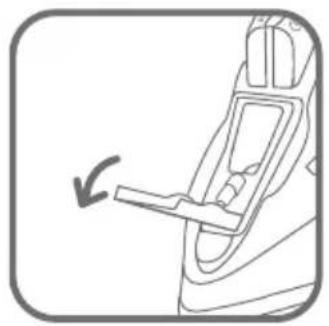
natural_image
Diagram of a car interior showing a hand holding a lever, with an arrow indicating left motion (no text or symbols present)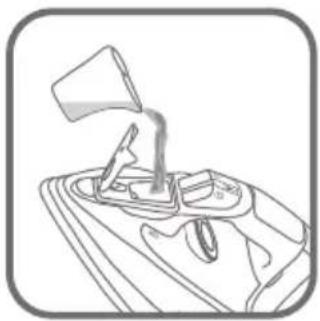
natural_image
Line drawing of a mechanical lever assembly (no text or symbols)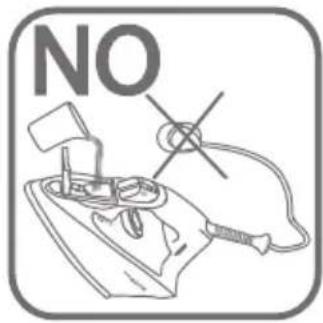
natural_image
Line drawing of a car interior showing a hand valve and seat (no text or symbols)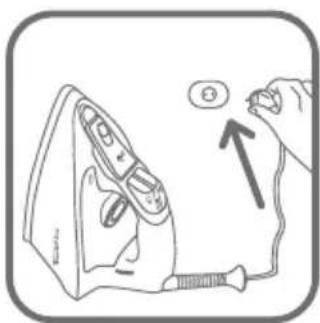
natural_image
Illustration of a hand using a screwdriver to press down an iron, with a magnified view showing the iron being held (no text or symbols present)
natural_image
Diagram of a showerhead with smoke and raindrops, no text or symbols present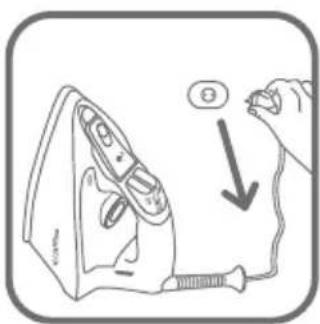
natural_image
Line drawing of a steam iron above a sink (no text or symbols)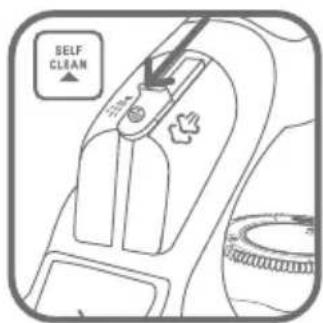
natural_image
Line drawing of an iron (£) on a steamer (no text or symbols)
natural_image
Line drawing of a hand using a power tool to press down a surface (no text or symbols)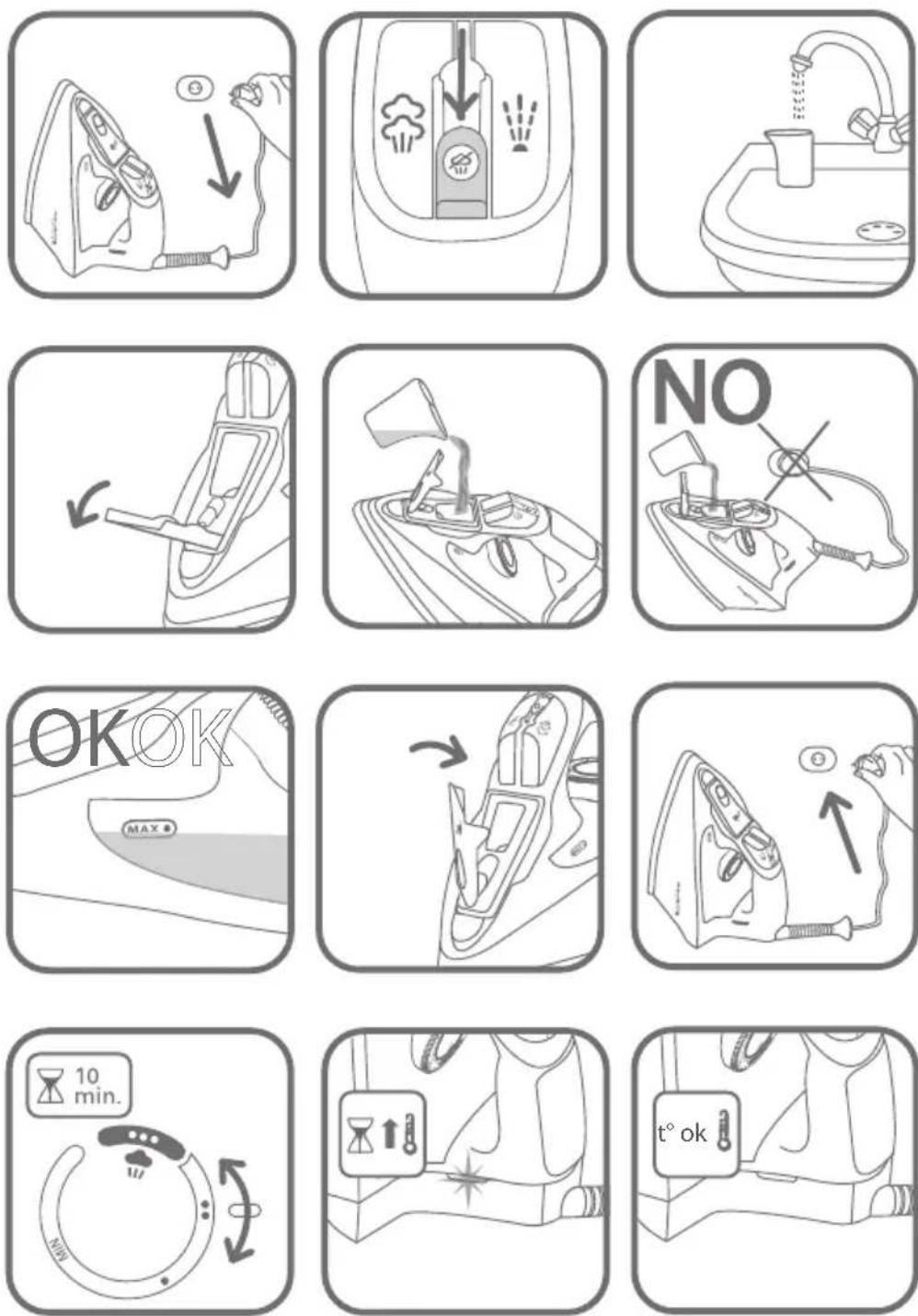
 |  |  |
 |  | |
 |  |  |

natural_image
Diagram of a car air intake system with smoke and exhaust symbols (no text labels)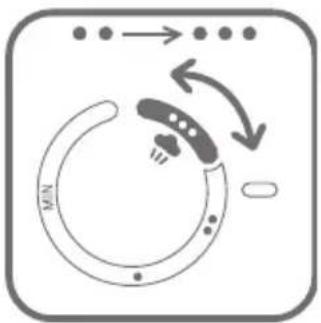
flowchart
graph TD
    A["Start"] --> B{Decision}
    B -->|Yes| C["Process Step"]
    B -->|No| D["End"]
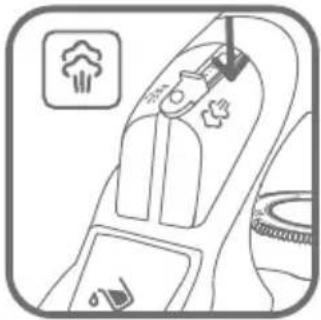
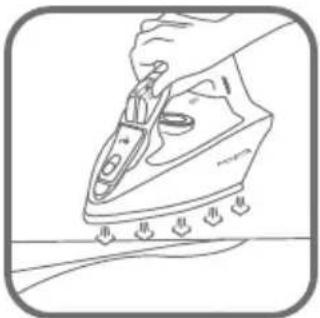
natural_image
Line drawing of a hand using a steam iron to press down a surface (no text or symbols)
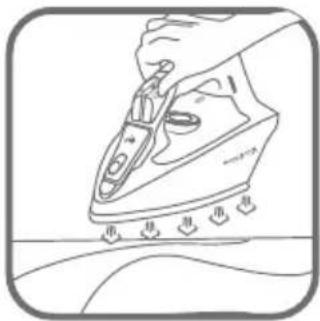
natural_image
Line drawing of a hand using a steam iron to clean or wear, with no text or symbols present.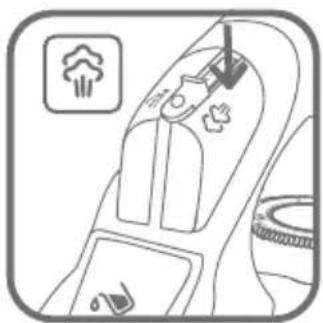
natural_image
Diagram of a car interior showing seatbelt, air vent, and exhaust pipe (no text or symbols)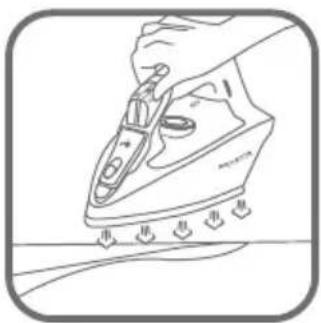
natural_image
Line drawing of a hand ironing an iron with a screwdriver, showing cutting edge details (no text or symbols)
natural_image
Line drawing of a blazer jacket with two side pockets (no text or symbols)
-
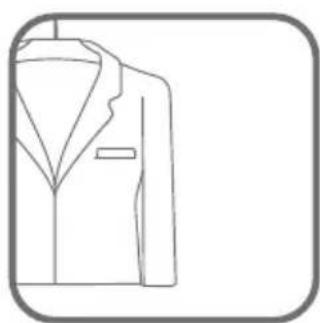
natural_image
Line drawing of a suit jacket with collar and button (no text or symbols)
natural_image
Interior view of a car seatbelt with gear and seatbelt (no text or symbols)
natural_image
Line drawing of a steam iron with coiled cord and handle (no text or symbols)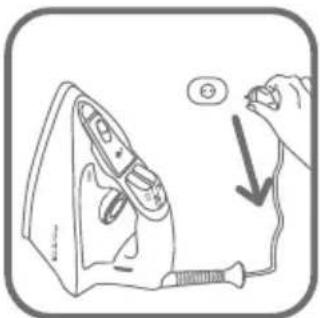
natural_image
Illustration of a hand using a power iron to press down a cable, with no text or symbols present.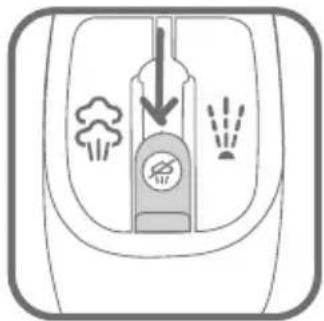
natural_image
Diagram of a trash bin with smoke and waste, no text or symbols present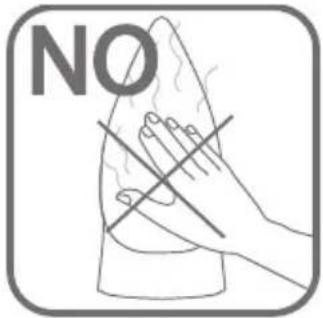
natural_image
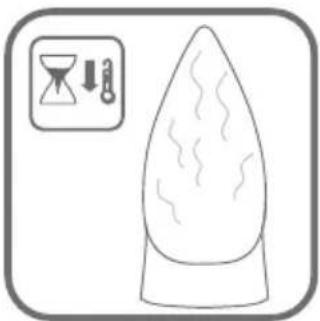
Simple line drawing of a teardrop-shaped object with wavy lines, accompanied by an icon showing a funnel and downward arrow (no text or symbols)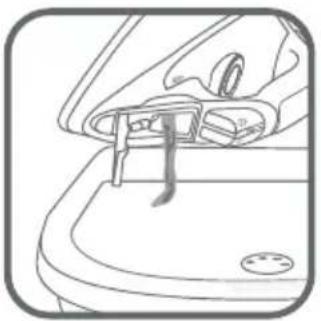
natural_image
Line drawing of a car interior showing the handle and seat (no text or symbols)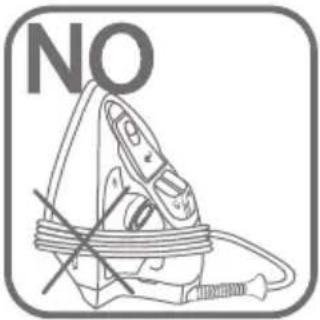
natural_image
Diagram of a trash bin with smoke and waste symbols, no text or labels present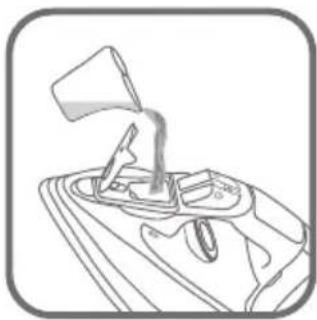
natural_image
Line drawing of a mechanical lever mechanism (no text or symbols)
natural_image
Simple line drawing of a circular device with a handle and indicator lights, no text or symbols present.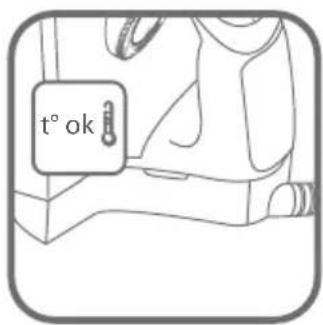
natural_image
Line drawing of a steam iron above a sink (no text or symbols)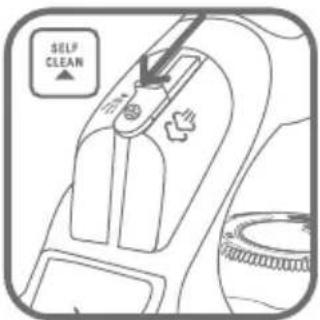
natural_image
Illustration of a hand using a power tool to press down an iron, with a magnified view showing the iron being inserted (no text or symbols present)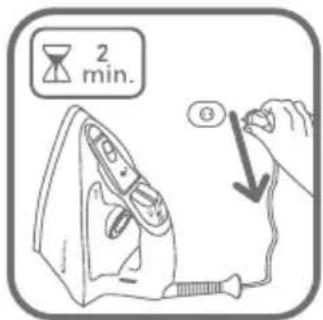
natural_image
Simple line drawing of a teardrop-shaped object with wavy lines, accompanied by an icon showing a hand holding a clock and a downward arrow (no text or symbols)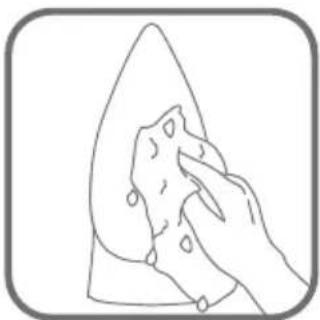
natural_image
Line drawing of a hand cleaning a leaf with a cloth (no text or symbols)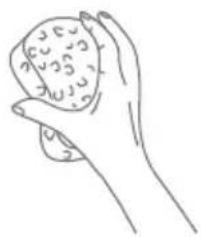
natural_image
Line drawing of a hand holding a textured object (no text or symbols)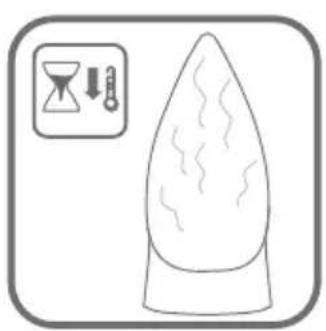
natural_image
Simple line drawing of a teardrop-shaped object with wavy internal lines, accompanied by an hourglass icon and thermometer symbols (no text or labels)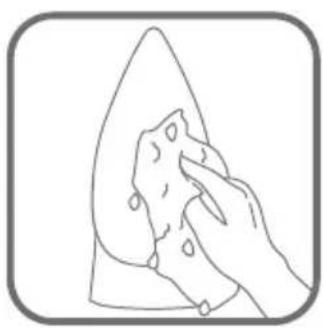
natural_image
Line drawing of a hand cleaning a leaf with a cloth (no text or symbols)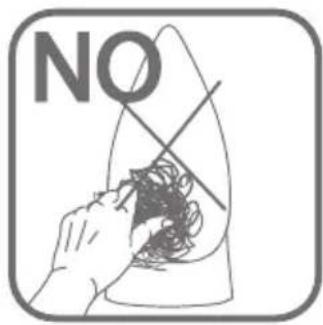
natural_image
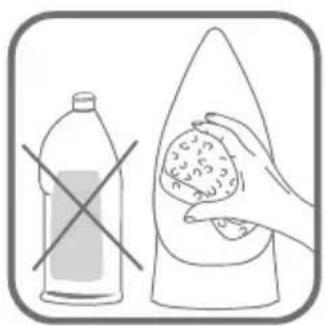
Illustration showing a plastic bottle and a hand holding a food item, both crossed out by a diagonal line (no text or symbols)SAFETY INSTRUCTIONS
This appliance complies with the technical rules and standards for safety currently in force (Electromagnetic Compatibility, Low Voltage, Environnement).
This appliance is not designed to be used by people (including children) with a physical, sensory or mental impairment, or people
without knowledge or experience, unless they are supervised or given prior instructions concerning the use of the appliance by someone responsible for their safety. Children must be supervised to ensure that they do not play with the appliance.
Caution, before plugging in your iron, check that your mains voltage corresponds to the voltage indicated on the information panel on the iron. Connecting to the wrong voltage may cause irreversible damage to the iron and will invalidate the guarantee.
This iron must always be plugged into an earthed socket. If using a mains extension lead, ensure that it is correctly rated. If you use an extension lead, check that it is adapted to the power indicated on the information panel on the iron.
If the electrical cord becomes damaged, it must be immediately replaced by an Approved Service Centre to avoid any danger.
The appliance should not be used if it has fallen, if it has obvious damage, if it leaks or has functional anomalies. Never dismantle your appliance: have it inspected by an Approved Service Centre, so as to avoid any danger.
Never immerse your iron in water!
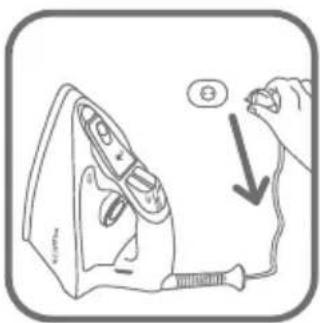
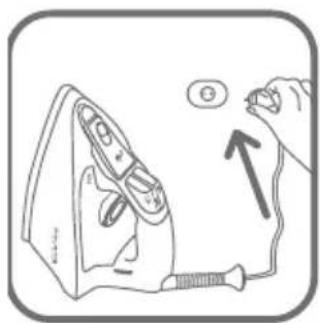
Do not unplug your appliance by pulling on the cord. Always unplug your appliance: before filling or rinsing the reservoir, before cleaning it, after each use.
Never leave the appliance unattended when it is connected to a power source; if it has not cooled down for approximately 1 hour.
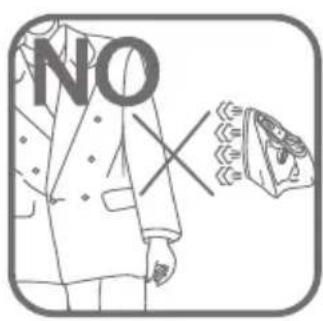
Your appliance gives off steam, which may cause burns, especially when you are ironing on a corner of your ironing board. Never direct the steam towards people or animals.
Your iron should be used and placed on a stable surface. When you put your iron onto its iron rest, make sure that the surface on which you put it is stable.
This product has been designed solely for domestic use. Any inappropriate use or use contrary to the instructions releases the brand from all responsibility and renders the guarantee invalid.
Environment protection first !
Your appliance contains valuable materials which can be re- vered or recycled. Leave it at a local civic waste collection
Keep these instructions
BEFORE USE
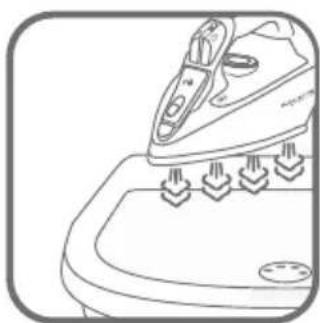
Remove the soleplate sticker carefully and completely, or remove the transparent soleplate protector slowly.
STARTING UP
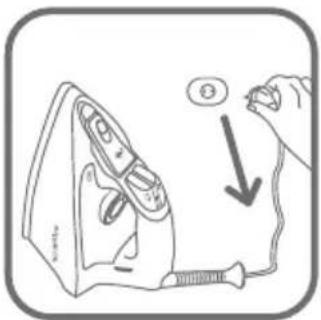
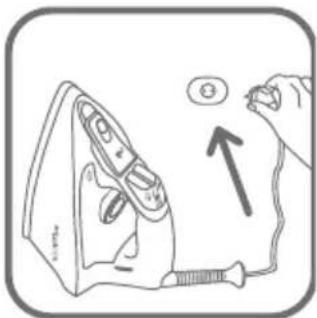
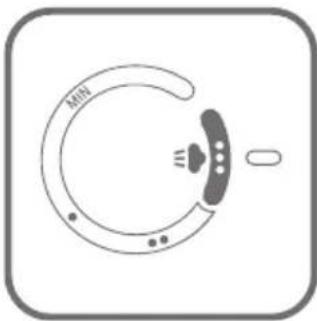
When using the iron for the first time, plug it into the main electricity supply, set the temperature control to max., do not add any water, stand the iron on its heel and allow it to heat up in the vertical position for 2 minutes. A small amount of smoke or smell may be generated. This is perfectly normal and will disappear after a short period of use.
RECOMMENDATIONS
What water may be used?
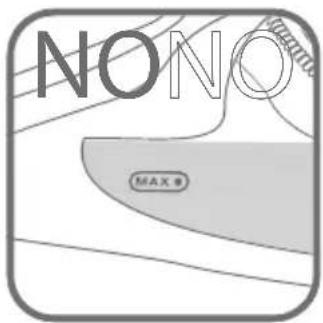
Your iron has been designed to operate using untreated tap water. If in doubt, check with your local water authority. However, if your water is
very hard, you can mix 50% untreated tap water with 50% distilled or demineralised water.
IMPORTANT Heat concentrates the elements contained in water during evaporation. The types of water listed below contain organic waste or mineral elements that can cause spitting, brown staining or premature wear of the appliance: water from clothes dryers, scented or softened water, water from refrigerators, batteries or air conditioners, pure distilled or demineralised water or rain water should not be used in your iron. Also do not use boiled, filtered or bottled water.
When ironing
| Ironing label | Fabric | Temperature control | Steam setting |
 | Linen Cotton | 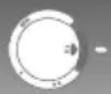 | |
 | Silk, wool | 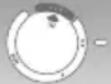 | |
 | Synthetic fibres, e.g. viscose, polyester... | 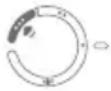 |
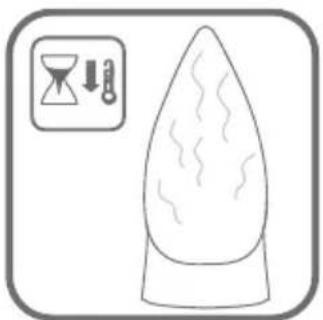
IMPORTANT The iron takes longer to cool down than to heat up. We recommend that you start with fabrics to be ironed at a low temperature. For mixed fabrics set the temperature for the most delicate fabric. tip Always spray starch onto the reverse side of the fabric to be ironed
Automatic 3-position cut-out (depending on model)
If, although switched on, the appliance is not moved, it will automatically switch off and the auto off light will blink after the following intervals :
- After 30 sec., if the iron is left placed down on the soleplate or lying on its side.
- After 8 mins., if the iron is left standing on its heel.
To switch the iron back on, move the iron gently.
After ironing
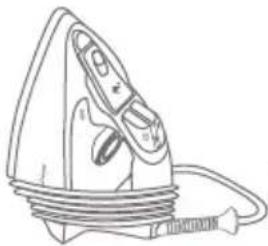
IMPORTANT Do not wind the cord around the hot soleplate. Never store your iron placed down on the soleplate.
IMPORTANT Do not use descaling agents, as these damage the lining of the steam chamber and so may impair the steam function.
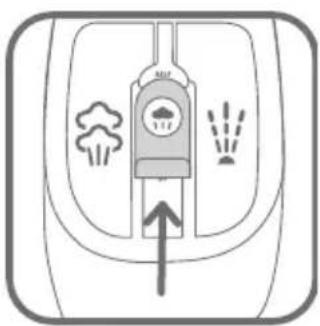
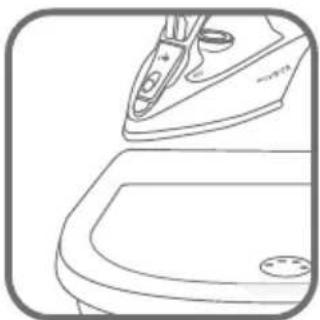
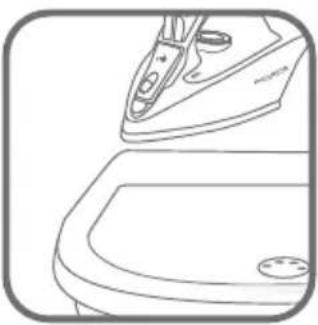
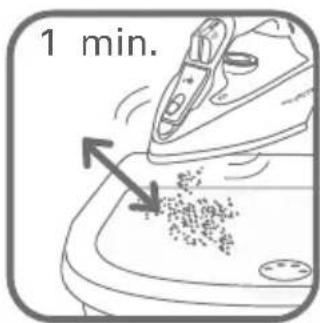
TIP Use the Self Clean function approx. every 2 weeks. If the water is very hard, clean the iron weekly.
IMPORTANT Do not use sharp or abrasive cleaning agents or objects to clean soleplate and other parts of the iron.
If the appliance has been standing unused for long periods, use the Self Clean function.
Anti-Drip system (depending on model)
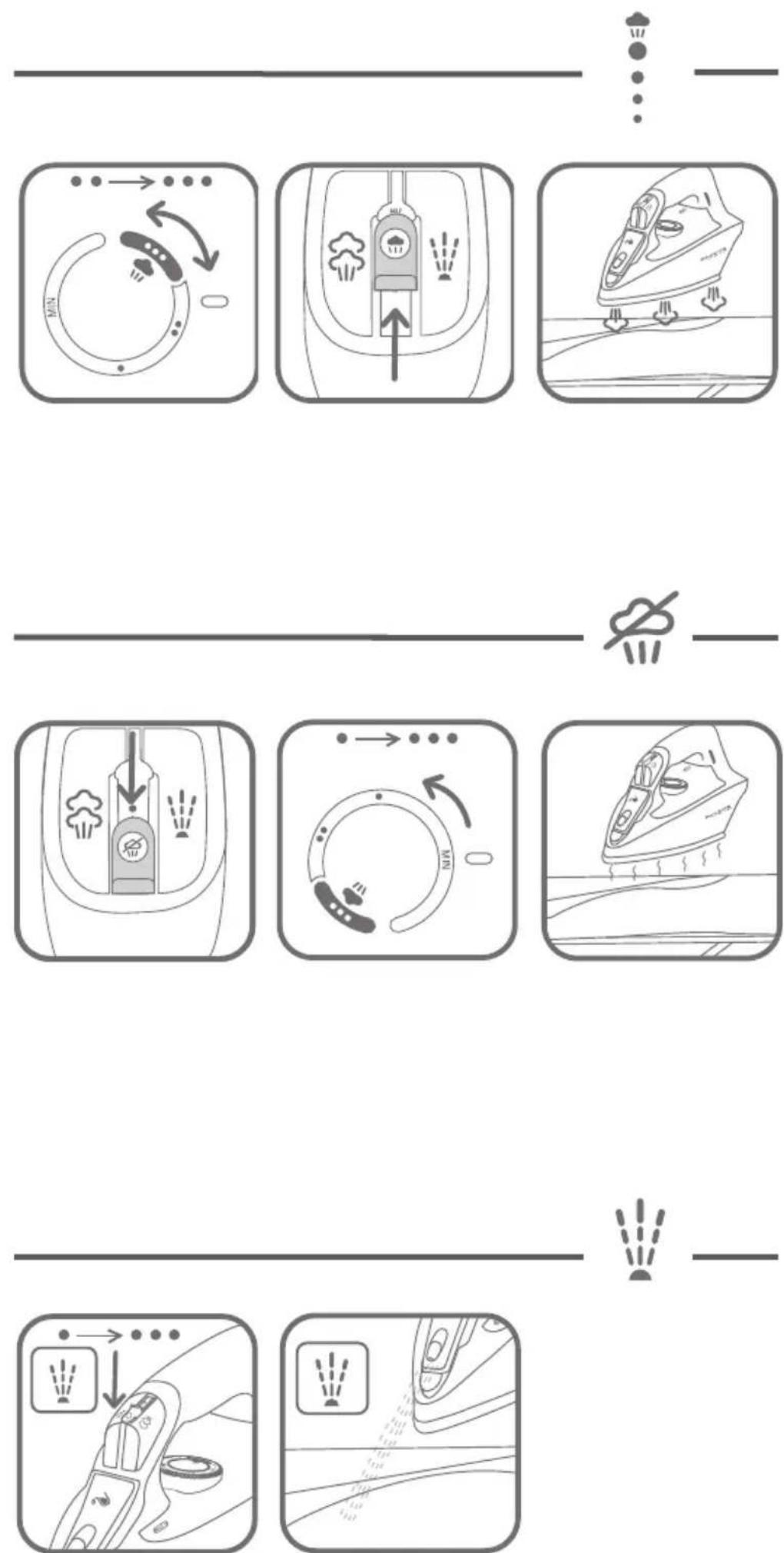
The Anti-Drip sytem prevents water escaping from the soleplate when the temperature is too low.
Anti-Calc system (depending on model)
The integrated anti-calc system gives better quality ironing: a constant flow of steam throughout the ironing session and longer lasting performance of your appliance.
PROBLEMS?
| Problems Cause Solution | ||
| The iron is plugged in, but the soleplate of the iron remains cold. | No mains supply. Check | that the mains plug is properly inserted or try plugging the iron into a different socket. |
| Temperature control set too low. | Set the temperature control to a higher temperature. | |
| The automatic electronic cut-out* is active. | Move your iron. | |
| Thermostat control light goes on and off. | This is normal. When the | thermostat control light goes on and off the iron is heating up. As soon as the thermostat control light goes off the set temperature has been reached. |
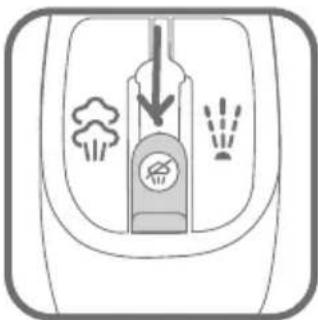
| None or too little steam is being emitted. | Steam control set on dry position | Turn the steam control to the required setting area. |
| Not enough water in the water tank. | Fill the water tank. | |
| Brown streaks come through the holes inthe soleplate and stain the linen. | Residues in the steam chamber or on the soleplate. | Use the Self Clean function then clean your iron. |
| Use of chemical descaling agents. | Do not add any descaling agents to the water in the water tank. Use the Self Clean function and clean your iron. | |
| Fabric fibres have accumulated in the holes of the soleplate and are burning. | Clean the soleplate with a non-metallic sponge. Vacuum the holes of the soleplate from time to time. | |
| Your linen is not rinsed sufficiently or you have ironed a new garment before washing it. | Ensure linen is rinsed thoroughly remove any soap deposits or chemicals on new garments which may be sucked by the iron. | |
| Use of starch. Always spray starch onto the reverse side of the fabric to be ironed and clean your iron solepla | ||
| Pure distilled / demineralised or softened water is being used. | Only use untreated tap water or half tap water with half distilled/demineralised water. Use the Self Clean function and clean your iron. | |
| Iron is leaking. Overuse of shot of steam button. | Allow more time between each shot. | |
| Set the temperature control to a higher temperature. | ||

If you have any further problems or queries please contact our Customer Relations Team first for expert help and advice:
Helpline: 0845 602 1454 - UK / (01) 4610390 - Ireland
Or consult our web site: www.rowenta.co.uk
Subject to modifications!