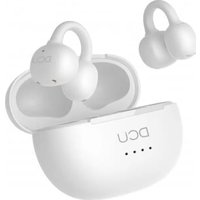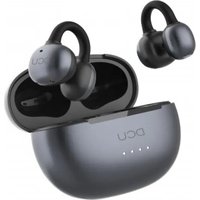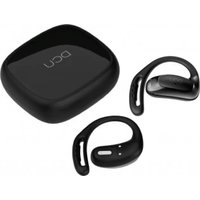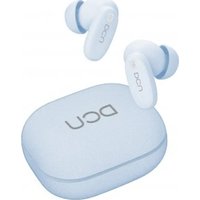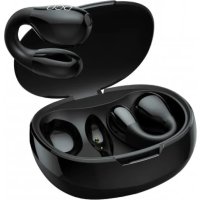
Clip Buds 34152060 - Earphones DCU - Free user manual and instructions
Find the device manual for free Clip Buds 34152060 DCU in PDF.



User questions about Clip Buds 34152060 DCU
0 question about this device. Answer the ones you know or ask your own.
Ask a new question about this device
Download the instructions for your Earphones in PDF format for free! Find your manual Clip Buds 34152060 - DCU and take your electronic device back in hand. On this page are published all the documents necessary for the use of your device. Clip Buds 34152060 by DCU.
USER MANUAL Clip Buds 34152060 DCU
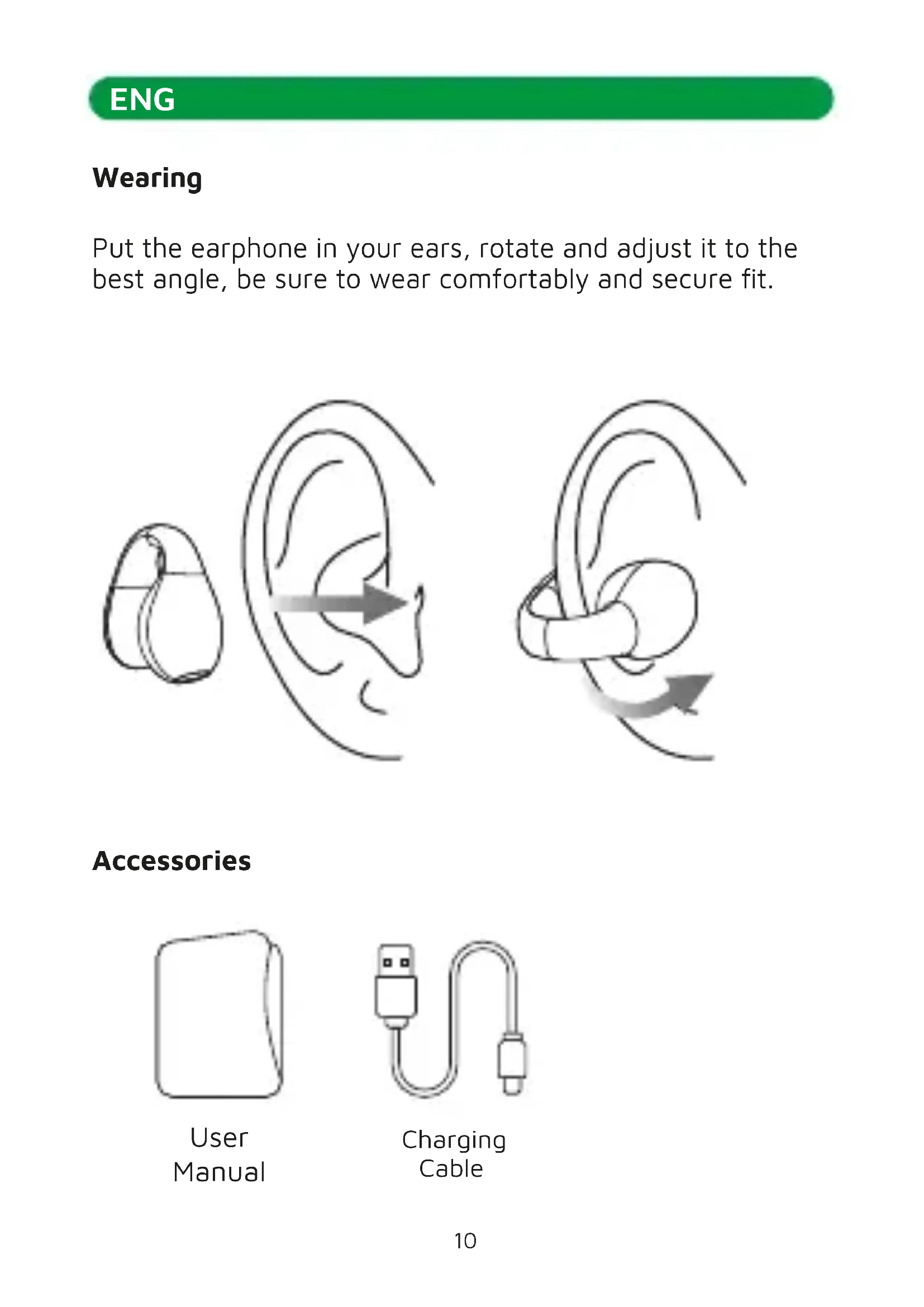
Put the microphone in your ears, rotate and adjust it to the best angle, be sure to wear comfortably and secure fit.

Accessories

User Manual

Charging Cable
ENG
Diagram
Earphone
(1) Microphone
② LED indicator
(3) Charging contacts
(4) Smart touch
⑤ Sound hole
Charging box
(6) Charging port
⑦ LED indicator


Auto On/ Off

- When the earphone is off, open the charging box and take earphone out, the earphone will power on automatically.
- When the earphone is on, put the earphone into the charging box, the earphone will power off automatically.
ENG
Manually On/Off
- When the microphone is off, long press the microphone touch area about 2 seconds to power on the microphone.
- When the earphone is on, long press the earphone touch area about 5 seconds to power off the earphone.

Pairing
Bluetooth name: DCU_ClipBuds

<1m

How to pair:
When earphone and phone is within effective distance, open the charging box and take earphone out, the left and right earphone will power on and connect automatically. Turn on phone's Bluetooth function and enter the search pairing state, select "DCU_ClipBuds" device in the Bluetooth list of smart devices to connect.
ENG
Auto pairing:
- After powering on, the earphone will automatically search for the other one to reconnect and pair itself with the last connected device within 3 minutes, otherwise power off automatically.
- When the earphone is disconnected from the device beyond the effective distance, it will automatically reconnect after returning to the effective distance within 1 minute.
Reset the pairing:
When the left and right earphones are unpaired and disconnected to the phone, press the left and right earphones' touch area 4 times and power off to reset successfully, then put the left and right earphones back to the charging box and take out the left and right earphones to repair.

Touch control
Music Mode
Play/Pause(L/R) x2
Previous song(L) x3
Next song(R) x3
Call Mode
Answer/Hang up(L/R) x2 Long press 2s(L/R): Reject Voice Assistant (Siri)(L/R) x4
ENG
Charging
Charging the earphone:
The earphone's red light and charging box's blue light are on: charging
The earphone's red light is off: fully charged The earphone is fully charged about 1.5 hours
Charging the box:
The charging box's red light flashes: charging
The charging box's red light is on: fully charged
The charging box is fully charged about 1.5 hours
Warning
- Please do not listen for a long time at high volume to avoid hearing damage.
- Do not use earphones while driving or operating a vehicle.
- The earphone can only be charged by 5V DC charger, if you use more than 5V DC quick charge charger or more than 2A charger may cause overheating and damage to the battery.
- Do not expose the earphones to high temperatures or expose them to sunlight for a long time.
- The storage temperature of the earphone is 10^ to 30^ . At lower or higher temperatures, the battery can be damaged.
ENG
- Please fully charge the earphones with each charge and if you are not going to use them for a period of time make sure they are always charged. If the batteries are completely discharged, they can be damaged and stop working.
*It is recommended to fully charge the earphones before first use.
Service and warranty
- The warranty covers quality problems caused by manufacturing, materials or design within the first 3 years of purchase and battery and charger problems within the first 6 months.
- The guarantee does not cover damage caused by misuse of the product or by the following cases:
1). Disassemble or reassemble the product.
2). Damage caused by falls
3). Any man-made damage or misuse (such as: getting water into it, external force causing it to break, scratch damage to peripheral components, etc.)
4) Damages caused by water are outside the scope of the guarantee.
- When requesting the warranty, you must provide the purchase receipt with the place and date of purchase.
- If you have problems using the product, please don't hesitate to contact our customer service:
DCU Tecnologic customer service
Live web chat: www.dcutec.com
Email: info@dcutec.com
Telephone: +34 972244105
Product Parameters
Model: DCU_ClipBuds
BT Version: V5.3
Charging Voltage: DC5V
Battery Capacity: 40mAh*2/400mAh
BT Frequency Range: 2.402-2.480GHz
Audio Frequency: 20Hz-20KHz
Drivers Size: 13mm
Impedance: 16 ± 15
Transmission Range: 10m
Sensitivity: 96 dB ± 3 dB
Play Time: About 7 hours
Earphone's Charging Time: About 1.5 hours
Placement
Connection Bluetooth
Nom Bluetooth: DCU_ClipBuds

<1m

Comment appairer:
Repondre/raccrocher (L/R) x2 Appui long 2s (L/R): Rejeter Assistant vocal (Siri)(L/R) x4
FRA
Charge
Service client DCU Tecnologic
Chat Web en direct: www.dcutec.com
Email:info@dcutec.com
Telephone: +34 972244105
Designed in BCN / Made in PRC B55166847
DCU
TECNLOGIC
good People