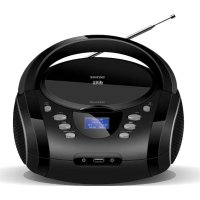
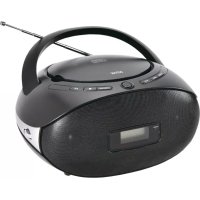
TDB10 - Cd player/recorder DENVER - Free user manual and instructions
Find the device manual for free TDB10 DENVER in PDF.

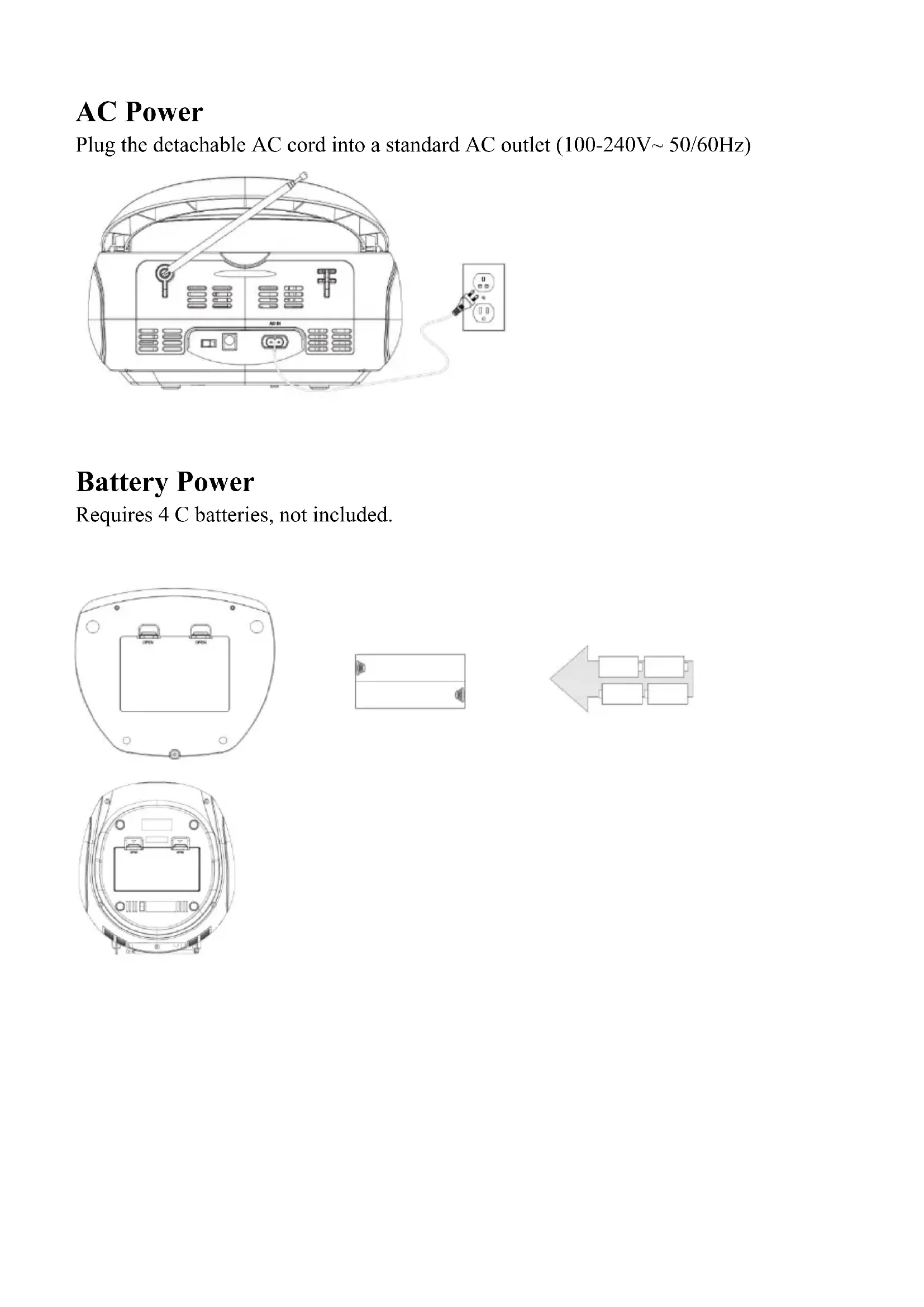


| Brand | Denver |
| Model | TDB10 |
| Product Type | CD Player/Recorder |
| Mains Power Supply | 100-240 V ~ 50/60 Hz |
| Battery Power Supply | 4 C-type batteries (not included) |
| Operating Modes | DAB, FM, CD, USB, AUX, Bluetooth |
| FM Radio | 87.5-108 MHz, auto search, memorize up to 30 stations |
| DAB Radio | 174.928-239.200 MHz, auto search, information display |
| Bluetooth | BT Name: TDB-10, control from front panel |
| CD Playback | Audio CD, play/pause, previous/next, fast forward/rewind, repeat (1/all/random) |
| USB Port | Play audio files from USB flash drive, repeat functions (1/folder/all/random) and play/pause |
| Auxiliary Input | 3.5 mm jack for external audio source |
| Headphone Output | 3.5 mm jack |
| Equalizer (EQ) | Flat, Classic, Jazz, Rock, Pop modes |
| Volume Control | VOL+/VOL-, max level 32 |
| Maximum Output Power | 8 W |
| FM Antenna | Telescopic deployable antenna |
| Display | Screen (radio info, track, etc.) |
| Care and Cleaning | Clean with a soft dry cloth, avoid liquids |
| Safety Instructions | Do not expose to water or excessive heat, use the supplied AC adapter |
| Compliance | Directive 2014/53/EU (RED) |
Frequently Asked Questions - TDB10 DENVER
User questions about TDB10 DENVER
0 question about this device. Answer the ones you know or ask your own.
Ask a new question about this device
Download the instructions for your Cd player/recorder in PDF format for free! Find your manual TDB10 - DENVER and take your electronic device back in hand. On this page are published all the documents necessary for the use of your device. TDB10 by DENVER.
USER MANUAL TDB10 DENVER
natural_image
Black and white photo of a Danish Diverside portable radio with open status, emitting sound waves (no visible text or symbols on device body)INSTRUCTION MANUAL
EN
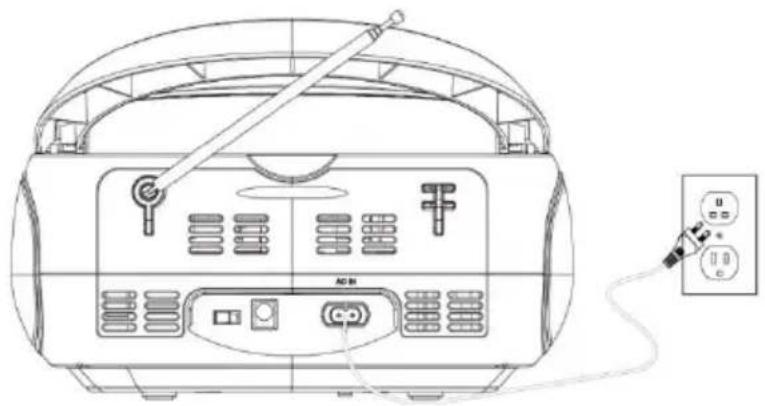
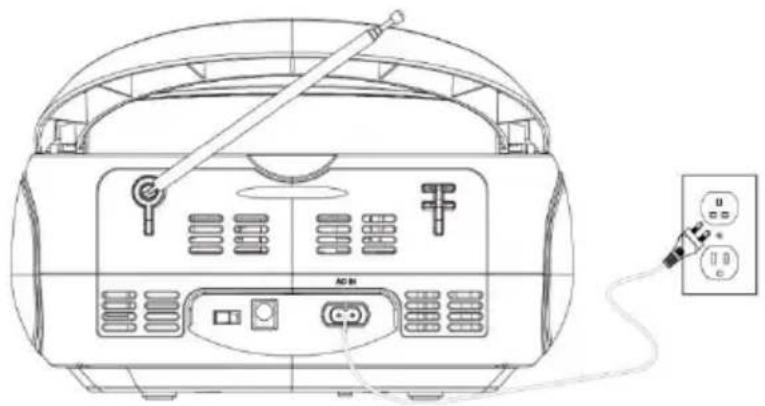
AC Power
Plug the detachable AC cord into a standard AC outlet (100-240V\~ 50/60Hz)
natural_image
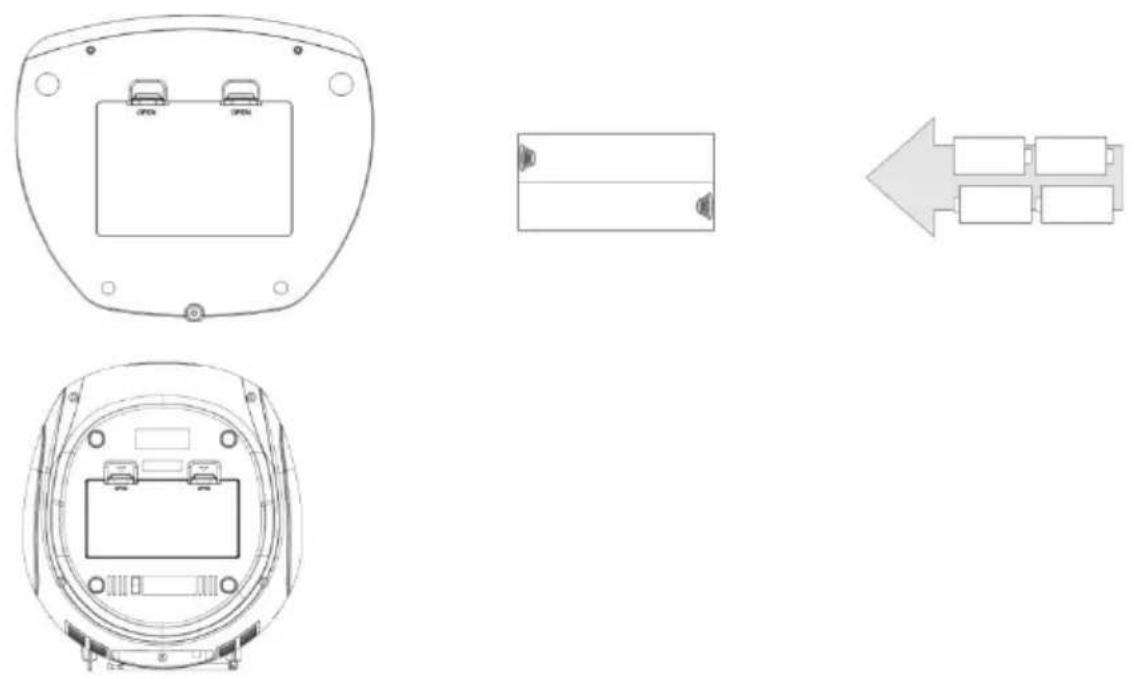
Line drawing of a portable radio with attached power cord and indicator lights (no text or symbols)Battery Power
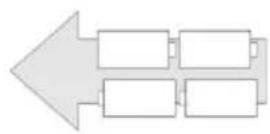
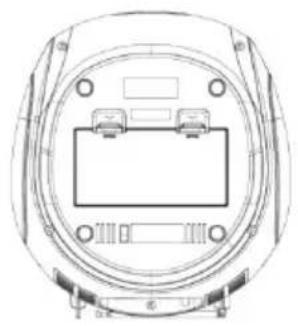
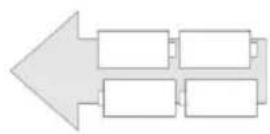
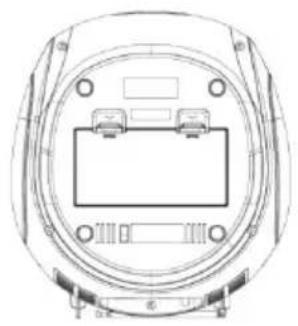
Requires 4 C batteries, not included.
- Adjust the function to FM mode by pressing the FUN button.
- Extend the FM antenna to improve FM radio reception.
- Short press the PREV or NEXT button to tune into the previous or next available station.
- Press and hold the PREV or NEXT button to auto search the previous or next radio station.
- Press and hold the PLAY/PAUSE button to automatically search and save radio stations automatically. Up to 30 radio stations can be saved.
DAB Radio
- Adjust the function to DAB mode by pressing the FUN button.
- Press and hold the PLAY/PAUSE button to automatically search and save DAB radio stations.
- Short press the PREV/NEXT button to highlight a sub-station and press the ENTER button to select.
- Short press the INFO button to display station details.
BT Function
- Press the FUN button to select BT mode ;
- Access your devices bluetooth setting and pair your device to the unit .BT name :TDB-10 ;
- Then you can operate the unit by keys on the front panel.
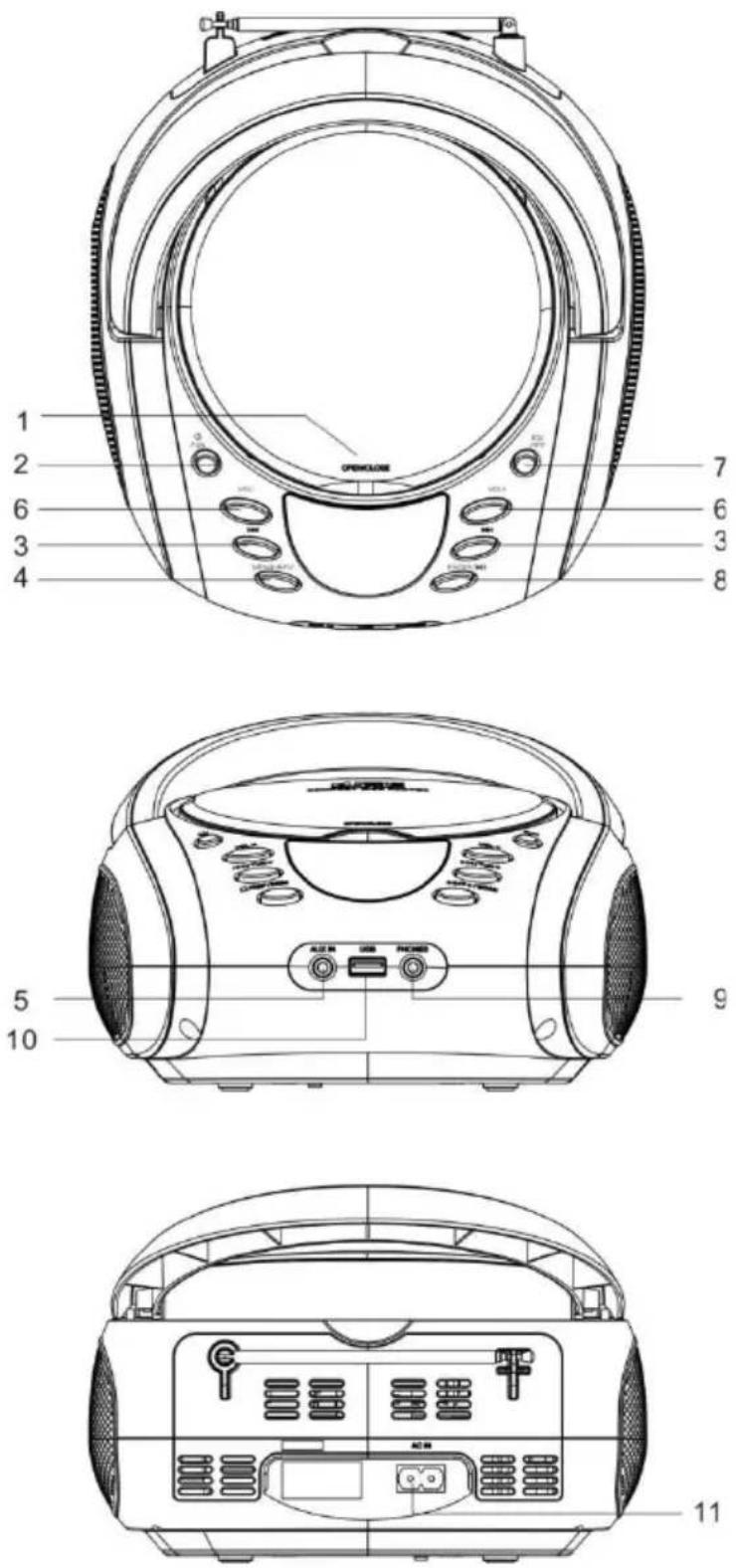
1. OPEN/CLOSE
2. POWER/FUN
- Standby mode: Short press to turn the radio on; press and hold to turn the radio off. By default the radio turns on in DAB mode.
- Operating mode: Short press to cycle through DAB/FM/CD/USB/AUX /BT modes.
3. PREV/NEXT
- In FM mode: Short press to scan up or down through the radio frequencies. Press and hold to scan up or down through FM frequencies.
- CD/USB Mode: Short press to skip to previous or next title; press and hold for fast rewind and fast forward through the current title.
• BT mode: press the PREV/NEXT key to select music. - AUX Mode: This keys have no function.
4. MENU/INFO
- Short press to display information; press and hold to display the menu.
5. Aux-in
- Use the Aux input to connect an external audio source (MP3 player) to the unit.
6. VOL+/VOL-
- Short press to increase or decrease the volume step by step; press and hold to increase or decrease the volume continuously. The max. volume level is 32.
7. EQ/RPT
- Short press to cycle through EQ modes FLAT/CLASS/JAZZ/ROCK/POP.
- USB Mode: Press and hold to cycle through the repeat functions REP-1/REP-DIR/REP-ALL/RANDOM.
- CD Mode: Press and hold to cycle through the repeat functions REP-1/REP-ALL/RANDOM.
8. PLAY/PAUSE/ENTER
- FM mode: Press and hold for 2 seconds to automatically scan the FM frequencies.
- CD/USB/BT mode: First short press to pause playback, then short press again to continue playback.
- AUX mode: The key has no function.
9. EARPHONES JACK
10. USB PORT
- Press the Mode button to select USB mode and connect a USB storage medium.
11. AC Power Input
- Use the AC Power input to connect the unit to an AC power source.
Please notice - All products are subject to change without any notice. We take reservations for errors and omissions in the manual.
ALL RIGHTS RESERVED, COPYRIGHT DENVER A/S

Electric and electronic equipment contains materials, components and substances that can be hazardous to your health and the environment, if the waste material (discarded electric and electronic equipment) is not handled correctly.
Electric and electronic equipment is marked with the crossed out trash can symbol, seen above. This symbol signifies that electric and electronic equipment should not be disposed of with other household waste, but should be disposed of separately.
All cities have established collection points, where electric and electronic equipment can either be submitted free of charge at recycling stations and other collection sites, or be collected from the households. Additional information is
available at the technical department of your city.
Hereby, Inter Sales A/S declares that the radio equipment type TDB-10 is in compliance with Directive 2014/53/EU. The full text of the EU declaration of conformity is available at the following internet address: denver.eu and then click the search ICON on topline of website. Write model number: TDB-10 Now enter product page, and RED directive is found under downloads/other downloads. Operating Frequency Range: FM:87.5-108MHz DAB: 174.928-239.200MHz Max Output Power:8W
Denver A/S
Omega 5A, Soeften
DK-8382 Hinnerup
Denmark
facebook.com/denver.eu
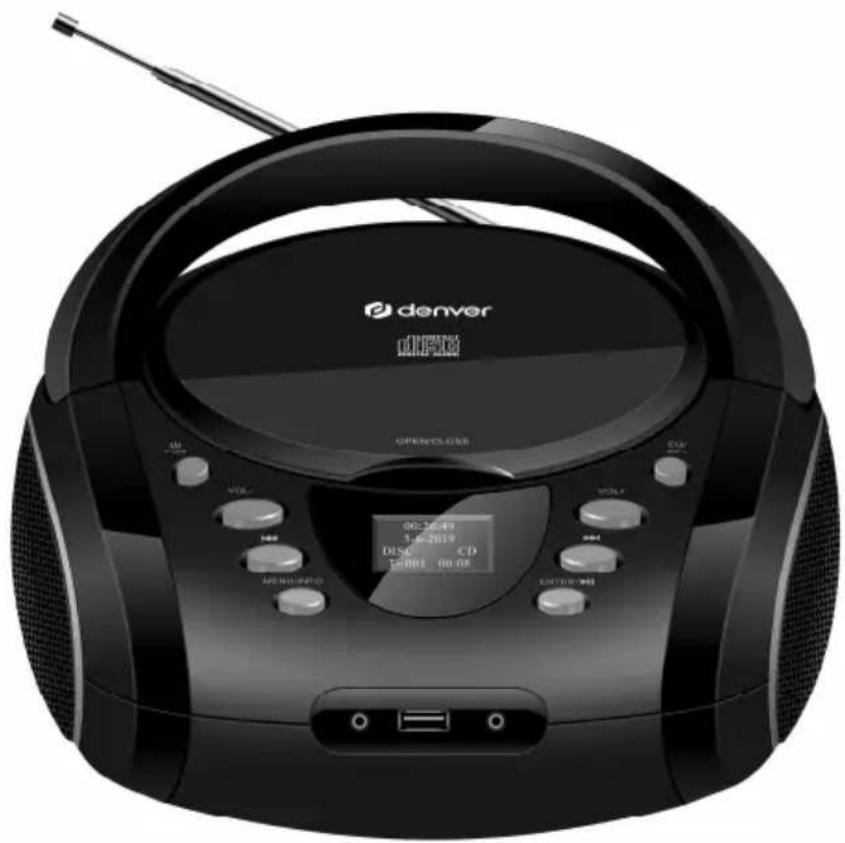
CD-Boombox TDB-10
natural_image
Black and white photo of a portable electronic device with CD, radio, and speaker modules (no visible text or symbols on main body)BEDIENUNGSANLEITUNG
DE
Netzbetrieb
natural_image
Line drawing of a portable radio with attached power plug (no text or symbols)Batteriebetrieb
natural_image
Top-down line drawing of a device casing with two labeled ports (no text or symbols beyond 'OPEN')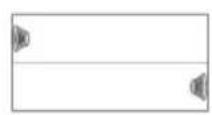
natural_image
Technical line drawing of a mechanical component with mounting holes and central housing (no text or symbols)BETJENINGSVEJLEDNING
DA
Vekselstrøm
natural_image
Line drawing of a portable radio with attached power outlet (no text or symbols)Batteridrift
natural_image
Line drawing of a portable radio with attached power cord and indicator lights (no text or symbols)Paristovirta
natural_image
Black and white photo of a Danish DIF30 portable radio with open status, control knobs, and a digital display (no readable text or symbols on the device body)GUIDE D'UTILISATION
FR
natural_image
Line drawing of a portable radio with attached power plug (no text or symbols)natural_image
Black and white photo of a portable electronic device with CD, speaker, and antenna (no visible text or symbols on the device body)MANUALE D'USO
Alimentazione CA
natural_image
Line drawing of a portable radio with attached power cord and indicator lights (no text or symbols)GEBRUIKSAANWIJZING
NL
AC-voeding
natural_image
Line drawing of a portable radio with attached power plug and cable (no text or symbols)Batterijvoeding
natural_image
Top-down line drawing of a device casing with two labeled ports (no text or symbols beyond 'OPEN')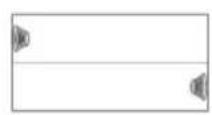
natural_image
Technical line drawing of a mechanical component with mounting holes and central housing (no text or symbols)BRUKERMANUAL
NO
På strøm
Sett strømledningen inn i en standard strømkontakt (100-240V\~ 50/60Hz)
natural_image
Line drawing of a portable radio with attached power cord and indicator lights (no text or symbols)Med batterier
natural_image
Black and white photo of a Danish DSSO portable radio with open status LEDs, no visible text or symbols on the device itself.INSTRUKCJA OBSŁUGI
PL
Zasilanie AC
natural_image
Line drawing of a portable radio with attached power outlet (no text or symbols)Zasilanie z baterii
natural_image
Black and white photo of a Danish Divers CD radio with open status LEDs and control knobs (no visible text or symbols on the device body)natural_image
Line drawing of a portable radio with attached power cord and indicator lights (no text or symbols)MANUAL DE INSTRUÇÕES
PT
Alimentação AC
natural_image
Line drawing of a portable radio with attached power cord and indicator lights (no text or symbols)Potência da Bateria
natural_image
Black DIFC portable radio with CD and speaker controls, no visible text or symbols on the device body.BRUKSANVISNING
SE
Nätström
natural_image
Line drawing of a portable radio with attached power cord and indicator lights (no text or symbols)Batteridrift

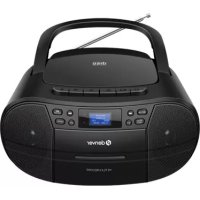
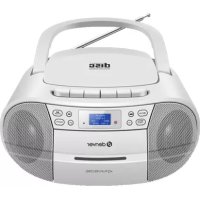
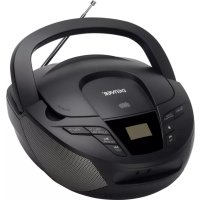
- INSTRUCTION MANUAL
- AC Power
- Battery Power
- DAB Radio
- BT Function
- OPEN/CLOSE
- POWER/FUN
- PREV/NEXT
- MENU/INFO
- Aux-in
- VOL+/VOL-
- EQ/RPT
- PLAY/PAUSE/ENTER
- EARPHONES JACK
- USB PORT
- AC Power Input
- CD-Boombox TDB-10
- BEDIENUNGSANLEITUNG
- Netzbetrieb
- Batteriebetrieb
- Vekselstrøm
- Batteridrift
- Paristovirta
- GUIDE D'UTILISATION
- MANUALE D'USO
- Alimentazione CA
- GEBRUIKSAANWIJZING
- AC-voeding
- Batterijvoeding
- BRUKERMANUAL
- På strøm
- Med batterier
- INSTRUKCJA OBSŁUGI
- Zasilanie AC
- Zasilanie z baterii
- MANUAL DE INSTRUÇÕES
- Alimentação AC
- Potência da Bateria
- BRUKSANVISNING
- Nätström
Brand : DENVER
Model : TDB10
Category : Cd player/recorder