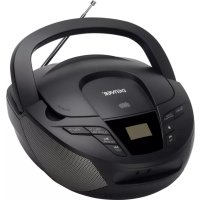
TC28 - Cd player/recorder DENVER - Free user manual and instructions
Find the device manual for free TC28 DENVER in PDF.

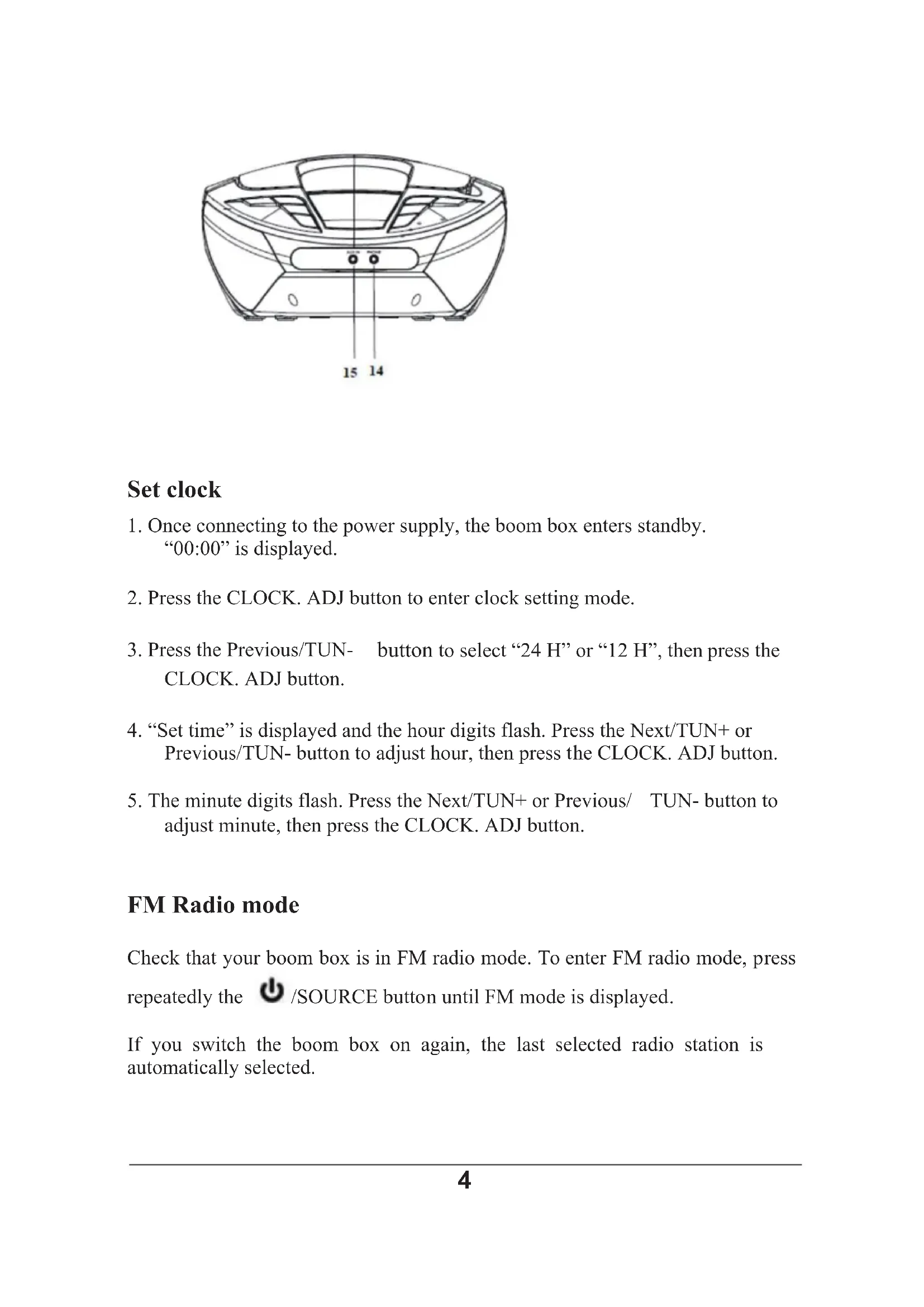


| Brand | Denver |
| Model | TC28 |
| Product type | CD player/recorder |
| Mains power | 230 VAC, 50 Hz |
| Battery power | 6 C (LR14) 1.5 V batteries (not included) |
| Speaker power | 2 × 1 W RMS |
| FM frequency range | 87.5 MHz to 108 MHz |
| Main functions | CD playback, FM radio (10 presets), auxiliary input, clock, programming, repeat |
| Connectivity | Headphone jack, auxiliary input (3.5 mm), telescopic antenna |
| Display | LCD |
| Carrying handle | Built-in |
| Operating temperature | 0 °C to 40 °C |
| Safety | Do not open, avoid moisture and heat, use batteries with correct polarity |
| Maintenance and cleaning | Wipe with a dry cloth, do not use abrasive products |
| Spare parts and repairability | Repairs by qualified personnel only, no unofficial accessories |
| General information | Compliant with Directive 2014/53/EU, declaration of conformity available at denver.eu |
Frequently Asked Questions - TC28 DENVER
User questions about TC28 DENVER
0 question about this device. Answer the ones you know or ask your own.
Ask a new question about this device
Download the instructions for your Cd player/recorder in PDF format for free! Find your manual TC28 - DENVER and take your electronic device back in hand. On this page are published all the documents necessary for the use of your device. TC28 by DENVER.
USER MANUAL TC28 DENVER
Portable CD Boombox with FM Radio TC-28
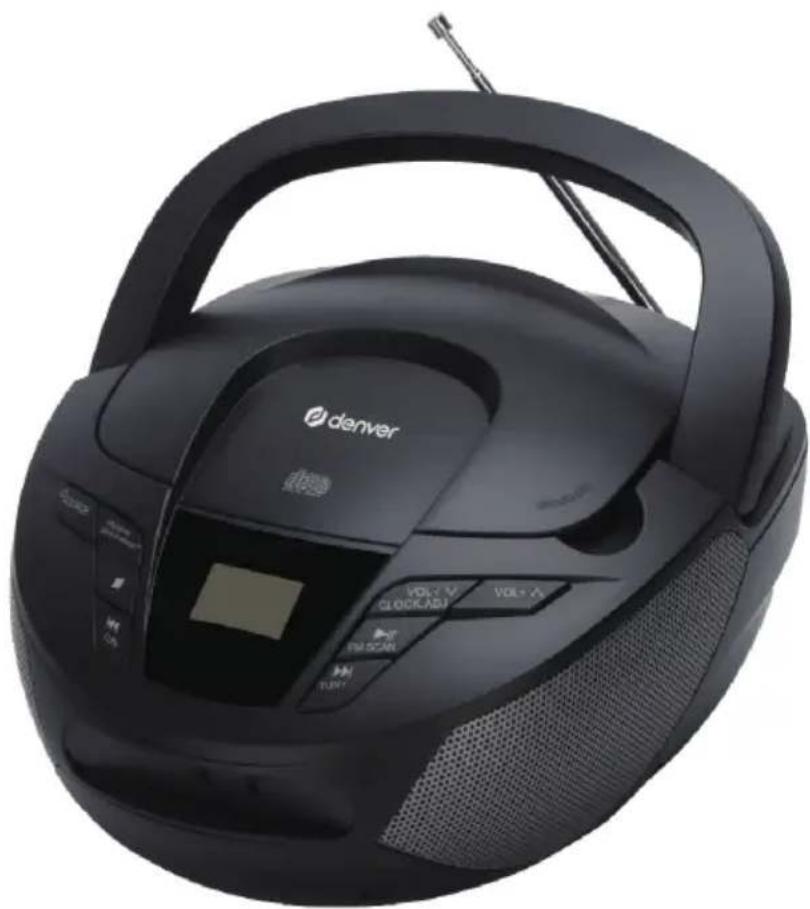
INSTRUCTION MANUAL
Please read this manual carefully before using, and keep it for future reference.
Content
English 1
Deutsche 9
Espanol 17
Francais 25
Italiano 33
Nederlands 41
Portugues 49
Polski 57
Svenska 65
Suomalainen 73
Dansk 81
Norsk 89
Safety information
Please read the safety instructions carefully before using the product for the first time and keep the instructions for future reference.
- This product is not a toy. Keep it out of reach of children.
- Keep product out of the reach of children and pets to avoid chewing and swallowing.
3.Never use old and new batteries or different types of batteries together.
Remove the batteries when you are not using the system for a longer period of time. Check the polarity (+/-) of the batteries when inserting them in the product. Wrong positioning can cause an explosion. Batteries are not included.
4.Product operating and storage temperature is from 0 degree Celsius to 40 degree Celsius. Under and over this temperature might affect the function.
5. Never open the product. Touching the inside electrics can cause electric shock. Repairs or service should only be performed by qualified personnel.
6.Do not expose to heat, water, moisture, direct sunlight!
7. Please protect your ears against loud volume. Loud volume can damage your ears and risk in hearing loss.
8. The unit is not waterproof. If water or foreign objects enter the unit, it may result in fire or electric shock. If water or a foreign object enters the unit, stop use immediately.
9. The direct plug-in cable is used as disconnect device, the disconnect device shall remain readily operable. So, make sure there is space around the power outlet for easy access.
10. Do not use non original accessories together with the product as this can make the product functionality abnormal.
Instructions Manual
Product overview
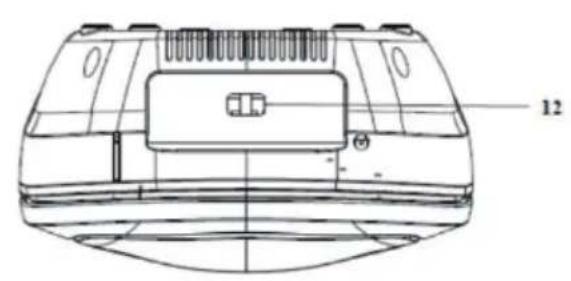
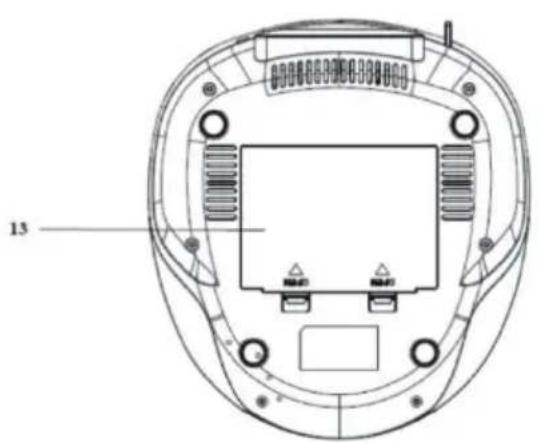
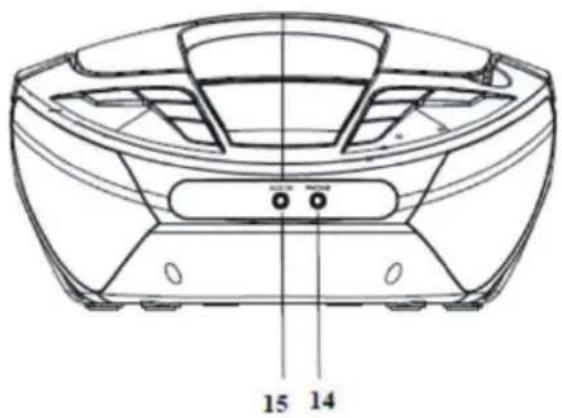
- SOURCE button
2.PROGRAM/REPEAT/PRESET button - Stop button
- Previous/TUN- button
- Volume + /Next button
- Volume -/Back/CLOCK. ADJ button
- Play/Pause/FM SCAN button
- Next/TUN + button
- LCD display
- Carry handle
- Telescopic antenna
- AC power socket
- Battery compartment
- Headphone jack
- AUX IN jack
- CD compartment
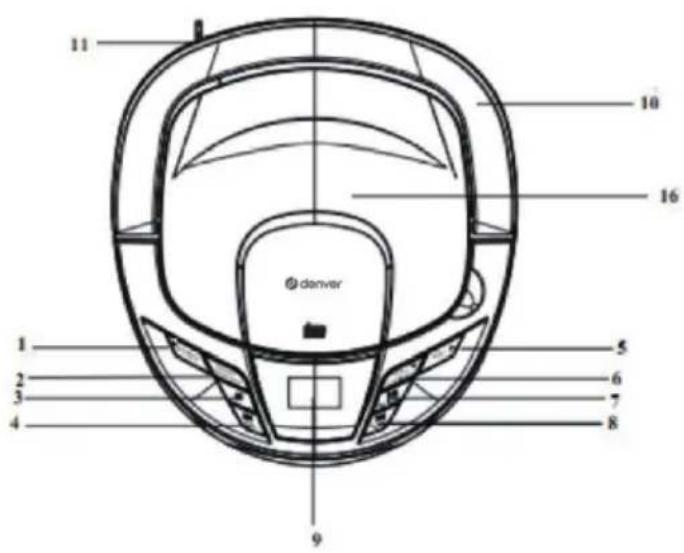
Set clock
- Once connecting to the power supply, the boom box enters standby. "00:00" is displayed.
- Press the CLOCK. ADJ button to enter clock setting mode.
- Press the Previous/TUN- button to select "24 H" or "12 H", then press the CLOCK. ADJ button.
- "Set time" is displayed and the hour digits flash. Press the Next/TUN+ or Previous/TUN- button to adjust hour, then press the CLOCK. ADJ button.
- The minute digits flash. Press the Next/TUN+ or Previous/ TUN- button to adjust minute, then press the CLOCK. ADJ button.
FM Radio mode
Check that your boom box is in FM radio mode. To enter FM radio mode, press repeatedly the SOURCE button until FM mode is displayed.
If you switch the boom box on again, the last selected radio station is automatically selected.
Tuning to an FM station
- In FM mode, press the FM SCAN button to initialize scan. When an available radio station is tuned to, the scan stops.
- Press the Next/TUN+ or Previous/TUN- button to fine tune each frequency in 0.05 MHz steps, if necessary.
Storing an FM station
Your boom box can store up to 10 FM radio stations in its preset memories for instant access to your favorite stations.
- Tune the boom box to the FM radio station that you wish to preset.
- Press and hold the PRESET button for approximately 2 secs until 'P01' is displayed.
- Press the PRESET button to select a preset number (1-10) you would like to store the radio station to.
- Press and hold the PRESET button. 'P XX stored' is displayed, where 'X' is the number of the preset (1-10).
Note: If there is already an existing FM station stored under a preset, the newly stored station overwrites the old one.
Selecting a preset FM station
- In FM mode, press the PRESET button to select a preset station number (1-10) you would like to listen to.
- Press and hold the PRESET button to confirm selection. The preset station begins to broadcast.
Note: If no FM station has been stored under a preset number, 'Preset Empty' is displayed, and then the boom box reverts to the previously selected radio station after a few seconds.
CD Mode
Check that your Boom box is in CD mode. To enter CD mode, press repeatedly the /SOURCE button until CD mode is displayed. The display shows
AUX mode
Check that your boom box is in AUX mode. To enter AUX mode, press repeatedly
the /SOURCE button until AUX mode is displayed. Through AUX connection, you can listen to an external audio device through the speakers of the boom box.
- Using a 3.5mm audio cable (not included), connect the AUX IN jack on the boom box to the headphone jack (or auxiliary output) on an external audio device.
- Start play on the connected audio device.
- To adjust volume, you may use the volume controls on the boom box.
Other information
Technical specifications
AC input power 230V AC, 50Hz
Battery power 6× 1.5VC size (LR14) (not included)
(optional)
Speaker output 2x1W RMS
FM frequency range 87.5 MHz to 108 MHz
Please notice - All products are subject to change without any notice.
We take reservations for errors and omissions in the manual.
ALL RIGHTS RESERVED, COPYRIGHT DENVER A/S

denver.eu

Electric and electronic equipment contains materials, components and substances that can be hazardous to your health and the environment, if the waste material (discarded electric and electronic equipment) is not handled correctly.
Electric and electronic equipment is marked with the crossed out trash can symbol, seen above. This symbol signifies that electric and electronic equipment should not be disposed of with other household waste, but should be disposed of separately.
All cities have establish collection points, where electric and electronic equipment can either be submitted free of charge at recycling stations and other collection sites, or be collected from the households. Additional information is available at the technical department of your city.
Hereby, Denver A/S declares that the radio equipment type TC-28 is in compliance with Directive 2014/53/EU. The full text of the EU declaration of conformity is available at the following
internet address: denver.eu and then click the search ICON on topline of website. Write model number: TC-28.Now enter product page, and red directive is found under downloads/other downloads Operating Frequency Range: FM 87.5 MHz to 108 MHz Max Output Power: 2 × 1W
DENVER A/S
Omega 5A, Soeften
DK-8382 Hinnerup
Denmark
www.facebook.com/denver.eu
Sicherheitshinweise

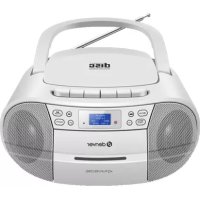
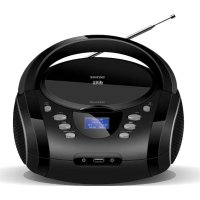
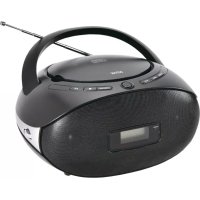
- Portable CD Boombox with FM Radio TC-28
- INSTRUCTION MANUAL
- Content
- Safety information
- Instructions Manual
- Product overview
- Set clock
- FM Radio mode
- Tuning to an FM station
- Storing an FM station
- Selecting a preset FM station
- CD Mode
- AUX mode
- Other information
- Technical specifications
- Sicherheitshinweise
Brand : DENVER
Model : TC28
Category : Cd player/recorder