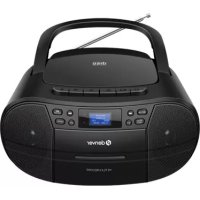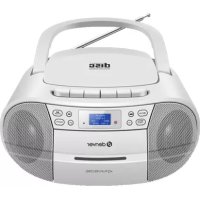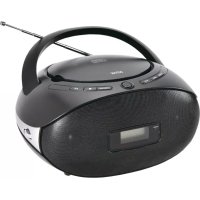
TC29 - Cd player/recorder DENVER - Free user manual and instructions
Find the device manual for free TC29 DENVER in PDF.

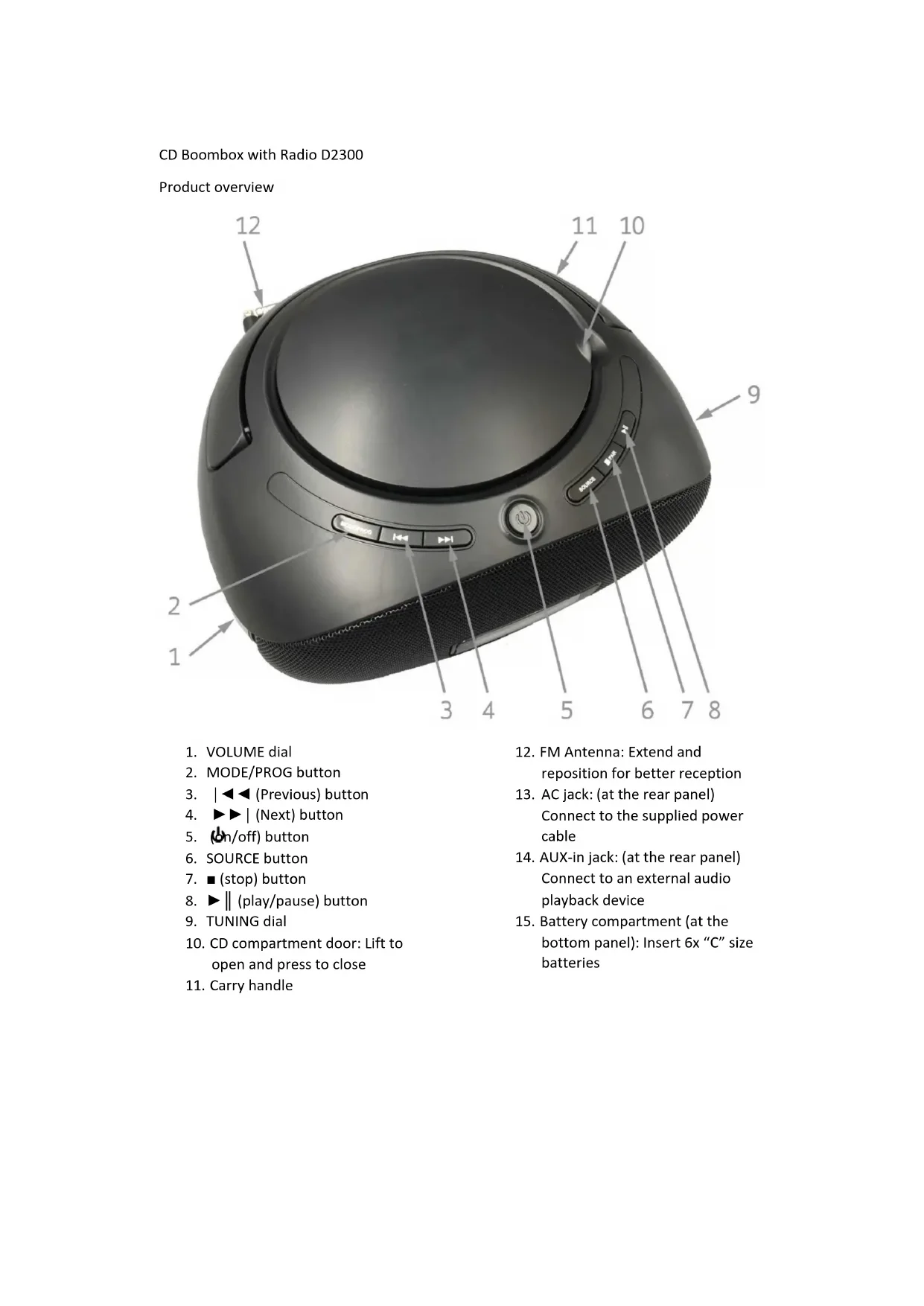


| Product type | CD player/recorder with FM radio |
| Brand | Denver |
| Model | TC29 |
| Mains power | AC 230 V via supplied adapter |
| Battery power | 6 C-size batteries (LR14) |
| Audio sources | CD, FM, auxiliary input (AUX) |
| CD playback functions | Play, pause, stop, skip forward/backward, fast forward/rewind |
| CD playback modes | Random, repeat one track, repeat entire disc |
| FM radio | FM reception with telescopic antenna, manual tuning by knob |
| Auxiliary input | 3.5 mm jack socket (rear panel) |
| Volume control | Rotary knob |
| Carrying handle | Integrated |
| Display | LCD screen (source and mode indications) |
| Maintenance | Avoid exposure to water, heat, humidity, shocks |
| Safety | Check power supply voltage, do not open the housing |
| Dimensions (approx.) | 30 x 25 x 15 cm |
| Weight (approx.) | 1.5 kg (without batteries) |
| Spare parts | Not specified, contact Denver after-sales service |
| General information | Compliant with Directive 2014/53/EU. Declaration of conformity on Denver website |
Frequently Asked Questions - TC29 DENVER
User questions about TC29 DENVER
0 question about this device. Answer the ones you know or ask your own.
Ask a new question about this device
Download the instructions for your Cd player/recorder in PDF format for free! Find your manual TC29 - DENVER and take your electronic device back in hand. On this page are published all the documents necessary for the use of your device. TC29 by DENVER.
USER MANUAL TC29 DENVER
CD Boombox with Radio D2300
Product overview
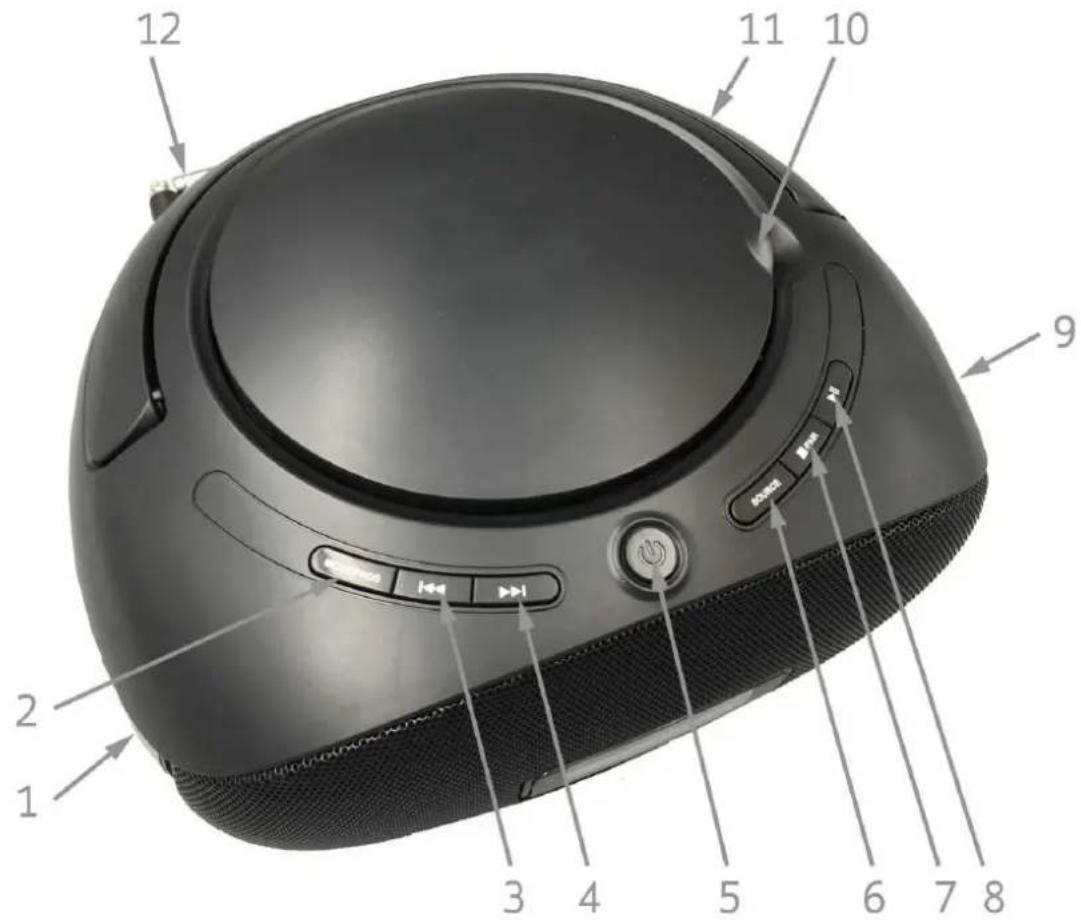
- VOLUME dial
- MODE/PROG button
- | ◀◀ (Previous) button
- ▶▶| (Next) button
- (on/off) button
- SOURCE button
- ■ (stop) button
- ▶ || (play/pause) button
- TUNING dial
- CD compartment door: Lift to open and press to close
-
Carry handle
-
FM Antenna: Extend and reposition for better reception
- AC jack: (at the rear panel) Connect to the supplied power cable
- AUX-in jack: (at the rear panel) Connect to an external audio playback device
- Battery compartment (at the bottom panel): Insert 6x "C" size batteries
Basic playback control
| Function | Display | Action |
| Power on or off | Hold down the button (5) | |
| Select a source: | Press the SOURCE button (6) | |
| CD source > | “CD” | |
| AUX source > | “AUX” | |
| FM source > | No display | |
| Adjust volume | Turn the VOLUME dial (1) | |
| Stop | Press the ■ button (7) | |
| Play / pause | Press the ▶ || button (8) | |
| Skip to next song | Press the ▶▶ | button (4) | |
| Skip to previous song | Press the | ◀◀ button (3) | |
| Fast forward | Hold down ▶▶ | button (4) | |
| Fast backward | Hold down | ◀◀ button (3) |
Play modes
| Function | Display | Action |
| Select a play mode: | Press the MODE/PROG button (2) | |
| Random > | “RANDOM” | |
| Rep one > | Flashing “REPEAT” | |
| Rep all > | “REPEAT” |
FM Radio operation
| Function | Do this |
| Manually adjust radio frequency | Turn the TUNING dial (9) |
NOTES
Always replace all the batteries at the same time. Mixing old and new batteries in the product can lead to battery leakage and product damage. Remove all batteries when the product is not in use for an extended period of time.
Protect the product from extreme temperatures, direct sunlight, strong jolts, high humidity, moisture, flammable gases, steam and solvents. Never expose the product to rain or water.
ALWAYS MAKE SURE THE POWER VOLTAGE MATCHES THE PRODUCT. NEVER CONNECT THE PRODUCT TO THE POWER OUTLET IF THE VOLTATGE IS DIFFERENT.


Please notice - All products are subject to change without any notice. We take reservations for errors and omissions in the manual.
ALL RIGHTS RESERVED, COPYRIGHT DENVER ELECTRONICS A/S
DENVER®
www.denver-electronics.com

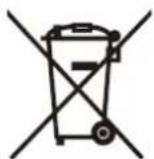

Electric and electronic equipment contains materials, components and substances that can be hazardous to your health and the environment, if the waste material (discarded electric and electronic equipment) is not handled correctly.
Electric and electronic equipment is marked with the crossed out trash can symbol, seen above. This symbol signifies that electric and electronic equipment should not be disposed of with other household waste, but should be disposed of separately.
All cities have established collection points, where electric and electronic equipment can either be submitted free of charge at recycling stations and other collection sites, or be collected from the households. Additional information is available at the technical department of your city.
Hereby, Inter Sales A/S declares that the radio equipment type TC-29 is in compliance with Directive 2014/53/EU. The full text of the EU declaration of conformity is available at the following internet address: http://www.denver-electronics.com/denver-tc-29/
Operating Frequency Range:
Max Output Power:
DENVER ELECTRONICS A/S
Omega 5A, Soeften
DK-8382 Hinnerup
Denmark
www.facebook.com/denverelectronics