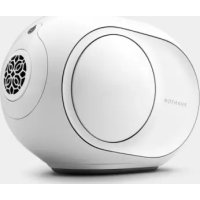
Phantom Reactor 900 - Speaker DEVIALET - Free user manual and instructions
Find the device manual for free Phantom Reactor 900 DEVIALET in PDF.



User questions about Phantom Reactor 900 DEVIALET
0 question about this device. Answer the ones you know or ask your own.
Ask a new question about this device
Download the instructions for your Speaker in PDF format for free! Find your manual Phantom Reactor 900 - DEVIALET and take your electronic device back in hand. On this page are published all the documents necessary for the use of your device. Phantom Reactor 900 by DEVIALET.
USER MANUAL Phantom Reactor 900 DEVIALET
- Phantom Reactor is unique. Based on a new and radical architecture, your system features leading-edge technologies invented by Devialet and protected by over 100 patents. Together, they fuel life into Phantom Reactor. Inside Phantom Reactor you'll find the latest-generation ADH® amplification technology and SAM® signal processing. Our most advanced innovations yet.
You are about to experience and share moments of extraordinary emotion. And this is just the beginning. Once you've finished installing Phantom Reactor, the Devialet app will provide you with permanent updates. So we can carry on bringing you the best of Devialet.
This guide is designed to take you through setup in a few easy steps. If there's anything else we can assist you with, our teams are ready and waiting at help.devialet.com.
This guide is available to download in other languages at devialet.com.
I WANT TO PERFORM A COMPLETE INSTALLATION AND ENJOY THE BEST PHANTOM REACTOR EXPERIENCE
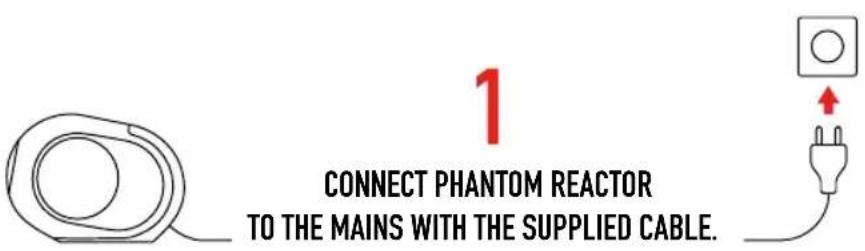
Phantom Reactor will power up automatically and emit a sound once it's ready to be used.
2
DOWNLOAD THE DEVIALET APPLICATION AND FOLLOW THE INSTRUCTIONS.
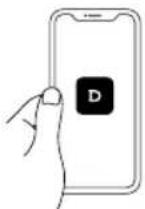


3
DONE AND DONE. HERE COMES THE SOUND.
I WANT TO PERFORM A QUICK INSTALLATION AND PLAY MUSIC VIA BLUETOOTH
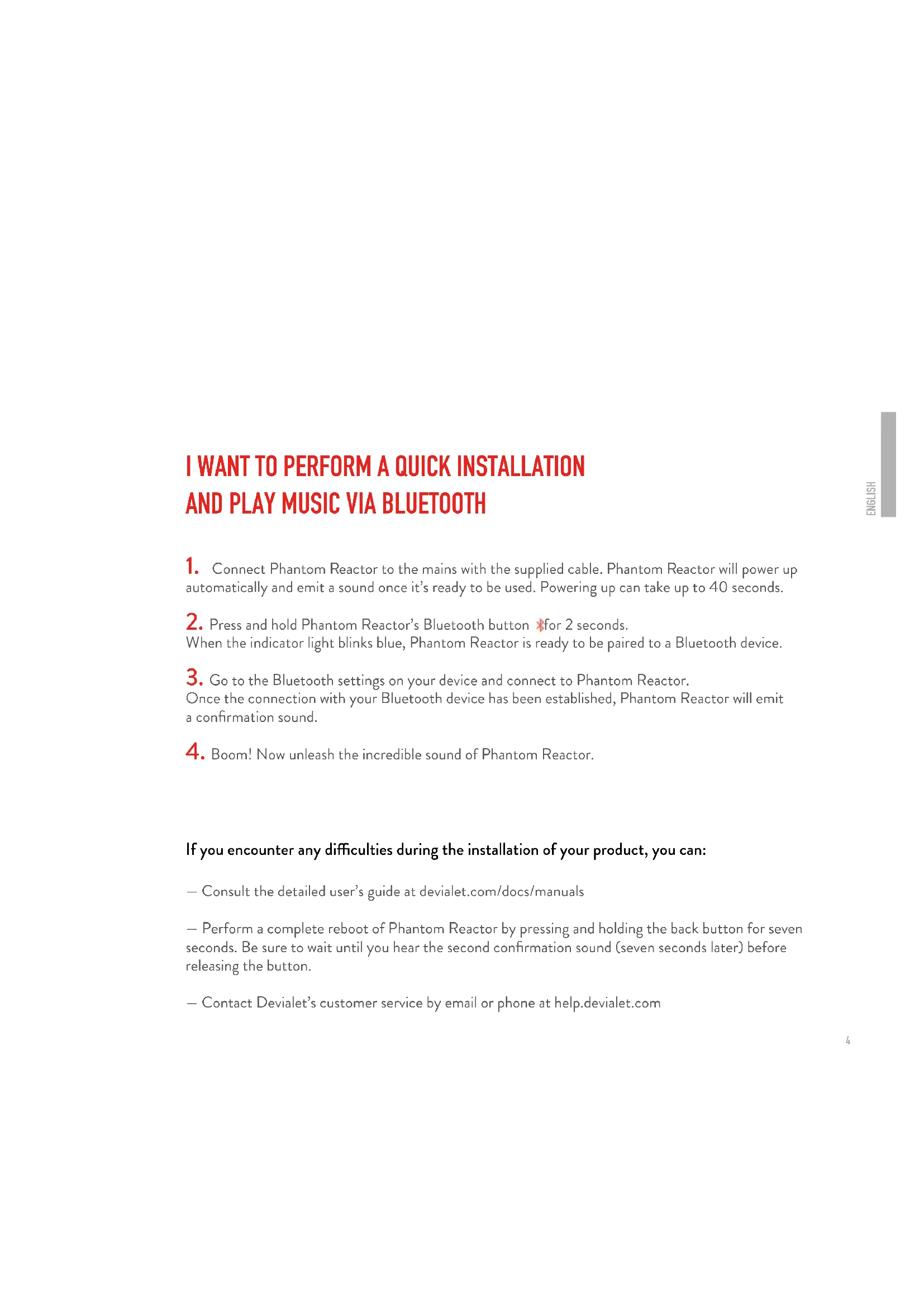
- Connect Phantom Reactor to the mains with the supplied cable. Phantom Reactor will power up automatically and emit a sound once it's ready to be used. Powering up can take up to 40 seconds.
- Press and hold Phantom Reactor's Bluetooth button for 2 seconds. When the indicator light blinks blue, Phantom Reactor is ready to be paired to a Bluetooth device.
- Go to the Bluetooth settings on your device and connect to Phantom Reactor. Once the connection with your Bluetooth device has been established, Phantom Reactor will emit a confirmation sound.
- Boom! Now unleash the incredible sound of Phantom Reactor.
If you encounter any difficulties during the installation of your product, you can:
- Consult the detailed user's guide at devialet.com/docs/manuals
- Perform a complete reboot of Phantom Reactor by pressing and holding the back button for seven seconds. Be sure to wait until you hear the second confirmation sound (seven seconds later) before releasing the button.
- Contact Devialet's customer service by email or phone at help.devialet.com
ABOUT PHANTOM REACTOR
Indicator light
Bluetooth/Analog/Optical Audio Input
Press and release: switch between Bluetooth and analog/optical input jack
Press and hold: enable Bluetooth pairing mode
Volume
Press to lower/increase volume
Play/Pause
Press and release once quickly: Play / Pause
G Link
Press when prompted to do so by the Devialet app
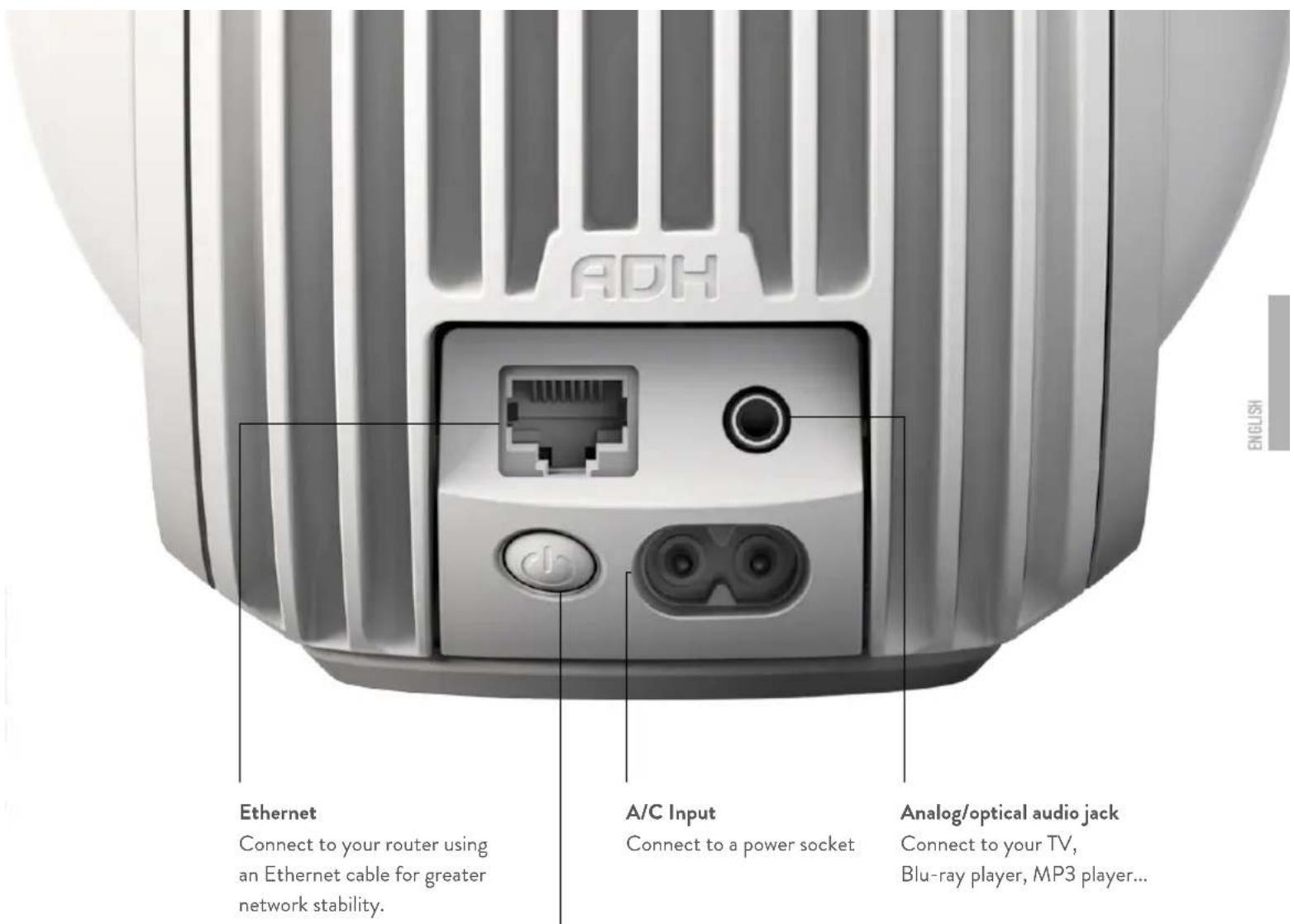
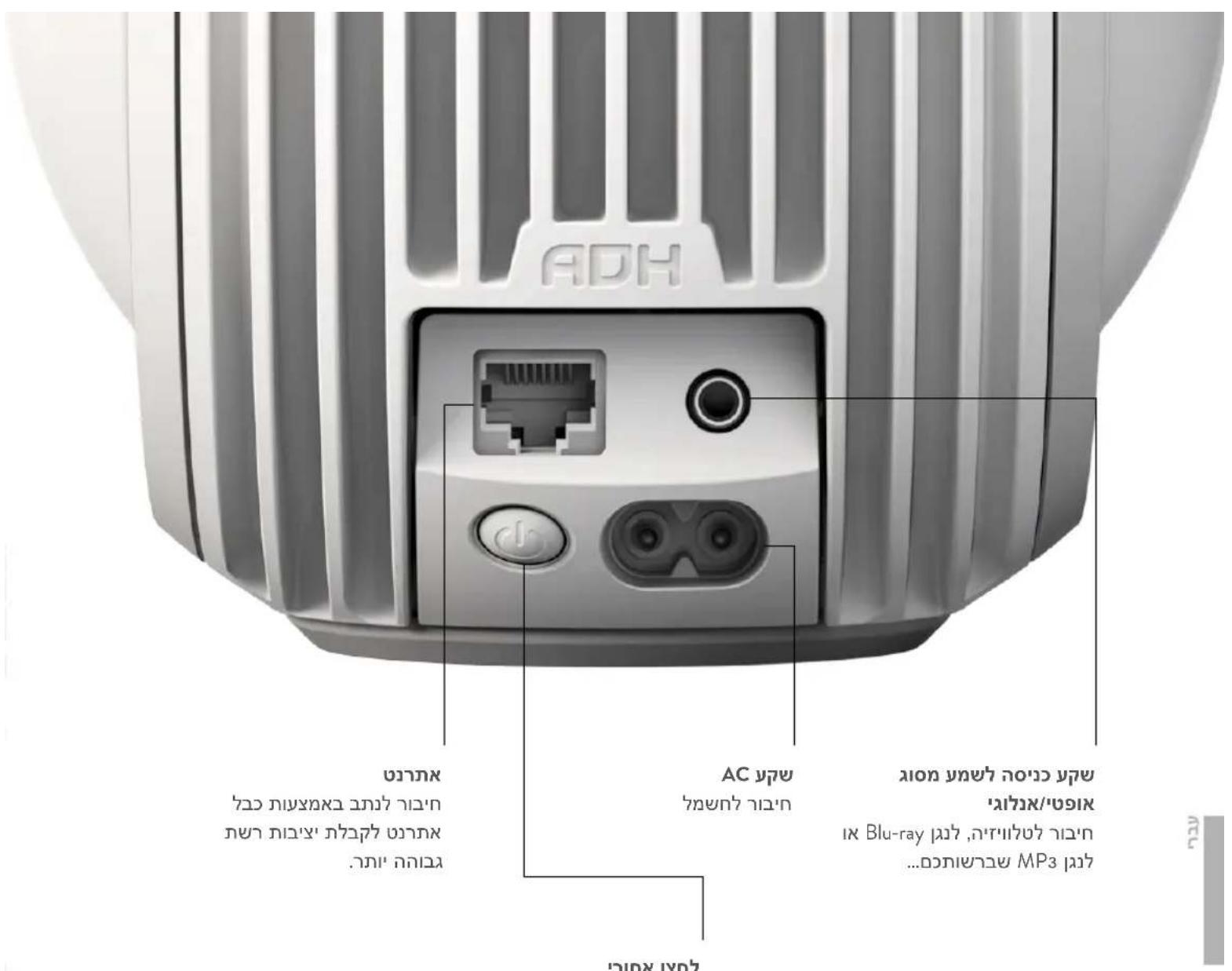
Rear button
Press and release and hold for 2 seconds: Standby mode
Press and release once quickly (system in standby mode): Power on
Press and release once quickly (system switched on): Indicates status
Press and release three times quickly: Enable setup mode
Press and hold for 7 seconds: Reset Phantom Reactor.
SAFETY INSTRUCTIONS
Read these instructions. Keep these instructions. Heed all warnings. Follow all instructions.

-
Input electrical rating shall be respected: 100 - 240V 50 / 60Hz2.5A
-
Socket-outlet shall be installed near the appliance and shall be easily accessible
-
Keep the appliance away from any sort of liquid, source of humidity and major heat source both when in use and not in use. The appliance shall not be exposed to dripping or splashing, and objects filled with liquids, such as vases, shall not be placed near the apparatus.
As with any electronic products, use care not to spill liquids on any part of the system. Liquids can cause an electrical and/or a fire hazard.
-
Unplug the appliance in the event of storms or when not used for a long period of time.
-
Do not obstruct the heatsink. Handle the appliance with care.
Mishandling can affect the performance of the appliance.
-
Only clean the appliance with a dry cloth after having unplugged the appliance.
-
Make sure that there is at least a 5cm (2in) space either side of the woofers.
-
Do not leave the appliance within the reach of children. Some parts of the applianc ecan be removable.
-
You must never carry out maintenance on the appliance or its accessories yourself. Only qualified professionals can carry out maintenance on the appliance.
Any unauthorized alterations may compromise your safety and the appliance's performance. If you have any problems, please consult an expert.
- Listening at high volumes may damage your hearing. For your safety, keep reasonable distance from the appliance and set the appliance sound volume to a reasonable level.
LEGALNOTICES
FCC Compliance Statement (Class B): This device complies with Part 15 of the FCC Rules.
Operation is subject to the following two conditions:
(1) this device may not cause harmful interference, and
(2) this device must accept any interference received, including interference that may cause undesired operation.
The Spotify software is subject to third party licenses found here: www.spotify.com/connect/third-party-licenses.
Use of the Works with Apple badge means that an accessory has been designed to work specifically with the technology identified in the badge and has been certified by the developer to meet Apple performance standards.
Models: PHANTOM (PA403) / PHANTOM (HW164)
BIENVENUE!
Download on the App Store

GET IT ON Google Play
3
Jn nn n nn nnnn nnnn .PHANTOM REACTOR wonon
nTin yinu nn nnn nn nn nn nn nn nn
Phantom Reactor. 1.
Phantom Reactor 2) n Phantom Reactor
Phantom Reactor-Phantom Reactor,
Phantom Reactor 4.
:nnn nnnn nn nnnn nnnn
devialet.com/docs/manuals nnnnnn nn
7 77777777777777777777777777777777777
.11970x n nnny Devialet w ninipn nni help.devialet.com ninn
PHANTOM REACTOR NITIN
1
/BluetoothBluetoothnNnNnNnNnNnNnNnNnNnNnNnNnNnNnNnNnNnNnNnNnNnNnNnNnNnNnNnNnNnNnNnNnNnNnNnNnNnNnNnNnNnNnNnNnNnNnNnNnNnNn

ynnn.3 +-
n/7n.4
nwn/nyon:nnny
A^ 气力不足 55
Devialet nnnnnn nn
ninn nnnn nn nnnn nn nnnn nn nnnn nn nnnn nn

n nn nnnn
n nn nnnn nnnn nnnn nnnn nnnn nnnn nnnn nnnn nnnn nnnn nnnn nnnn nnnn nnnn nnnn nnnn nnnn nnnn nnnn nnnn nnnn nnnn nnnn nnnn nnnn nnnn nnnn nnnn nnnn nnnn nnnn nnnn nnnn nnnn
nOy nYTIN
:N Nn n nn nnnn nn n nn n nn n nn n nn n nn n nn n nn n nn n nn n nn n nn n nn n nn n nn n nn n nn n nn n nn n nn n nn n nn n nn n nn n nn n nn n nn n nn n nn n nn n nn n nn n nn n nn n nn n nn n nn n nn n nn n nn n nn n nn n nn n nn n nn n nn n nn n nn n nn n nn
. www . spotify . com / connect/third - party - licenses
nntnn nnnn nn nnnn nnnn nnnn nnnn nnnn nnnn nnnn
Apple
PHANTOM (PA403) / PHANTOM (HW164): n