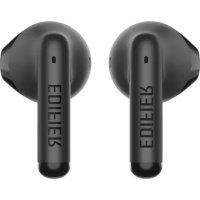
W100T - Earplug EDIFIER - Free user manual and instructions
Find the device manual for free W100T EDIFIER in PDF.



| Brand | Edifier |
| Model | W100T |
| Product type | Wireless earbuds (true wireless) |
| Connection | Bluetooth |
| Battery life (earbuds) | Approximately 5 hours (estimated) |
| Battery life with charging case | Approximately 20 hours (estimated) |
| Charging time (earbuds) | Approximately 1 hour |
| Charging time (case) | Approximately 2 hours (estimated) |
| Charging input (earbuds) | 5V 200mA |
| Charging input (case) | 5V 1A |
| Charging type | USB-C (cable included) |
| LED indicators | Red for charging, blue for connection |
| Controls | Touch panel (tap, hold) |
| Pairing function | Automatic connection to last device |
| Reset | Hold touch panel for 8 seconds |
| Left/Right connection | Tap 5 times to disconnect, 2 times to reconnect |
| Included accessories | Charging case, USB-C cable |
| Maintenance | Do not charge in presence of liquids |
| Website | www.edifier.com |
Frequently Asked Questions - W100T EDIFIER
User questions about W100T EDIFIER
0 question about this device. Answer the ones you know or ask your own.
Ask a new question about this device
Download the instructions for your Earplug in PDF format for free! Find your manual W100T - EDIFIER and take your electronic device back in hand. On this page are published all the documents necessary for the use of your device. W100T by EDIFIER.
USER MANUAL W100T EDIFIER
True Wireless Earbuds Headphones
— Manual —
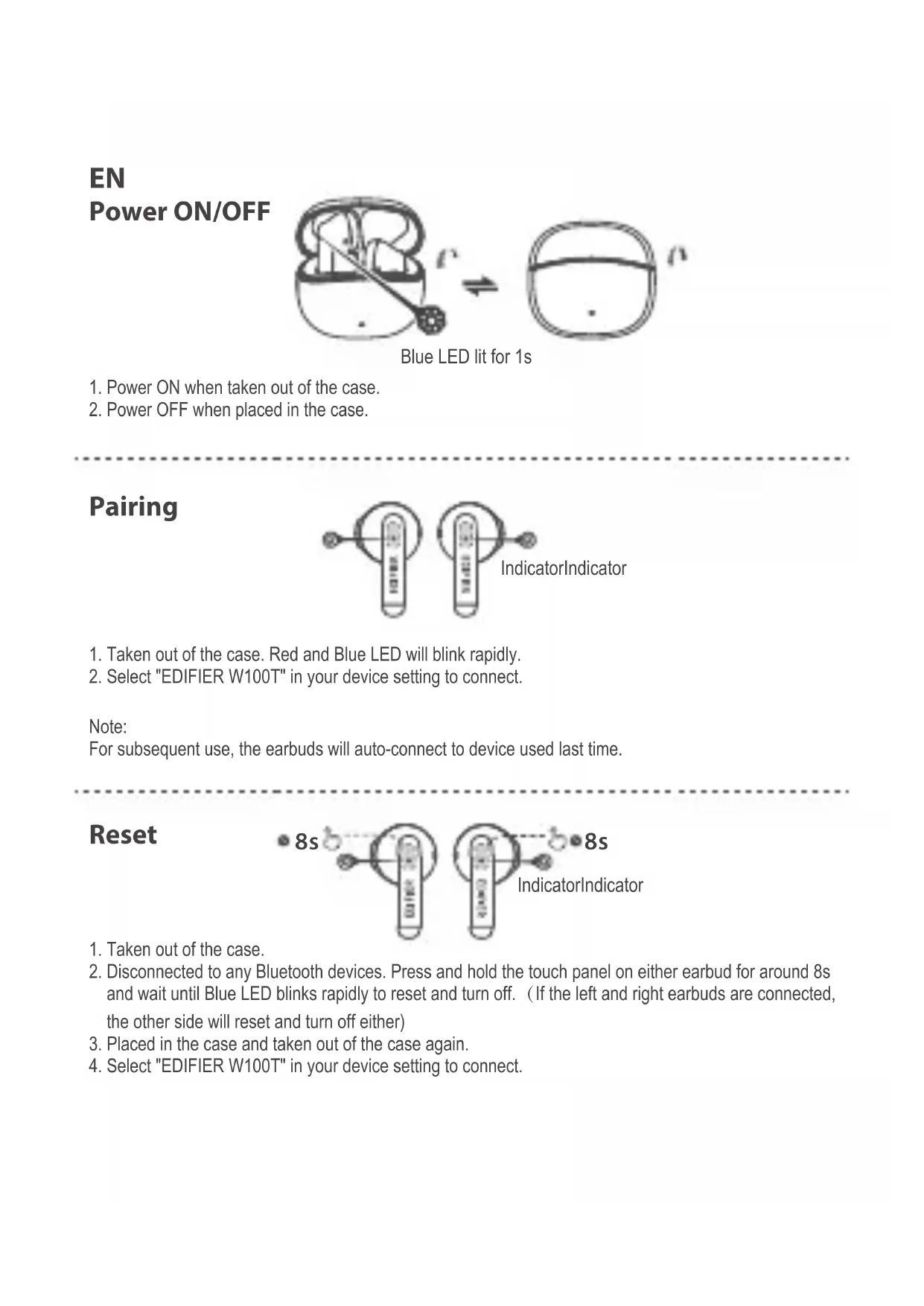
EN Power ON/OFF
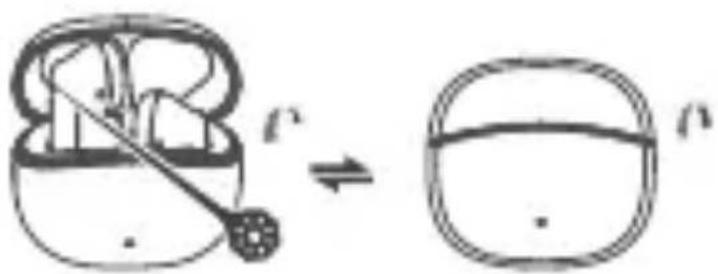
Blue LED lit for 1s
- Power ON when taken out of the case.
- Power OFF when placed in the case.
Pairing
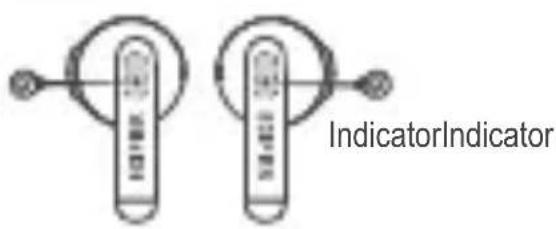
- Taken out of the case, Red and Blue LED will blink rapidly.
- Select "EDIFIER W100T" in your device setting to connect.
Note: For subsequent use, the earbuds will auto-connect to device used last time.
Reset
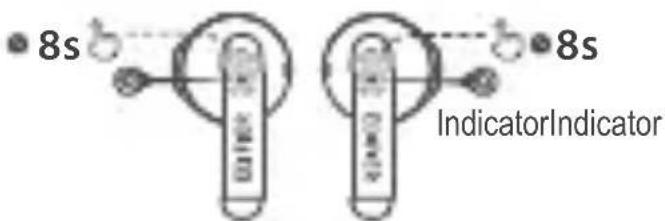
- Taken out of the case.
- Disconnected to any Bluetooth devices. Press and hold the touch panel on either earbud for around 8s and wait until Blue LED blinks rapidly to reset and turn off. (If the left and right earbuds are connected the other side will reset and turn off either)
- Placed in the case and taken out of the case again.
- Select "EDIFIER W100T" in your device setting to connect.
Left & Right connection (Connect to another W100T earbuds)

- Earbuds must disconnect to any devices. Respectively tap 5 times the touch panel on both earbuds to cancel Left & Right connection. Blue LED will be steady lit. Upon connection is canceled, place the earbuds back in the case.
- Taken out of the case and disconnected to any devices. Respectively tap 2 times the touch panel on both earbuds to start Left & Right connecting. Blue LED will blink rapidly.
- Upon connection is successful select "EDIFIER W100T" in your device setting to connect.
Charge
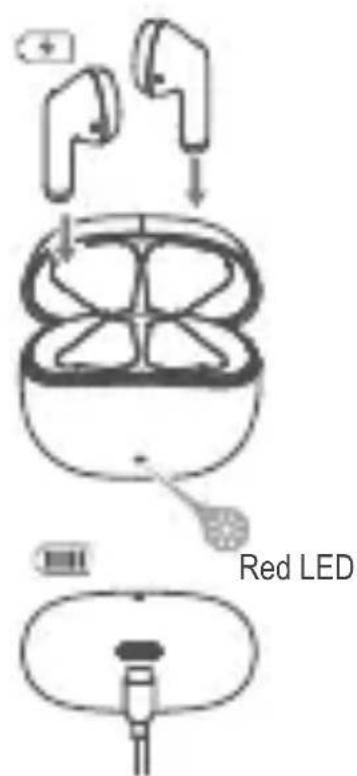
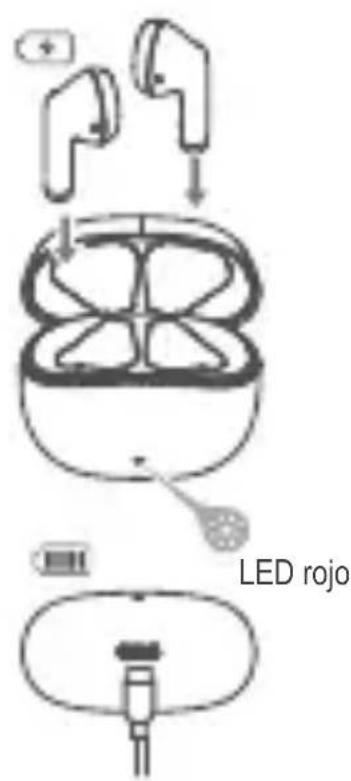
Earbuds
- When hearing low battery prompt tone, please place the earbuds in the case for charging.
- Red LED is steady lit when charging and off when fully charged.
Charging case
- Please connect the case to power source with the included Type-C charging cable for charging.
- Red LED is steady lit when charging and off when fully charged.
Input: 5V = 200mA (Earbuds) 5V = 1A (Charging case)
Controls
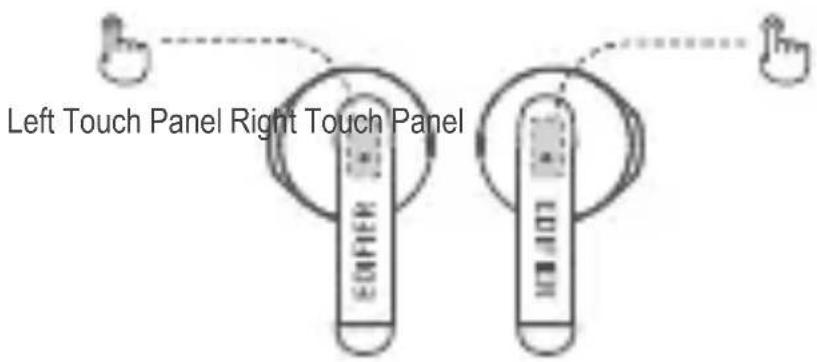
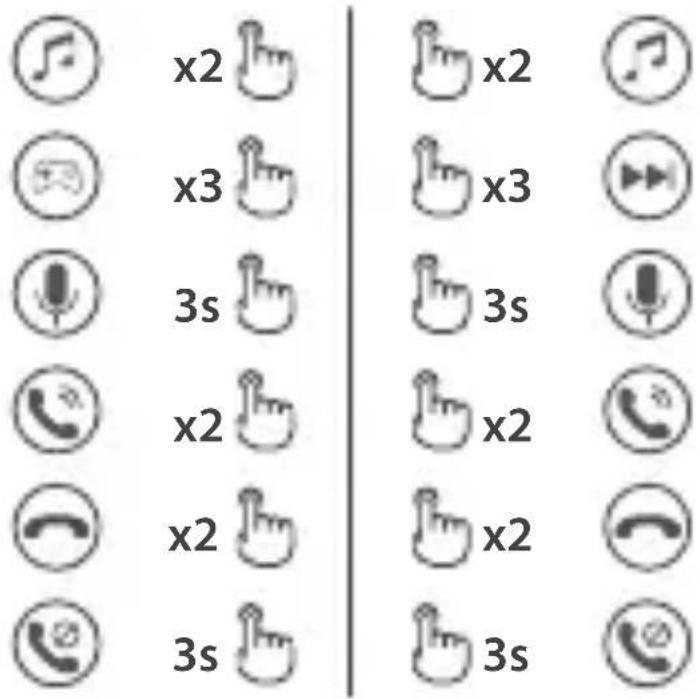
Note:
- Please do not charge the product when there is sweat or other liquids inside the charging port, which may damage the product.
- Images are for illustrative purposes only and may differ from the actual product.
For more information, please visit our website:
www.edifier.com



@Edifier_Global @Edifier_Global@Edifierglobal
Model: EDF200081
Edifier International Limited
P.O.Box6264
General Post Office
Hong Kong
www.edifier.com
2021 Edifier International Limited. All rights reserved.
Printed in China
NOTICE:
For the need of technical improvement and system upgrade, information contained herein may be subject to change from time to time without prior notice.
Products of EDIFIER will be customized for different applications. Pictures and illustrations shown on this manual may be slightly different from actual product. If any difference is found, the actual product prevails.
FR Allumer/eteindre
- Earbuds must disconnect to any devices. Respectively tap 5 times the touch panel on both earbuds to cancel Left & Right connection. Blue LED will be steady lit. Upon connection is canceled place the earbuds back in the case.
- Taken out of the case and disconnected to any devices. Respectively tap 2 times the touch panel on both earbuds to start Left & Right connecting. Blue LED will blink rapidly.
- Upon connection is successful select "EDIFIER W100T" in your device setting to connect.
Carga
Auriculares
Collegamento sinistro e destro ( Connect to another W100T earbuds)


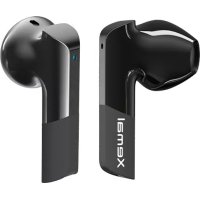
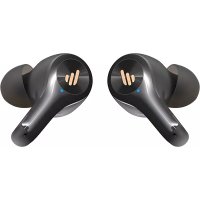
Brand : EDIFIER
Model : W100T
Category : Earplug