Sound Science Cosmos 178440 - Headphones MANHATTAN - Free user manual and instructions
Find the device manual for free Sound Science Cosmos 178440 MANHATTAN in PDF.


User questions about Sound Science Cosmos 178440 MANHATTAN
0 question about this device. Answer the ones you know or ask your own.
Ask a new question about this device
Download the instructions for your Headphones in PDF format for free! Find your manual Sound Science Cosmos 178440 - MANHATTAN and take your electronic device back in hand. On this page are published all the documents necessary for the use of your device. Sound Science Cosmos 178440 by MANHATTAN.
USER MANUAL Sound Science Cosmos 178440 MANHATTAN
Comfort-Fit Wireless Headphones

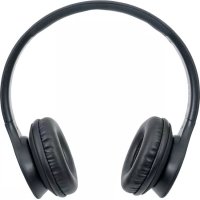
Sound Science Cosmos are lightweight, comfort-fit headphones with wireless Bluetooth technology.
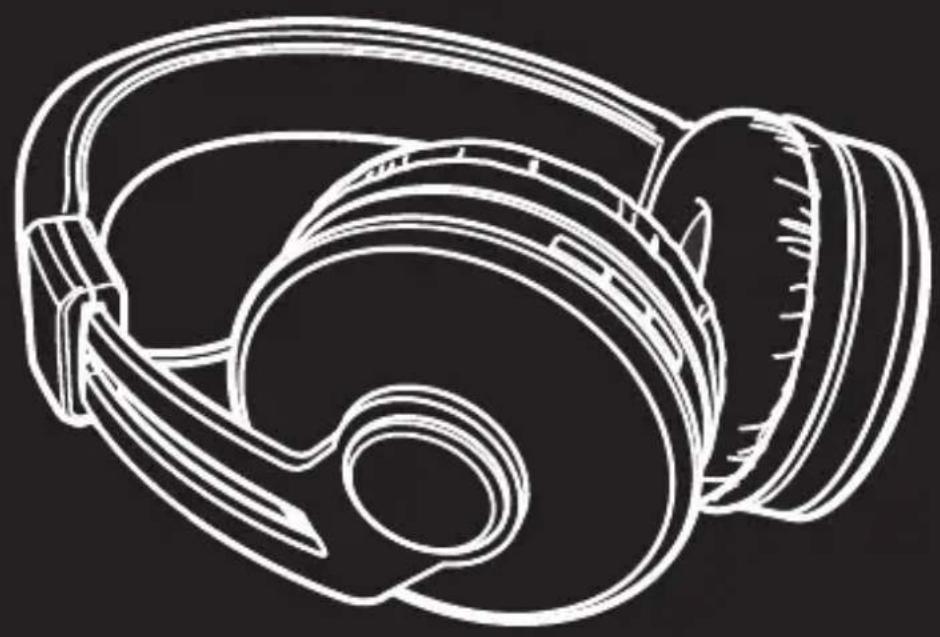
Features
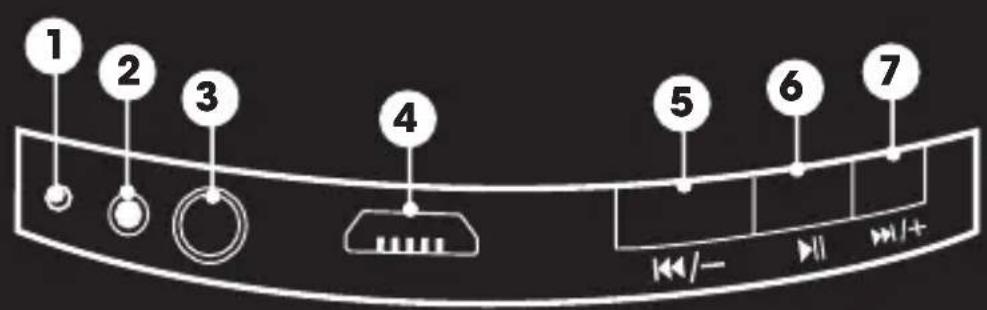
1 Microphone
Short press: Previous Track Long press: Lower Volume
2 LED Indicator
Short Press: Play/Pause or Answer/End Call Long Press: Power On/Off Double Press: Redial Last Number
3 3.5mm Audio Line-In
Short press: Next Track Long press: Increase Volume
Micro-USB Charging Port
Bluetooth mode

Press and hold until you hear a chime (blue and red LED will flash)

Activate Bluetooth on your device and select "Sound Science Cosmos" (you will hear audio cue when connected)

Press to play music and accept/end phone calls
Short press -/+ to change tracks
Long press -/+ to adjust volume
For Windows 8
When paired, select "Headphones" setting for playing music. Switch settings to "Headset" for voice chat.
Line-in mode

Insert 3.5mm audio cable to the line-in port and connect the other end to your device (note: Bluetooth will disconnect once cable is connected)

Press to play music Long press - / + to adjust volume
charging

Insert charging cable into Micro-USB port

Connect the other end of charging cable to a computer or charger (red LED will light while charging)

Battery charges in less than 4 hours
warnings
Do not submerge in water or subject unit to excessive force, shock, dust or extreme temperature. Use caution when adjusting volume as music played at high volumes can be damaging to your hearing.
Deutsch
Pression longue: activer/désactiver