Pepeblu GN251B - Wristwatch SWATCH - Free user manual and instructions
Find the device manual for free Pepeblu GN251B SWATCH in PDF.


| Product Type | Wristwatch |
| Brand | Swatch |
| Model | Pepeblu GN251B |
| Case dimensions | Approximately 34 mm diameter (estimated) |
| Weight | Approximately 20 g (estimated) |
| Power source | Battery |
| Display | Analog hands (hours, minutes, seconds) |
| Main functions | Time, minute, second, date, day, alarm, Loomi illumination, Scuba rotating bezel, Touch game function |
| Time setting | Crown in position C, turn to adjust |
| Date and day setting | Crown in position B, turn counterclockwise for date, clockwise for day |
| Alarm | Touch Alarm with ON/OFF modes, crown adjustment |
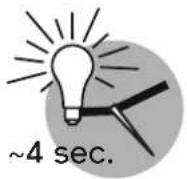
| Loomi illumination | Lightly tap the watch to turn on |
| Scuba rotating bezel | To measure elapsed time, mark < 60 min |
| Touch game function | Press to start the game, the hands spin and stop randomly |
| Test and initialization | Press crown for 5 seconds to check zero |
| Water resistance | Water resistant to 30 meters (estimated for this model) |
| Maintenance | Rinse with fresh water after immersion in salt water |
| Spare parts | Battery, strap (available from Swatch) |
| Repairability | Battery replacement by watchmaker, interchangeable strap |
| Warranty | Manufacturer's warranty according to conditions |
Frequently Asked Questions - Pepeblu GN251B SWATCH
User questions about Pepeblu GN251B SWATCH
0 question about this device. Answer the ones you know or ask your own.
Ask a new question about this device
Download the instructions for your Wristwatch in PDF format for free! Find your manual Pepeblu GN251B - SWATCH and take your electronic device back in hand. On this page are published all the documents necessary for the use of your device. Pepeblu GN251B by SWATCH.
USER MANUAL Pepeblu GN251B SWATCH
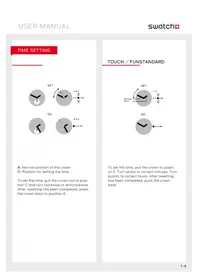
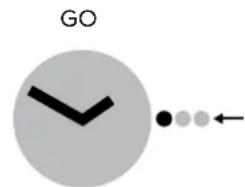
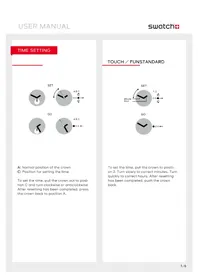
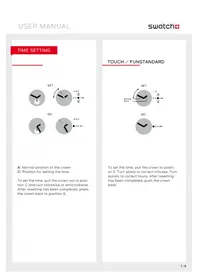
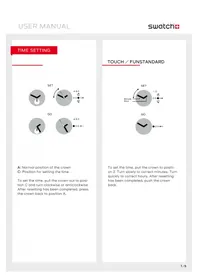
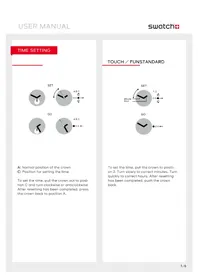
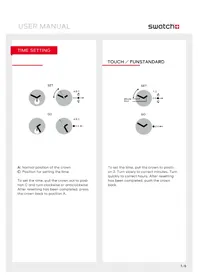
A: Normal position of the crown
C: Position for setting the time
To set the time, pull the crown out to position C and turn clockwise or anticlockwise. After resetting has been completed, press the crown back to position A.
TOUCH/FUNSTANDARD
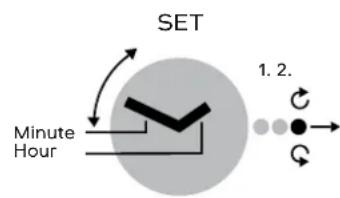
To set the time, pull the crown to position 2. Turn slowly to correct minutes. Turn quickly to correct hours. After resetting has been completed, push the crown back.
DATE OR DAY SETTING
STANDARD
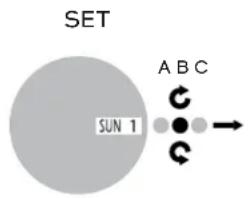
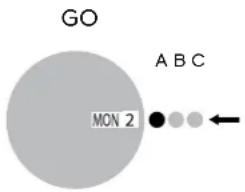
To set the date, pull the crown out to position B, and turn anticlockwise. To set the day, turn the crown in a clockwise direction. After resetting has been completed, press the crown back to position A.
READJUSTMENT
TOUCH/FUN
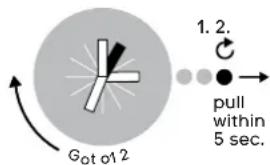
ADJUST HAND/+HOUR
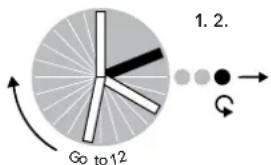
ADJUST HAND/+MINUTES
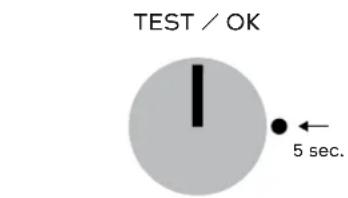
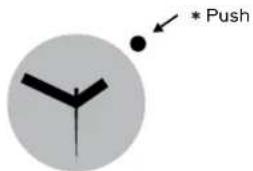
Push crown for 5 seconds. If both hands go to 12 o'clock, test is ok. Push crown again and hands go back to time.
If hands are not exactly at 12 o'clock, pull crown to position 2. Turn clockwise to readjust hour hand. Turn counter clockwise to readjust minute hand. Push crown back and hands turn back to show time.
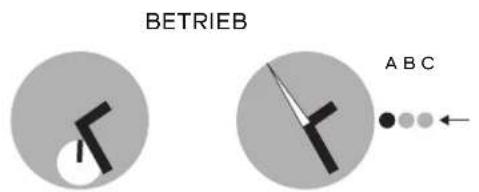
LOOMI FUNCTION: DISPLAY
TOUCH LOOMI
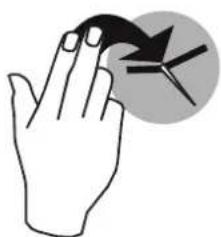
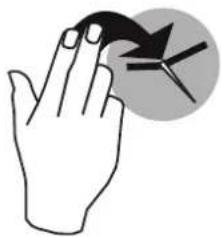
TOUCH YOUR SWATCH
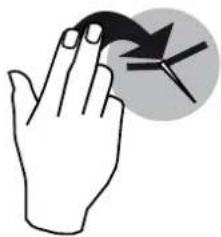
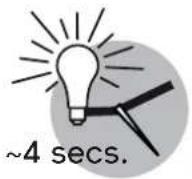
LOOMI ON
LOOMI
LIGHT FUNCTION
POP
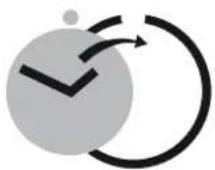
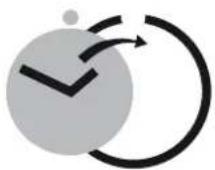
POP-IN
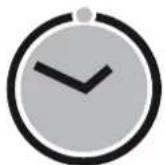

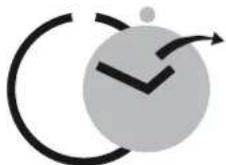
POP-OUT
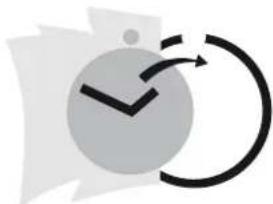
POP ON CLOTHES

Note: Wear your Swatch simply with its band or try „popping" it directly onto your clothes.
TOUCH ALARM
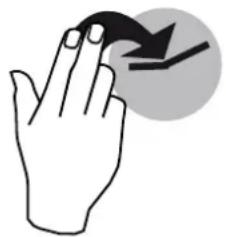
SHOW ALARM TIME
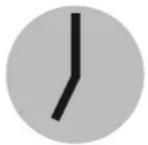
4 secs.
Touch your Swatch.
Hands move to show alarm time for approx. 4 seconds.
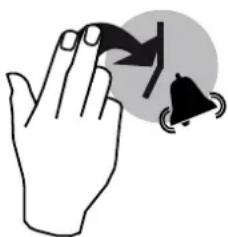
STOP ALARM
Touch your Swatch to stop alarm.
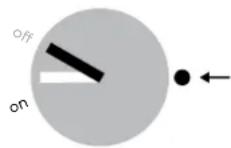
ALARM ON/OFF
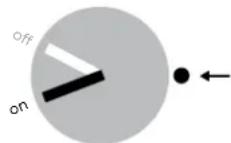
...CHANGE ON/OFF
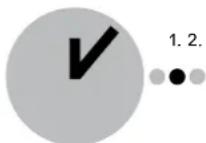
SHOW LAST ALARM
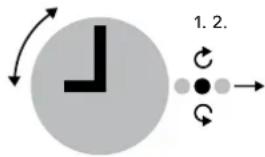
...SET NEW ALARM
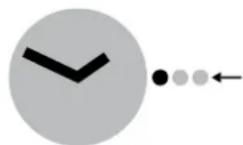
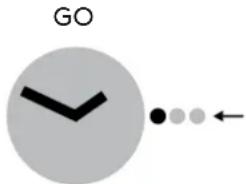
GO
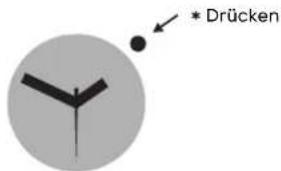
Switch alarm on/off and set alarm time Press crown and hands go to actual mode on or off.
Press crown again to change mode.
Pull crown to position 1 and the hands go to the last alarm time.
To set a new alarm time, turn crown (turn slowly = minutes, turn quickly = hours).
Then push crown back and hands turn back to time and alarm mode will be "on".
ALARM DEMO

Press crown for 2 seconds to start alarm demo.
To stop, press crown again.

IMPORTANT: When the hands do not show correctly ON-OFF (alarm mode), the Touch Alarm must be adjusted (e.g. after battery change or a hard knock).
TOUCH GAME

Touch your Swatch.
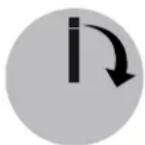
Hands come together at 12 o'clock and start to rotate at least on full turn.

IMPORTANT: If hands are not exactly at 12 o'clock, they have to be readjusted.
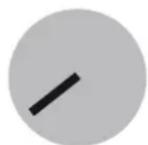
4 secs.
Hands stop by accident and show the result of your game for some seconds... ...then, hands turn back to time.
SCUBA FUNCTION: ELAPSED TIME
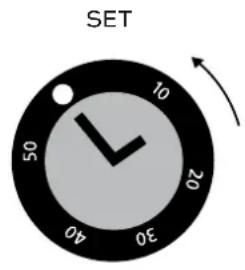
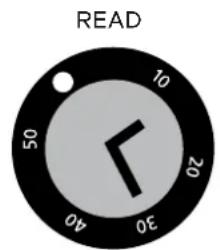
Using the adjustment ring
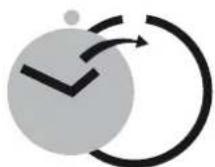
For setting the start time and duration of an activity, line up the marker on the adjustment ring with the minute hand. Timing starts at the time indicated by the marker. The elapsed time is indicated by the minute hand pointing the number on the adjustment ring.

WARNING NOTE
IMPORTANT: After being submerged in salt water, the Scuba 200 Chrono should always be rinsed with fresh water.
CAUTION: The Irony Scuba 2OO Chrono is not a professional diving watch.
ZEIT EINSTELLEN
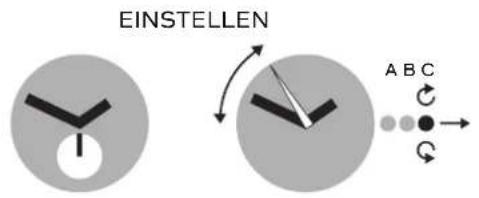
TIPPEN SIE AUF IHRE SWATCH
LOOMI GEHT AN

LOOMI
BELEUCHTUNG
POP
LOOMI-FUNCTIE: SCHERM
TOUCH LOOMI
RAAK JE SWATCH AAN
LOOMI ON
LOOMI

LICHT-FUNCTIE
POP
ERIN DRUKKEN

UITWIPPEN
AAN KLEDEDING BEVESTIGEN
Brand : SWATCH
Model : Pepeblu GN251B
Category : Wristwatch