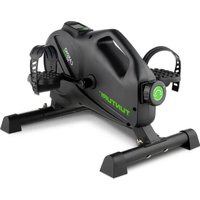
Cardio Fit Deskbike - Exercise bike TUNTURI - Free user manual and instructions
Find the device manual for free Cardio Fit Deskbike TUNTURI in PDF.


User questions about Cardio Fit Deskbike TUNTURI
0 question about this device. Answer the ones you know or ask your own.
Ask a new question about this device
Download the instructions for your Exercise bike in PDF format for free! Find your manual Cardio Fit Deskbike - TUNTURI and take your electronic device back in hand. On this page are published all the documents necessary for the use of your device. Cardio Fit Deskbike by TUNTURI.
USER MANUAL Cardio Fit Deskbike TUNTURI
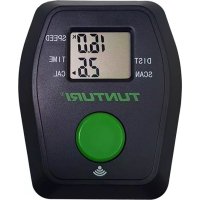
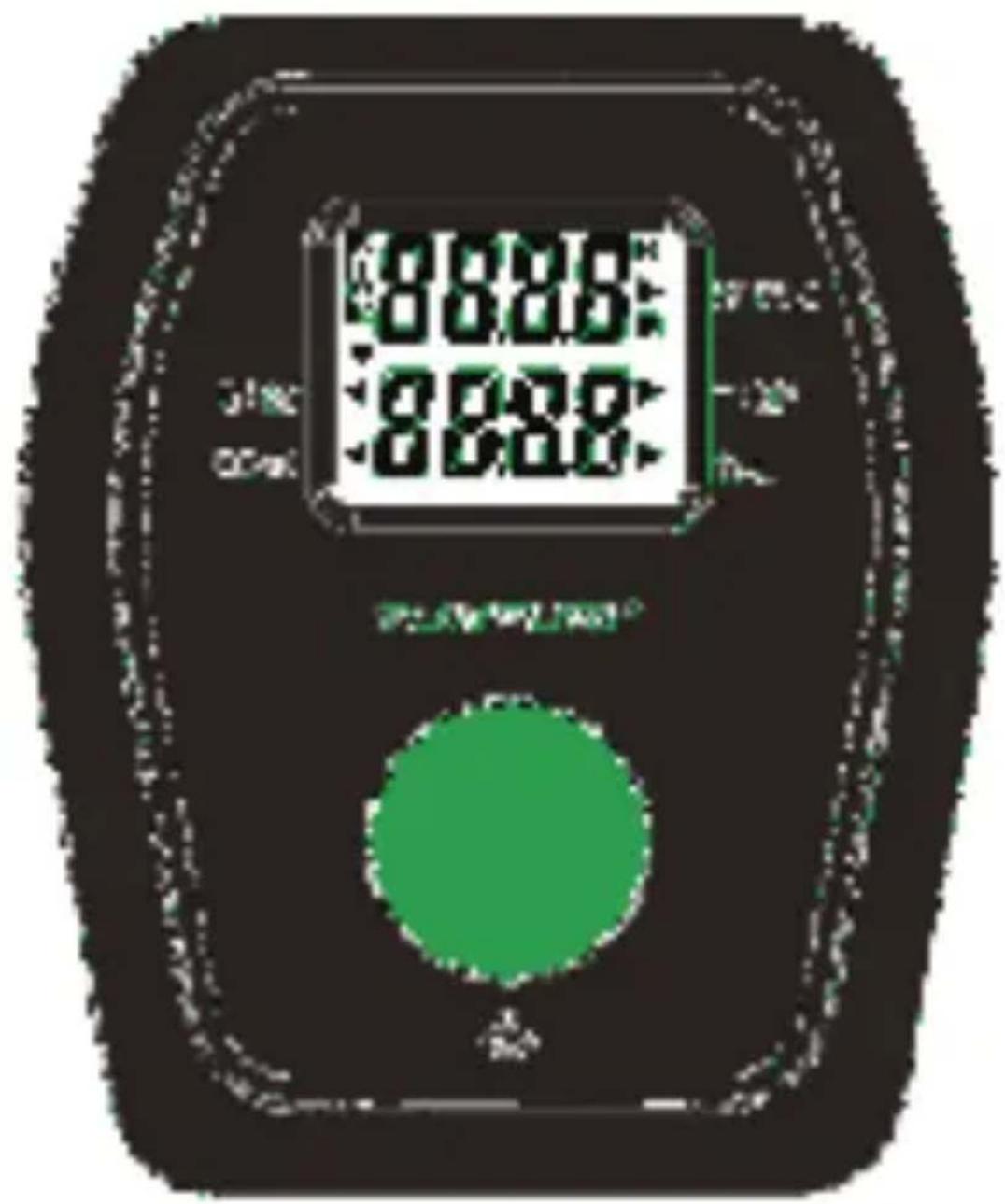
Cardio Fit Deskbike console
Before you begin
Thank you for selecting the Cardio Fit Deskbike console. This Product is an accessory for a Tunturi trainer with a Radio workout data transmitter. We Therefore refer to the main products manual for safety and warranty information as you cannot find in this manual.
You can download all Tunturi products manuals on our website at all times.
Use
Replacing the batteries
The console is equipped with 2 AAA batteries at the rear of the console.
- Remove the cover.
- Remove the old batteries.
- Insert the new batteries. Make sure that batteries match the (+) and (-) polarity markings.
- Mount the cover.

CAUTION
- Keep the console away from direct sunlight.
- Dry the surface of the console when it is covered with drops of sweat.
- Do not lean on the console.

NOTE
- The console switches to standby mode when the equipment is not used for 8 minutes.
Mode
- Press mode button to select console functions.
- Push and hold for 3 seconds to reset: TIME, SPEED, DISTANCE & CALORIES.
Explanation Display functions
Scan
- In SCAN mode, press MODE key to choose functions.
- Automatically scan through each mode in sequence every 5 seconds.
Time
- Automatically accumulates workout time when exercising.
- It is not possible to set target, the computer will start count up from.
- Range 00:00 ~ 99:59
Speed
- Displays current training speed.
- Range 0.0 ~ 999.9
Dist
- Automatically accumulates the distance from exercise when exercising.
- Range 0.0 ~ 999.9 KM
Cal
- Automatically accumulates calories burnt when exercising.
- Range 0~999.9

NOTE
- This data is a rough guide for comparison of different exercise sessions which cannot be used in medical treatment
Operation
Power on
- Press Mode key to power on the console when being in sleep mode..
- Start pedalling to power on the console when being in sleep mode.
Power off
Without any signal being transmitted into the monitor for 8 minutes the monitor will enter SLEEP mode automatically.
Deutsch
This Product is an accessory for a Tunturi trainer with a radio workout data transmitter. We Therefore refer to the main products manual for safety and warranty information as you cannot find in this manual.
You can download all Tunturi products manuals on our website at all times.
Gebruik
Tunturi New Fitness BV
Purmerweg 1 NL - 1311 XE Almere
P.O.Box 60001 NL - 1320 AA Almere
The Netherlands
www.tunturi-fitness.com
info@tunturi-fitness.com