Rydell - Radio GPO - Free user manual and instructions
Find the device manual for free Rydell GPO in PDF.



User questions about Rydell GPO
0 question about this device. Answer the ones you know or ask your own.
Ask a new question about this device
Download the instructions for your Radio in PDF format for free! Find your manual Rydell - GPO and take your electronic device back in hand. On this page are published all the documents necessary for the use of your device. Rydell by GPO.
USER MANUAL Rydell GPO
natural_image
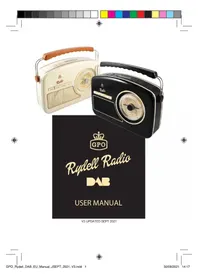
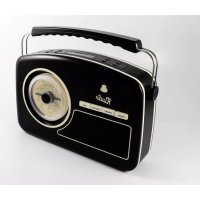
Two vintage portable radio fans, one white and one black, displayed against a plain background (no text or symbols visible)
text_image
GPORydell Radio
USER MANUAL
Content
English 3
German 9
French 17
Dutch 25
Spanish 33
Introduction
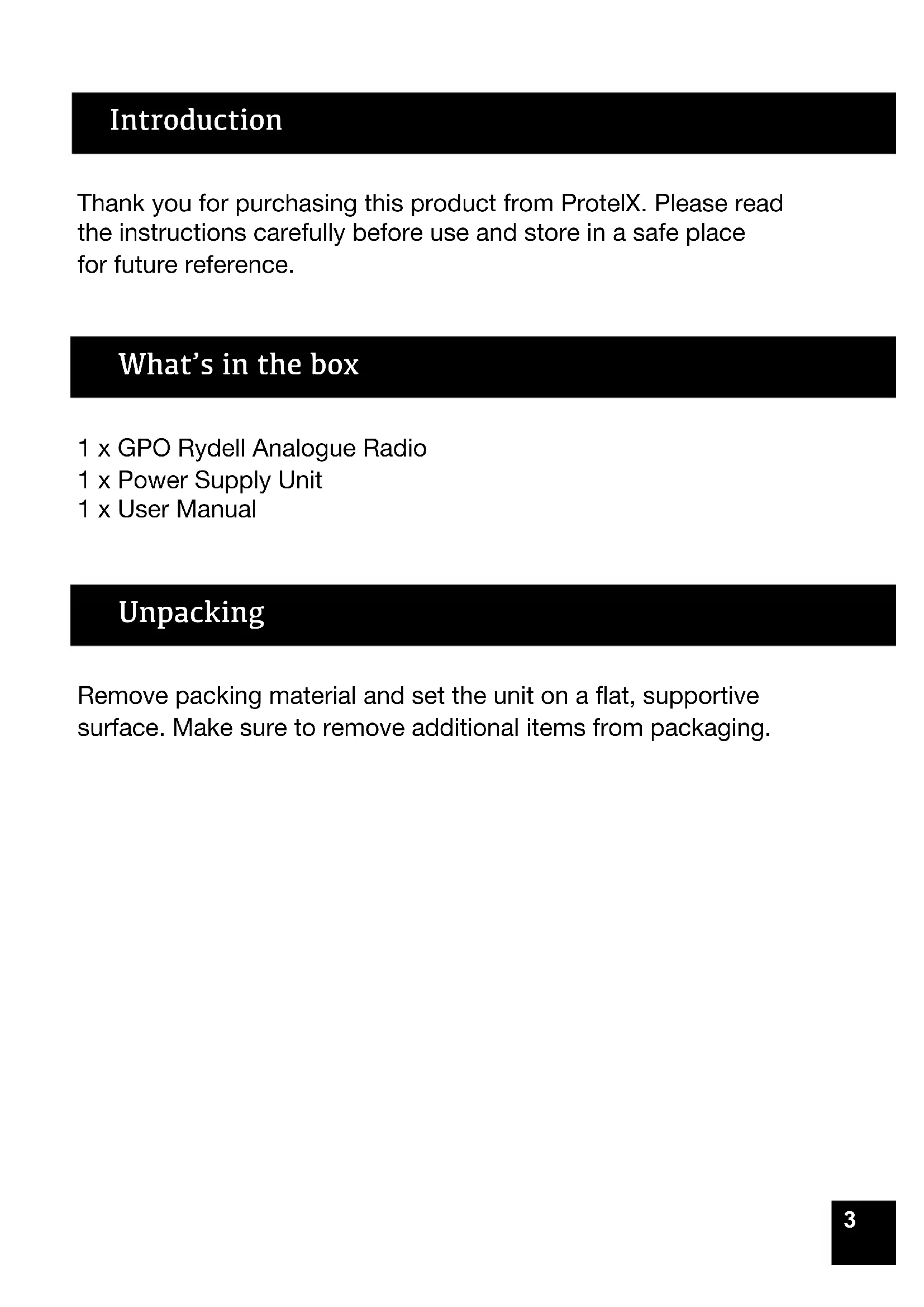
Thank you for purchasing this product from ProtelX. Please read the instructions carefully before use and store in a safe place for future reference.
What's in the box
1 x GPO Rydell Analogue Radio
1 x Power Supply Unit
1 x User Manual
Unpacking
Remove packing material and set the unit on a flat, supportive surface. Make sure to remove additional items from packaging.
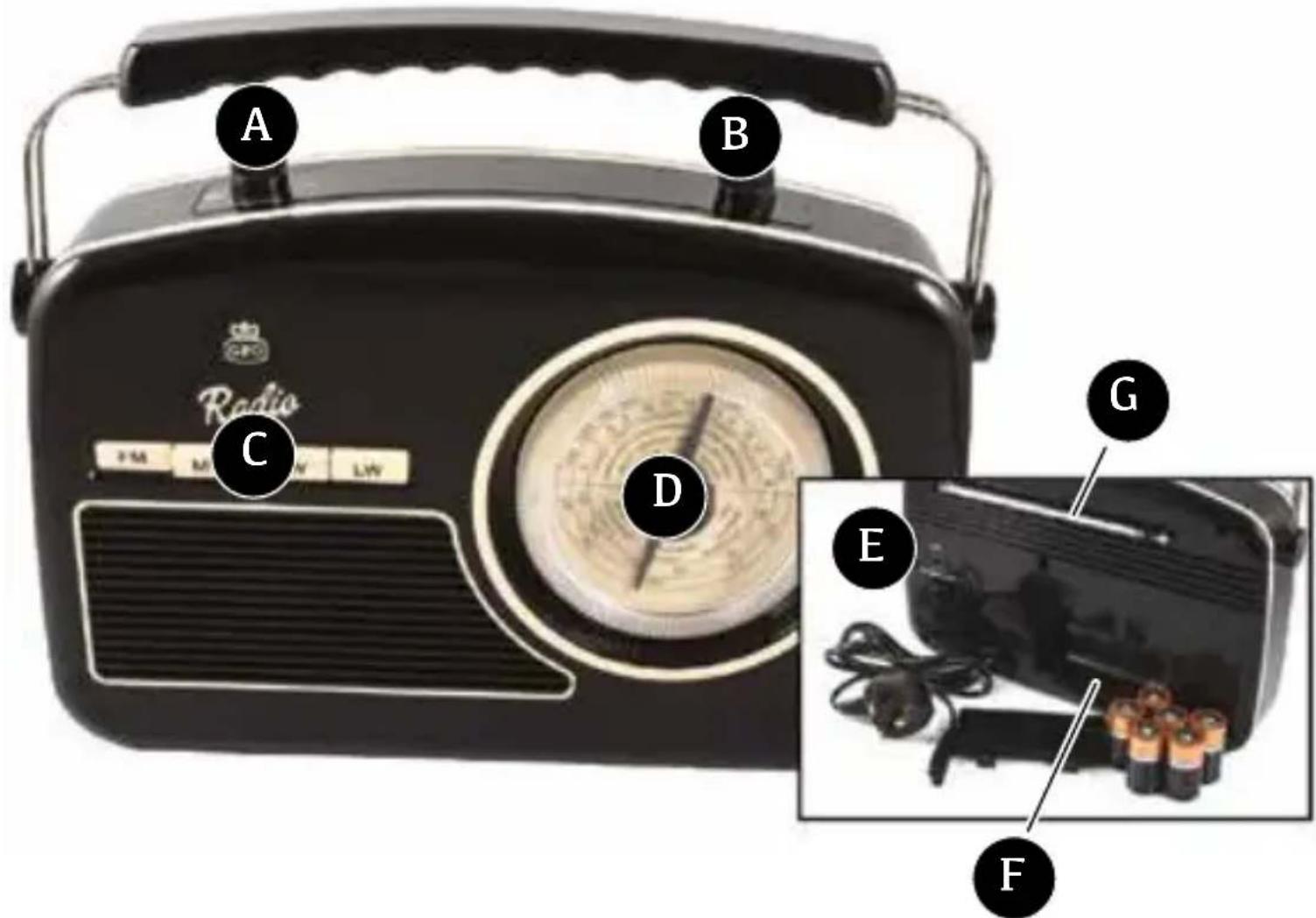
Location of Controls
text_image
A B C Radio PM M NV LW D G E FA Power / Volume Knob
B Tone Knob
C Selector Band Buttons
D Tuning Control
E Power Socket (Rear of the unit)
F Battery Compartment (Rear of the unit)
G ANTENNA
Operation Instructions
- Please connect the power supply or insert new batteries.
- To turn the unit on, turn the power on/off knob clockwise.
- Deploy the Antenna.
- Choose you desired wave band using the selector buttons.
- Adjust the station using the tuning control.
- Adjust the Tone Knob to your desire pitch.
- Use the Volume knob (2) to adjust the volume as desire.
- To turn the unit off, turn the power on/off knob anti-clockwise until you hear a "click" sound.
Battery Compartment
Open the battery compartment located at the back of the apparatus and introduce 6 battery 1,5V of the type UM-2/C while taking care not to reverse the poles. Then, close the compartment.
Note:
Check your batteries regularly. Old or discharged batteries should be replaced. If the unit is not to be used for some time or is being run exclusively on AC electrical current, remove batteries from the battery compartment to avoid leakage.
BATTERY SAFETY PRECAUTIONS:
Keep batteries away from children and pets.
Insert the batteries observing the proper polarity (+/-). Failure to properly align the battery polarity can cause personal injury and/or property damage.
Remove old or discharged batteries from the product. Remove the batteries when the product will not be used for extended periods of time to prevent damage due to rusted or corroded batteries
Never throw batteries into a fire, do not expose batteries to fire or other heat sources
Battery Disposal:
Old or discharged batteries must be properly disposed of and recycled in compliance with all applicable laws.
Specification
| FM | 88 – 108 MHz |
| AM/MW | 530 – 1600 KHz |
| SW | 6 – 18 MHz |
| LW | 150 – 285 KHz |
| Operation on AC | 230V AC 50Hz |
| Operation on DC | 9V 6 x UM-2/C 1,5V(battery not included) |
| Max.Power consumption | 14 W |
Product Care
Ventilation - The appliance should be situated so that its location or position does not interfere with its proper ventilation. For example, the appliance should not be situated on a bed, sofa, rug or similar surface that may block the ventilation openings, or placed in a built-in installation, such as a bookcase or cabinet, that may impede the flow of air through the ventilation openings.
Heat - The appliance should be situated away from heat sources such as radiators, heat registers, stoves, or other appliances (including amplifiers) that produce heat.
Power Sources - The product should be operated only with the type of power supply indicated on the marking label. If you are not sure of the type of power supply to your home, consult your product dealer or local power company. For products intended to operate from battery power, or other sources, refer to the operating instructions.
Product Support
Looking for more help? Visit www.gporetro.com.
For your personal safety, do not attempt to open the device.
There are no serviceable parts inside and the warranty is void if the device is opened.
German
Einführung
text_image
A B C Radio PM M LW D G E Ftext_image
A B C Radio PM M G LW D G E FA
Bouton alim./Volume
B
Bouton tonalité
C
text_image
A B C Radio PM M G LW D G E FA
Aan/uit/Volume
B
Toonregeling
C
text_image
A B C Radio PM M G LW D G E FA
Hereby ProtelX, declares that this equipment (GPO Rydell Radio) is in compliance with the essential requirements and other relevant provisions of Directive, you can access a copy of this certificate on www.gporetro.com/Certificate-of-Conformity
DE
ProTelX Ltd, Unit 6, Park 17 Industrial Estate, Moss Lane, Whitefield, Manchester, M45 8FJ UK