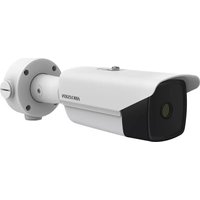
DS2TD213635VP - Surveillance Camera Hikvision - Free user manual and instructions
Find the device manual for free DS2TD213635VP Hikvision in PDF.



User questions about DS2TD213635VP Hikvision
0 question about this device. Answer the ones you know or ask your own.
Ask a new question about this device
Download the instructions for your Surveillance Camera in PDF format for free! Find your manual DS2TD213635VP - Hikvision and take your electronic device back in hand. On this page are published all the documents necessary for the use of your device. DS2TD213635VP by Hikvision.
USER MANUAL DS2TD213635VP Hikvision
 | Notice |
 | Warning |
 | Forbidden |
 | Correct |
 | Incorrect |
 | Turn to page A and continue. |
 | i. Accessories applicable to some models onlyii. Variable types and quantitiesiii. Skip this step if not applicable |
| microSD|TGYT | MicroSD card |
 | Grounding |
 | Disposal |
 | Other situations |
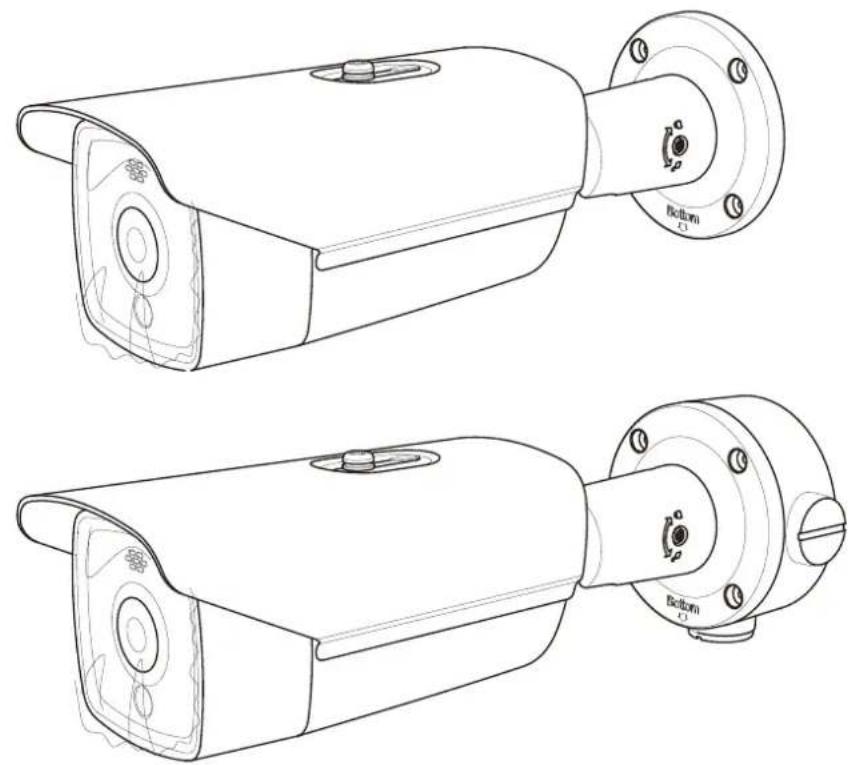
A.
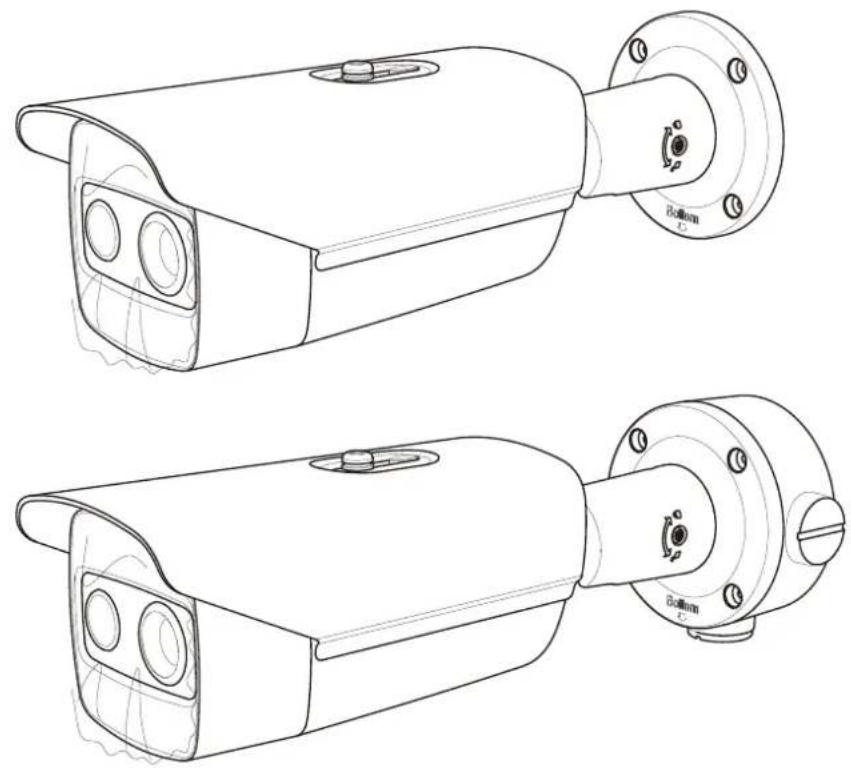
natural_image
Technical line drawing of two identical security camera modules with mounting flanges and control knobs (no text or symbols)B.
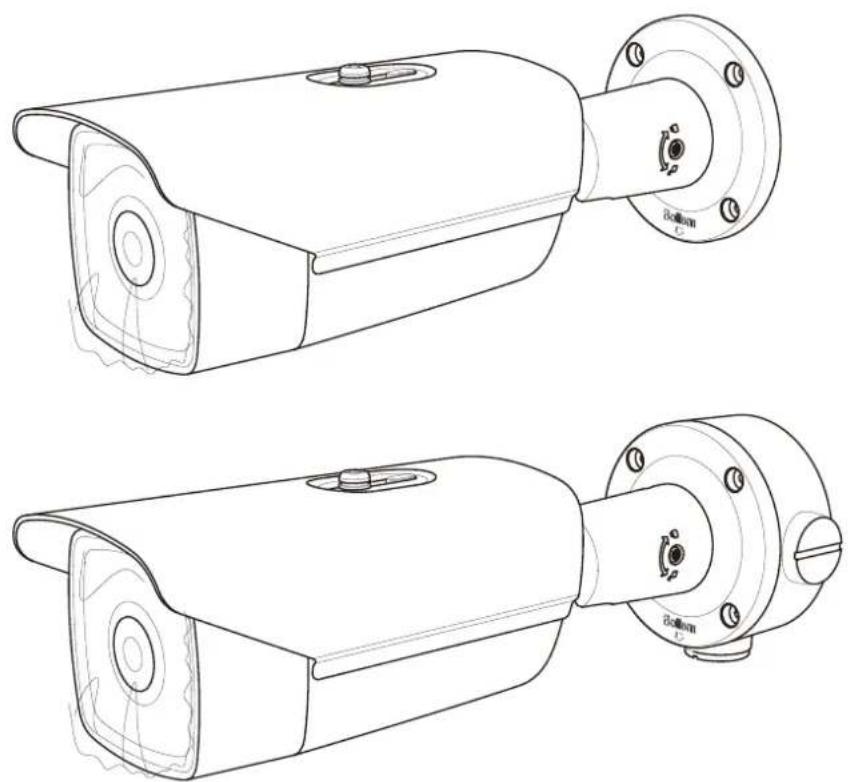
natural_image
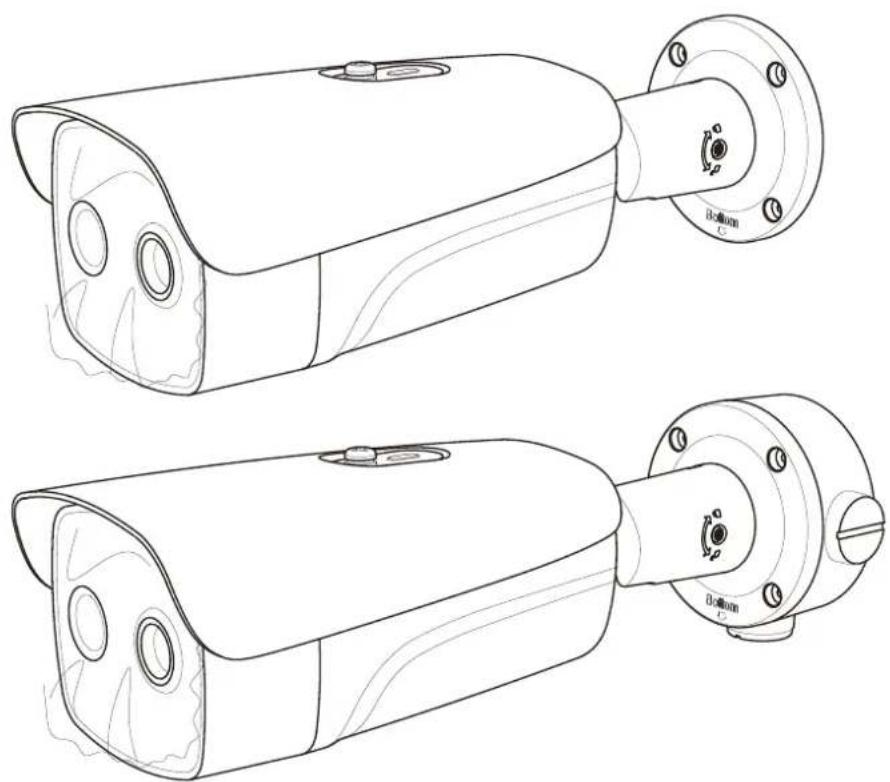
Technical line drawings of two identical security camera modules with mounting flanges and control knobs (no text or symbols)C.
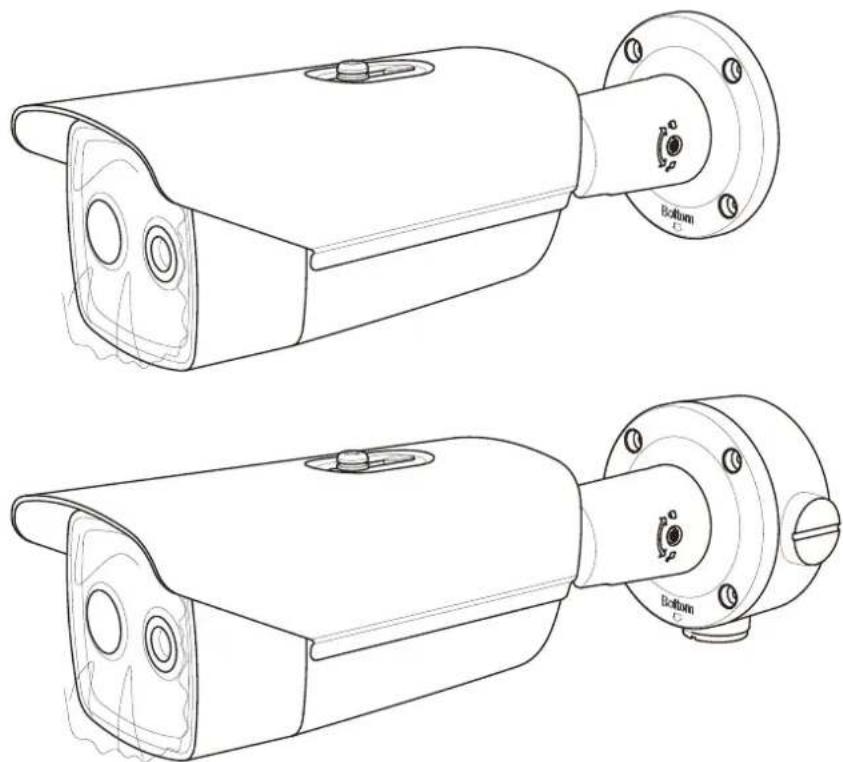
natural_image
Technical line drawing of two identical mechanical security camera modules with mounting flanges and adjustment knobs (no text or symbols)D.
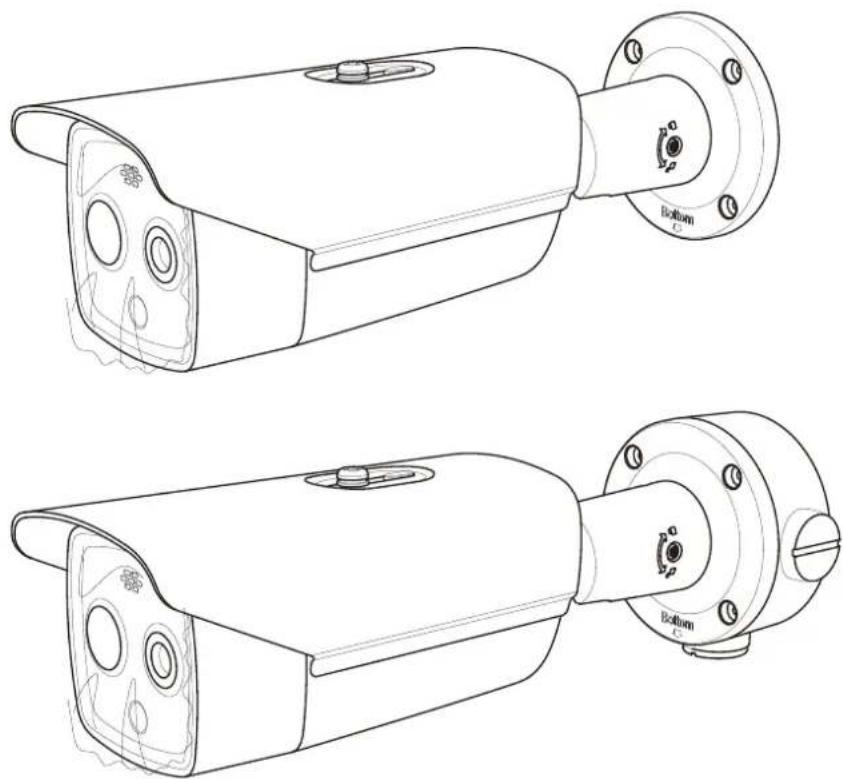
natural_image
Technical line drawings of two security camera modules with mounting flanges and control knobs (no text or symbols)E.
natural_image
Technical line drawings of two security camera modules with mounting flanges and control knobs (no text or symbols)F.
natural_image
Technical line drawing of two identical surveillance cameras with mounting flanges and ventilation slots (no text or symbols)G.
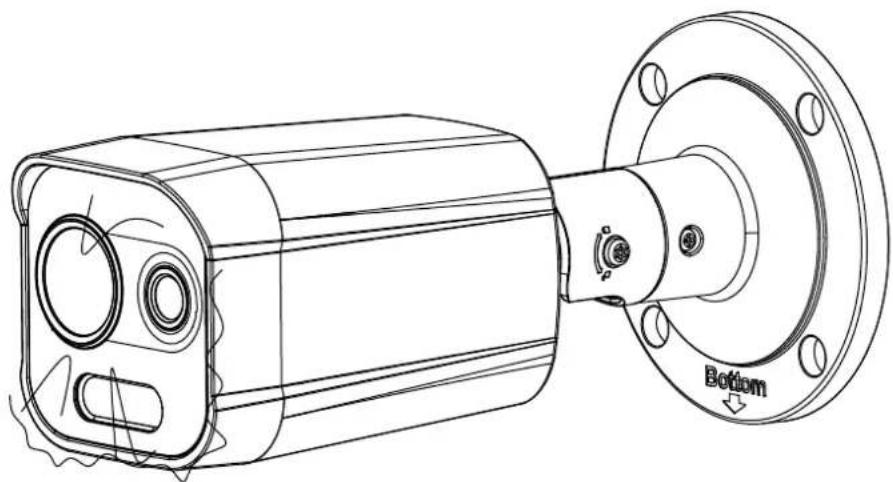
natural_image
Technical line drawing of a mechanical component with mounting flange and cylindrical housing (no text or symbols)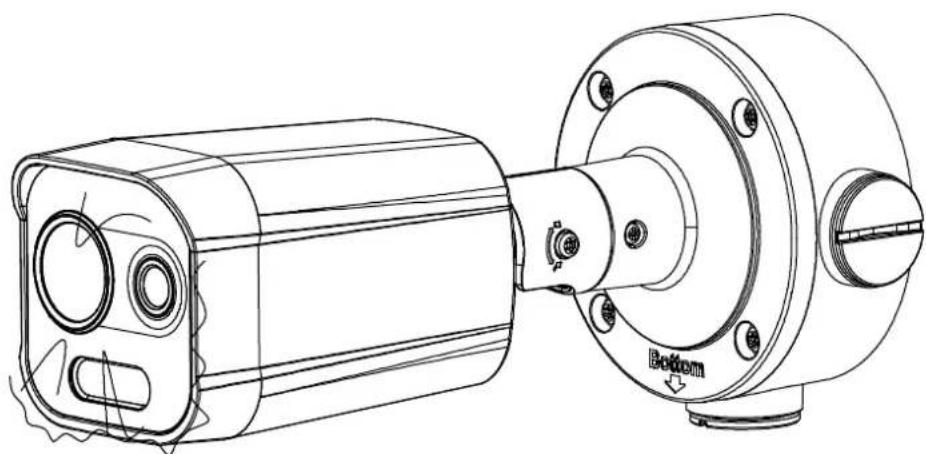
natural_image
Technical line drawing of a mechanical assembly with cylindrical components and mounting flanges (no text or symbols)
text_image
Warning symbol with exclamation mark inside triangle, commonly used to indicate caution or hazard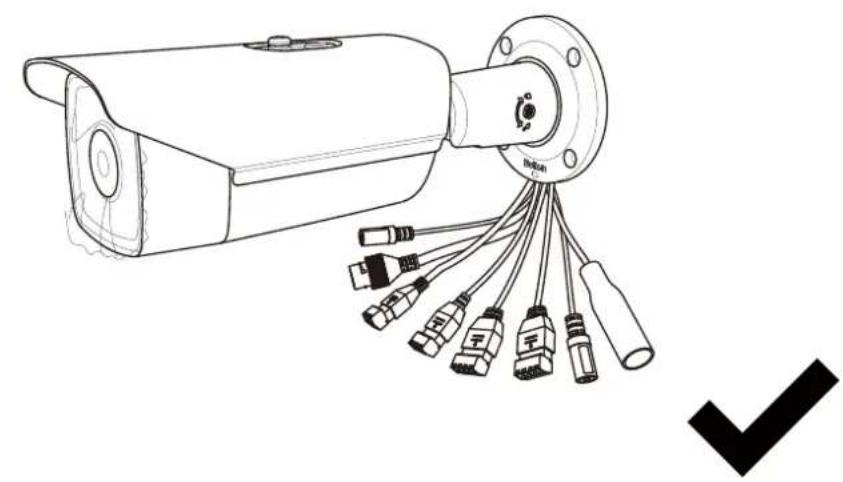
natural_image
Line drawing of a security camera with multiple connectors and a checkmark symbol (no text or labels)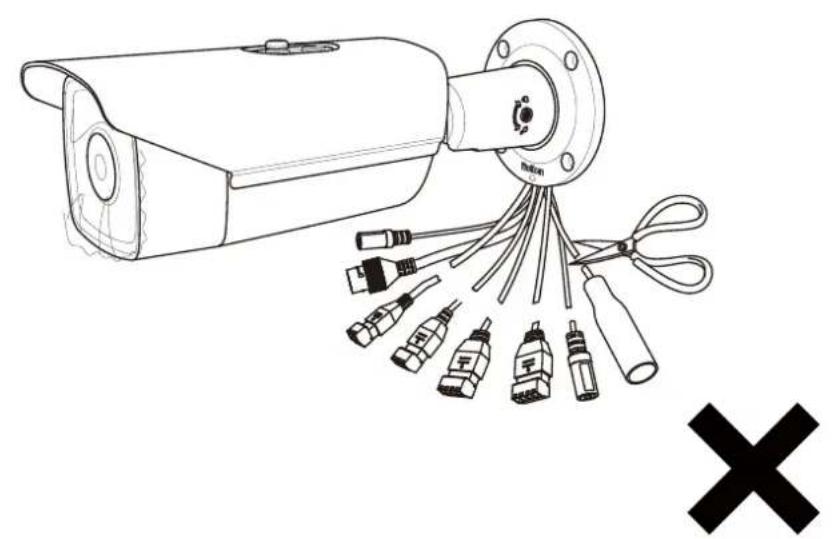
natural_image
Line drawing of a security camera with multiple connectors and a cross symbol (no text or labels)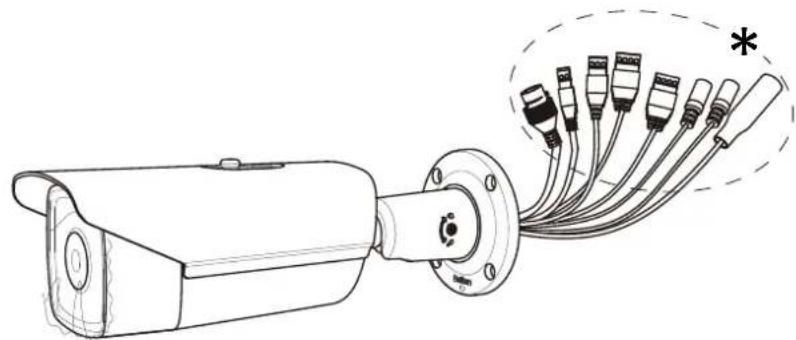
natural_image
Line drawing of a security camera with attached cable and connector (no text or symbols)1x
natural_image
Top-down schematic of a circular mechanical component with internal components and mounting holes (no text or labels)1x
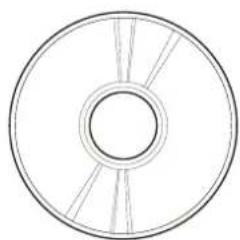
natural_image
Simple line drawing of a circular object with internal divisions (no text or symbols)1x*
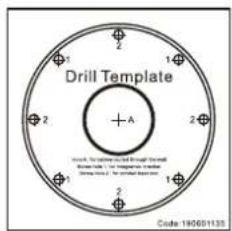
text_image
Drill Template + A 1 2 1 2 1 2 Standard: No. 1000000000000000000000000000000000000000000000000000000000000000000000000000000000000 Standard: No. 154688888888888888888888888888888888888888888888888888888888888888888881x 1x
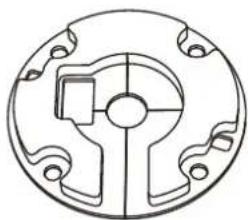
natural_image
Pure mechanical part diagram without any text, numbers, or symbols
natural_image
Pure mechanical part diagram without any text, numbers, or symbols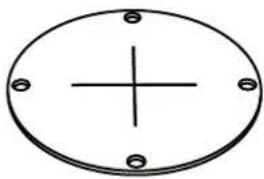
natural_image
Simple line drawing of a circular plate with a central cross and four corner holes (no text or symbols)1x
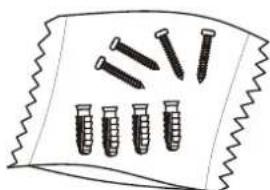
natural_image
Illustration of multiple screwdrivers arranged on a zigzag surface (no text or symbols)PA4x25
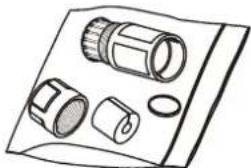
natural_image
Illustration of a mechanical component with multiple cylindrical and cylindrical parts (no text or symbols)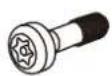
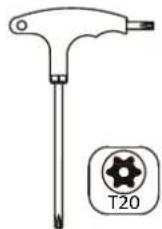
4x 1x1x1x
natural_image
Simple 3D rectangular block with no text or symbols
2x^ 1x^2x^*
1.1\*
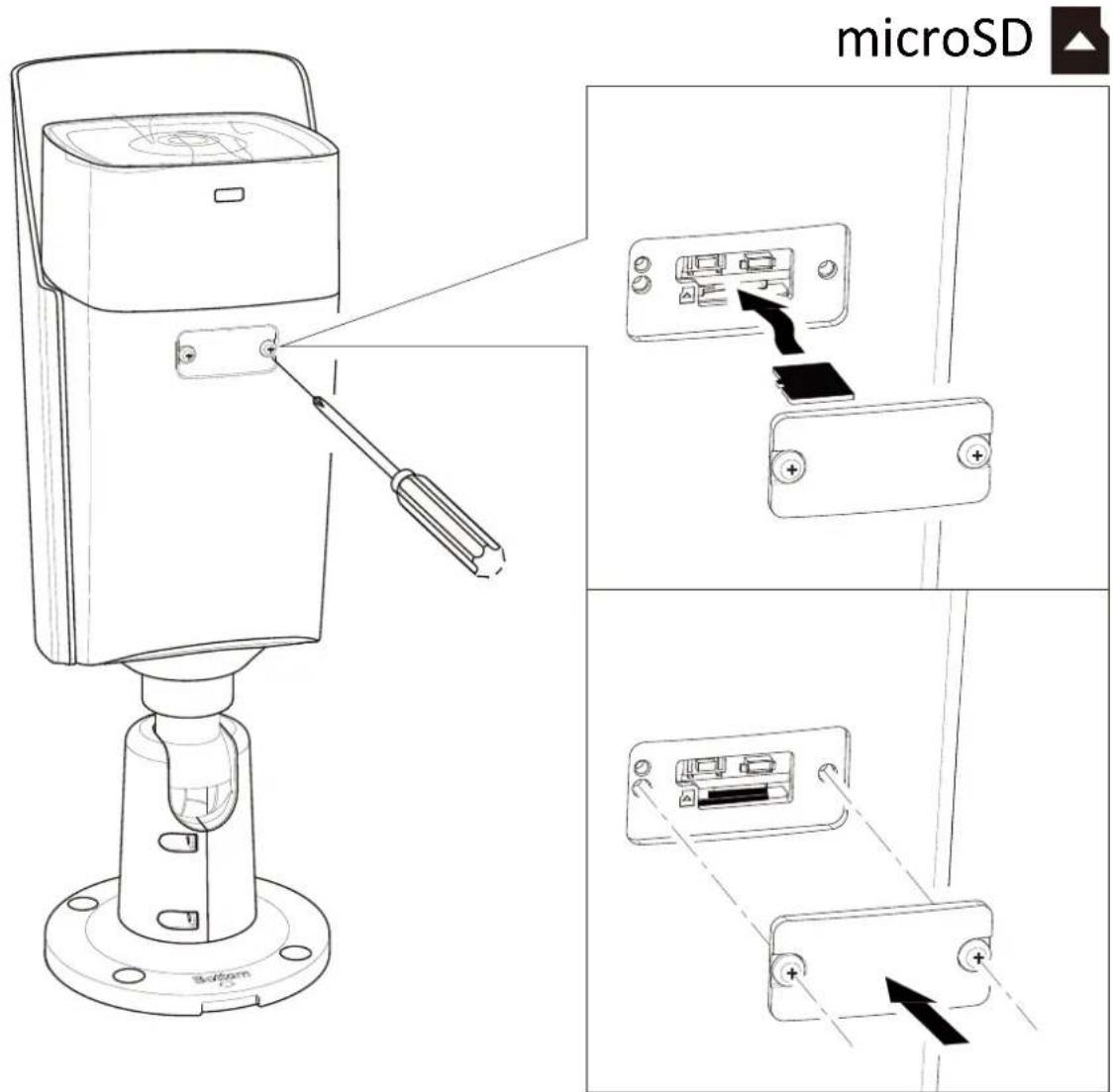
text_image
microSD Bottom1.2
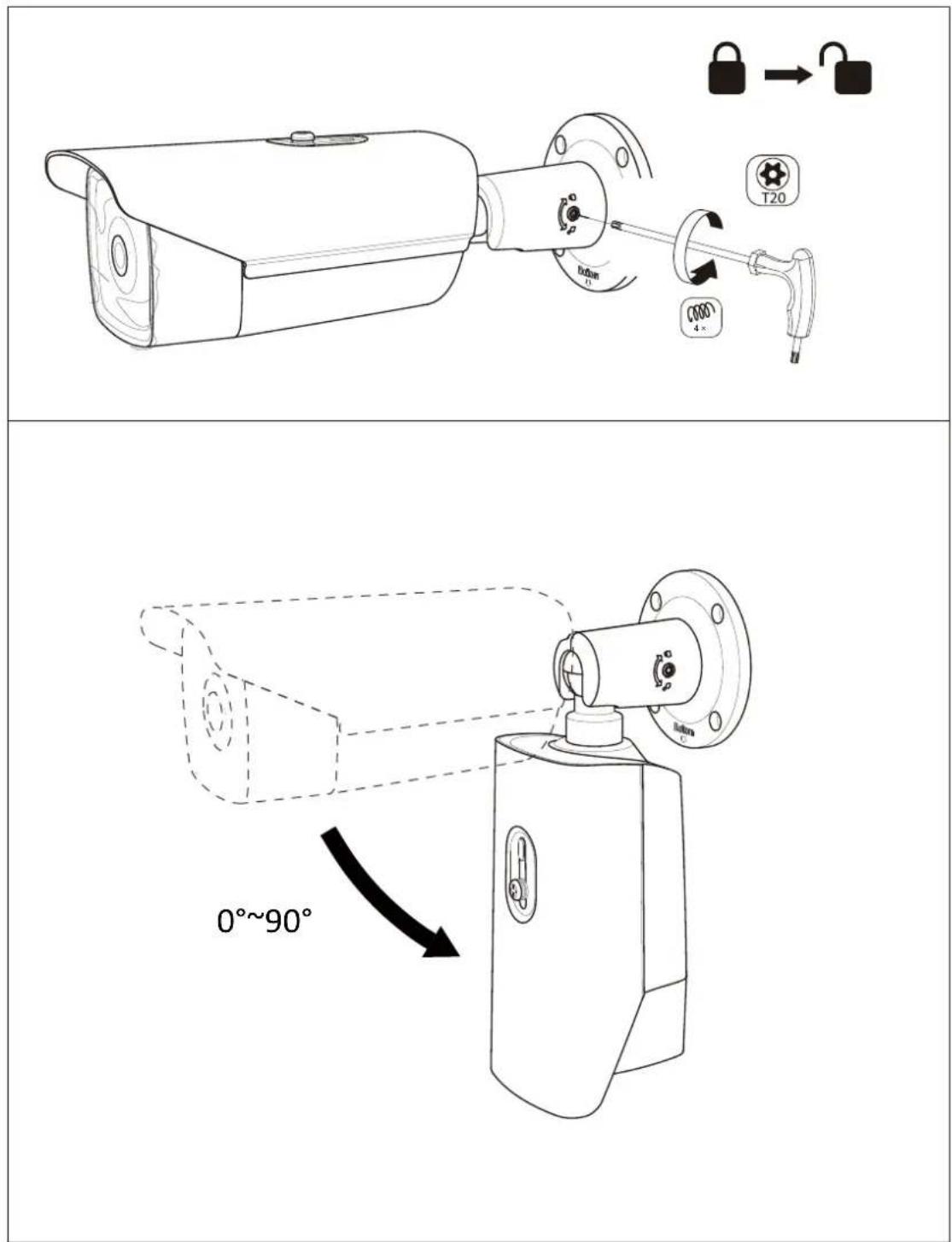
text_image
Technical diagram showing a security camera with lock and adjustment mechanism, including angular change of 0°~90°.1.2\*
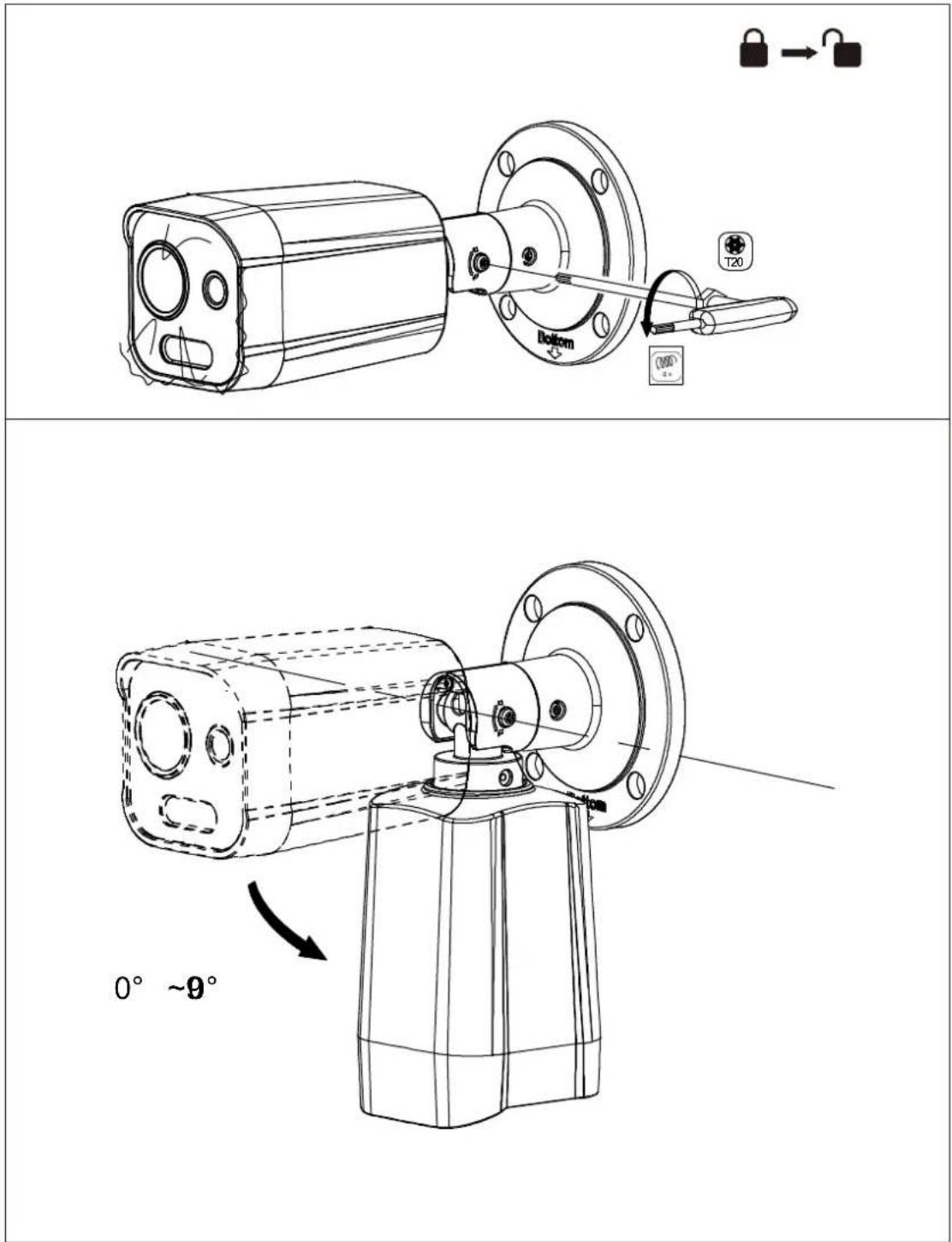
text_image
T20 Bottom 0° ~9°1.2\*
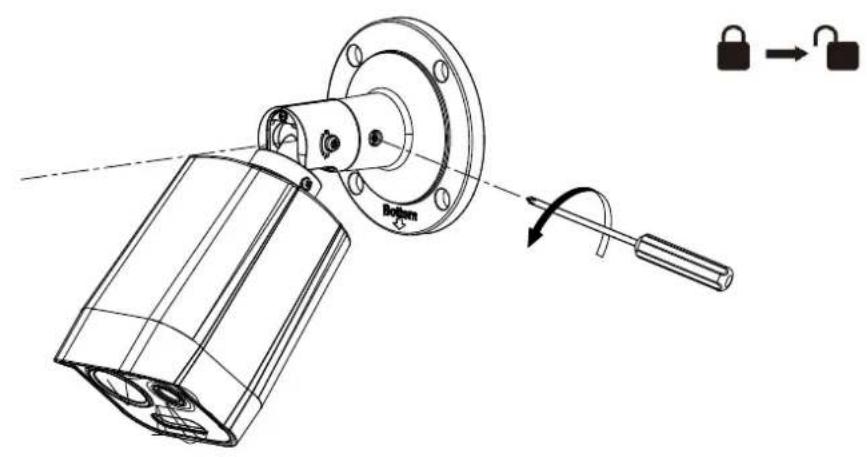
natural_image
Technical line drawing of a mechanical assembly with a flanged housing and a hanging handle, showing a close-up view of the component (no text or symbols present)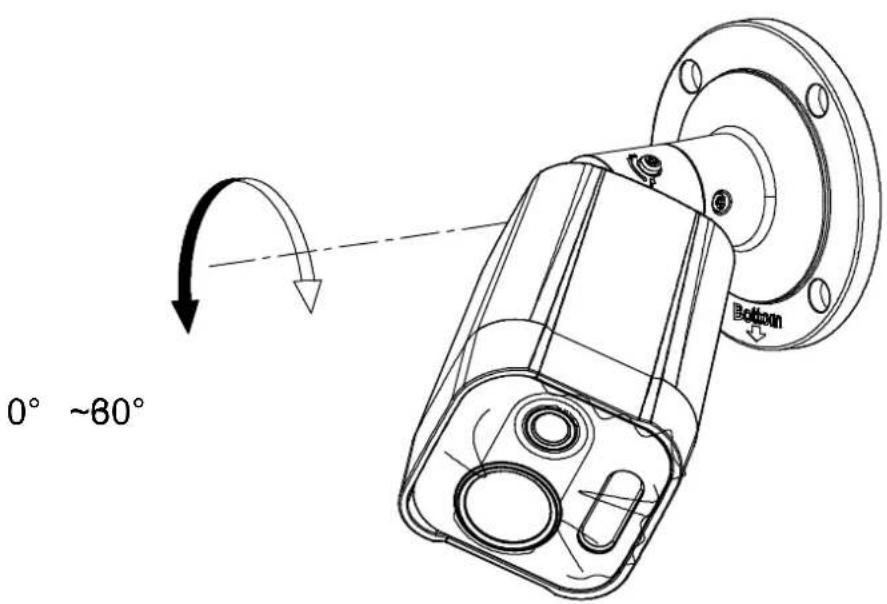
text_image
0° ~80° Bottom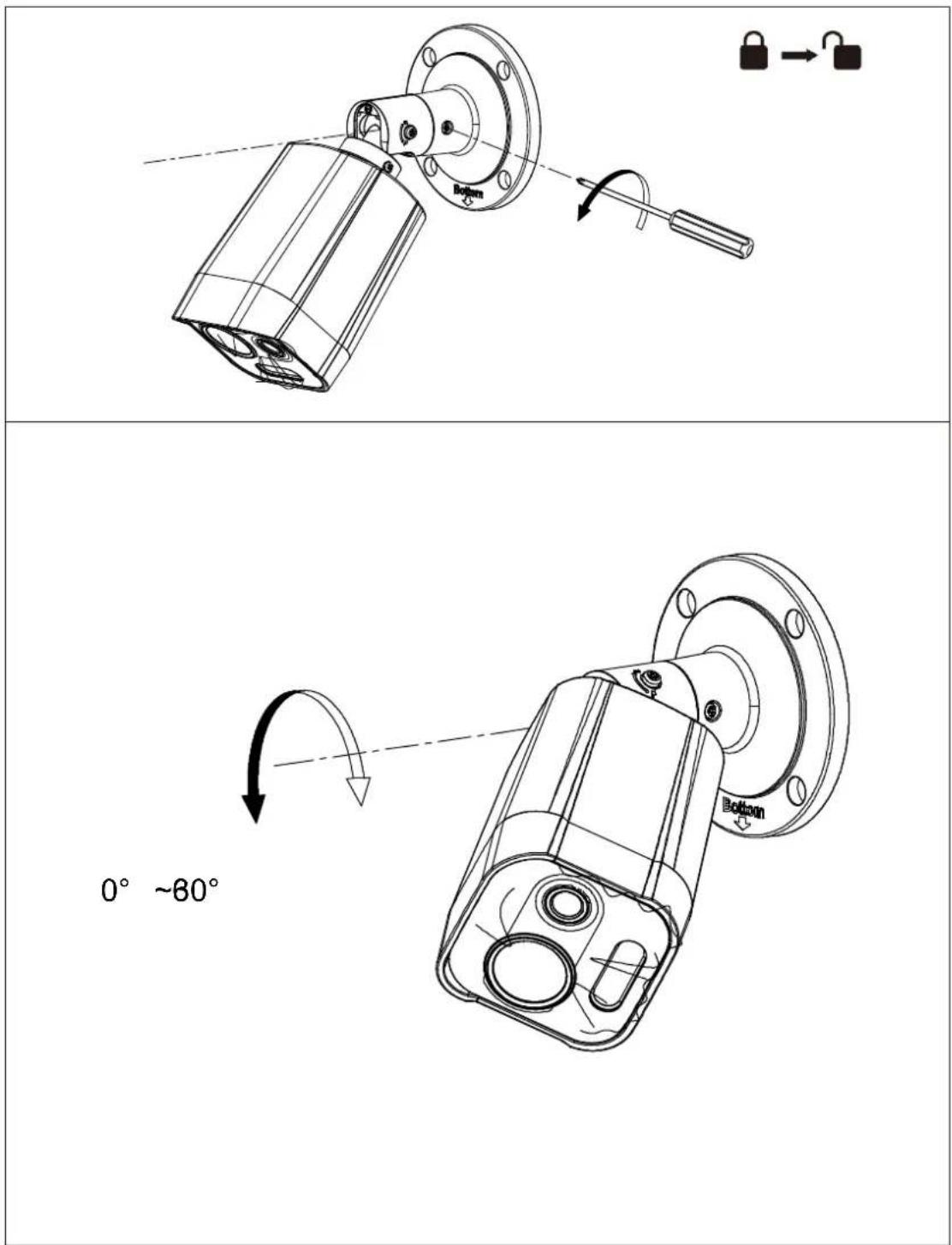
text_image
0° ~60°1.2\*
natural_image
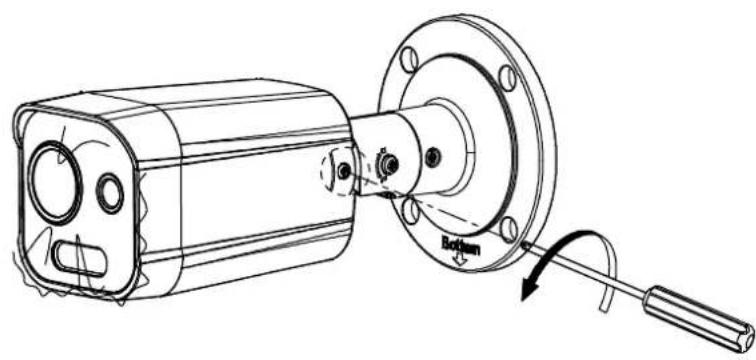
Technical line drawing of a mechanical device with a flanged housing and a lever, showing no text or symbols.
text_image
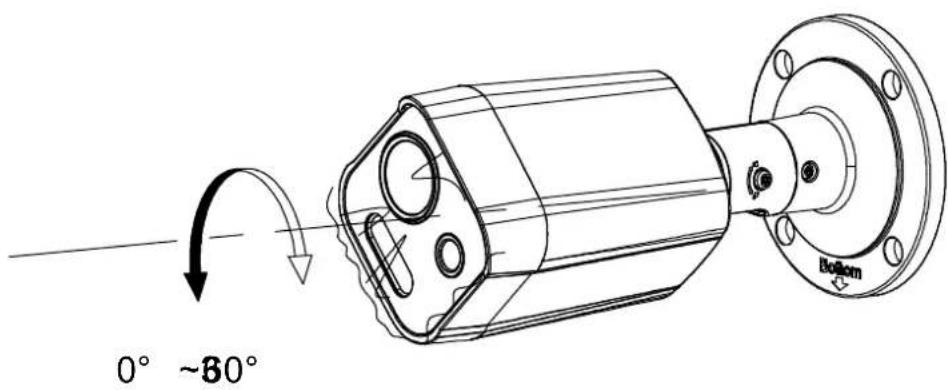
0° ~80° Bottom1.3
text_image
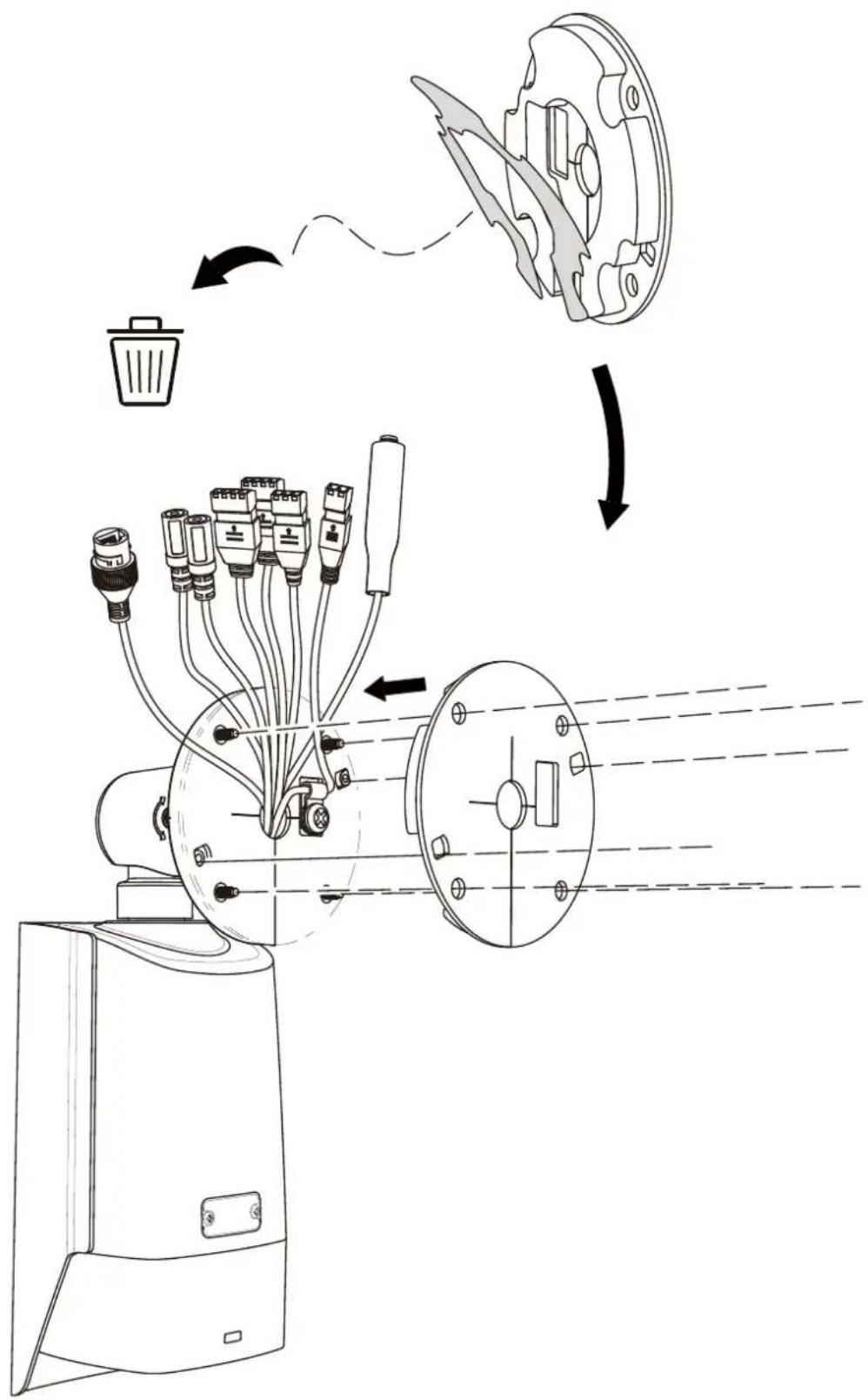
Technical diagram illustrating the process of a device's internal structure and airflow, showing components like a fan, motor, and wiring.2.1
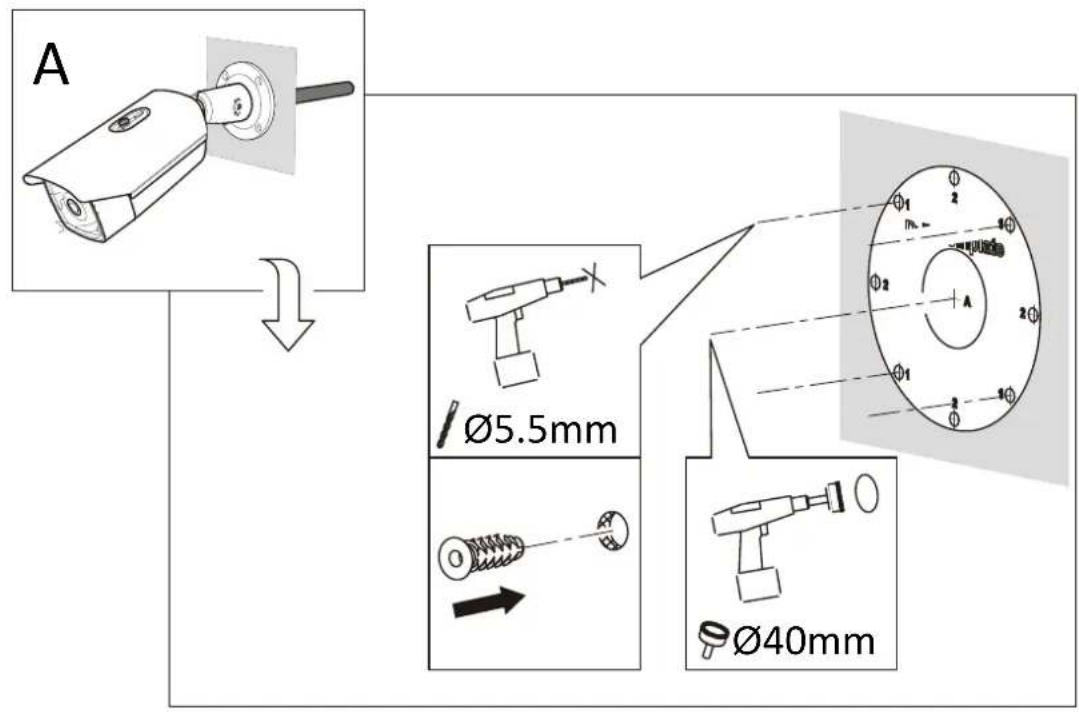
text_image
A Ø5.5mm Ø40mm
text_image
B Ø5.5mm
text_image
2.2-2.6*2.1\*
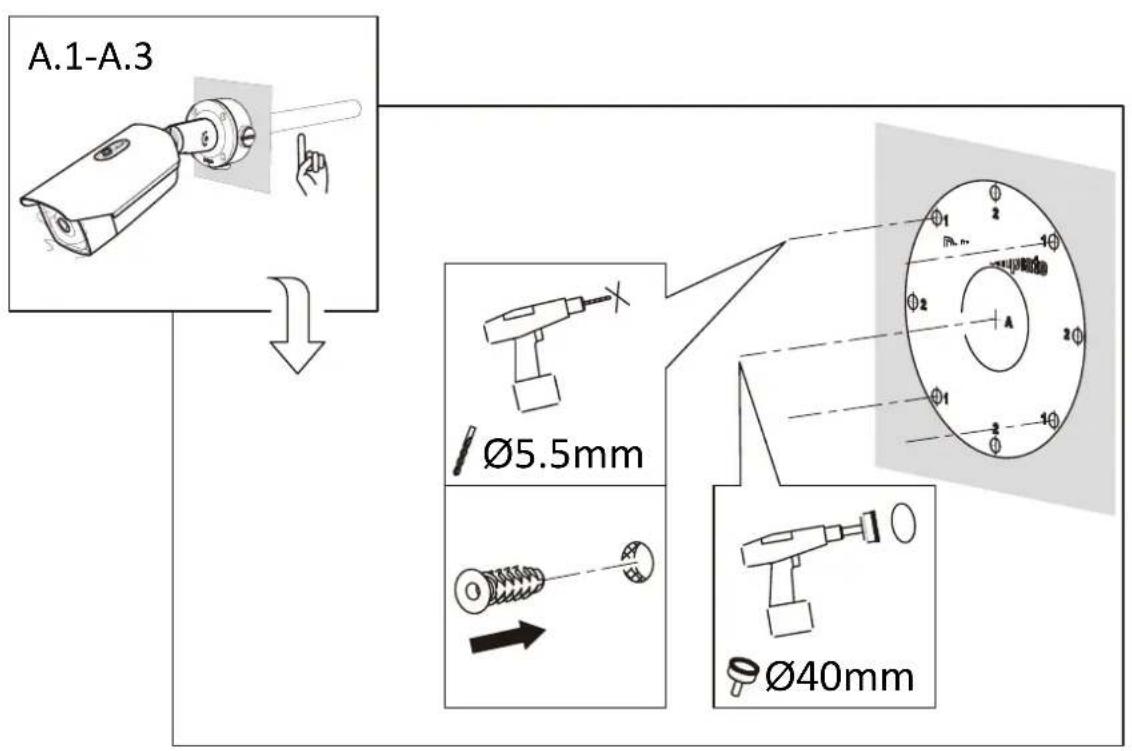
text_image
A.1-A.3 Ø5.5mm Ø40mm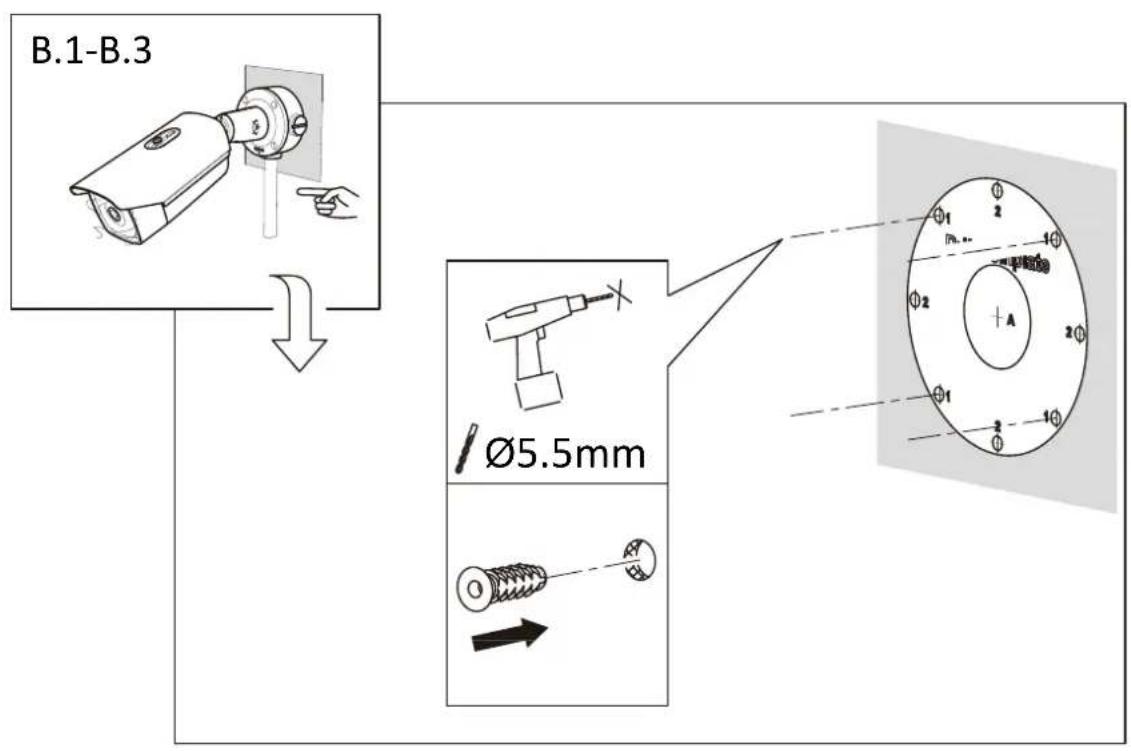
text_image
B.1-B.3 Ø5.5mmA.1
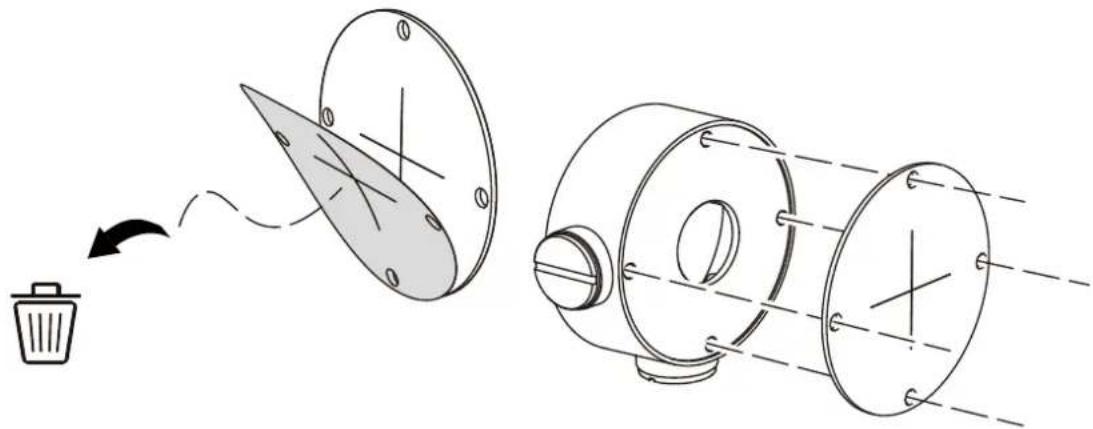
natural_image
Diagram showing a waste bin being processed into a cylindrical device with a blade and internal components (no text or symbols)A.2
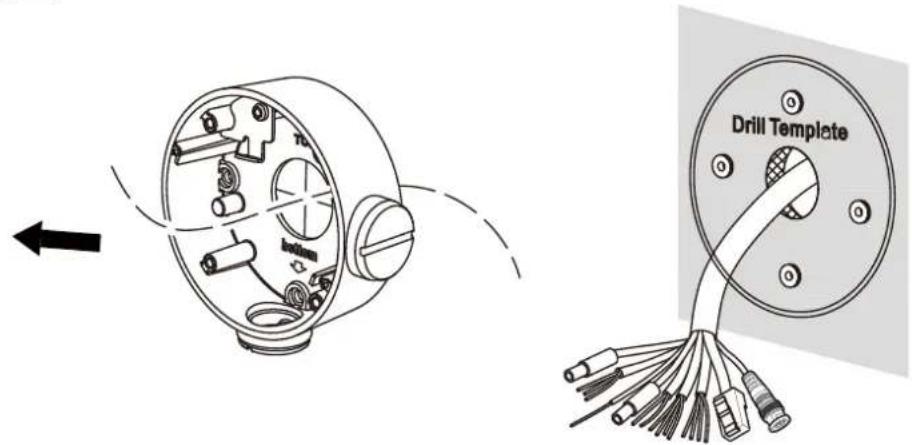
text_image
Drill TemplateA.3
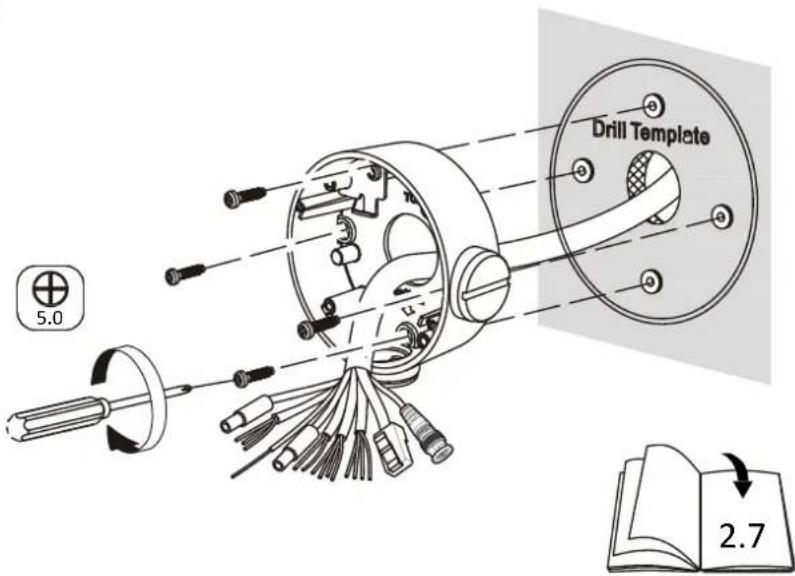
text_image
Drill Template 5.0 2.7B.1
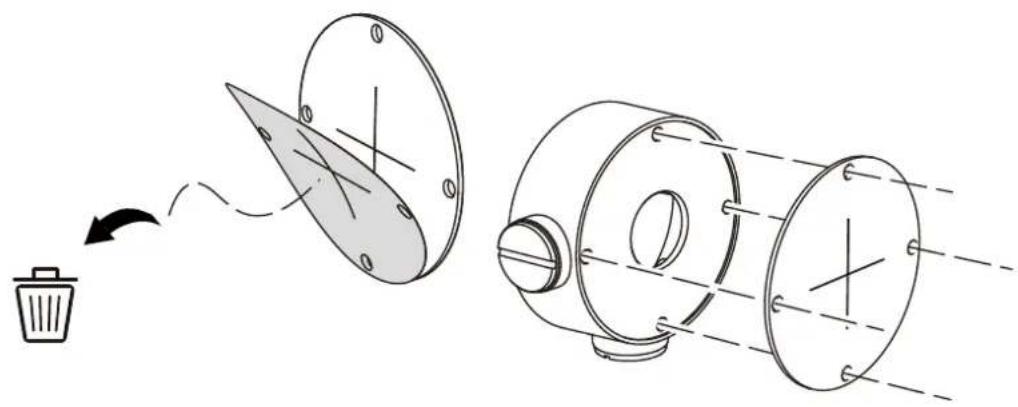
natural_image
Diagram showing a waste bin being discarded into a circular disc and then moving through a cylindrical device (no text or symbols present)B.2
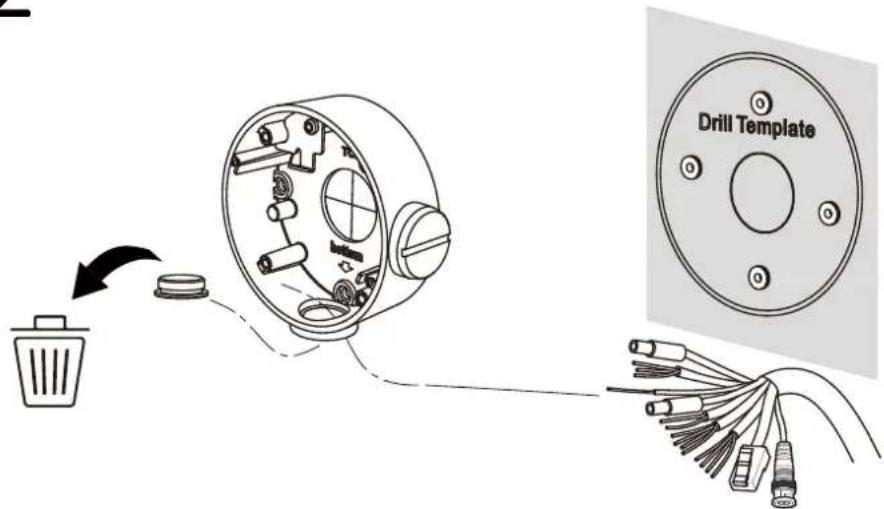
text_image
Drill TemplateB.3

text_image
Drill Template 5.0 2.72.2
A
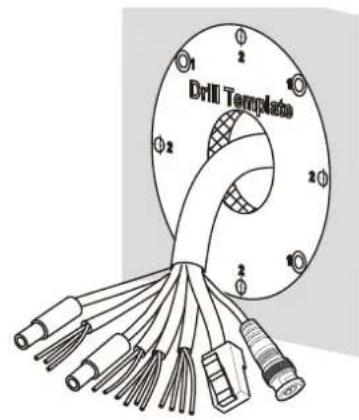
text_image
Drill Template 1 2 3 4 5 6 7 8 9 10 11 12 13 14 15 16 17 18 19 20 21 22 23 24 25 26 27 28 29 30B
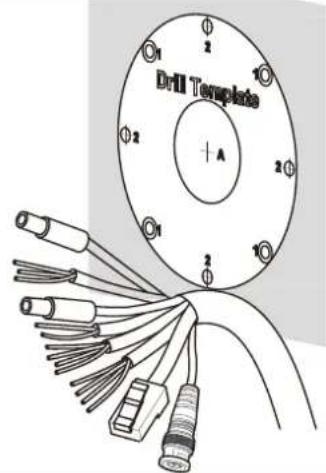
text_image
Drill Template + A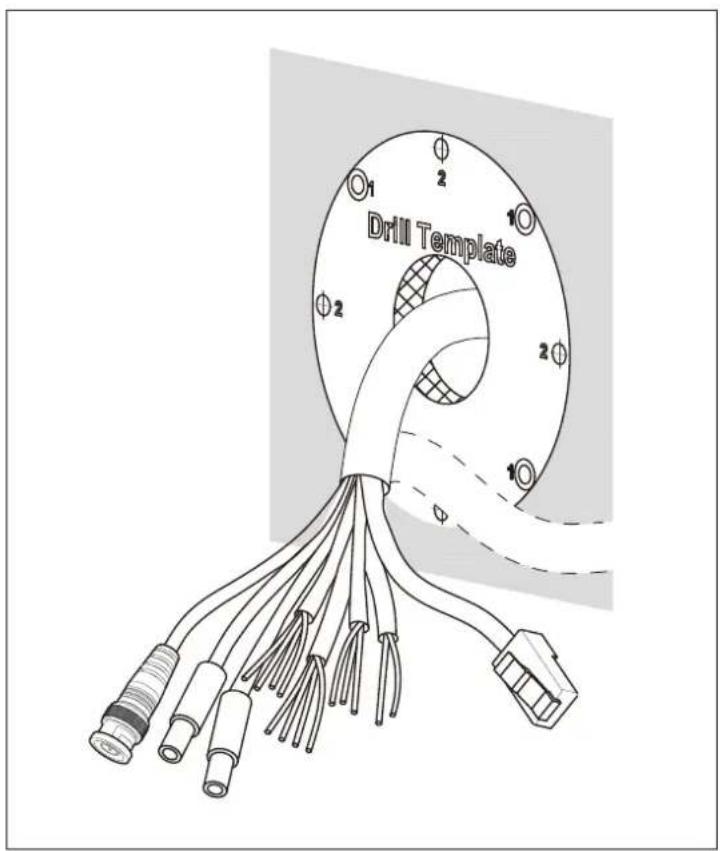
text_image
Drill Template Φ 2 Φ 1 Φ 2 Φ 12.3
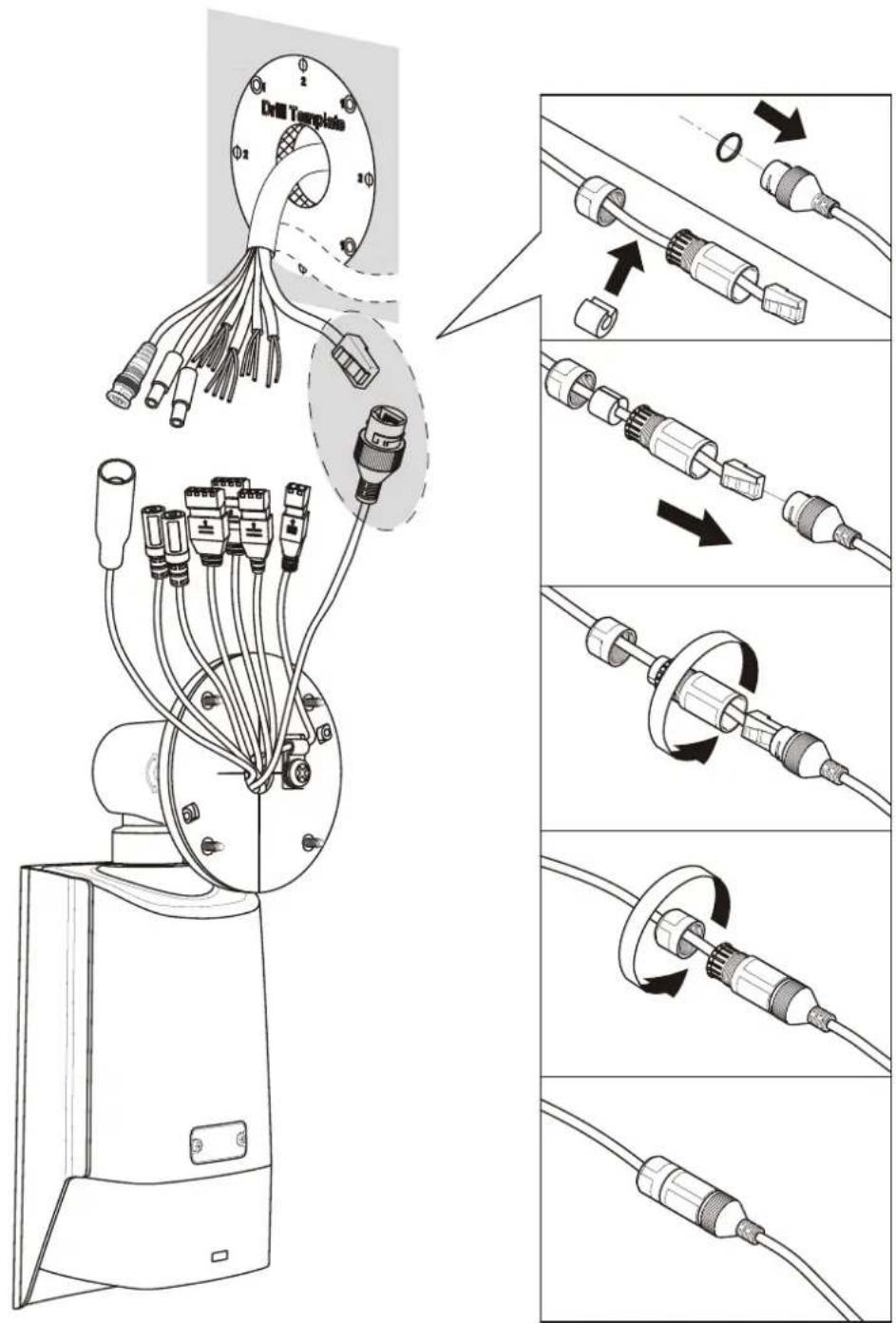
text_image
Drill Tmplado 0 2 0 1 0 2 0 1 0 2 0 1 0 2 0 1 0 2 0 1 0 2 0 1 0 2 0 1 0 2 0 1 0 2 0 1 0 2 0 1 0 2 0 1 0 2 0 1 0 2 0 1 0 3 0 2 0 1 0 2 0 1 0 2 0 1 0 2 0 1 0 2 0 1 0 2 0 1 0 2 0 1 0 2 0 1 0 2 0 1 0 2 0 1 0 2 0 1 0 2 0 1 0 4 0 2 0 1 0 2 0 1 0 2 0 1 0 2 0 1 0 4 0 2 0 1 0 2 0 1 0 2 0 1 0 4 0 2 0 1 0 2 0 1 0 4 0 2 0 1 0 2 0 1 0 4 0 2 0 1 0 2 0 1 0 4 0 2 0 1 0 2 0 1 0 42.4*
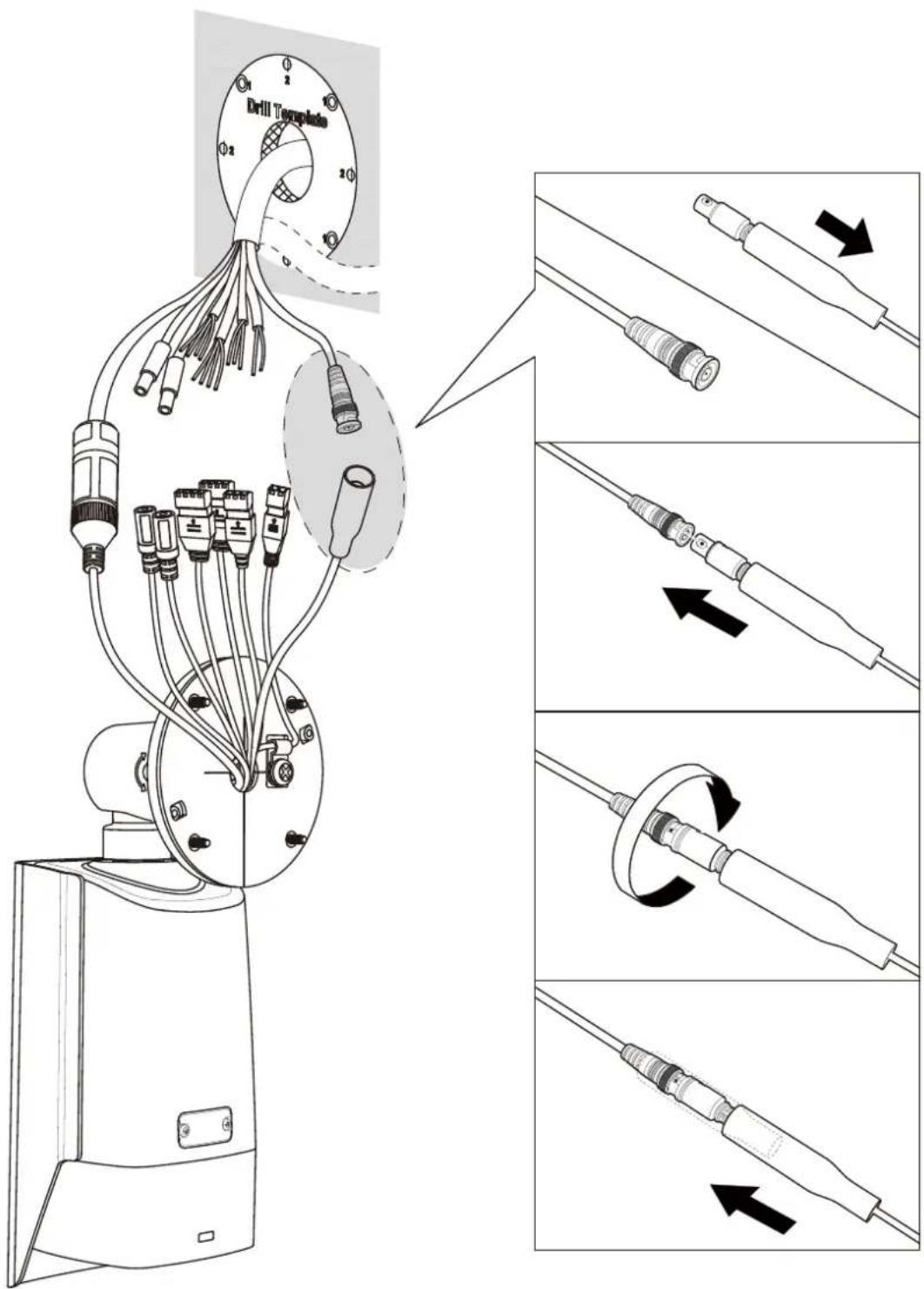
text_image
Technical diagram showing wiring connections to a robotic arm with labeled parts and a zoomed-in view of the top component.2.8
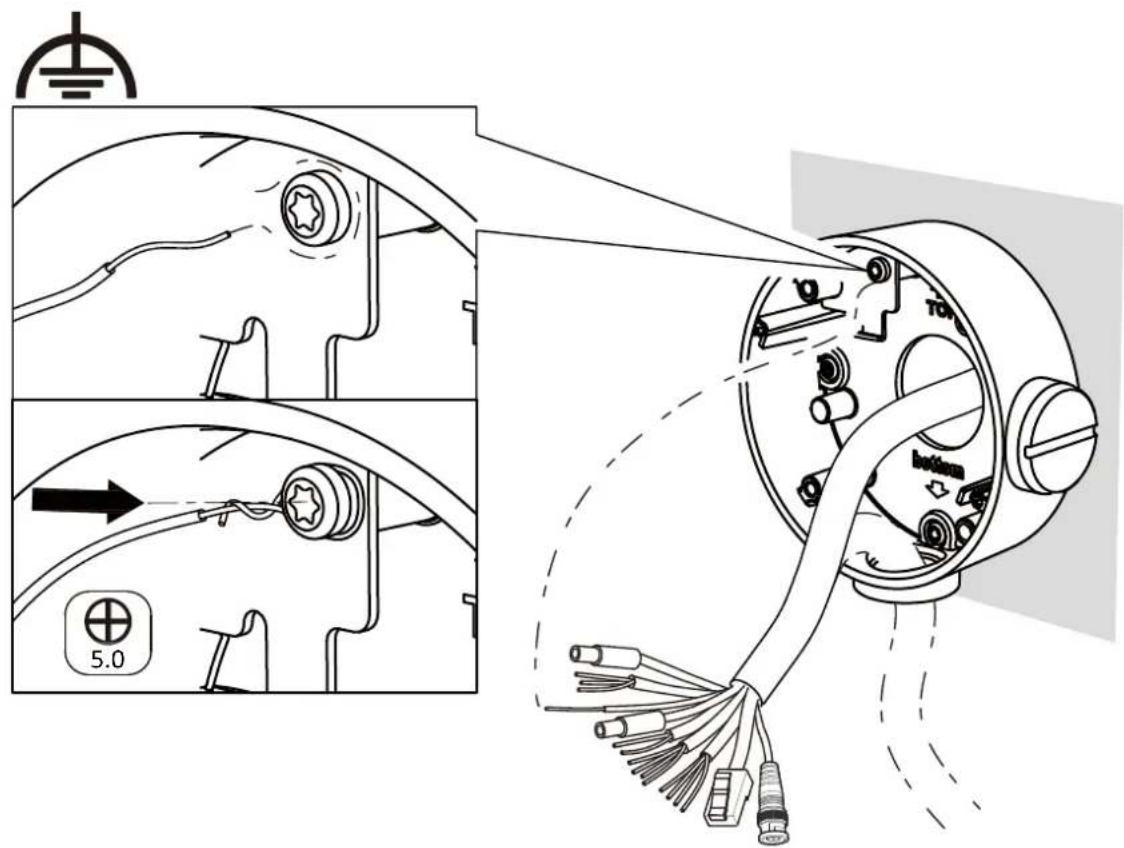
text_image
Technical diagram showing exploded and assembled views of a mechanical device with labeled components and a 5.0 scale indicator.2.9
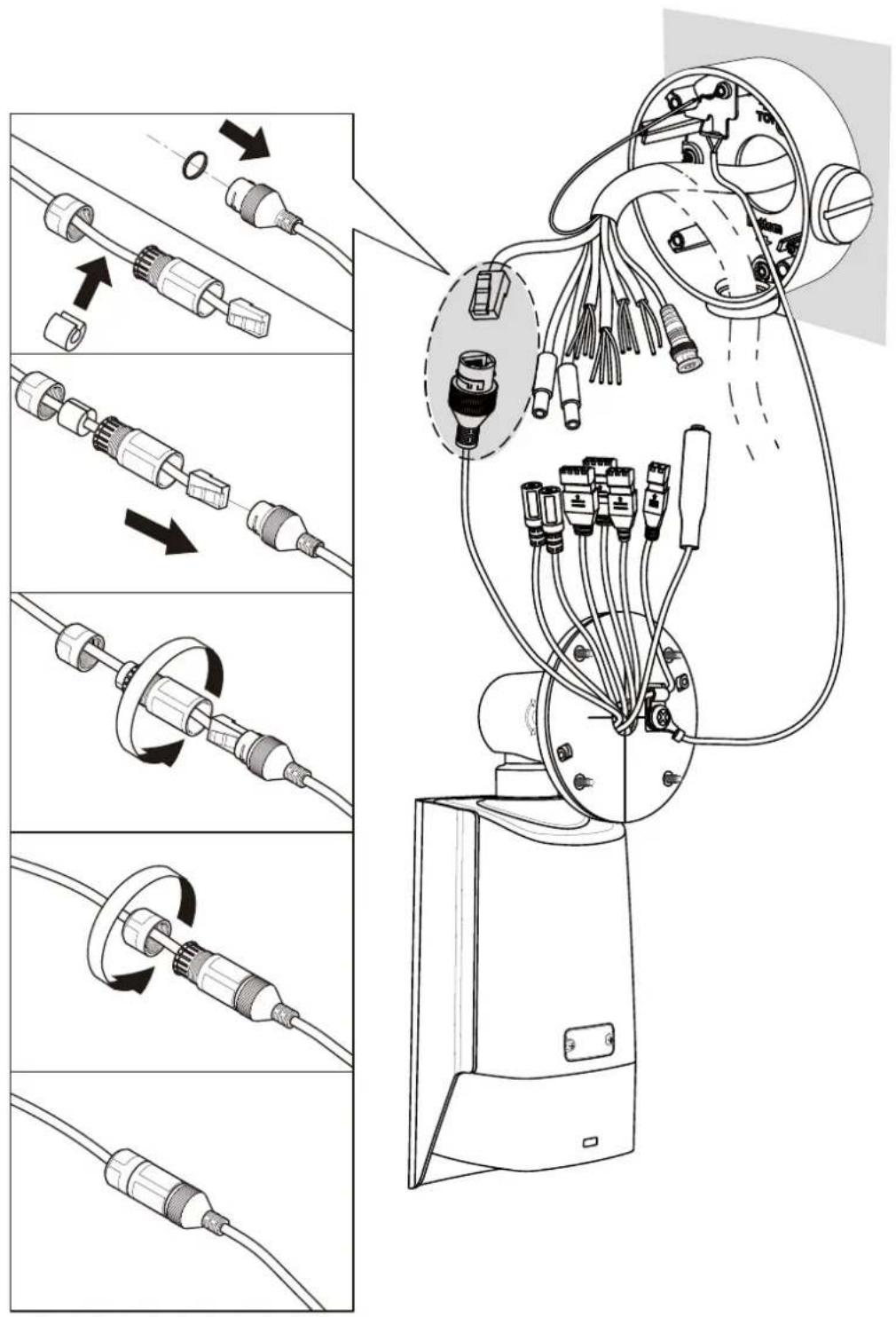
text_image
Technical diagram illustrating the assembly of a robotic arm with multiple cable connectors and wiring, showing progressive disassembly and reassembly steps.3.0\*
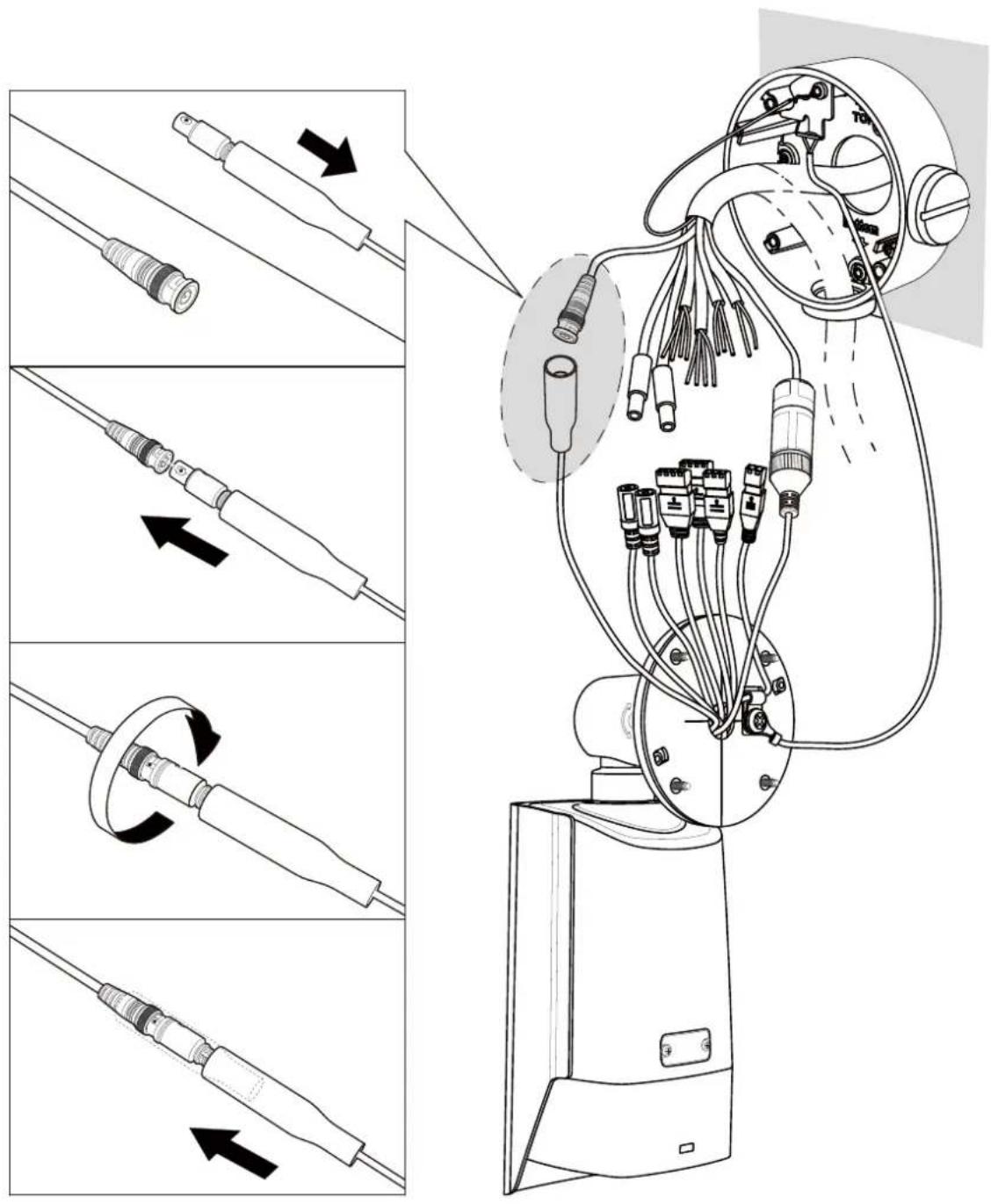
text_image
Technical diagram illustrating the assembly of a robotic arm with labeled components and directional arrows indicating motion.3.1
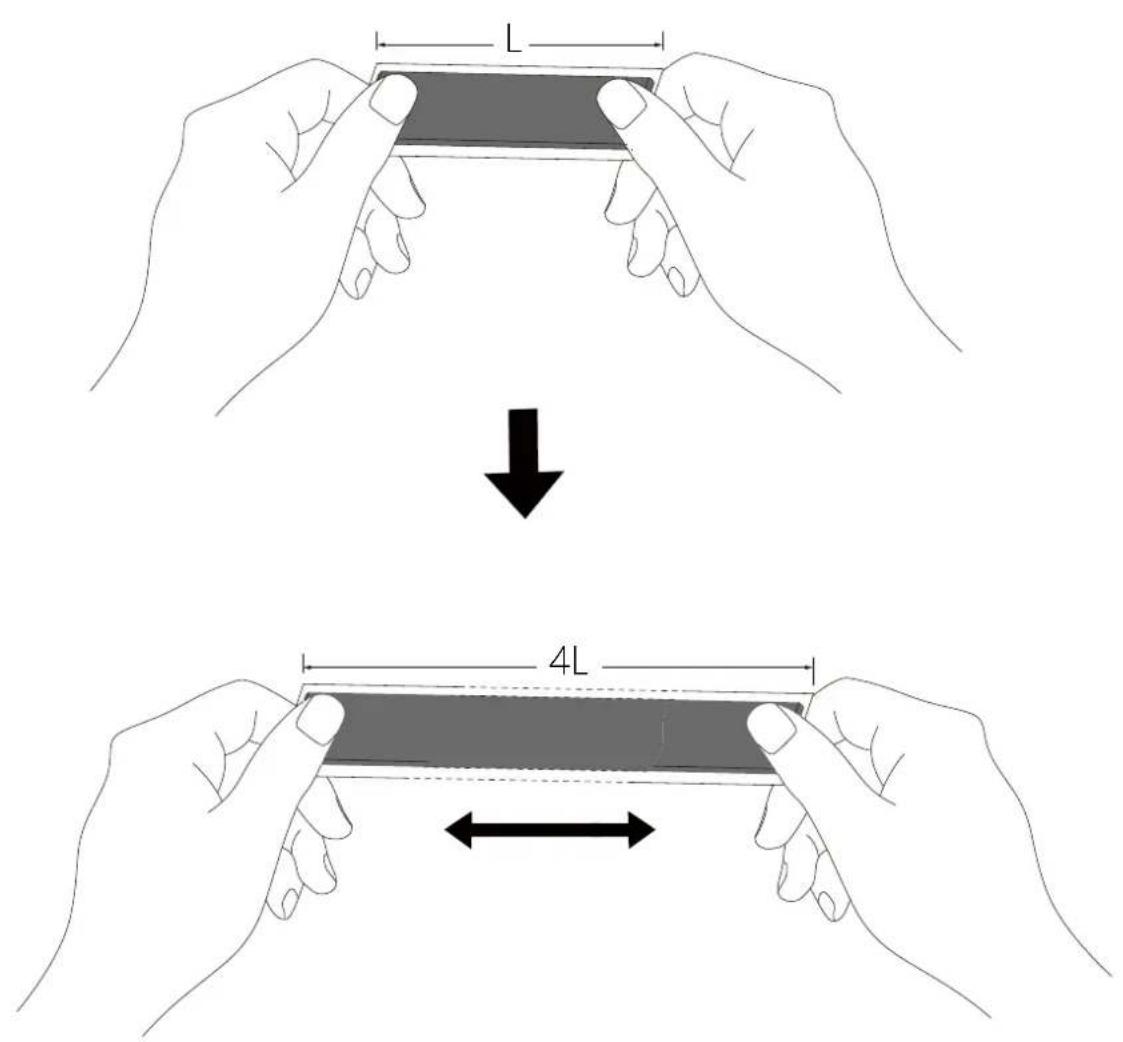
text_image
Diagram illustrating two-step folding or positioning process of a device, showing length L and 4L measurements.3.2
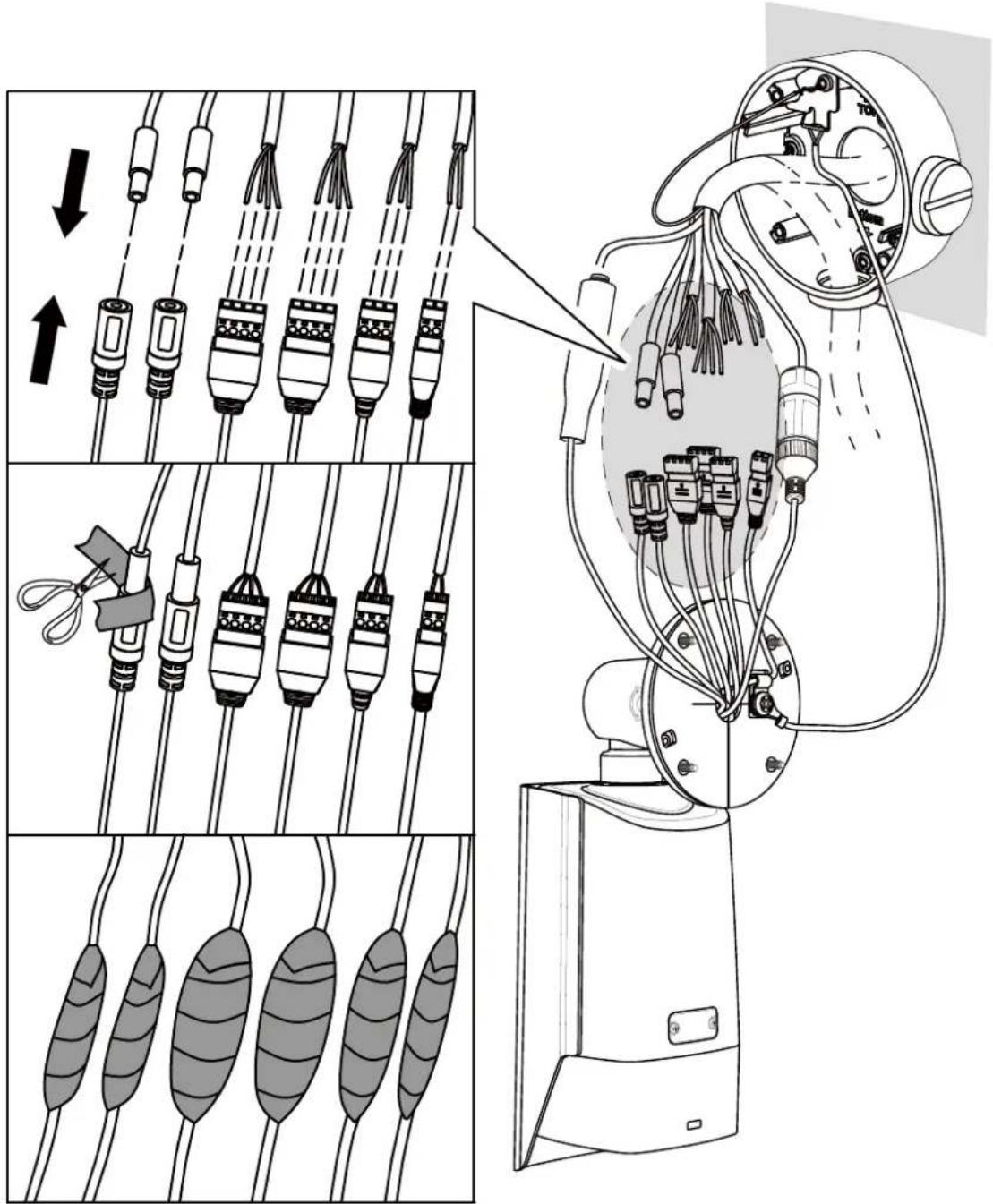
text_image
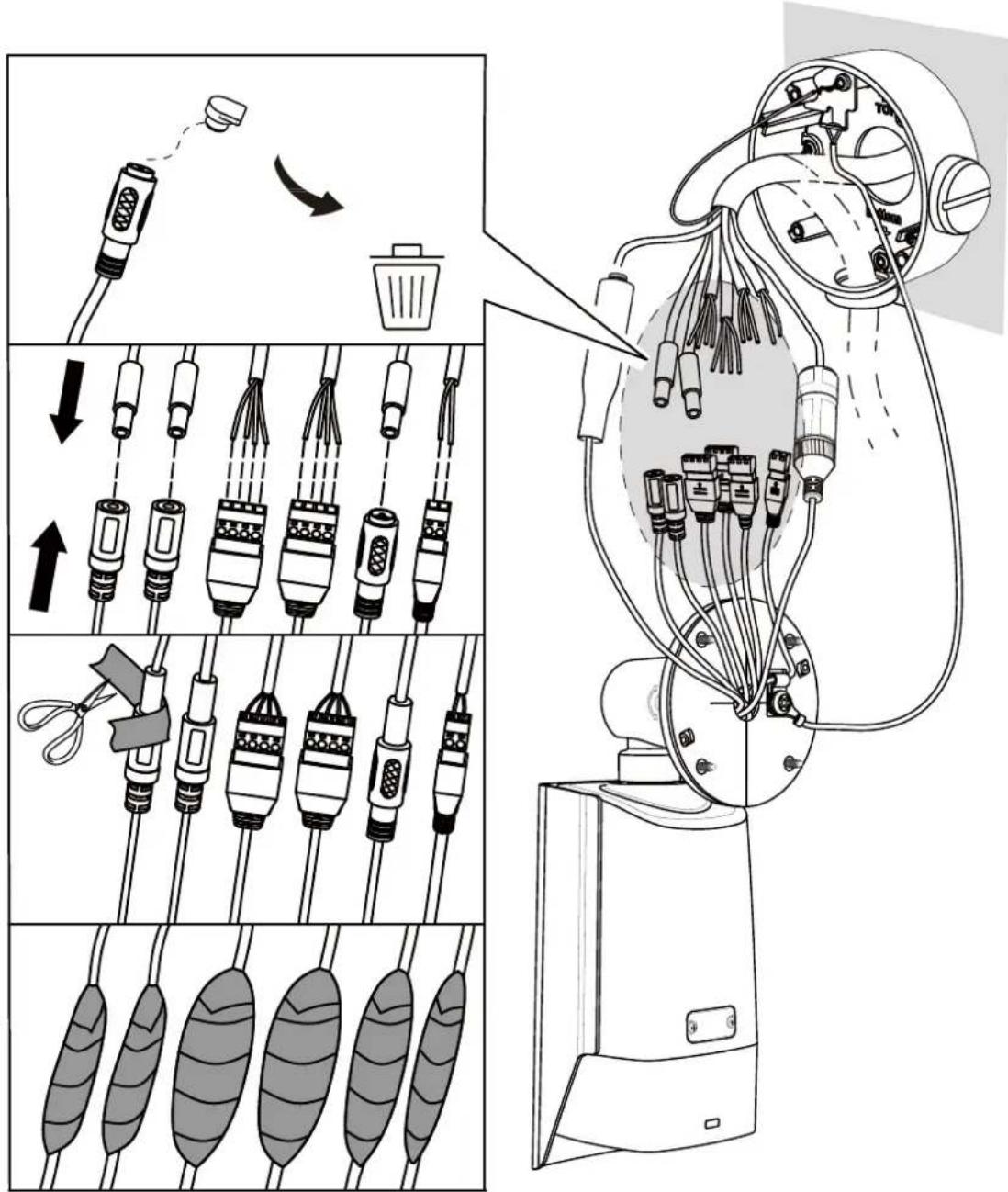
Technical diagram illustrating cable connection and mechanical assembly, showing wire routing and component disassembly steps.
text_image
3.33.2\*
text_image
Technical diagram illustrating the assembly of a robotic arm with labeled components and directional arrows indicating motion.
3.3

text_image
Warning symbol image with exclamation mark inside a triangle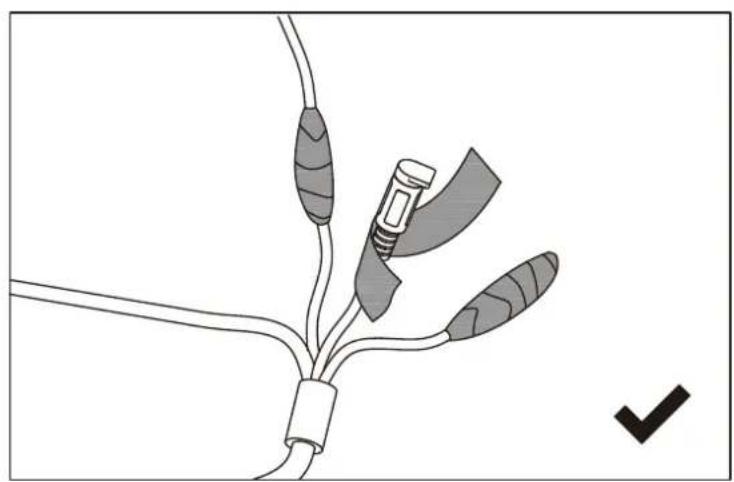
natural_image
Diagram of a medical or surgical device with three connectors and a checkmark indicating a detail (no text or symbols present)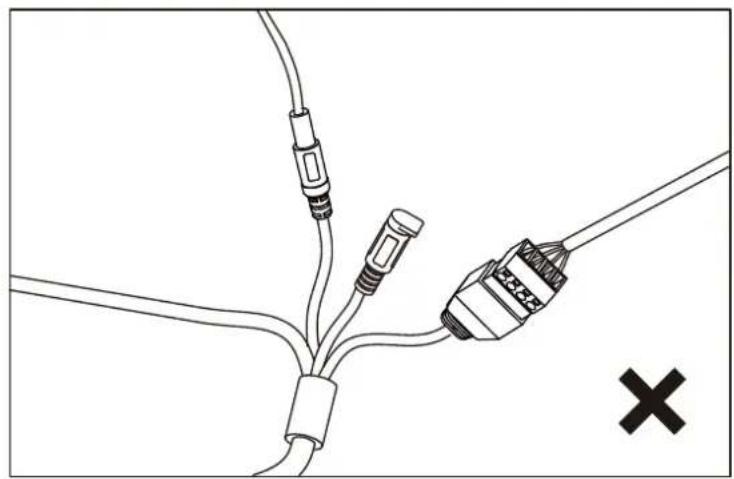
natural_image
Pure electrical circuit lines without any symbols3.4
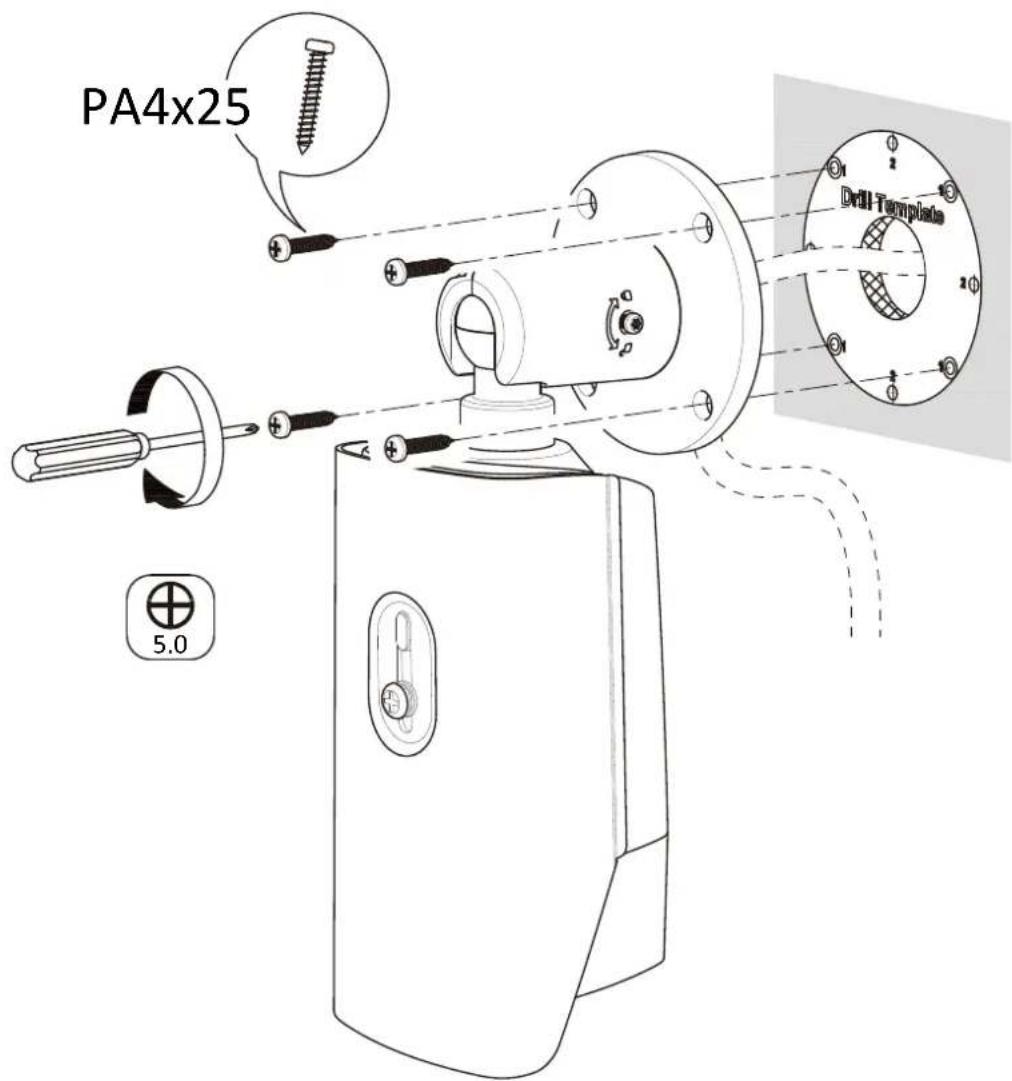
text_image
PA4x25 Drill Template 5.03.4\*
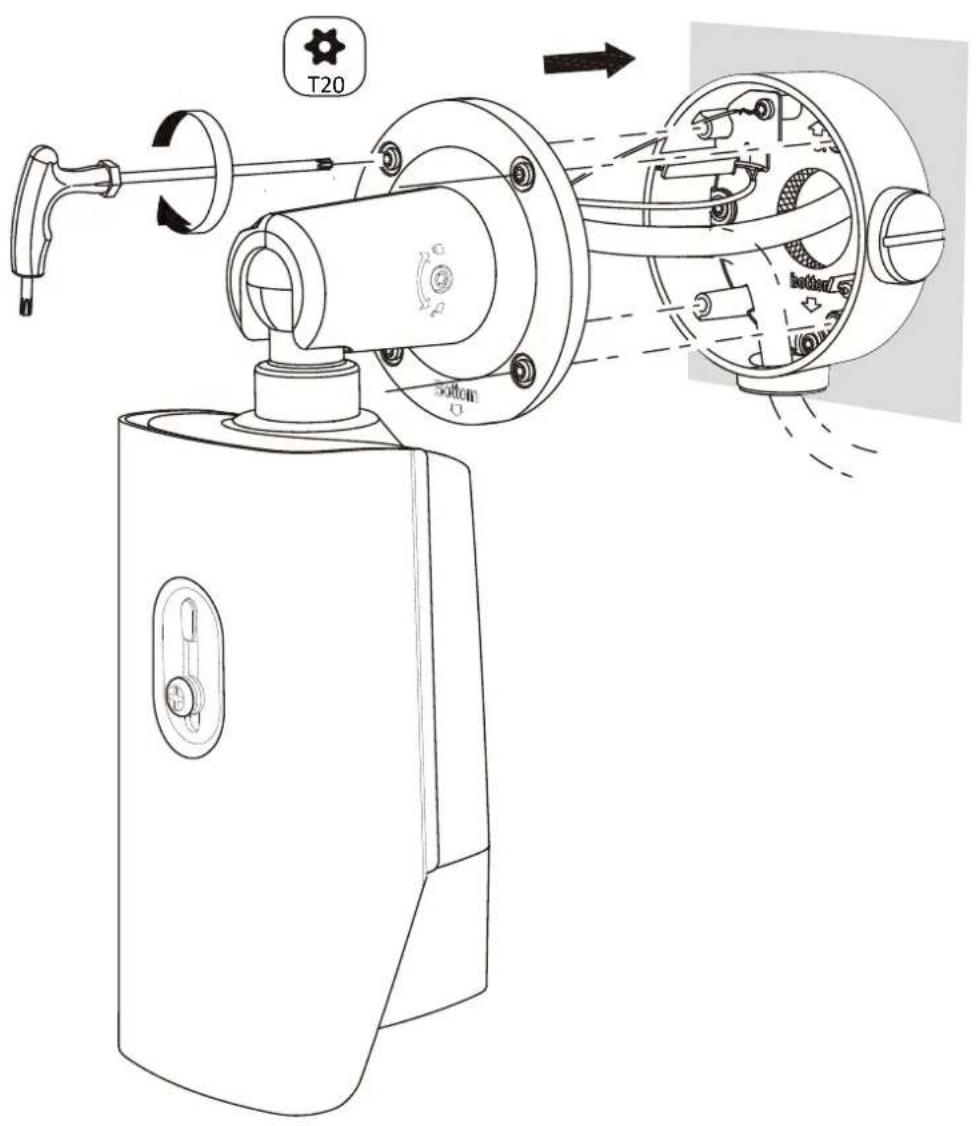
text_image
T20 50mm 100mm/5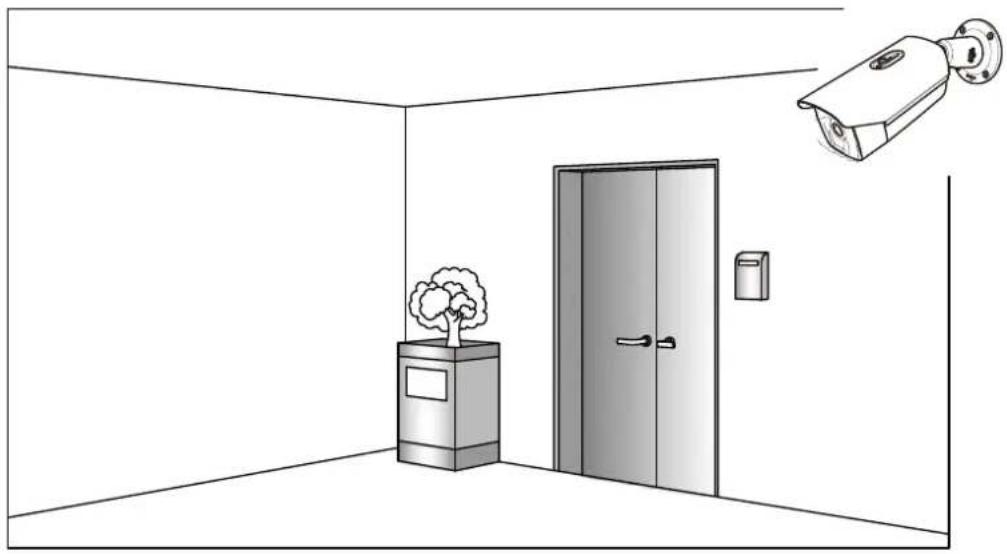
natural_image
Interior view of a room with a security camera and a tree, no text or symbols present3.5
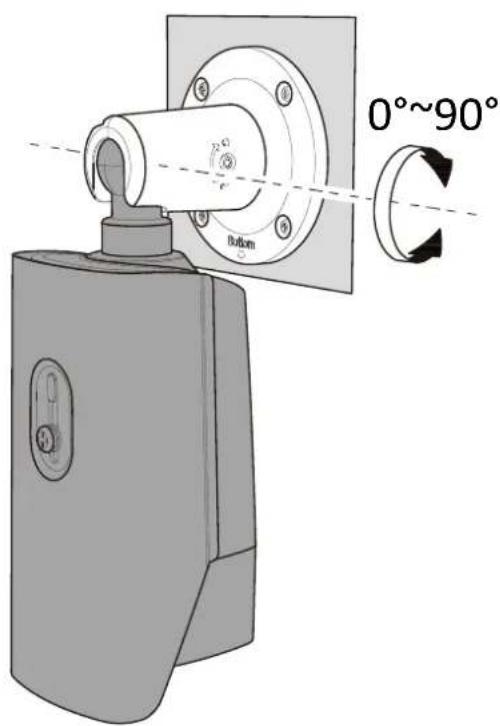
text_image
0°~90° Button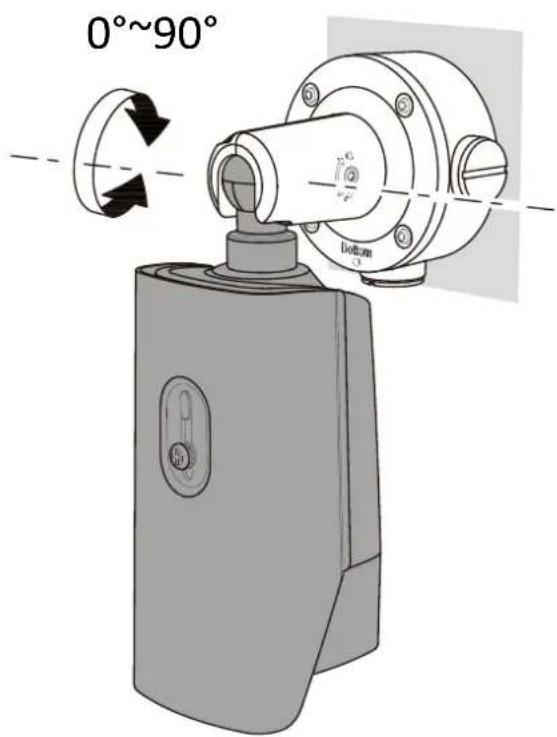
text_image
0°~90° Bottom C φ1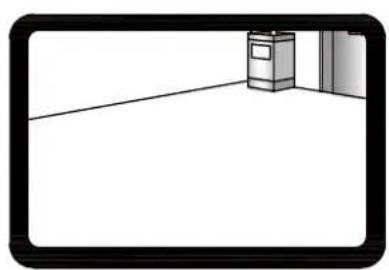
natural_image
Simple line drawing of a hallway with a trash bin and door (no text or symbols)
natural_image
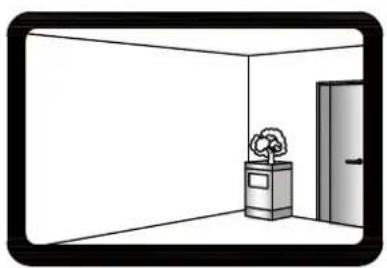
Simple line drawing of a room with a tree, a trash bin, and a door (no text or symbols)3.6
text_image
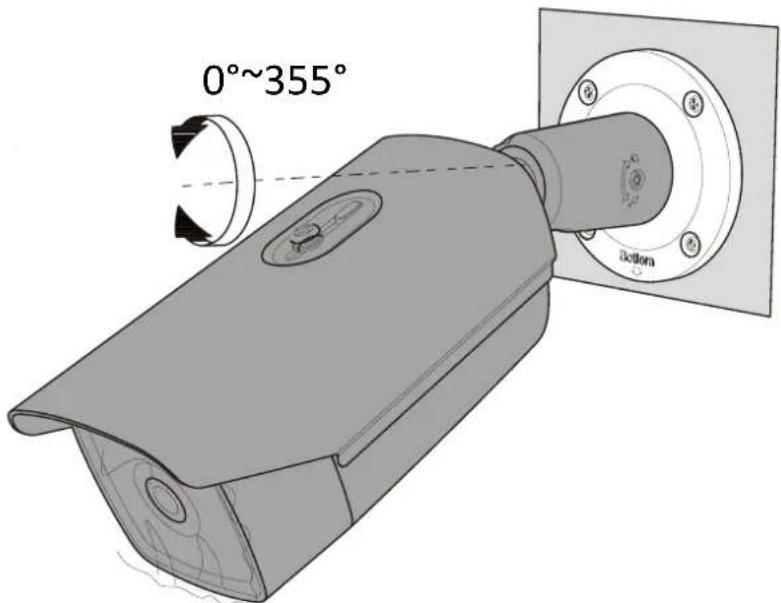
0°~355° action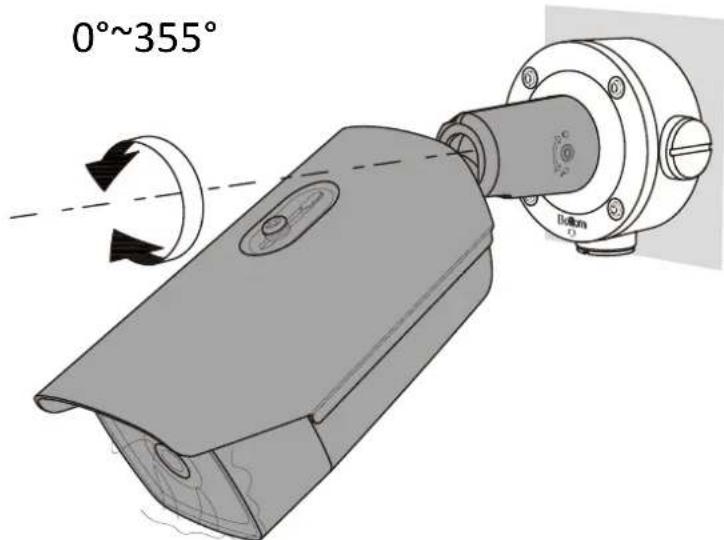
text_image
0°~355° Bottom r3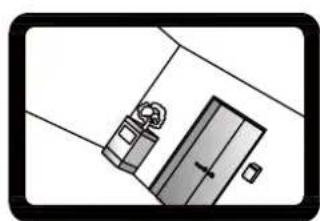
natural_image
Simple line drawing of a door with a hanging device and a small object inside (no text or symbols)
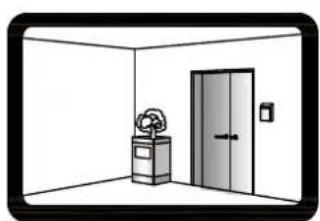
natural_image
Interior view of a room with a door, cabinet, and wall-mounted equipment (no text or symbols)3.7
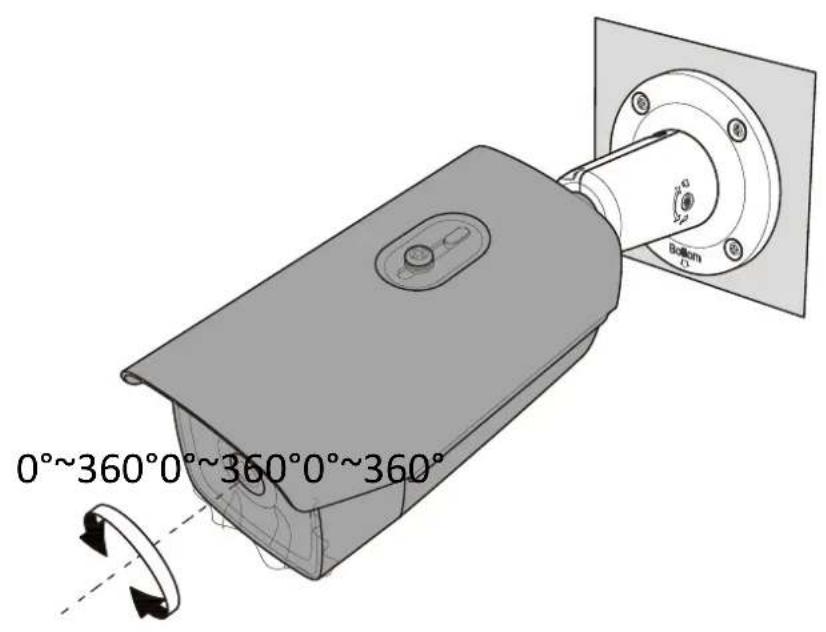
text_image
0°~360°0°~360°0°~360° Bottom 2.5°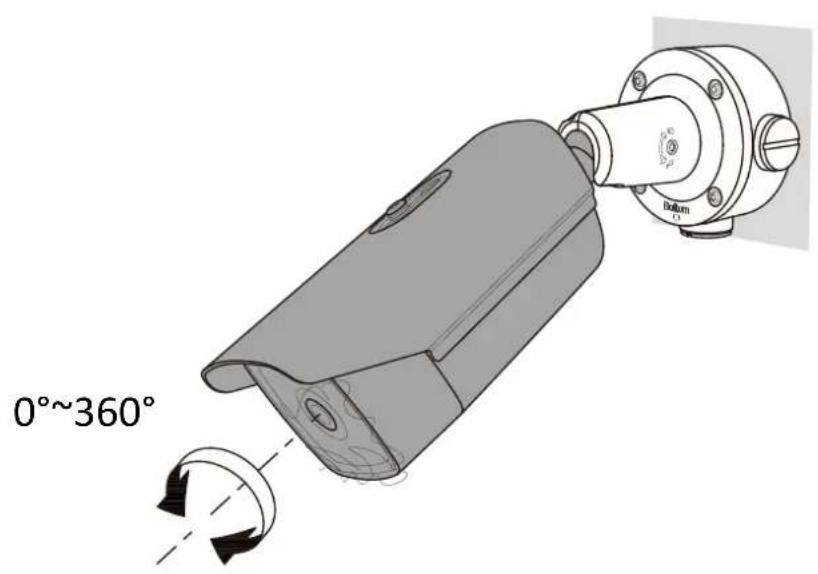
text_image
0°~360° Bottom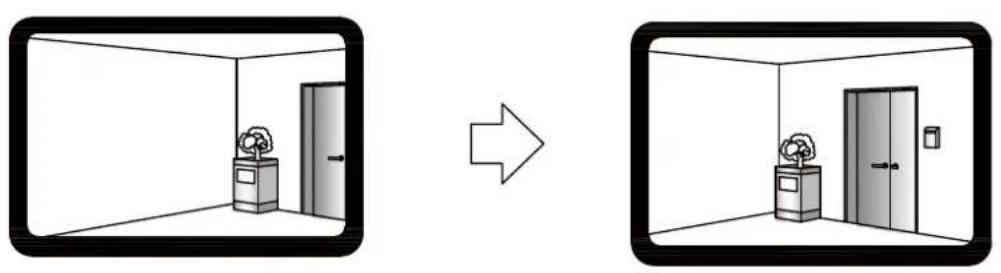
natural_image
Two-panel diagram showing a room interior with labeled boxes and a door, before and after transformation (no text or symbols)3.8
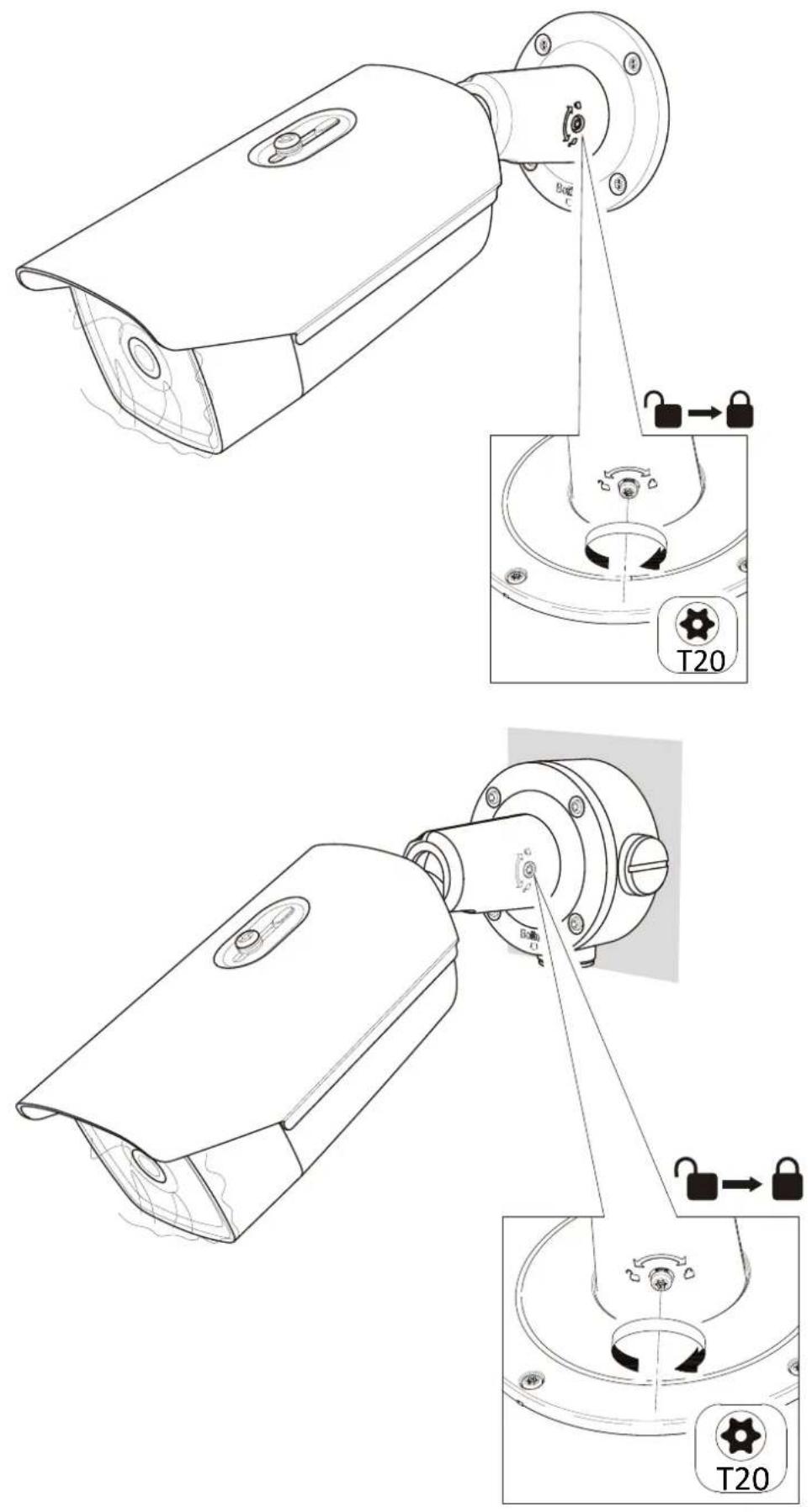
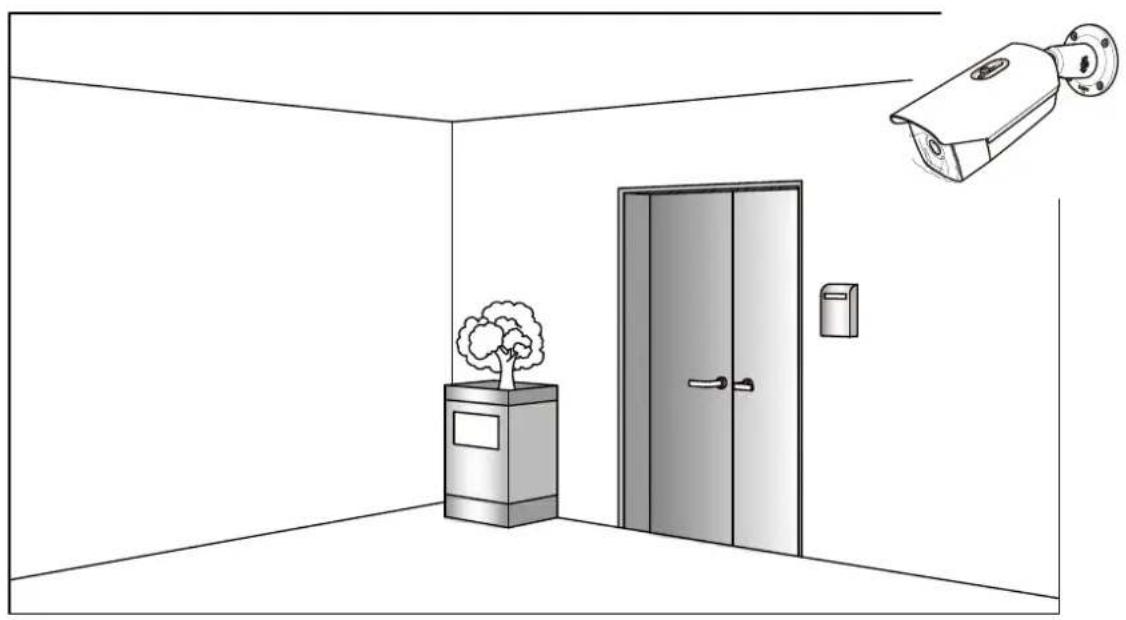
natural_image
Interior view of a room with a security camera and a tree, no text or symbols present3.5*
text_image
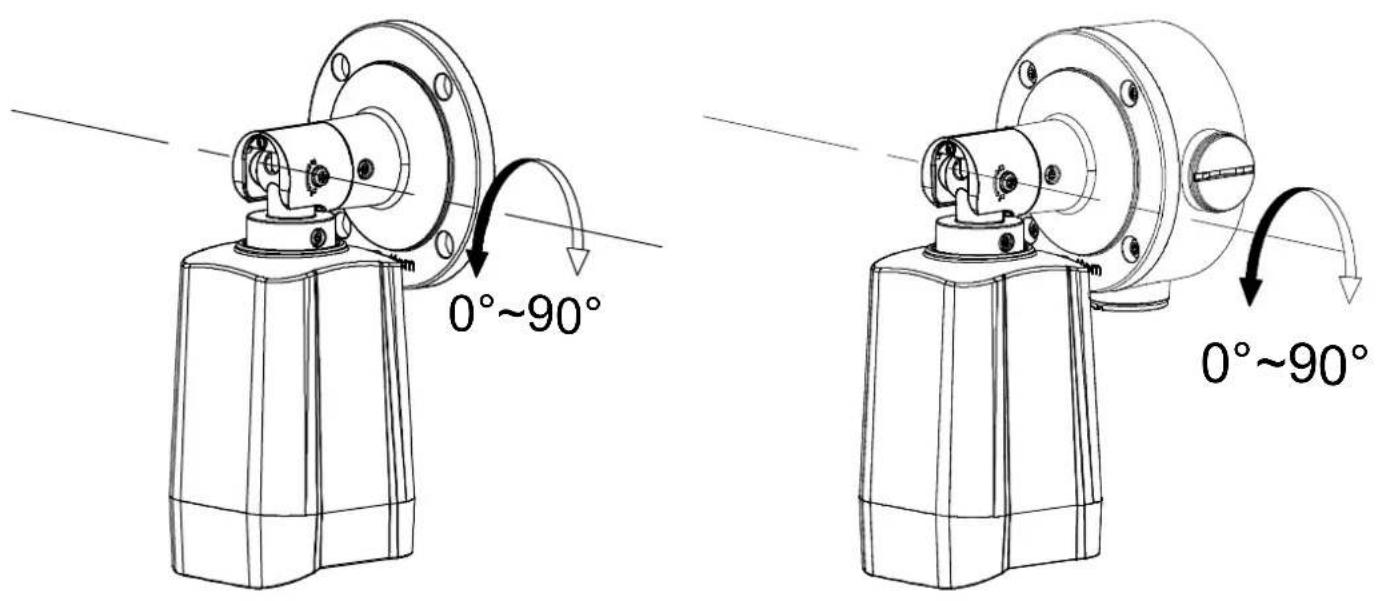
0°~90° 0°~90°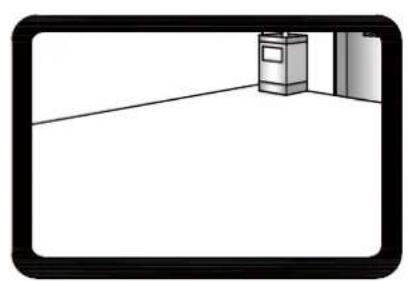
natural_image
Simple line drawing of a room corner with a trash bin and door (no text or symbols)
natural_image
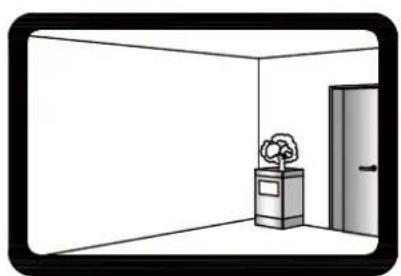
Simple line drawing of a room interior with a door, a box labeled with a flower, and a window (no text or symbols)3.6\*
text_image
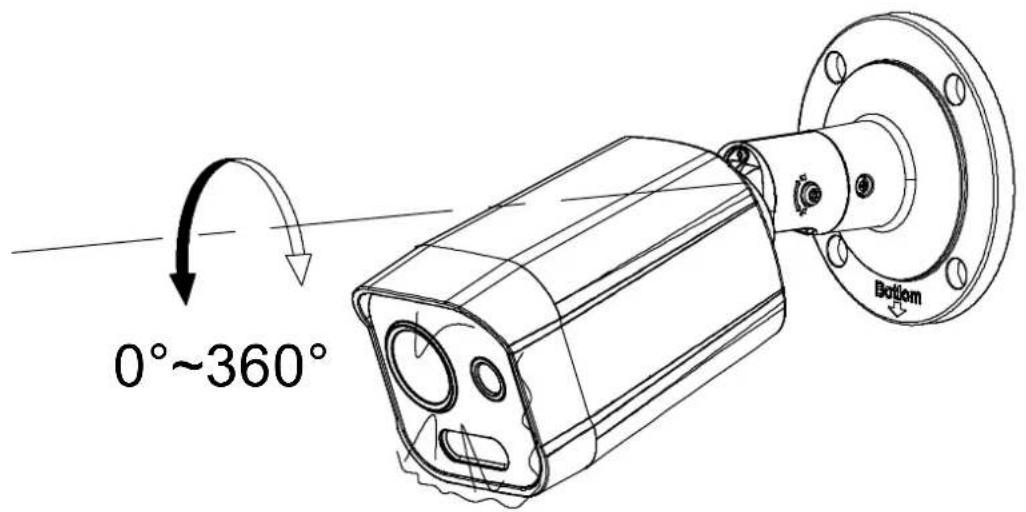
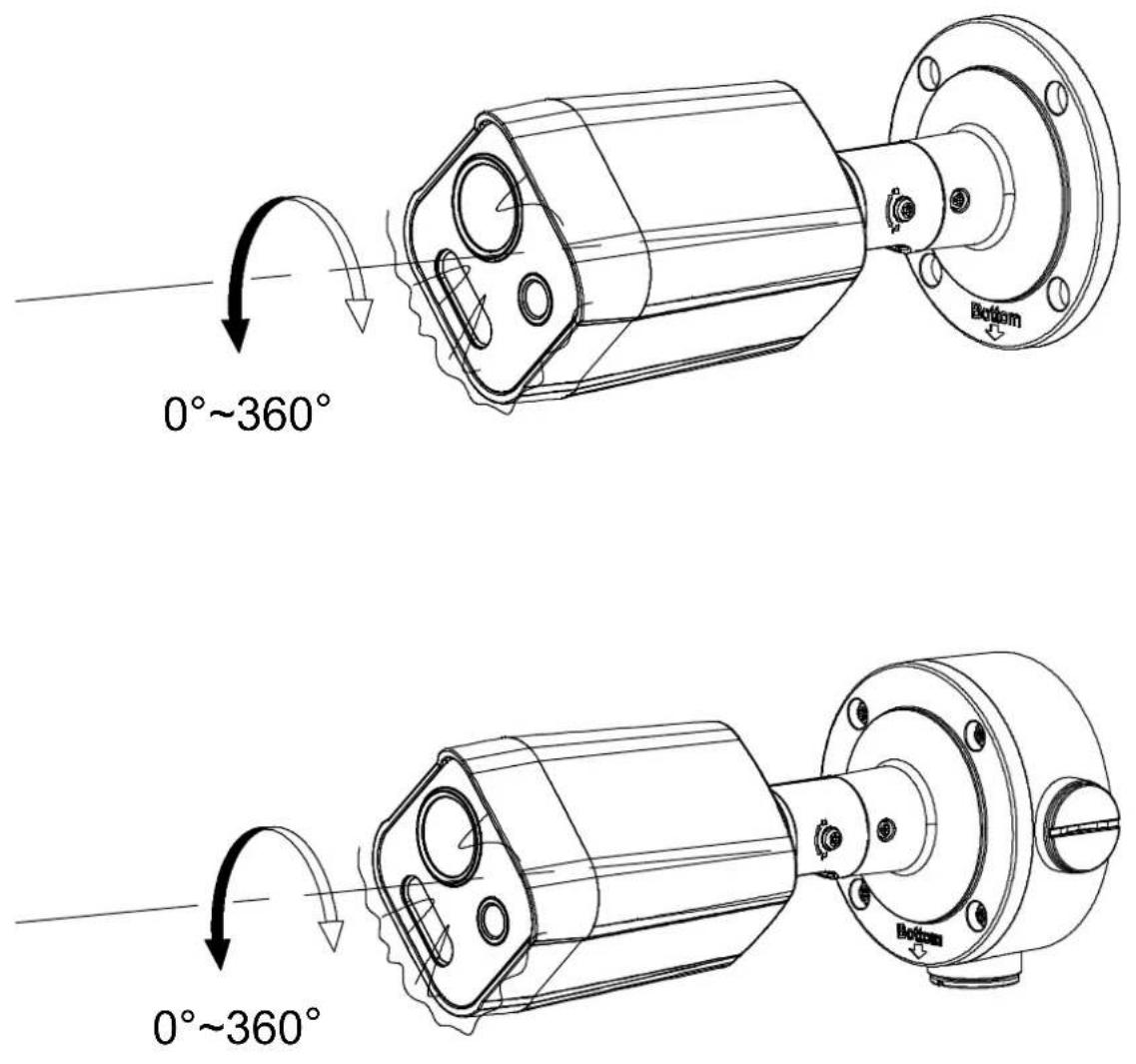
0°~360° Bottom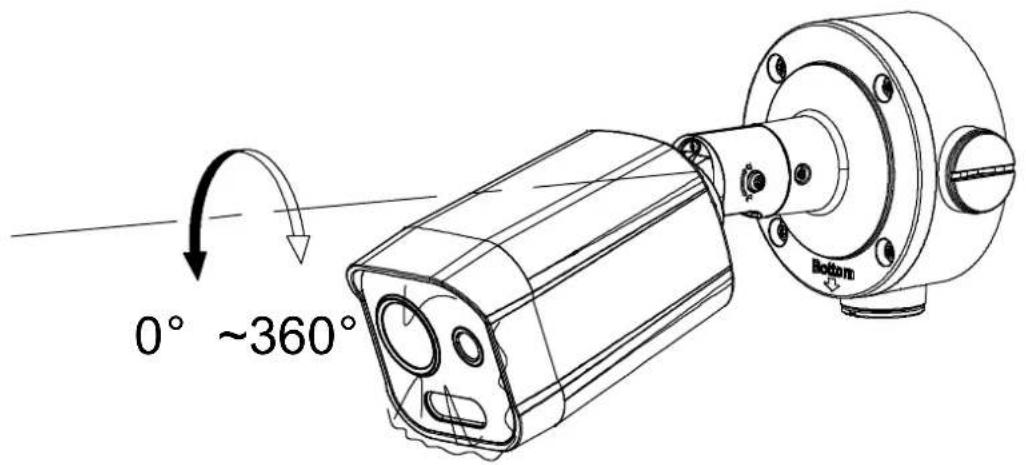
text_image
0° ~360° Bottom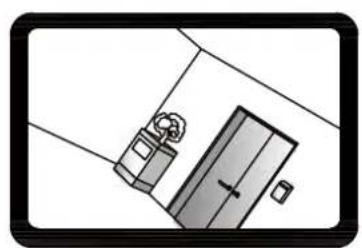
natural_image
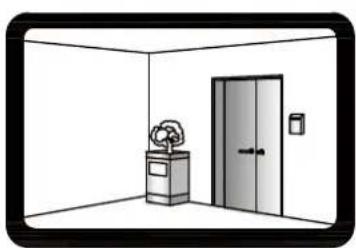
Simple line drawing of a door with a handle and seat, no text or symbols present
natural_image
Interior view of a room with a door, trash bin, and cabinet (no text or symbols)3.7*
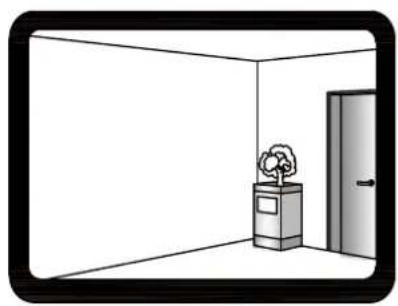
natural_image
Simple line drawing of a room with a tree, a trash bin, and a door (no text or symbols)
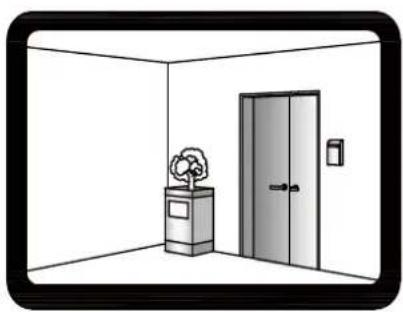
natural_image
Simple line drawing of an empty room with a potted plant and door (no text or symbols)3.8\*
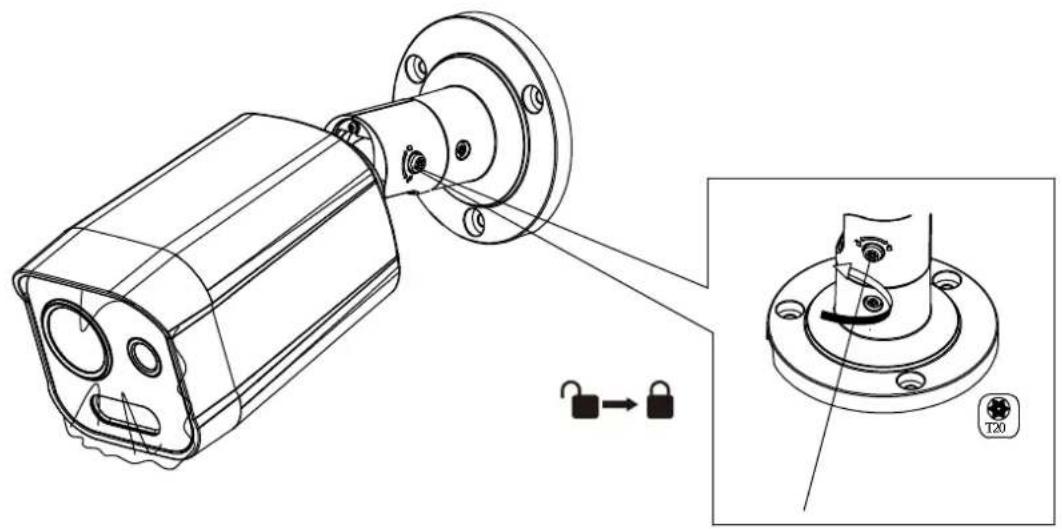
natural_image
Technical line drawing of a mechanical component with mounting flanges and internal features, showing a close-up view of a mechanical assembly (no text or symbols present)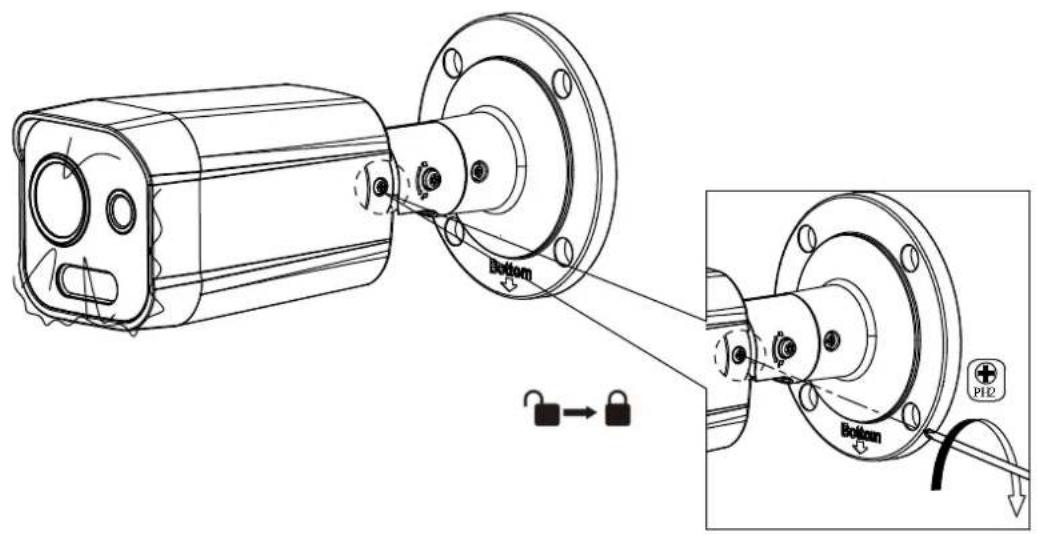
text_image
Bottom Bottom P12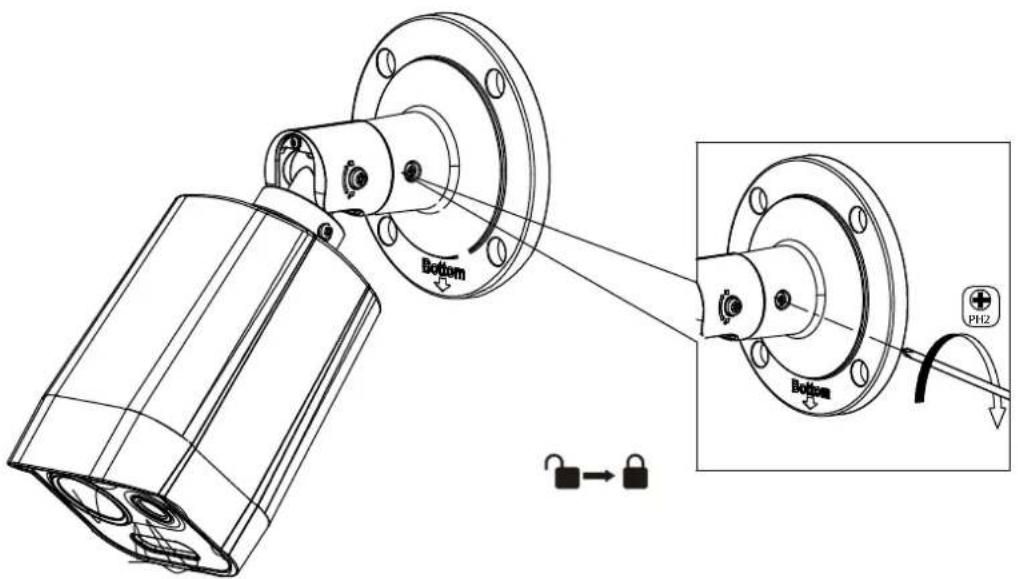
text_image
Bottom PH2 Bottom4.1
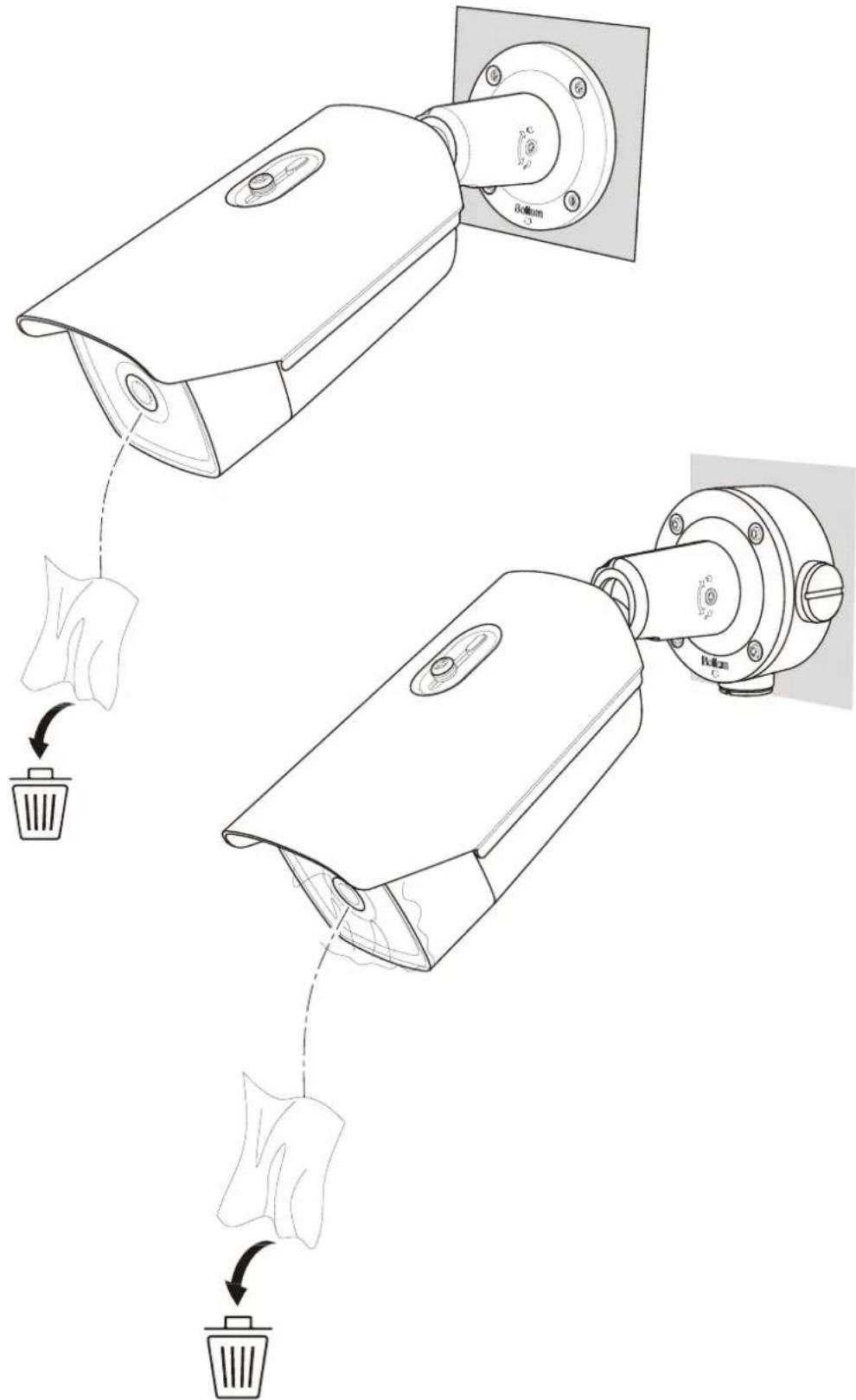
text_image
Diagram showing two security camera modules with labeled components and a hand holding a trash bin, illustrating the process of cleaning or anti-smoking.4.2\*
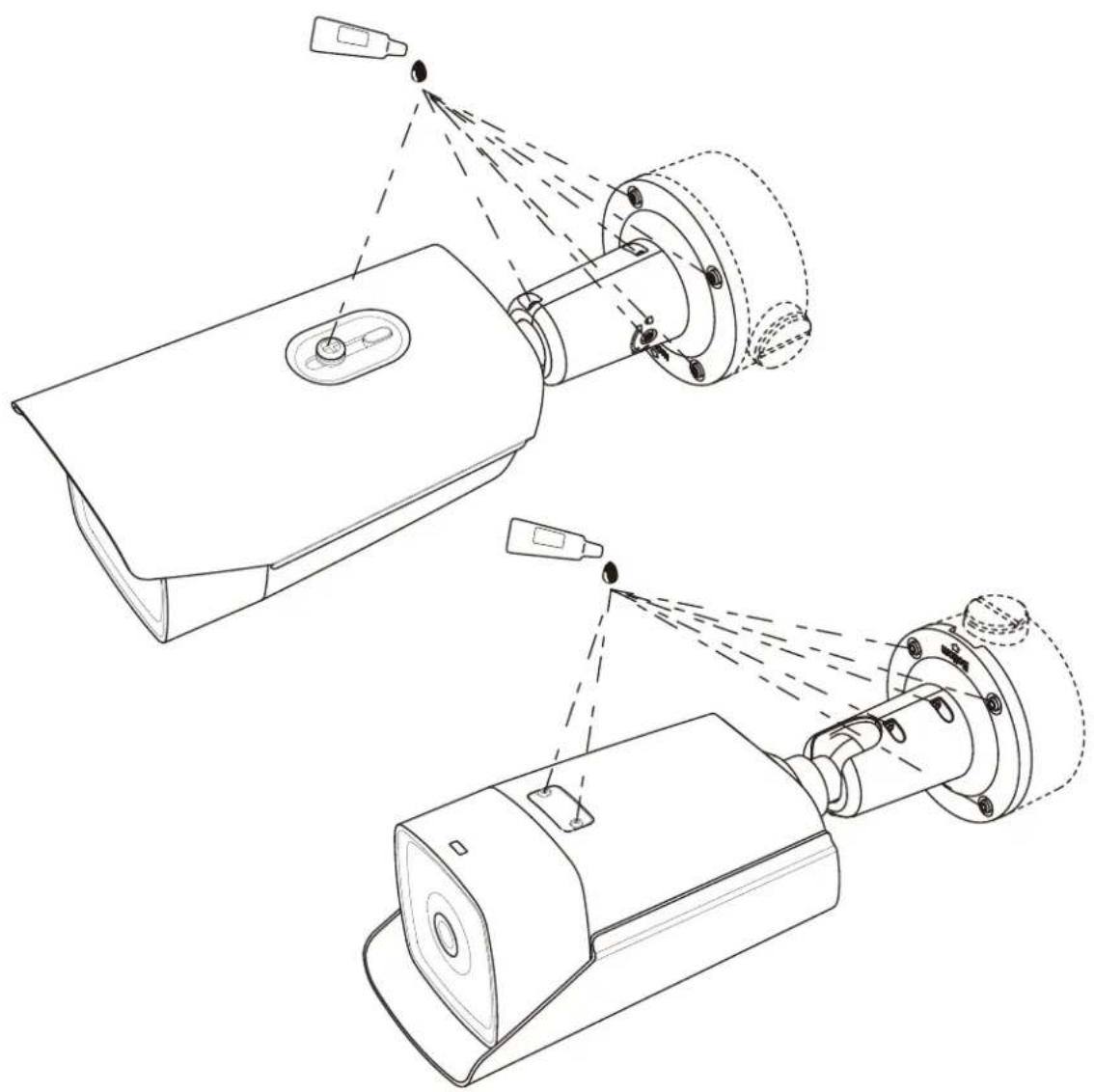
natural_image
Technical line drawing of two mechanical components with spray or laser paths, no text or symbols present*
text_image
Technical diagram of a device with labeled components and wiring, showing connections to an electrical outlet.*
text_image
microSD RESET Bottom 3 2 1 4 5 6 7 8 9 10 11 10 9 **
text_image
Technical diagram of a device with labeled components, showing connections between ports and connectors| Thermal Network Bullet Camera English 1 | ||
| Caméra tube thermique réseau Français 5 | ||
| Thermische Netzwerk-Bulletkamera Deutsch 8 | ||
| Cámara Bullet térmica de red Español 12 | ||
| Termocamera di rete bullet Italiano 16 | ||
| Câmara Bullet de Rede Térmica Português 19 | ||
| Thermische netwerkbulletcamera Nederlands 23 | ||
| Sítová termokamera v provedení bullet | Čeština | 27 |
| Termisk bullet-kamera til netværk | Dansk | 30 |
| Cső kialakítású hálózati hókamera | Magyar | 33 |
| Termowizyjna sieciowa kamera tubowa | Polski | 37 |
| Cameră termică de rețea, de tip bullet | Română | 40 |
| Sietová tubusová termokamera | Slovenčina | 44 |
| Kamera Bullet Jaringan Termal | Bahasa Indonesia | 47 |
| ### | ### | 51 |
| Ağ Tipi Termal Bullet Kamera | Türkçe | 56 |
| Тепловизионная сетевая цилиндрическая камера | Русский | 59 |
| Циліндрична тепловізійна мережева камера Українська 63 | ||
| 열화상 네트워크 불렛 카메라 | 한국어 | 67 |
| サーマルネットワークブレットカメラ | 日本語 | 70 |
| 熱像網路槍型攝影機 | 繁體中文 | 74 |
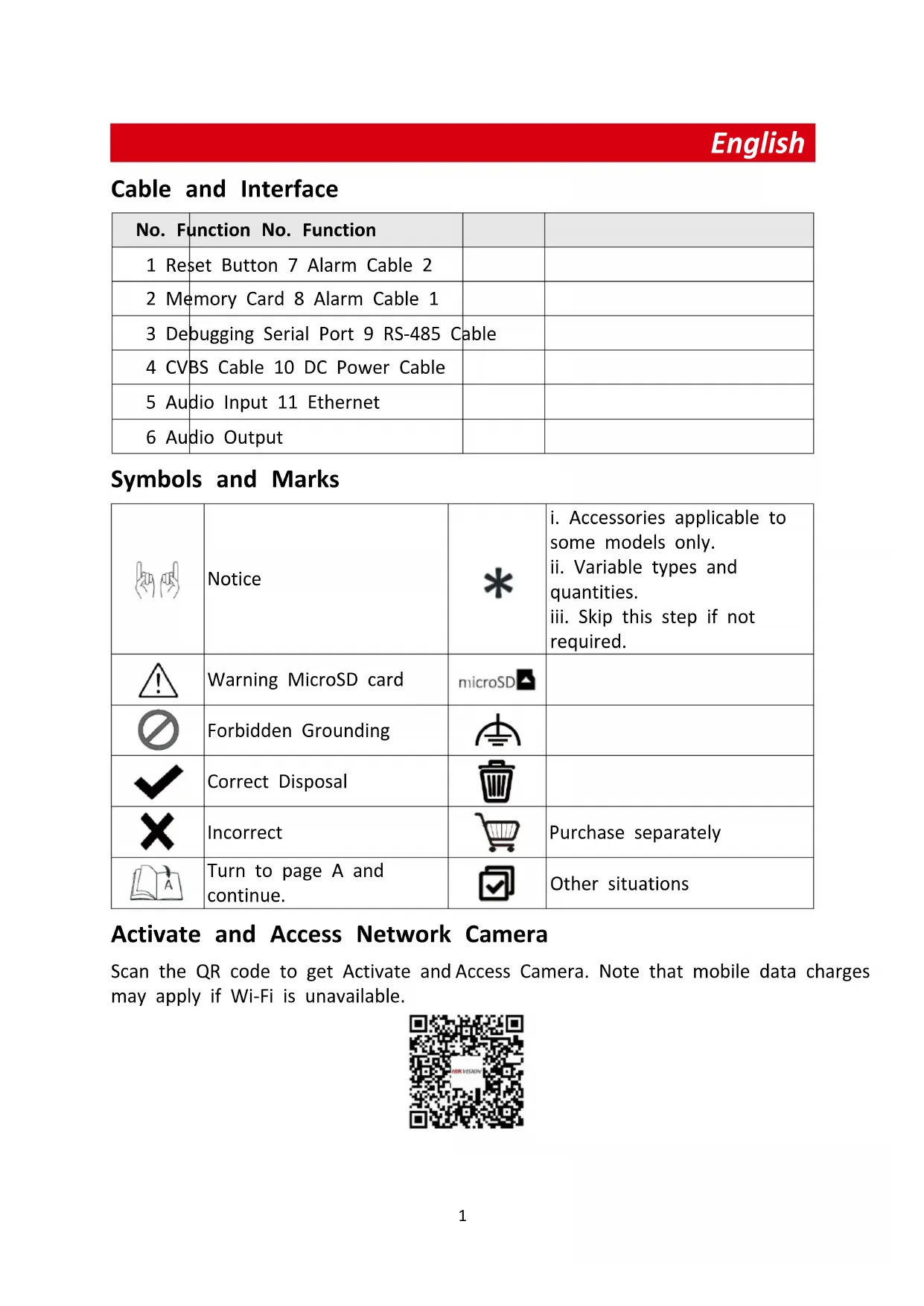
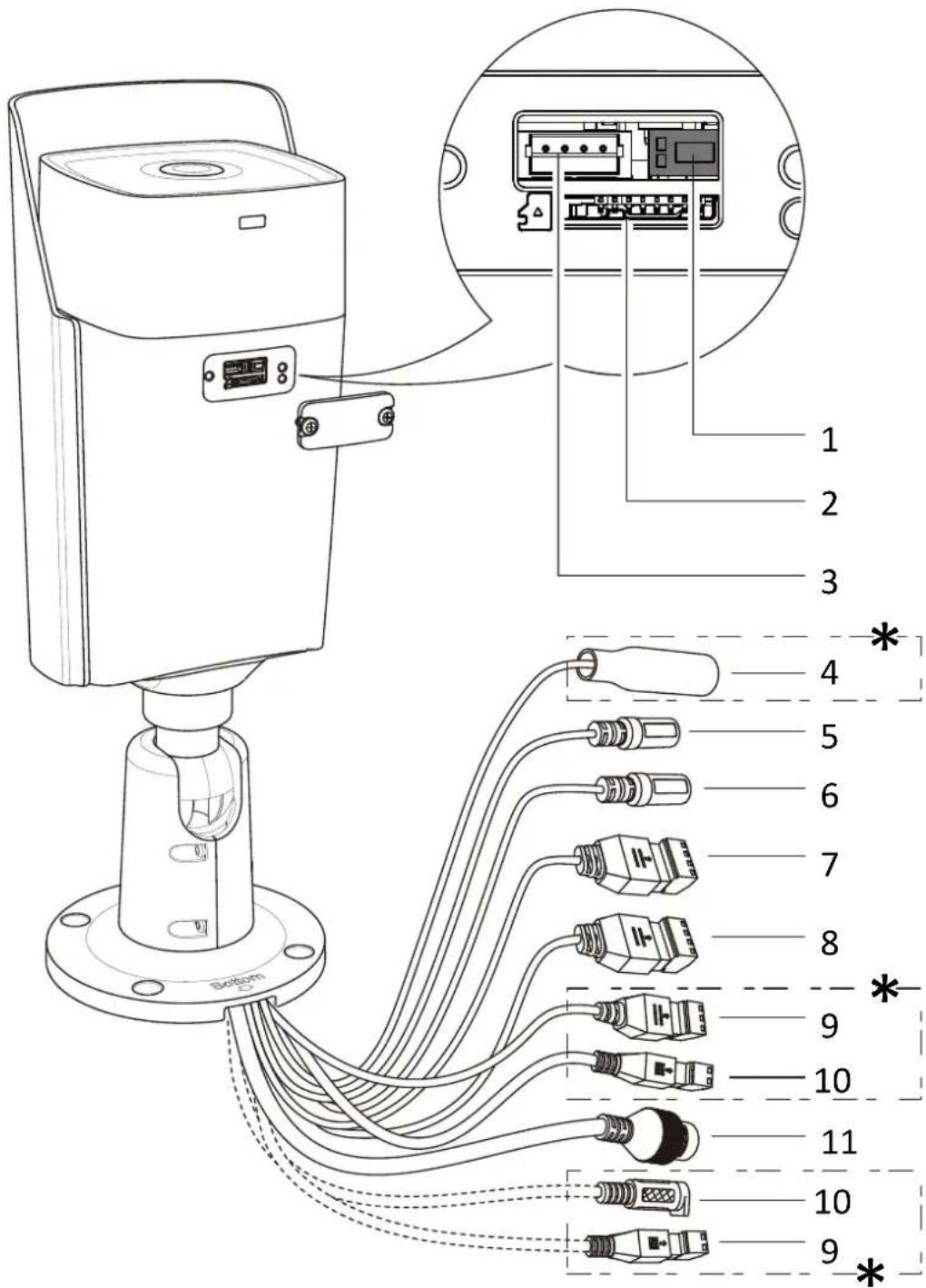
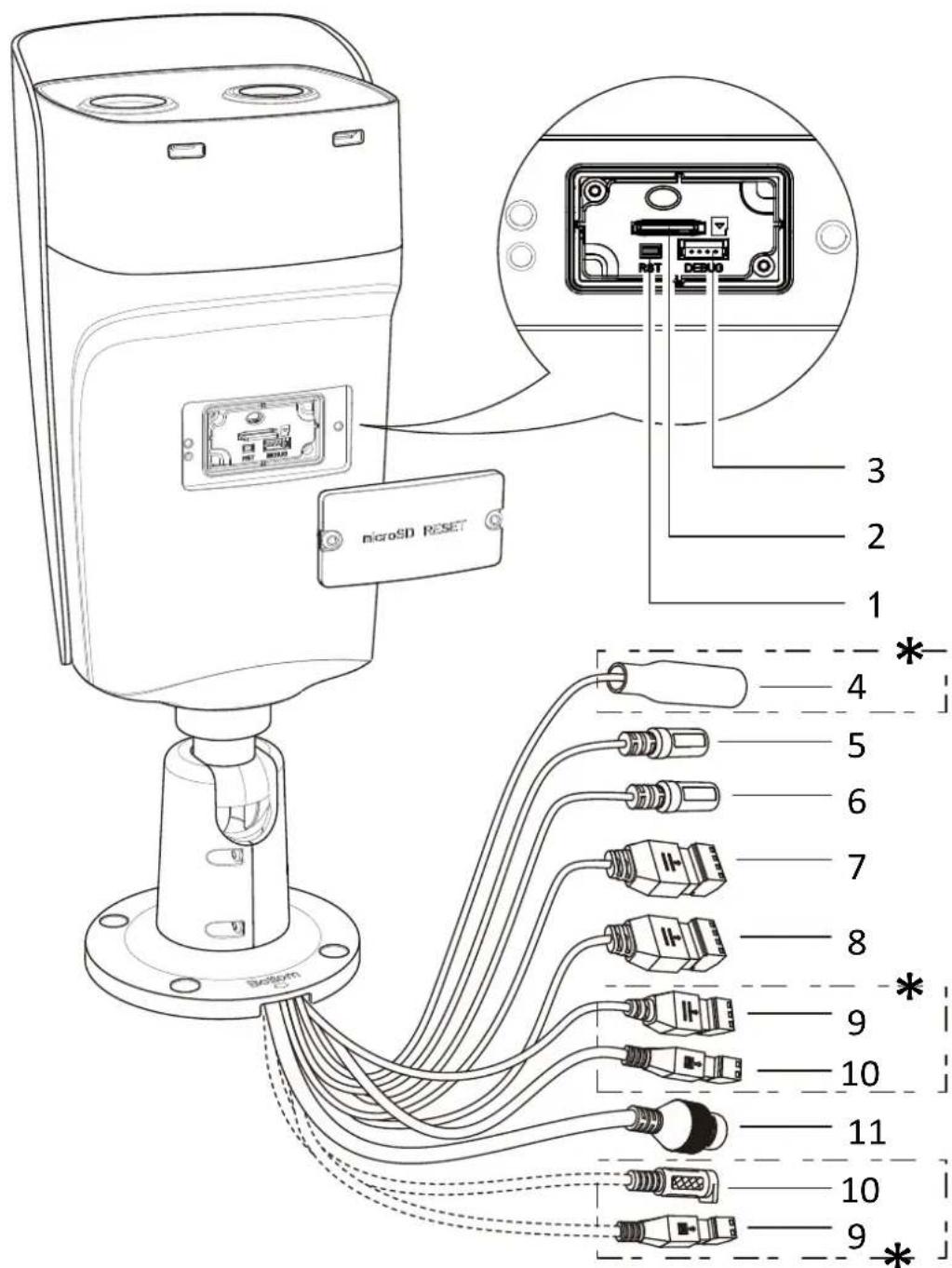
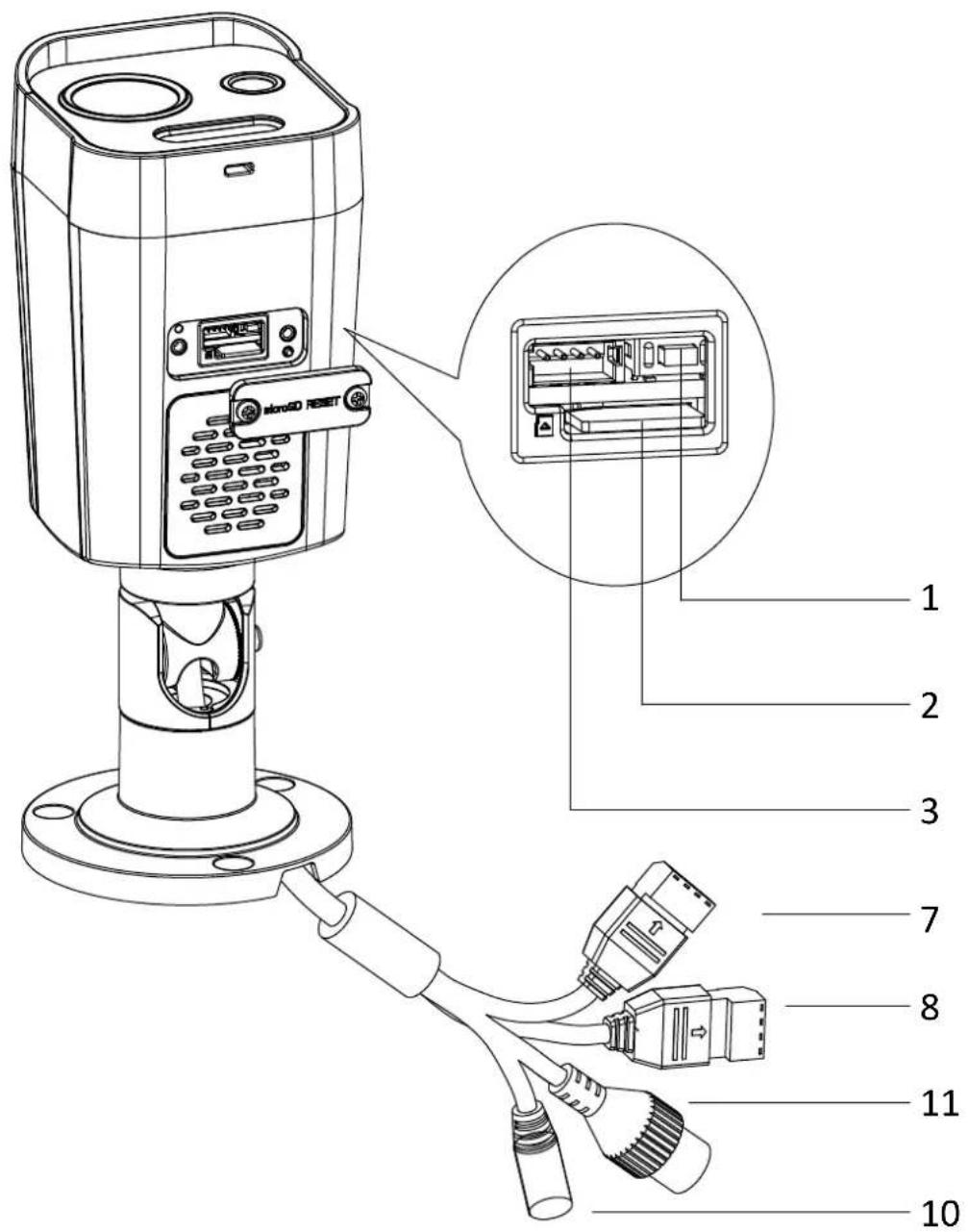
Cable and Interface
| No. | Function No. Function | ||
| 1 | Reset Button 7 Alarm Cable 2 | ||
| 2 | Memory Card 8 Alarm Cable 1 | ||
| 3 | Debugging Serial Port 9 RS-485 Cable | ||
| 4 | CVBS Cable 10 DC Power Cable | ||
| 5 | Audio Input 11 Ethernet | ||
| 6 | Audio Output |
Symbols and Marks
 | Notice |  | i. Accessories applicable to some models only.ii. Variable types and quantities.iii. Skip this step if not required. |
 | Warning MicroSD card | microSD▲ | |
 | Forbidden Grounding |  | |
 | Correct Disposal |  | |
| [YA7S] | Incorrect |  | Purchase separately |
 | Turn to page A and continue. |  | Other situations |
Activate and Access Network Camera
Scan the QR code to get Activate and Access Camera. Note that mobile data charges may apply if Wi-Fi is unavailable.
text_image
MBKVISIONReset and Restore Camera
Press Reset button for about 10 s when the camera is powering on or rebooting to restore the default settings, including the user name, password, IP address, port No., etc.
User Manual & FAQ
For more detailed instructions, scan the QR code below see the user manual. The function may vary according to different camera models. Take the actual product for reference.

text_image
MIR VISIONThermal Network Bullet Camera

text_image
QR code image with embedded text 'NAMC15304V' in red at centerBi-spectrum Network Bullet Camera

text_image
MIRVESTIONFAQ
Regulatory Compliance and Safety Information
Read all information and instructions in this document carefully before using the device and keep it for further reference.
For more device information and instructions, please visit our website at https://www.hikvision.com.
You can also refer to other documents (if any) accompanying the device or scan the QR code (if any) on the packaging to get more information.
©2023 Hangzhou Hikvision Digital Technology Co., Ltd. All rights reserved.
About this Manual
The Manual includes instructions for using and managing the Product. Pictures, charts, images and all other information hereinafter are for description and explanation only. The information contained in the Manual is subject to change, without notice, due to firmware updates or other reasons. Please find the latest version of this Manual at the Hikvision website (https://www.hikvision.com).
Please use this Manual with the guidance and assistance of professionals trained in supporting the Product.
Trademarks
HIKVISION and other Hikvision's trademarks and logos are the properties of Hikvision in various jurisdictions.
Other trademarks and logos mentioned are the properties of their respective owners.
Disclaimer
TO THE MAXIMUM EXTENT PERMITTED BY APPLICABLE LAW, THIS MANUAL AND THE PRODUCT DESCRIBED, WITH ITS HARDWARE, SOFTWARE AND FIRMWARE, ARE PROVIDED "AS IS" AND "WITH ALL FAULTS AND ERRORS". HIKVISION MAKES NO WARRANTIES, EXPRESS OR IMPLIED, INCLUDING WITHOUT LIMITATION, MERCHANTABILITY, SATISFACTORY QUALITY, OR FITNESS FOR A PARTICULAR PURPOSE. THE USE OF THE PRODUCT BY YOU IS AT YOUR OWN RISK. IN NO EVENT WILL HIKVISION BE LIABLE TO YOU FOR ANY SPECIAL,
CONSEQUENTIAL, INCIDENTAL, OR INDIRECT DAMAGES, INCLUDING, AMONG OTHERS, DAMAGES FOR LOSS OF BUSINESS PROFITS, BUSINESS INTERRUPTION, OR LOSS OF DATA, CORRUPTION OF SYSTEMS, OR LOSS OF DOCUMENTATION, WHETHER BASED ON BREACH OF CONTRACT, TORT (INCLUDING NEGLIGENCE), PRODUCT LIABILITY, OR OTHERWISE, IN CONNECTION WITH THE USE OF THE PRODUCT, EVEN IF HIKVISION HAS BEEN ADVISED OF THE POSSIBILITY OF SUCH DAMAGES OR LOSS. YOU ACKNOWLEDGE THAT THE NATURE OF THE INTERNET PROVIDES FOR INHERENT SECURITY RISKS, AND HIKVISION SHALL NOT TAKE ANY RESPONSIBILITIES FOR ABNORMAL OPERATION, PRIVACY LEAKAGE OR OTHER DAMAGES RESULTING FROM CYBER-ATTACK, HACKER ATTACK, VIRUS INFECTION, OR OTHER INTERNET SECURITY RISKS; HOWEVER, HIKVISION WILL PROVIDE TIMELY TECHNICAL SUPPORT IF REQUIRED. YOU AGREE TO USE THIS PRODUCT IN COMPLIANCE WITH ALL APPLICABLE LAWS, AND YOU ARE SOLELY RESPONSIBLE FOR ENSURING THAT YOUR USE CONFORMS TO THE APPLICABLE LAW. ESPECIALLY, YOU ARE RESPONSIBLE, FOR USING THIS PRODUCT IN A MANNER THAT DOES NOT INFRINGE ON THE RIGHT OF THIRD PARTIES, INCLUDING WITHOUT LIMITATION, RIGHTS OF PUBLICITY, INTELLECTUAL PROPERTY RIGHTS, OR DATA PROTECTION AND OTHER PRIVACY RIGHTS. YOU SHALL NOT USE THIS PRODUCT FOR AN PROHIBITED END-USES, INCLUDING THE DEVELOPMENT OR PRODUCTION OF WEAPONS OF MASS DESTRUCTION, THE DEVELOPMENT OR PRODUCTION OF CHEMICAL OR BIOLOGICAL WEAPONS, ANY ACTIVITIES IN THE CONTEXT RELATED TO ANY NUCLEAR EXPLOSIVE OR UNSAFE NUCLEAR FUEL-CYCLE, OR IN SUPPORT OF HUMAN RIGHTS ABUSES. IN THE EVENT OF ANY CONFLICTS BETWEEN THIS MANUAL AND THE APPLICABLE LAW, THE LATTER PREVAILS.
These clauses apply only to the products bearing the corresponding mark or information.
FCC Compliance Statement
Note: This product has been tested and found to comply with the limits for a Class B digital device, pursuant to Part 15 of the FCC Rules. These limits are designed to provide reasonable protection against harmful interference in a residential installation. This product generates, uses, and can radiate radio frequency energy and, if not installed and used in accordance with the instructions, may cause harmful interference to radio communications. However, there is no guarantee that interference will not occur in a particular installation. If this product does cause harmful interference to radio or television reception, which can be determined by turning the equipment off and on, the user is encouraged to try to correct the interference by one or more of the following measures:
—Reorient or relocate the receiving antenna.
—Increase the separation between the equipment and receiver.
—Connect the equipment into an outlet on a circuit different from that to which the receiver is connected.
—Consult the dealer or an experienced radio/TV technician for help.
Please take attention that changes or modification not expressly approved by the party responsible for compliance could void the user's authority to operate the equipment.
This device complies with Part 15 of the FCC Rules. Operation is subject to the following two conditions: (1) This device may not cause harmful interference, and
(2) This device must accept any interference received, including interference that may cause undesired operation.
EU/UK Compliance Statement

This product and - if applicable - the supplied accessories too are marked with "CE" and comply therefore with the applicable harmonized European
standards listed under the Directive 2014/30/EU (EMCD) and Directive 2011/65/EU (RoHS).
Note: The products with the input voltage of within 50 to 1000 VAC or 75 to 1500 VDC comply with Directive 2014/35/EU (LVD), and the rest products comply with Directive 2001/95/EC (GPSD). Please check the specific power supply information for reference.

This product and - if applicable - the supplied accessories too are marked with "UKCA" and comply therefore with the following directives: Electromagnetic Compatibility
Regulations 2016, Electrical Equipment (Safety) Regulations 2016, the Restriction of the Use of Certain Hazardous Substances in Electrical and Electronic Equipment Regulations 2012.
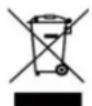
Directive 2012/19/EU (WEEE Directive): Products marked with this symbol cannot be disposed of as unsorted municipal waste in the European Union. For proper recycling, return this product to your local
supplier upon the purchase of equivalent new equipment, or dispose of it at designated collection points. For more information see: www.recyclethis.info.
According to the Waste Electrical and Electronic Equipment Regulations 2013: Products marked with this symbol cannot be disposed of as unsorted municipal waste in the United Kingdom. For proper recycling, return this product to your local supplier upon the purchase of equivalent new equipment, or dispose of it at designated collection points. For more information see: www.recyclethis.info.

Directive 2006/66/EC and its amendment 2013/56/EU (Battery Directive): This product contains a battery that cannot be disposed of as unsorted municipal waste in the European Union. See the product documentation for specific battery information. The battery is marked with this symbol, which may include lettering to indicate cadmium (Cd), lead (Pb), or mercury (Hg). For proper recycling, return the battery to your supplier or to a designated collection point. For more information see: www.recyclethis.info.
According to the Batteries and Accumulators (Placing on the Market) Regulations 2008 and the Waste Batteries and Accumulators Regulations 2009: This product contains a battery that cannot be disposed of as unsorted municipal waste in the United Kingdom. See the product documentation for specific battery information. The battery is marked with this symbol, which may include lettering to indicate cadmium (Cd), lead (Pb), or mercury (Hg). For proper recycling, return the battery to your supplier or to a designated collection point. For more information see: www.recyclethis.info.
Industry Canada ICES-003 Compliance
This device meets the CAN ICES-003 (B)/NMB-003(B) standards requirements.
Safety Information
Please read all the safety information carefully before using.
Laws and Regulations
In the use of the product, you must be in strict compliance with the electrical safety regulations of the nation and region.
Transportation
- Keep the device in original or similar packaging while transporting it.
- Keep all wrappers after unpacking them for future use. In case of any failure occurred, you need to return the device to the factory with the original wrapper. Transportation without the original wrapper may result in damage on the device and the company shall not take any responsibilities.
- DO NOT drop the product or subject it to physical shock. Keep the device away from magnetic interference.
Power Supply
- Please purchase the charger by yourself. Input voltage should meet the Limited Power Source with 12 VDC, or PoE (802.3af) according to the IEC62368 standard. Please refer to technical specifications for detailed information.
- Make sure the plug is properly connected to the power socket.
- The socket-outlet shall be installed near the equipment and shall be easily accessible.
- DO NOT connect multiple devices to one power adapter, to avoid over-heating or fire hazards caused by overload.
- DO NOT touch the bare metal contacts of the inlets after the circuit breaker is turned off. Electricity still exists.
- + identifies the positive terminal(s) of equipment which is used with, or generates direct current. - identifies the negative terminal(s) of equipment which is used with, or generates direct current.
Battery
- Risk of explosion if the battery is replaced by an incorrect type. Dispose of used batteries according to the instructions. Il y a risque d'explosion si la batterie est remplacée par une batterie de type incorrect. Mettre au rebut les batteries usagées conformément aux instructions.
- The built-in battery cannot be dismantled. Please contact the manufacture for repair if necessary.
- For long-term storage of the battery, make sure it is fully charged every half year to ensure the battery quality. Otherwise, damage may occur.
- This equipment is not suitable for use in locations where children are likely to be present.
- Improper replacement of the battery with an incorrect type may defeat a safeguard (for example, in the case of some lithium battery types).
- Do not dispose of the battery into fire or a hot oven, or mechanically crush or cut the battery, which may result in an explosion.
- DO NOT leave the battery in an extremely high temperature surrounding environment, which may result in an explosion or the leakage of flammable liquid or gas.
- DO NOT subject the battery to extremely low air pressure, which may result in an explosion or the leakage of flammable liquid or gas.
Supplement Light
- The beam of the light at the distance of 200 mm is classified as Risk Group 1 (RG1). Possible hazardous optical radiation emitted from this product.
- DO NOT stare at operating light source. May be harmful to the eyes.
- Wear appropriate eye protection or turn on the supplement light only at a safe distance (0.4 m) or in the area that is not directly exposed to the light when installing or maintaining the device.
Installation
- Never place the equipment in an unstable location. The equipment may fall, causing serious personal injury or death.
- This equipment is for use only with corresponding brackets. Use with other (carts, stands, or carriers) may result in instability causing injury.
System Security
- You acknowledge that the nature of Internet provides for inherent security risks, and our company shall not take any responsibilities for abnormal operation, privacy leakage or other damages resulting from cyber attack, hacker attack, however, our company will provide timely technical support if required.
- Please enforce the protection for the personal information and the data security as the device may be confronted with the network security problems when it is connected to the Internet. Please contact us when the device might exist network security risks.
- Please understand that you have the responsibility to configure all the passwords and other security
settings about the device, and keep your user name and password.
Maintenance
- If the product does not work properly, please contact your dealer or the nearest service center. We shall not assume any responsibility for problems caused by unauthorized repair or maintenance.
- A few device components (e.g., electrolytic capacitor) require regular replacement. The average lifespan varies, so periodic checking is recommended. Contact your dealer for details.
- Wipe the device gently with a clean cloth and a small quantity of ethanol, if necessary.
- If the equipment is used in a manner not specified by the manufacturer, the protection provided by the device may be impaired.
- To reduce the risk of fire, replace only with the same type and rating of fuse.
- The serial port of the equipment is used for debugging only.
Using Environment
- Make sure the running environment meets the requirement of the device. The operating temperature shall be -40 °C to 65 °C (-40 °F to 149 °F), and humidity shall be 5% to 95%.
- Place the device in a dry and well-ventilated environment.
- DO NOT expose the device to high electromagnetic radiation or dusty environments.
- DO NOT aim the lens at the sun or any other bright light.
- The equipment shall not be exposed to dripping or splashing and that no objects filled with liquids, such as vases, shall be placed on the equipment.
- No naked flame sources, such as lighted candles, should be placed on the equipment.
- Provide a surge suppressor at the inlet opening of the equipment under special conditions such as the mountain top, iron tower, and forest.
- Burned fingers when handling the parts with symbol. Wait one-half hour after switching off before handling the parts.
Emergency
- If smoke, odor, or noise arises from the device, immediately turn off the power, unplug the power cable, and contact the service center.
Manufacture Address
No.555 Qianmo Road, Binjiang District, Hangzhou 310052, China
Hangzhou Hikvision Digital Technology Co., Ltd.
COMPLIANCE NOTICE: The thermal series products might be subject to export controls in various countries or regions, including without limitation, the United States, European Union, United Kingdom and/or other member countries of the Wassenaar Arrangement. Please consult your professional legal or compliance expert or local government authorities for any necessary export license requirements if you intend to transfer, export, re-export the thermal series products between different countries.
Câble et interface
text_image
QR code with central logo containing 'MIR VISION' texttext_image
MIR VESIGNtext_image
QR code image with embedded text 'FAMC VISHAN' in the centertext_image
QR code with central logo and text 'HORVESION' in red at centertext_image
QR code with embedded text 'MORVEZON' in the centerFAQ
text_image
QR code with embedded text 'MBKVISION' in red at centerhttps://www.hikvision.com.
N.º 555, Qianmo Road, Binjiang District, Hangzhou 310052, China
Hangzhou Hikvision Digital Technology Co., Ltd.
text_image
QR code with embedded text 'HBKVISION' in the centerN. 555 Qianmo Road, Binjiang District, Hangzhou 310052, Cina
Hangzhou Hikvision Digital Technology Co., Ltd.
text_image
QR code with embedded text 'MIRVISION' in the centertext_image
QR code with embedded text 'NAMC VESICAN' in the centerhttps://www.hikvision.com.
text_image
QR code image with embedded text 'NEW VESUN' in the centertext_image
MILK DESIGNThermische netwerkbulletcamera

text_image
QR code image with embedded text 'NORUSUN' in the centerBi-spectrum netwerkbulletcamera

text_image
HKB VESIONVeelgestelde vragen
text_image
QR code image with embedded text 'NAMC15304V' in red at centerhttps://www.hikvision.com.
No. 555 Qianmo Road, Binjiang District, Hangzhou 310052, Čína
Hangzhou Hikvision Digital Technology Co. Ltd.
text_image
QR code image with embedded text 'MARCHYISIGN' in the centertext_image
QR code with central logo and text 'MORVIGN' visible in red at centertext_image
QR code with embedded text 'MORVEZON' in the centerGYIK
No. 555 Qianmo Road, Binjiang District, Hangzhou 310052, Kína Hangzhou Hikvision Digital Technology Co. Ltd.
text_image
QR code with embedded text 'MBKVISION' in the centerResetowanie kamery
text_image
MIR VESIGNNo.555 Qianmo Road, Binjiang District, Hangzhou 310052, Chiny
Hangzhou Hikvision Digital Technology Co., Ltd.
text_image
QR code image with central logo and text 'HKEYVISION'https://www.hikvision.com.
No. 555 Qianmo Road, Binjiang District, Hangzhou 310052, China
Hangzhou Hikvision Digital Technology Co. Ltd.
text_image
QR code with embedded text 'MBK VISI' in the centerResetovanie a obnovenie kamery
text_image
QR code image with embedded text 'MARCHYSTOCK' in the centerNo. 555 Qianmo Road, Binjiang District, Hangzhou 310052, Čína
Hangzhou Hikvision Digital Technology Co., Ltd.
text_image
QR code with embedded text 'MORVEZON' in the centerFAQ
text_image
QR code with embedded text 'MBKVISION' in the centertext_image
QR code with accompanying text and a small circular watermark below, likely from a digital link or document.
text_image
HEKVISZYM FAQhttps://www.hikvision.com
text_image
QR code with embedded text 'NIR VISI' in the centertext_image
QR code image with embedded text 'BANK OF CHINA' in the centerİkiz Spektrum Ağ Tipi Bullet Kamerası

text_image
NEDUSZONSSS
No. 555 Qianmo Road, Binjiang District, Hangzhou 310052, Çin
Hangzhou Hikvision Digital Technology Co., Ltd.
text_image
MIR VESIGNtext_image
QR code with embedded text 'HEKVISION' in the centertext_image
QR code with embedded text 'MORVEZON' in the centertext_image
QR code image with central logo and text 'MIRVISA' visible in red at center카메라 초기화 및 복원
text_image
QR code image with central logo and text 'HKVESTON' visible in the center.자주 묻는 질문
규정 준수 및 안전 정보
text_image
NVR DESIGNサーマルネットワークブ
レットカメラ

text_image
NBK15304text_image
MIR VESIGN熱像網路槍型攝影機

text_image
NIRKVISRAV雙光譜網路槍型攝影機

text_image
HBKVESTON常見問答集