ManualGo.com
LCD Expert 11 - Welding machine GYS - Free user manual and instructions
Find the device manual for free LCD Expert 11 GYS in PDF.



| Technical Features | Arc welding machine with LCD display, adjustable welding current from 10 to 130 A, 230 V power supply, weight 3.5 kg. |
|---|---|
| Usage | Ideal for welding ferrous and non-ferrous metals, suitable for both beginners and experienced users. |
| Maintenance and Repair | Regularly check electrical connections, clean nozzles and electrodes, replace worn parts according to manufacturer recommendations. |
| Safety | Wear personal protective equipment (gloves, welding mask), ensure good ventilation of the workspace, comply with electrical safety standards. |
| General Information | 2-year warranty, user manual included, technical support available. |
Frequently Asked Questions - LCD Expert 11 GYS
Download the instructions for your Welding machine in PDF format for free! Find your manual LCD Expert 11 - GYS and take your electronic device back in hand. On this page are published all the documents necessary for the use of your device. LCD Expert 11 by GYS.
USER MANUAL LCD Expert 11 GYS
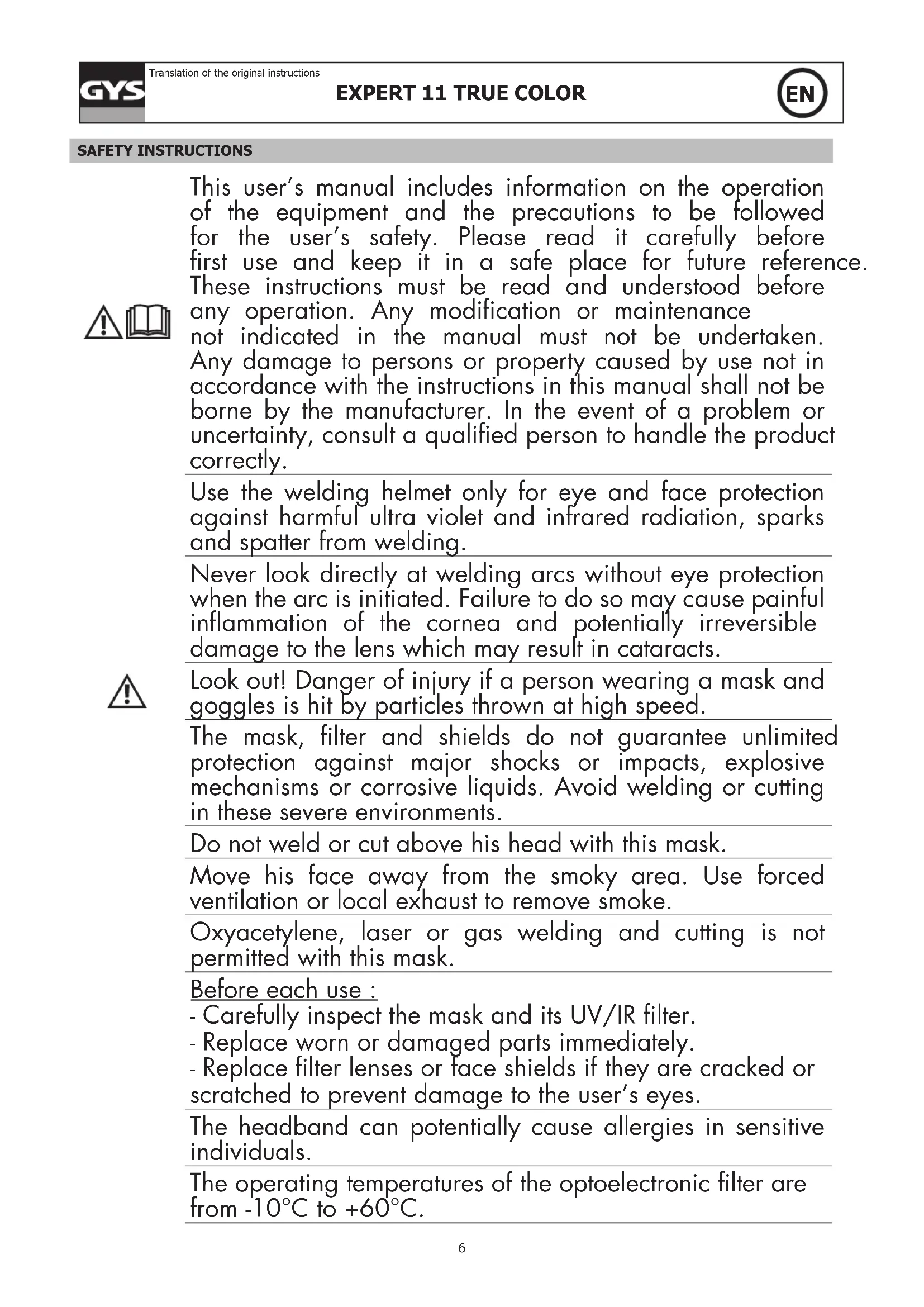
Translation of the original instructions SAFETY INSTRUCTIONS This user’s manual includes information on the operation of the equipment and the precautions to be followed for the user’s safety. Please read it carefully before rst use and keep it in a safe place for future reference. These instructions must be read and understood before any operation. Any modication or maintenance not indicated in the manual must not be undertaken. Any damage to persons or property caused by use not in accordance with the instructions in this manual shall not be borne by the manufacturer. In the event of a problem or uncertainty, consult a qualied person to handle the product correctly. Use the welding helmet only for eye and face protection against harmful ultra violet and infrared radiation, sparks and spatter from welding. Never look directly at welding arcs without eye protection when the arc is initiated. Failure to do so may cause painful inammation of the cornea and potentially irreversible damage to the lens which may result in cataracts. Look out! Danger of injury if a person wearing a mask and goggles is hit by particles thrown at high speed. The mask, lter and shields do not guarantee unlimited protection against major shocks or impacts, explosive mechanisms or corrosive liquids. Avoid welding or cutting in these severe environments. Do not weld or cut above his head with this mask. Move his face away from the smoky area. Use forced ventilation or local exhaust to remove smoke. Oxyacetylene, laser or gas welding and cutting is not permitted with this mask. Before each use : - Carefully inspect the mask and its UV/IR lter. - Replace worn or damaged parts immediately. - Replace lter lenses or face shields if they are cracked or scratched to prevent damage to the user’s eyes. The headband can potentially cause allergies in sensitive individuals. The operating temperatures of the optoelectronic lter are from -10°C to +60°C.7
EXPERT 11 TRUE COLOR
Translation of the original instructions The opto-electronic lter in the mask is not waterproof and will not function properly if it has been in contact with water. The welding mask must be moved carefully to avoid damage to the lter, guards and/or protective shell. Maintenance : - Do not place heavy objects or tools on or in the facepiece to avoid damage to the lter or face shields. Mask storage temperatures range from -20°C to +70°C. - Clean the Optoelectronic Filter with a clean cotton or special lens cloth. - Regularly clean and change the guard screens. - Clean the inside and outside of the mask with a neutral detergent-disinfectant. Do not use solvents. - Make sure that the sensors and cell are not obstructed by dust or debris. - We recommend using the mask and visors for 5 years. The length of use depends on various factors such as type of use, cleaning, storage and maintenance. BEFORE WELDING -Check that the welding helmet is in good condition and headband adjustment. -Check whether the front cover lens, the front frame and lter are inserted and xed in place. In case of anomalie, please proceed to its reconditionning. -Make sure that the 2 sensors (4) and the cell (2) are not obstructed by dust or debris. -Make sure that the protection lms on both screens are removed. -Check that the protection level matches your welding processes. Please refer to the following chart to help your choice (cf. welding process board) OPERATION The EXPERT LCD 11 TRUE COLOR auto-darkening welding helmet switches from light to dark state when a welding arc is struck. The auto-darkening welding helmet switches back to the light state when the arc stops.
- The welding helmet is suitable for use with virtually all welding processes except Oxy-Acetylene welding, laser welding and gas welding.
- Standard protective screens must be installed on both inside and outside surfaces of the module. Failure to use protective screens may constitute a safety hazard or result in irreparable damage to the module. Clear shade 3Dark shade 11Filter dimension 119x98mmReaction speed 0,5 msPower supply SolarWeight 470 grField of vision 100x49 mm8
EXPERT 11 TRUE COLOR
Translation of the original instructionsApplications MMA 10>150 / TIG 10>175 / MIG-MAG 10>200Warranty 2 yearsApplication temperature -10°C / + 60°CStorage temperature -20°C / + 70°C HEADBAND ADJUSTMENT The EXPERT LCD 11 TRUE COLOR is equipped with a headband which can be adjsuted in multiple ways to suit the welder: width, height (1), longitudinal inclination (3) and adjustment (2).
- Expiration date : No expiration date for this product but the state of the LCD EXPERT 11 TRUE COLOR welding helmet must be checked before each use.
- The welding helmet must not fall down.
- Do not use any tools or other sharp objects to remove any components of lter or helmet. Doing so may damage lter or helmet preventing proper function, possibly causing injury or cancellation of the warranty.
The outer protection screen (2) can be removed by placing a nger under the screen on (A) of the helmet (1). When changing the screen, make sure that the protective lm (3) has been removed. This lm must be removed only when the protection screen is in position in the helmet. REPLACING THE INTERNAL PROTECTIVE SCREEN (10)
The internal protection screen (10) is removable by sliding it down by placing a nger on (A). When changing the screen, make sure you remove the protective screen (11) TROUBLESHOOTING The optoelectronic lter does not work Activate the solar charge by exposing the cell to the light for 20 to 30 minutes Filter stays dark after the weld arc is extinguished or when no arc is present Check and clean detectors if needed. Uncontrolled switching or ickering:Filter darkens and then lightens while the welding arc is presentCheck arc sensors are not blocked from direct access to the arc light. Side of the lter is lighter than the center of viewing area It is a natural feature of LCD’s, this symptom is not dangerous for the eyes. However for a maximum comfort, try to keep a viewing angle of around 90°9
EXPERT 11 TRUE COLOR
Translation of the original instructions SAFETY LABEL This label is displayed inside the welding helmet. It is important that the user understands the safety symbols signication. The list numbers match image numbers.
Legend :A. Warning ! Beware ! There are possible dangers as per the dierent symbols.1. Read the instructions carefully before using the product or before welding.2. Do not remove the warning label and do not paint on it.3. Follow settings instructions and maintenance of the lter, the protective screens, the headband and the hood. 4. Inspect the helmet and the UV/IR lter carefully. Replace damaged or worn parts immediately. Cracked, scratched, lter glasses and protective screens decrease protection. Replace them immediately to avoid damaging your eyes.5. Warning, if the UV/IR lter does not tint whilst welding or cutting, stop immediately and consult the user manual.6. Arc radiation can cause eyes and skin burns.6.1. Use a welding helmet with a good ltration or opacity. Wear complete protective clothing.. 6.2. The helmet, lter and protective screen do not gurantee unlimited protection against, shocks, impacts, explosions or corrosive liquid. Avoid welding or cutting in rough envirionment.6.3. Do not weld or cut above your head with this helmet. 7. Keep your head away from the smoke-lled area. Use a forced ventilation or a local aspiration system to eliminate smoke.
8. The oxyacetylene welding-cutting, laser or gas is not authorised with this helmet.10
Manufacturer identication
Diusion of light class
Variations in Luminous transmittance class
The warranty covers faulty workmanship for 2 years from the date of purchase (parts and labour). The warranty does not cover:
- Presence of scrapers: work without protective glass (guard screen)
- Damages due to misuse (dropping of equipment, disassembling).
- broken glasses In case of failure, return the unit to your distributor together with:
- The proof of purchase (receipt etc ...)
- A description of the fault reported