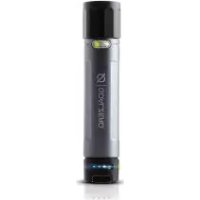
Switch 10 Recharger bank - Power bank GOAL ZERO - Free user manual and instructions
Find the device manual for free Switch 10 Recharger bank GOAL ZERO in PDF.



| Product Type | Portable Battery |
| Brand | Goal Zero |
| Model | Switch 10 |
| Battery Capacity | 11Wh (3.7V, 3000mAh) |
| Battery Type | Li-ion NMC |
| USB Output Port | 5V, up to 1.5A (7.5W max) |
| USB Input Port | 5V, up to 1A (5W max) |
| Charging Time (USB) | 4 hours |
| Charging Time (Solar) | 4 to 6 hours with Nomad 7 panel |
| Dimensions | 11.4 x 2.5 x 2.5 cm |
| Weight | 113 g |
| Operating Temperature | 0°C to 40°C |
| Integrated Light | Yes |
| Solar Charging | Compatible with Goal Zero Nomad panels |
| Replaceable Battery | Yes, specific Goal Zero 18650 battery |
| Management System | Integrated charge and low battery protections |
| Lifespan | Several hundred cycles |
| Maintenance | Recharge every 3-6 months |
Frequently Asked Questions - Switch 10 Recharger bank GOAL ZERO
User questions about Switch 10 Recharger bank GOAL ZERO
0 question about this device. Answer the ones you know or ask your own.
Ask a new question about this device
Download the instructions for your Power bank in PDF format for free! Find your manual Switch 10 Recharger bank - GOAL ZERO and take your electronic device back in hand. On this page are published all the documents necessary for the use of your device. Switch 10 Recharger bank by GOAL ZERO.
USER MANUAL Switch 10 Recharger bank GOAL ZERO
Replaceable Battery 7
Troubleshooting 7
Technical Specifications 8
Français 10-17
日本語 18-25
Deutsch 26-33
Español 34-41
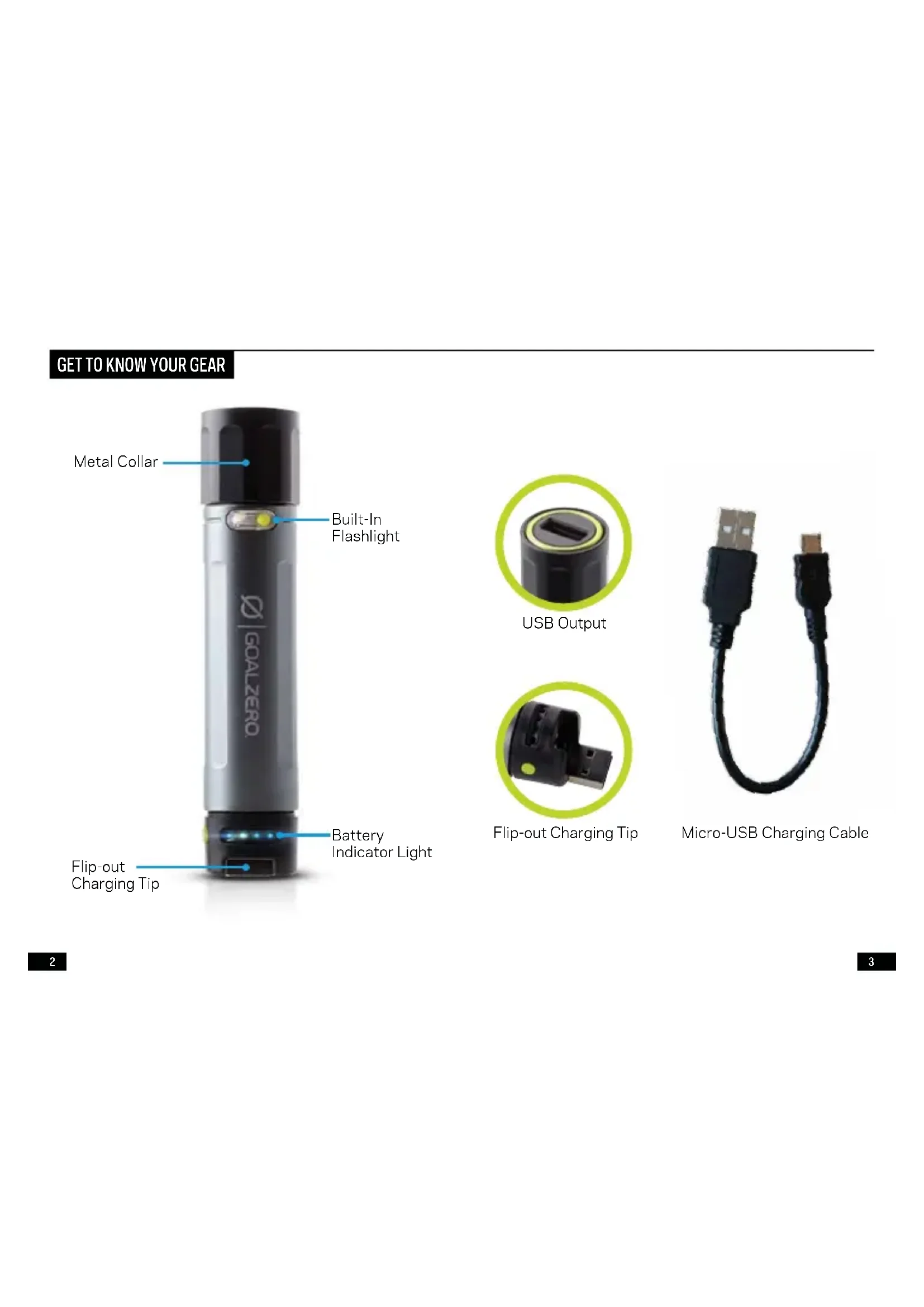
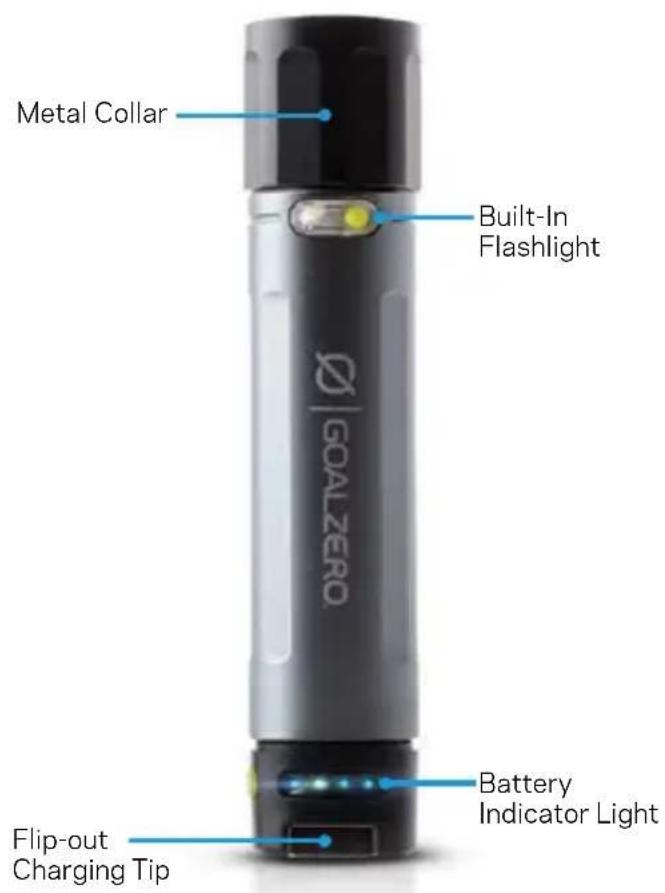
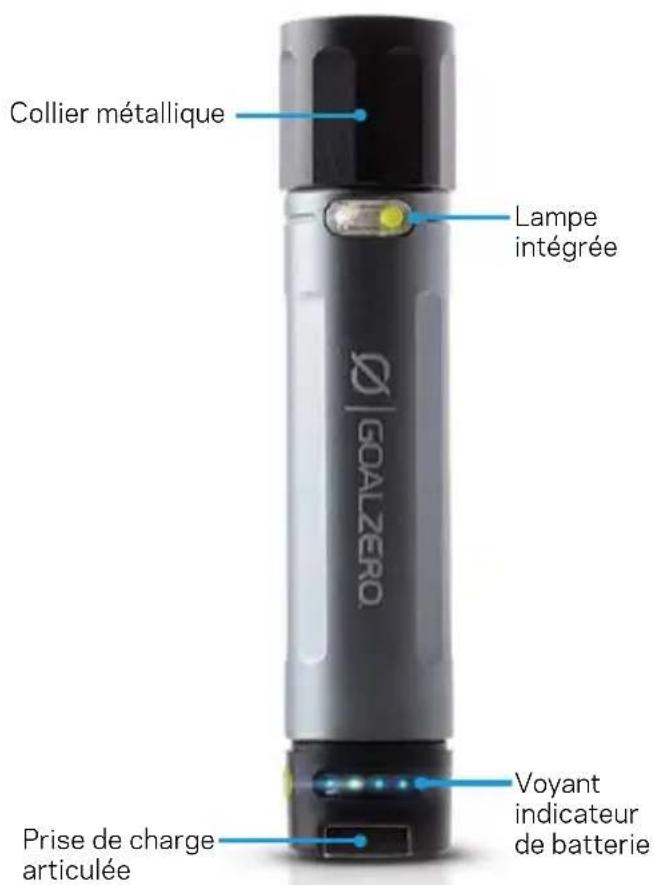
GET TO KNOW YOUR GEAR
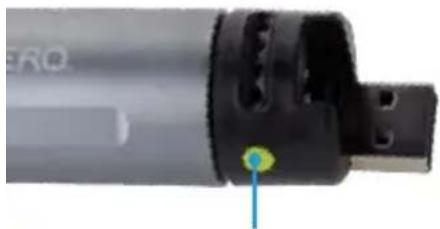
natural_image
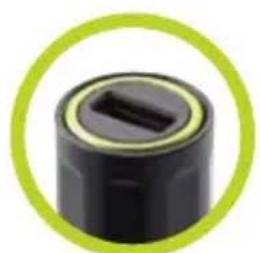
Close-up of a black cylindrical mechanical component with a green circular border (no text or symbols visible)USB Output
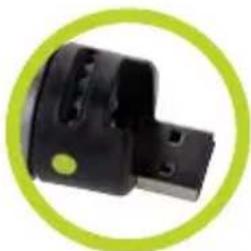
natural_image
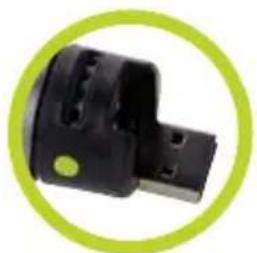
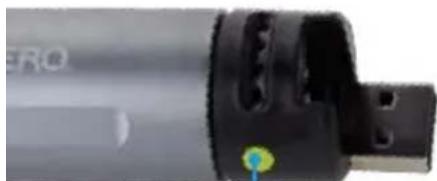
Close-up of a black electronic component with a green circular border (no text or symbols visible)Flip-out Charging Tip
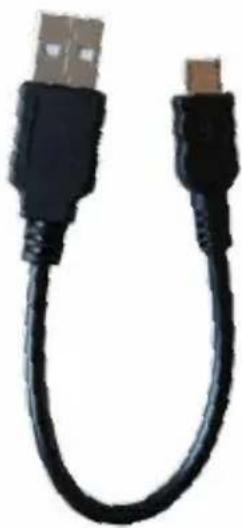
natural_image
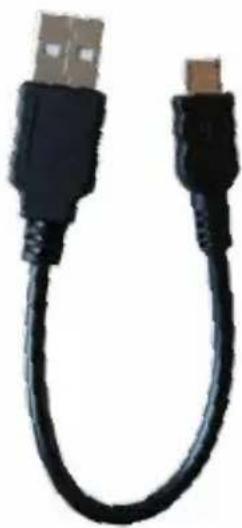
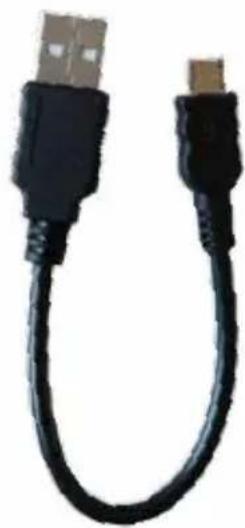
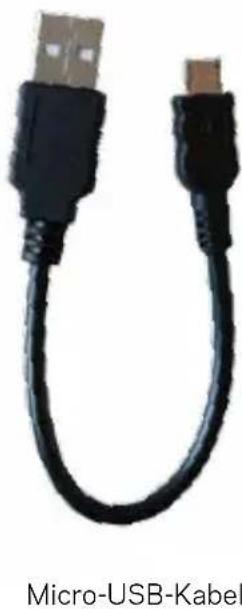
Close-up of a black USB cable with a small connector (no text or symbols visible)Micro-USB Charging Cable
CHARGE IT
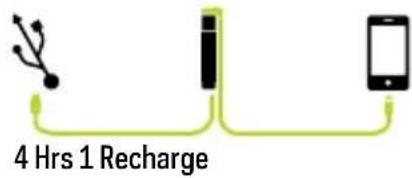
- Using the flip-out charging USB tip, plug Goal Zero Switch 10 into any live USB port and charge up in 4 hours.
- Know it's charging when the blue indicator lights illuminate and flash.
- Goal Zero Switch 10 is ready to go when all lights are illuminated and holding steady.
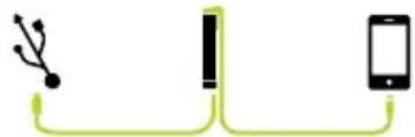
Goal Zero Switch 10 allows for pass-through power so you can charge your gear and Goal Zero Switch 10 at the same time.
USB Port Phone Goal Zero
Switch 10
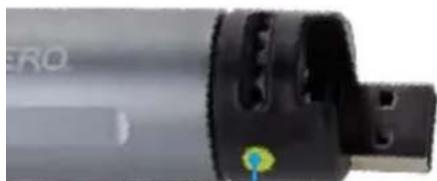
natural_image
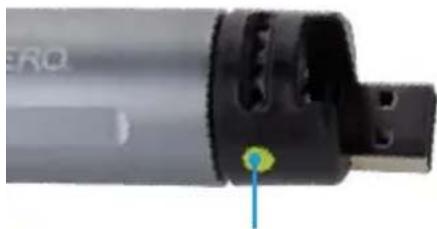
Close-up of a black cylindrical device with a green circular highlight and blue arrow pointing to it (no visible text or symbols)Check the battery level of Goal Zero Switch 10 by pressing the button next to the indicator lights.
SOLAR READY™
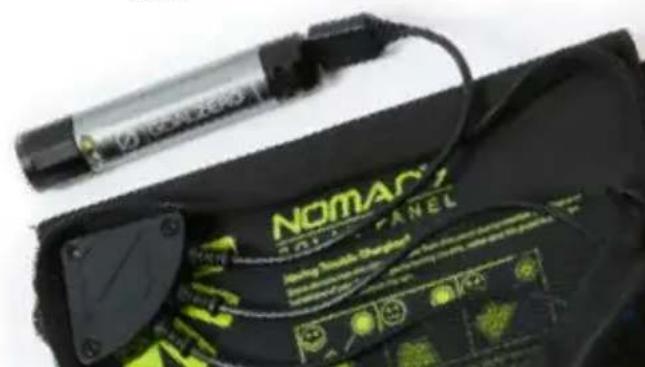
Goal Zero Switch 10 is engineered to charge quickly from Goal Zero's Nomad® Solar Panels.
- Using the flip-out charging USB tip, plug Goal Zero Switch 10 into the USB port on the back of the Nomad panel.
- Know it's charging when the blue lights illuminate and flash.
- Goal Zero Switch 10 is ready to go when all lights are illuminated and holding steady.
Nomad 7 Solar Panel
4 Hrs Full Sun
Goal Zero Switch 10
Phone
1 Recharge
natural_image
Close-up of a black NomAC 2014 battery pack with green charging plug and connector (no visible text or symbols)CHARGE YOUR GEAR
Goal Zero Switch 10 is designed to charge POV cameras, phones, and other handheld USB-powered gear.
What It Powers:
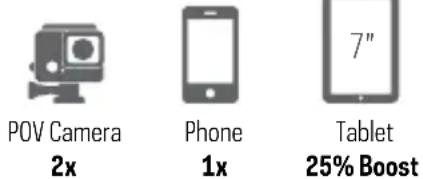
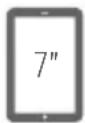
- Using your gear's charging cable, plug into Goal Zero Switch 10's USB output.
- Goal Zero Switch 10 will automatically begin charging when you plug in your gear.
You can also use the micro-USB cable included with Switch 10 to charge compatible devices.
FLASHLIGHT
Built-In Flashlight
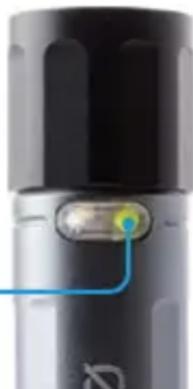
Goal Zero Switch 10 also comes with a small, built-in flashlight. Turn it on/off by lightly pressing the button on the light.
Built-In Flashlight Button
natural_image
Close-up of a black cylindrical device with a blue indicator light and a small illuminated component (no visible text or symbols)REPLACEABLE BATTERY
The battery inside the Goal Zero Switch 10 is replaceable. Over time, the lithium battery inside Goal Zero Switch 10 will lose its efficiency. If you notice your Goal Zero Switch 10 isn't holding a charge, or is no longer charging your gear as much, it might be time to replace the battery.
- Unscrew the USB charging end (Bottom) of Goal Zero Switch 10 by grasping the black cap and twisting to the left.
- Remove the old battery and insert the new Goal Zero 18650 lithium battery in either direction.
- Reattach the black cap and plug Goal Zero Switch 10 into a live USB port.
You'll need to purchase the replacement a Goal Zero 18650 lithium battery from GoalZero.com - please note, Goal Zero Switch 10 is not compatible with any other 18650 lithium battery. Our batteries are engineered with built-in protections and are optimized to power Goal Zero gear.
TROUBLESHOOTING
Goal Zero Switch 10 Reset:
Plug Goal Zero Switch 10 into any live USB port to reset it.
TECHNICAL SPECIFICATIONS
Switch 10 Recharger
| Charge times: | |
| GOAL ZERO Nomad 7 4-6 hrs | |
| USB Source 4 hrs | |
| Battery: | |
| Cell chemistry Li-ion NMC | |
| Cell type 18650 by LG chem/Samsung | |
| Cell capacity 11Wh (3.7V, 3000mAh) | |
| Lifecycles | hundreds of cycles |
| Shelf-life | Keep plugged in, or charge every 3-6 months |
| Fuses | none |
| Management system | Charging and low-battery protection built-in |
Ports:
USB port (output) 5V, up to 1.5A (7.5W max), regulated
USB port (input) 5V, up to 1A (5W max)
General:
Chainable No
Weight 4 oz (113g)
Dimensions 4.5 x 1 x 1 in (11.4 x 2.5 x 2.5 cm)
Operating usage temp. 32-104 F (0-40 C)
Certs GE, FCC, ROHS
Warranty 12 months
Be sure to ACTIVATE YOUR WARRANTY at goalzero.com/warranty
FRANÇAIS
natural_image
Close-up of a black cylindrical mechanical component with a green circular border (no text or symbols visible)Sortie USB
natural_image
Close-up of a black USB cable with a small metallic connector (no text or symbols visible)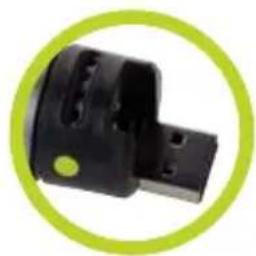
natural_image
Close-up of a black electronic component with a green circular border (no visible text or symbols)natural_image
Close-up of a black cylindrical device with a green circular mark and 'ERQ' label, no readable text or symbols beyond the logo.natural_image
Close-up of a black NomAC Solar Panel with charging cable and green-labeled buttons (no readable text or symbols)CHARGEZ VOS APPAREILS
natural_image
Close-up of a black cylindrical device with a blue indicator light and a glowing green-yellow highlight (no text or symbols visible)BATTERIE REMPLAÇABLE
Certifications CE, FCC, ROHS
Garantie 12 mois
natural_image
Close-up of a black USB connector with two USB ports, labeled 'マイクロUSBケーブル' below (no other text or symbols)充電する
natural_image
Simple diagram showing a USB cable connected to a battery and a smartphone via a wire (no text or symbols)4 時間 1 回充電
natural_image
Close-up of a black cylindrical device with a green circular indicator on the side (no visible text or symbols)natural_image
Close-up of a black NomAC 2015 Panel charging device with green-lit components and a cylindrical connector (no visible text or symbols on main subject)機器を充電する
natural_image
Close-up of a black cylindrical device with a blue indicator light and a small yellow-green button (no visible text or symbols)交換可能なバッテリー
natural_image
Close-up of a USB-Ausgang component with green circular border (no text or symbols on the object itself)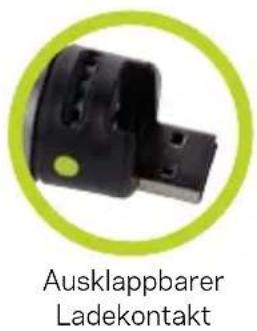
natural_image
Close-up of a black USB cable with two connectors, labeled 'Micro-USB-Kabel' below (no other text or symbols)DAS GERÄT AUFLADEN
USB-Port HandyGoal Zero
Switch 10
flowchart
graph LR
    A["USB Plug"] --> B["LED"]
    B --> C["Smartphone"]
4 Std. 1 Aufladung
natural_image
Close-up of a black cylindrical device with a green circular highlight and blue arrow pointing to it (no visible text or symbols)natural_image
Close-up of a black NomAC 2015 Panel with a charging cable and illuminated buttons (no readable text or symbols)DEINE GERÄTE AUFLADEN
natural_image
Close-up of a black cylindrical device with a blue indicator light and a green-yellow highlight on its side (no text or symbols visible)AUSTAUSCHBARE BATTERIE
natural_image
Close-up of a black cylindrical mechanical component with a green circular border (no text or symbols visible)Salida USB
natural_image
Close-up of a black mechanical component with a green circular border (no text or symbols visible)Punta de carga
natural_image
Close-up of a black USB cable with a small connector, no text or symbols visibleCable micro-USB
CÁRGUELO
natural_image
Simple diagram showing a USB cable connected to a smartphone via a resistor (no text or symbols)4 Horas 1 Recarga
natural_image
Close-up of a cylindrical electronic device with black ports and a green circular indicator (no readable text or symbols)natural_image
Close-up of a black Nomac® Solar Panel charging device with green-lit components and a cylindrical connector (no visible text or symbols on the device itself)CARGUE SU EQUIPO
LINTERNA INCORPORADA
Linterna incorporada
natural_image
Close-up of a black cylindrical device with a blue cable or wire connector (no visible text or symbols)BATERÍA REMPLAZABLE
Designed in the U.S.A.
Made in China
1-888-794-6250
Goal Zero Switch and Nomad are trademarks of Goal Zero LLC.
GOALZERO.COM
We make the powerless, powerful.
goalzero.com/sharethesun

- GET TO KNOW YOUR GEAR
- CHARGE IT
- SOLAR READY™
- CHARGE YOUR GEAR
- FLASHLIGHT
- Built-In Flashlight
- REPLACEABLE BATTERY
- TROUBLESHOOTING
- TECHNICAL SPECIFICATIONS
- Ports:
- General:
- FRANÇAIS
- CHARGEZ VOS APPAREILS
- BATTERIE REMPLAÇABLE
- 充電する
- 機器を充電する
- 交換可能なバッテリー
- DAS GERÄT AUFLADEN
- DEINE GERÄTE AUFLADEN
- AUSTAUSCHBARE BATTERIE
- CÁRGUELO
- CARGUE SU EQUIPO
- LINTERNA INCORPORADA
- BATERÍA REMPLAZABLE
Brand : GOAL ZERO
Model : Switch 10 Recharger bank
Category : Power bank