CB1PEU - Beauty device SILKN - Free user manual and instructions
Find the device manual for free CB1PEU SILKN in PDF.



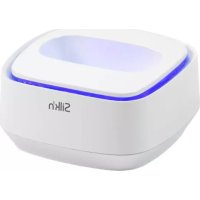
| Product type | Disinfection stand for beauty devices |
| Brand | SILKN |
| Model | CB1PEU |
| Category | Beauty device |
| Power supply | 2 x 1.5 V LR03 (AAA) batteries (non-rechargeable) |
| Main functions | Disinfection by blue LEDs, automatic cycle of 5-6 minutes |
| Activation mechanism | On/off switch activated by the weight of the device |
| Disinfection heads | Interchangeable according to the Silk'n device model |
| Package contents | 1 Cleansing Box, 2 AAA batteries, instruction manual |
| Intended use | Disinfection of Silk'n beauty devices after each session |
| Safety | Do not manually activate the switch to avoid direct exposure to LEDs |
| Maintenance | Clean with a soft, dry cloth; do not immerse in water |
| Compatibility | Designed for Silk'n devices; use the appropriate head |
| Environment | Do not dispose of with household waste; recycle separately |
| Used batteries | Do not dispose of with household waste; return to a collection point |
Frequently Asked Questions - CB1PEU SILKN
User questions about CB1PEU SILKN
0 question about this device. Answer the ones you know or ask your own.
Ask a new question about this device
Download the instructions for your Beauty device in PDF format for free! Find your manual CB1PEU - SILKN and take your electronic device back in hand. On this page are published all the documents necessary for the use of your device. CB1PEU by SILKN.
USER MANUAL CB1PEU SILKN
Beautiful Technology
Cleansing Box for Glide and Infinity
INSTRUCTIONS FOR USE
text_image
EN DE FR NL ES PT GR TR IT NO SV DA BG HU RO CS SL PL RU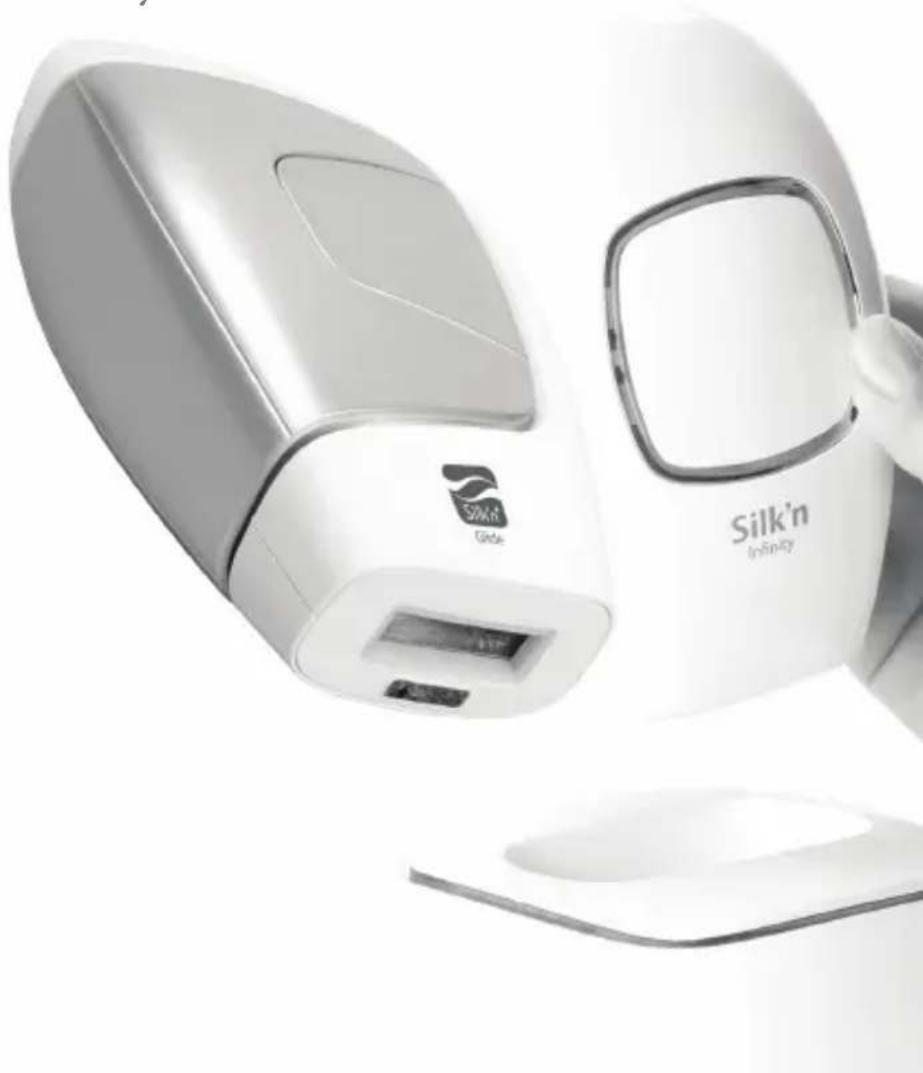
natural_image
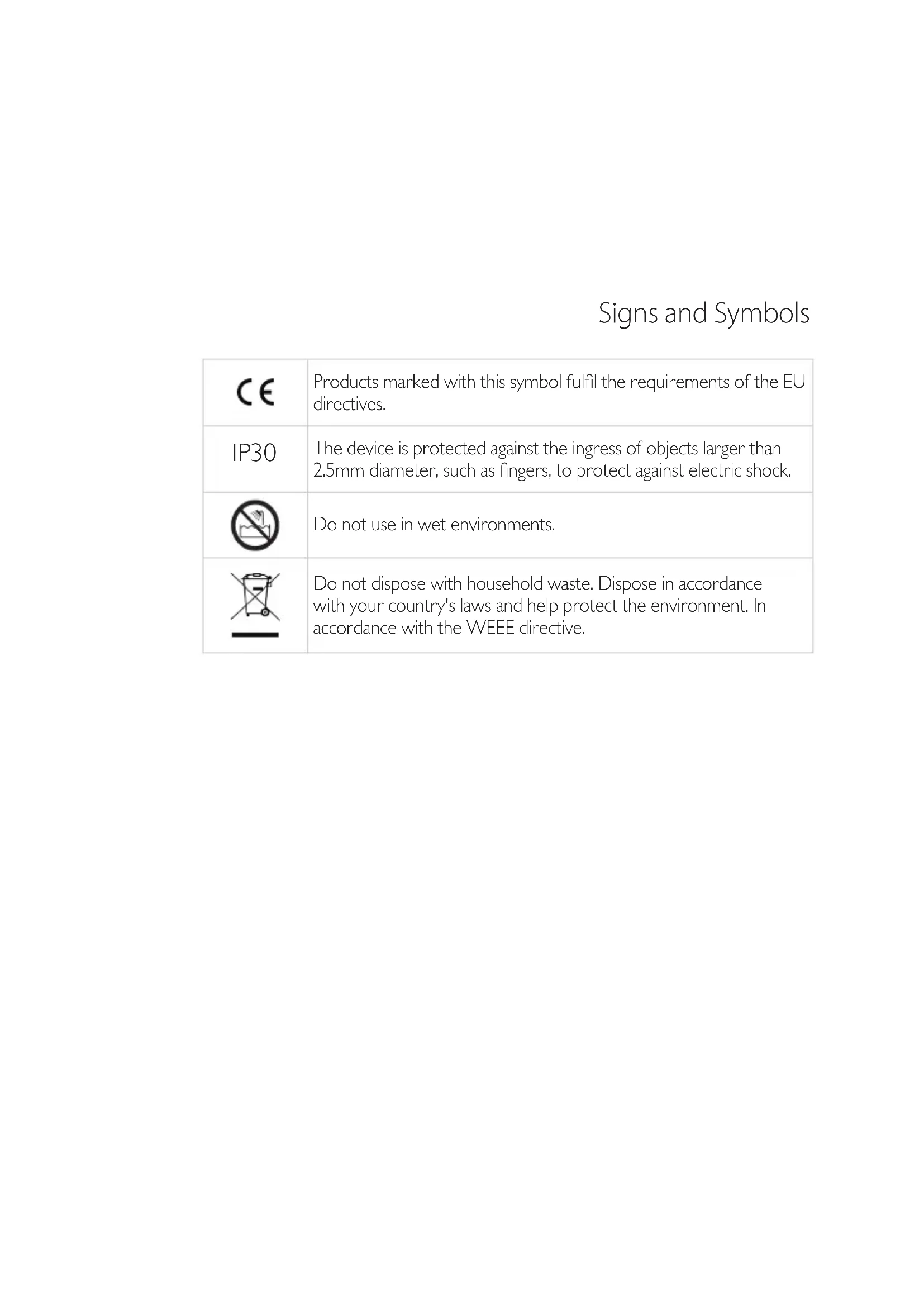
Exterior view of a modern office building (no signage)Signs and Symbols
 | Products marked with this symbol fulfil the requirements of the EU directives. |
| IP30 | The device is protected against the ingress of objects larger than 2.5mm diameter, such as fingers, to protect against electric shock. |
 | Do not use in wet environments. |
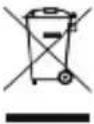 | Do not dispose with household waste. Dispose in accordance with your country's laws and help protect the environment. In accordance with the WEEE directive. |
User Manual

This appliance can be used by children aged from 8 years and above and persons with reduced physical, sensory or mental capabilities or lack of experience and knowledge if they have been given supervision or instruction concerning use of the appliance in a safe way and understand the hazards involved.

Children should not play with the appliance.

Cleaning and user maintenance should not be undertaken by children without supervision.
Dispose of the packaging at a recycling point which sorts materials by type.
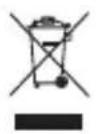
Products marked with this symbol should not be disposed of along with household waste! You are legally bound to dispose of old appliances separately from household waste.
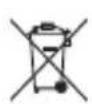
Do not dispose of batteries with household waste. You are legally bound to dispose of all batteries at a local authority collection point or to return them to a battery retailer. Information about where old appliances can be disposed of free of charge is available from your local authority.
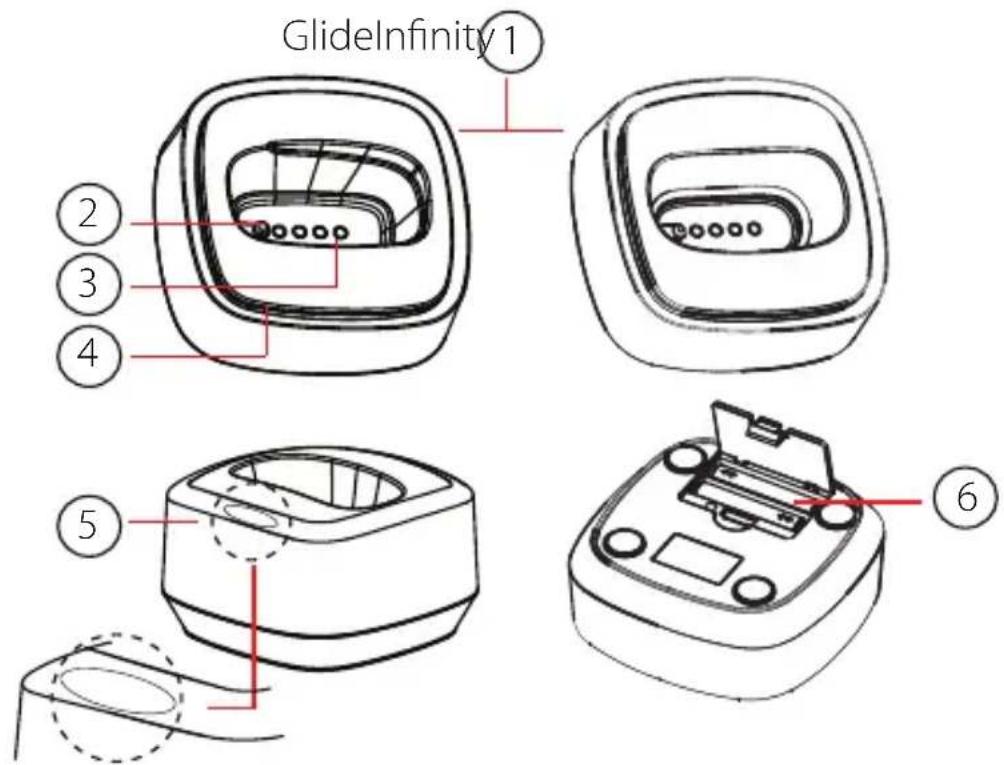
Silk'n Cleansing Box device description
-
Disinfection heads
-
Device activated on/off button
-
Internal blue LEDs
-
External blue LEDs
-
Release lip
-
Battery compartment
text_image
GlideInfinity 1 ② ③ ④ ⑤ ⑥Intended use
Devices which work in direct contact with the skin need to be thoroughly disinfected after each treatment. Silk'n Cleansing Box is a small, lightweight and easy to use at-home disinfectant which will help keep your device clean and safe to use at all times!
Package contents
Cleansing Box device Instructions for use 2x1.5V LR03 (AAA) batteries
Batteries

- Use batteries with the correct polarity. Do not mix new and used batteries.
- Remove exhausted batteries from the device. If the appliance is to be stored unused for a long period, please remove the batteries.
- The supply terminals are not to be short circuited.
- Do not recharge batteries.
How to use
Refer to the diagram to see the relevant parts.
- Place the batteries inside the compartment (#6).
- Select the correct disinfection head for your device (#1). To swap heads, release the head from the device. Use a small blunt tool to lever the head off the device carefully. There is a small lip (#5) to insert the tool. Make sure that the correct head is placed in the direction shown in the diagram.
- Next, place the device into the disinfection head, with the treatment surface face down. It will fit snuggly if the correct head is in place.
- Push the device down so it presses on the On/Off button to activate the box. The blue LEDs will turn on automatically for 5-6 minutes. This is the amount of time required for a full disinfection process. It is also possible to stop the disinfection process before time, by pushing the device down again so it presses the On/Off button and deactivates the box.

Warning! We recommend that you do not operate the On/Off switch manually to protect your eyes from concentrated light.
Bedienungsanleitung

text_image
GlideInfinity 1 ② ③ ④ ⑤ ⑥Anwendungszweck
text_image
GlideInfinity 1 ② ③ ④ ⑤ ⑥Uso previsto
text_image
GlideInfinity 1 ② ③ ④ ⑤ ⑥Kullanım Amacı
text_image
GlideInfinity 1 ② ③ ④ ⑤ ⑥Uso previsto
text_image
GlideInfinity 1 ② ③ ④ ⑤ ⑥Namen uporabe
text_image
GlideInfinity 1 ② ③ ④ ⑤ ⑥Назначение
See our website for more information: www.silkn.eu. This manual is also available as a PDF download from the website. Contact Customer Service to report unexpected operations or events, or any other problem with your device. Our contact details are:
| Country Service number Email | ||
| Belgium 0900-25006 serviceconsommateurbe@silkn.eu | ||
| France 0891-655557 serviceconsommateurfr@silkn.eu | ||
| Germany 089 51 23 44 23 kundenservice@inno-essentials.de | ||
| Italy servizioclientiit@silkn.eu | ||
| Netherlands 0900-2502217 klantenservicenl@silkn.eu | ||
| Spain 807088200 servicioalcliente@silkn.eu | ||
| UK | 0906-2130009 customercareuk@silkn.eu | |
| Other countries | +31 (0)180-330 550 | info@silkn.com |
HomeSkinovations™
info@silkn.com
www.silkn.eu