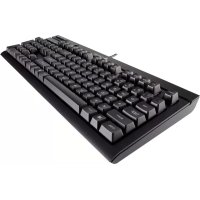
K66 - Keyboard CORSAIR - Free user manual and instructions
Find the device manual for free K66 CORSAIR in PDF.

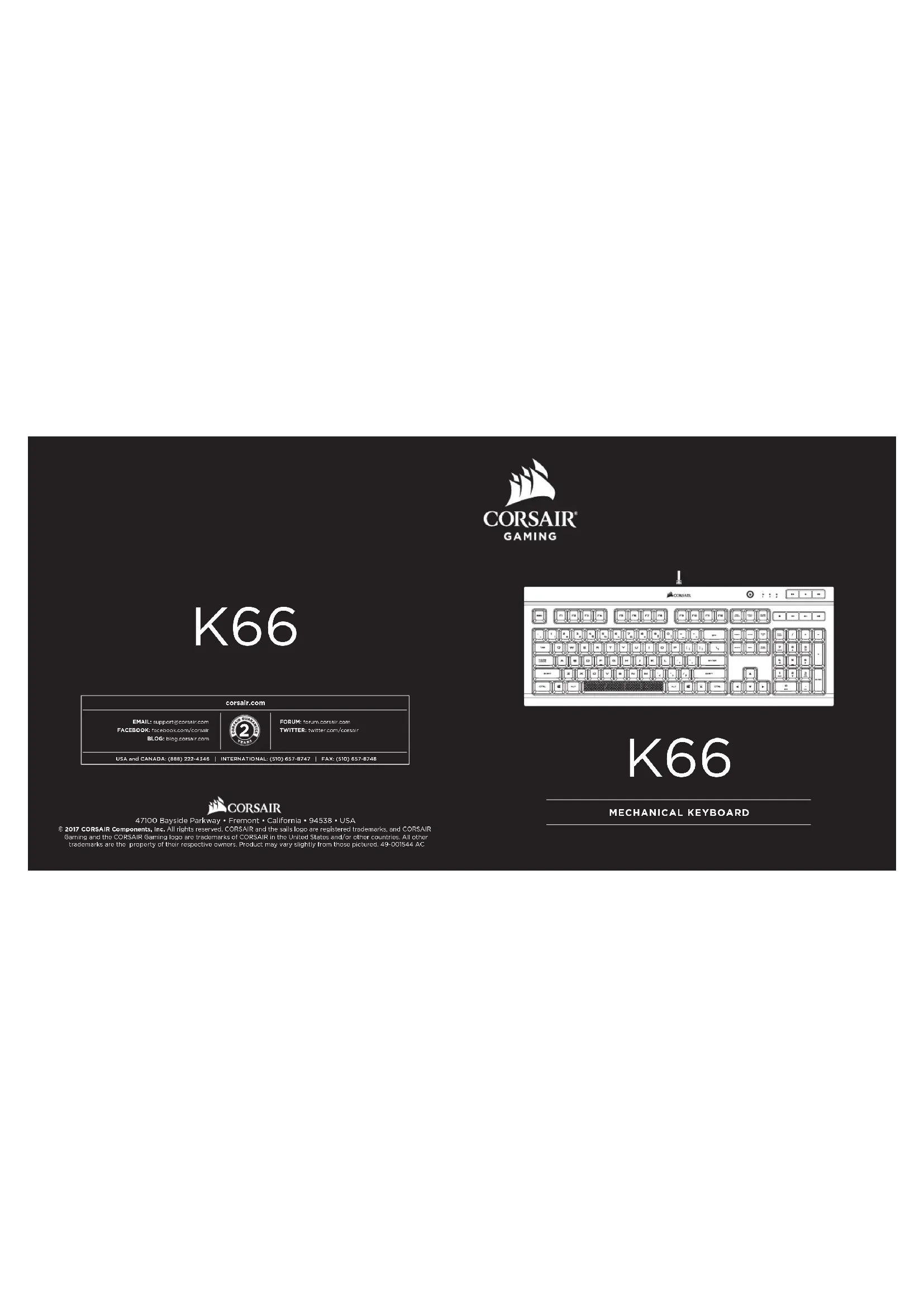

| Product Type | Mechanical Gaming Keyboard |
| Brand | CORSAIR |
| Model | K66 |
| Connectivity | USB 2.0/3.0, fixed cable |
| Switch Type | Cherry MX Mechanical (gold-plated contacts) |
| Anti-Ghosting Technology | 100% anti-ghosting with full key rollover |
| Multimedia Keys | Dedicated: volume, mute, play/pause |
| Windows Key Lock | Yes, dedicated key |
| Customization Software | CORSAIR Utility Engine (CUE) |
| Programmable Macros | Yes, via CUE |
| Power Supply | Via USB port |
| Cable Length | Approximately 1.8 m |
| Dimensions (L x W x H) | Approximately 450 x 170 x 40 mm |
| Weight | Approximately 1.0 kg |
| Compatibility | Windows |
| Package Contents | Keyboard, quick start guide |
| Warranty | 2 years |
| Cleaning | Soft, slightly damp cloth, unplug before |
| Environmental Information | Complies with WEEE directive, do not dispose of with household waste |
Frequently Asked Questions - K66 CORSAIR
User questions about K66 CORSAIR
0 question about this device. Answer the ones you know or ask your own.
Ask a new question about this device
Download the instructions for your Keyboard in PDF format for free! Find your manual K66 - CORSAIR and take your electronic device back in hand. On this page are published all the documents necessary for the use of your device. K66 by CORSAIR.
USER MANUAL K66 CORSAIR
Email:suppose-the-cotter.com
FACEBOOK:suppose-the-cotter
BLOG:log@cotter.com
USA and CANADA: (888) 222-4346

corsair.com
FORUM:forum.com/
Twitter: twitter.com/forum
D)857-8747 FAX:(S10)857-8748

CORSAIR
47100 Bayside Parkway • Fremont • California • 94538 • USA
© 2017 CORSAIR Components, Inc. All rights reserved. CORSAIR and the sails logo are registered trademarks, and CORSAIR Gaming and the CORSAIR Gaming logo are trademarks of CORSAIR in the United States and/or other countries. All other trademarks are the property of their respective owners. Product may vary slightly from those pictured, 49-00/544 AC

GAMING
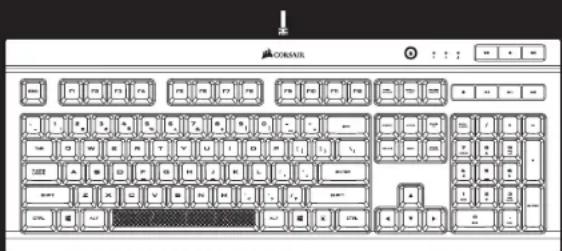
K66
MECHANICAL KEYBOARD
1
CONGRATULATIONS!
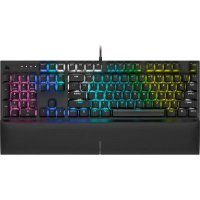
The CORSAIR K66 mechanical keyboard enables a high performance gaming experience. Gold contact CHERRY MX mechanical gaming keyswitches deliver the ultimate performance and competitive advantage. 100% anti-ghosting with full key rollover ensures your commands and simultaneous keystrokes always register the way you intended. The dedicated volume and
multimedia controls allow you to adjust your audio without interrupting your game. CORSAIR Utility Engine (CUE) unlocks sophisticated macro programming. Windows Key Lock mode ensures interruption-free gaming.
SETTING UP YOUR KEYBOARD
Turn on your computer
Connect the keyboard to a USB 2.0 or USB 3.0 port
Download the CORSAIR Utility Engine software from www.corsair.com/downRun the installer program
Follow the instruction for Installation
GETTING TO KNOW YOUR KEYBOARD
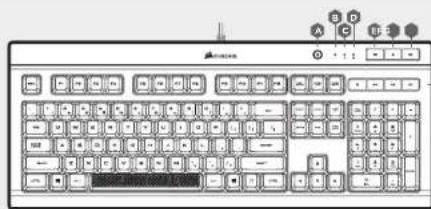
A-WINDOWS KEY DISABLE
B-NUM LOCK LED INDICATOR
C-CAPS LOCK LED INDICATOR
D-SCROLL LOCK LED INDICATOR
E-MUTE KEY
F-VOLUME DOWN KEY
G-VOLUME UP KEY
H-DEDICATED MULTIMEDIA KEYS
I-USB CONNECTION CABLE
!

NOTE ON ENVIRONMENTAL PROTECTION After the Implementation of the European Directive 2002/96/EU in the national legal the following applies:
Electrical and electronic devices may not be disposed of with domestic waste.
Consumers are obligated by law to return electrical and electronic devices at the end of their service lives to the public collecting points set up for this purpose of point of sale. Details to this are defined by the national law of the respective country. This symbol on the product, the instruction manual or the package indicates that a product is subject to these regulations. By recycling, resuing the materials or other forms of utilizing old devices, you are making an important contribution to protecting our environment.
CAUTION!
The manufacturer is not responsible for any radio or TV interference caused by unauthorized modifications to this equipment. Such modifications could void the user authority to operate the equipment.
FCC STATEMENT
This equipment has been tested and found to comply with the limits for a Class B digital device, pursuant to part 15 of the FCC Rules. These limits are designed to provide reasonable protection against harmful interference in a residential installation. This equipment generates, uses and can radiate radio frequency energy and, if not installed and used in accordance with the instructions, may cause harmful interference to radio communications. However, there is no guarantee that interference will not occur in a particular installation, if this equipment does cause harmful interference to radio or television reception, which can be determined by turning the equipment off and on, the user is encouraged to try to correct the interference by one or more of the following measures:
Reorient or relocate the receiving antenna.
Increase the separation between the equipment and receiver.Connect the equipment into an outlet on a circuit different from that to which the receiver is connected.
Consult the dealer or an experienced radio/TV technician for help.
This device must not be co-located or operating in conjunction with any other antenna or transmitter. Operation is subject to the following two conditions: (1) this device may not cause harmful interference, and (2) this device must accept any interference received, including interference that may cause undesired operation.
2
FÉLICITATIONS!
Consulr j rrodor o up installator
Kxayyaua ycpnra 200k np noanm qyx chnyoyn xynobn
(1)YcPnOHaH He nnHoo coaHb Hpeghix nOeX
(2) VeriFice had no information about the possible modes of action, i.e. V and R .
3. In addition, it includes information concerning the number of particles.
PARABÉNS!

Brand : CORSAIR
Model : K66
Category : Keyboard