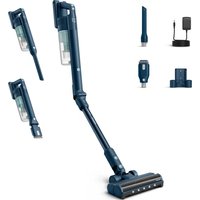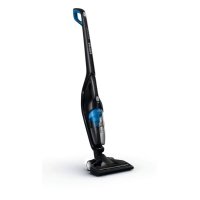
PowerPro Duo FC6167 - Broom PHILIPS - Free user manual and instructions
Find the device manual for free PowerPro Duo FC6167 PHILIPS in PDF.



Frequently Asked Questions - PowerPro Duo FC6167 PHILIPS
User questions about PowerPro Duo FC6167 PHILIPS
0 question about this device. Answer the ones you know or ask your own.
Ask a new question about this device
Download the instructions for your Broom in PDF format for free! Find your manual PowerPro Duo FC6167 - PHILIPS and take your electronic device back in hand. On this page are published all the documents necessary for the use of your device. PowerPro Duo FC6167 by PHILIPS.
USER MANUAL PowerPro Duo FC6167 PHILIPS
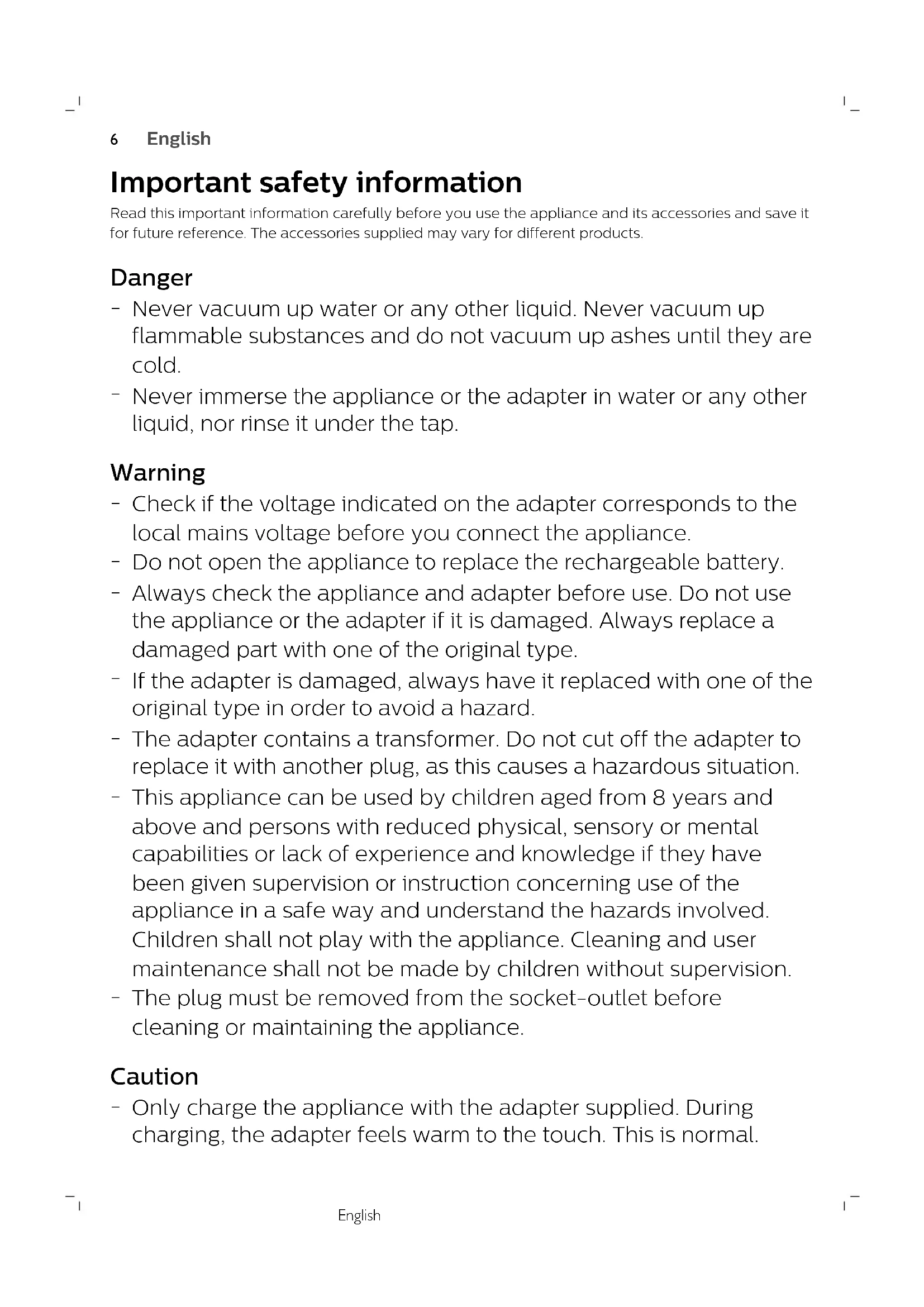
Important safety information
Read this important information carefully before you use the appliance and its accessories and save it for future reference. The accessories supplied may vary for different products.
Danger
- Never vacuum up water or any other liquid. Never vacuum up flammable substances and do not vacuum up ashes until they are cold.
- Never immerse the appliance or the adapter in water or any other liquid, nor rinse it under the tap.
Warning
- Check if the voltage indicated on the adapter corresponds to the local mains voltage before you connect the appliance.
- Do not open the appliance to replace the rechargeable battery.
- Always check the appliance and adapter before use. Do not use the appliance or the adapter if it is damaged. Always replace a damaged part with one of the original type.
- If the adapter is damaged, always have it replaced with one of the original type in order to avoid a hazard.
- The adapter contains a transformer. Do not cut off the adapter to replace it with another plug, as this causes a hazardous situation.
- This appliance can be used by children aged from 8 years and above and persons with reduced physical, sensory or mental capabilities or lack of experience and knowledge if they have been given supervision or instruction concerning use of the appliance in a safe way and understand the hazards involved. Children shall not play with the appliance. Cleaning and user maintenance shall not be made by children without supervision.
- The plug must be removed from the socket-outlet before cleaning or maintaining the appliance.
Caution
-
Only charge the appliance with the adapter supplied. During charging, the adapter feels warm to the touch. This is normal.
-
Do not plug in, unplug or operate the appliance with wet hands.
- Do not unplug the appliance by pulling at the cord. Always unplug by pulling the small plug (Fig. 1) out of the appliance and the adapter out of the wall socket (Fig. 2).
- Always switch off the appliance after use and when you charge it .
- Never block the exhaust air openings during vacuuming.
- Always use the vacuum cleaner with the filter unit assembled.
- Make sure that the appliance is installed with the wall fixture mounted to the wall, according to the instructions in the user manual.
- Be careful when you drill holes in the wall to attach the wall fixture, to avoid the risk of electric shock.
- Maximum noise level: Lc = 85 dB( A)
Electromagnetic fields (EMF)
- This Philips appliance complies with all applicable standards and regulations regarding exposure to electromagnetic fields.
Ordering accessories
To buy accessories or spare parts, visit www.shop.philips.com/service or go to your Philips dealer. You can also contact the Philips Consumer Care Center in your country (see the international warranty leaflet for contact details).
Warranty and support
If you need information or support, please visit www.philips.com/support or read the international warranty leaflet.
Recycling
This symbol means that this product shall not be disposed of with normal household waste (2012/19/EU) (Fig. 3).
- This symbol means that this product contains a built-in rechargeable battery which shall not be disposed of with normal household waste (Fig. 4) (2006/66/EC). We strongly advise you to take your product to an official collection point or a Philips service center to have a professional remove the rechargeable battery.
- Follow your country's rules for the separate collection of electrical and electronic products and rechargeable batteries. Correct disposal helps prevent negative consequences for the environment and human health.
8 English
Removing the rechargeable battery
Only remove the rechargeable battery when you discard the product. Before you remove the battery, make sure that the product is disconnected from the wall socket and that the battery is completely empty.
Take any necessary safety precautions when you handle tools to open the product and when you dispose of the rechargeable battery.
To remove the rechargeable battery, follow the instructions below.
1 Let the appliance run until it stops.
2 Remove the dust container and the cyclone from the handheld vacuum cleaner (Fig. 5).
3 Undo two screws on the inside of the handheld vacuum cleaner (Fig. 6).
4 Turn the handheld vacuum cleaner and remove four screws on the other side (Fig. 7).
5 Remove the back panel from the handheld vacuum cleaner (Fig. 8).
6 Insert a screwdriver and push it down to remove the panel on the left side of the appliance (Fig. 9).
7 Remove two screws from the bottom (Fig. 10).
8 Remove four screws on the left side of the appliance (Fig. 11).
9 Remove the left housing part (Fig. 12).
10 Take out the rechargeable battery and cut the wires connected to it one by one (Fig. 13).
Troubleshooting
This chapter summarizes the most common problems you could encounter with the appliance. If you are unable to solve the problem with the information below, visit www.philips.com/support for a list of frequently asked questions or contact the Consumer Care Center in your country.
Problem
Possible cause Solution
| The appliance does not work when I push the button. | The battery light flashes fast because the batteries are low. | To charge the batteries, insert the small plug into the socket on the appliance and insert the adapter into a wall socket. |
| You cannot use the appliance because the appliance is still charging. | You have to remove the small plug from the socket on the appliance before you can switch on the appliance. | |
| You have to press two buttons. | First press the on/off button to switch on the appliance. Then press the MAX button to get maximum suction power. | |
| The appliance has a lower suction power than usual. | The filter and the cyclone are dirty. | Clean the filter and the cyclone. |
| You have not connected the dust bucket, the dust separator and the cyclone properly. Incorrect assembly of these parts causes air leakage, which leads to loss of suction power. | Connect the dust bucket, the dust separator and the cyclone properly. |
Problem Possible cause Solution
| Dust escapes from the appliance. | The filter is dirty. Clean the filter. | |
| The brush does not turn anymore. | The brush encounters too much resistance. | Clean the brush with a pair of scissors or by hand. If you clean the roller brush by hand, pull the hairs or threads from the widest side to the narrowest side of the roller brush (see user manual). |
| You switched on the appliance by pressing the on button on the handheld vacuum cleaner. | Switch off the appliance by pressing the on button on the handheld vacuum cleaner again. Then switch it on again by pressing the on button on the stick. | |
| FC6172, FC6169: The mini turbo brush does not function properly. | The roller brush is blocked. Remove hairs from the brush with a pair of scissors (see user manual). | |
| The roller brush is blocked by fabric or surfaces during cleaning. | Keep the mini turbo brush aligned with the surface and do not push the turbo brush into soft surfaces. | |
| The mini turbo brush is not fully closed. | Make sure that the top and bottom parts of the mini turbo brush are properly connected and there is no gap between the two parts. Check if the locking ring is in closed position (see user manual). | |
| The connector between the mini turbo brush and the appliance is not placed properly. | Make sure that the connector is pushed into the mini turbo brush as far as it goes. | |
| FC6172, FC6169: I cannot connect the mini turbo brush to the appliance. | The connector between the mini turbo brush and the appliance is not present. | You can remove the connector from the mini turbo brush, for instance for thorough cleaning, but you cannot connect the mini turbo brush directly to the appliance without the connector. To reassemble the mini turbo brush, first push the connector into the mini turbo brush as far as it goes and then push the connector into the nozzle of the handheld vacuum cleaner. |
Encomendar acessórios
75% recycled paper
75% papier recyclé