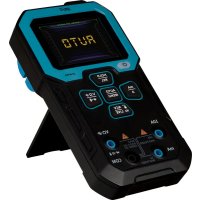
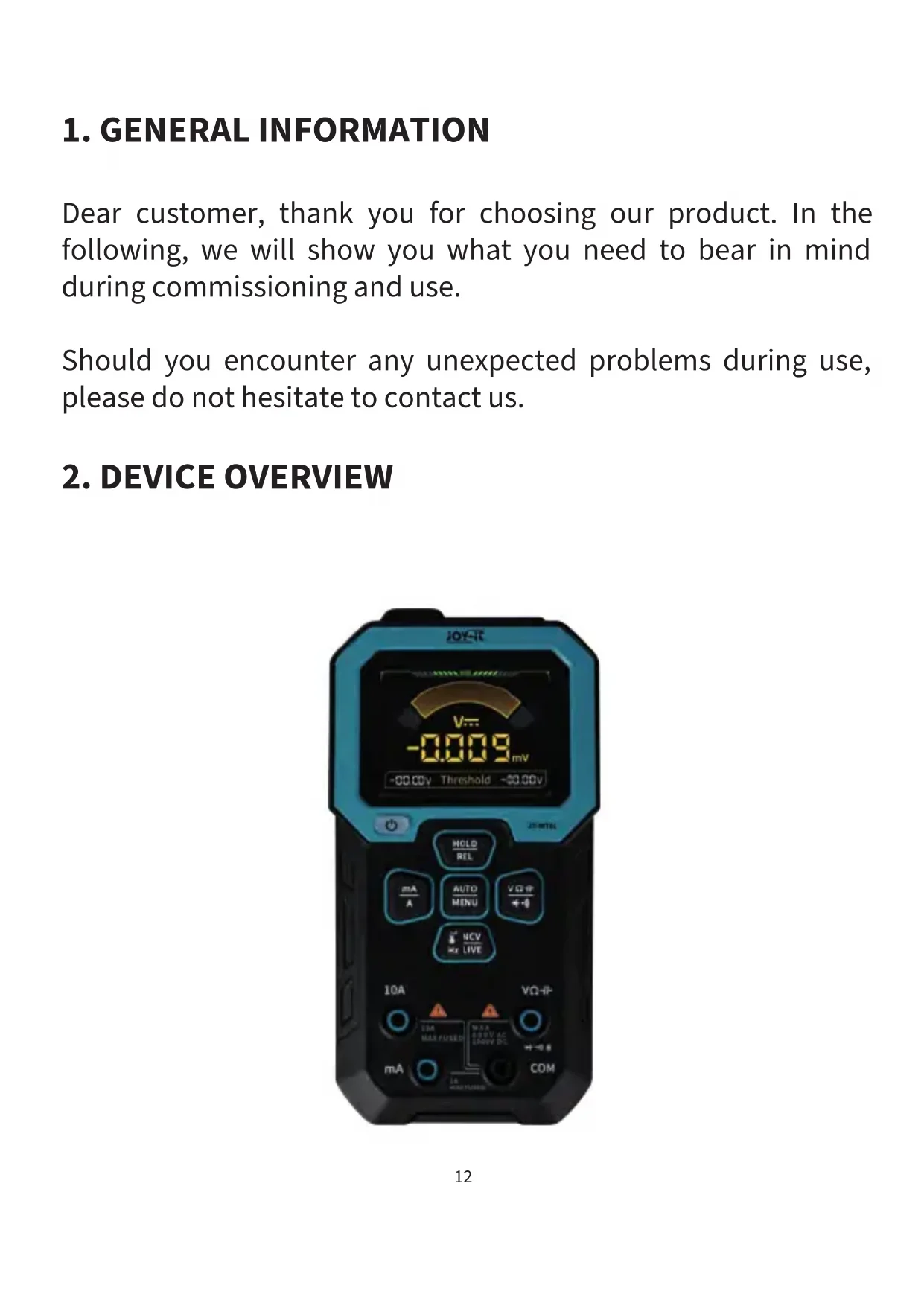
USER MANUAL JTMT01 Joy-It
- Technical specifications 19
- Security notices.. 20
- Additional information 21
- Support 22
TABLE DES MATIÈRES
Dear customer, thank you for choosing our product. In the following, we will show you what you need to bear in mind during commissioning and use.
Should you encounter any unexpected problems during use, please do not hesitate to contact us.
2. DEVICE OVERVIEW
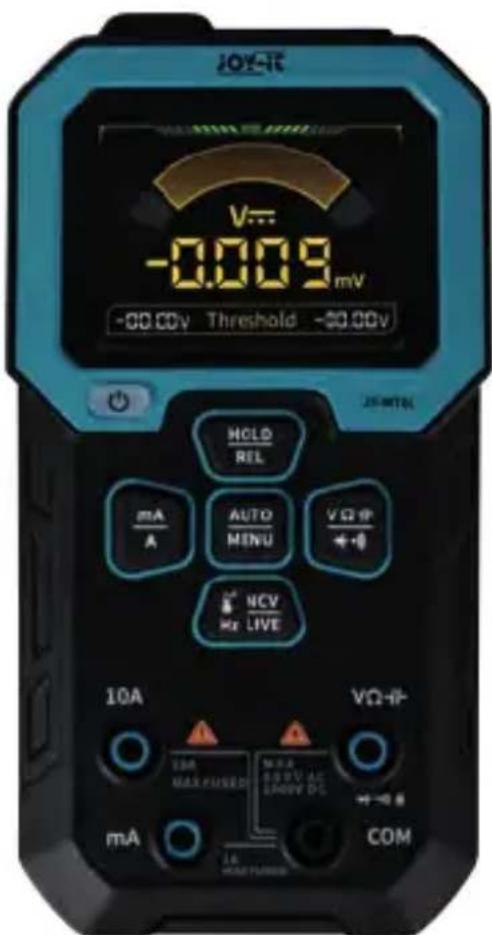
| BUTTON OPERATION FUNCTION |
| VΩ-14 | Change measurement modes
between voltage, resistance,
diodes/continuity and capacitance |
| REL
HOLD | Press briefly Pause current measurement
Press long Switch to relative value
measurement mode |
| AUTO
MENU | Press briefly Start auto mode
Press long Open menu |
| NVC
LIVE Hz | Change measurement modes
between frequency, temperature,
NCV and live measurement |
| mA
A | Switch between low current & high
current measurement |
| Press briefly Turn off the device
Press long Turn on the device |
3. MEASURING MODES
3.1 NORMAL MODE
In normal mode, automatic measurement and the measurement of voltage, resistance, diodes, continuity, capacitors, high current, low current, frequency, temperatures, NCV and current-carrying cables are not supported.
AUTOMATIC MEASUREMENT
Automatic measurement is performed automatically as soon as normal mode is started via the menu. Automatic measurement can also be started manually using the AUTO button.
The automatic measurement only supports the measurement of voltages and resistances, as well as continuity testing.
MANUAL MEASUREMENT
Switch to the desired measuring mode by pressing the corresponding button until the desired mode appears on the display.
NCV MEASUREMENT
Switch to NCV mode and slowly point the device with the NCV marker at the area to be measured. As soon as the sensor detects an electromagnetic field, an alarm is issued automatically.
The stronger the electromagnetic field, the faster the alarm is emitted. A corresponding message is also shown on the display:
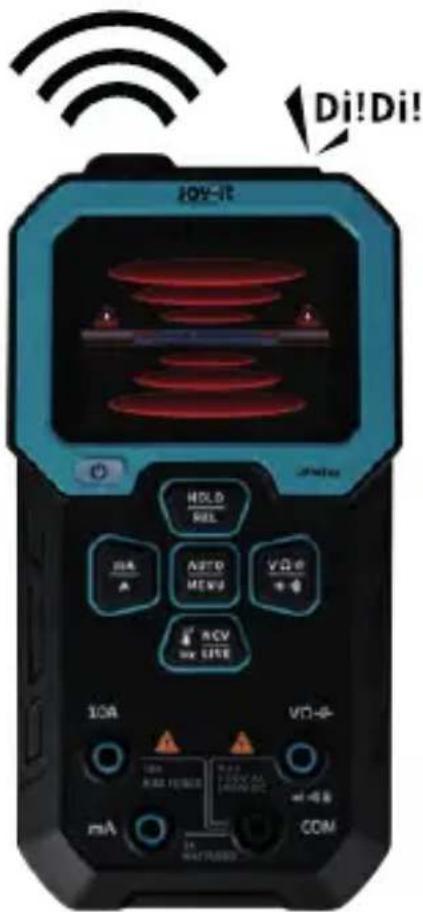
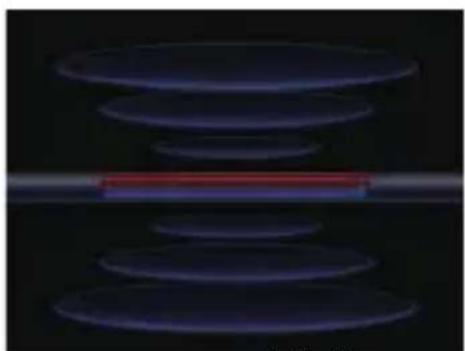
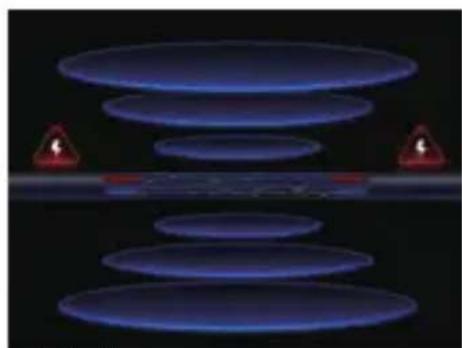
No magnetic field Low magnetic field
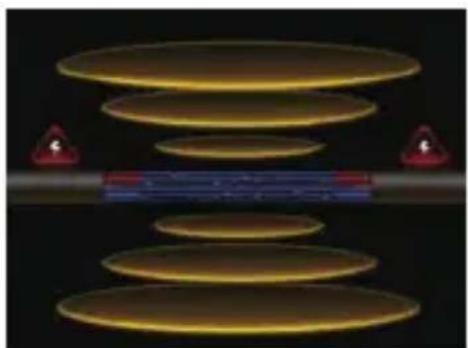
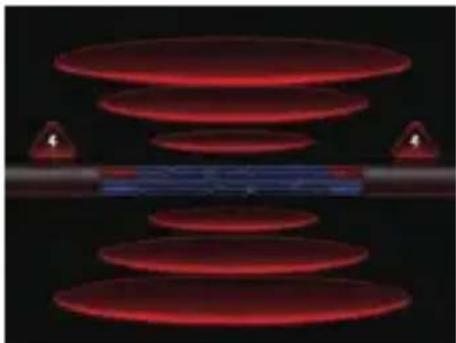
Medium magnetic field Strong magnetic field
MEASUREMENT OF LIVE CABLES
Switch to live mode and connect only one measuring tip to the voltage channel.
Now touch the cable to be tested with the measuring tip. If a live cable is detected, an alarm is automatically emitted. A corresponding message is also shown on the display:
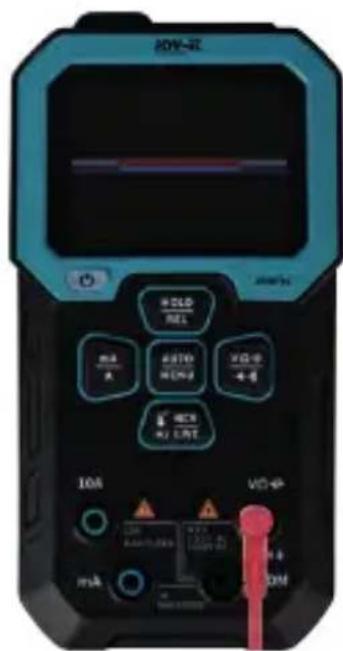
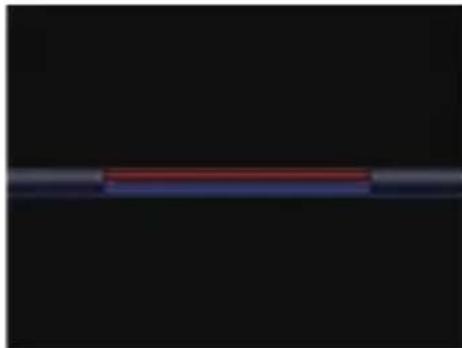
No live wire detected
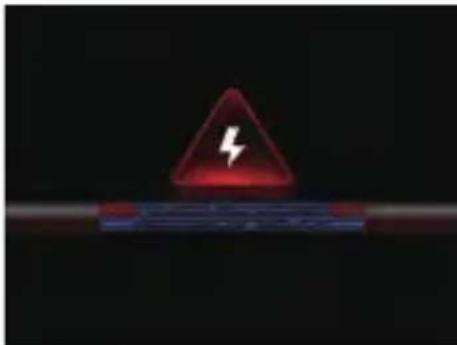
Live wire detected
3.2 RECORDING MODE
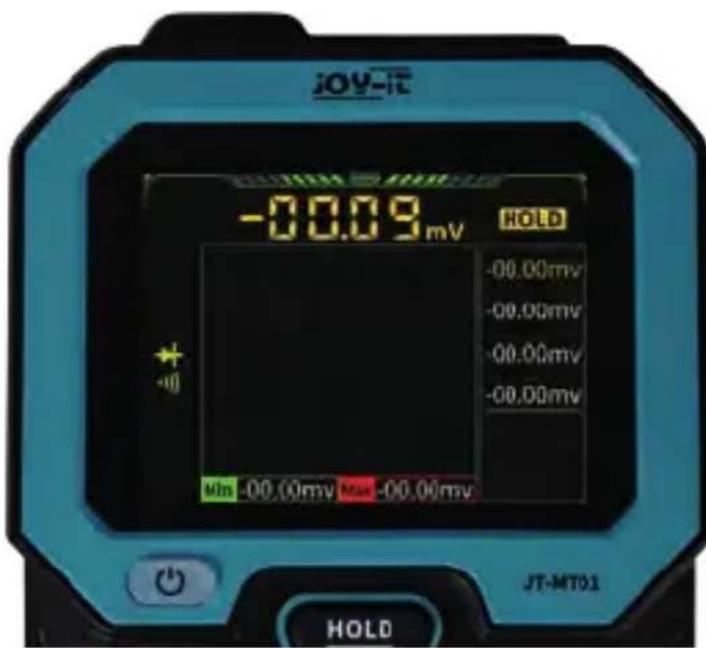
The recording mode supports the measurement of voltages, resistances, diodes, continuity measurements, high current, low current, frequencies and temperatures.
In recording mode, a measurement graph and the extreme values of the current measurement are also displayed. Furthermore, up to 8 measured values can be stored temporarily by pressing the auto/menu button.
Please note that the measurement graph is deactivated for continuity measurements.
3.3 MONITORING MODE
The monitoring mode supports the measurement of voltages, currents and temperatures. In this mode, an alarm is issued automatically as soon as the preset limit values are exceeded or not reached.
To modify the limit value settings, open the settings menu and navigate to the Threshold settings menu item. Here you can set the corresponding minimum and maximum values.
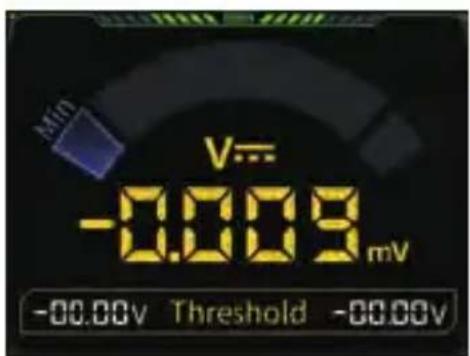
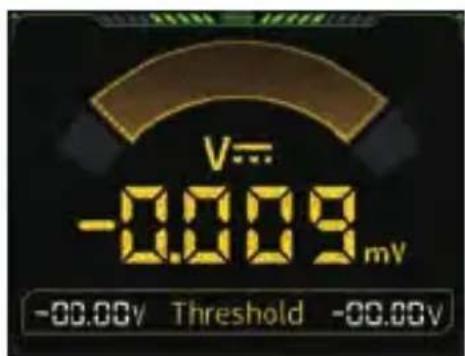
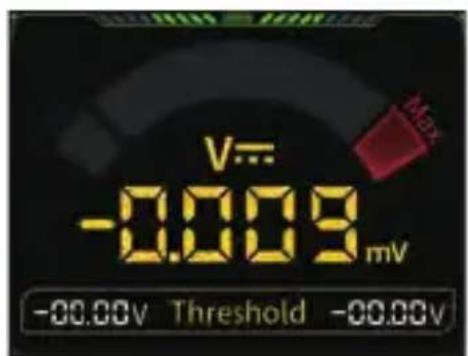
Below minimum value Parameters in the normal range
Maximum value exceeded
4. TECHNICAL SPECIFICATIONS
| VOLTAGE MEASURING RANGE | 0 - 999,9 V (DC), 0 - 750 V (AC) |
| MEASURING RANGE CURRENT | 0 - 9,999 A |
| MEASURING RANGE RESISTANCE | 0 - 99,99 MΩ |
| MEASURING RANGE CAPACITANCE | 0 - 99,99 mF |
| MEASURING RANGE FREQUENCY | 0 - 9,999 MHz |
| MEASURING RANGE TEMPERATURE | Measuring device: -55 - 1300 °C, Included probe: -50 - 300 °C |
| ADDITIONAL MEASUREMENTS | Diodes, continuity test, NCV, live wires |
| VOLTAGE ACCURACY (DC) | ±(0,5 % + 3 digits) |
| VOLTAGE ACCURACY (AC) | ±(1 % + 3 digits) |
| CURRENT ACCURACY (DC) | ±(1,2 % + 3 digits) |
| CURRENT ACCURACY (AC) | ±(1,5 % + 3 digits) |
| RESISTANCE ACCURACY | 0 - 9,999 MΩ: ±(0,5% + 3 digits) > 9,999 MΩ: ±(1,5% + 3 digits) |
| CAPACITY ACCURACY | 0 - 999,9 μF: ±(2,0% + 5 digits) > 9,999 mF: ±(5,0% + 20 digits) |
| FREQUENCY ACCURACY | ±(0,1% + 2 digits) |
| TEMPERATURE ACCURACY | ±(2,5% + 5 digits) |
| FUSE IN THE POWER INPUT | 10 A, 1 A |
| WORKING TEMPERATURE | 0 - 40 °C |
| STORAGE TEMPERATURE | -20 - 60 °C |
| WORKING HUMIDITY | < 75 % |
| STORAGE HUMIDITY | < 80 % |
| BATTERY CAPACITY | 1500 mAh (5V - 1 A) |
| DISPLAY | 2,4" TFT Display, 240 x 320 pixels |
5. SAFETY INSTRUCTIONS
FOLLOW THE INSTRUCTIONS:
Always use this device in accordance with the instructions in the operating instructions. Improper use can lead to damage to the device or the components to be tested and poses a risk to you and others.
OPERATION WITHIN THE SPECIFICATIONS:
Only use the device under the operating conditions specified in the technical data. Use outside these parameters may shorten the service life of the device or impair its function.
AVOID MOISTURE:
Do not expose the device to moisture or liquids. Liquids can cause short circuits and irreparably damage the device or the components to be tested.
SAFETY WHEN WORKING WITH CIRCUITS:
Never touch electrical circuits or components while they are live. This can lead to serious injury or even death. Make sure that the circuits to be tested are always de-energized before you start testing.
EXISTING KNOWLEDGE:
Only use this device if you have the necessary knowledge and skills to handle electronic components and devices safely. Insufficient knowledge and lack of experience can lead to dangerous situations.
UNINTENDED MODIFICATIONS:
Any attempt to modify or repair the appliance, other than by qualified servicetechnicians, may result in damage or malfunction and invalidate the warranty.
SYMBOL ON ELECTRICAL AND ELECTRONIC EQUIPMENT:
This crossed-out garbage can means that electrical and electronic appliances do not belong in household waste. You must hand in the old appliances at a collection point. Before handing them in, you must separate used batteries and accumulators that are not enclosed by the old appliance.
RETURN OPTIONS:
As an end user, you can hand in your old appliance (which essentially fulfills the same function as the new appliance purchased from us) for disposal free of charge when purchasing a new appliance. Small appliances with no external dimensions greater than 25cm can be disposed of in normal household quantities regardless of whether you have purchased a new appliance.
RETURN OPTION AT OUR COMPANY LOCATION DURING OPENING HOURS:
SIMAC Electronics GmbH, Pascalstr. 8, D-47506 Neukirchen-Vluyn
POSSIBILITY TO RETURN NEAR YOU:
We will send you a parcel stamp with which you can return the device to us free of charge. To do so, please contact us by e-mail at service@joy-it.net or by telephone.
Please pack your old appliance securely for transportation. If you do not have suitable packaging material or do not wish to use your own, please contact us and we will send you suitable packaging.
7. SUPPORT
We are also there for you after your purchase. If any questions remain unanswered or problems arise, we are also available to assist you by e-mail, telephone and ticket support system.
E-Mail: service@joy-it.net
Ticket-System: http://support.joy-it.net
Telephone: +49 (0)2845 9360 - 50 (Mon. - Thu.: 09:00 - 17:00 Uhr,
Fri.: 09:00 - 14:30)
For further information, please visit our website:
www.joy-it.net