Aria Pro - Earphones Avantree - Free user manual and instructions
Find the device manual for free Aria Pro Avantree in PDF.



Frequently Asked Questions - Aria Pro Avantree
User questions about Aria Pro Avantree
0 question about this device. Answer the ones you know or ask your own.
Ask a new question about this device
Download the instructions for your Earphones in PDF format for free! Find your manual Aria Pro - Avantree and take your electronic device back in hand. On this page are published all the documents necessary for the use of your device. Aria Pro by Avantree.
USER MANUAL Aria Pro Avantree
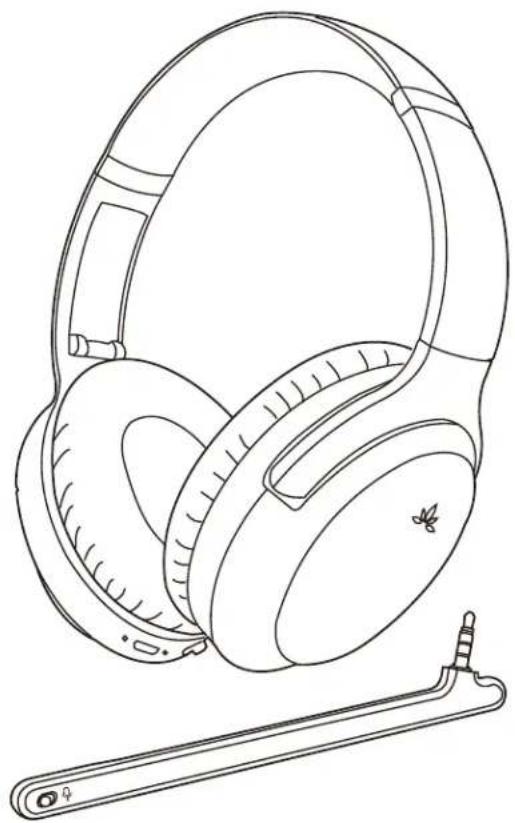
High-end Wireless ANC Headphones
BTHS-AS90P
natural_image
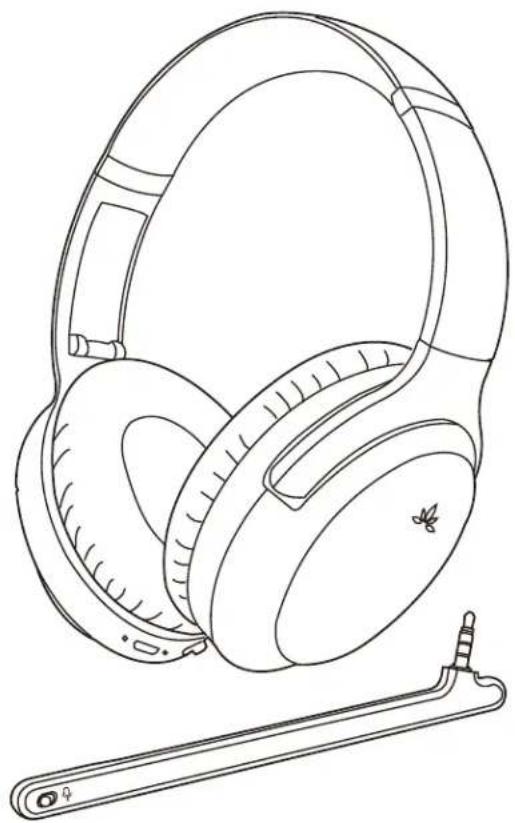
Line drawing of a pair of outdoor headphones with a small electronic device attached (no text or symbols)Product overview....1
Product specification.... 1
Basic operation....2
LED indicator 2
Activate noise cancellation (ANC) 3
Connect to a Bluetooth device 3
Connect to two Bluetooth devices simultaneously 4
Reconnect to Bluetooth device 4
Qualcomm® aptX™ HD 4
Qualcomm® aptX™ Low Latency 5
One-touch connection (NFC) 5
Using as a wired headphone 5
Charging 6
Clear the headphones pairing history 6
Troubleshooting....6
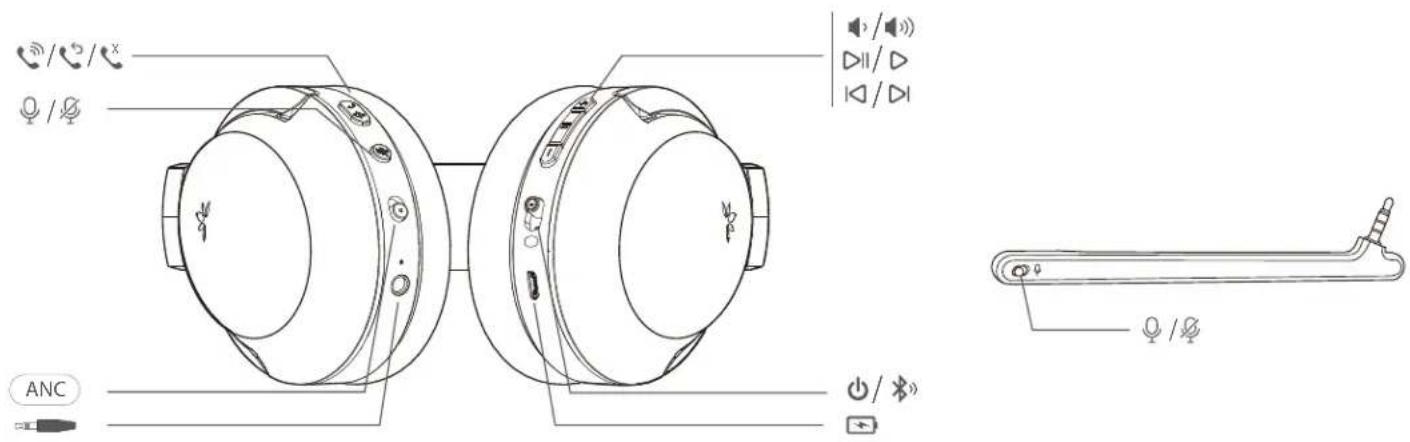
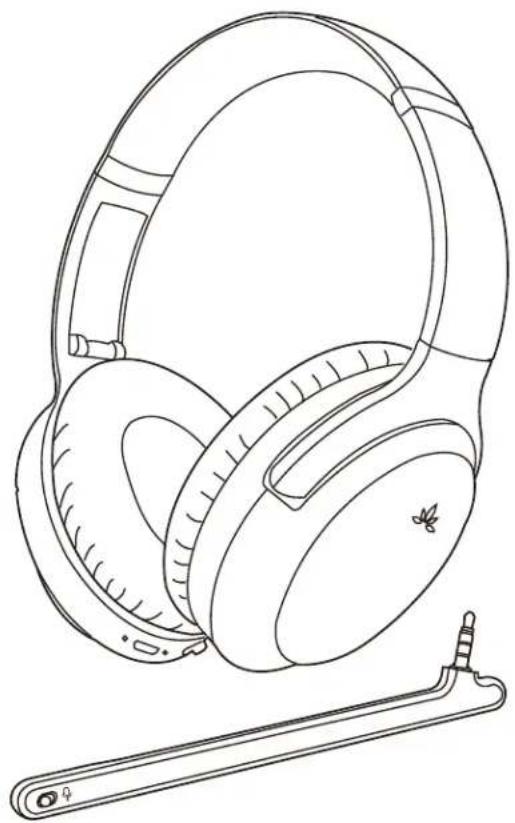
Product Overview
Product specification
- Bluetooth Version: V5.0
• Support profiles: HFP, HSP, A2DP, AVRCP
• Supported audio format(s): SBC, aptX, aptX-LL, aptX-HD - Driver diameter: 40mm
• Impedance: 32ohm
• Frequency Response: 20Hz-20KHz
• Effective range: Line of sight approx. 30 ft (10 m)
• Working time: Up to 24 hours music time
• Charging time: approx. 2 hours - Ear pads inner diameter: 6cm (length)* 3.7cm(width)
- Ear pads outer diameter: 9.5cm (length)* 7.5cm(width)
• Product weight: 230g
Please read this User Guide carefully and keep it handy
For more AS90P product information please see support.avantree.com or search "AS90P" or "Avantree Aria Pro" on www.avantree.com
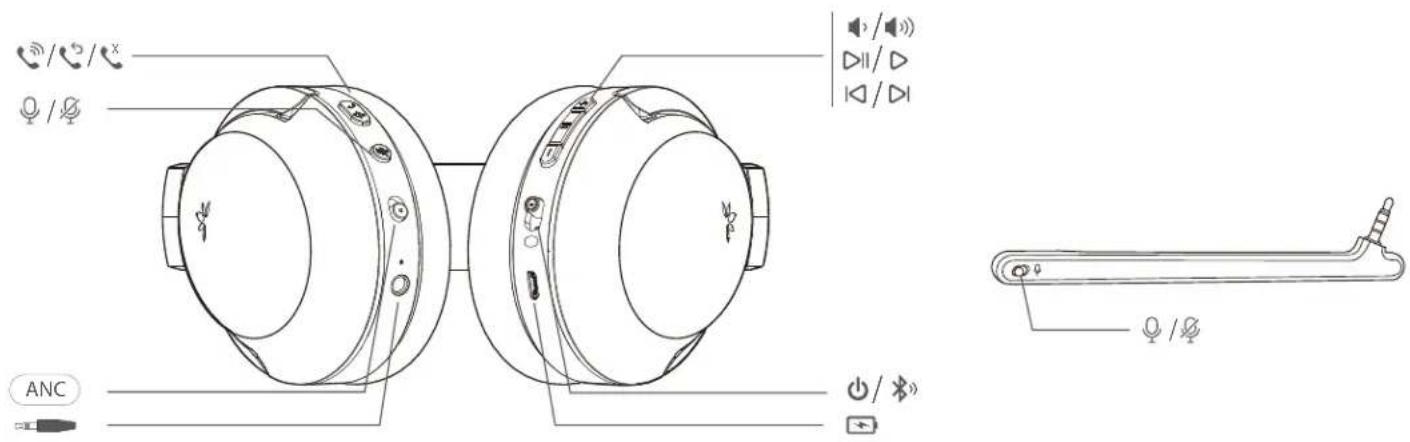
General function
| Power on | Slide the power switch towards middle |
| Power off | Slide the power switch towards |
| Activate / deactivate smart voice assistant | Press once (wireless connected, non-calling status) |
| Voice prompts off | Press and hold both and for 1s to deactivate voice prompts |
| Voice prompts on | Press and hold both and for 1s to activate voice prompts |
Music Control >
| Play / Pause music | Press ▶ once |
| Volume up / down | Press ⊕ /⊖ once |
| Next / Previous track | Hold ⊕ /⊖ for 2s |
Call Control >
| Answer / End a call | Press once |
| Reject a call | Hold for 2s with a call coming-in |
| Last number redial | Press twice |
| Mic mute on / off | On the headset - Press once during an active callOn boom mic –Mute on 🎨 / 🎨 Mute off |
LED indicator
| Working Status | LED indicator |
| ANC ON / ANC OFF | ANC indicator* shows GREEN •ANC 📷 / turns OFF |
| Pairing Mode | Blinks BLUE & RED alternately |
| Connected | Blinks BLUE once every 5s |
| Reconnecting | Blinks BLUE once every 1s |
| Disconnected | Blinks BLUE once every 2s |
| Low battery | Blinks RED |
| Play audio in FS Codec | Remains BLUE |
| Play audio in SBC Codec | Blinks BLUE once every 5s |
| Play audio in AptX Codec | Blinks WHITE once every 5s |
| Play audio in AptX-LL Codec | Blinks WHITE twice every 5s |
| Play audio in AptX-HD Codec | Blinks WHITE 3 times every 5s |
text_image
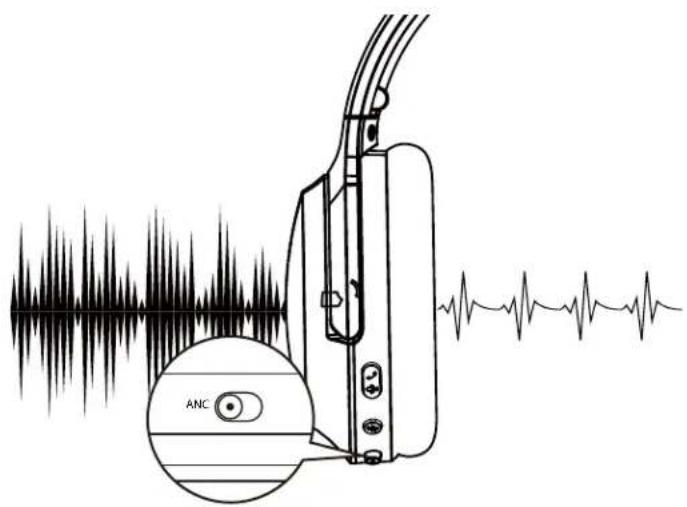
ANCAfter power ON, slide ANC switch to "ANC" ANC to activate the ANC function. The ANC LED light will turn GREEN. Slide ANC switch opposite to "ANC" ANC to deactivate ANC function, the ANC LED will turn off.
Note:
- You will NOT be able to use the ANC function when the headphones' battery is low.
- If you want to use the ANC function in wired mode, please power ON the headphones first.
Connect to a Bluetooth device
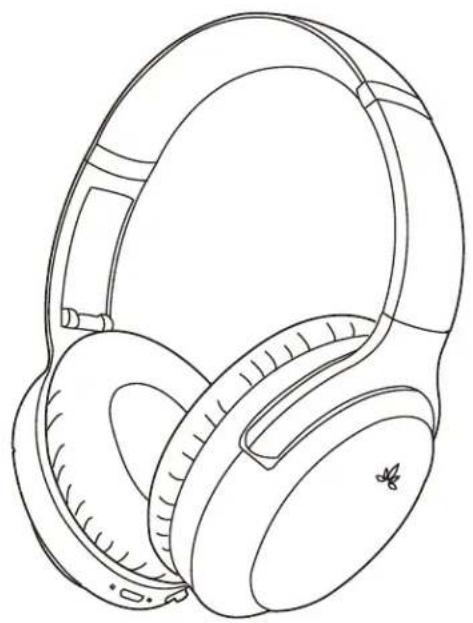
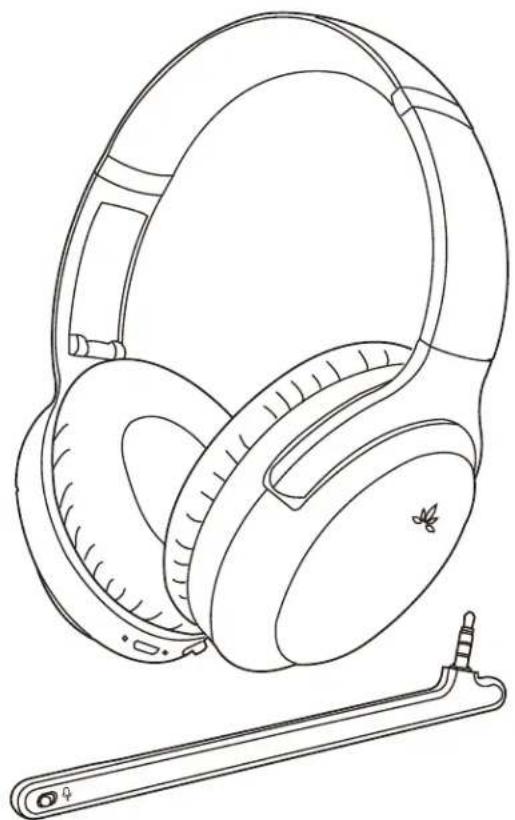
- Enter headphones into PAIRNG MODE - Slide the power switch to ✝ position ⏻① ^ and hold for 3s until the LED flashes BLUE and RED alternately.
- On your mobile device – Turn on Bluetooth and select "Avantree AS90P" to connect. If you are using a Bluetooth transmitter, please enter your transmitter into PAIRING MODE (please refer to your transmitter's user manual).
natural_image
Line drawing of a pair of outdoor headphones with a butterfly logo on the ear (no text or symbols)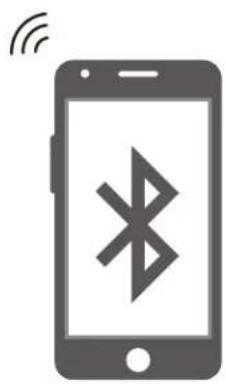
natural_image
Illustration of a smartphone with wireless signal icon (no text or symbols)Connect to two Bluetooth devices simultaneously
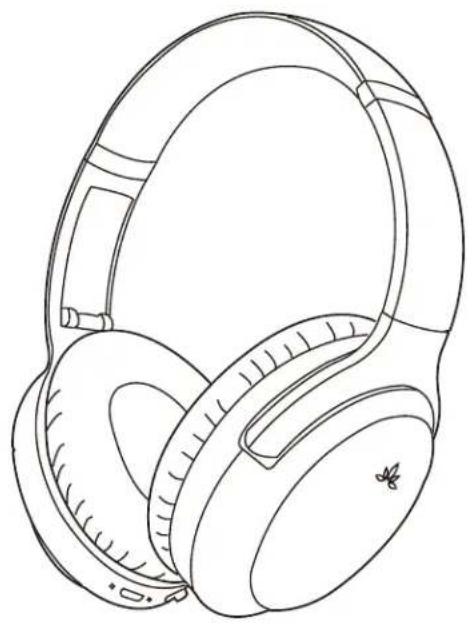
- Connect AS90P to the FIRST device as shown above.
- Enter the AS90P into PAIRING MODE again and repeat the above steps to connect to the SECOND device.
Note: This feature only works for two mobile devices, such as cellphones and/or tablets. It doesn't work for PCs or Bluetooth transmitters.
natural_image
Line drawing of a pair of outdoor headphones with earbuds and front latches (no text or symbols)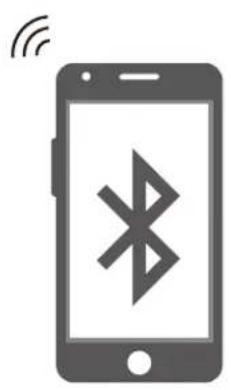
natural_image
Illustration of a smartphone with wireless signal icon (no text or symbols)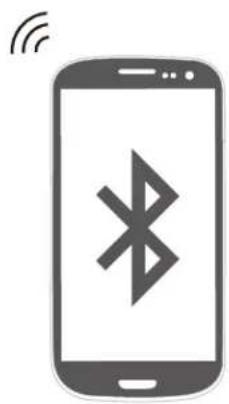
natural_image
Illustration of a smartphone with a Bluetooth symbol and wireless signal icon (no text or labels)Reconnect to Bluetooth device
Normally, once powered on, the headphones will reconnect to the last connected device automatically within 5-10 seconds.
If it doesn't, please slide the Power Switch to ✝ position ONCE, ⏻⑩* OR select "Avantree AS90P" from your device to connect manually. (If you're using a Bluetooth transmitter, please refer its user manual to reconnect)
Qualcomm® aptX™ HD
aptX-HD audio ensures that your Bluetooth® wireless enabled device can deliver High Definition (HD) audio. To take advantage of this feature, please ensure that the audio source device or the transmitter also supports the aptX-HD Latency codec. To check if your device is aptX-HD certified, visit aptX's website: www.aptx.com.
We recommend Avantree Oasis Plus to ensure compatibility with the AS90P.
Qualcomm® aptX™ Low Latency
aptX-Low Latency delivers high quality 16bit audio while minimizing audio/video syncing issues. To take advantage of this feature, please ensure that the audio source device or the transmitter also supports the aptX-Low Latency codec. To check if your device is aptX-LL certified, visit aptX's website: www.aptx.com.
We recommend any of the following Avantree Bluetooth transmitters - Oasis Plus, Audikast, Leaf to ensure compatibility with the AS90P.
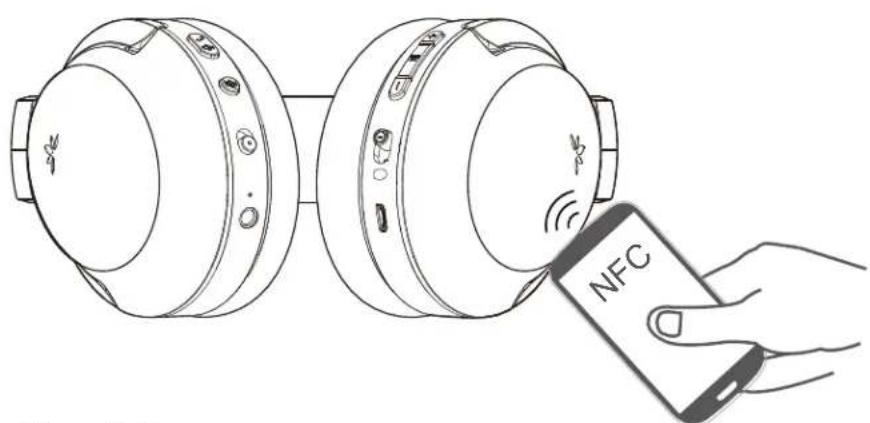
One-touch connection (NFC)
- Turn on the NFC function on your Android smartphone (Android 4.1 or later) and ensure that the screen is active and unlocked.
- Power on the headset, keep touching the smart phone with the headphones "N" Mark until the smart phone reacts.
- Follow the on-screen instructions to complete the pairing and connection. When the headset has been connected to the smart phone, you'll hear voice prompt "connected."
natural_image
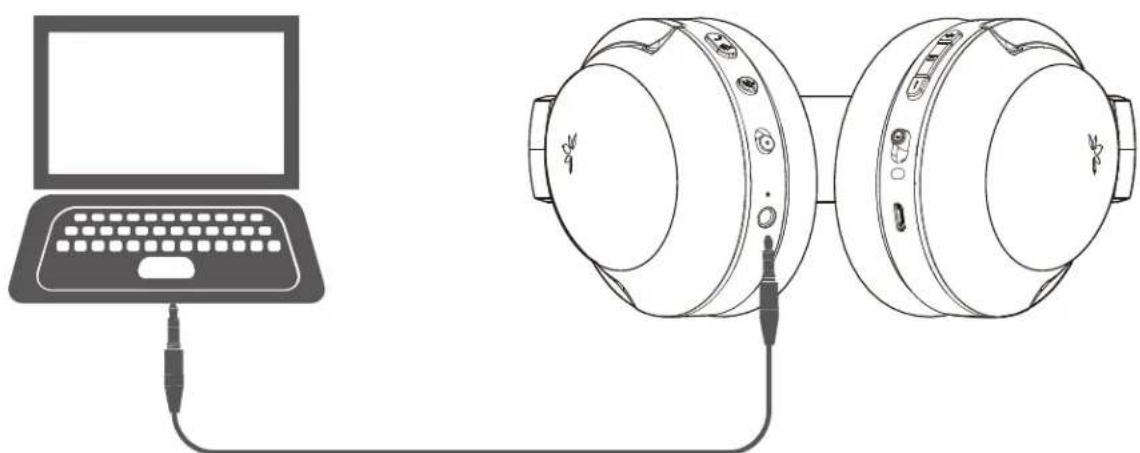
Line drawing of two connected headphones with a hand holding a NFC device (no text or symbols on the devices themselves)Using as a wired headphone
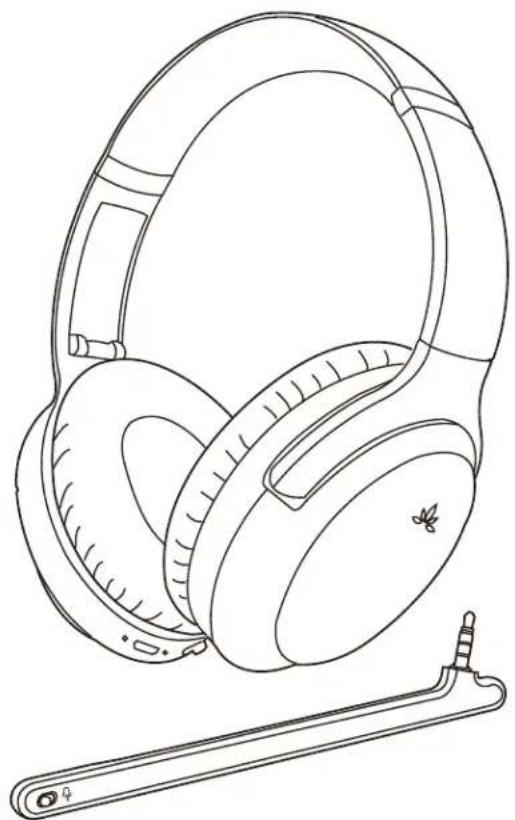
You may use the supplied 3.5mm audio cable to connect to a non-Bluetooth device.
Note: The control buttons, the built-in mic, and the detachable boom mic DOES NOT work in wired mode.
Note: If you wish to use the ANC function in wired mode, please turn on the headphones first.
natural_image
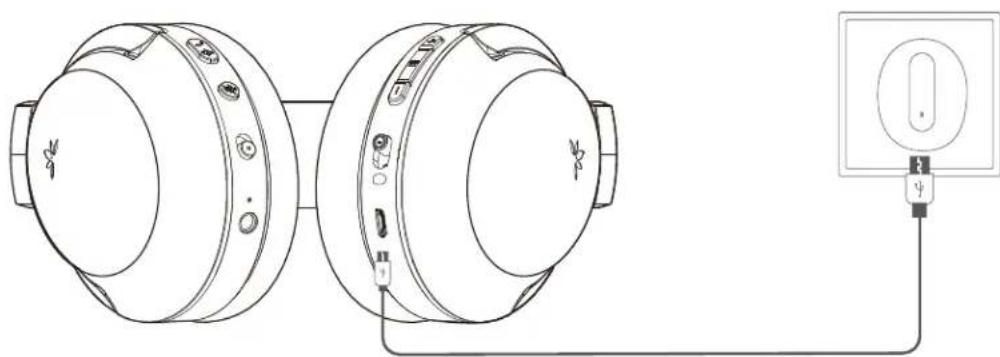
Line drawing of a laptop connected to two headphones, showing earplids and cable (no text or symbols)Charging
When the LED starts blinking RED once every 10s, or when you hear "beep" / prompts sound, you should recharge your headphones. Please plug it into a USB wall charger (DC 5V / 0.5-2A) or a powered USB port via the micro USB cable that we provided.
Normally it takes 2 hours to fully recharge. The LED indicator on the headphones will remain RED while charging and automatically turn o when the charging is complete.
natural_image
Technical line drawing of two circular electronic devices connected to a power outlet (no text or symbols present)Clear the headphones pairing history
Turn on the headset (Non-calling Status.) Press and hold both ⏻ and ⊖ for 5 seconds until the LED blinks PINK for 2 seconds. Now the pairing history has been cleared. The headphones will enter PAIRING MODE automatically (LED blinks Blue and Red alternately) and you'll be able to pair it with the target Bluetooth device again.
Troubleshooting
No sound with PC?
- Set Avantree AS90P as the default device or output device on the PC.
- When using AS90P to make VOIP calls through apps, please set AS90P Hands-Free as Microphone and Speakers device.
No sound with Bluetooth transmitter when watching TV?
- Ensure Bluetooth transmitter and headphones are connected properly.
- Check to ensure audio source is functioning properly - AUX & RCA output on TV – test with wired headphones - OPT output on TV – Set audio format to "PCM/LPCM" or turnoff Dolby/DTS
- Change your TV audio out setting to "External speakers /Headset."
Headphones do not pair with Bluetooth device?
- Ensure that the AS90P is in Pairing mode – LED flashing BLUE and RED alternately.
- For Bluetooth transmitters, please ensure that the transmitter is in Pairing mode – you may refer to its user manual.
• For Smart phones, tablets and PC
• Turn the Bluetooth off and then on again. - Delete "Avantree AS90P" headphones from your device's Bluetooth list and try to pair again.
- Clear the headphone's pairing history and pair again.
User Manual
High-end Wireless ANC Headphones
BTHS-AS90P
natural_image
Line drawing of a pair of outdoor headphones with a small electronic device attached (no text or symbols)Produktübersicht 1
Qualcomm® aptX™ Low Latency 5
One-touch Verbindung (NFC) 5
Troubleshooting....6
Produktübersicht
natural_image
Line drawing of a pair of outdoor headphones with earbuds and front latches (no text or symbols)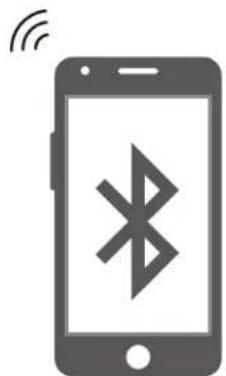
natural_image
Illustration of a smartphone with a Bluetooth symbol and wireless signal icon (no text or labels)natural_image
Line drawing of a pair of modern headphones with earbuds and front latches (no text or symbols)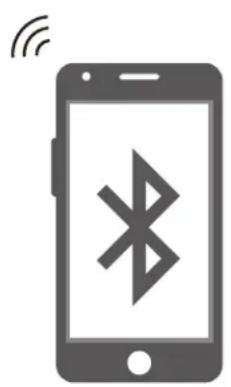
natural_image
Illustration of a smartphone with wireless signal icon (no text or symbols)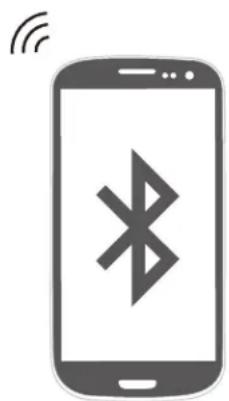
natural_image
Illustration of a smartphone with a Bluetooth symbol and wireless signal icon (no text or labels)natural_image
Line drawing of two connected devices with a hand holding a NFC payment terminal (no text or symbols on devices)natural_image
Line drawing of a laptop connected to two headphones, showing earplids and cable (no text or symbols)Ladevorgang
natural_image
Technical line drawing of two circular electronic components connected to a power outlet (no text or symbols)High-end Wireless ANC Headphones
BTHS-AS90P
natural_image
Line drawing of a pair of audio headphones with a small stand (no text or symbols)Qualcomm® aptX™ Low Latency 5
text_image
Technical diagram of two smart home headsets with labeled ports and control buttons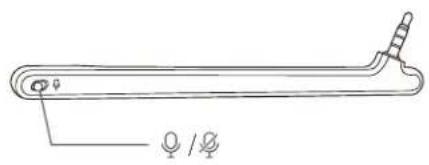
natural_image
Line drawing of a mechanical tool or rod with two small protrusions and a central hub (no text or symbols)natural_image
Line drawing of a pair of outdoor headphones with earbuds and front latches (no text or symbols)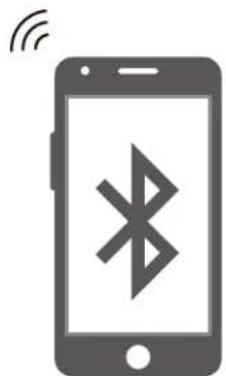
natural_image
Illustration of a smartphone with a Bluetooth symbol and wireless signal icon (no text or labels)natural_image
Line drawing of a pair of modern headphones with earbuds and front latches (no text or symbols)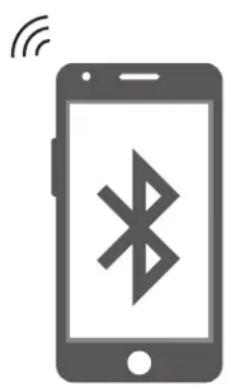
natural_image
Illustration of a smartphone with wireless signal icon (no text or symbols)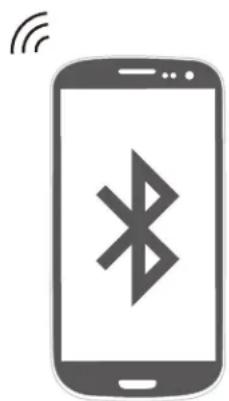
natural_image
Illustration of a smartphone with a Bluetooth symbol and wireless signal icon (no text or labels)natural_image
Line drawing of two connected devices with a hand holding a NFC payment terminal (no text or symbols on devices)natural_image
Line drawing of a laptop connected to two headphones, showing earplids and cable (no text or symbols)natural_image
Technical line drawing of two circular electronic components connected to a power outlet (no text or symbols)High-end Wireless ANC Headphones
BTHS-AS90P
natural_image
Line drawing of a pair of outdoor headphones with a small electronic device attached (no text or symbols)text_image
Technical diagram of two smart home headsets with labeled ports and control buttons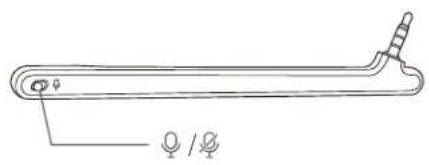
natural_image
Line drawing of a mechanical tool or rod with two small protrusions and a central hub (no text or symbols)Specifiche Prodotto
natural_image
Line drawing of a pair of outdoor headphones with a butterfly logo on the ear (no text or symbols)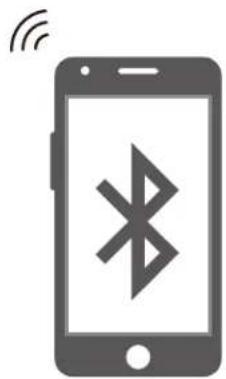
natural_image
Illustration of a smartphone with a Bluetooth symbol and wireless signal icon (no text or labels)natural_image
Line drawing of a pair of modern headphones with earbuds and front latches (no text or symbols)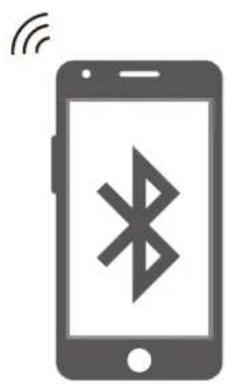
natural_image
Illustration of a smartphone with a Bluetooth symbol on screen, emitting signal waves (no text or labels)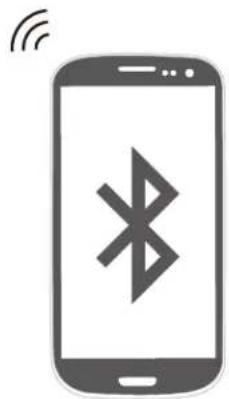
natural_image
Illustration of a smartphone with a Bluetooth symbol and wireless signal icon (no text or labels)Riconnettere al dispositivo Bluetooth
Qualcomm® aptX™ LowLatency
natural_image
Line drawing of two connected devices with a hand holding a NFC payment terminal (no text or symbols on devices)natural_image
Line drawing of a laptop connected to two headphones, showing earplids and cable (no text or symbols)Carica
natural_image
Technical line drawing of two circular electronic components connected to a power outlet (no text or symbols)Pulire la cronologia del pairing
High-end Wireless ANC Headphones
BTHS-AS90P
natural_image
Line drawing of a pair of electronic headphones with a small stand (no text or symbols)text_image
Technical diagram of two smart headsets with labeled ports and function buttons, including speaker, audio, and audio jack controls.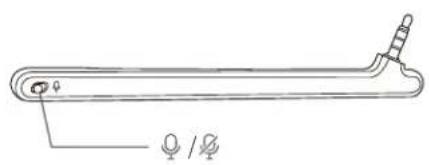
natural_image
Line drawing of a laboratory apparatus with a central rod and two small protrusions (no text or symbols)natural_image
Line drawing of a pair of outdoor headphones with earbuds and front latches (no text or symbols)
natural_image
Illustration of a smartphone with a Bluetooth symbol and wireless signal icon (no text or labels)natural_image
Line drawing of a pair of modern headphones with earbuds and front latches (no text or symbols)
natural_image
Illustration of a smartphone with a Bluetooth symbol and wireless signal icon (no text or labels)