ManualGo.com
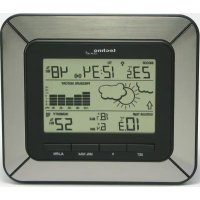
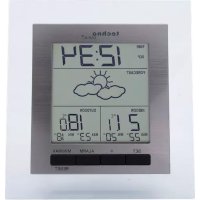
 WM 5300 - Weather Station Techno Line - Free user manual and instructions
Find the device manual for free WM 5300 Techno Line in PDF.



Frequently Asked Questions - WM 5300 Techno Line
Download the instructions for your Weather Station in PDF format for free! Find your manual WM 5300 - Techno Line and take your electronic device back in hand. On this page are published all the documents necessary for the use of your device. WM 5300 by Techno Line.
USER MANUAL WM 5300 Techno Line
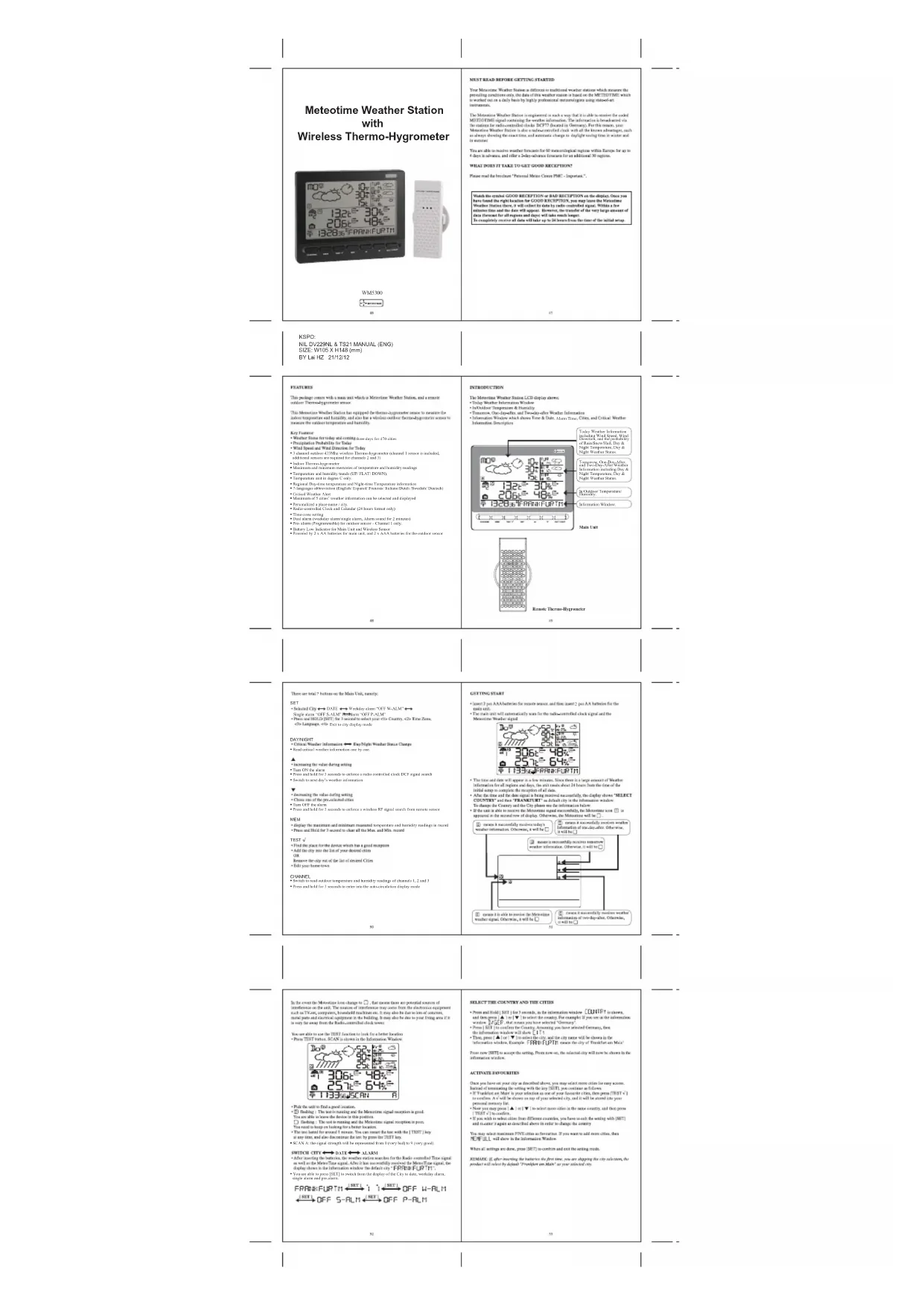
In/Outdoor Temperature/ Humidity. Information Window. Today Weather Information including Wind Speed, Wind Direction, and the probability of Rain/Snow/Hail, Day & Night Temperature, Day & Night Weather Status. Tomorrow, One-Day-After, and Two-Day-After Weather Information including Day & Night Temperature, Day & Night Weather Status. WM5300 three days for 470 cities
- 3 channel outdoor 433Mhz wireless Thermo-hygrometer (channel 1 sensor is included, additional sensors are required for channels 2 and 3)
- Indoor Thermo-hygrometer
- Maximum and minimum memories of temperature and humidity readings
- Temperature and humidity trends (UP/ FLAT/ DOWN),
- Temperature unit in degree C only.
- Regional Day-time temperature and Night-time Temperature information
- Maximum of 5 cities’ weather information can be selected and displayed
- Personalized a place name / city.
- Radio-controlled Clock and Calendar (24 hours format only)
- Dual alarm (weekday alarm/single alarm, Alarm sound for 2 minutes)
- Pre- alarm (Programmable) for outdoor sensor – Channel 1 only.
- Battery Low Indicator for Main Unit and Wireless Sensor
- Powered by 2 x AA batteries for main unit, and 2 x AAA batteries for the outdoor sensor Alarm Time DATE Weekday alarm “OFF W-ALM” Single alarm “OFF S-ALM” Pre-alarm “OFF P-ALM” Exit to city display mode
- Read critical weather information one by one.
- Press and hold for 3 seconds to enforce a radio controlled clock DCF signal search
- Switch to next day’s weather information
- Press and hold for 3 seconds to enforce a wireless RF signal search from remote sensor
- Switch to read outdoor temperature and humidity readings of channels 1, 2 and 3
- Press and hold for 3 seconds to enter into the auto-circulation display mode
- SCAN A: the signal strength will be represented from 0 (very bad) to 9 (very good).
- You are able to press [SET] to switch from the display of the City to date, weekday alarm, single alarm and pre-alarm. DATE ALARM temperature and humidity readings in record[DAY/NIGHT] [DAY/NIGHT] [DAY/NIGHT] DAY/NIGHT UP [▲] UP [▲] UP [▲] UP [▲] WEATHER WEATHER WEATHER
SINGLE ALARM PRE-ALARM. WEATHER STATUS There are total 15 weather status for Day and 15 weather status for Night.
REMOTE SENSORS STATUS
The wave icon above the current channel icon shows the connection status of the corresponding remote sensor: Icon Status Searching for the signals from the remote sensor Corresponding remote sensor signal received successfully No signals received for over 1 hour
SEARCH FOR REMOTE SENSORS
- The main unit can be manually activated to search for the signals from remote sensors by pressing and holding DOWN (▼) button.
VIEWING REMOTE (CHANNEL) TEMPERATURE AND HUMIDITY
Static Display: - Press [ CHANNEL ] keys to select measurements from different remote sensors, each is mode to a unique channel 1,2, or 3 Channel Auto-Scan Display: - Press To enable an automatic scan of all channels, press and hold [CHANNEL], until the icon is displayed. The measurements from each remote channel will be alternately displayed with a 5 seconds viewing. NOTE: the channel auto-scan feature can be actived only if there are more than one remote sensors operating and are set to different channels.
MAXIMUM AND MINIMUM TEMPERATURES
- The maximum and minimum recorded indoor and outdoor temperatures and humidity will be automatically stored in the memory of the main unit. To display them, press [MEM] button and the respective indicators, [MAX] or [MIN] will be displayed. - To clear the memory, hold [MEM] button for 3 seconds. The maximum and minimum temperature records will be erased. flashing flashing
SWITCH TO NEXT DAY’S WEATHER INFORMATION For each press of the UP [▲] button, the user can switch and view the weather information from today to tomorrow, one-day-after and two-day-after. Today’s weather information: Tomorrow’s weather information: One-day-after’s weather information: Two-day-after’s weather information: 61WM5300 AA batteries x 2 pcs. AAA batteries x 2 pcs. Electromagnetic compatibility and Radio spectrum Matters ETSI EN 300 220-2 V2.3.1 (2010-02) ETSI EN 300 330-2 V1.5.1 (2010-02) Electromagnetic compatibility ETSI EN 301 489-1 V1.9.2 (2011-09) ETSI EN 301 489-3 V1.4.1 (2002-08) Low voltage directive EN 60950-1:2006+A11:2009+A1:2010+A12:2011 2006/95/EC ALARM FEATURE Weekday Alarm: - This is a repeat alarm that will activate daily from Monday to Friday at a set time. Single Alarm: - This is a single alarm that will activate once at a set time
- Press [SET] to toggle between weekday, single alarm time or pre-alarm. If the alarm is disarmed, the time will be displayed as “OFF W-ALM” - Hold [SET] for 3 seconds, the hour digits will blink. - Enter the hour by using UP [▲] or DOWN [▼] button. - Press [SET] to confirm, the minute digits will blink. - Enter the hour by using UP [▲] or DOWN [▼] button. - Press [SET] to exit and the respective alarm icons [ ] , [ ] and [ ]will be activated.
- When alarm is on, the respective alarm icons [ ] and [ ] will be flashing. Press UP [▲] or DOWN [▼] button to stop the alarm immediately. - To turn off the alarm, press UP [▲] or DOWN [▼] button to change the alarm time display as “OFF W-ALM” - If no button is pressed, the alarm will be sounded for 2 minutes and then deactivated automatically. SETTING THE ICE WARNING ALARM (PRE-ALM) - If Weekday (W) or Single day (S) alarm is set, the Ice Warning Alarm (Pre-ALM) can be programmed. - Press and hold [SET] button for 3 seconds once to enter into the Ice Warning Alarm setting mode on “PRE-ALM” display mode. - The number 15 will flash, meaning that if selected, the alarm will sound 15 minutes earlier than the Weekday or Single alarm. - Select the desired Ice Warning Alarm interval in 15 minutes increments between 15 and 90 minutes, using UP (▲) or DOWN (▼)buttons - Press [SET] button to confirm and exit from the alarm setting mode. 62 63Meteotime Station météo
MAXIMÁLNÍ A MINIMÁLNÍ TEPLOTY
- meteo forecasts for 2 days only