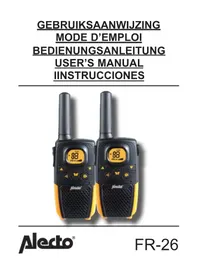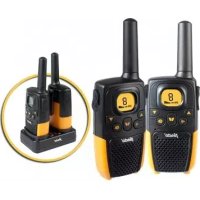
FR14 - Talkie Walkie ALECTO - Free user manual and instructions
Find the device manual for free FR14 ALECTO in PDF.



Frequently Asked Questions - FR14 ALECTO
User questions about FR14 ALECTO
0 question about this device. Answer the ones you know or ask your own.
Ask a new question about this device
Download the instructions for your Talkie Walkie in PDF format for free! Find your manual FR14 - ALECTO and take your electronic device back in hand. On this page are published all the documents necessary for the use of your device. FR14 by ALECTO.
USER MANUAL FR14 ALECTO
The Alecto FR-14 is a PMR-446 Two-Way Radio. This two-way
radio will allow you to communicate with each other or with other (Alecto) two-way radios free of charge, provided the devices conform to the PMR-446 standards.
The Alecto FR-14 devices are build conform to the essential conditions and provisions as described in the EU directive 1999/5/EC. The statement of conformity is available on our website at www.alecto.info
TECHNICAL SPECIFICATIONS
Operating frequency: 446.00625MHz tot
446.09375MHz
Transmitting power: 0.5Watt
Channel spacing: 12.5KHz
Battery: 4.5V (3x AAA batterij)
Range::
tot
5Km
Battery life: zenden: tot
3 aur
3 dagestandby:
The FR-14 is powered by 3 AAA penlite batteries.
- Remove the belt clip by pressing the safety lip backwards and push the belt clip upwards away from of the two-way radio.
- Open the battery compartment by sliding down the lid of the compartment.
- Insert the batteries as indicated. Make sure the polarity is as indicated (+ and -).
- Close the battery compartment and put the belt clip back on the two-way radio.
You can return any used batteries to the supplier of your two-way radio or you can hand them in at the chemical & hazardous section of your local waste recycling site. Don't throw used batteries away with your household waste.

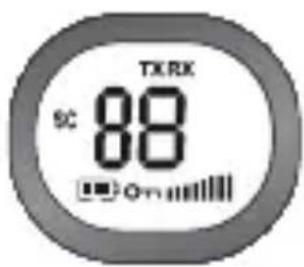
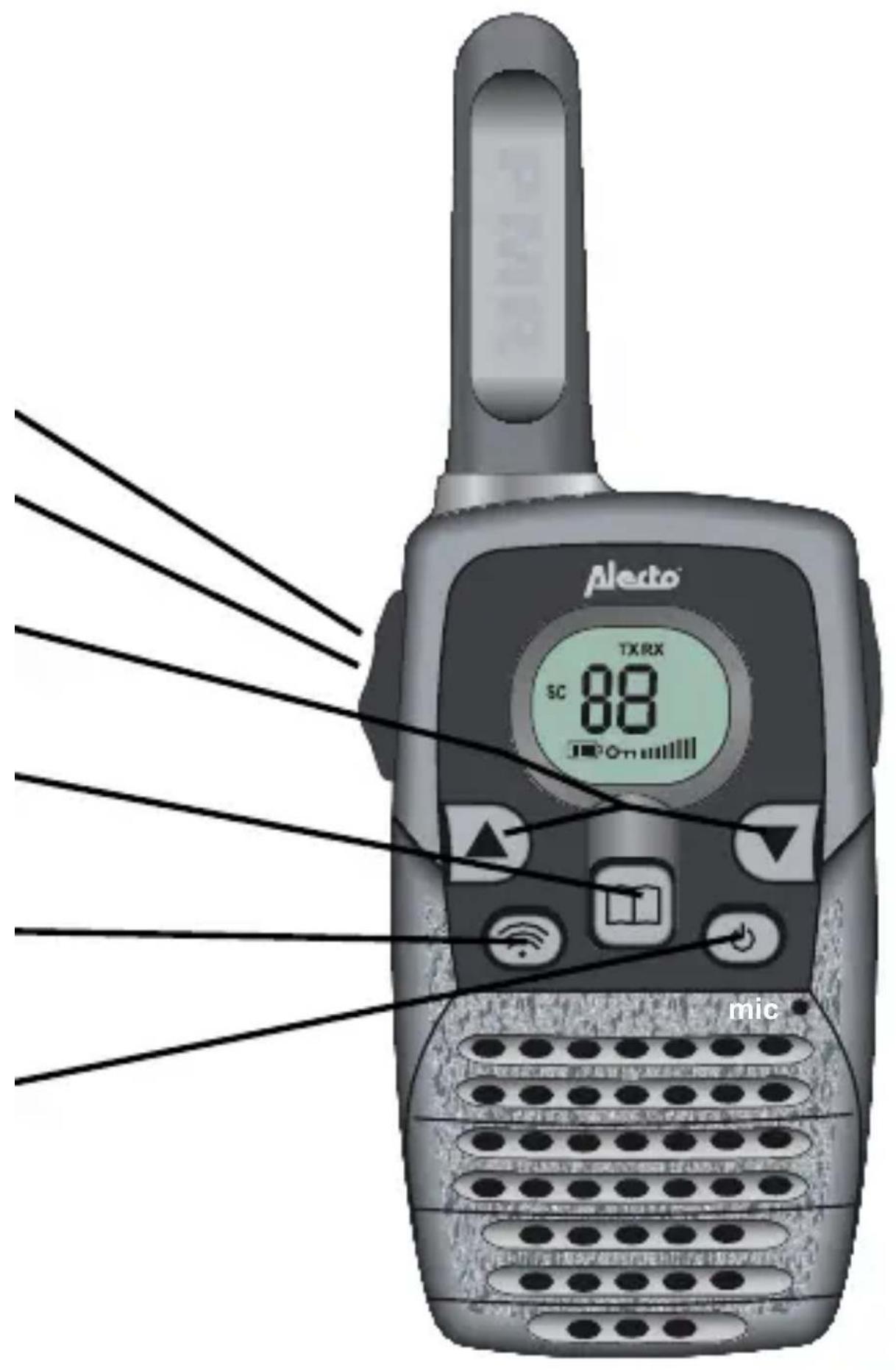
DISPLAY FUNCTIONS
8: Shows the selected channel
TX: Lights up during transmission
RX: Lights up when a signal is received
Volume level indicator
: Battery level indicator
0n: Keyboard lock
SC: Scan function
OPERATION
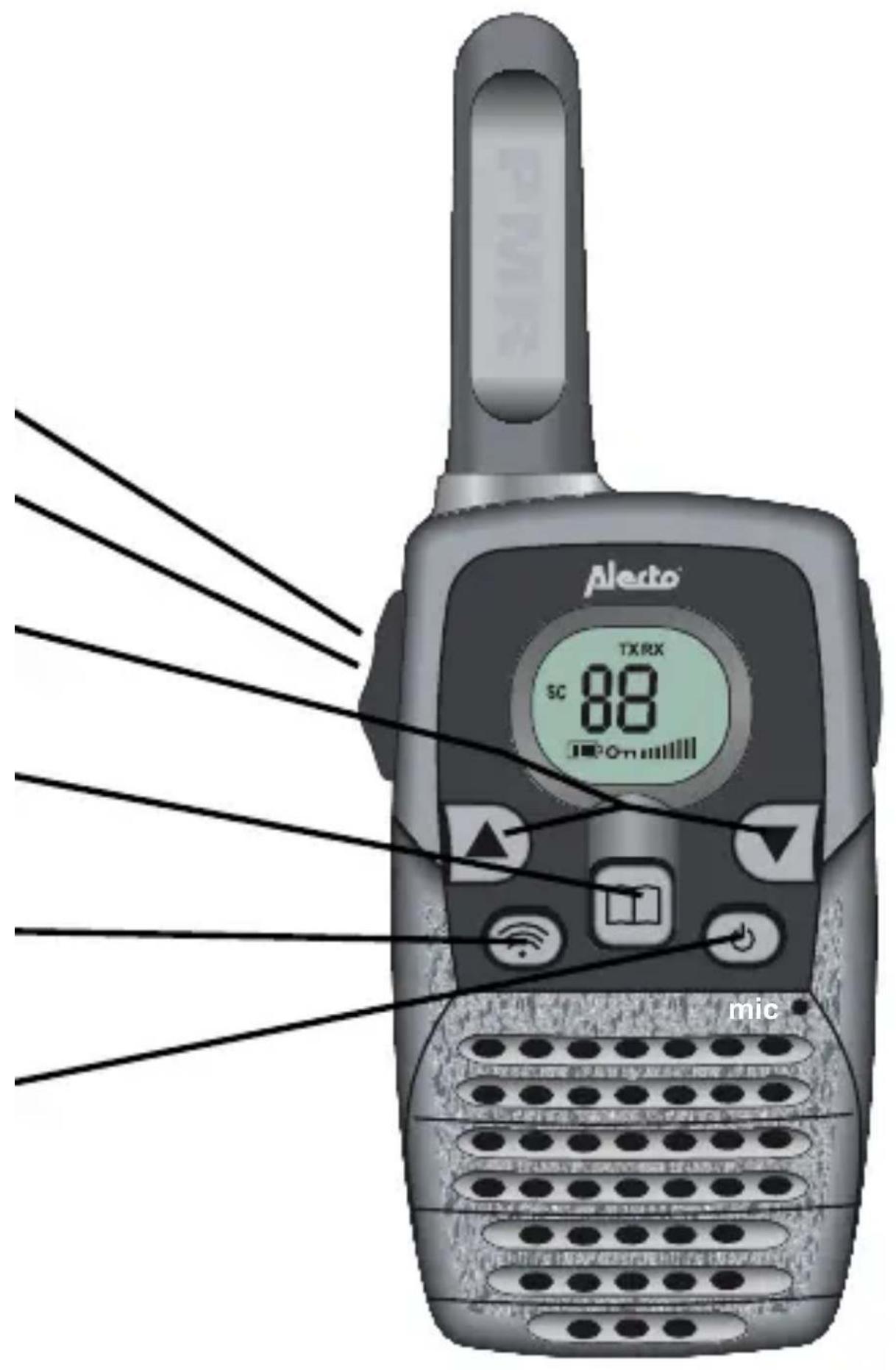
Transmit:
Press the PTT (*) button to transmit.
Receive:
Release the PTT tbutton to receive.
Volume Control:
Use the or
keys to control the volume
Change Channel:
Press and use
or to select the correct channel.
Press the PTT button to confirm your selection.
Paging:
Press the button to transmit a pager alert tone.
Switching on/off:
Press and hold the button for
2 seconds to switch the FR-14 on or off.
You will hear a beep tone.
*: PTT = Push To Talk
23
ADDITIONAL FUNCTIONS
CHANGING THE TRANSMIT/RECEIVE CHANNEL:
- Press once, the channel indicator will start flashing.
- Press the or button to select the desired channel
- Press the PTT button to confirm
CALLING (PAGING) TONE:
To page another PMR you can generate a pager alert tone.
- Press the button
- Page alert tone is generated for 2 seconds.
ROGER BEEP:
As soon as you release the PTT key, the PMR generates an alert tone. This is to let you know that the transmission button has been released, and the other person can speak. This alert tone is always on and cannot be switched off.
SCANNING FOR CHANNELS:
If the scan function has been enabled, the PMR automatically scans all channels until it receives a signal.
- Press simultaneously on the and buttons until SC appears on the display and the channels are searched. As soon as a signal is detected, the device stops scanning.
- Press the or button to resume scanning.
- Press the PTT button to stop scanning or to start communication.
-
Press the or button to resume scanning.
-
Simultaneously press the and , buttons to stop the scan function. SC disappears from the display.
MONITORING FUNCTION:
To receive signals that are very weak you can disable noise suppression. You will then receive all the signals on that particular channel, including interference.
- Simultaneously press the and buttons to start the monitoring function.
- Press the button to stop the monitoring function.
KEY LOCK:
Press and hold the button for 2 seconds to enable the key lock; press and hold the button again for 2 seconds to disable the key lock (enabled: MENU, ▲ and ▼ buttons are blocked and the symbol lights up)
ANCILLARY FUNCTIONS
AUTO POWER SAVE MODE:
The FR-14 has an automatic save mode to enhance the battery life. If the unit is not used for 4 seconds it will automatically revert to save mode. As soon as the PMR is used again, or if it receives a signal, it will immediately switch to normal use.
BATTERY CAPACITY METER:
If the FR-14 detects that the battery capacity is low it will show an icon on the display to warn you. The PMR will emit two beep tones and then automatically switch off. The icon also starts flashing. Replace the batteries with 3 new ones of the same type.
USER TIPS
GENERAL:
The FR-14 is a transmitter/receiver that uses radio waves in the 446 MHz band. There may be interference in the signal transmission through external influences such as other twoway radios, transmitters, wireless telephones etc. If your two-way radio encounters or causes interference, it can help if you switch to a different channel.
The use of this two-way radio is permitted in all EU countries. If you wish to travel to countries outside the EU with your FR-14, please inform yourself of the local restrictions concerning the use of PMR446 devices.
Be aware that the signal from your FR-14 can also be picked up by other two-way radios or receivers.
It is not permitted to make any kind of modification to the electronics or the aerial of the FR-14. Maintenance and service must always be carried out by qualified engineers.
Never use the FR-14 outdoors during a thunderstorm.
MAINTENANCE:
- Use a damp cloth to clean the FR-14.
- Never place the two-way radio in direct sunlight or in a damp environment.
- Do not allow water and/or sand to penetrate your FR-14.
- If the FR-14 stops working, first check whether it does work at a different location.
RADIO CONNECTION:
The FR-14 has a reception range of up to 5Km. The range depends on local circumstances such as the presence of tall buildings, high-voltage lines and overhead wires. An optimal range can be achieved if the path to the two-way radio is obstacle free.
ENVIRONMENT:
When discarding the two-way radio, return it to your supplier; they will make sure it is disposed of in an environmentally responsible way.
WARRANTY
Your Alecto FR-14 comes with a 24 MONTH warranty, starting from the date of purchase. During this period we guarantee free repairs as a result of faults caused by material or construction errors. This is at the discretion of the importer.
WHAT TO DO:
If you notice a fault, first consult the manual. If this does not resolve the matter, consult the supplier of your two-way radio or the Alecto service department (telephone: +31 (0)73 6411 355).
THE WARRANTY IS RENDERED INVALID:
Through unprofessional use, incorrect connection, leaking and/or wrongly placed batteries, use of non OEM parts or accessories, neglect and faults caused by dampness, fire, flooding, lightning strokes and natural disasters. Through unauthorized modifications and/or repairs by third parties. By using unsuitable packaging for transporting the device and if the device is not accompanied by this proof of warranty together with your proof of purchase. Batteries and aerial are not included in the warranty. All further liability, especially concerning consequential loss, is excluded from this warranty.
*: PTT = Push To Talk
43
DALŠÍ FUNKCE
ZMÉNA VYSÍLACÍHO/PRIJIMACÍHO KANÁLU:
WWW.HESDO- SERVICE.NL
INFO@HESDO-SERVICE.NL

+31 (0) 73 6411 355