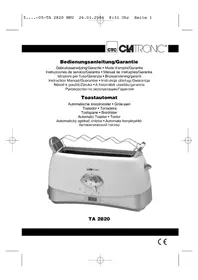
TA 2820 - Toaster CLATRONIC - Free user manual and instructions
Find the device manual for free TA 2820 CLATRONIC in PDF.

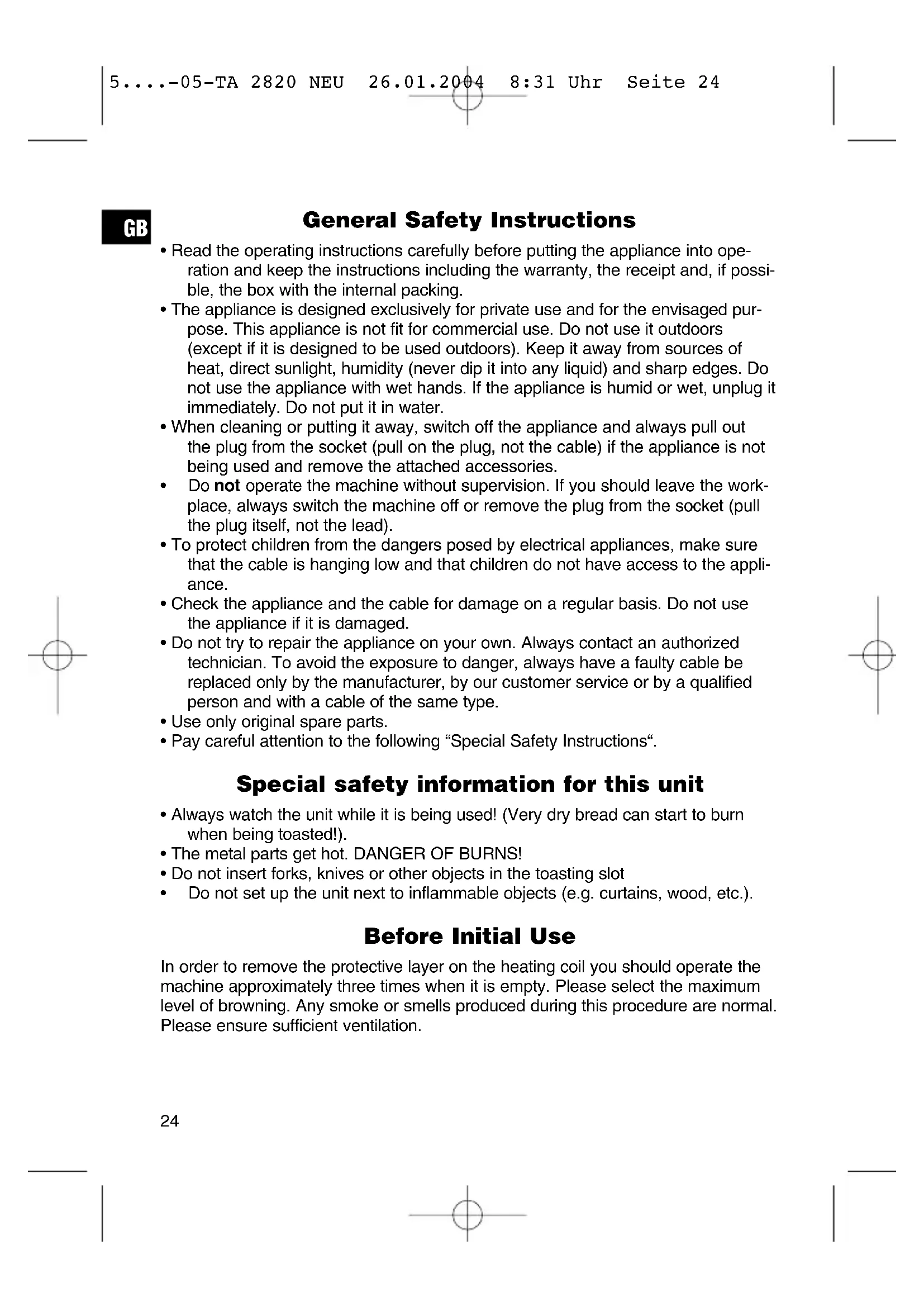


| Product type | Toaster |
| Brand | Clatronic |
| Model | TA 2820 |
| Power supply | 230 V, 50 Hz |
| Browning level | 5 settings, from 1 (light) to 5 (dark), duration from 1.35 to 5 minutes |
| Functions | Defrost, reheat, stop (STOP), removable bun rack |
| Capacity | 2 slices |
| Exterior material | Plastic with cool-touch outer walls |
| Dimensions (approx.) | 28 x 18 x 20 cm (L x W x H) |
| Weight (approx.) | 1.2 kg |
| Cleaning | Removable crumb tray, wipe exterior with a damp cloth |
| Safety | Automatic shut-off, cool-touch walls, do not immerse |
| Warranty | 24 months |
| Included accessories | Bun rack |
Frequently Asked Questions - TA 2820 CLATRONIC
User questions about TA 2820 CLATRONIC
0 question about this device. Answer the ones you know or ask your own.
Ask a new question about this device
Download the instructions for your Toaster in PDF format for free! Find your manual TA 2820 - CLATRONIC and take your electronic device back in hand. On this page are published all the documents necessary for the use of your device. TA 2820 by CLATRONIC.
USER MANUAL TA 2820 CLATRONIC
natural_image
White CMTRONIC 4 grater with digital display showing 2:43, no visible text or symbols on the device itself.TA 2820
D
General Safety Instructions
- Read the operating instructions carefully before putting the appliance into operation and keep the instructions including the warranty, the receipt and, if possible, the box with the internal packing.
- The appliance is designed exclusively for private use and for the envisaged purpose. This appliance is not fit for commercial use. Do not use it outdoors (except if it is designed to be used outdoors). Keep it away from sources of heat, direct sunlight, humidity (never dip it into any liquid) and sharp edges. Do not use the appliance with wet hands. If the appliance is humid or wet, unplug it immediately. Do not put it in water.
- When cleaning or putting it away, switch off the appliance and always pull out the plug from the socket (pull on the plug, not the cable) if the appliance is not being used and remove the attached accessories.
- Do not operate the machine without supervision. If you should leave the workplace, always switch the machine off or remove the plug from the socket (pull the plug itself, not the lead).
- To protect children from the dangers posed by electrical appliances, make sure that the cable is hanging low and that children do not have access to the appliance.
- Check the appliance and the cable for damage on a regular basis. Do not use the appliance if it is damaged.
- Do not try to repair the appliance on your own. Always contact an authorized technician. To avoid the exposure to danger, always have a faulty cable be replaced only by the manufacturer, by our customer service or by a qualified person and with a cable of the same type.
- Use only original spare parts.
- Pay careful attention to the following "Special Safety Instructions".
Special safety information for this unit
• Always watch the unit while it is being used! (Very dry bread can start to burn when being toasted!).
• The metal parts get hot. DANGER OF BURNS!
- Do not insert forks, knives or other objects in the toasting slot
- Do not set up the unit next to inflammable objects (e.g. curtains, wood, etc.).
Before Initial Use
In order to remove the protective layer on the heating coil you should operate the machine approximately three times when it is empty. Please select the maximum level of browning. Any smoke or smells produced during this procedure are normal. Please ensure sufficient ventilation.
Operation
- Only connect the unit to a properly installed and earthed power socket (230 volts, 50 Hz).
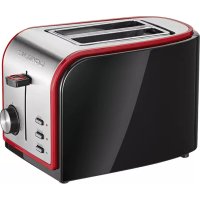
- Browning control: The device has an electronic browning control. The browning time is shown in the display after the device has been switched on. This time counts down to zero. An acoustic signal is heard at the end of the toasting process. In order to set the degree of browning, turn the selector switch to the required level from the lightest level 1 to the darkest level 5. If you are not certain which level to use, begin with a low number.
Note: Position 1 corresponds to 1.35 minutes toasting time and increases up to 5 minutes on level 5.
- Insert the slices of bread in the toasting slot and lower the slide with the lever until it snaps into place.
- The appliance starts the toasting. When the set level of browning is reached, the appliance switches off automatically. The slide pops up automatically.
Note: To make it easier to remove the toast, please lift the carriage lever slightly (lifting function).
- The appliance has a heat-insulated „cool-touch“ housing. The metal parts become hot during use. Leave the toaster to cool before putting it away.
To use the desired special function, press the relevant key, after pressing down the lever:
Heating or thawing: the relevant LED indicates the function.
Thawing

to thaw and toast deep-frozen bread.
Warming

to warm bread already toasted.
STOP ( ): to stop toasting in advance.
Removable
toasting attachment: for the toasting of bread rolls.
Cleaning
- Pull the mains plug out of the mains socket before you clean the unit and allow the unit to cool down.
- Only use a slightly damp cloth to clean the outside of the unit.
- Do not use abrasive or aggressive cleaners.
- Remove the crumb tray from the slot, remove the crumbs and insert the tray again.
GB
This device has been tested according to all relevant current CE guidelines, such as electromagnetic compatibility and low voltage directives, and has been constructed in accordance with the latest safety regulations.
Subject to technical changes without prior notice!
Guarantee
The device supplied by our Company is covered by a 24 month guarantee starting on the date of purchase (receipt).
During the life of the guarantee any fault of the device or its accessories *) ascribable to material or manufacturing defects will be eliminated free of charge by repairing or, at our discretion, by replacing it. The guarantee services do not entail an extension of the life of the guarantee nor do they give rise to any right to a new guarantee!
Proof of the guarantee is provided by the proof of purchase. Without proof of purchase no free replacement or repair will be carried out.
If you wish to make a claim under the guarantee please return the entire machine in the original packaging to your dealer together with the receipt.
*) Damage to accessories does not mean automatic free replacement of the whole machine. In such cases please contact our hotline. Broken glass or breakage of plastic parts are always subject to a charge.
Defects to consumables or parts subject to wearing (e.g. motor pistons, kneading blades, drive shafts, spare remote control, spare toothbrushes, saw blades, etc.) as well as cleaning, maintenance or the replacement of said parts are not covered by the guarantee and hence are to be paid!
The guarantee lapses in case of unauthorized tampering.
After the expiry of the guarantee
After the expiry of the guarantee repairs can be carried by the competent dealer or repair service against the payment of the ensuing costs.