S320 Shotsaver - Browser SNOOPER - Free user manual and instructions
Find the device manual for free S320 Shotsaver SNOOPER in PDF.


| Product Type | Golf GPS Navigator |
| Brand | SNOOPER |
| Model | S320 Shotsaver |
| Power Supply | Built-in rechargeable battery, charger included |
| Maximum Battery Life | 15 hours (standby), 11 hours (eco mode), 6 hours (backlight always on) |
| Preloaded Golf Courses | More than 4,500 courses |
| Maximum Storage Capacity | Up to 20,000 courses |
| Touch Screen | Yes |
| Main Functions | Distance display (back, center, front of green and hazards), scorecard, Stableford points calculation, club distance recording, course search, add to favorites, free download of new courses |
| Additional Navigation Software | Optional: Snooper satellite navigation with street mapping for Western Europe |
| Available Accessories | Hard carrying case, spare battery, silicone case, golf trolley mount |
| Data Update | Via included CD-ROM and PC connection |
| Warranty | Refer to the user guide on CD-ROM for details |
Frequently Asked Questions - S320 Shotsaver SNOOPER
User questions about S320 Shotsaver SNOOPER
0 question about this device. Answer the ones you know or ask your own.
Ask a new question about this device
Download the instructions for your Browser in PDF format for free! Find your manual S320 Shotsaver - SNOOPER and take your electronic device back in hand. On this page are published all the documents necessary for the use of your device. S320 Shotsaver by SNOOPER.
USER MANUAL S320 Shotsaver SNOOPER
-
Register Shotsaver FREE at www.snooperneo.co.uk
-
Charge unit with charger provided until blue light on front button goes out.
-
Power unit on by moving the switch on the left hand side up towards the green marker. Then push and hold the switch on the right hand side of the unit in to the on position until the Snooper launch screen appears.
-
Launch Shotsaver software by pressing the golf icon.
5. Start game.
Your S320 is already pre-loaded with over 4500 golf courses. Press the Search button to find a course to play and/or to add a course to your Favourites folder. Select Country and County or just press Search. Using the keyboard enter the name of the golf course and then click on it to select it. Press OK to play the course or Route if you have sat nav software installed and would like your S320 to navigate you to the course. Finally select the appropriate Tee colour and/or Add, if you would like to add the selected course to your Favourites folder so that it is easier to access next time you play there.
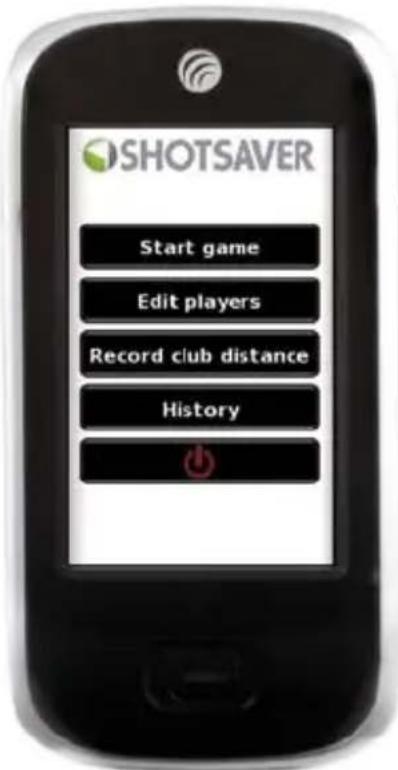
- The hole selected will be displayed something like this. To refresh the distances displayed tap on the screen at any time.
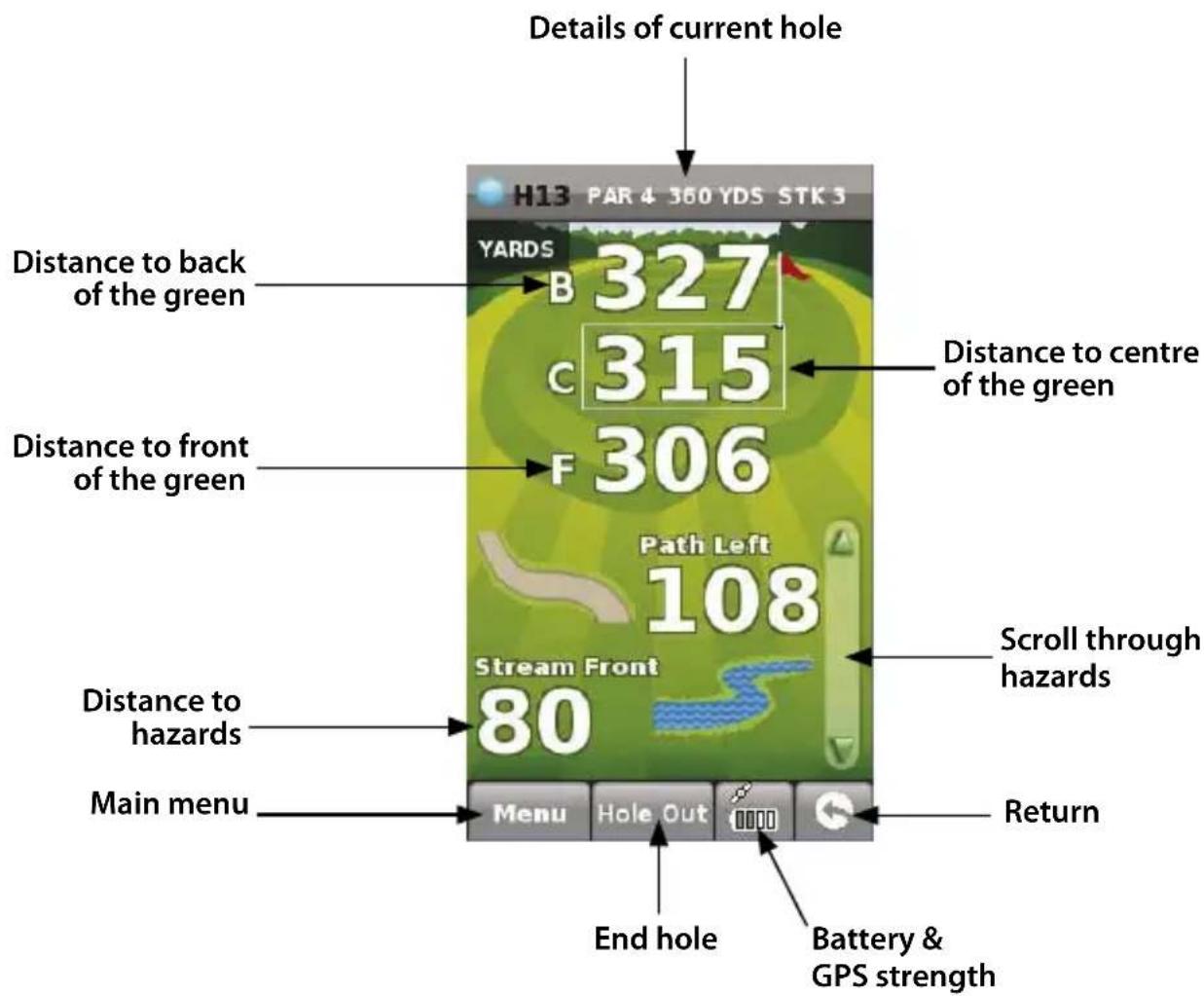
Note: ensure that Shotsaver has GPS connectivity before you start or the distance information displayed will not be accurate.
7. Edit players.
Click here to add players names and handicap. This information must be added prior to starting play if you want Shotsaver to save your score and calculate your Stableford points.
8. View club distances.
Click here to view any club distances previously recorded.
9. History.
View previous scores saved here.
10. Scoring.
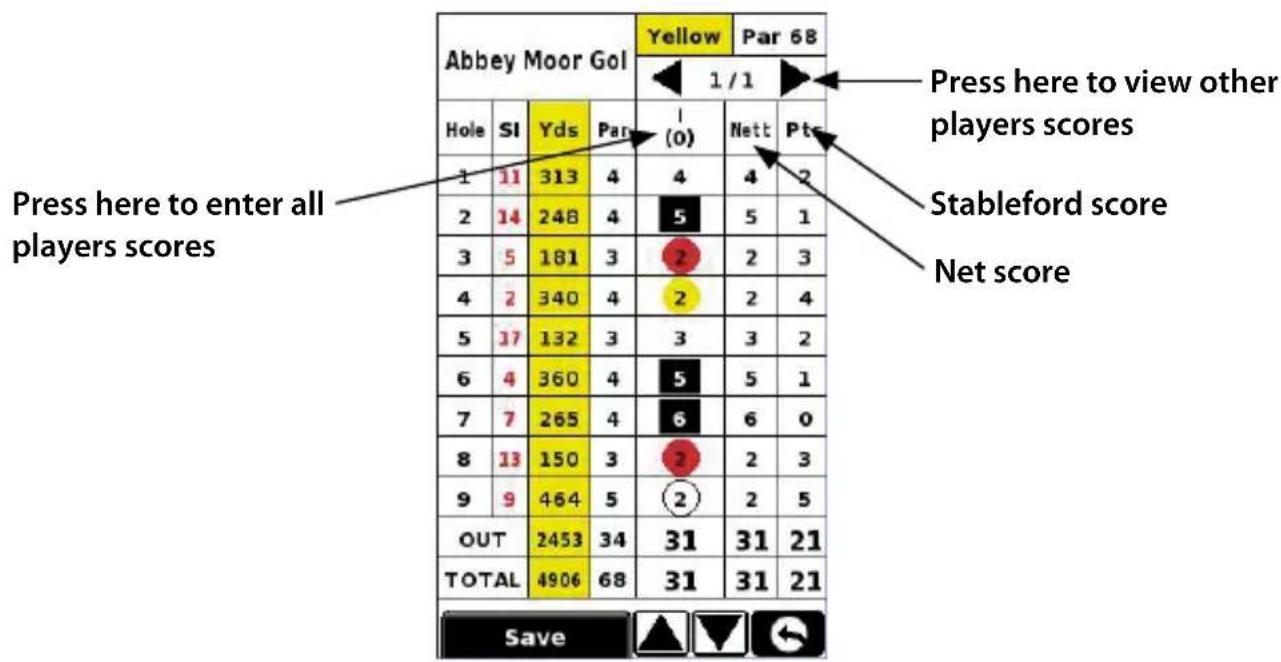
To enter your score press Menu and then Scorecard. Then press here to enter all players scores(Show scorecard graphic and indicate where to press to enter the score and where to press to change the players score displayed. Also indicate net score and Stableford score) Press here to change players score.
3·UK
11. Record club distance.
Press Menu and then Record club distance. Select the club you want to record. Stand as near to your ball as possible and press Start. Hit the ball and once you have walked up to it again, stand as close as possible to it and press End. The distance that the ball was hit will automatically be displayed.
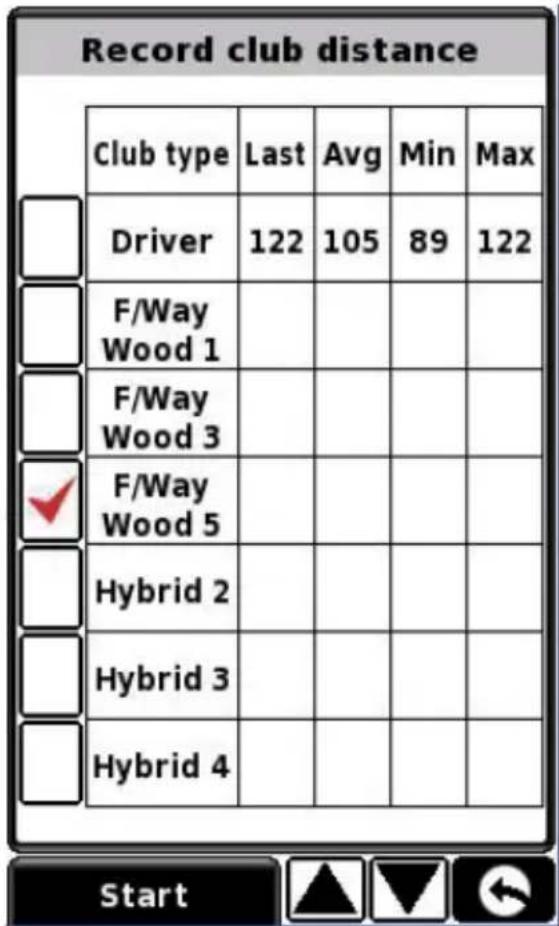
Battery life & power saving settings.
The battery life of your S320 will vary depending on what settings you use.
Backlight permanently on - up to 6 hours
With the backlight permanently on the battery will last up to approximately 6 hours.
Backlight auto off setting - up to 11 hours
Extend the battery life up to 11 hours by setting the backlight to automatically switch off after a short period of activity (similar to most mobile phones) Go to the SETTING section in the Main Menu of the device displayed when you first power the unit on. Click on POWER SAVE and choose your preferred BACKLIGHT OFF TIME - 1min, 30 sec, 20 sec, 10 sec.
Sleep mode - up to 15 hours
Extend the battery life up to 15 hours using the Sleep Mode. Go to SETTING, then POWER SAVE and change POWER DOWN TIME to 2 mins. After 2 mins of inactivity the screen will go blank. Wake up the unit by pushing and holding the switch on the right handside of the unit for 1 second.
Downloading new courses
Your Shotsaver S320 is preloaded with over 4500 golf courses and has the capacity to store up to 20,000 courses in total. As and when new courses are plotted you can download them on to your unit - FREE OF CHARGE. To download new courses put the CD ROM included with your S320 in to the CD drive of your PC and follow the on-screen instructions.
For further information on your Shotsaver GPS range finder please consult the User Manual on the CD ROM provided with this unit.
Accessories and additional software
Protective hard carry case Protective silicon case Battery back-up silicon case
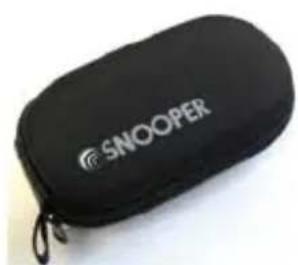
natural_image
Black SNOOPER case with a zipper, no visible text or symbols on the device itself.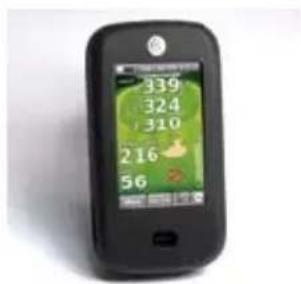
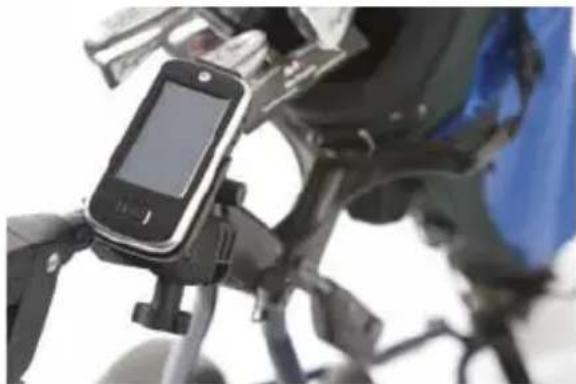
Golf Trolley bracket
only £24.99 inc vat
Mount your Shotsaver on this specially made golf trolley bracket. Fit's most golf trolleys.
natural_image
Close-up of a black and white mobile phone mounted on a motorcycle, with no visible text or symbols.Sat Nav software
from only £64.99!
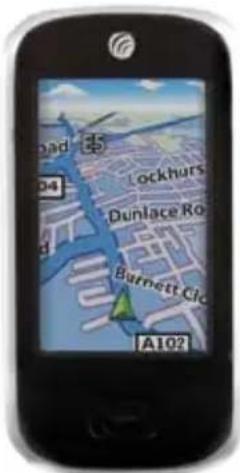
Shotsaver will navigate you perfectly round a golf course but with the addition of Snooper's satellite navigation and speed camera location software, your Shotsaver can also navigate you in your car as well! Mapping covering the UK & Ireland is available for only £64.99 inc vat with the whole of Western Europe available for only £99.99 inc vat.
Visit www.snooper.eu for further details.
SHOTSAVER S320
Kurzanleitung • DE
Grundfunktionen
natural_image
Black SNOOPER case with a zipper, no visible text or symbols on the device itselfSchützendes Silikon-Etui
Ersatzbatterie - Silikon Etui
Golf-Trolley-Halter
natural_image
Close-up of a motorcycle's front-mounted sensor device with a handheld display (no visible text or symbols)Satelliten-Navigations- Software
natural_image
Black SNOOPER case with a zipper, no visible text or symbols on the device itselfnatural_image
Close-up of a motorcycle's front-mounted smartphone mounted on its backrest, with no visible text or symbols.20 · NL · B
heatmap
| Team | Druk hier om de scores van alle spelers in te voeren | Stableford-punten | Nettoscore | | :--- | :--- | :--- | :--- | | Abbey Moor Gol | 1/1 | 0 | 0 | | Abbey Moor Gol | 1 | 0 | 0 | | Abbey Moor Gol | 2 | 0 | 0 | | Abbey Moor Gol | 3 | 0 | 0 | | Abbey Moor Gol | 4 | 0 | 0 | | Abbey Moor Gol | 5 | 0 | 0 | | Abbey Moor Gol | 6 | 0 | 0 | | Abbey Moor Gol | 7 | 0 | 0 | | Abbey Moor Gol | 8 | 0 | 0 | | Abbey Moor Gol | 9 | 0 | 0 | | Abbey Moor Gol | OUT | 0 | 0 | | Abbey Moor Gol | TOTAL | 0 | 0 | | Yds | 1/1 | 0 | 0 | | Yds | 2/1 | 0 | 0 | | Yds | 3/1 | 0 | 0 | | Yds | OUT | 0 | 0 | | Par | 1/1 | 0 | 0 | | Par | 2/1 | 0 | 0 | | Par | 3/1 | 0 | 0 | | Par | OUT | 0 | 0 | | Par | TOTAL | 0 | 0 | Druk hier om de scores van andere spelers te zien Stableford-punten Nettoscore22·NL·B
natural_image
Black SNOOPER case with a zipper, no visible text or symbols on the device itself.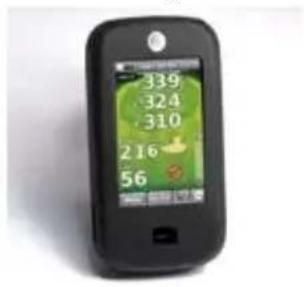
Golfkarbeugel
natural_image
Close-up of a motorcycle's front-mounted sensor device mounted on its backrest, showing no visible text or symbols.Satellietnavigatiesoftware
natural_image
Black SNOOPER case with a zipper, no visible text or symbols on the device itself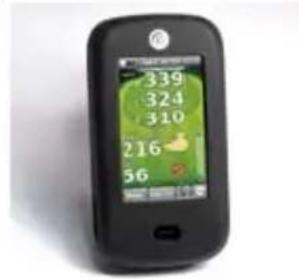
natural_image
Close-up of a black and white handheld device mounted on a vehicle, with no visible text or symbols.Performance Products Ltd
Cleaver House, Sarus Court, Manor Park, Runcorn WA 1UL UK
www.snooper.eu