RR30FOOT2 - Radio BIGBEN INTERACTIVE - Free user manual and instructions
Find the device manual for free RR30FOOT2 BIGBEN INTERACTIVE in PDF.



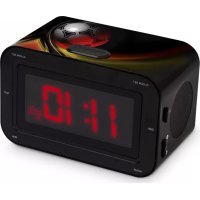
| Product type | Radio alarm clock with dual alarm |
| Brand | Bigben Interactive |
| Model | RR30FOOT2 |
| Power supply | 230 V / 50 Hz |
| Backup battery | 9 V (not supplied, 8 h autonomy) |
| Frequency ranges | FM: 88-108 MHz / AM: 520-1620 kHz |
| Output power | 2 x 0.5 W |
| Speaker | 8 Ω - 1 W |
| Display | 24-hour format |
| Main functions | FM/AM radio, dual alarm, snooze (9 min), sleep (max 1h59), volume control |
| Safety | Do not open the casing, do not expose to water or humidity, unplug if unused for a long time |
| Maintenance | Clean with a dry cloth, do not use chemicals |
| Repairability | Call a qualified technician, no user-replaceable parts |
| Customer service | sav.audio@bigben.fr, Cristal No. 09 69 39 79 59 (non-surcharged call) |
| Manufacturing | China |
Frequently Asked Questions - RR30FOOT2 BIGBEN INTERACTIVE
User questions about RR30FOOT2 BIGBEN INTERACTIVE
0 question about this device. Answer the ones you know or ask your own.
Ask a new question about this device
Download the instructions for your Radio in PDF format for free! Find your manual RR30FOOT2 - BIGBEN INTERACTIVE and take your electronic device back in hand. On this page are published all the documents necessary for the use of your device. RR30FOOT2 by BIGBEN INTERACTIVE.
USER MANUAL RR30FOOT2 BIGBEN INTERACTIVE
text_image
CLOCK/SET ALARM/SET 11:30 10:55 PM 101.8 MWC MIN HOURMODE D'EMPLOI
LISEZ COMPLÈTEMENT CE MANUEL D'UTILISATION AVANT D'UTILISER CET APPAREIL ET CONSERVEZ CE LIVRET POUR VOUS Y RÉFÉRER ULTÉRIEUREMENT.

ATTENTION
RISQUE DE CHOC ELECTRIQUE
NE PAS OUVRIR

text_image
CLOCKSET ALARMISSET DIM 11:30 SEEP PM NORM2 10 1.8 MPC MIN HOUROPERATING INSTRUCTIONS
PLEASE READ THIS USER MANUAL COMPLETELY BEFORE OPERATING THIS UNIT AND RETAIN THIS BOOKLET FOR FUTURE REFERENCE.
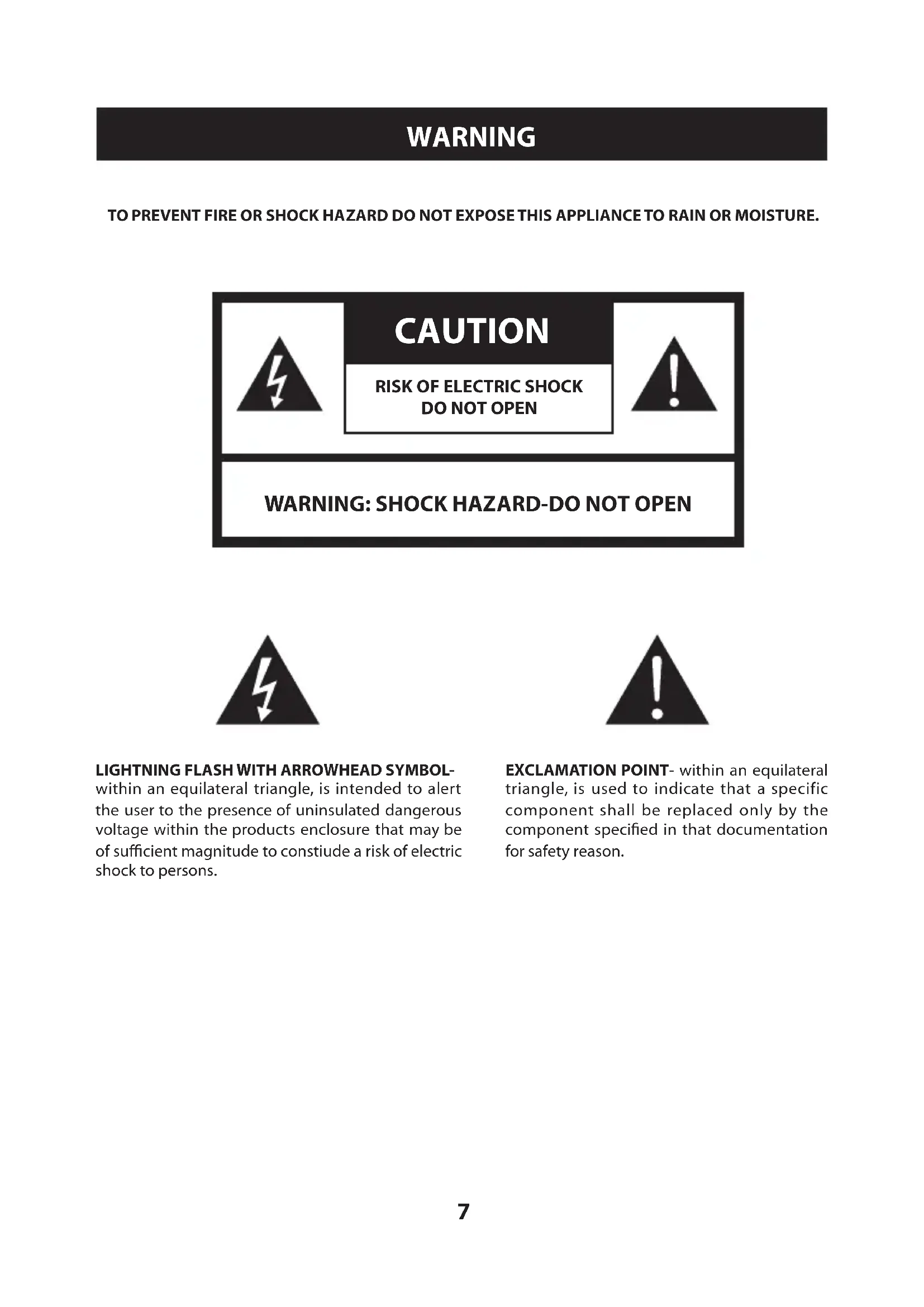
WARNING
TO PREVENT FIRE OR SHOCK HAZARD DO NOT EXPOSE THIS APPLIANCE TO RAIN OR MOISTURE.

CAUTION
RISK OF ELECTRIC SHOCK DO NOT OPEN

WARNING: SHOCK HAZARD-DO NOT OPEN


LIGHTNING FLASH WITH ARROWHEAD SYMBOL-
within an equilateral triangle, is intended to alert the user to the presence of uninsulated dangerous voltage within the products enclosure that may be of sufficient magnitude to constiude a risk of electric shock to persons.
EXCLAMATION POINT- within an equilateral triangle, is used to indicate that a specific component shall be replaced only by the component specified in that documentation for safety reason.
SAFETY INSTRUCTIONS
- READ INSTRUCTIONS - All the safety and operating instructions should be read before the appliance is operated.
- RETAIN INSTRUCTIONS - The safety and operating instruction should be retained for future reference.
- HEED WARNINGS - All warnings on the appliance and in the operating instructions should be adhered to.
- FOLLOW INSTRUCTIONS - All operating instructions should be followed.
- WATER AND MOISTURE - The appliance should not be used near water, for example, near a bathtub, washbowl, kitchen sink, laundrytub. swimming pool or in a wet basement.
- VENTILATION - The appliance should be situated so that its location or position does not interfere with its proper ventilation. Do not place on bed, sofa, rug or similar surface that may block the ventilation openings, in a built-in installation, such as a bookcase or cabinet that may impede the flow of air through the ventilation openings.
- HEAT - The appliance should be situated away from heat sources such as radiators, stoves, or other appliances (including amplifiers) that produce heat.
- POWER SOURCE - The appliance should be connected to power supply only of the type described in the operating instructions or as marked on the appliance.
- GROUNDING - Precautions should be taken to ensure that the grounding means of an appliance is not defeated.
- POWER CORD PROTECTION - Power supply cords should be routed so that they are not likely to be walked on or pinched by items placed upon or against them.
- POWER LINES - An outdoor antenna should be located away from power lines.
- OBJECT and LIQUID ENTRY - Care should be taken so that objects do not fall and liquids are not spilled into the enclosure through openings.
- ESD WARNING - The display does not function properly or no reaction to operation of any the control may due to the electrostatic discharge. Switch STANDBY and unplug the set. Reconnect after a few seconds.
- DAMAGE REQUIRING SERVICE - The appliance should be serviced by qualified service personnel when:
a. The power-supply cord or plug has been damaged.
b. Objects have fallen into, or liquid has been spilled into the appliance enclosure.
c. The appliance has been exposed to rain.
d. The appliance has been dropped, or the enclosure damaged.
e. The appliance does not appear to operate normally.
- SERVICING - The user should not attempt to service the appliance beyond that described in the user operating instructions. All other servicing should be referred to qualified service personnel.
Power Supply
Connecting AC power
Plug the power cord into a standard AC outlet. When you connect AC power, the "00:00" will flash on the display.
Installing a battery
Installing a battery
To keep the clock running for up to eight hours during an AC power failure, insert a 9-volt battery(not supplied) in the battery compartment. For the longest life, we recommend you use an alkaline battery.
Notes:
- The display does not light when the alarm clock radio is operating only on battery power but the clock time remains in memory.
- "During an AC power failure, the alarm could be set only when the BUZZER / AUTO / STANDBY / ON switch is set to BUZZER or AUTO" (No wake up).
• A prolonged power failure can drain the battery.
Battery notes:
- Use only fresh batteries of the required size and recommended type.
- Dispose of old batteries promptly and properly. Do not burn or bury them.
- If you do not plan to use the alarm clock radio for a month or longer, remove the batteries. Batteries can leak chemicals that can damage electronic parts.
Using your clock
Setting the clock time
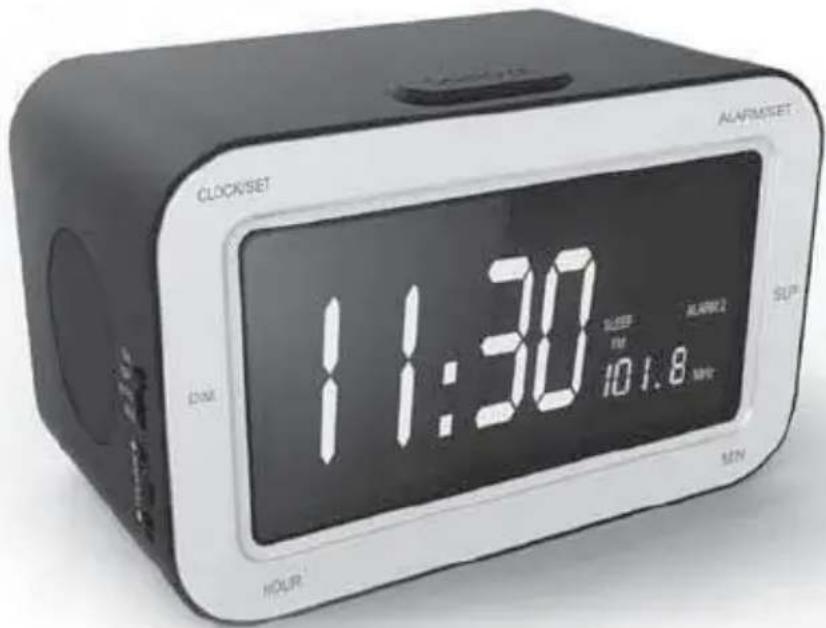
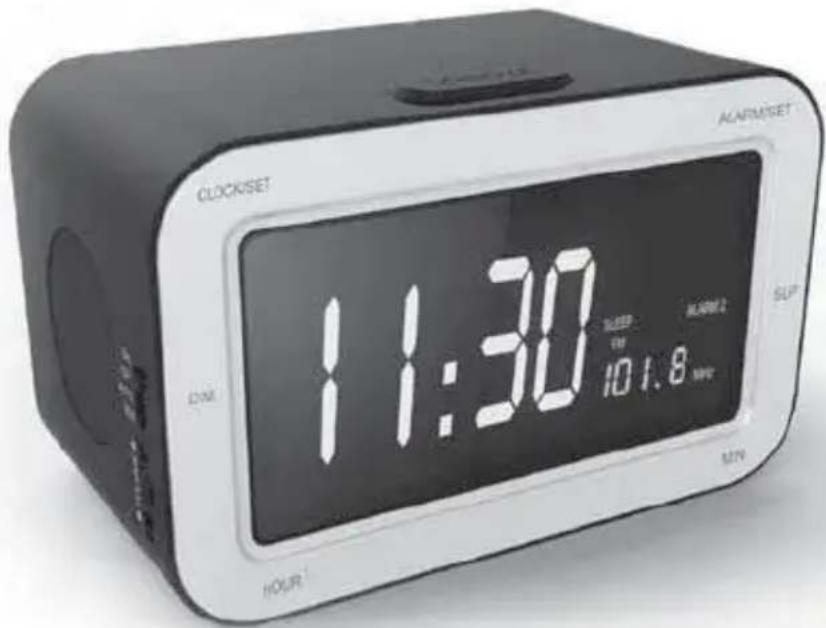
Press and Hold CLOCK SET and press HOUR to adjust the hour and press MINUTE to adjust the minutes until the correct time is shown on the display.
Notes: The clock is shown in a 24 hour format.
Listening to the radio
Selecting radio
Slide the BUZZER / AUTO / STANDBY / ON switch to ON.
Tuning to a station
Adjust the TUNING control until you reach the desired station. The display shows the current radio frequency.
Turning off the radio
Slide BUZZER / AUTO / STANDBY / ON to STANDBY to turn STANDBY the radio.
Notes:
- When done, remember to slide BUZZER / AUTO / STANDBY / ON to BUZZER or AUTO so the buzzer alarm, or radio will sound at the preset alarm time.
- Adjust the VOLUME control so the alarm is loud enough to wake you up.
- Refer to "using the alarm" for details.
Using the alarm
Your alarm clock radio has a dual-alarm system that lets you set two different alarm times.
Setting alarm time
- Slide the AL1 / AL2 / AL1+2 switch on the left side of the unit to AL1 to set ALARM 1 time or to AL2 to set ALARM 2 time. The display will show ALARM 1 or ALARM 2 according to your selection.
- Slide the BUZZER/ AUTO / STANDBY / ON switch on left side of the alarm clock radio to BUZZER or AUTO. Refer to "Waking to Buzzer, or Radio" for details.
- Hold ALARM SET and press HOUR to adjust hour or press MINUTE to adjust minutes until the desired alarm time is displayed for the selected alarm.
Checking alarm time
- Slide the AL1 / AL2 / AL1+2 switch on the left side of the alarm clock radio to AL1 or AL2.
- Hold down ALARM SET to view selected alarm time.
Selecting alarm options
Slide the AL1 / AL2 / AL1+2 switch on the left side of the unit to AL1 to activate ALARM 1, AL2 to activate ALARM 2 or AL1+2 to activate both alarms.
Notes:
•The alarm will not sound if the BUZZER/ AUTO / STANDBY/ ON switch is set to ON or STANDBY.
You can confirm this by checking to see if "ALARM 1" or "ALARM 2" shows on the display.
•The alarm will not sound when the clock radio is disconnected from AC power and powered by the backup battery only.
Waking up to a buzzer alarm
- Slide the BUZZER / AUTO / STANDBY / ON switch to BUZZER for the buzzer alarm.
- Set the alarm time. Refer to "setting alarm time" for details.
The alarm buzzer will sound at the preset alarm time.
Waking up to radio
- Slide the BUZZER / AUTO / STANDBY / ON switch to AUTO.
- Set the alarm time. Refer to "setting alarm time" for details.
- Adjust the VOLUME control to a setting loud enough to wake you up at the preset time.
The radio will turn on at the preset alarm time.
Stopping an alarm
Press ALARM /SLEEP / STANDBY to stop the buzzer, or radio alarm. The alarm will sound again the next day at the preset alarm time.
Deactivating alarms
Slide the BUZZER / AUTO / STANDBY / ON switch to STANDBY to deactivate all alarms.
Snooze
When the alarm sounds at the preset time, press SNOOZE to enter snooze mode. The alarm will sound again after nine minutes.
Sleep to radio
- Slide the AM / FM switch to AM or FM to sleep to the desired radio band to sleep to radio.
- Slide the BUZZER / AUTO / STANDBY / ON switch to BUZZER, STANDBY or AUTO.
- Press SLEEP. "059" and the SLEEP icon appear on the display.
- Hold SLEEP and press MINUTE to adjust the sleep minutes.
- Hold SLEEP and press HOUR to increase or decrease by one hour.
Note: The maximum sleep time is 1:59.
Deactivating sleep time
To turn STANDBY radio before the sleep time expires, press the ALARM / SLEEP / STANDBY button.
Specifications
| Power source: | AC 230V / 50Hz DC9V battery (optional – for clock backup) |
| Speaker: | 8ohm 1W |
| Output power: | 0.5W X 2 |
| Frequency range: | FM: 88-108 MHz AM: 520-1620KHz |
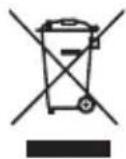
Don't throw the electrical and electronic appliances into the usual dustbin.
- Bring them to a collecting point.
- Some parts contained in these appliances may be dangerous for health and environment.
Imported by BIGBEN INTERACTIVE SA
396, Rue de la Voyette
CRT2 - FRETIN
CS 90414
59814 LESQUIN Cedex - France
www.bigben.eu
Made in China



bigben INTERACTIVE
customerservice@bigben-interactive.be
ESPAÑA. sat@bigbeninteractive.es
ITALIA, support@bigbeninteractive.it
www.bigben.eu
RR30
text_image
CLOCKSET ALARMSET DAY 11:30 10:1.8 MAY SOP HOUR MINWARNING: SHOCK HAZARE-DO NOT OPEN
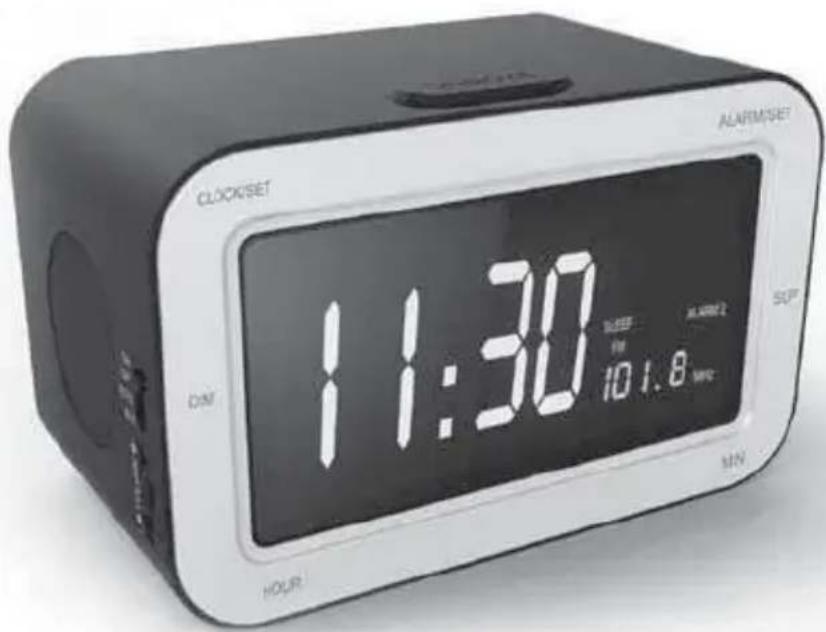
PRECAUCIONES DE USO

customerservice@bigben-interactive.be
ESPAÑA, sat@bigbeninteractive.es
ITALIA, support@bigbeninteractive.it
www.bigben.eu
RR30
text_image
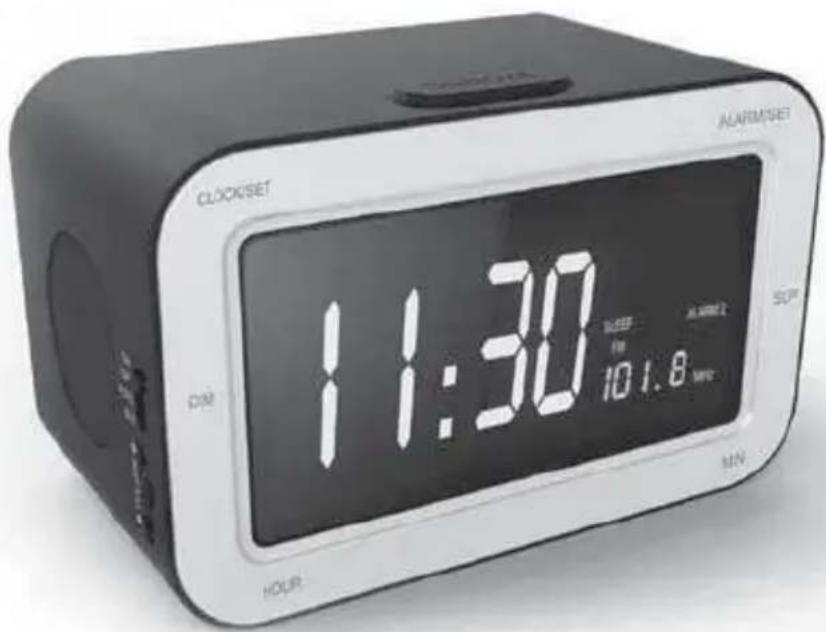
CLOCKSET ALARMSET 11:30 DIME 10:1.8 MWD SOUR HOUR MINISTRUZIONI D'USO
PRIMA DI UTILIZZARE L'APPARECCHIO, LEGGERE PER
INTERO IL PRESENTE MANUALE E CONSERVARLO PER
WARNING: SHOCK HAZARE-DO NOT OPEN
customerservice@bigben-interactive.be
ESPAÑA, sat@bigbeninteractive.es
ITALIA, support@bigbeninteractive.it
www.bigben.eu
RR30
text_image
CLOCKSET ALARMSET 11:30 10:1.8 MIN DIN. HOURWARNING: SHOCK HAZARE-DO NOT OPEN
customerservice@bigben-interactive.be
ESPAÑA, sat@bigbeninteractive.es
ITALIA, support@bigbeninteractive.it
www.bigben.eu
RR30
text_image
CLOCKSET ALARMSET DIME 11:30 5:00 PM 10:1.8 MWC MIN HOURBEDIENUNGSANLEITUNG
customerservice@bigben-interactive.be
ESPAÑA, sat@bigbeninteractive.es
ITALIA, support@bigbeninteractive.it
www.bigben.eu
RR30
text_image
CLOCKSET ACARMSET DIME 11:30 10:1.8 TIME SIP HOUR MINVEILIGHEIDSINSTRUCTIES
LEES DEZE GEBRUIKSAANWIJZING VOLLEDIG DOOR ALVORENS DEZE EENHEID TE BEDIENEN, EN BEWAAR DIT BOEKJE VOOR UW ADMINISTRATIE.

OPGELET RISICO OP ELEKTRISCHE SCHOK NIET OPENEN

VOORZORGEN BIJ HET GEBRUIK

customerservice@bigben-interactive.be
ESPAÑA, sat@bigbeninteractive.es
ITALIA, support@bigbeninteractive.it
www.bigben.eu