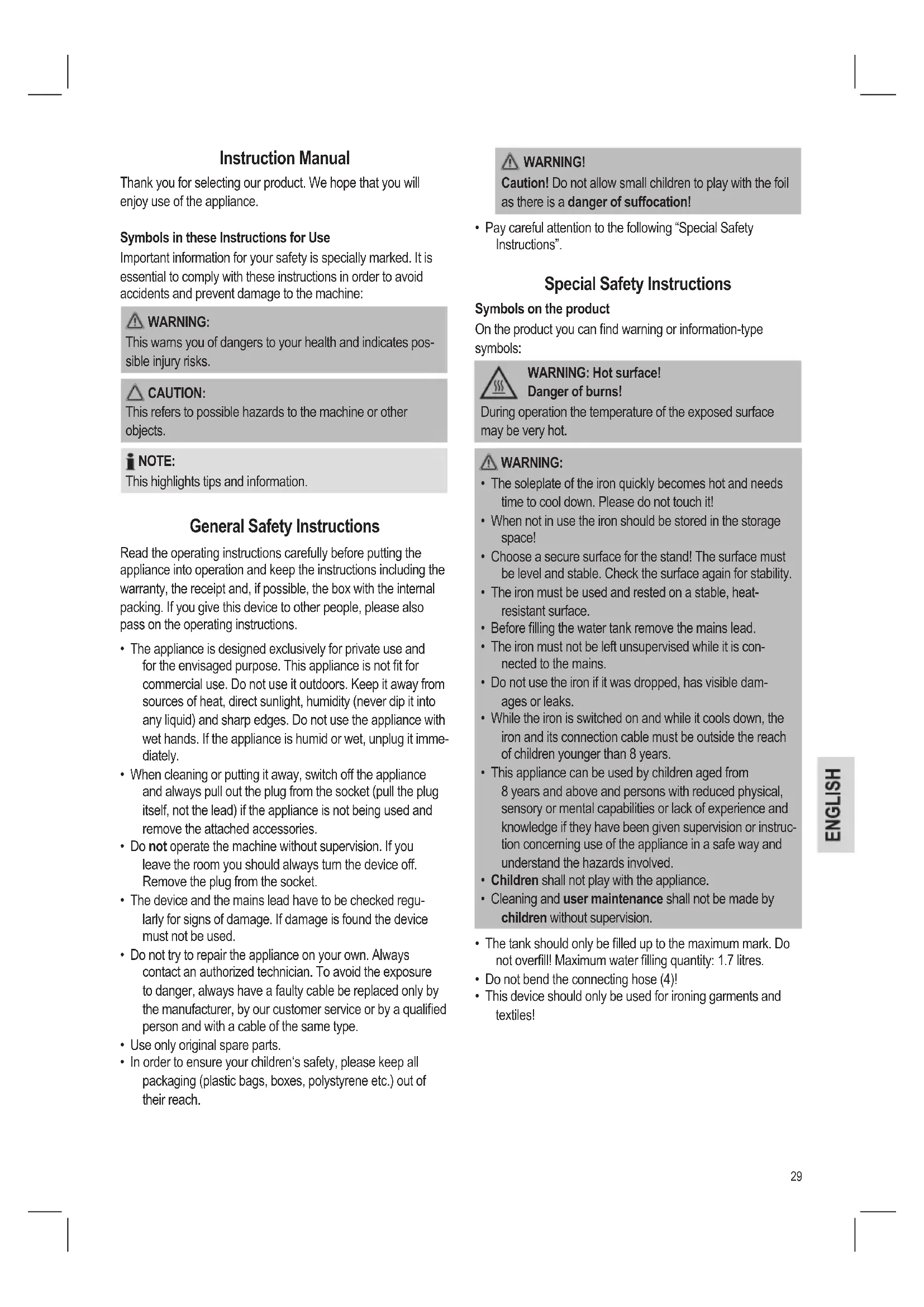
DBS 778 CB - Iron BOMANN - Free user manual and instructions
Find the device manual for free DBS 778 CB BOMANN in PDF.



| Product type | Steam iron |
| Brand | Bomann |
| Model | DBS 778 CB |
| Power supply | 220-240 V, 50/60 Hz |
| Power | 2000-2400 W |
| Net weight | 3.3 kg |
| Water tank capacity | 1.7 L |
| Functions | Dry ironing, steam ironing, vertical steam burst |
| Temperature setting | Thermostat with settings for synthetic/silk, wool, cotton/linen |
| Anti-scale filter | Removable descaling filter cartridge |
| Base | Iron resting surface with water tank compartment |
| Water tank | Removable, with handle and integrated filter cartridge |
| Indicator light | Temperature indicator light |
| Safety | Hot surface, unplug before filling, keep away from children |
| Cleaning | Soleplate with slightly damp cloth, do not immerse |
| Cable storage | Wrap around base with cable clip |
| Protection class | I |
Frequently Asked Questions - DBS 778 CB BOMANN
User questions about DBS 778 CB BOMANN
0 question about this device. Answer the ones you know or ask your own.
Ask a new question about this device
Download the instructions for your Iron in PDF format for free! Find your manual DBS 778 CB - BOMANN and take your electronic device back in hand. On this page are published all the documents necessary for the use of your device. DBS 778 CB by BOMANN.
USER MANUAL DBS 778 CB BOMANN
DAMPFBÜGELSTATON DBS 778 CB
Stoomstrijkijzer • Station fer à repasser • Estación para planchar a vapor • Aparelho de engomar a vapor Sistema stirante a vapore • Steam Ironing Unit • Želazko z generatorem pary • Gözölös vasaló • Парова праска
natural_image
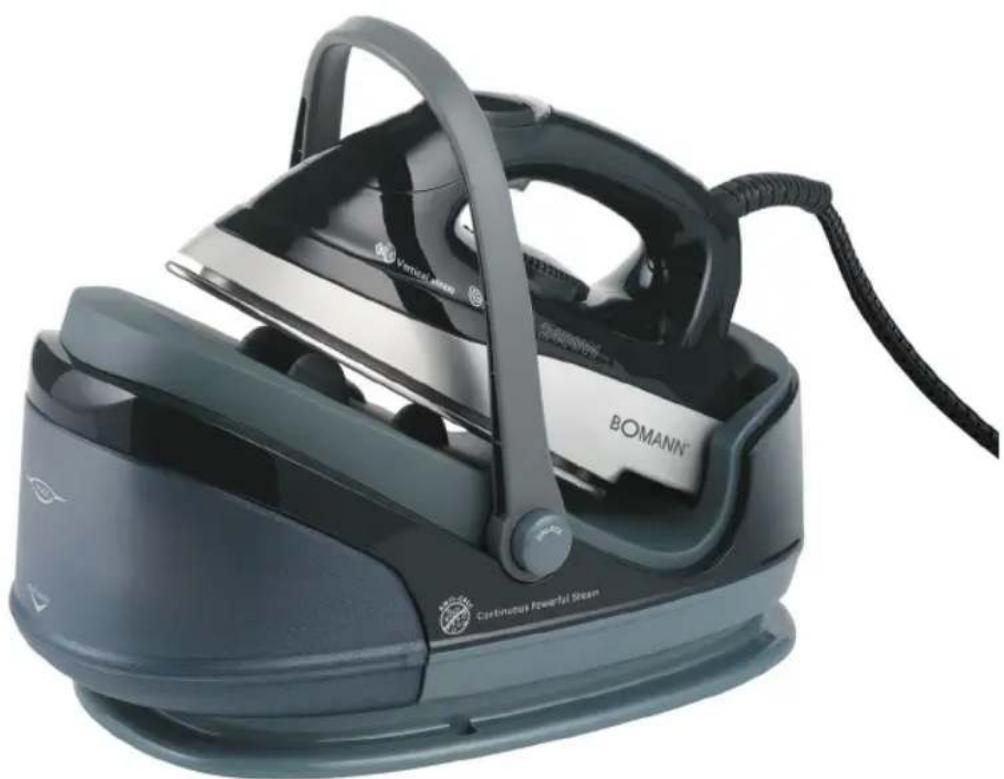
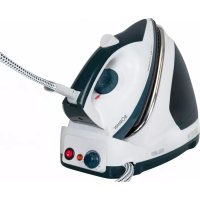
Exterior view of a BOMANN steam iron with visible branding and circuit breaker (no text-heavy elements)Overview of the Components ...... Page 3
Instruction Manual.... Page 29
Technical Data Page 32
Disposal Page 32
JEZYK POLSKI
Spis treści
During operation the temperature of the exposed surface may be very hot.
AVISO:
Thank you for selecting our product. We hope that you will enjoy use of the appliance.
Symbols in these Instructions for Use
Important information for your safety is specially marked. It is essential to comply with these instructions in order to avoid accidents and prevent damage to the machine:

WARNING:
This warns you of dangers to your health and indicates possible injury risks.

CAUTION:
This refers to possible hazards to the machine or other objects.

NOTE:
This highlights tips and information.
General Safety Instructions
Read the operating instructions carefully before putting the appliance into operation and keep the instructions including the warranty, the receipt and, if possible, the box with the internal packing. If you give this device to other people, please also pass on the operating instructions.
- The appliance is designed exclusively for private use and for the envisaged purpose. This appliance is not fit for commercial use. Do not use it outdoors. Keep it away from sources of heat, direct sunlight, humidity (never dip it into any liquid) and sharp edges. Do not use the appliance with wet hands. If the appliance is humid or wet, unplug it immediately.
- When cleaning or putting it away, switch off the appliance and always pull out the plug from the socket (pull the plug itself, not the lead) if the appliance is not being used and remove the attached accessories.
- Do not operate the machine without supervision. If you leave the room you should always turn the device off. Remove the plug from the socket.
- The device and the mains lead have to be checked regularly for signs of damage. If damage is found the device must not be used.
- Do not try to repair the appliance on your own. Always contact an authorized technician. To avoid the exposure to danger, always have a faulty cable be replaced only by the manufacturer, by our customer service or by a qualified person and with a cable of the same type.
- Use only original spare parts.
- In order to ensure your children's safety, please keep all packaging (plastic bags, boxes, polystyrene etc.) out of their reach.

WARNING!
Caution! Do not allow small children to play with the foil as there is a danger of suffocation!
- Pay careful attention to the following "Special Safety Instructions".
Special Safety Instructions
Symbols on the product
On the product you can find warning or information-type symbols:

WARNING: Hot surface!
Danger of burns!
During operation the temperature of the exposed surface may be very hot.

WARNING:
- The soleplate of the iron quickly becomes hot and needs time to cool down. Please do not touch it!
- When not in use the iron should be stored in the storage space!
- Choose a secure surface for the stand! The surface must be level and stable. Check the surface again for stability.
- The iron must be used and rested on a stable, heat-resistant surface.
- Before filling the water tank remove the mains lead.
- The iron must not be left unsupervised while it is connected to the mains.
- Do not use the iron if it was dropped, has visible damages or leaks.
- While the iron is switched on and while it cools down, the iron and its connection cable must be outside the reach of children younger than 8 years.
- This appliance can be used by children aged from 8 years and above and persons with reduced physical, sensory or mental capabilities or lack of experience and knowledge if they have been given supervision or instruction concerning use of the appliance in a safe way and understand the hazards involved.
• Children shall not play with the appliance. - Cleaning and user maintenance shall not be made by children without supervision.
- The tank should only be filled up to the maximum mark. Do not overfill! Maximum water filling quantity: 1.7 litres.
- Do not bend the connecting hose (4)!
- This device should only be used for ironing garments and textiles!
Overview of the Components
1 "Temperature" control lamp
2 Steam jet button
3 Temperature control
4 Connecting tube
5 Base
6 Iron rest
7 Releasing device for handle "UNLOCK"
8 Water tank with lime filter
9 Handle
not shown
RELEASE button below the water tank. Releasing device of the water tank
Instructions
Unpacking
- Remove any protective foils and stickers from the soleplate.
- Please unwind the lead completely.
Electrical connection
- Make sure that the iron voltage (see name plate) and the line voltage match.
- The mains plug should only be inserted into a correctly installed socket with earthing contact.
Connected Wattage
The station has a total maximum wattage of 2400 W. With this connected load a separate supply line protected by a 16 A household circuit breaker is recommended.
CAUTION: OVERLOAD!
- If you use extension leads, these should have a cable cross-section of at least 1.5 ~mm^2 .
- Do not use any multiple sockets, as this device is too powerful.
Temperature Control on the Iron (3)
The symbols on the control correspond to the following settings:
• (Synthetics, silk) low temperature
● ● (Wool) medium temperature
● ● ● (Cotton, linen) highest temperature
Water Tank (8)
- The water tank has a recessed grip on the bottom so that it can be removed.
- The lock of the water tank is also the lime filter cartridge. Take out the lime filter cartridge to fill with water.
• The tank volume is 1.7 litres.
Water
Use only tap water or distilled water.
Do not fill battery water, water from the clothes dryer and water containing additives (such as starch, perfume, softener or other chemicals) into the water reservoir.
This could damage the iron due to residues forming in the steam chamber. These residues may cause impurities to the fabric when dropping out of the holes in the soleplate.
Operation
Before Initial Use
- Clean the ironing base with a slightly damp cloth.
- In order to remove all residues before initial use, please pass the iron a few times over an old clean cloth.
Ironing without steam
i NOTE:
- Sort out the garments according to their ironing temperatures.
-
Always set the temperature control to "MIN", before connecting the appliance to a power point, or before disconnecting it.
-
Place the iron on the rest (6).
- Only connect the machine to a properly installed safety socket.
- Set the temperature on the temperature control (3). If you have sensitive items to iron, please begin with the lowest temperature.
i NOTE:
The control lamp (1) on the iron shows that it is heating up. As soon as the control lamp goes off the operating temperature has been reached. Now you can start ironing.
- Always turn the temperature control to "MIN" after use and remove the mains plug (the control lamp in the handle goes off).
Steam Ironing
WARNING:
The iron expels a large quantity of hot steam. Danger of burns.
CAUTION:
- When using the steam iron please ensure that the water tank is always filled to the required level.
- The lime filter cartridge always has to be positioned in the water tank, even if you use distilled water.

CAUTION: INITIAL USE:
Please proceed as follows:
- The tank should only be filled up to the maximum mark. Do not overfill!
- Close the water tank and place it back in the base.
- Connect the base station to a socket with earthing contact.
- Set the desired temperature within the range “● ●” to “● ●”.
The control lamp on the iron lights up.
- Wait until the soleplate has heated up. Once the temperature has been reached the control lamp goes off.
- Now press the steam jet button (2) for at least 1 minute or until steam comes out of the soleplate of the iron. This time is needed for the steam to reach the iron.

NOTE ON STEAM IRONING:
If the temperature control is set to less than “● ●”, the production of steam is prevented.
Vertical Steam function (Vertical Steam)
This can be used to produce a jet of steam in a vertical direction. This function can be used to remove creases from hanging clothes or from curtains.

WARNING:
Never point the steam jet at other people. Danger of burns.
Hang your laundry on a clothes hanger and move the iron to approximately 2-3 cm away.
How can I replenish the water during operation?
Refill with water before the tank is completely empty.
- Place the iron on the rest (6).
- Set the temperature control to "MIN".
- Remove the mains plug from the socket.
- In order to remove the tank, press the RELEASE button below the water tank.
- Remove the lime filter cartridge.
- Fill the tank up to the maximum mark. Do not overfill!
- Close the water tank.
- Reinsert the lime filter cartridge and push the tank back into the base.
- You can now continue ironing.
When you have finished
- Now you can start ironing. Always turn the temperature control to "MIN" after use and remove the mains plug (the control lamp in the handle goes off).
- Remove the mains plug from the socket.
- Empty the water tank.
- Allow the device to cool down before you put it away.
Cable storage
Wind the mains cable around the cable groove at the foot of the stand. Secure the mains cable with the supplied cable clip. Place the mains plug into a loop of the mains cable to secure it.
Anti-scale filter
Your steam iron station is fitted with an anti-scale filter. The anti-scale filter cartridge becomes spent after filtering approximately 18 litres of water, depending on the hardness of your water. It then loses its effectiveness and must be replaced.
- Turn off the appliance.
- Disconnect the mains plug from the mains.
- Remove the water tank.
- Remove the anti-scale filter cartridge.
- Fill the tank up to the maximum mark. Do not overfill!
- Insert a new anti-scale filter cartridge.
- Before turning on the appliance, wait a few minutes until the new filter cartridge is saturated with water.

NOTE:
If you do not have a new anti-scale filter cartridge, you can still iron with the used cartridge and distilled water.
Cleaning

WARNING:
• Always remove the mains lead before cleaning!
- Wait until the machine has cooled down completely!
- Under no circumstances should you immerse the device in water for cleaning purposes. Otherwise this might result in an electric shock or fire.

CAUTION:
- Do not use a wire brush or any abrasive items.
- Do not use any acidic or abrasive detergents.
- Clean the casing with a slightly damp cloth.
- Clean the sole plate and the rest with a slightly damp cloth.
- Any residual water can remain in the water tank, but should be poured out if it has been in the tank for a prolonged period.
Troubleshooting
| Fault Possible Cause Remedy | ||
| Device does not work | Faulty mains socket | Try another socket |
| Loud noises during steam operation | The tank is empty Check the tank | |
| The device suddenly stops working during operation | Is the electric circuit overloaded? | Check the house fuse |
| No steam is escaping | Adjusting the temperature regulator to less than “● ●”, prevents steaming. | Adjust the temperature regulator to higher than “● ●”. |
| The limescale filter cartridge is not inserted (correctly), has dried out, or is new. | Fully insert the limescale filter cartridge and push the tank back into the base. It may take a moment until the limescale filter cartridge has completely been saturated with water. | |
| The pump is not pumping despite the water tank having been refilled. | You pumped the water tank empty so that air was sucked in, and so that an air bubble formed in the feed line. | Hold the steam iron approx. 30 to 40 cm deeper than the base station and then press the steam button for a few seconds. |
Technical Data
Model: DBS 778 CB
Power supply: 220-240 V\~, 50/60 Hz
Power consumption: 2000-2400 W
Protection class:
Maximum filling quantity of the water tank: 1.7 litres
Net weight: 3.3 kg
Subject to technical changes without prior notice!
This device has been tested according to all relevant current CE guidelines, such as electromagnetic compatibility and low voltage directives, and has been constructed in accordance with the latest safety regulations.
Disposal
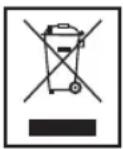
Meaning of the "Dustbin" Symbol
Protect our environment: do not dispose of electrical equipment in the domestic waste.
Please return any electrical equipment that you will no longer use to the collection points provided for their disposal.
This helps avoid the potential effects of incorrect disposal on the environment and human health.
This will contribute to the recycling and other forms of reutilisation of electrical and electronic equipment.
Information concerning where the equipment can be disposed of can be obtained from your local authority.
Instrukcja obsługi
CTC Clatronic Sp. z o.o.

- JEZYK POLSKI
- Spis treści
- AVISO:
- Symbols in these Instructions for Use
- WARNING:
- CAUTION:
- NOTE:
- General Safety Instructions
- WARNING!
- Special Safety Instructions
- Symbols on the product
- WARNING: Hot surface!
- Danger of burns!
- Overview of the Components
- not shown
- Instructions
- Unpacking
- Electrical connection
- Connected Wattage
- CAUTION: OVERLOAD!
- Temperature Control on the Iron (3)
- Water Tank (8)
- Water
- Operation
- Before Initial Use
- Ironing without steam
- i NOTE:
- Steam Ironing
- CAUTION: INITIAL USE:
- NOTE ON STEAM IRONING:
- Vertical Steam function (Vertical Steam)
- How can I replenish the water during operation?
- When you have finished
- Cable storage
- Anti-scale filter
- Cleaning
- Technical Data
- Disposal
- Meaning of the "Dustbin" Symbol
- Instrukcja obsługi
Brand : BOMANN
Model : DBS 778 CB
Category : Iron