 ManualGo.com
HI5915 - Iron PHILIPS - Free user manual and instructions
Find the device manual for free HI5915 PHILIPS in PDF.



Download the instructions for your Iron in PDF format for free! Find your manual HI5915 - PHILIPS and take your electronic device back in hand. On this page are published all the documents necessary for the use of your device. HI5915 by PHILIPS.
USER MANUAL HI5915 PHILIPS
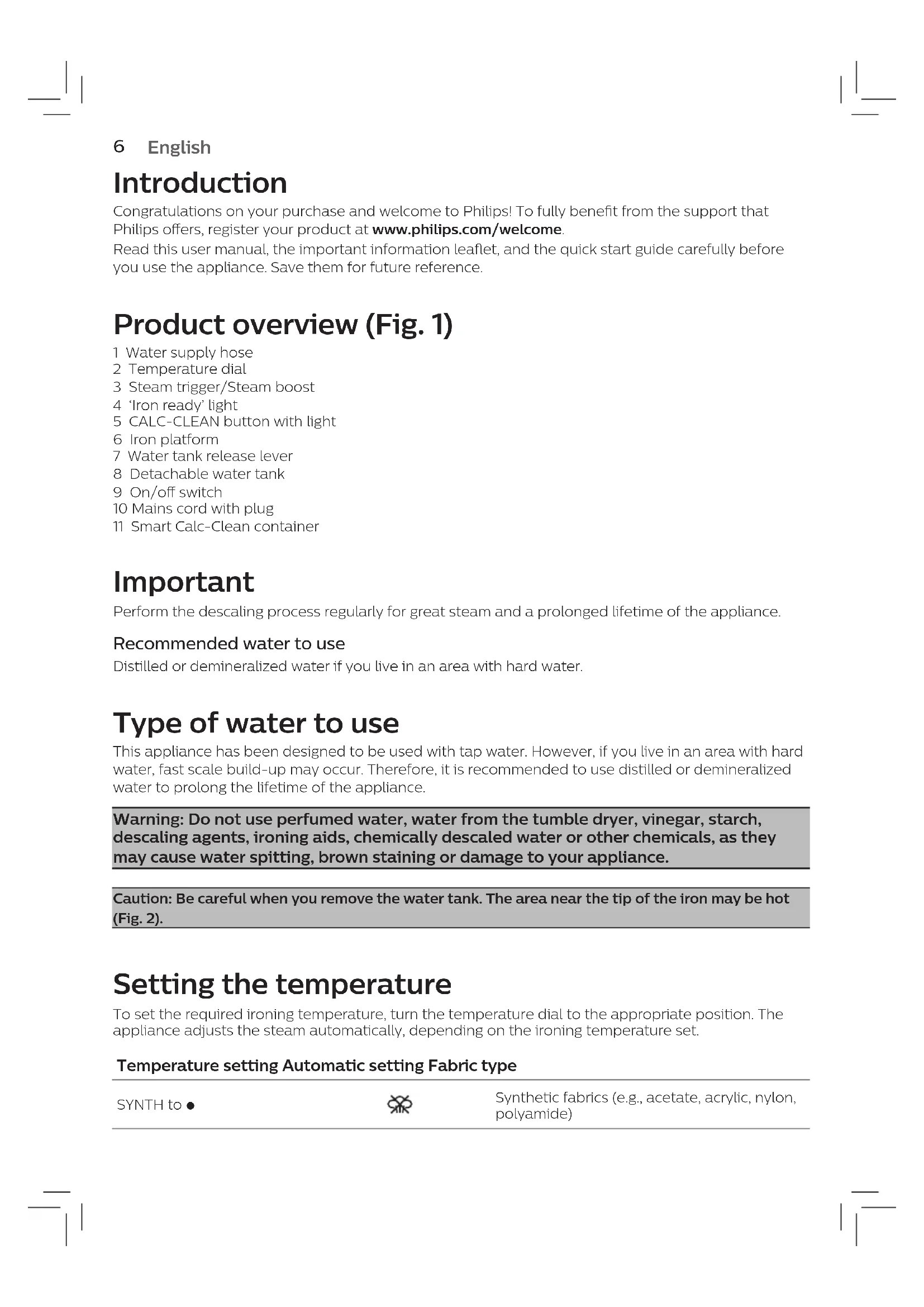
Warning: Do not use perfumed water, water from the tumble dryer, vinegar, starch,
descaling agents, ironing aids, chemically descaled water or other chemicals, as they may cause water spitting, brown staining or damage to your appliance. Caution: Be careful when you remove the water tank. The area near the tip of the iron may be hot (Fig. 2). Setting the temperature To set the required ironing temperature, turn the temperature dial to the appropriate position. The appliance adjusts the steam automatically, depending on the ironing temperature set. Temperature setting Automatic setting Fabric type SYNTH to 1 Synthetic fabrics (e.g., acetate, acrylic, nylon, polyamide)7 English Temperature setting Automatic setting Fabric type
Wool, viscose, polyester and silk 3 to LINEN Cotton, linen Press and hold the steam trigger to start ironing. For best ironing results, after ironing with steam, perform the last strokes without steam. Auto shut-o mode Specic models in this series have the auto shut-o mode. - To save energy, the appliance switches o automatically when it has not been used for 5 minutes. The ‘iron ready’ light ashes. - To activate the appliance again, set the on/o switch to ‘o’ position and then to ‘on’ position. The appliance then starts to heat up again. Cleaning and maintenance Smart Calc-Clean System Your appliance has been designed with a Smart Calc-Clean system to ensure that descaling and cleaning is done regularly. This helps to maintain a strong steam performance and prevents dirt and stains coming out of the soleplate over time. To ensure that the cleaning process is performed, the steam generator gives regular reminders. Sound and light Calc-Clean reminder After 1 to 3 months of use, the Calc-Clean light starts ashing and the appliance starts beeping to indicate that you have to perform the Calc-Clean process (Fig. 3). Tip: You can continue to dry iron by not pressing the steam trigger. Besides that, a second defense step to protect the steam generator from scale is integrated: the steam function gets disabled if descaling is not done. After descaling is done, the steam function will be restored. This takes place regardless of the type of water used. Note: The Calc-Clean process can be performed at any time, even when the sound and light reminder is not activated yet. Performing the Calc-Clean process with the Calc-Clean container